

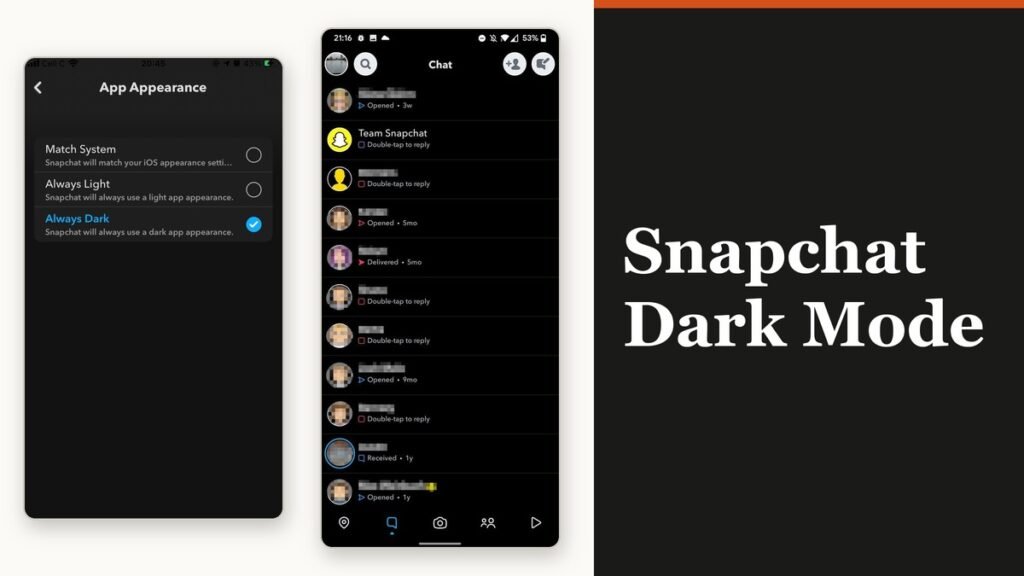
Snapchat dark mode is a real setting on both iPhone and Android, and it is four taps from the camera screen. The reason so few people find it is where it is filed: not under Display, not under Appearance in the usual place, but in a group called Shortcuts near the top of Settings, under the name App Appearance.
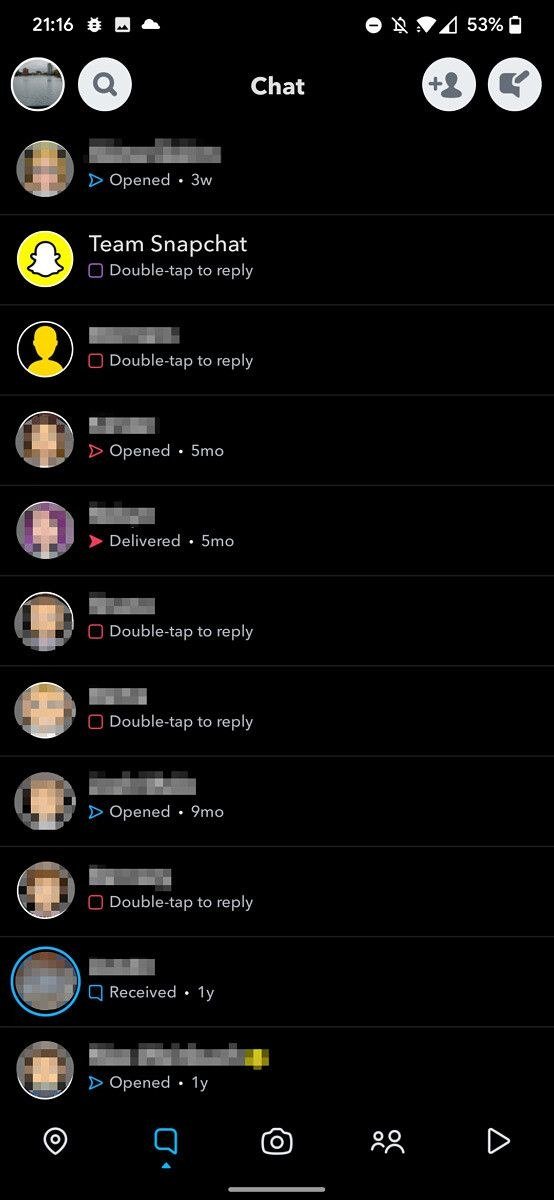
Turning it on takes under a minute and the change is immediate across the chat list, Stories, Memories and Settings. The camera stays exactly as it was, which is the point that confuses people into thinking it did not work.
Turn Snapchat dark mode on
- Open Snapchat and tap your profile icon at the top of the camera screen.
- Tap the gear icon to open Settings.
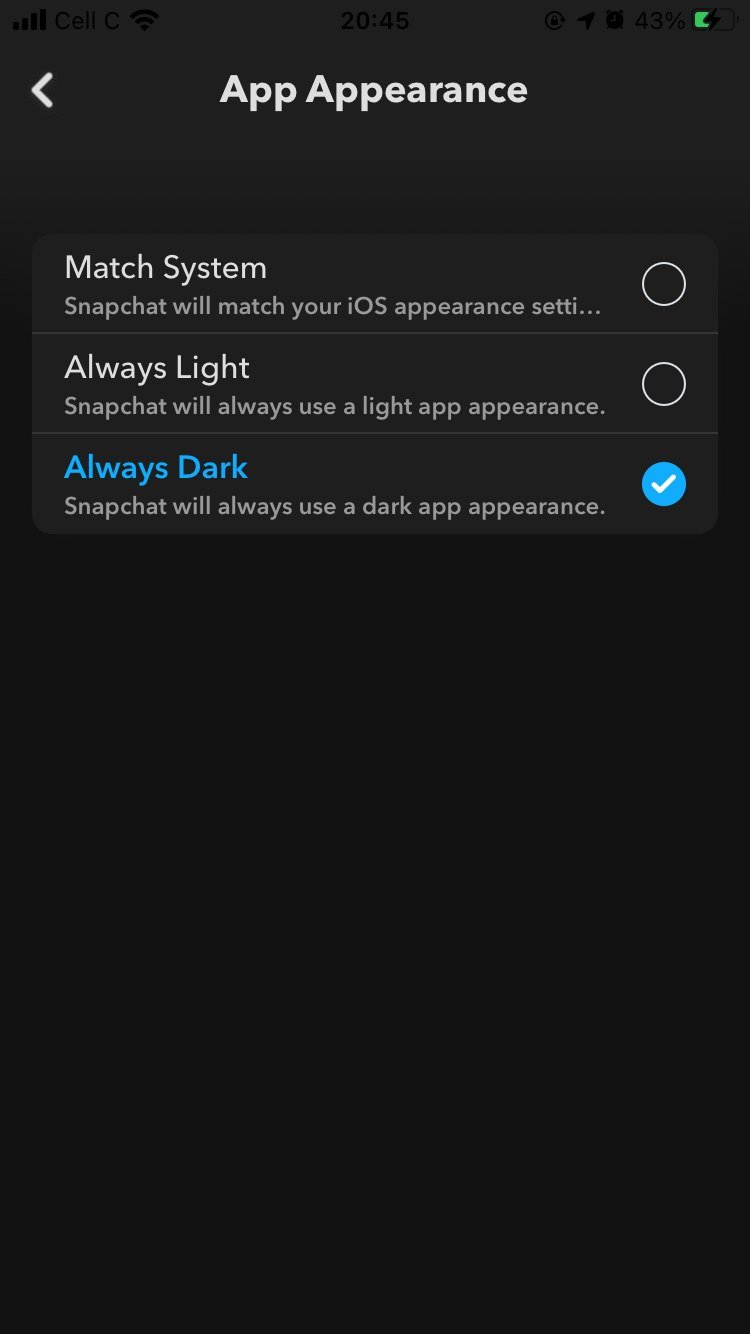
- Under Shortcuts, tap App Appearance.
- Select the dark option.
- Tap Apply Theme to confirm.
Snapchat documents one identical path for Android and iOS, which is unusual enough to be worth saying out loud. There is no separate Android procedure and no platform where the feature is missing.
The label is not the same on every build
This is the detail that sends people in circles. The dark choice is called System Dark in some versions of the app and Always Dark in others, with the light one correspondingly System Light or Always Light. They do the same job.
- System Dark or Always Dark forces the dark theme whatever the phone is set to.
- System Light or Always Light forces the light theme, and is how you turn dark mode off.
- Match System, where the build offers it, hands the decision to the phone’s own light and dark setting.
- Apply Theme is the confirm button. Selecting an option without tapping it leaves the app unchanged.
Letting the phone decide instead
Match System is the option worth choosing if your phone already switches itself at sunset. Snapchat then follows the system setting rather than holding its own, so the app darkens and lightens with everything else instead of being the one white rectangle at midnight.
On an OLED phone there is a secondary benefit, because black pixels on those panels draw close to no power. It is a small effect next to screen brightness and background activity, and if the real complaint is runtime then our checks for a battery that drains too fast will move the needle considerably further than a theme will.
Snapchat+ themes are a separate purchase
Snapchat sells a second appearance feature to Snapchat+ subscribers called Custom App Themes, and it is easy to mistake for dark mode when you are hunting through settings. It lives behind the Snapchat+ membership card in My Account rather than in App Appearance.
- Open My Account and tap the Snapchat+ membership card.
- Tap Custom App Themes and swipe the carousel to a theme.
- Tap Apply Theme.
- Tap Customise Theme to change the capture button, badge icon, and the tab and badge colours individually.
Snapchat notes this one rolls out gradually and may not have reached every subscriber yet. Dark mode carries no such caveat and costs nothing, so a missing App Appearance row is an app that needs updating rather than a feature you have to pay for.
What stays light whatever you pick
Dark mode is a theme for the interface around your content, not for the content itself.
- The camera is unchanged. It shows what the lens sees, so there is nothing to darken.
- Snaps and Stories keep their own colours. Your theme does not alter what anyone sent you or what you send.
- Nobody else sees your choice. It is a local setting on your install.
- Snapchat+ Custom App Themes are a different feature, covering the capture button, badge icon and accent colours, and they are a paid extra rather than part of dark mode.
If App Appearance is not there
Three things explain a missing setting, in the order worth checking.
- You are looking in the wrong group. App Appearance sits under Shortcuts near the top of Settings, not in the long alphabetical list below.
- The app is out of date. Update from the App Store or Play Store, then reopen Settings.
- You are in a web or lite build. The appearance control belongs to the full mobile app.
If the app is behaving oddly in other ways too, a theme is not the fix. Snapchat is a heavy camera app and a phone that is thermally throttled will drop frames and lag menus whatever it looks like, which our guide to stopping a phone overheating deals with directly.
Frequently Asked Questions
Is Snapchat dark mode available on Android?
Yes. Snapchat gives one path headed for Android or iOS and makes no distinction between them. If you cannot see App Appearance, update the app first.
Why is my camera still bright in dark mode?
Because the camera is a live view rather than an interface element. Dark mode restyles the chat list, Stories, Memories and Settings, and leaves the viewfinder alone.
Does dark mode save battery on Snapchat?
A little, and only on OLED screens, where black pixels are effectively switched off. Screen brightness and camera use dominate Snapchat’s power draw by a wide margin.
How do I turn Snapchat dark mode off?
Go back to App Appearance and choose the light option, then tap Apply Theme. Choosing Match System instead hands the decision back to your phone.
Related Articles

Get the Fox Bulletin briefing
The stories that matter, in your inbox. No spam, unsubscribe anytime.
Newsletter signup will be available soon.
Related stories
Google Selfie for Sign-In: How It Works and Is It Safe
The prompt headed Add a selfie for sign-in asks to keep a video of your face on your Google Account. Here is what that video is used for, and how to remove it.
My Eyes Only Snapchat: Set It Up and Unlock It
Forgetting the passcode does not lock you out. It deletes everything behind it, and that is by design.
How to Delete Friends on Snapchat and What Changes
Removing a friend is quiet and quick. It also leaves them able to message you unless one other setting is changed.