

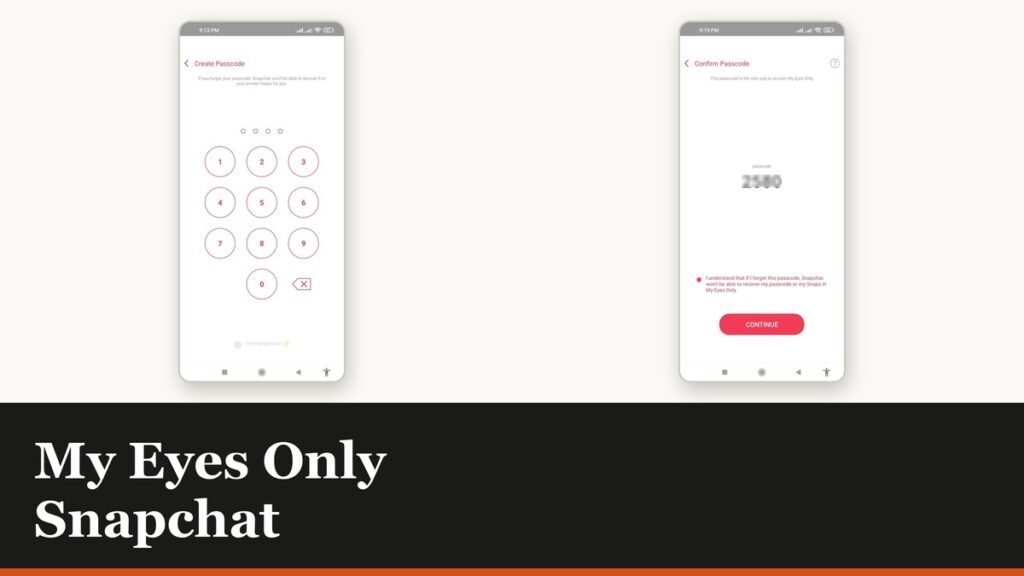
My Eyes Only on Snapchat is a passcode-locked section of Memories. Move a Snap into it and the only way back to that Snap is the passcode, which is the point and also the risk: Snapchat states that if you forget it, Team Snapchat cannot help you access or recover what is inside.
That is not a support policy you can argue with by raising a ticket. The reset flow exists, but resetting a forgotten passcode deletes everything the old passcode protected. Set it up knowing that, and it is a genuinely useful feature.
Before you start
You need at least one Snap or Story already saved to Memories, or something shared into Snapchat from your camera roll. There is nothing to protect until there is.
- Only photo Snaps and video Snaps shorter than 10 seconds can be moved into My Eyes Only.
- Snapchat does not back up camera roll media to Memories, so a photo that only exists in your gallery is not covered by any of this.
- The default passcode is four digits, with an alphanumeric passphrase available instead.
- Nobody at Snapchat will ever ask for it. Snapchat says a representative will never ask for your password or your My Eyes Only passcode and does not need them.
Set up My Eyes Only on Snapchat
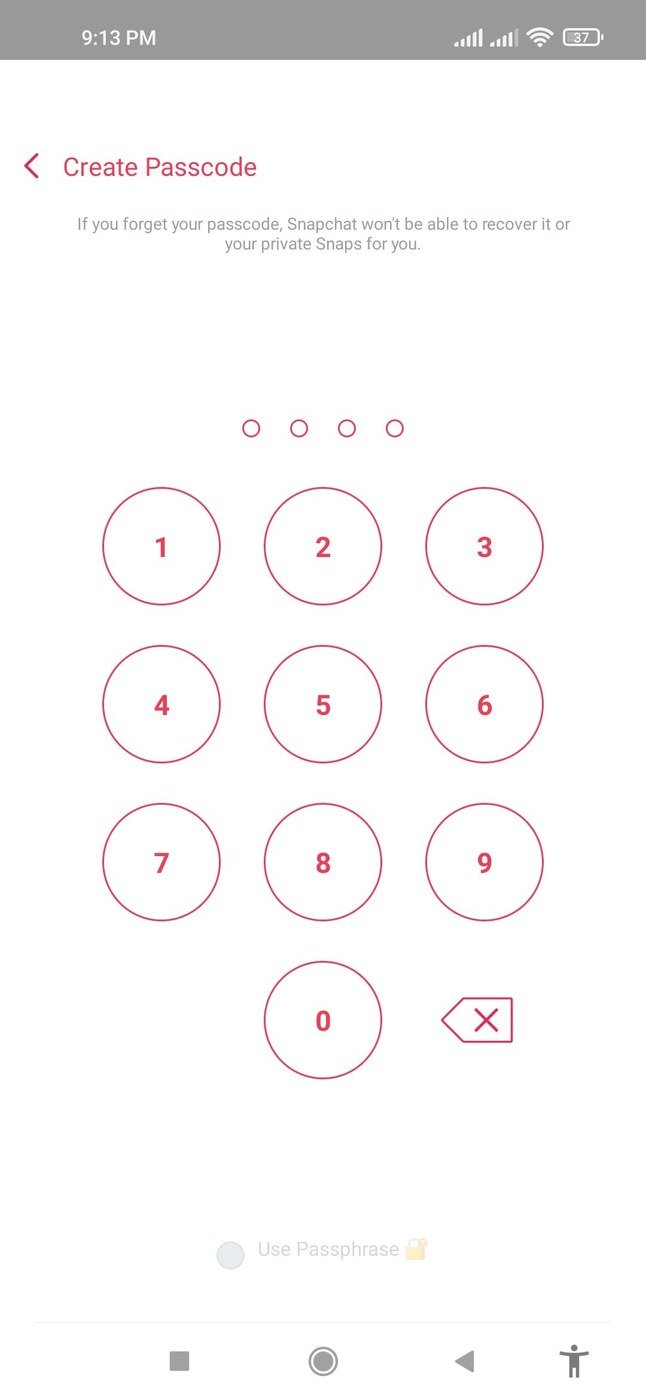
- Swipe up from the camera screen to open Memories.
- Press and hold a Snap. On iPhone tap More, then Hide Snap (My Eyes Only). On Android tap Hide.
- Tap Quick Setup.
- Choose a four-digit passcode and enter it a second time to confirm.
- Tick the acknowledgement that Snapchat cannot recover the passcode or the Snaps, then tap Continue.
- Tap Finish.
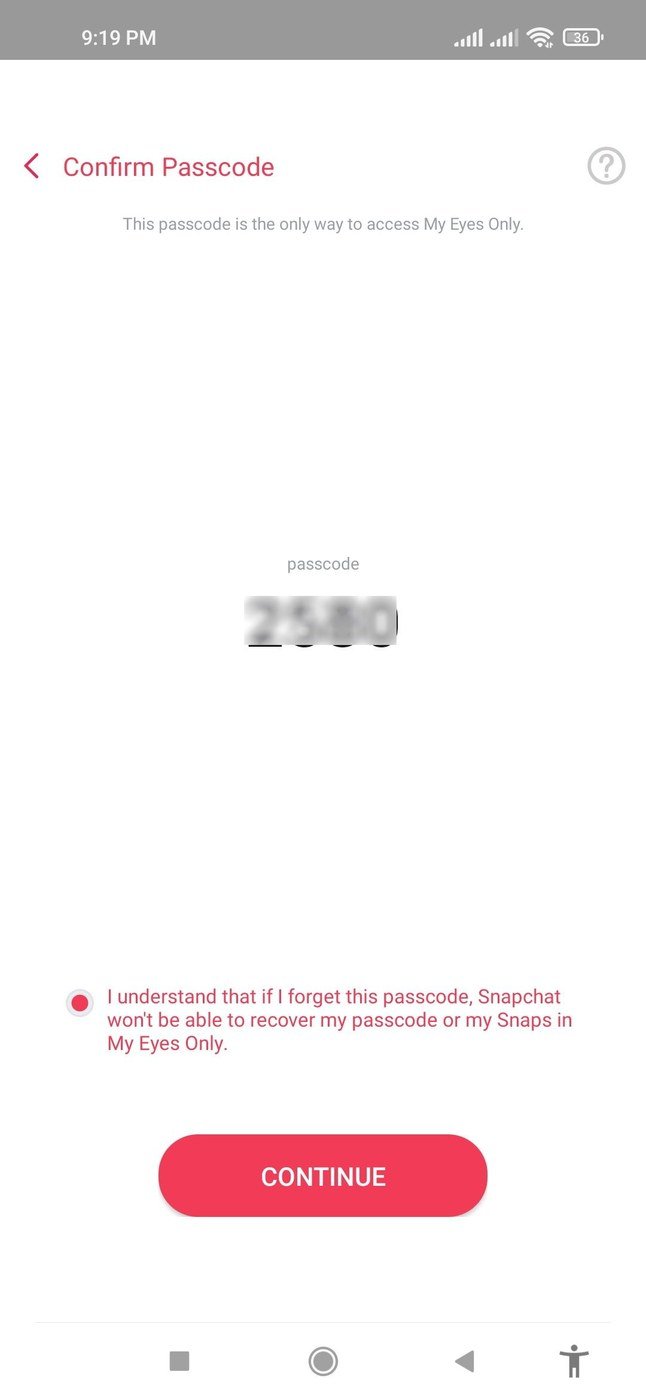
For something longer than four digits, tap Use Passphrase at the bottom of the Create New Passcode screen and set an alphanumeric one instead. Store it outside the phone: a passcode saved in a note on the same device is no protection and no backup. One of the password managers we compared is the right place for it.
Moving more Snaps in, and what qualifies
After setup, the bulk route is faster than hiding one Snap at a time.
- Open Memories and tap the Memories selector icon at the top.
- Tap each Snap or Story you want to move.
- Tap Hide Snaps (My Eyes Only) at the bottom, then Move.
- Enter your passcode if prompted.
| Content | My Eyes Only |
|---|---|
| Photo Snaps | Can be moved in |
| Video Snaps under 10 seconds | Can be moved in |
| Video Snaps of 10 seconds or more | Cannot be moved in |
| Camera roll media | Save to Memories first |
| A forgotten passcode | Resetting it deletes the contents |
On iPhone there is a Save to My Eyes Only by Default toggle under Settings, then Memories, which sends everything you save straight into the locked section. Snapchat lists that toggle for iOS only.
The warning that costs people photos
There is a Forgot Passcode option, and it is not a recovery tool. It is a reset, and the reset empties the vault.
- The flow: swipe left in Memories to My Eyes Only, tap Options, tap Forgot Passcode, enter your Snapchat account password, acknowledge the warning, then create a new passcode.
- The acknowledgement is literal. Snapchat says creating a new passcode deletes all Snaps in My Eyes Only, and that Snaps saved with the former passcode are deleted.
- Support cannot undo it. Snapchat Support cannot recover forgotten passcodes or the deleted Snaps.
- Change it the safe way instead, while you still know it: Options, then Change Passcode, then your current passcode.
Change the passcode while you still know it
There is a non-destructive way to swap the passcode, and it is only available to someone who can still enter the current one. Use it the moment you suspect the old one is slipping, rather than waiting until Forgot Passcode is the only option left.
- Swipe left in Memories until you reach My Eyes Only.
- Tap Options, then Change Passcode.
- Enter your current passcode.
- Create the new one and enter it a second time to confirm.
- Acknowledge the no-recovery warning, tap Continue, then Finish.
Back up Memories before you log out
Snapchat gives one standing instruction around Memories that applies directly here: make sure they are completely backed up before you log out, log in on a different device, or uninstall the app. Memories that were not successfully backed up cannot be recovered, and Snapchat Support cannot retrieve them.
Check it under Settings, then My App, then Memories, where Backup Progress should read Complete. Anything other than Complete, such as a number of Snaps remaining or no network connection, means the backup is unfinished. A second copy somewhere outside Snapchat is the real safety net, and our comparison of how much free cloud storage each service gives you covers where to put it.
Frequently Asked Questions
Can Snapchat recover My Eyes Only if I forget the passcode?
No. Snapchat states that Team Snapchat cannot help you access or recover Snaps in My Eyes Only, and that Support cannot recover forgotten passcodes or deleted Snaps.
Does resetting the passcode keep my photos?
No. The reset deletes everything saved under the old passcode. That is what the acknowledgement in the flow is asking you to accept.
Can I put long videos in My Eyes Only?
Only video Snaps shorter than 10 seconds, plus photo Snaps. Longer videos cannot be moved in.
Will anyone see that I have a My Eyes Only section?
The tab exists in your own Memories on your own device. Its contents need the passcode, but the section itself is visible to anyone looking at your unlocked phone.
Related Articles

Get the Fox Bulletin briefing
The stories that matter, in your inbox. No spam, unsubscribe anytime.
Newsletter signup will be available soon.
Related stories
Google Selfie for Sign-In: How It Works and Is It Safe
The prompt headed Add a selfie for sign-in asks to keep a video of your face on your Google Account. Here is what that video is used for, and how to remove it.
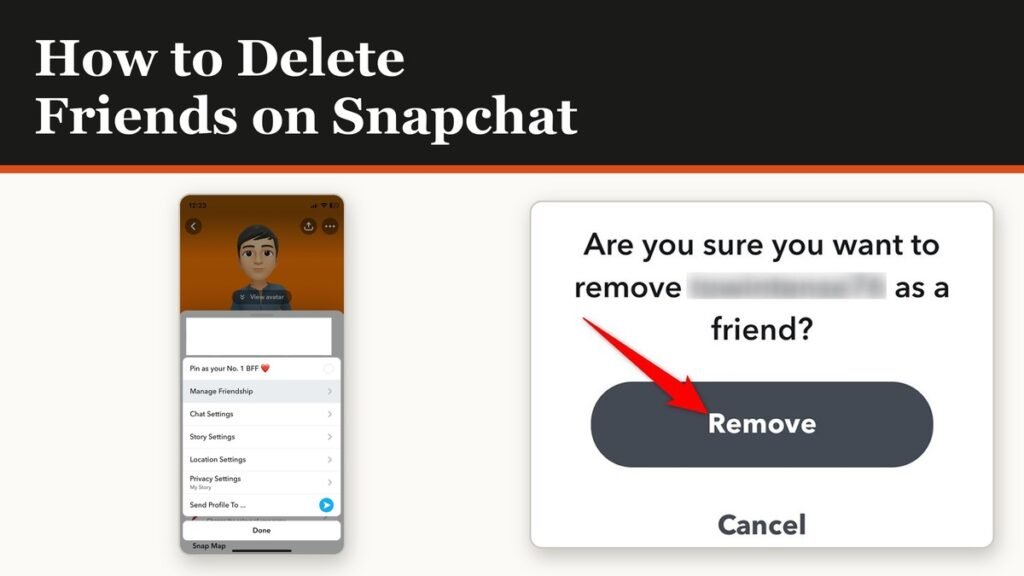
How to Delete Friends on Snapchat and What Changes
Removing a friend is quiet and quick. It also leaves them able to message you unless one other setting is changed.
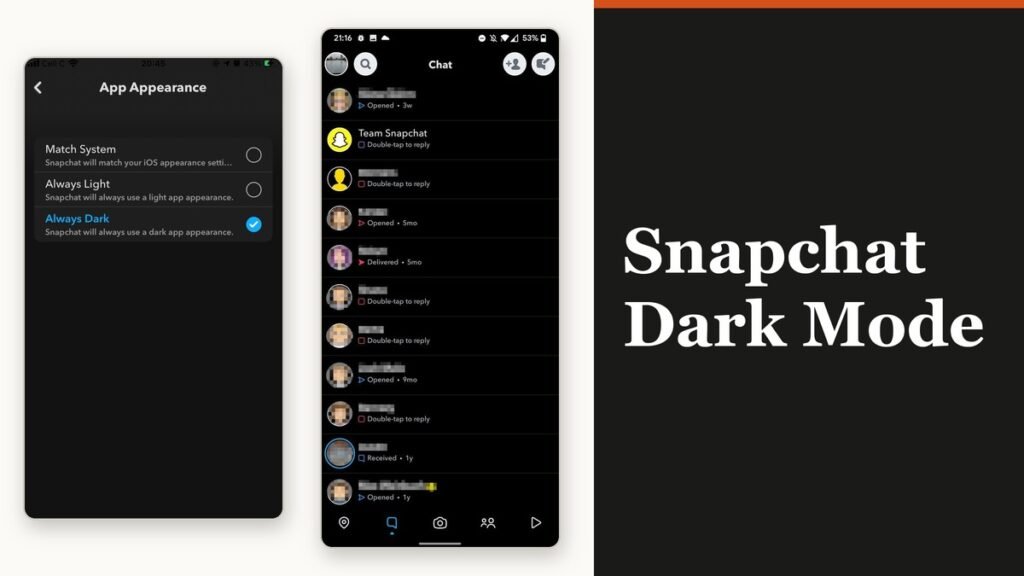
Snapchat Dark Mode: Turn It On for iPhone and Android
The setting is four taps away and almost nobody finds it, because it is filed under Shortcuts rather than anywhere you would look.