

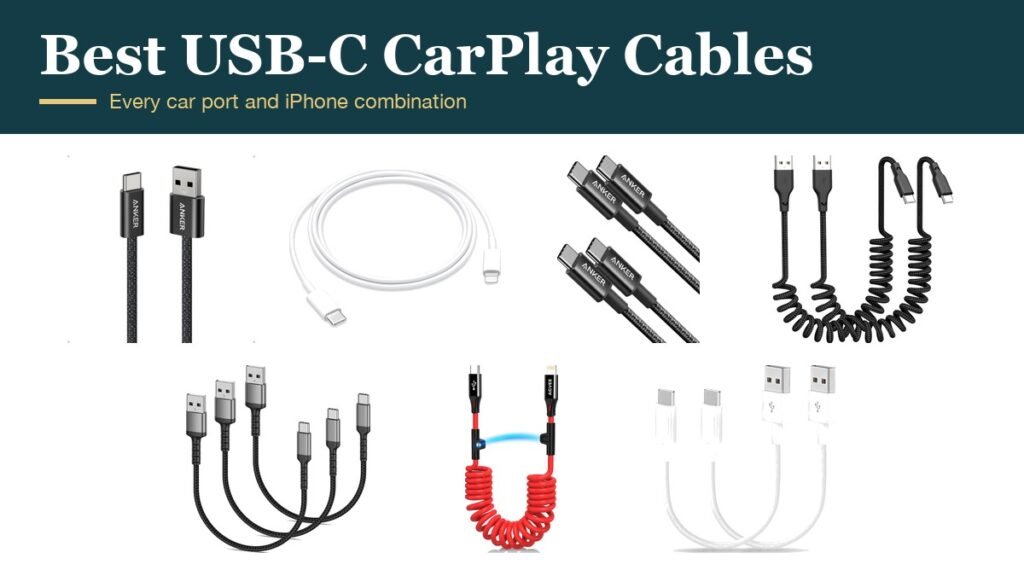
The right usb-c carplay cable depends on two ports, not one: the one on your iPhone and the one in your car. iPhone 15 and later use USB-C, but many cars still have the older rectangular USB-A socket, so the cable you need might be USB-A to USB-C, USB-C to USB-C, or USB-C to Lightning for an older phone in a newer car.
Wired CarPlay is also fussier than charging. A cable has to carry data as well as power, and a loose or worn plug shows up as CarPlay dropping out on a bumpy road. The seven below cover every port combination, plus coiled and short cables that stop a long cord from snagging in the console.
USB-C CarPlay Cable Comparison: Connectors, Length and Build
| # | Cable | Connectors | Length | Built for |
|---|---|---|---|---|
| 1 | Anker Zolo for CarPlay | USB-A to USB-C | 3.3 ft | Most cars with USB-A ports |
| 2 | Apple USB-C to Lightning | USB-C to Lightning | 1 m | iPhone 14 and older in USB-C cars |
| 3 | Anker USB-C to USB-C 60W (2-pack) | USB-C to USB-C | 3.3 ft | Newer cars with USB-C ports |
| 4 | Quickeep Coiled (2-pack) | USB-A to USB-C | 1.15 to 3.28 ft coiled | Tidy consoles |
| 5 | Umefly 1.5 ft (3-pack) | USB-A to USB-C | 1.5 ft | Short runs to a phone mount |
| 6 | AGVEE Coiled MFi | USB-C to Lightning | 3 ft coiled | Older iPhones, MFi certified |
| 7 | TOP-UP Short (2-pack) | USB-A to USB-C | 1.15 ft | Ports right beside the phone |
1. Anker Zolo USB-A to USB-C for CarPlay: The Default Choice
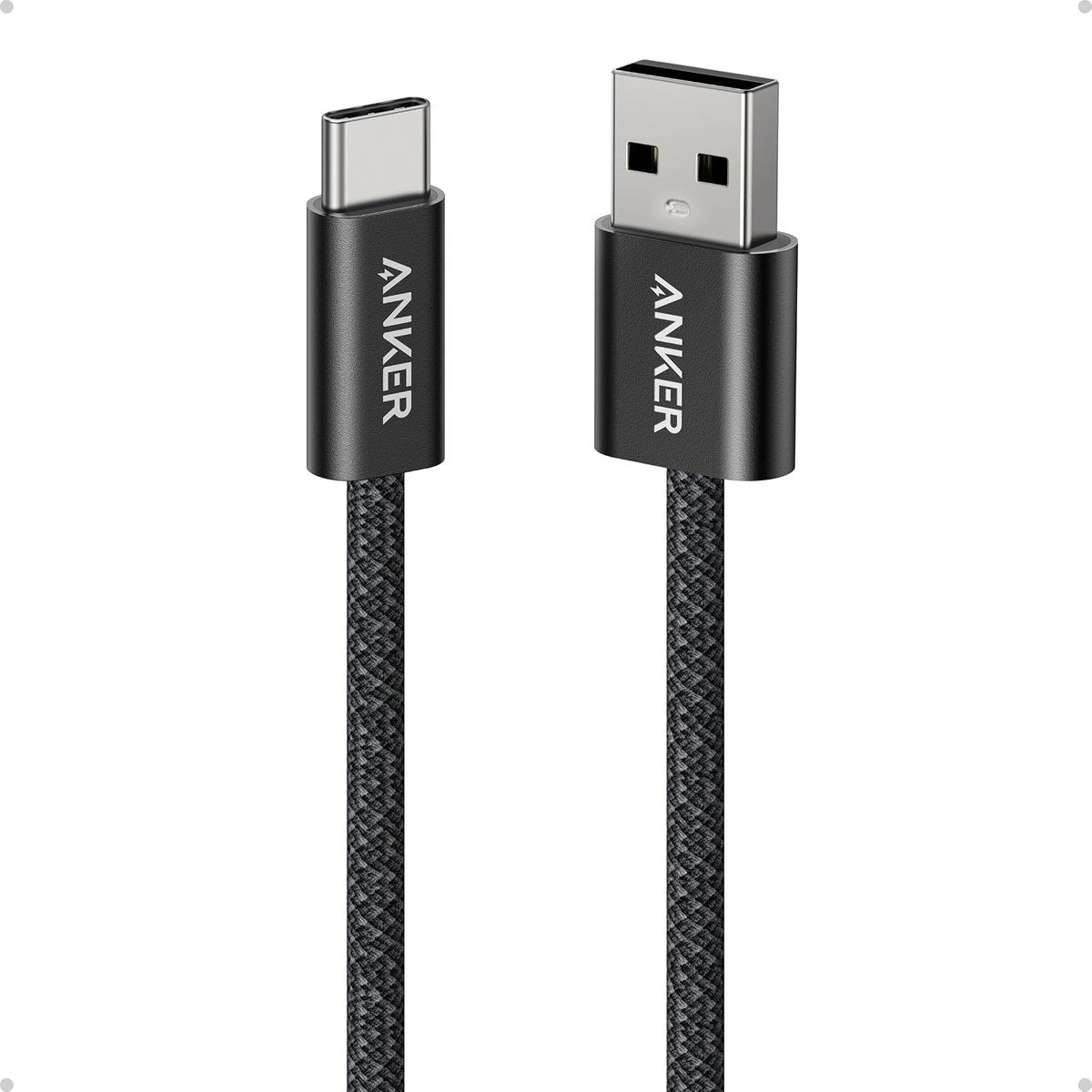
Anker sells this braided cable specifically for CarPlay, and it covers the most common situation: a USB-C iPhone and a car with a USB-A port. It supports data at 480Mbps, which is all CarPlay needs, and charging at up to 18W, roughly what a USB-A car port can supply anyway.
The 48-strand braided jacket is rated for more than 10,000 bends, and the soft braid coils neatly in a glovebox. It comes in 3.3 ft and 6 ft lengths; the shorter one suits a dash mount, the longer one a phone that lives in a cupholder or with a passenger.
What it does well
- Made for CarPlay with 480Mbps data
- Braided jacket rated for 10,000+ bends
- Available in 3.3 ft and 6 ft
- Fits the USB-A ports most cars still have
What to know before buying
- Charging limited to 18W
- Not for cars with USB-C ports
- 18-month warranty
2. Apple USB-C to Lightning Cable (1 m): For Older iPhones in Newer Cars
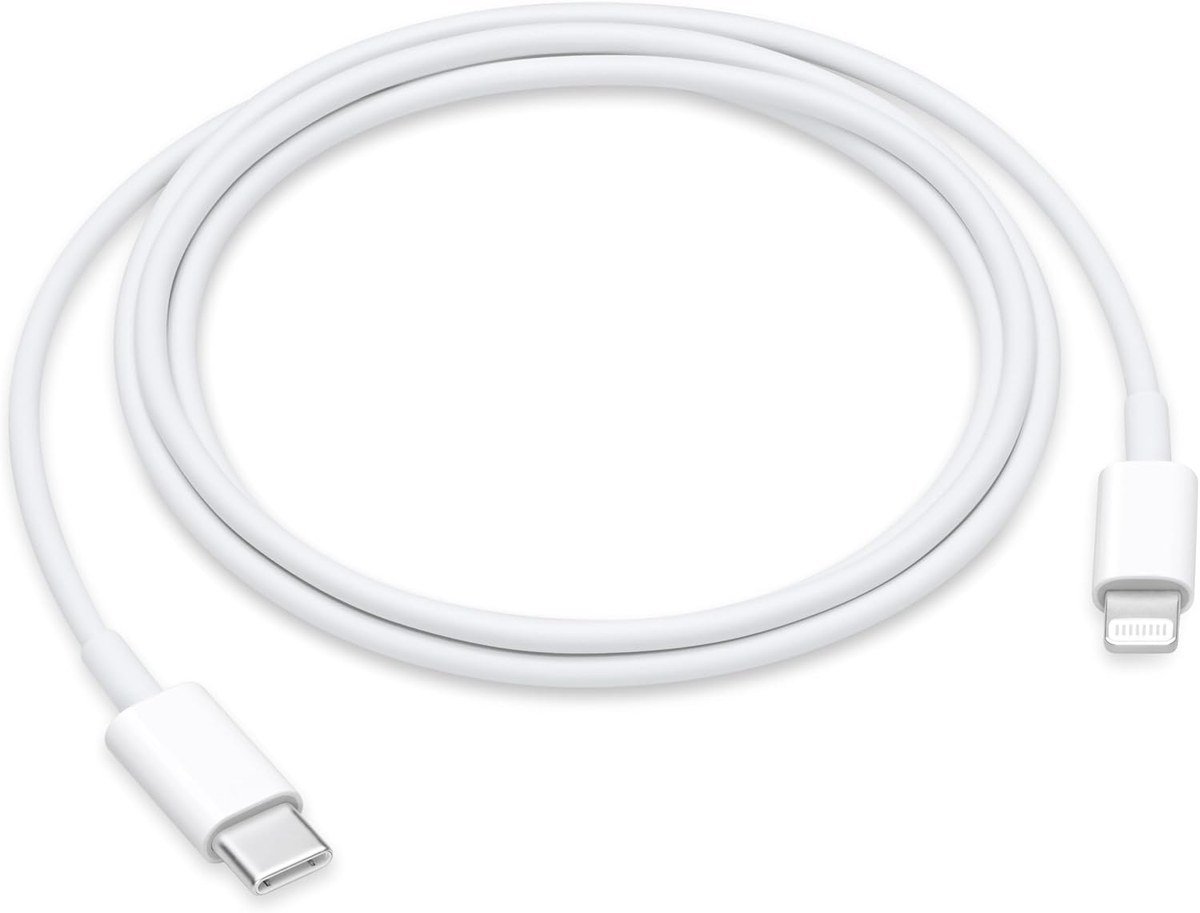
If your car has a USB-C port but your iPhone is a 14 or older with Lightning, Apple’s own cable is the safest match. It carries charging and data, so CarPlay works as it would with the cable that came with the phone, and with a USB-C power adapter of 18W or more it also supports fast charging on supported iPhones.
It is a plain 1 metre cable with no braid or coil, so it is not the most durable choice for a car that sees heavy use. What it offers is certainty: there is no compatibility question with an Apple cable on an Apple phone.
What it does well
- Apple’s own cable, so CarPlay compatibility is assured
- Charging plus data for Lightning iPhones
- Fast charging with a suitable USB-C adapter
What to know before buying
- Lightning end only fits iPhone 14 and older
- No braid, less resistant to wear
- Power adapter sold separately
3. Anker USB-C to USB-C 60W: For Cars With USB-C Ports
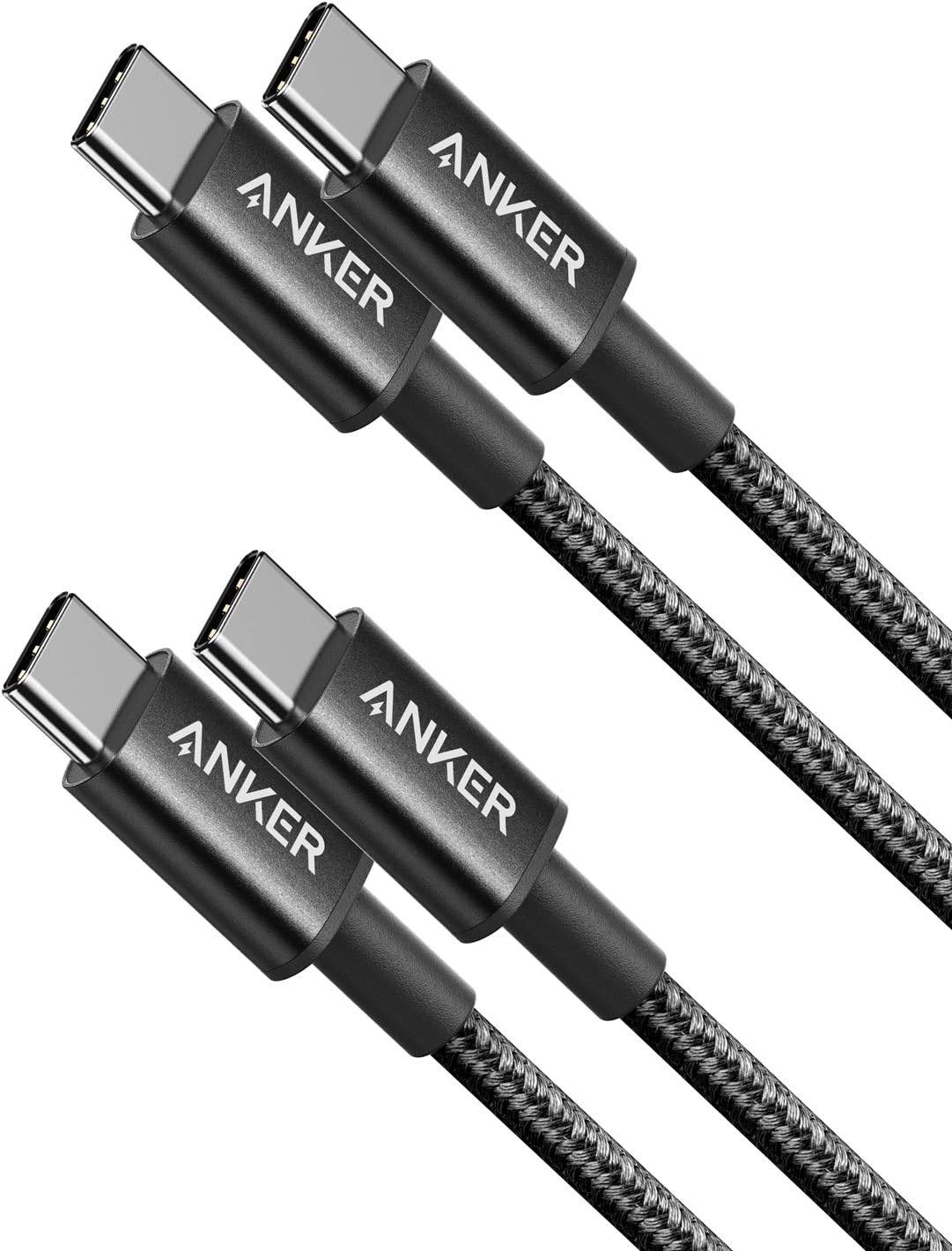
Newer cars increasingly fit USB-C sockets, and for those a plain USB-C to USB-C cable is the direct route to an iPhone 15 or later. Anker’s two-pack supports Power Delivery up to 60W and data at 480Mbps, and the nylon exterior is rated for 5,000 bends.
Two cables in the box means one for the car and one for the house, or one each for the front and back seats. A hook-and-loop tie keeps the spare tidy.
What it does well
- Direct USB-C to USB-C for iPhone 15 and later
- Up to 60W Power Delivery charging
- Two cables in the pack
- 480Mbps data for CarPlay
What to know before buying
- Will not fit a USB-A car port
- Bend rating lower than the braided Anker
- Standard 3.3 ft length only in this pack
4. Quickeep Coiled USB-A to USB-C: Stops the Cable Snagging
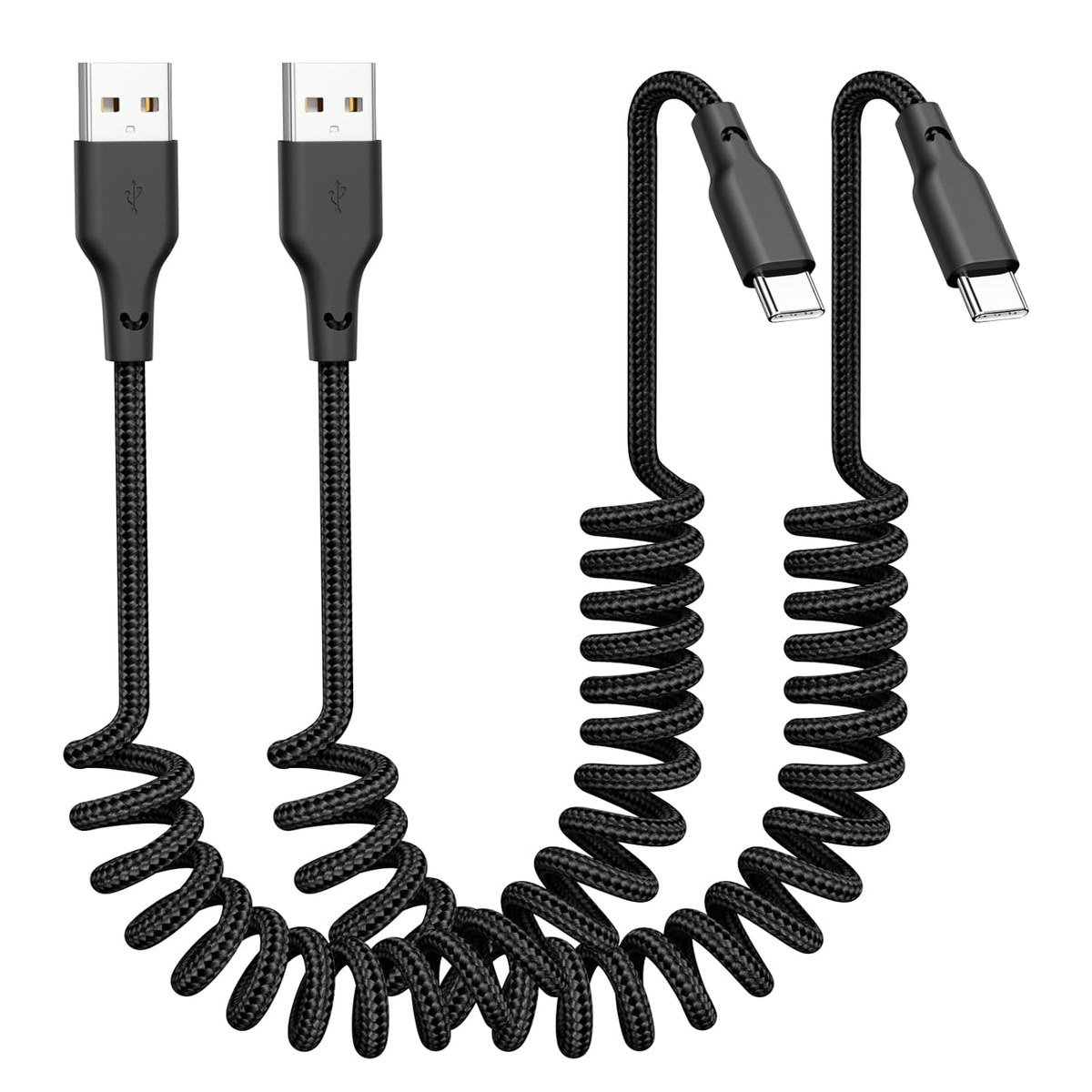
A coiled cable is the simplest fix for a cord that tangles around the gear lever. Quickeep’s stretches from 1.15 ft to 3.28 ft and springs back when you unplug, so it never hangs in the footwell. It supports 3A charging and 480Mbps data.
It comes as a two-pack, and the compatibility list covers the iPhone 15 to 18 range and USB-C Android phones, so it also works for Android Auto.
What it does well
- Coiled design keeps the console tidy
- Stretches from 1.15 to 3.28 ft
- Two cables in the pack
- Works for Android Auto as well
What to know before buying
- USB-A car ports only
- Coil adds tension on a phone mount
- Less known brand than Anker
5. Umefly 1.5 ft Braided: Short and Sturdy
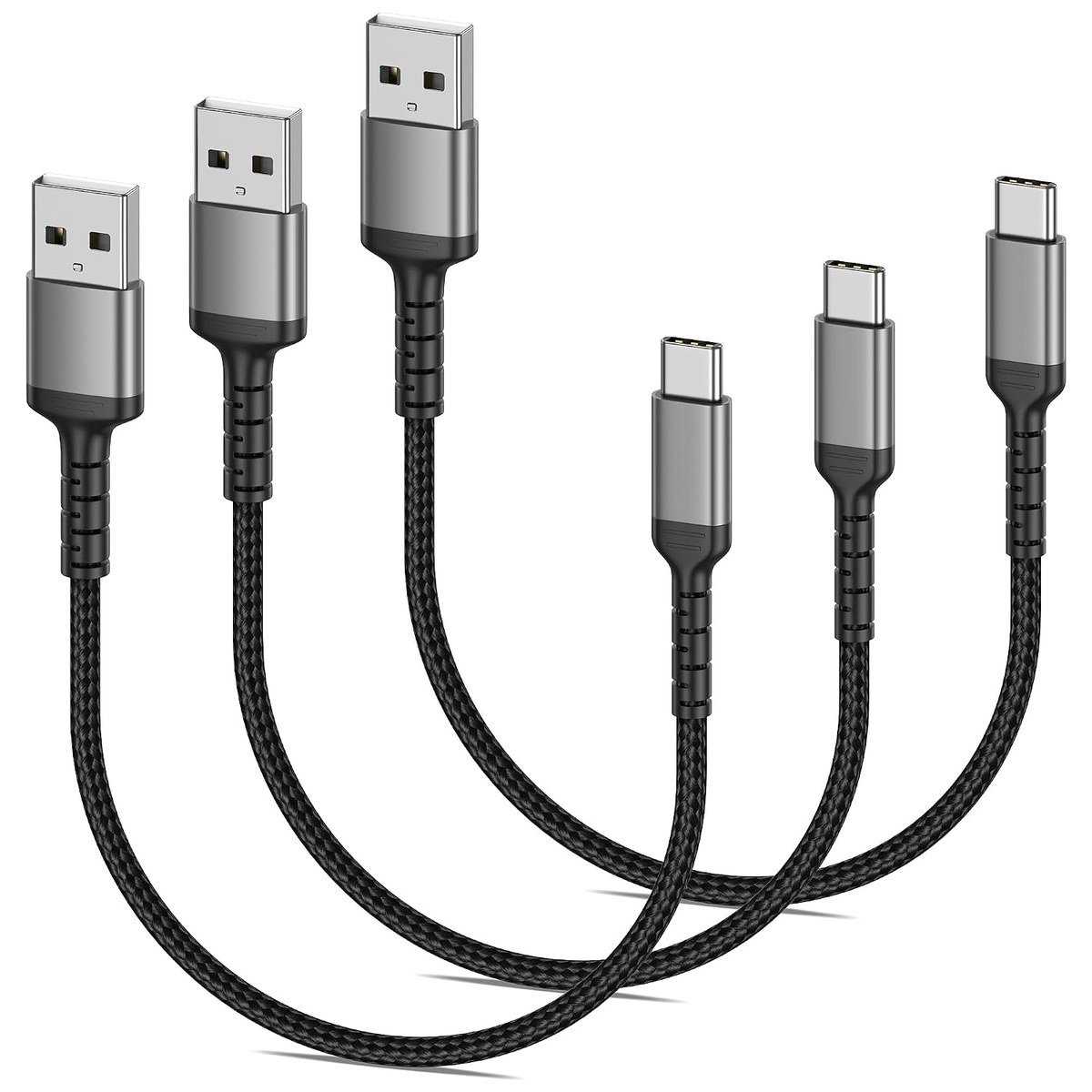
Umefly’s 50 cm cable is meant for a phone in a dash mount close to the USB port, where a longer cable just loops around. The braided jacket, aluminium alloy plug shells and TPE inner layer are rated for more than 10,000 bends.
It is a USB 2.0 cable, which is all CarPlay and Android Auto use, and Umefly includes a 56k ohm resistor, the value the USB-C specification calls for on USB-A to USB-C cables to stop a phone drawing too much current. Three cables come in the pack.
What it does well
- Short 1.5 ft length for dash mounts
- Braided with aluminium alloy plugs
- Correct 56k ohm resistor
- Three cables in the pack
What to know before buying
- Too short if the phone sits in a cupholder
- USB-A ports only
- 12-month warranty
6. AGVEE Coiled USB-C to Lightning MFi: The Coiled Option for Older iPhones
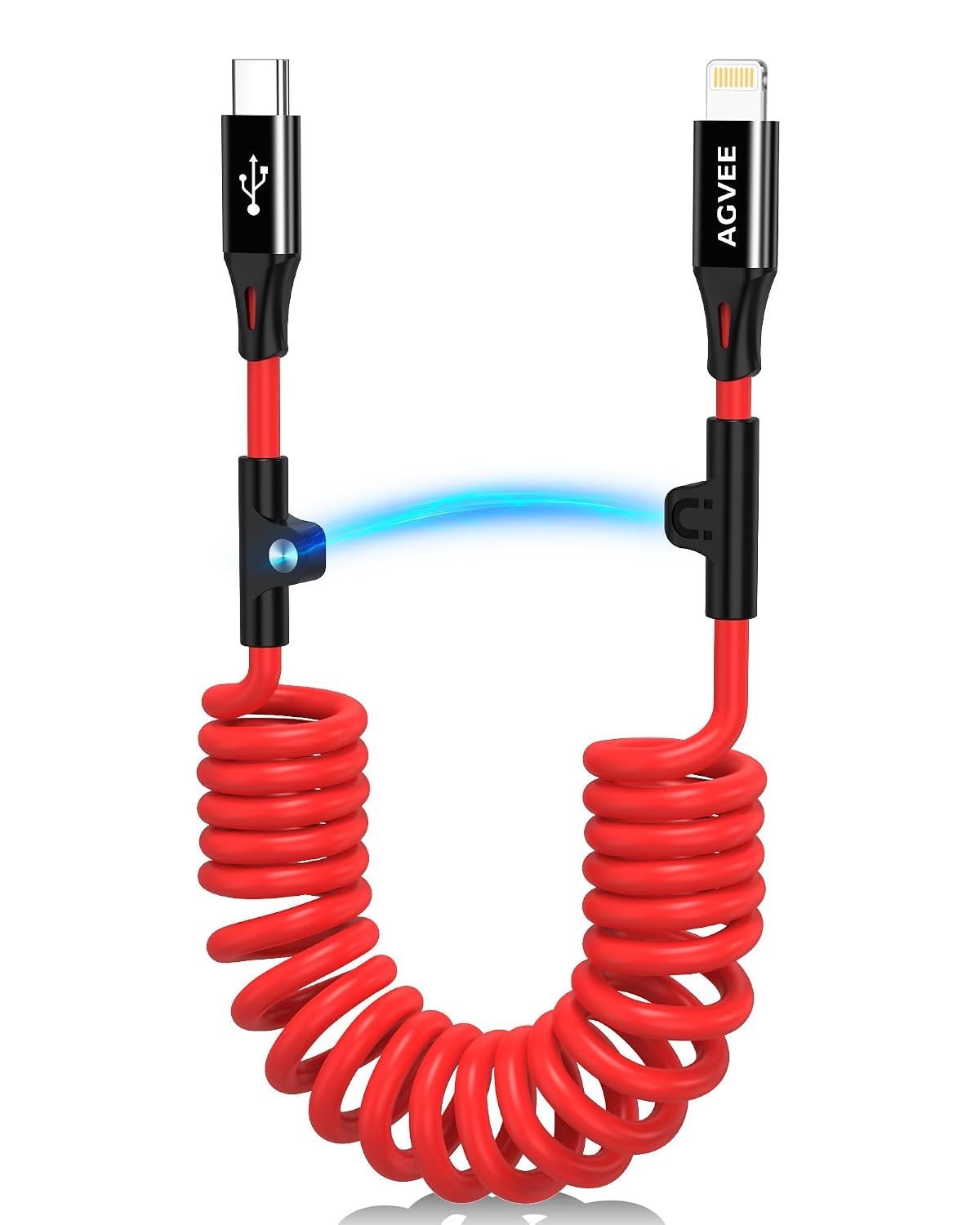
This is the coiled answer for a Lightning iPhone in a car with USB-C ports. It is MFi certified, Apple’s licensing programme for Lightning accessories, which is what keeps an iPhone from rejecting it with an accessory not supported warning.
AGVEE rates it for more than 15,000 bends and temperatures down to minus 50C, and the slim Lightning head fits through most cases. A 24-month warranty is included.
What it does well
- MFi certified for Lightning iPhones
- Coiled to stay tidy
- Slim head fits through bulky cases
- Rated for 15,000+ bends and a 24-month warranty
What to know before buying
- Lightning only, not for iPhone 15 and later
- USB-C car port required
- Coil can pull on a light mount
7. TOP-UP Short 1.15 ft: For a Port Right Beside the Phone
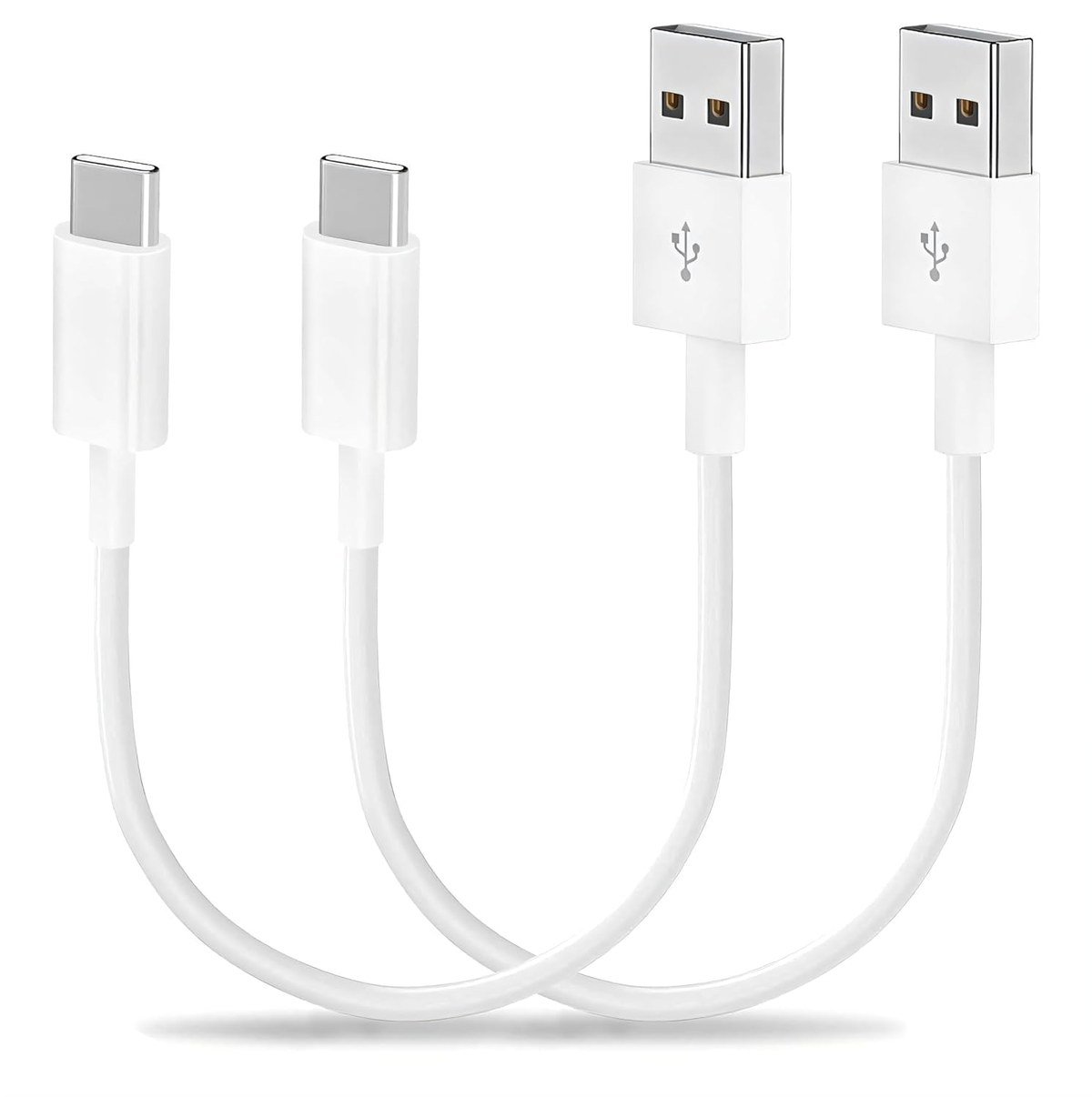
At 35 cm, the TOP-UP cable is the shortest USB-A option here, built for cars where the port sits next to a phone tray or wireless charging shelf. There is no slack to tuck away and nothing to catch.
It supports 3A charging and 480Mbps data, works for CarPlay and Android Auto, and has reinforced strain relief at both ends, which matters because short cables take the sharpest bends. Two come in the pack.
What it does well
- Very short at 1.15 ft, no loose slack
- Reinforced strain relief at both ends
- CarPlay and Android Auto
- Two cables in the pack
What to know before buying
- Too short for most dash mounts
- USB-A ports only
- Plain design without a braid
Match the Cable to Your Car Port and Your iPhone
Look at both ends before buying. The CarPlay system connects over a USB cable in cars that support wired CarPlay, and the port is often marked with a CarPlay or smartphone icon. Then match it this way:
USB-A car and iPhone 15 or later: a USB-A to USB-C cable such as the Anker Zolo. USB-C car and iPhone 15 or later: a USB-C to USB-C cable such as Anker’s 60W pair. USB-C car and iPhone 14 or older: a USB-C to Lightning cable, Apple’s or an MFi certified one like the AGVEE. If you have an older phone and a USB-A car, the original Lightning cable still works. Newer phones are covered in our look at the iPhone 18 Pro.
Why a Cable Can Charge but CarPlay Will Not Start
CarPlay runs over the cable’s data lines, so a charge-only cable or one with a damaged data wire will power the phone and do nothing else. Apple’s CarPlay troubleshooting page says to try a different cable and a different USB port first, and notes that some combinations of adapters, cables and car systems can disrupt a wired connection.
That is the argument for a direct cable rather than an adapter on the end of an old one. Keep the run short, avoid stacking adapters, and replace a cable whose plug feels loose, because a worn plug is the most common cause of CarPlay dropping out on rough roads. A dash cam mounted on the same port can share the bandwidth too.
Which USB-C CarPlay Cable to Buy
For an iPhone 15 or later in a car with a USB-A port, the Anker Zolo is the one to buy: made for CarPlay, braided and available in two lengths. If your car has USB-C ports, Anker’s 60W USB-C to USB-C pair is the direct equivalent.
Owners of an iPhone 14 or older in a USB-C car should use Apple’s USB-C to Lightning cable, or the AGVEE coiled MFi cable for a tidier console. Choose the Quickeep coil or a short cable like the Umefly or TOP-UP when a long cord keeps catching on the gear lever.
Frequently Asked Questions
Does CarPlay need a special cable?
It needs a cable that carries data as well as power. Any good USB 2.0 data cable works, and all seven here support 480Mbps data, which is more than CarPlay needs. Charge-only cables will not start CarPlay.
Can I use a USB-C to USB-A adapter instead of a new cable?
It often works, but Apple warns that some adapter and cable combinations disrupt wired CarPlay. A single cable with the right ends on it is more reliable.
Why does CarPlay keep disconnecting?
The most common cause is a worn or loose plug. Try another cable and another USB port, restart the phone and the car, and check for a car software update.
Is a shorter cable better for CarPlay?
Usually. A short cable has less to snag and less length for a weak connection to develop, as long as it reaches the phone without pulling on the port.
Related Articles
- Best Gifts for Car Lovers 2026: 10 Car Gadgets and Accessories
- Best Phone Stand
- How to Stop Your Phone From Overheating
- Best Microfiber Towels for Cars
- Best Car Wash Soap
As an Amazon Associate, Fox Bulletin earns from qualifying purchases.

Get the Fox Bulletin briefing
The stories that matter, in your inbox. No spam, unsubscribe anytime.
Newsletter signup will be available soon.
Related stories
Morse Code: The Full Chart, Timing and How It Works
Every letter, digit, punctuation mark and procedural signal in international Morse code, with the timing rules that govern them and the places the code is still working.
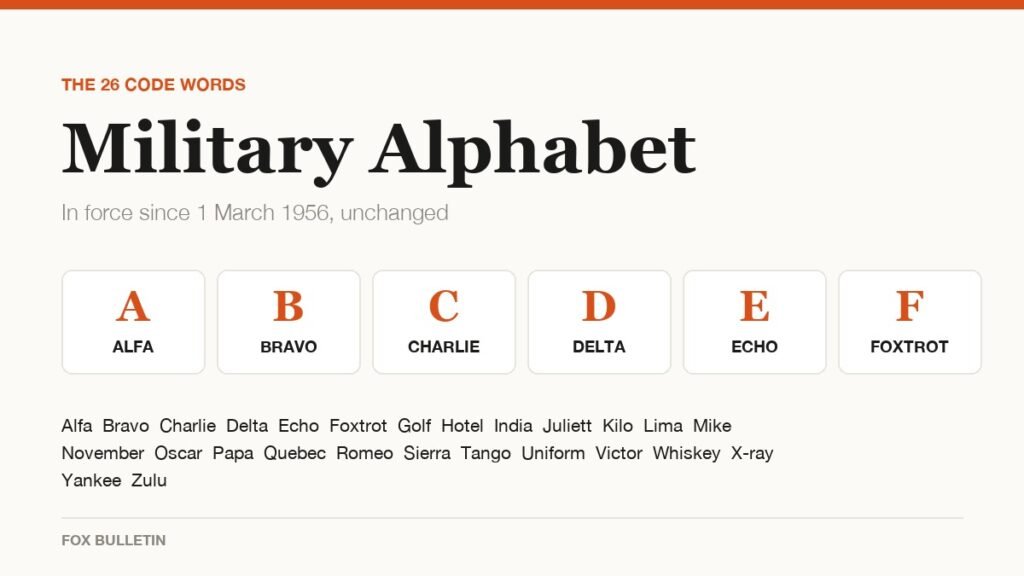
Military Alphabet: All 26 Letters, Spelled and Pronounced
Alfa, Bravo, Charlie: the military alphabet is a set of 26 code words that keep letters apart over a noisy radio. Here is every letter, how to say it, and the history behind the list.
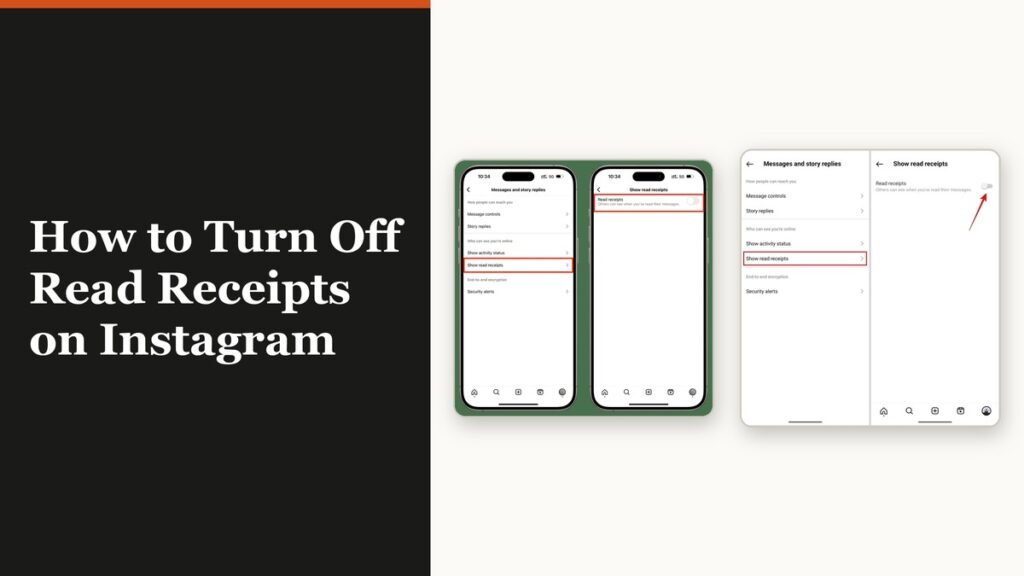
How to Turn Off Read Receipts on Instagram DMs
The global switch does not sweep up chats you have already set by hand. That one rule explains almost every case of Seen still appearing.