

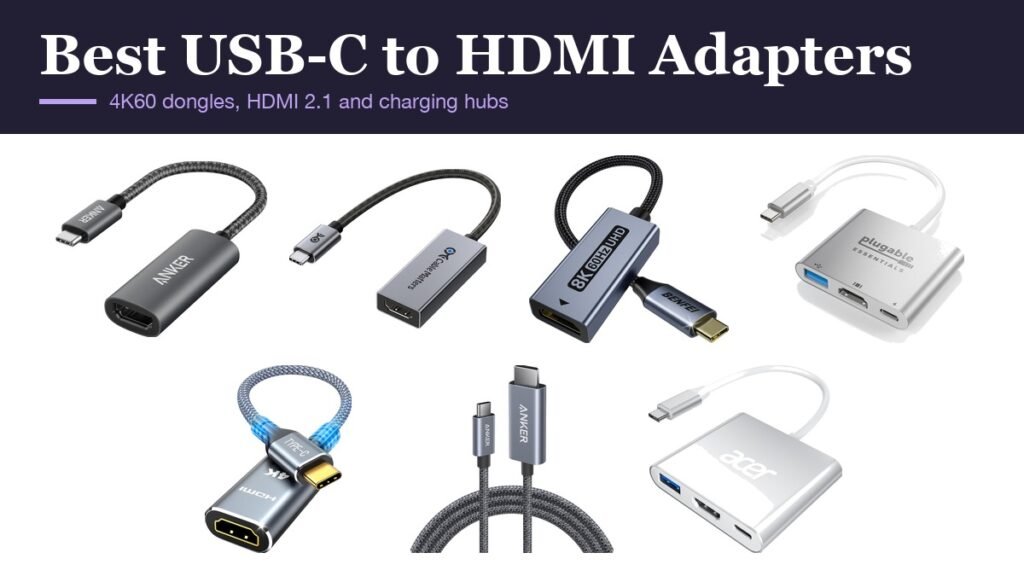
A usb-c to hdmi adapter turns a laptop, tablet or recent iPhone into something you can plug into a TV or monitor, but only if the USB-C port sends video in the first place. The adapters themselves split into three groups: small 4K at 60Hz dongles for everyday use, HDMI 2.1 adapters for high refresh rate gaming monitors, and multiport versions that let you charge while the screen is connected.
The seven below cover each, plus a single USB-C to HDMI cable for anyone who would rather not carry a dongle at all. Resolutions and refresh rates are the makers’ maximums; what you actually get is set by the weakest of your device, the adapter and the display.
USB-C to HDMI Adapter Comparison: Resolution, Charging and Format
| # | Adapter | Best resolution | Charging pass-through | Format |
|---|---|---|---|---|
| 1 | Anker 310 USB-C to HDMI | 4K at 60Hz | No | Short braided dongle |
| 2 | Cable Matters HDMI 2.1 for macOS | 8K at 60Hz, 4K at 240Hz | No | Dongle with Mac firmware |
| 3 | BENFEI HDMI 2.1 | 8K at 60Hz, 4K at 240Hz | No | 20 cm braided dongle |
| 4 | Plugable 3-in-1 | 4K at 60Hz with HDR | Yes, 100W in | Hub with USB-A |
| 5 | Highwings 4K | 4K at 60Hz | No | Braided dongle |
| 6 | Anker Nano USB-C to HDMI Cable | 4K at 60Hz with HDR | No | 6 ft cable |
| 7 | Acer 3-in-1 | 4K at 30Hz | Yes, 100W | Hub with USB-A |
1. Anker 310 USB-C to HDMI: The Dongle to Keep in Your Bag
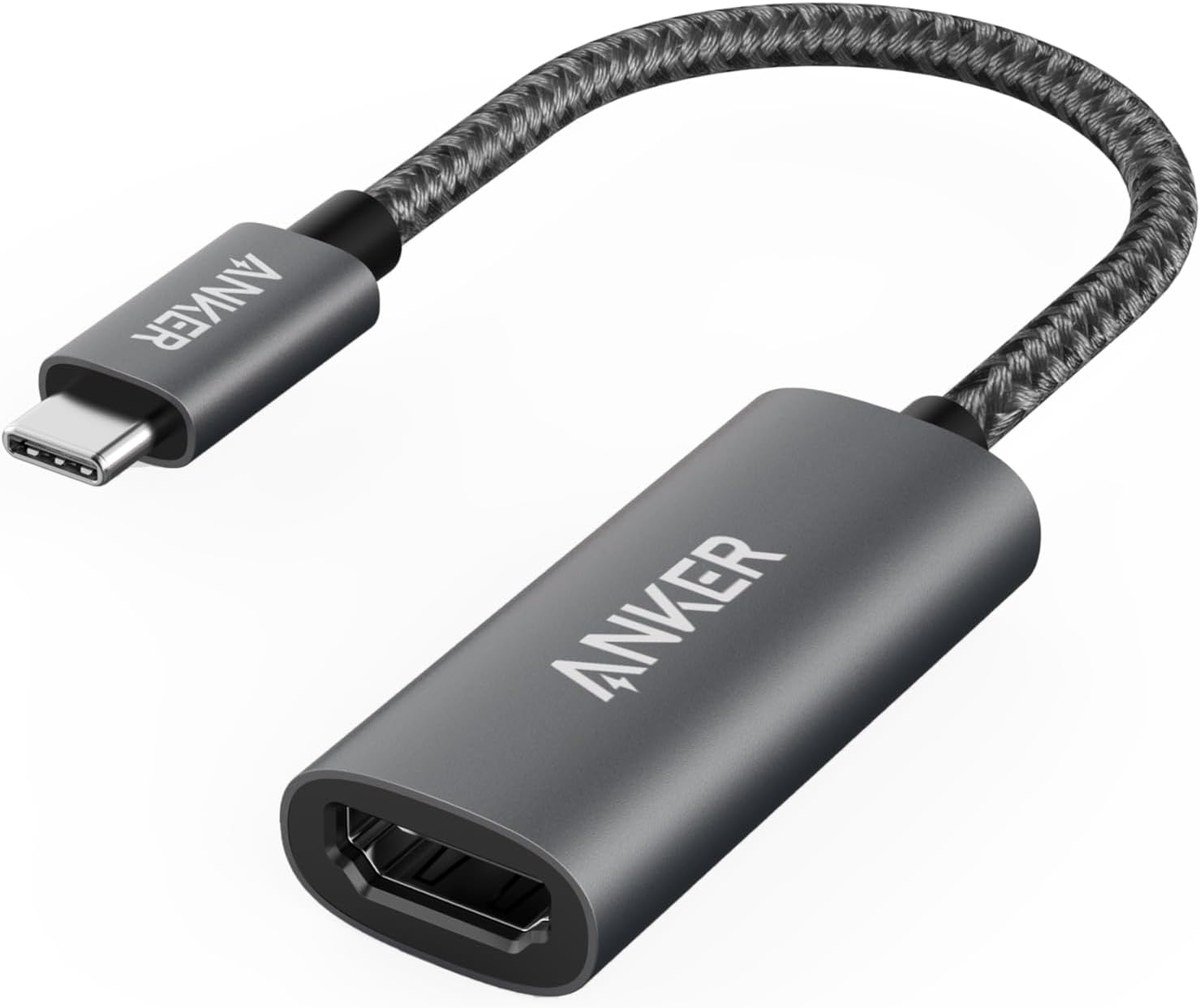
Anker’s 310 is the simple answer for most people: a short braided lead with an HDMI socket on the end that outputs up to 4K at 60Hz from any USB-C port that supports DisplayPort Alt Mode, USB4 or Thunderbolt. There is no software to install.
The aluminium casing helps it shed heat during long presentations, and the braided cable handles being wound around a charger every day. It does not pass through power, so a laptop with a single USB-C port runs on battery while it is connected.
What it does well
- 4K at 60Hz from DP Alt Mode, USB4 and Thunderbolt ports
- Aluminium shell and braided cable
- Plug and play with no drivers
- 18-month warranty
What to know before buying
- No charging pass-through
- Stops at 4K 60Hz, not for 120Hz or 240Hz monitors
- Needs a separate HDMI cable
2. Cable Matters HDMI 2.1 for macOS: High Refresh on a Mac
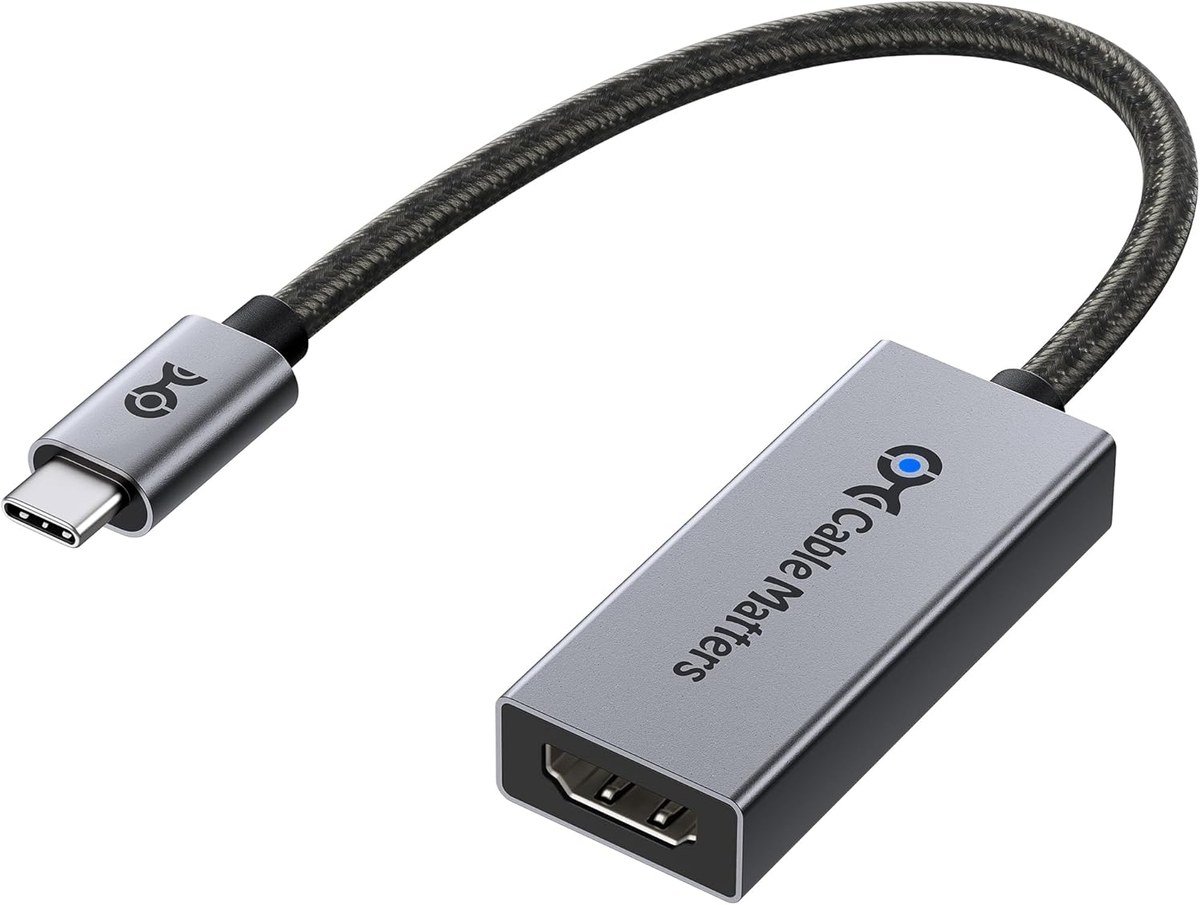
Cable Matters makes a version of its HDMI 2.1 adapter with custom firmware tailored to Macs, aimed at getting higher refresh rates from them. The company says it supports 4K at 120Hz on M1 and M2 family Macs, and the hardware is rated up to 8K at 60Hz and 4K at 240Hz.
It works with Thunderbolt 5, 4 and 3 ports and other USB-C ports with DP Alt Mode, supports HDR, and has a braided cable in an aluminium housing. A standard version without the Mac firmware is sold for Windows PCs.
What it does well
- Mac-tuned firmware for higher refresh rates
- HDMI 2.1 hardware up to 8K 60Hz or 4K 240Hz
- HDR support and braided cable
- Thunderbolt 5, 4 and 3 compatible
What to know before buying
- Top modes need a capable graphics chip and display
- No charging pass-through
- Overkill for a 1080p TV
3. BENFEI HDMI 2.1: 240Hz Gaming in a Short Dongle
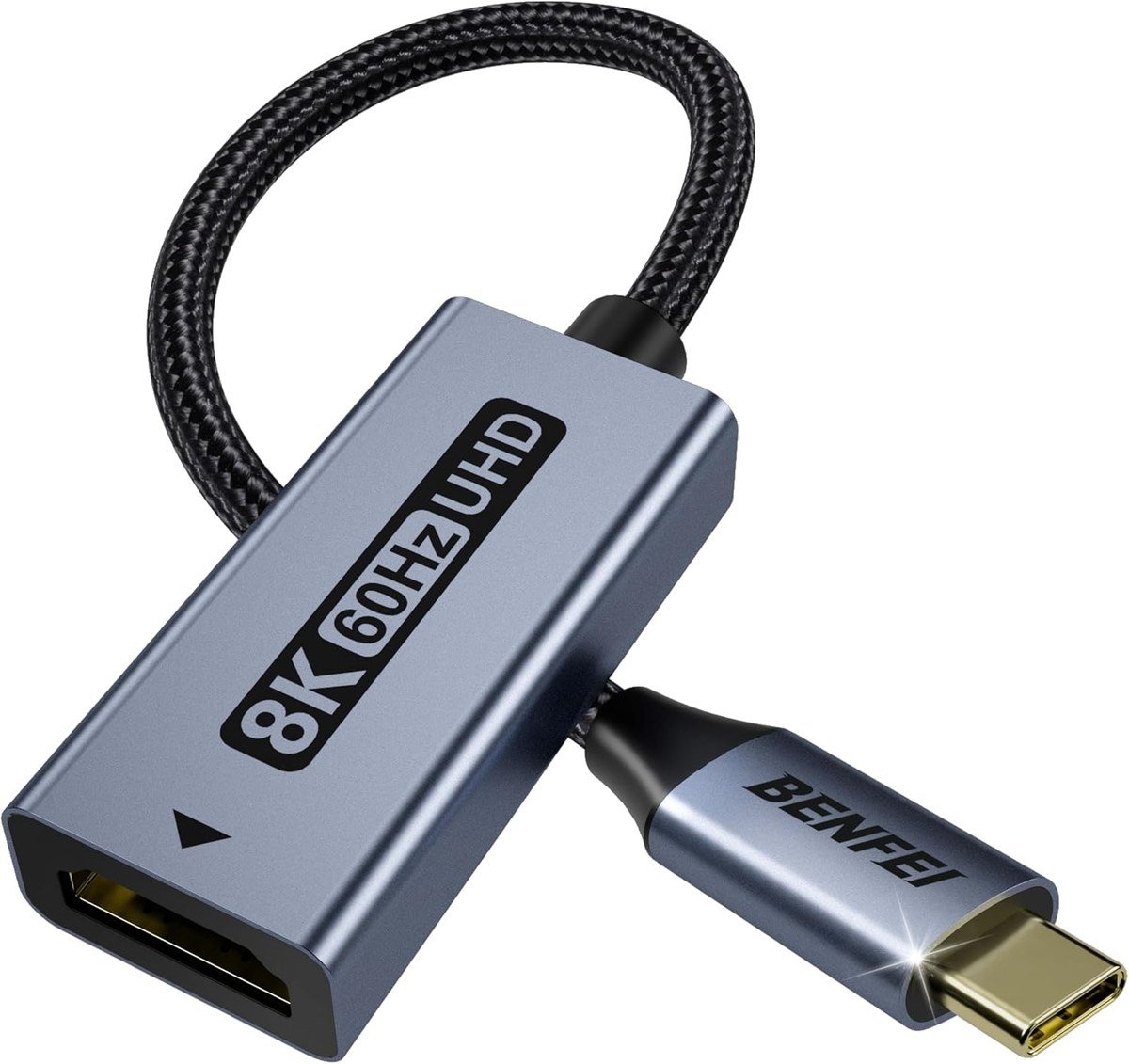
BENFEI’s HDMI 2.1 adapter is aimed at gaming monitors and new TVs, rated for 8K at 60Hz and 4K at 240Hz. BENFEI lists support for recent graphics from Nvidia’s RTX 4000 series and AMD’s Radeon RX 7000 series, as well as MacBooks and iPhone 15 and 16 Pro models.
The 20 cm braided cable and aluminium shell keep it compact, and BENFEI covers it with an 18-month unconditional warranty. As with every HDMI 2.1 adapter, the headline modes depend on your computer’s USB-C port and graphics.
What it does well
- Rated for 8K at 60Hz and 4K at 240Hz
- Compact 20 cm braided cable
- Listed for recent Nvidia and AMD graphics
- 18-month unconditional warranty
What to know before buying
- Needs a high-end source for its top modes
- No charging
- Short lead can strain a laptop port
4. Plugable 3-in-1: Charge, Display and a USB Port
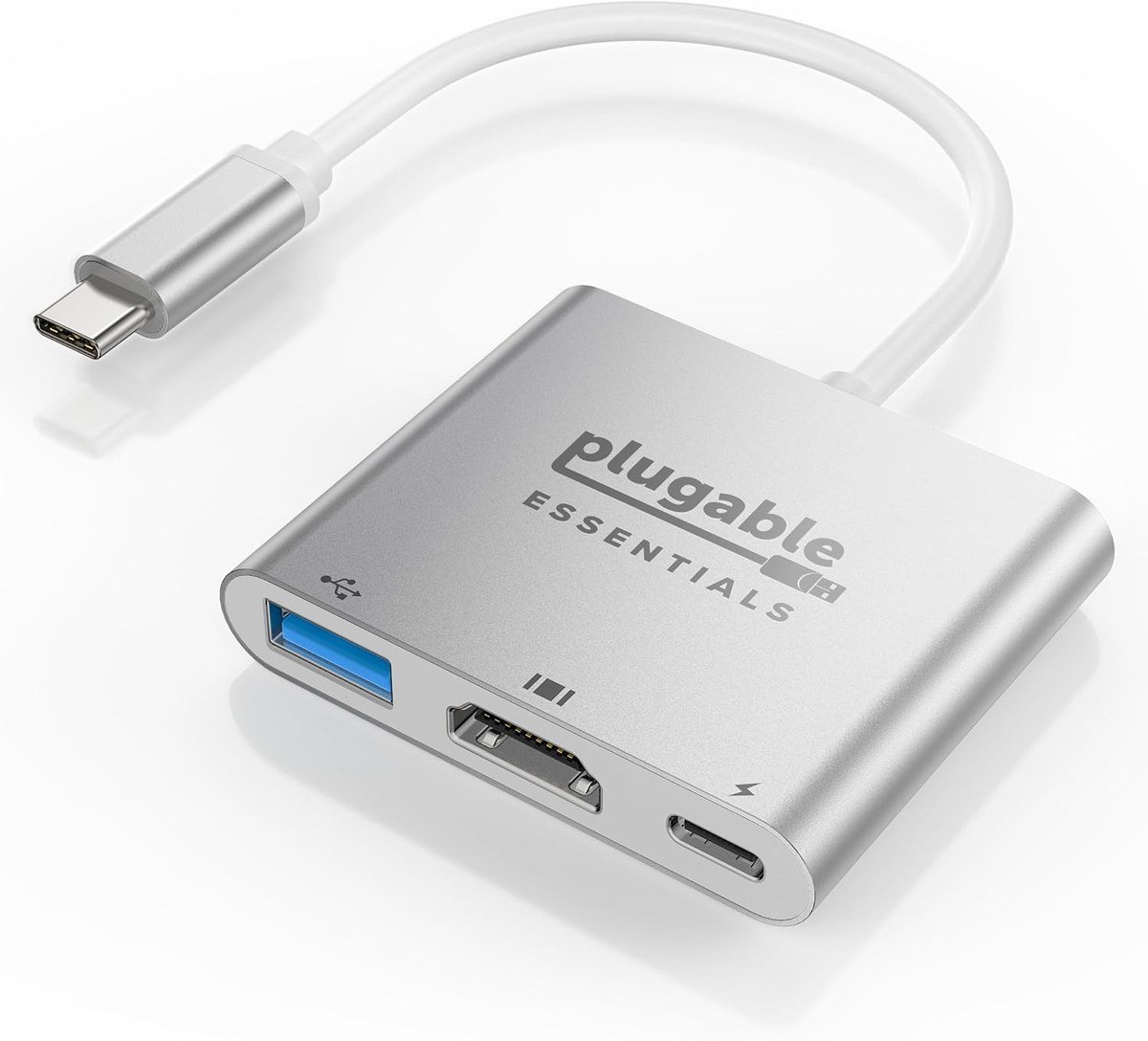
Plugable turns one USB-C port into three: HDMI at up to 4K 60Hz with HDR, a 5Gbps USB-A port, and a USB-C Power Delivery input that takes up to 100W and passes up to 85W on to the laptop. It is the adapter for a machine with only one or two USB-C ports.
It also runs 2K at 144Hz and 1080p at 240Hz for smooth motion at lower resolutions. The aluminium body is 58 by 51 by 11 mm on a 127 mm cable, small enough to live in a laptop sleeve.
What it does well
- HDMI 4K 60Hz with HDR
- Up to 85W passed through to the laptop
- 5Gbps USB-A port
- Compact aluminium body
What to know before buying
- USB-C port is for charging only, not data
- Larger than a plain dongle
- No HDMI 2.1 modes
5. Highwings 4K: Clear About What It Does
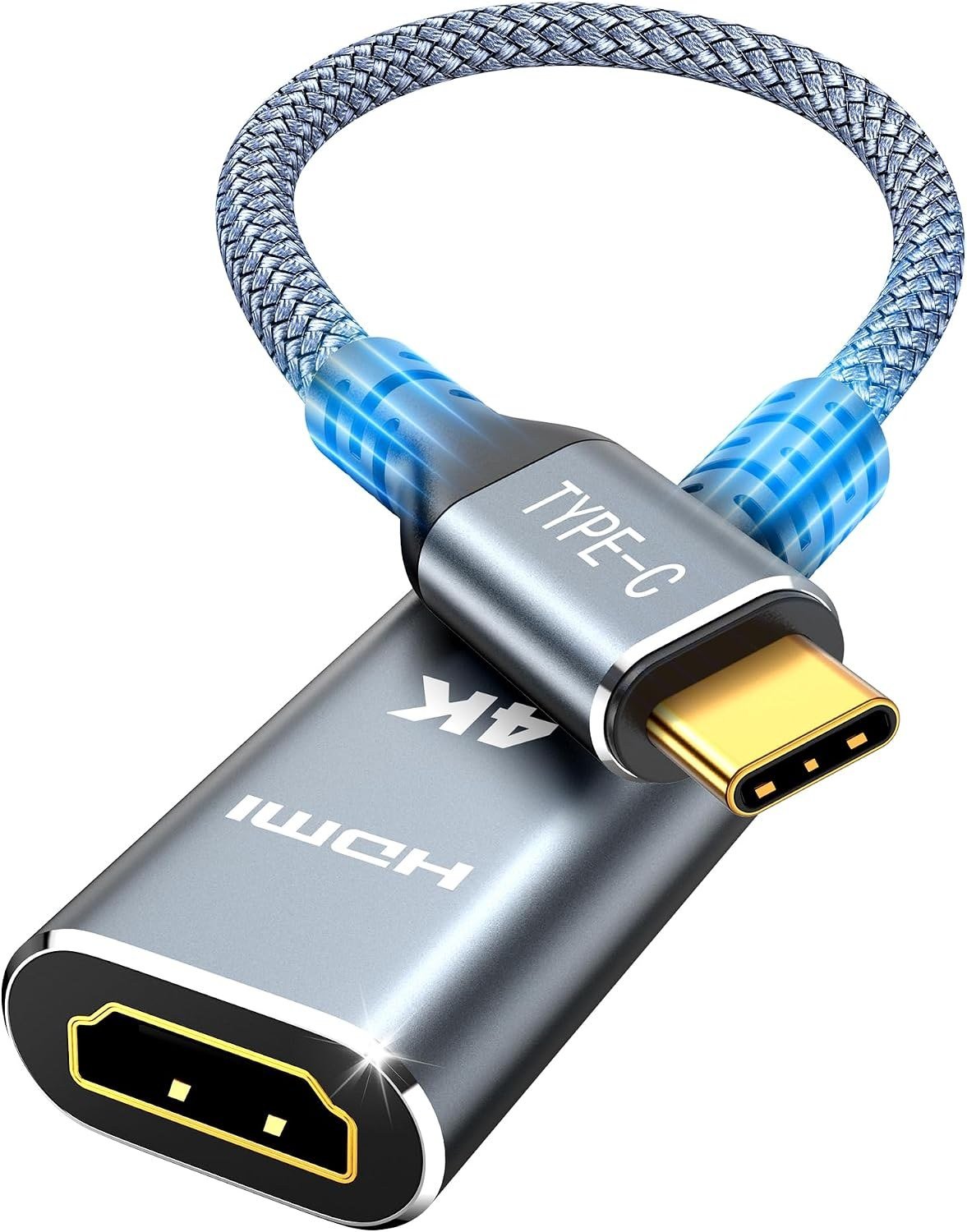
Highwings’ adapter does the standard job, 4K at 60Hz from a USB-C port with DP Alt Mode, and is unusually clear about its limits: it is one-way from USB-C to HDMI, it does not charge, and not every USB-C port sends video.
It works with older HDMI 1.4 and earlier screens too, and the 24K gold-plated plugs, braided jacket and flexible strain relief are built for frequent plugging in. It lets you keep using whatever HDMI cable is already behind the TV.
What it does well
- 4K at 60Hz
- Works with older HDMI screens
- Gold-plated plugs and braided jacket
- Strain relief for frequent use
What to know before buying
- One-way only, USB-C to HDMI
- No charging
- No high refresh rate modes
6. Anker Nano USB-C to HDMI Cable: Skip the Dongle
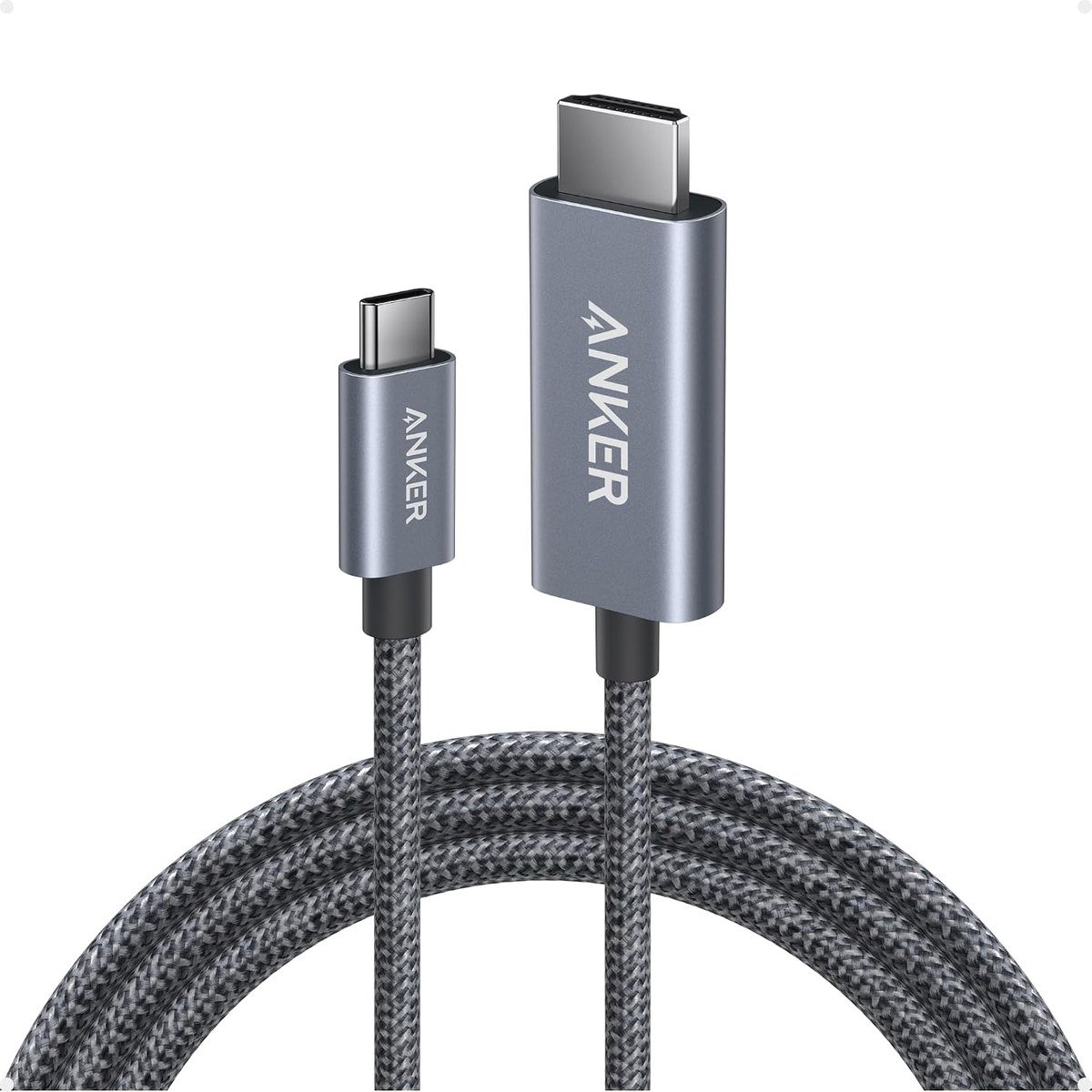
If the screen is always in the same place, a single USB-C to HDMI cable is tidier than an adapter plus a second cable. Anker’s 6 ft Nano cable carries 4K at 60Hz with HDR and is compatible with Thunderbolt 3, 4 and 5.
Anker rates it for 10,000 plug cycles, with a nickel-plated aluminium exterior and nylon braid, and layered shielding to keep the picture stable over the full length.
What it does well
- One cable from USB-C to HDMI, 6 ft
- 4K at 60Hz with HDR
- Rated for 10,000 plug cycles
- Layered shielding
What to know before buying
- Fixed length, less flexible than a dongle
- No charging
- Not for 120Hz and faster displays
7. Acer 3-in-1: Budget Hub for Office Screens
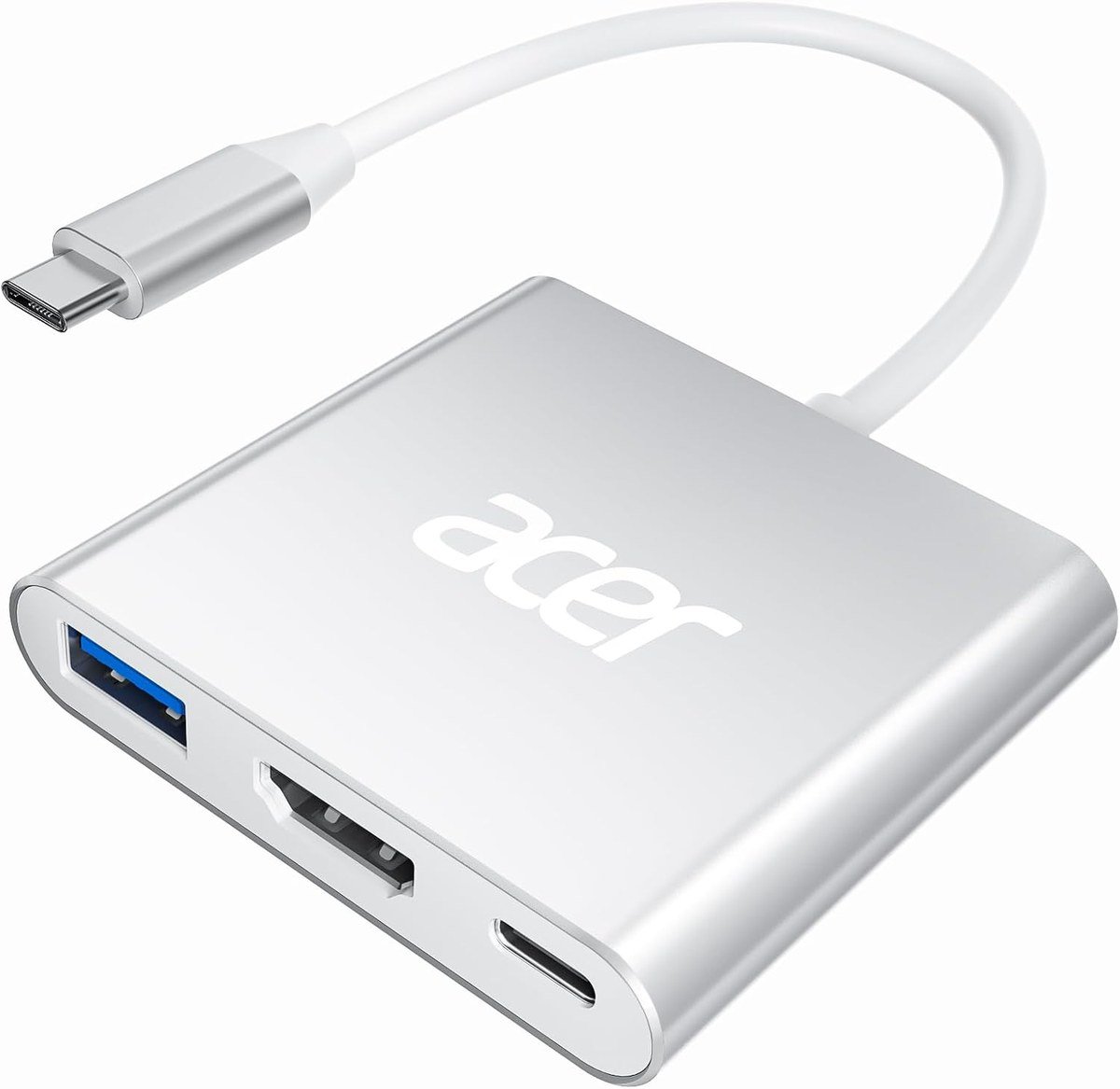
Acer’s small hub combines HDMI, a 100W USB-C charging port and a 5Gbps USB-A port in an aluminium body. The HDMI output is 4K at 30Hz, which is fine for slides, documents and video but noticeably less smooth for scrolling than the 60Hz adapters here.
It suits a laptop that needs charging and one USB drive while connected to a projector or meeting room TV. The USB-A port is for data only and does not charge devices.
What it does well
- HDMI, 100W charging and USB-A in one hub
- Aluminium housing
- Plug and play
- 5Gbps USB-A data
What to know before buying
- HDMI limited to 4K at 30Hz
- USB-A port does not charge
- Charging speed depends on your laptop
Not Every USB-C Port Can Send Video
A USB-C to HDMI adapter needs the device to output video over USB-C. Most do it with DisplayPort Alt Mode, which carries video, USB data and power over the same connector, and Thunderbolt and USB4 ports include it. Many cheaper laptops and Android phones have USB-C ports that charge and transfer data but send no picture at all.
Check for a DisplayPort or Thunderbolt symbol next to the port, or the specifications page for your model. If the port does not support video, no adapter will help, and a docking station with its own display chip is the alternative.
Using a USB-C to HDMI Adapter With an iPhone
iPhones with USB-C can drive a TV through these adapters. Apple states that iPhone 15, 16 (except the 16e), 17 (except the 17e) and 18 Pro models use DisplayPort to output up to 4K at 60Hz, with HDR supported, and that HDMI 2.0 adapters and cables can reach 4K at 60Hz.
For higher resolutions Apple recommends a cable rated USB 3.1 or higher. iPhones without USB-C video, including the e models, can use AirPlay instead. A phone or laptop on a big screen also makes a handy stand-in for a projector in a small meeting room.
Which USB-C to HDMI Adapter to Buy
The Anker 310 is the right choice for most people: 4K at 60Hz, a braided lead and no setup. If you need to charge at the same time, the Plugable 3-in-1 adds 100W pass-through and a USB-A port in a small aluminium body.
For a 120Hz or 240Hz gaming monitor, pick an HDMI 2.1 adapter: the Cable Matters for macOS on a Mac, or the BENFEI on a Windows machine. Choose the Anker Nano cable if the screen never moves, and the Acer hub only for office screens where 30Hz is acceptable.
Frequently Asked Questions
Why is my USB-C to HDMI adapter not working?
The most common reason is a USB-C port that does not output video. Check your device supports DisplayPort Alt Mode, Thunderbolt or USB4, then try another HDMI cable and input on the TV.
Do I need HDMI 2.1 for a 4K TV?
Only for 4K above 60Hz. A standard 4K at 60Hz adapter handles films and most TV use; HDMI 2.1 matters for 120Hz and faster gaming displays.
Can I charge my laptop while using a USB-C to HDMI adapter?
Only with a pass-through model like the Plugable or Acer here, or if your laptop has a second USB-C port for its charger.
Does an iPhone need a special adapter for HDMI?
No. iPhone 15 and later models with video output work with standard USB-C to HDMI adapters, up to 4K at 60Hz.
Related Articles
- Best Stocking Stuffers for Adults 2026: 12 Small, Useful Gadgets
- Best Gaming Monitor
- MacBook Neo
- Best Keyboards for Mac
- Laptop Screen Problems: Common Faults and How to Fix Them
As an Amazon Associate, Fox Bulletin earns from qualifying purchases.

Get the Fox Bulletin briefing
The stories that matter, in your inbox. No spam, unsubscribe anytime.
Newsletter signup will be available soon.
Related stories

Morse Code: The Full Chart, Timing and How It Works
Every letter, digit, punctuation mark and procedural signal in international Morse code, with the timing rules that govern them and the places the code is still working.
Military Alphabet: All 26 Letters, Spelled and Pronounced
Alfa, Bravo, Charlie: the military alphabet is a set of 26 code words that keep letters apart over a noisy radio. Here is every letter, how to say it, and the history behind the list.
How to Turn Off Read Receipts on Instagram DMs
The global switch does not sweep up chats you have already set by hand. That one rule explains almost every case of Seen still appearing.