

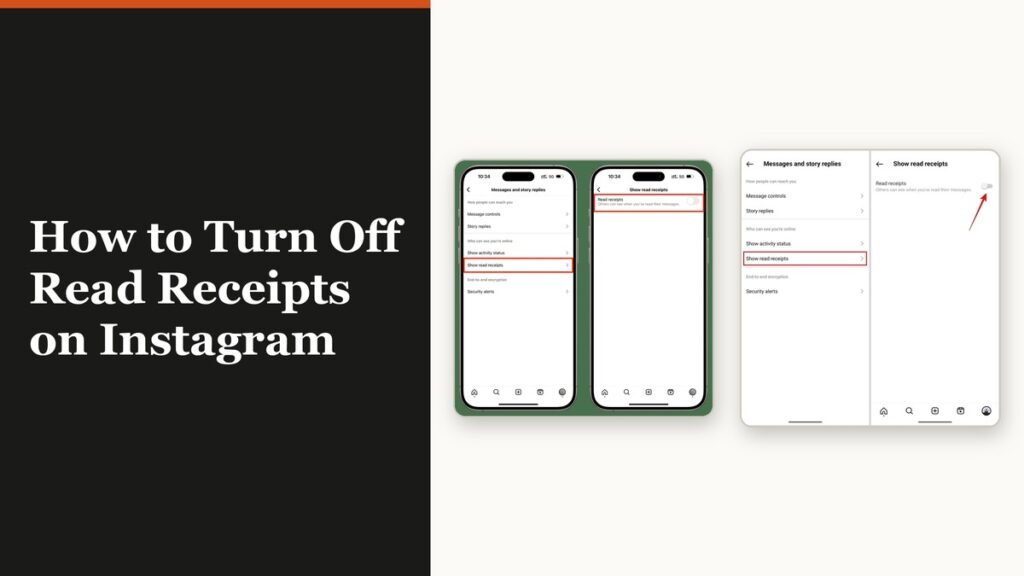
Instagram used to show Seen under every message you opened, with nothing you could do about it. That changed, and there are now two separate switches: one for every conversation at once and one for a single chat. Knowing how to turn off read receipts on Instagram means knowing which of the two you are actually touching, because they do not override each other in the direction most people expect.
Both switches live in the app rather than on the web, so this is a job for your phone. The rule governing which one wins is in the third section, and it is the reason Seen keeps appearing for people who are certain they switched it off.
How to turn off read receipts on Instagram for every chat
This is the main switch and the one to start with. It sits in the messaging section of your settings, not inside any conversation.
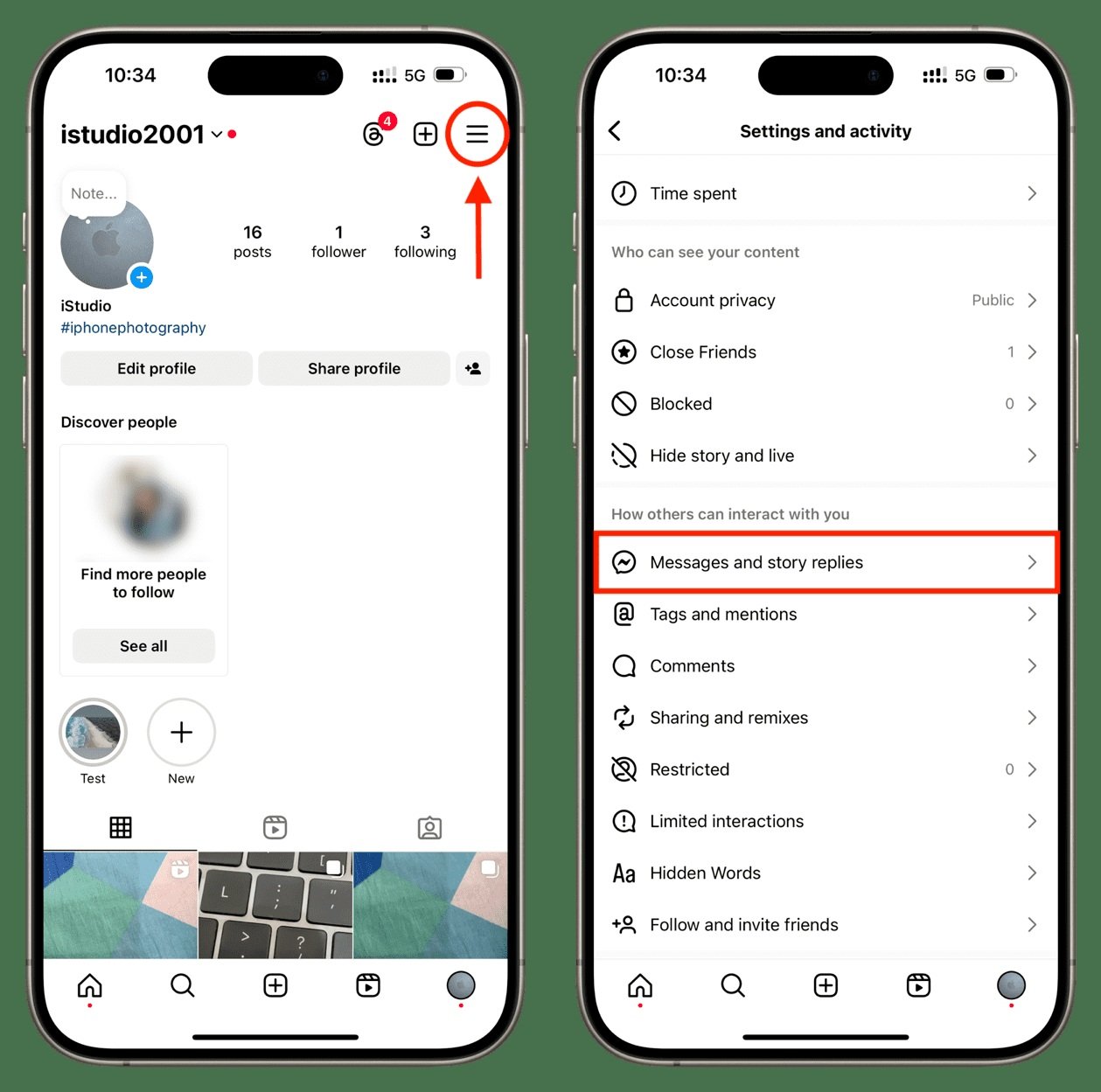
- Tap your profile picture in the bottom right.
- Tap the menu in the top right.
- Under How others can interact with you, tap Messages and story replies.
- Tap Show read receipts.
- Switch off the Read receipts toggle.
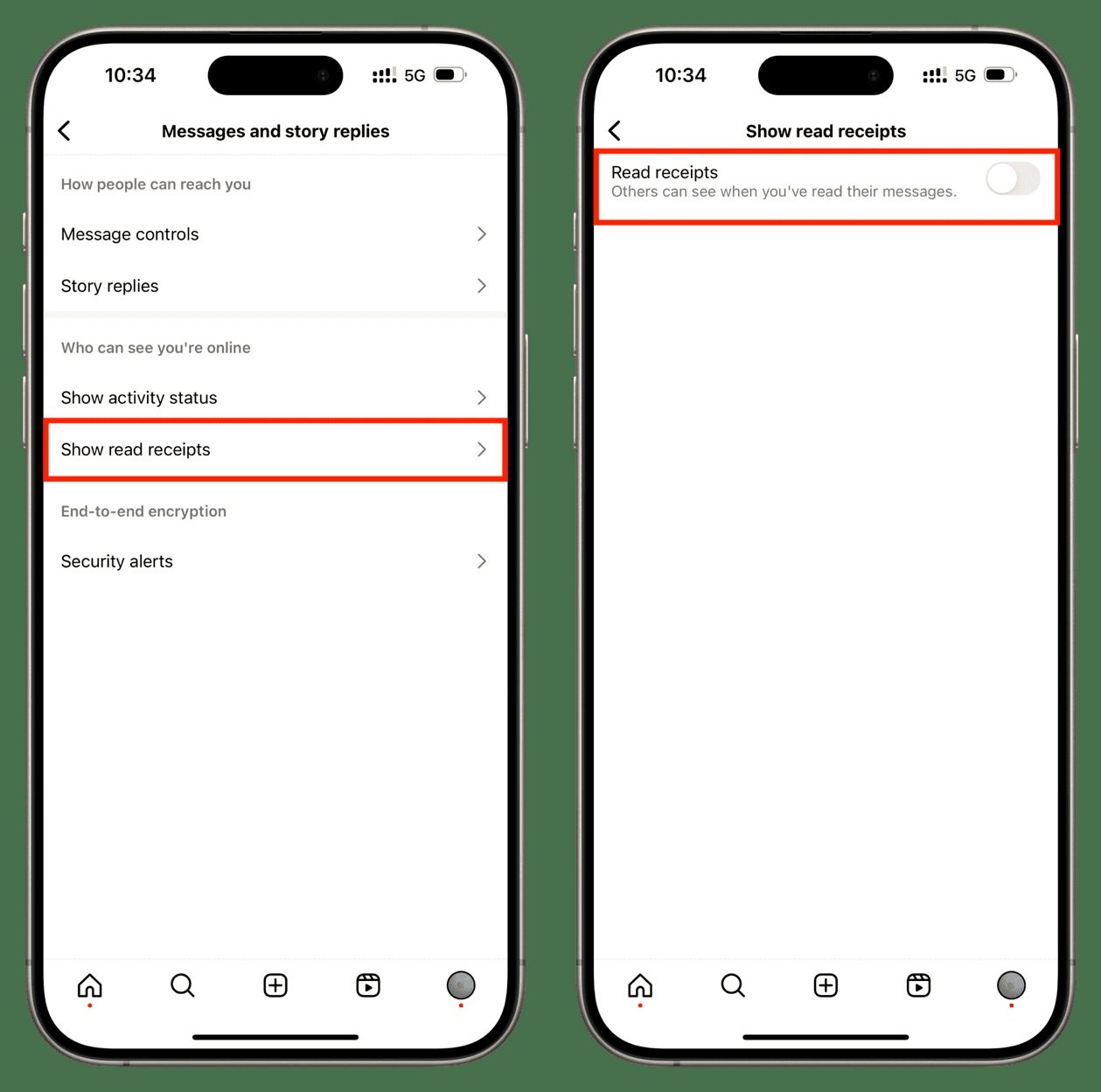
The change takes effect immediately and applies to the account rather than the device, so there is no need to repeat it on a tablet or a second phone.
Turning it off for one conversation
If there is only one person you would rather not signal to, you do not need the global switch at all. The per-chat control is inside the conversation itself.
- Tap Messages at the bottom.
- Open the conversation.
- Tap the chat name at the top.
- Tap Privacy & safety.
- Switch off Read receipts.
The same screen carries the vanish mode and encryption options for that conversation, which is a useful place to know about even if read receipts are all you came for.
The rule that catches everyone out
A setting you choose for an individual chat sticks, and the main switch will not move it afterwards. Instagram gives the example directly: turn read receipts on for one conversation, then go to settings and turn them off for all chats, and that one conversation still has your read receipts switched on.
So the global switch governs chats you have not touched individually. Anything you have set by hand keeps its own setting indefinitely. If Seen is still showing in one conversation after you turned the main switch off, that chat has a per-chat setting on it, and the fix is to open that conversation and change it there.
What you give up
Read receipts are reciprocal. Switching them off means you stop sending them and you stop receiving them, so you lose the ability to tell whether anyone has read what you sent.
| Situation | After you switch read receipts off |
|---|---|
| You read their message | They no longer see Seen |
| They read your message | You no longer see Seen either |
| A chat you set by hand | Keeps its own setting, whatever the main switch says |
| Your activity status | Unaffected, and controlled by a different toggle |
| Group chats | Not covered by the per-chat setting |
Group chats are the gap. The per-chat control is written for a conversation with one other person, and Instagram does not document a way to switch receipts off inside a group. Treat anything you read in a group as visibly read.
There is also a simpler workaround that costs you nothing. Press and hold a conversation in the inbox and the preview appears without opening the chat, which sends no receipt at all. Marking a chat as unread afterwards does not undo a receipt that has already gone.
Activity status is a different switch
These two settings sit next to each other in the same menu and get confused constantly. Read receipts control whether people see that you opened their message. Activity status controls whether people see that you are online or when you were last active.
Switching off read receipts alone leaves a green dot showing next to your name in messaging, which tells anyone watching that you are in the app right now. For most people who want to read quietly, both switches need to go off, and they are two taps apart on the same screen.
Restricting someone achieves both at once for one person: a restricted account cannot see when you are online or whether you have read their messages, without being told anything. Our guide to muting and restricting on Instagram covers where that sits against blocking.
Other messaging apps split this the same way, and the trade-offs are near identical. Our walkthrough of reading blue ticks and last seen on WhatsApp covers how those signals behave when someone has switched them off.
Frequently Asked Questions
Can someone tell if I turned off read receipts on Instagram?
Not directly. There is no notification and no marker on your profile. What they see is that Seen stops appearing under their messages, which an attentive person will notice eventually.
Does turning off read receipts hide my online status?
No. Those are separate settings in the same menu. Activity status is the one that shows the green dot and the last active time, and it has to be switched off on its own.
Can I turn off read receipts in an Instagram group chat?
Instagram documents the per-chat setting for conversations rather than groups, and there is no group equivalent described. Assume anything you open in a group is visibly read.
Why does one chat still show Seen after I turned read receipts off?
Because that conversation has its own setting, and a per-chat choice is not overridden by the account-wide switch. Open the chat, tap the name at the top, go to Privacy and safety, and change it there.
Related Articles

Get the Fox Bulletin briefing
The stories that matter, in your inbox. No spam, unsubscribe anytime.
Newsletter signup will be available soon.
Related stories
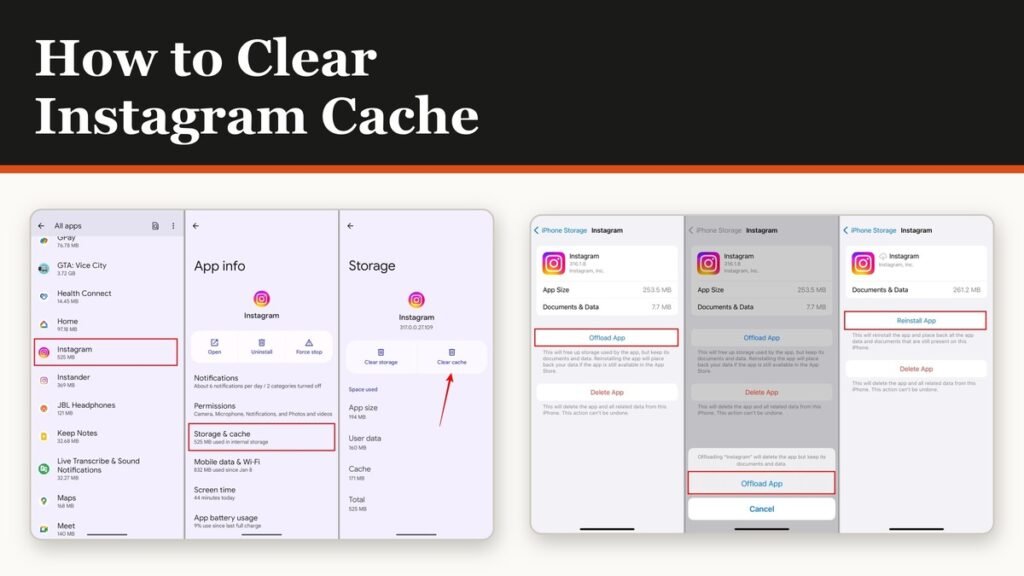
How to Clear Instagram Cache on Android and iPhone
Android has a real cache button and iPhone does not. The important part is telling it apart from the button next to it, which signs you out of everything.
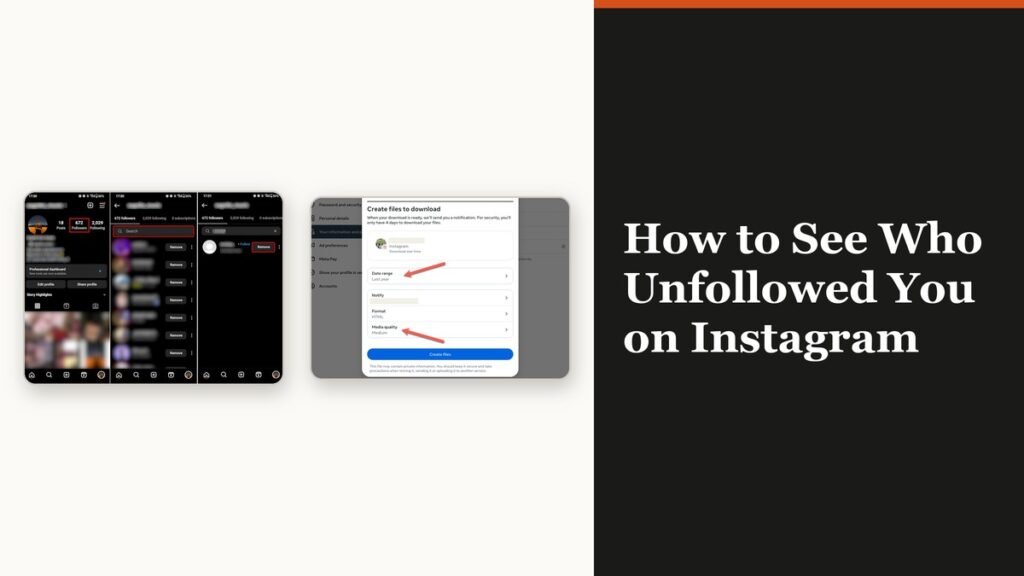
How to See Who Unfollowed You on Instagram
Instagram keeps no record of who left. There is still an accurate way to find out, and it does not involve handing your password to anyone.
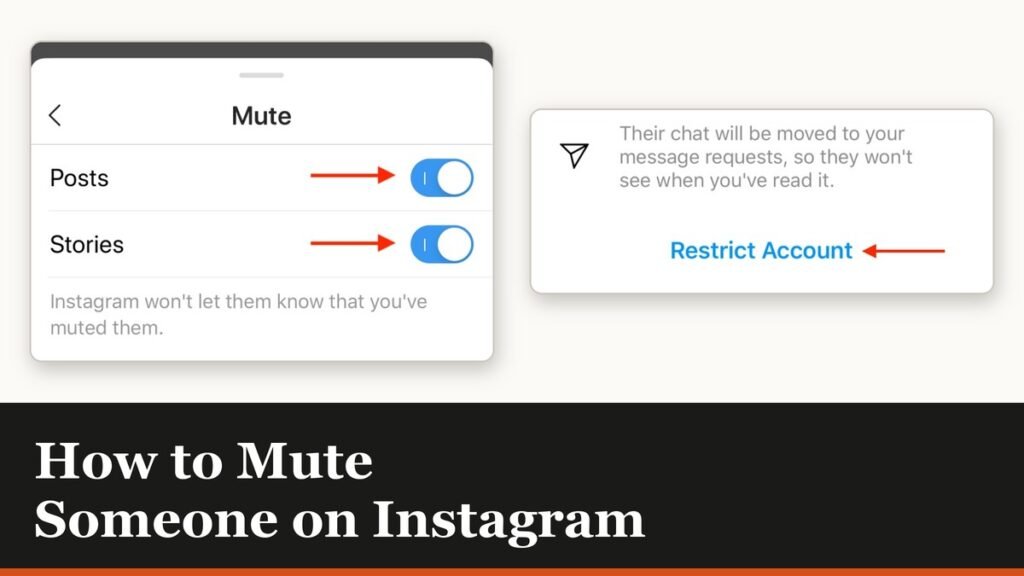
How to Mute Someone on Instagram Without Unfollowing
Muting is the quiet option: they are never told, they stay a follower, and you stop seeing them. There is one feed it does not cover.