

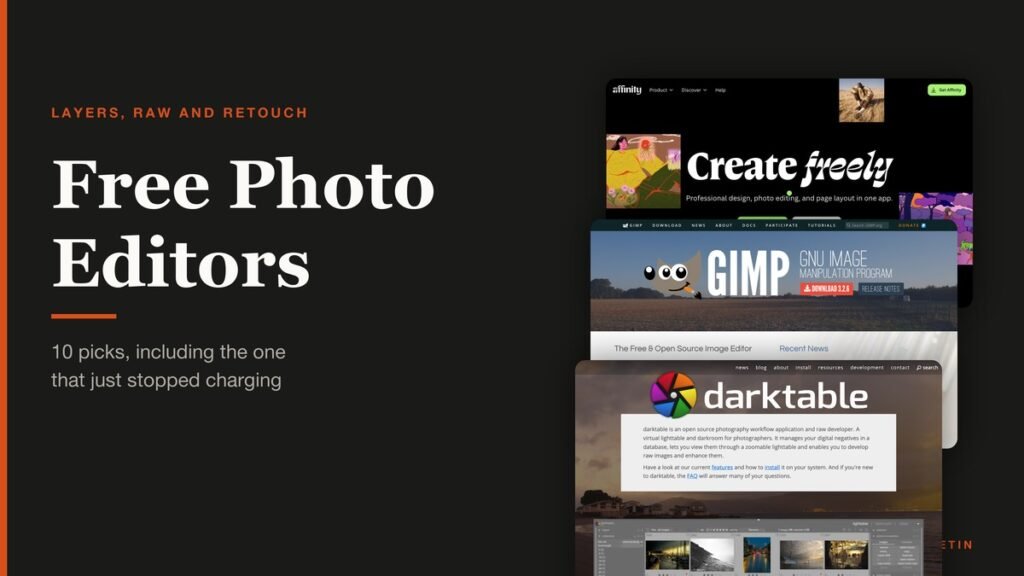
A free photo editor used to mean GIMP and a shrug. That changed this year, because Canva now gives away Affinity, the paid suite that photographers bought specifically to avoid a subscription, and the rest of the field had to get better to stay relevant.
Ten are ranked below and they do three different jobs: editing with layers, developing RAW files, and fixing one photograph quickly. Picking the wrong category is the usual mistake, so each entry says which it is.
Layer Editor, RAW Developer or Retouch App
These three kinds of tool get lumped together under one search, and they are not substitutes for each other.
- Layer editors. Affinity, GIMP, Photopea, Krita and Paint.NET. Composites, masks, text over an image, anything that builds a picture out of pieces.
- RAW developers. darktable and RawTherapee. Non-destructive processing of camera negatives, in batches, with the original untouched. This is the Lightroom job.
- Retouch apps. Snapseed and Apple Photos. One photograph, a handful of sliders, finished in two minutes on the device it already lives on.
A photographer shooting RAW needs a developer and will be miserable in GIMP. Somebody building a thumbnail needs layers and will be lost in darktable. Most people eventually install one of each, which costs nothing.
Free Photo Editors Compared: Platforms, Type and Free Tier
Every editor ranked below, with the version current on October 25, 2026.
| # | Editor | Platforms | Type | Free tier | Best for |
|---|---|---|---|---|---|
| 1 | Affinity | Windows, macOS, iPad | Layer based, all three studios | Free for individuals | The biggest thing to go free this year |
| 2 | GIMP | Windows, macOS, Linux | Layer based | Free and open source | The open source standard |
| 3 | Photopea | Browser | Layer based, opens PSD | Free with on-screen adverts | Opening a PSD without installing anything |
| 4 | Krita | Windows, macOS, Linux, Android | Layer based painting | Free and open source | Painting and illustration |
| 5 | Paint.NET | Windows | Layer based, lightweight | Free download | Quick edits on Windows |
| 6 | darktable | Windows, macOS on Apple silicon, Linux | RAW developer | Free and open source | Developing RAW files |
| 7 | RawTherapee | Windows, macOS, Linux | RAW developer | Free and open source | Squeezing detail out of a RAW file |
| 8 | Pixlr | Browser, iOS, Android | Layer editor plus filter app | Free tier, limits not published | A browser editor with a gentler face than Photopea |
| 9 | digiKam | Windows 10 or later, macOS, Linux | Photo manager with RAW editing | Free and open source | Managing a large photo library |
| 10 | Snapseed | iOS, iPadOS, Android | Filter and retouch app | Free with no purchases, adverts or watermarks | Editing on a phone |
The 10 Free Photo Editors, Ranked
1. Affinity: The biggest thing to go free this year
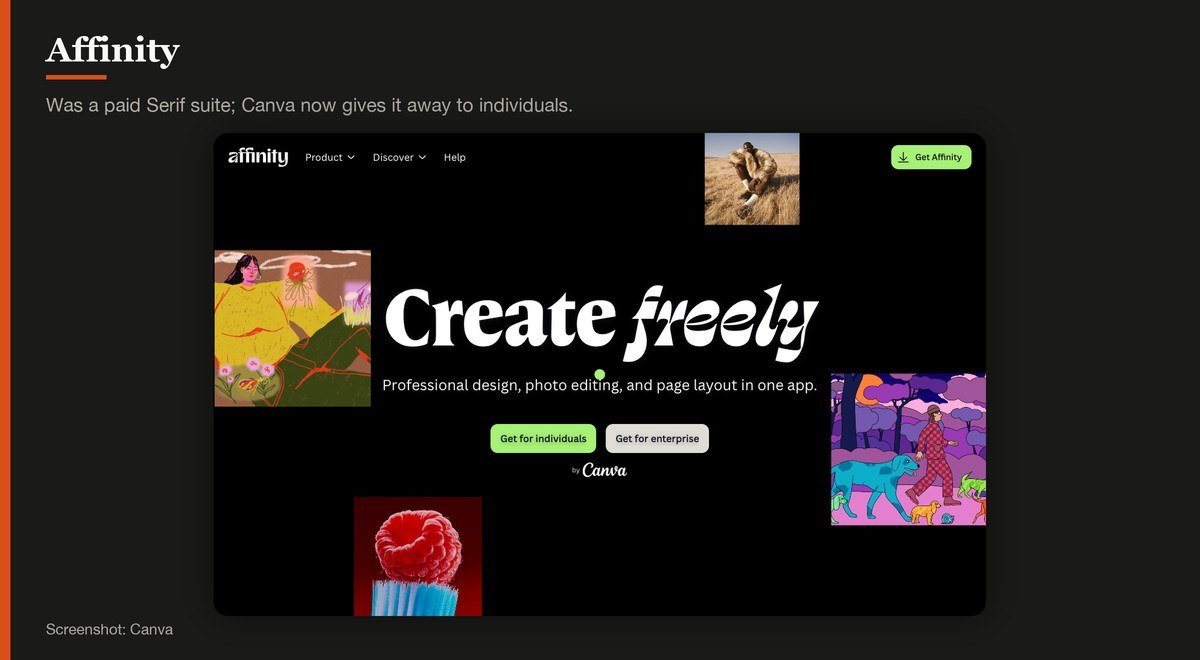
Platforms: Windows, macOS, iPad · Latest version: V2 · Updated: September 2026 update · Free tier: Free for individuals
Affinity used to cost real money as three separate Serif applications. Canva now gives it away, and the wording on Affinity’s own site is blunt: zero bucks given, Affinity is free for individuals. Photo editing, vector work and page layout sit in one application and one file format.
Two caveats. The AI features are the exception, unlocked only on a Canva premium plan, and the iPad build is listed alongside the Windows and Mac downloads rather than being the main event. For anyone who looked at Affinity Photo and balked at the price, that reason has gone.
2. GIMP: The open source standard
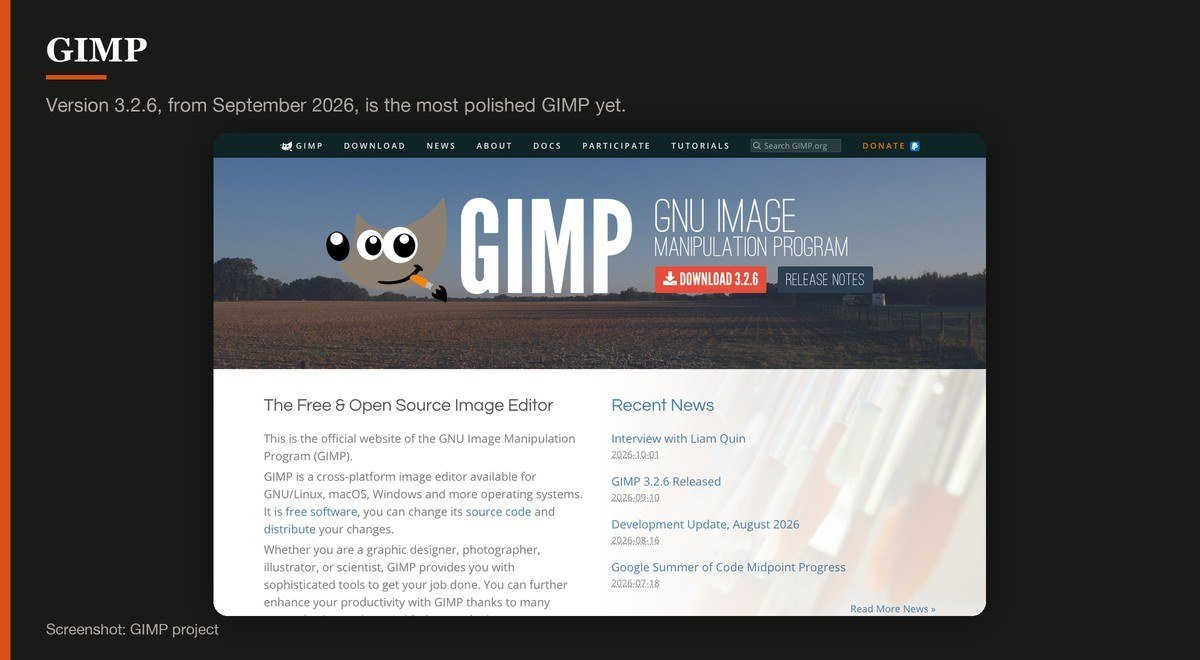
Platforms: Windows, macOS, Linux · Latest version: 3.2.6 · Updated: September 10, 2026 · Free tier: Free and open source
GIMP has been the answer to this question for twenty years and version 3.2.6, from September 10, 2026, is the most polished it has been. Layers, masks, paths, channels and a scripting engine are all there, and none of it is behind a tier.
Its own page makes the licence the pitch: it is free software, you can change its source code and distribute your changes. The interface still asks more of a newcomer than Affinity does, and the keyboard shortcuts will fight anyone arriving from Photoshop.
3. Photopea: Opening a PSD without installing anything
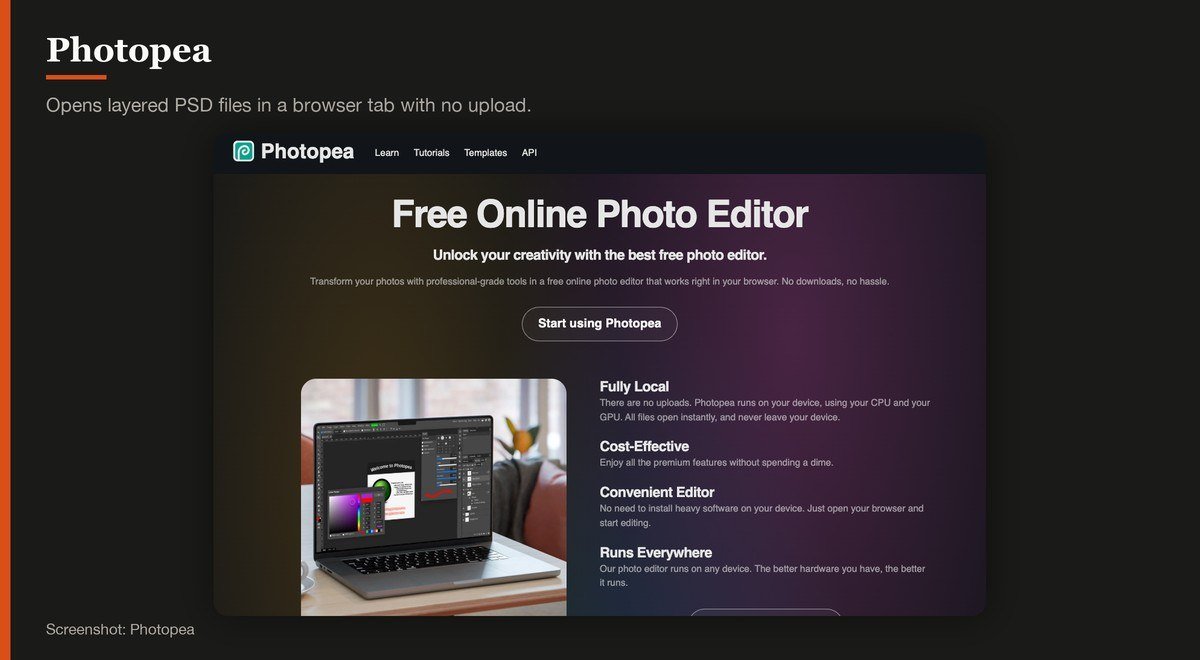
Platforms: Browser · Latest version: Browser service · Updated: Rolling release · Free tier: Free with on-screen adverts
Photopea runs in a browser tab and opens Photoshop files, including layers, which makes it the fastest way to deal with a PSD somebody emailed you. Its own page states there are no uploads, so the image is processed in your browser rather than on a server.
The free version carries adverts occupying a stated share of the screen, and the site names no company behind it. For a one-off job on a machine you cannot install software on, neither matters much; for daily work they both do.
4. Krita: Painting and illustration
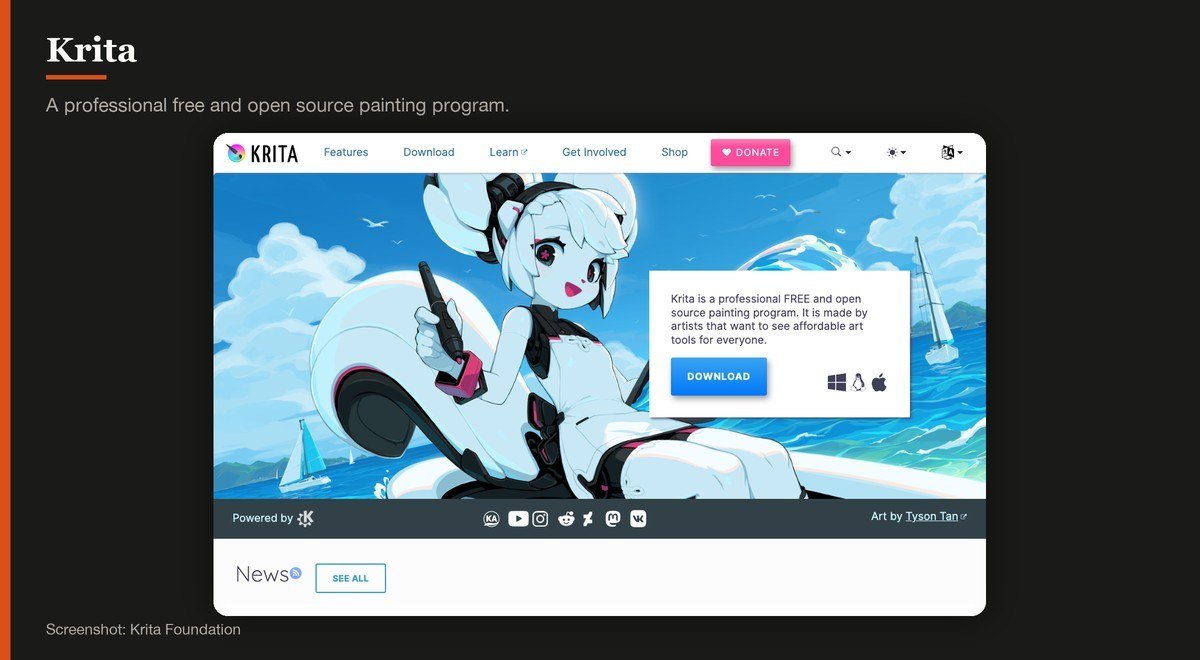
Platforms: Windows, macOS, Linux, Android · Latest version: 5.3.4.1 · Updated: October 7, 2026 · Free tier: Free and open source
Krita calls itself a professional free and open source painting program, and the emphasis belongs on painting. The brush engine, stabilisers and wrap-around mode are built for illustrators rather than for retouching a photograph.
It handles photo work competently enough, and it is the only desktop-class option here that also runs on Android. Note that the download page lists more than one current line, so check which build you are taking before installing.
5. Paint.NET: Quick edits on Windows
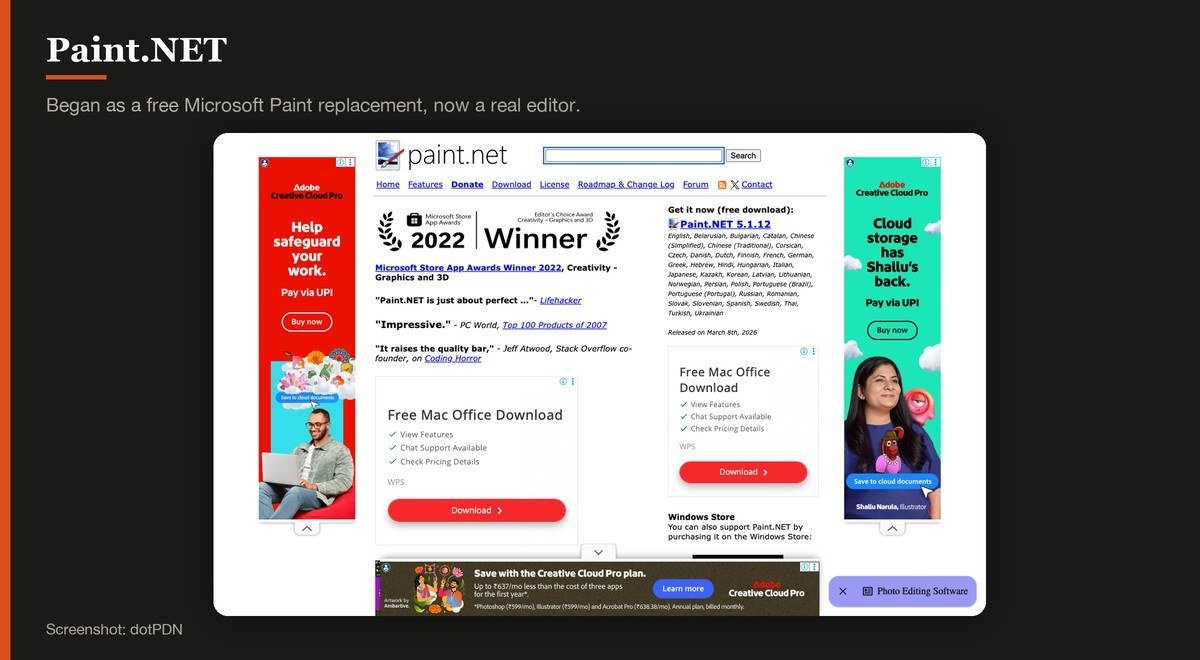
Platforms: Windows · Latest version: 5.1.12 · Updated: March 8, 2026 · Free tier: Free download
Paint.NET began as a free replacement for Microsoft Paint and grew into a real editor with layers, plugins and a fast, uncluttered window. It opens in about a second, which GIMP does not.
It is Windows only, so Mac and Linux users can stop here, and it stops well short of GIMP on masks and colour work. For cropping, retouching and a quick composite it is the least friction on Windows.
6. darktable: Developing RAW files
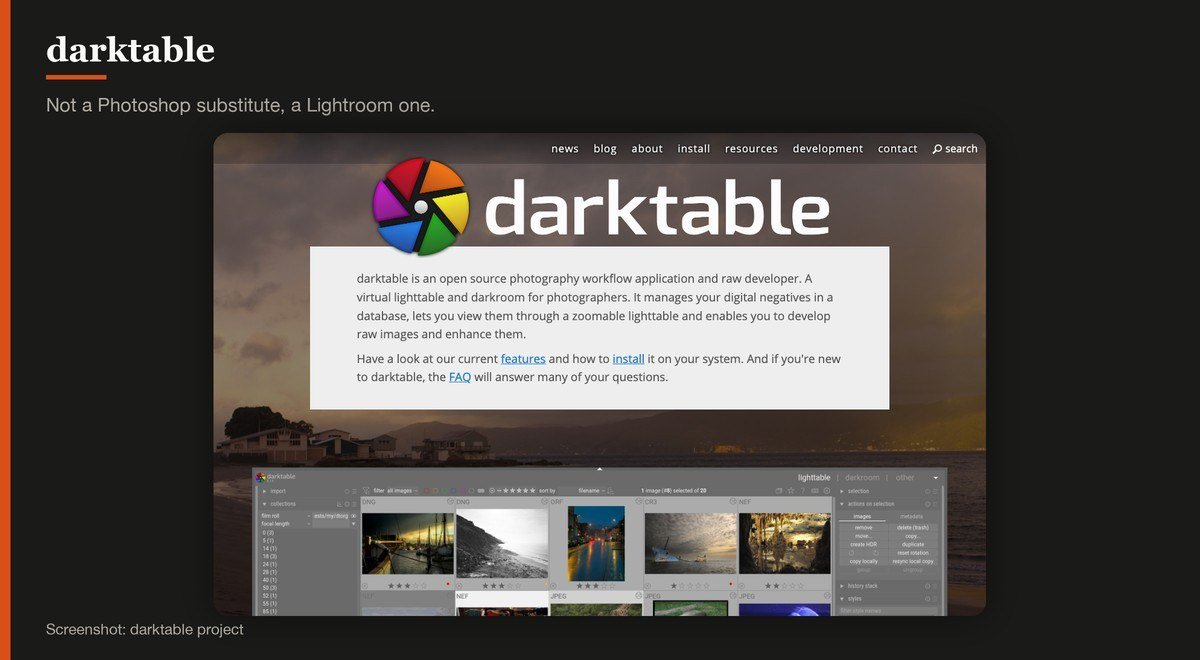
Platforms: Windows, macOS on Apple silicon, Linux · Latest version: 5.6.2 · Updated: October 4, 2026 · Free tier: Free and open source
darktable is not a Photoshop substitute, it is a Lightroom one. Its own description is precise: an open source photography workflow application and raw developer, with a virtual lighttable and darkroom, keeping your negatives in a database rather than editing files in place.
That non-destructive model is the right one for a shoot of several hundred frames. The macOS build runs on Apple silicon, and the module list is long enough that the first week is spent learning which ten of them you actually need.
7. RawTherapee: Squeezing detail out of a RAW file
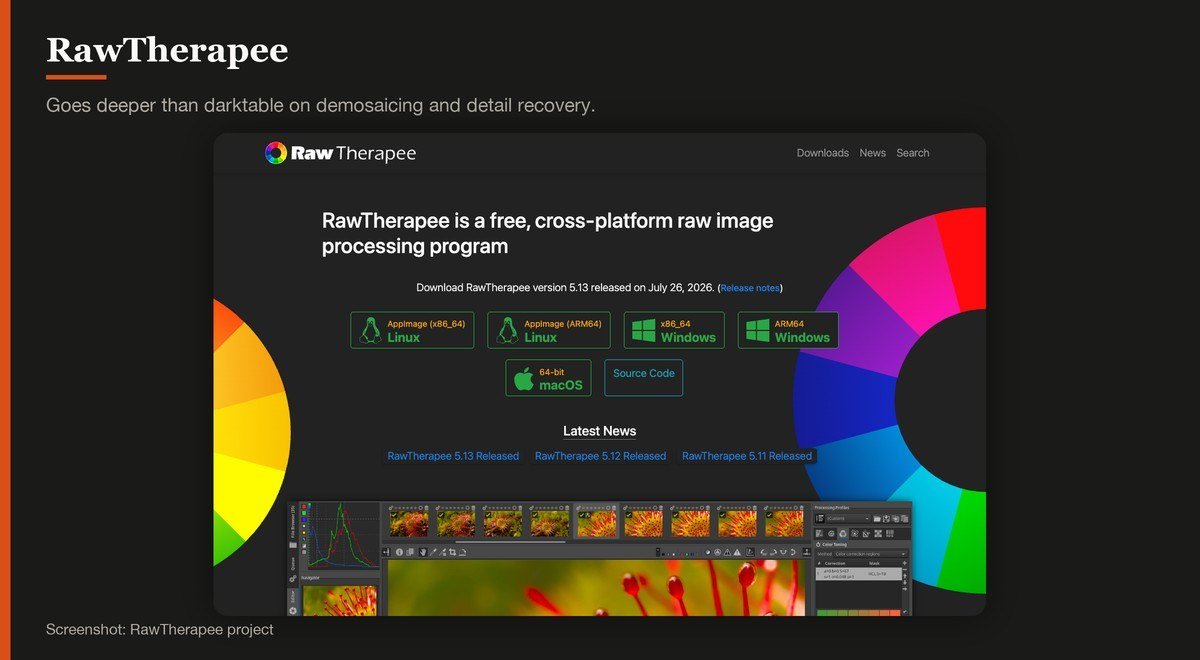
Platforms: Windows, macOS, Linux · Latest version: 5.13 · Updated: July 26, 2026 · Free tier: Free and open source
RawTherapee is the other serious free RAW developer, and it goes deeper than darktable on demosaicing and detail recovery, with several algorithms to choose between on a single image.
That is also its reputation problem: the controls assume you know what you are adjusting. Version 5.13 arrived on July 26, 2026, the oldest release among the open source tools here, though a RAW developer ages more slowly than an app chasing new camera formats.
8. Pixlr: A browser editor with a gentler face than Photopea
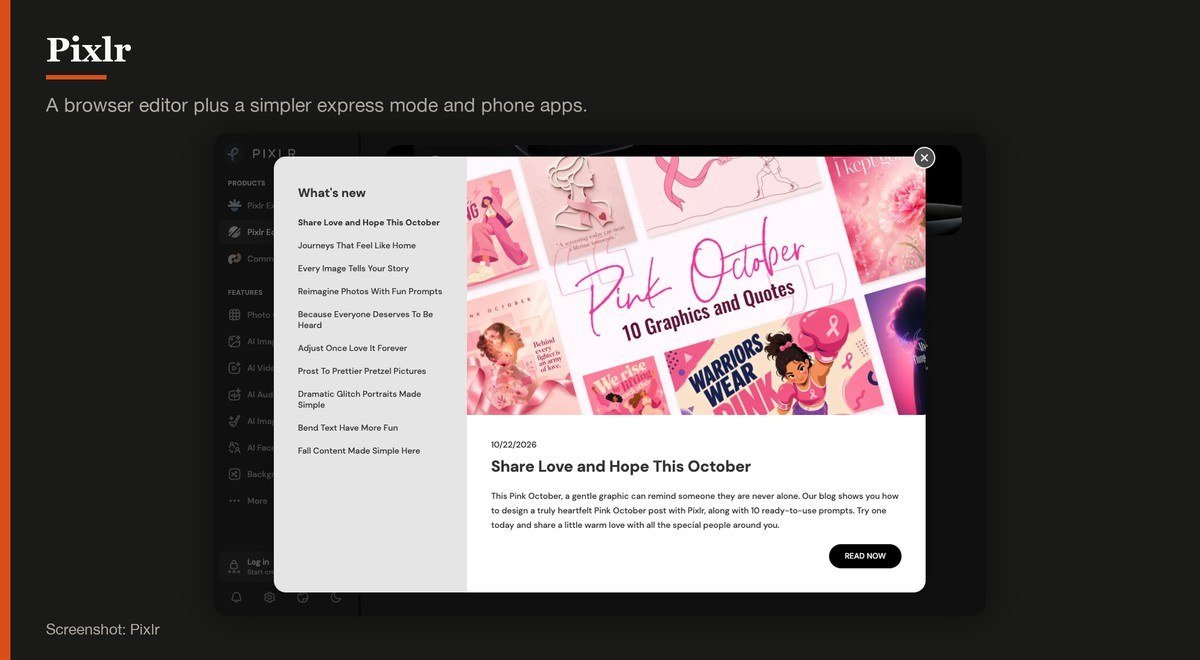
Platforms: Browser, iOS, Android · Latest version: Browser service · Updated: Rolling release · Free tier: Free tier, limits not published
Pixlr splits into a layer-based editor and a simpler express mode, both in a browser, with phone apps alongside. It is friendlier on first open than Photopea and better suited to somebody who wants a result rather than a toolbox.
Be aware that Pixlr does not publish the limits of its free plan. Its pricing page lists ad-free use and unlimited saves as paid features, which implies a cap on the free tier without stating what it is. Plus is listed at $2.49 a month, or $1.99 billed yearly.
9. digiKam: Managing a large photo library
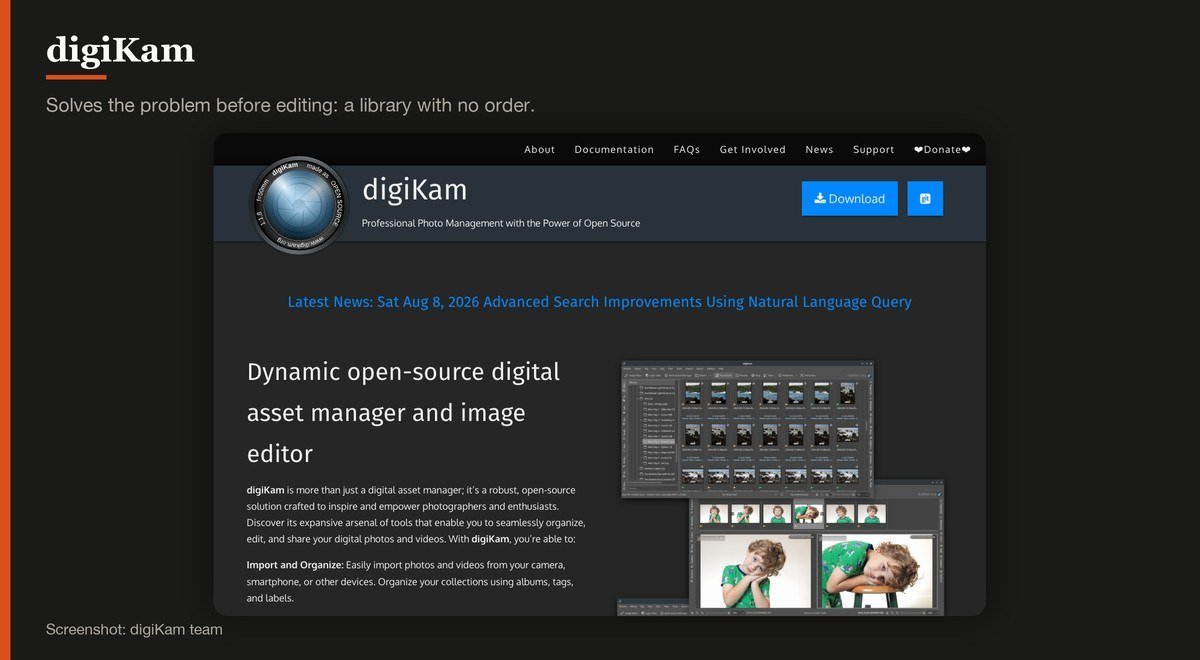
Platforms: Windows 10 or later, macOS, Linux · Latest version: 9.1.0 · Updated: 2026 release · Free tier: Free and open source
digiKam solves the problem that comes before editing: forty thousand photographs with no order. It catalogues, tags, recognises faces and reads RAW formats, then hands files to an editor or develops them itself.
Nobody should install digiKam to retouch a single image. Install it when the library has outgrown folders, which is usually several years before anyone admits it.
10. Snapseed: Editing on a phone
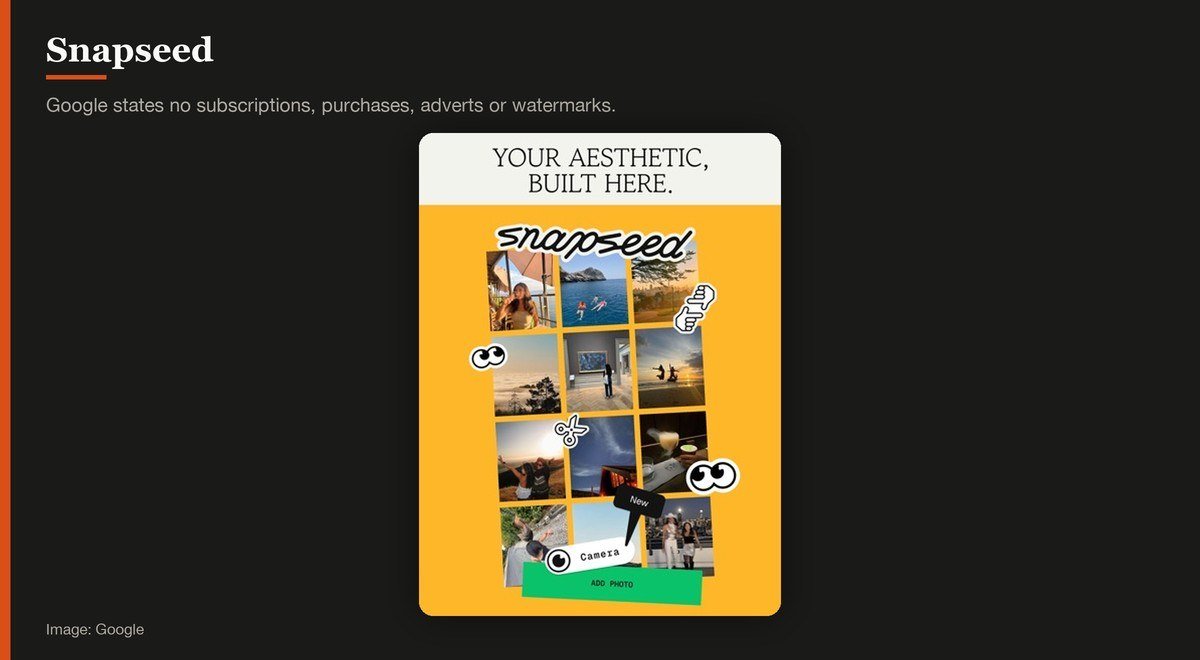
Platforms: iOS, iPadOS, Android · Latest version: 4.1.7 · Updated: October 2026 · Free tier: Free with no purchases, adverts or watermarks
Snapseed is the phone editor to install before any other, and Google’s App Store listing is unusually clean about the terms: no subscriptions, purchases, adverts or watermarks. Its selective tool and healing brush do work that used to need a desktop.
It does not do layers and it will not develop a RAW shoot, though it reads RAW files. For fixing one photograph well, on the device the photograph is already on, nothing free beats it.
What the Free Tiers Actually Cost You
Seven of the ten are open source or outright free with no tier above them. The limits worth knowing sit with the other three.
- Adverts. Photopea shows them on the free tier, occupying a stated share of the window.
- Unstated caps. Pixlr lists ad-free use and unlimited saves as paid features without publishing what the free limit is, so treat it as unknown rather than unlimited.
- Account-gated extras. Affinity is free, but its AI tools unlock only on a Canva premium plan.
None of the open source editors here withholds a feature, shows an advert or adds a watermark, because none of them has a paid version to protect. That is the structural reason GIMP has outlasted every freemium rival.
Photo software has largely abandoned the watermark. It survives next door, where several free video editors still mark an export unless you pay, so do not assume the terms carry across from one to the other.
Which One Runs on Your Machine
Platform support eliminates options faster than features do. Paint.NET is Windows only. Apple Photos is Apple only. The darktable build for macOS runs on Apple silicon, and digiKam asks for Windows 10 or later.
Photopea and Pixlr run in a browser tab, which makes them the only choice on a locked work machine, and the only ones that need a connection to open anything at all.
RAW work is the one case where hardware matters. Developing several hundred negatives leans on the processor and the disk, so a machine with a fast NVMe drive finishes an export queue in a fraction of the time an old laptop takes.
What Decided the Order
Four things: how much the editor does without payment, whether the developer shipped a build during 2026, how plainly the free tier’s limits are published, and how quickly a newcomer gets a usable result.
Luminance HDR was cut on the second test, its last release being from July 2019. Canva’s own editor was left out because its free plan turns on which assets a project uses rather than on an export limit, which makes it a design tool with photo features rather than a photo editor.
Image quality was not scored. These tools apply the same mathematics to the same pixels, and the difference between a GIMP export and an Affinity one is the person driving, not the software.
Generative tools sit outside this list on purpose. Making a picture from a prompt is a different job from editing one, and the AI image generators that do it belong in their own comparison.
How to Choose a Free Photo Editor
Start with Affinity. It is free for individuals now, it covers photo editing, vector work and layout in one application, and it is better built than anything else on this list. If it runs on your machine, the search can stop there.
Choose GIMP instead if you want software nobody can withdraw, since no company controls it and no licence can be changed under you. Choose Paint.NET if GIMP feels heavy and you are on Windows.
If the files come off a camera rather than a phone, install darktable or RawTherapee as well. A layer editor opening a RAW file is doing the wrong job, and both of these are free replacements for software that costs a monthly fee.
For a phone, install Snapseed and stop. Google’s listing promises no subscriptions, purchases, adverts or watermarks, which is a shorter terms list than any of its rivals can offer.
Frequently Asked Questions
Is Affinity really free now?
Yes, for individuals. Affinity’s own site states it plainly, and the download covers Windows, macOS and iPad. The exception is the AI tooling, which needs a Canva premium plan, so the editing itself is free and the generative extras are not.
What is the best free alternative to Photoshop?
Affinity for a built product with no subscription, GIMP for an open source one, or Photopea if you need to open a PSD in a browser without installing anything. All three handle layers, masks and text, which is what the question usually means.
Which free photo editor handles RAW files?
darktable and RawTherapee are purpose-built for it, both free and open source, and both work non-destructively on a database of negatives rather than on the files in place. digiKam reads RAW too and adds cataloguing on top.
Do free photo editors add a watermark?
None on this list adds one to the image. Photopea shows adverts in the interface instead, and Pixlr does not publish its free-tier limits. The open source editors have no paid version and so nothing to withhold.
Related Articles

Get the Fox Bulletin briefing
The stories that matter, in your inbox. No spam, unsubscribe anytime.
Newsletter signup will be available soon.
Related stories
Free Cloud Storage: How Much You Really Get
Ten free cloud storage tiers compared on allowance, encryption and the limit each provider does not advertise, from 20 GB down to 5 GB.
Best Webcams: 7 Picks for Calls and Streaming
Seven webcams compared on resolution, field of view and microphones, from the office default to a dual-camera 4K body with an 11x hybrid zoom.
Free Screen Recorders: 10 Picks and Their Limits
Ten free screen recorders ranked, with the length cap, resolution ceiling and system audio support of each one stated plainly.