
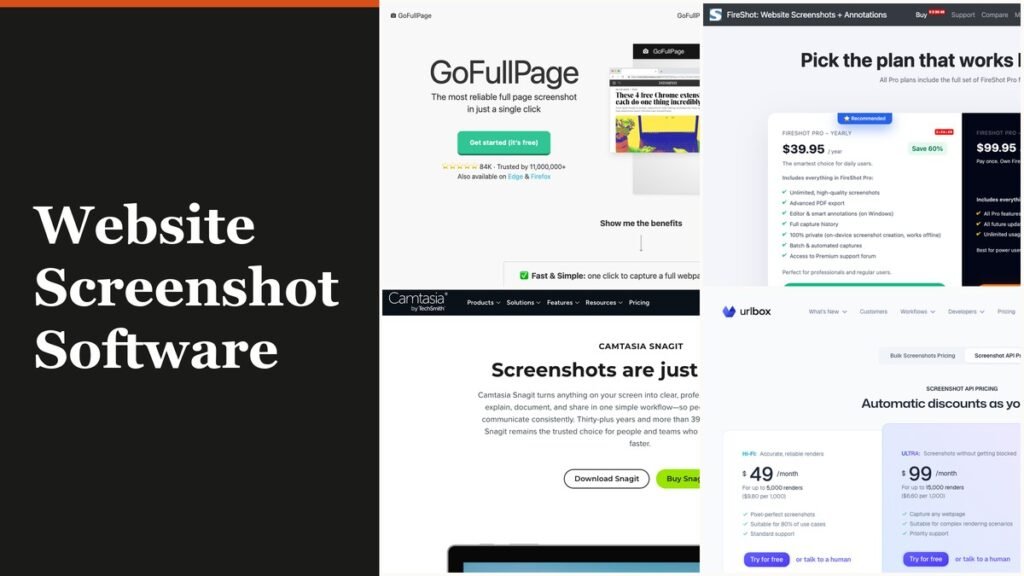
Website screenshot software saves a whole web page as an image or PDF, and the best place to start costs nothing: Chrome DevTools and Firefox both capture a full page with no download. For one-click capture, GoFullPage and FireShot lead the browser extensions, Snagit is the desktop pick for documentation, and Playwright plus hosted APIs such as ScreenshotAPI.net, ScreenshotOne and Urlbox take over when code has to capture hundreds of pages.
These ten tools split into four types, and the type decides more than the brand does. A built-in is free but manual, an extension adds stitching and editing for anything from $0 to a $99.95 lifetime licence, and a hosted API bills per capture so a script can work through a list of URLs while you sleep.
Four Kinds of Website Screenshot Software
Website screenshot software comes in four forms: capture tools built into Chrome and Firefox, browser extensions, desktop apps such as Snagit, and code, meaning open-source libraries or hosted APIs. The deciding question is volume. A few pages a day suit a built-in or an extension, while a scheduled list of URLs needs a library or an API.
- Built into the browser: Chrome DevTools and Firefox Screenshots. Free, manual, saved straight to your Downloads folder.
- Browser extensions: GoFullPage, FireShot and Awesome Screenshot. One click, with editing, PDF and cloud sharing on paid tiers.
- Desktop app: Snagit for Windows 10 and 11 or macOS 14 and later, which captures any scrolling window, not only a browser tab.
- Code: Playwright, where you run the browser yourself, and ScreenshotAPI.net, ScreenshotOne and Urlbox, which run it for you and bill per capture.
If you only need what is on screen right now rather than the full scrolling page, the keyboard shortcuts in our guides to taking a screenshot on Windows and capturing the screen on a Mac are quicker than any tool below.
Website Screenshot Software Side by Side: Price, Free Tier and Type
| # | Tool | Best for | Starting price | Free plan or trial | Type and platform |
|---|---|---|---|---|---|
| 1 | Chrome DevTools | Full-page and element shots with no install | Free | Built in | Built into Chrome desktop |
| 2 | Firefox Screenshots | Quick full-page saves in Firefox | Free | Built in | Built into Firefox desktop |
| 3 | GoFullPage | One-click full pages | Free; Premium $1/mo | Unlimited free captures; 1-week Premium trial | Chrome extension, also Edge and Firefox |
| 4 | FireShot | Searchable PDFs and batch URL capture | Free; Pro $39.95/yr | Free extension; 7-day money-back on Pro | Browser extension |
| 5 | Awesome Screenshot | Capture plus recording and sharing | $5/mo billed annually | Free plan, 100 cloud screenshots | Chrome extension |
| 6 | Snagit | Documentation, redaction, step guides | Yearly subscription per user | Free trial, no card | Desktop app, Windows and macOS |
| 7 | Playwright | Scripted captures you host | Free | Open source | Library for Node.js, Python, Java, .NET |
| 8 | ScreenshotAPI.net | Cheapest API entry with every feature | $15/mo for 2,000 | 100 credits a month | Hosted API |
| 9 | ScreenshotOne | API captures with cookie banners removed | $17/mo for 2,000 | 100 screenshots a month | Hosted API |
| 10 | Urlbox | High-fidelity renders at scale | $49/mo Hi-Fi for 5,000 | 7-day trial, no card | Hosted API |
Each Tool, From Built-In Capture to Hosted API
1. Chrome DevTools: Free Full-Page Capture Already on Your Desktop
Price: free | Type: built into Chrome on Windows, Mac and Linux | Saves as: PNG download
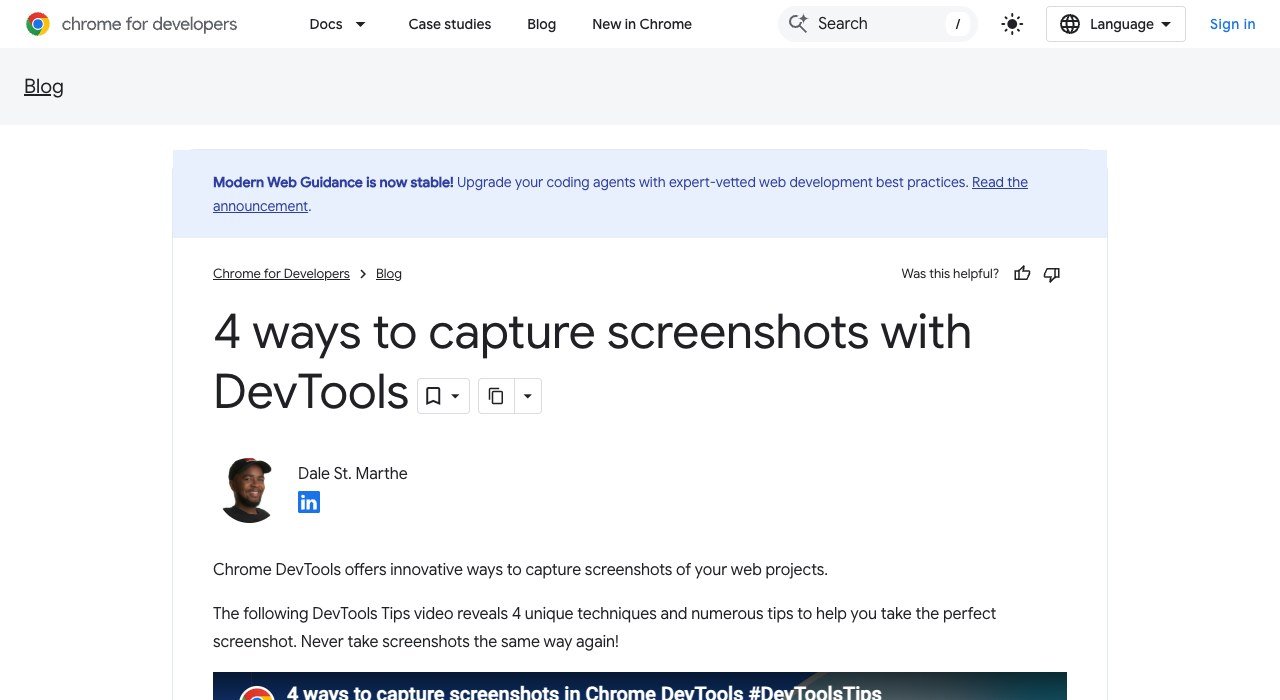
Chrome hides four capture modes inside its developer tools. Switch on Device Mode and the More options menu offers Capture a full size screenshot, which renders the entire page as one PNG instead of scrolling and stitching. Capture screenshot grabs only the viewport, and Capture node screenshot saves one element picked in the Elements panel.
The quickest route is the Command Menu: press Cmd+Shift+P on a Mac or Ctrl+Shift+P on Windows, type screenshot and choose a mode, as Chrome’s Command Menu reference shows. Area capture behaves like a snipping tool but fails when DevTools is undocked. Every shot is manual and one page at a time, and mobile Chrome has no DevTools at all.
2. Firefox Screenshots: Full Page or Visible Area From One Shortcut
Price: free | Type: built into Firefox desktop | Shortcut: Ctrl+Shift+S, or Cmd+Shift+S on a Mac
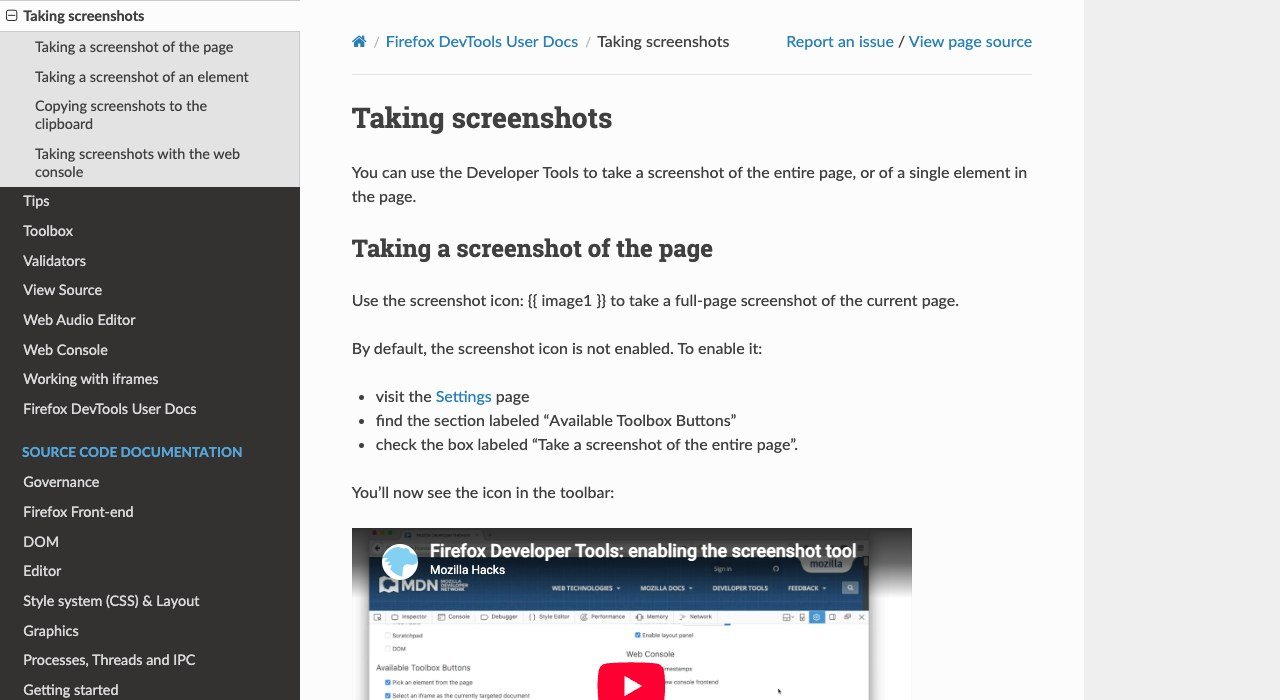
Firefox ships its own capture tool, so no add-on is needed. The shortcut, or Take Screenshot on the right-click menu, offers Save full page or Save visible, and the full-page option runs from the header down to the footer in a single image.
The developer tools add finer control. Tick Take a screenshot of the entire page under Available Toolbox Buttons in Settings to get a one-click toolbar icon, or right-click an element in the Inspector and pick Screenshot Node. Typing :screenshot in the Web Console accepts a delay, a device pixel ratio and a file name, and a Screenshot to clipboard setting copies every capture as it saves.
3. GoFullPage: One Click and No Extra Permissions
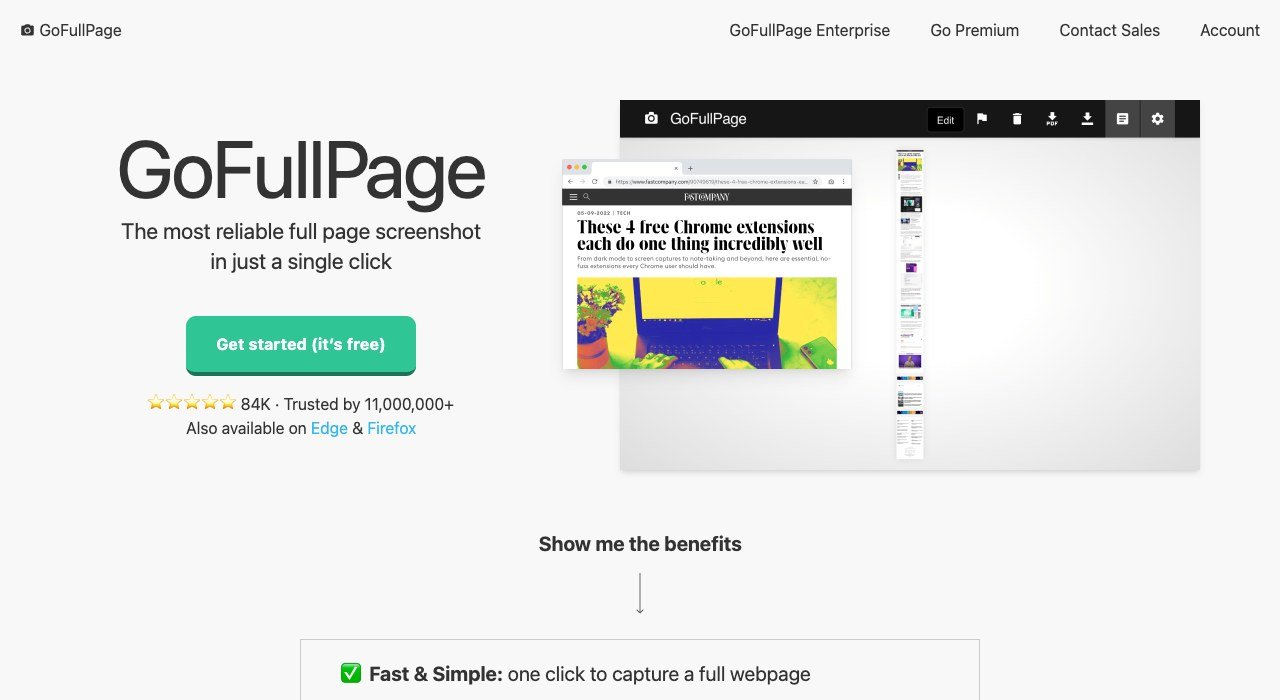
Price: free; Premium $1 a month | Users: 11,000,000, rated 4.9 from 84.9K reviews in the Chrome Web Store | Shortcut: Alt+Shift+P
GoFullPage does a single job well. Click the icon or press Alt+Shift+P and it scrolls the page, captures each section and joins them into one image, inner scrolling panels and iframes included. It asks for no extra permissions, exports PNG, JPEG or PDF at standard paper sizes, and the free tier puts no cap on screenshots.
Premium costs $1 a month after a free one-week trial and adds cropping, a URL and date stamp, smart PDF page splitting, blur, text and highlight annotations, and priority support. A page too tall for Chrome to hold as one image is split into several images in separate tabs. An independent developer maintains it on an open-source base, version 8.11 arrived on November 6, 2026, and builds exist for Edge and Firefox too.
4. FireShot: Searchable PDFs and Batch Capture
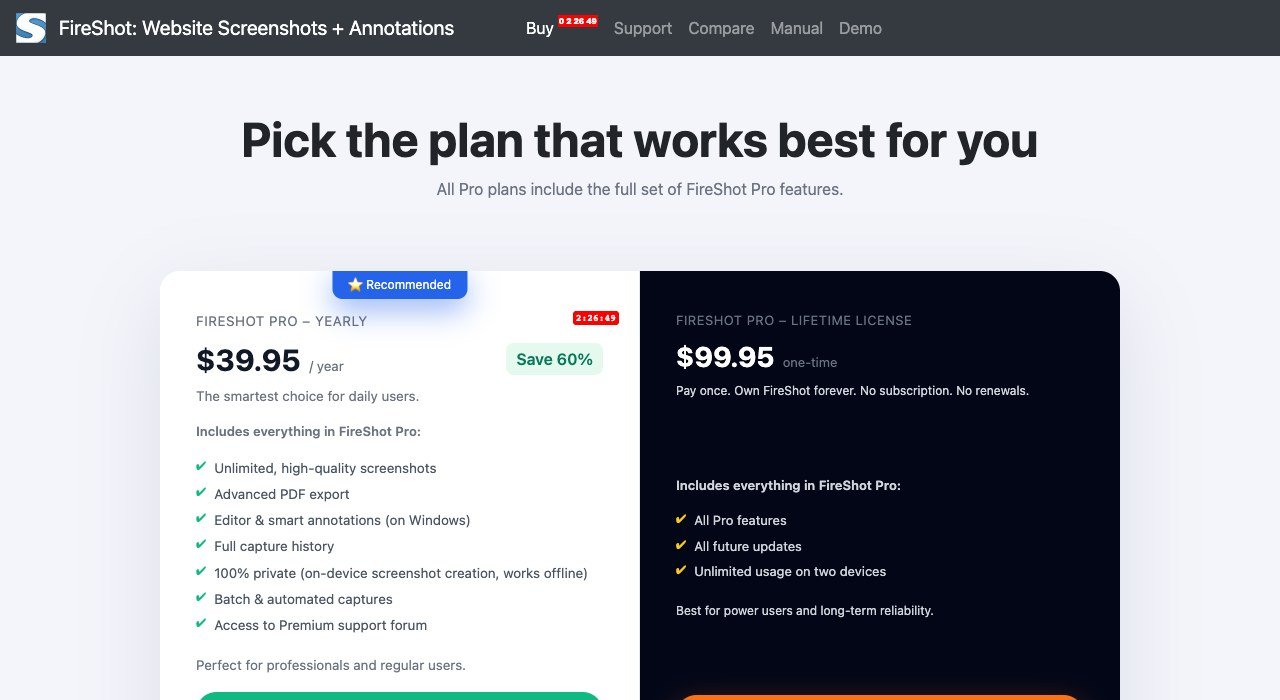
Price: free; Pro $39.95 a year or $99.95 lifetime | Users: over 6,000,000 | Saves as: PDF, PNG or JPEG
FireShot captures the whole page, the visible part or a selection, and even the free version saves PDF as well as PNG and JPEG. Those PDFs keep working links and searchable text, which makes it the stronger choice for archiving articles, invoices or terms pages. Captures are processed on your own machine, and it can grab every open tab at once.
Pro adds batch and automated capture, full capture history, advanced PDF export and a premium support forum; its editor and smart annotations run on Windows only. The yearly plan works out to $3.33 a month, the lifetime licence covers two devices, and purchases carry a 7-day money-back guarantee. The Chrome listing shows 4.9 stars from 53.1K ratings.
5. Awesome Screenshot: Capture, Record and Share
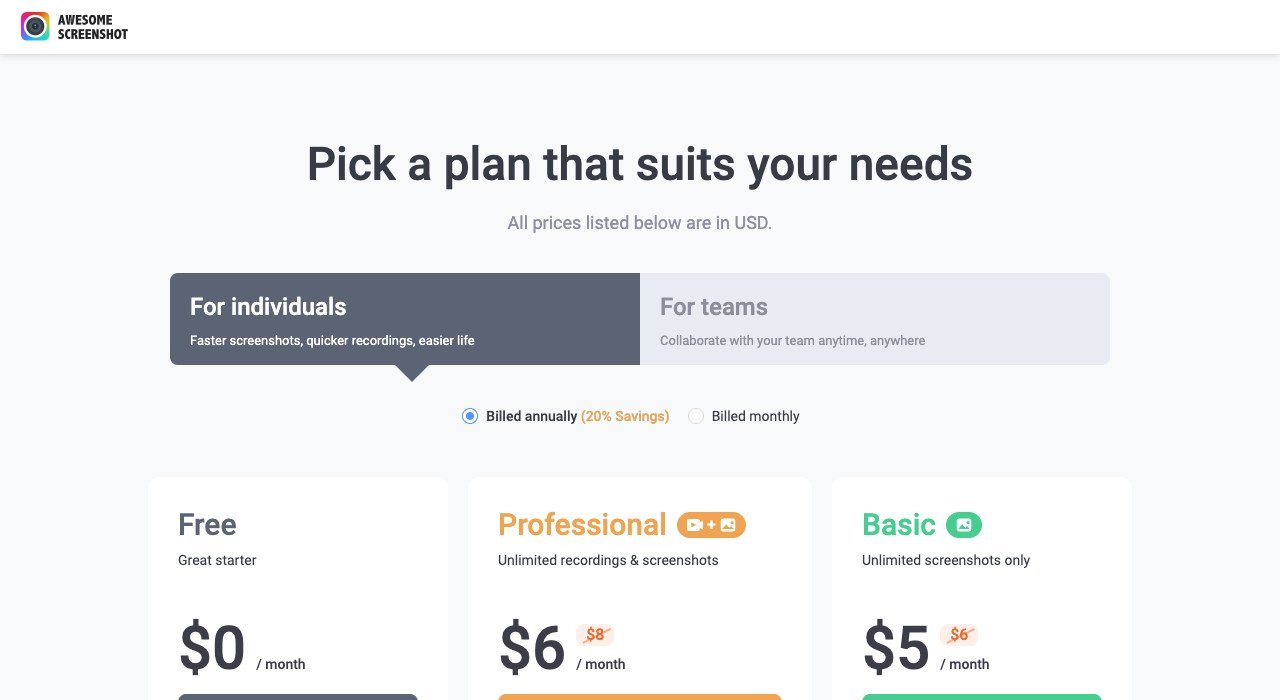
Price: free; Basic $5 a month billed annually | Free plan: 100 cloud screenshots, unlimited local saves | Users: 4,000,000
Awesome Screenshot pairs a screenshot tool with a screen recorder, built around annotation and cloud links you can send to a colleague. The free plan keeps up to 100 screenshots in the cloud, saves any number to your computer, and records up to 20 videos of up to 6 hours each at 720p.
Basic ($6 month to month) removes the screenshot cap but keeps 20 recordings at 720p. Professional, $6 a month billed annually or $8 monthly, makes recordings unlimited and adds 4K. It fits support and product teams who mark up captures for others; it has no scheduled or URL-list capture. The extension holds 4.7 stars from 29.6K ratings.
6. Snagit: Desktop Capture for Documentation Teams
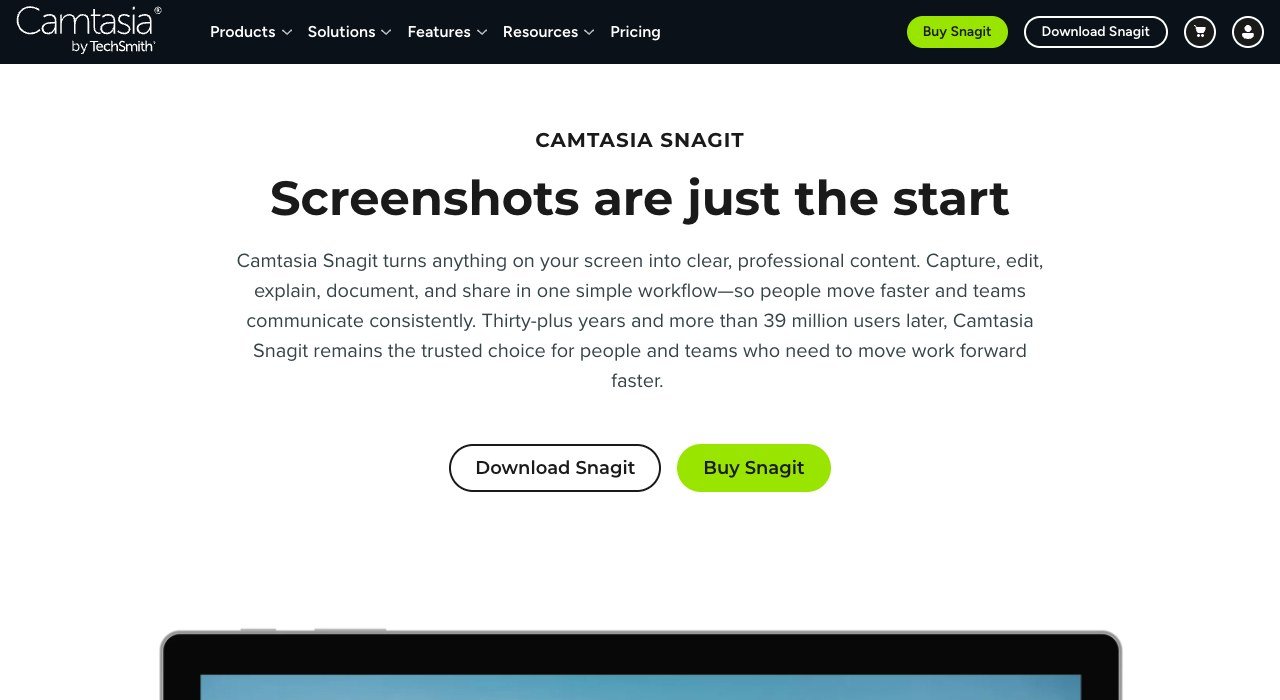
Price: yearly subscription, billed per user | Platforms: Windows 10 and 11, macOS 14 or later | Trial: free, no credit card
Snagit from TechSmith works across the whole desktop, not just the browser. Scrolling Capture turns a long window or webpage into a single image, Step Capture records a process as a sequence of screenshots, and Smart Redact hides private details before you share. TechSmith counts more than 39 million users across thirty-plus years.
It is a subscription billed per user each year, not a one-time purchase, and every Camtasia plan includes it. The trial asks you to create a TechSmith Account after the download, and paid licences come with a 14-day money-back guarantee. It cannot capture a URL list on a schedule, so it suits people writing guides rather than teams watching sites.
7. Playwright: Free Full-Page Captures by Script
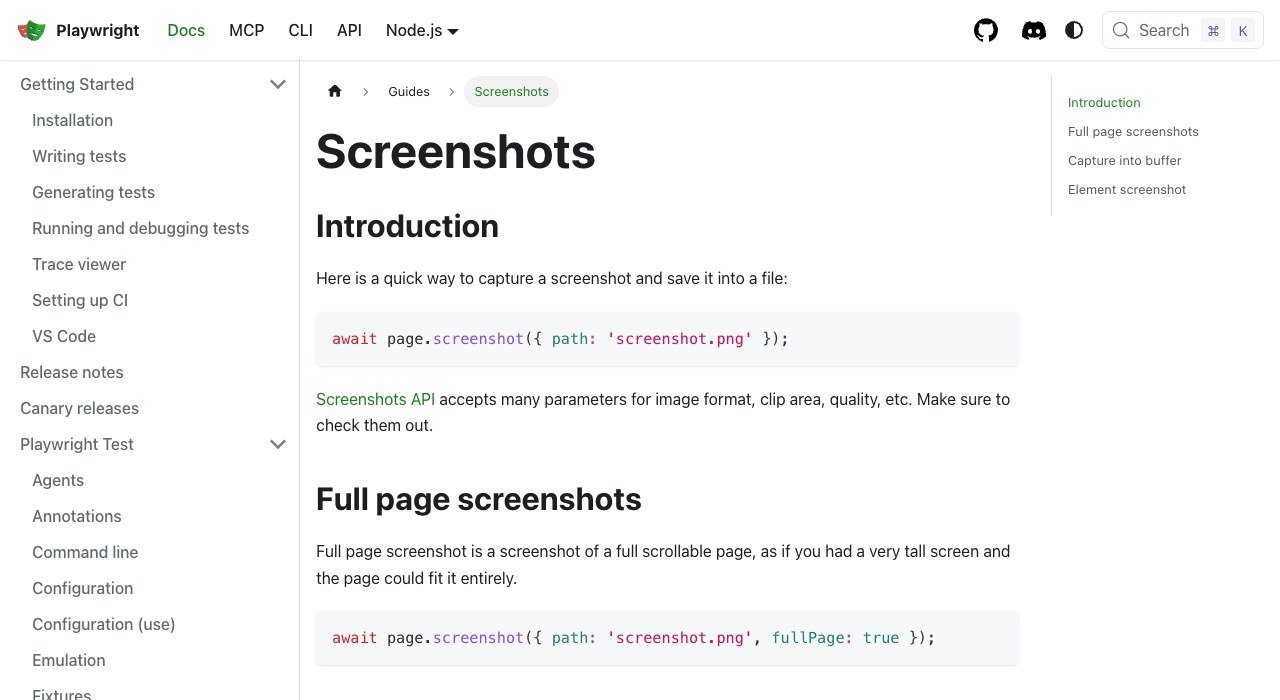
Price: free, open source from Microsoft | Languages: Node.js, Python, Java, .NET | Output: file or in-memory buffer
Playwright drives real browsers from code, and one line saves a full page: page.screenshot({ path: 'screenshot.png', fullPage: true }). A locator such as page.locator('.header').screenshot() captures a single element, and the call also takes a format, a clip area and a JPEG quality. Running npx playwright install fetches the browsers it drives, WebKit included.
The library is free, but the upkeep is yours: hosting browsers, rotating proxies, dismissing cookie banners and storing files are exactly the chores the APIs below charge for. Playwright’s screenshot guide covers element, full-page and buffer captures with examples.
8. ScreenshotAPI.net: The Lowest API Entry Price
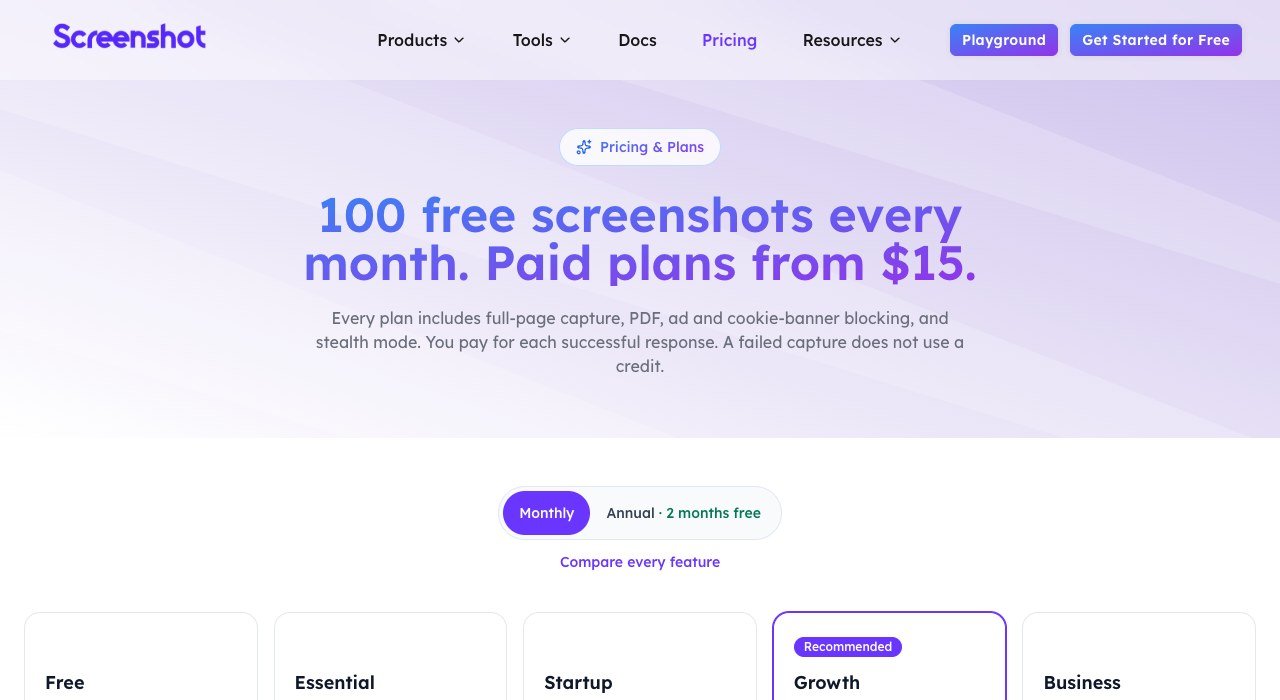
Price: $15 a month for 2,000 credits | Free tier: 100 credits a month, no card | Engine: real Chromium browser
ScreenshotAPI.net turns a URL into an image, PDF or scrolling video in one request. Every plan, the free one included, covers full-page, viewport and element capture, PNG, JPG and WebP, URL and HTML to PDF, 4K and 5K retina, caching, and blocking of ads, cookie banners and chat widgets.
Essential at $15 equals $7.50 per 1,000 captures, but neither it nor the free tier allows overage, so steady growth means Startup at $39 for 10,000. One credit covers a standard screenshot; premium proxies add 4 credits, the CAPTCHA solver 3 and GPU rendering 2, and failed captures cost nothing.
9. ScreenshotOne: Clean Captures With Cookie Banners Stripped
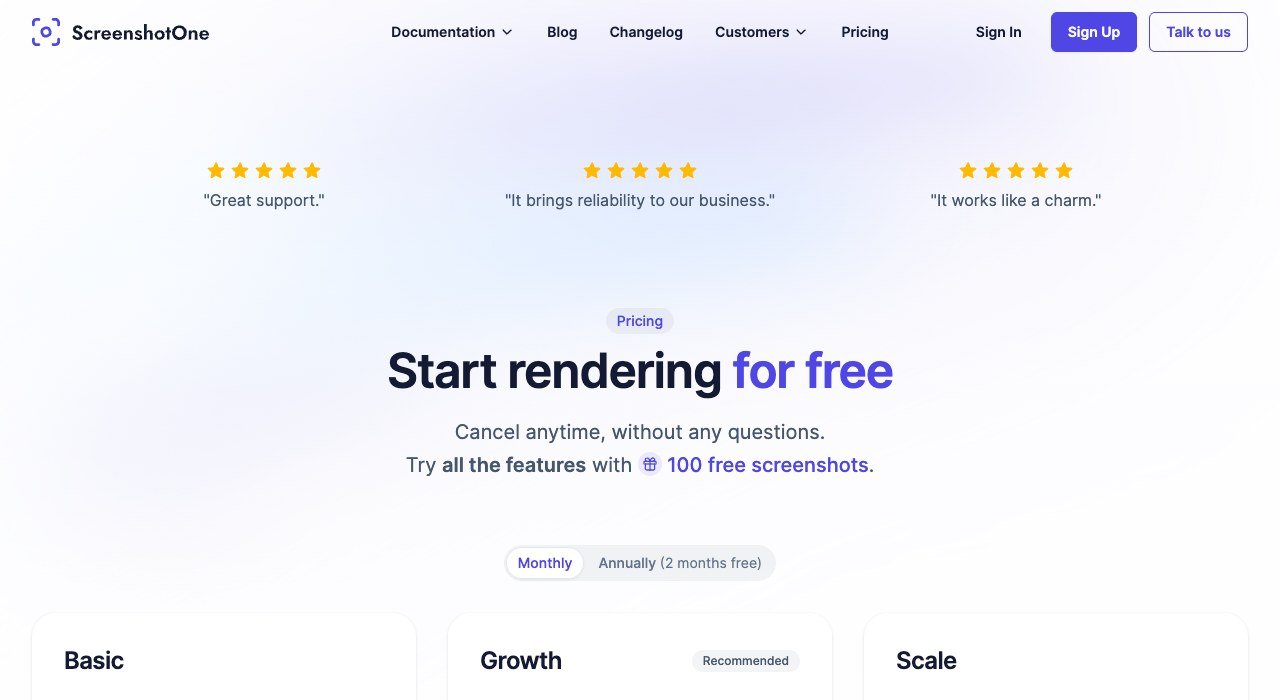
Price: $17 a month for 2,000 screenshots | Free tier: 100 a month, no card | Speed limit: 40 requests a minute
ScreenshotOne focuses on a clean result. A database of 50,000+ rules and heuristics removes cookie banners, and the same blocking strips ads, social widgets and support chats. All plans include PDF and HTML rendering, full-page capture, caching, S3 upload, webhooks, signed links and an MCP server for AI agents.
Basic comes to $0.0085 per capture with extras at $0.009. Growth at $79 adds IP location, scrolling screenshots and video, and Scale at $259 adds GPU rendering. Only successful, uncached requests count, prices exclude VAT, and 3,700+ active developers use it.
10. Urlbox: Enterprise Rendering With Multipliers to Watch
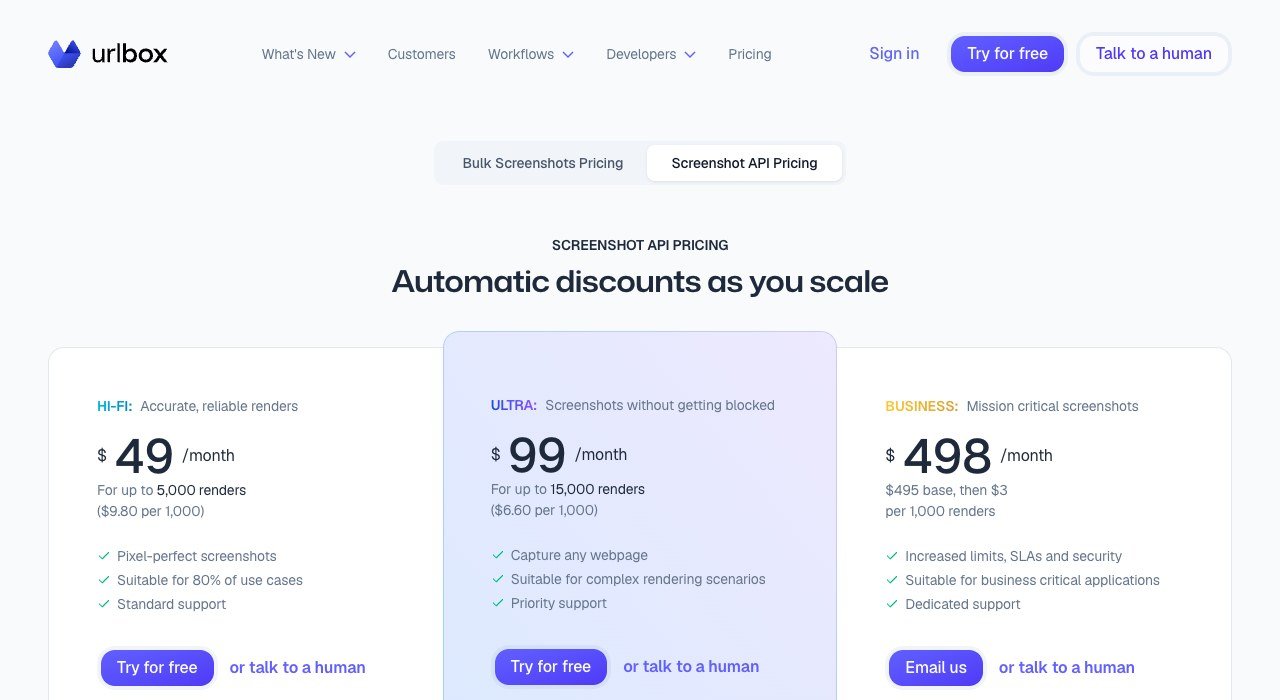
Price: $49 a month for 5,000 renders on Hi-Fi | Trial: 7 days, no card | Scale: 800M+ screenshots for over 1,700 customers
Urlbox sells fidelity: full page, element shots, PDF, HTML to image, 4K and 5K retina, ad and cookie blocking, and S3-compatible storage. Its $19 Lo-Fi plan covers 2,000 renders but only for thumbnails or sites you own, so most buyers begin at Hi-Fi.
Usage is counted in renders, not requests. A capture adds a render for every 30 seconds of request time and every 5 MB of file, GPU doubles the count, and proxies multiply it by 2 to 50. Failed renders are free, there is no free plan, and the $100 10K Guarantee refunds up to $100 across your first 10,000 screenshots.
What Free Website Screenshot Software Leaves Out
Eight of these ten can be used without paying, but each free version stops somewhere different. The limit is rarely the number of captures; it is usually editing, automation or where the files live.
- Chrome DevTools, Firefox and Playwright: no capture limit at all, but the built-ins are manual and Playwright needs you to run the browsers.
- GoFullPage: unlimited free captures; cropping, stamps and annotation are the $1 Premium extras.
- FireShot: free PDF, PNG and JPEG capture; batch runs and the Windows editor are Pro features.
- Awesome Screenshot: 100 screenshots in the cloud, unlimited saved locally.
- ScreenshotAPI.net and ScreenshotOne: 100 API captures a month each, no card; Urlbox offers only a 7-day trial.
Subscription or Lifetime Licence: Cost Over Three Years
Paid capture tools bill in three different ways, and the cheapest one depends on how long you keep it. FireShot is the clearest case. Pro costs $39.95 a year, so two years come to $79.90 and three years to $119.85, while the lifetime licence is $99.95 once. Anyone planning to keep it past the second year saves money by paying up front.
Awesome Screenshot rewards annual billing instead. Basic at $5 a month billed annually is $60 a year against $72 when paid monthly at $6, and Professional is $72 a year against $96. GoFullPage Premium at $1 a month comes to $12 over twelve months. Snagit is the outlier: a per-user subscription renewed every year, also bundled into Camtasia plans, so a team of five pays five seats.
How Full-Page Capture Works Behind the Button
Two techniques sit behind every full-page screenshot. Extensions such as GoFullPage and FireShot scroll the page and stitch the slices together, which is why a very tall page can come back as several images. Chrome DevTools, Firefox, Playwright and every hosted API render the page at full height instead, so there are no seams.
Rendering on a server brings one more advantage: the page can be cleaned before capture. ScreenshotAPI.net, ScreenshotOne and Urlbox all block ads and cookie banners on request, and ScreenshotAPI.net has a lazy-load option that loads images further down before the shot. Snagit takes a third path, scrolling any desktop window, which is how it captures apps as well as web pages.
How to Choose Website Screenshot Software
- Capturing a page now and then: use Chrome DevTools or Firefox Screenshots before installing anything.
- Several full pages a day in Chrome: GoFullPage, free with no cap.
- Archiving pages as searchable PDFs: FireShot, with Pro for batch URL lists.
- Sending marked-up captures to a team: Awesome Screenshot, or Snagit for redaction and step guides.
- Hundreds of pages from a script you control: Playwright.
- Thousands of clean captures without running browsers: ScreenshotAPI.net or ScreenshotOne, with Urlbox when render accuracy matters more than cost.
If a capture has to land in a shared drive or a ticket automatically, the API tools above plug into Zapier and Make, both covered in our guide to workflow automation software.
Frequently Asked Questions
Can Chrome take a full-page screenshot without an extension?
Yes. Open DevTools, turn on Device Mode and choose Capture a full size screenshot from the More options menu, or open the Command Menu with Ctrl+Shift+P and type screenshot. The page downloads as a single PNG.
Is Snagit a one-time purchase?
No. Snagit Individual is a subscription billed per user every year, and it is also included in every Camtasia plan. A free trial needs no credit card, and paid plans carry a 14-day money-back guarantee.
What is the best free website screenshot software?
For Chrome users, GoFullPage: unlimited free captures, PNG, JPEG or PDF export, and 11 million users. Firefox users already have a built-in tool on Ctrl+Shift+S. Developers can script unlimited captures with Playwright at no cost.
Can I save a web page as a searchable PDF instead of an image?
FireShot’s free version saves PDFs that keep links and searchable text. GoFullPage exports PDF at paper sizes, and ScreenshotAPI.net, ScreenshotOne and Urlbox all return PDF from an API call.
Related Articles

Get the Fox Bulletin briefing
The stories that matter, in your inbox. No spam, unsubscribe anytime.
Newsletter signup will be available soon.
Related stories

How to Add Your Business to ChatGPT Business Hub
Add your business to ChatGPT through Business Hub: find or create the listing, verify by phone, email, DNS or Shopify, pass Persona and fill in your profile.

WhatsApp Marketing Software: 10 Tools by Broadcast Plan
WhatsApp marketing software ranked by the plan that adds broadcasts: Zoko has them from $49.99, respond.io from $159 and Brevo only at $499 a month.

WhatsApp Business API Providers: 10 Ranked by Markup
WhatsApp Business API providers ranked by what they add to Meta's $0.0034 US utility rate, from $0.001 a message at Plivo to $0.005 at Twilio.