

A free video editor no longer means a watermark across the middle of your export. Ten of them are ranked below, and most place no mark on the finished file at all, because the money in this category moved to cloud storage and AI features years ago.
They range from open source projects with no paid tier at all to the free plans of commercial editors, and they differ most at one moment: export. Versions, platforms and limits below are current for October 25, 2026.
What Free Means in a Video Editor
Two different things get called free, and the difference decides whether the tool can ever be taken away from you.
- Open source. Shotcut, Kdenlive, OpenShot and Blender are released under licences that let anyone use and modify them. There is no tier above them and no account to make.
- A free tier. DaVinci Resolve, Clipchamp, CapCut and VN give away a capable version and sell a larger one. The free tier is real, but its terms are the vendor’s to change.
Neither model is safer by default. An open source project can go quiet, as OpenShot’s rivals have, while a commercial free tier backed by a large company often outlives it. What matters is whether the thing you depend on sits above or below the paywall.
For the long view on how these tools diverged, the history of video editing software explains why the free end of the market is unusually strong.
Free Video Editors Compared: Platforms, Versions and Limits
All ten editors ranked below, with the version current on October 25, 2026.
| # | Editor | Platforms | Latest version | Free tier | Best for |
|---|---|---|---|---|---|
| 1 | DaVinci Resolve | Windows, macOS, Linux | 21.1 | Free edition, no time limit | Colour grading and finishing |
| 2 | Microsoft Clipchamp | Browser, Windows app, iOS | Browser service | Unlimited HD exports, no watermark | The quickest start on Windows |
| 3 | CapCut | Windows, macOS, browser, iOS, Android | Desktop and mobile | Free to download | Social video and templates |
| 4 | Shotcut | Windows, macOS, Linux | 26.9.27 | Free and open source | A no strings open source workhorse |
| 5 | Kdenlive | Linux, Windows, macOS, BSD | 26.08.2 | Free and open source | The closest free feel to a paid NLE |
| 6 | OpenShot | Windows, macOS, Linux, Chrome OS | 4.0.1 | Free and open source | The gentlest open source learning curve |
| 7 | iMovie | macOS, iOS, iPadOS | 3.0.6 | Free on the App Store | Simple projects on Apple hardware |
| 8 | VN Video Editor | iOS, iPadOS, Android, macOS, Windows | 2.23.1 | Free on the App Store | Editing on a phone |
| 9 | VSDC Free Video Editor | Windows | 11.3 | 4K export, no watermark | Squeezing high resolution out of a free Windows app |
| 10 | Blender | Windows, macOS, Linux | 5.2.3 LTS | Free and open source | Editing that needs real VFX |
The 10 Free Video Editors, Ranked
1. DaVinci Resolve: Colour grading and finishing
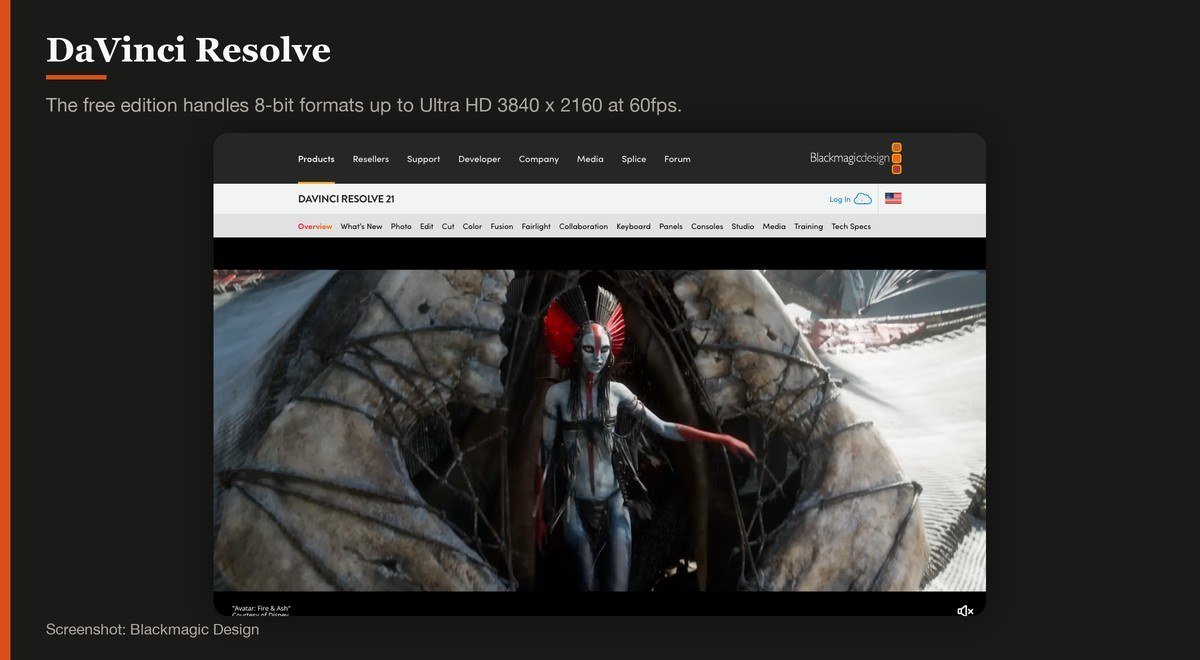
Platforms: Windows, macOS, Linux · Latest version: 21.1 · Updated: September 8, 2026 · Free tier: Free edition, no time limit
Blackmagic gives away the editor Hollywood colourists use, and the free edition is not a trial. It handles virtually all 8-bit formats at up to 60fps in resolutions as high as Ultra HD 3840 x 2160, which is more than almost any YouTube or client job needs.
Editing, colour, Fusion visual effects and Fairlight audio live in one application, so a finished piece never leaves the app. The price is the learning curve: Resolve expects you to understand pages and nodes, and the first week is genuinely harder than anything else on this list.
2. Microsoft Clipchamp: The quickest start on Windows
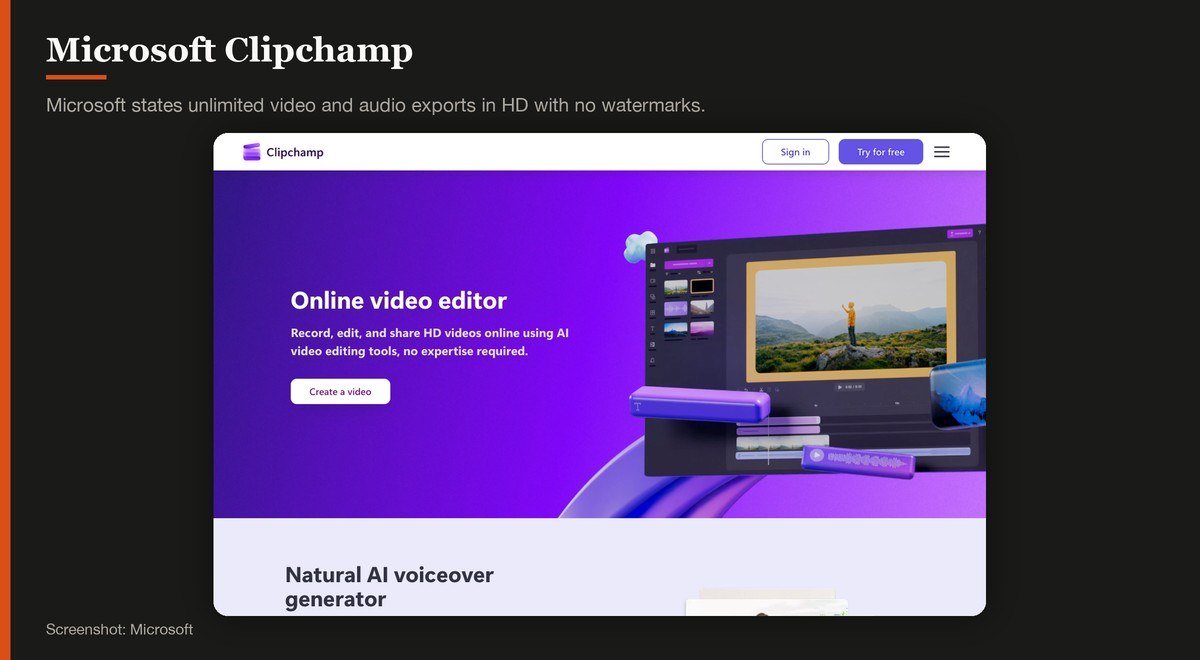
Platforms: Browser, Windows app, iOS · Latest version: Browser service · Updated: Rolling release · Free tier: Unlimited HD exports, no watermark
Clipchamp is the editor Microsoft ships with Windows, and it runs in a browser tab everywhere else. Microsoft states unlimited video and audio exports in HD quality with no watermarks, which settles the question most people ask about a free editor first.
It is deliberately simple: a timeline, stock assets, captions and a template library, with AI captions quoted for more than 80 languages. You need a personal Microsoft account, and the heavier colour and audio work that Resolve does is simply not here.
Microsoft Clipchamp product page
3. CapCut: Social video and templates
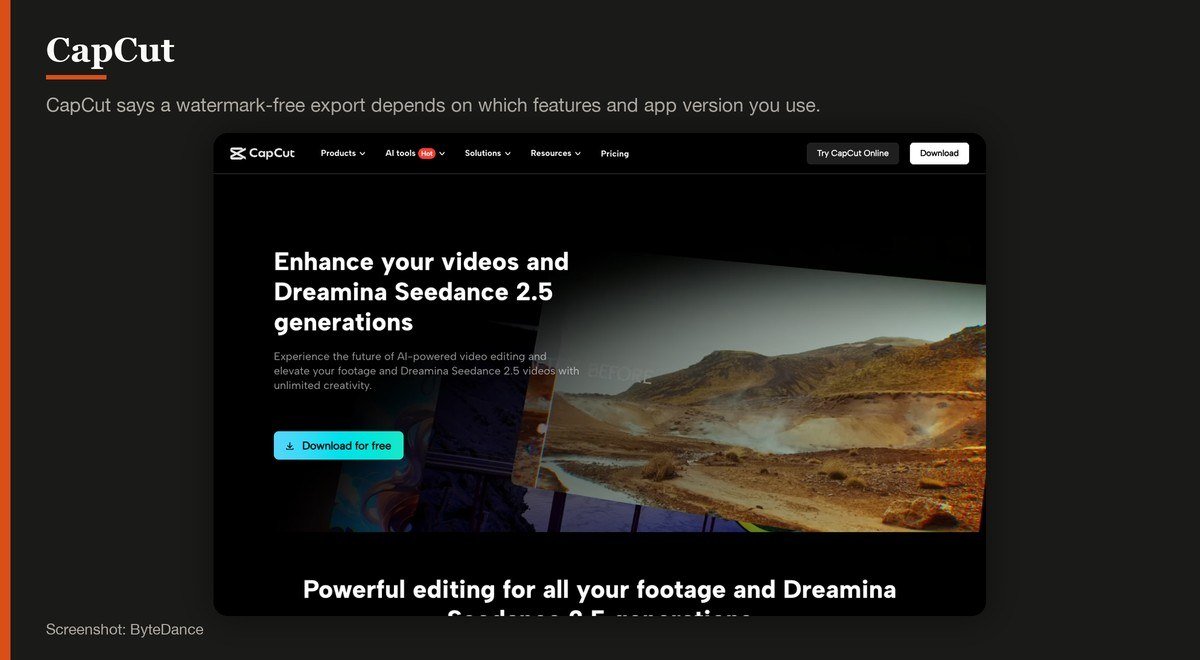
Platforms: Windows, macOS, browser, iOS, Android · Latest version: Desktop and mobile · Updated: Mobile 19.8.1, October 22, 2026 · Free tier: Free to download
CapCut is the editor most short-form video actually gets cut in, and it runs on Windows, macOS, a browser and both phone platforms with projects syncing between them. For vertical social video the template library does in two taps what a timeline takes ten minutes to do.
Read the free tier carefully before committing a project to it. CapCut’s own help page says exporting without a watermark depends on which editing features and app version you use, notes that some templates and assets add one, and explains that an automatic ending clip carrying the CapCut logo can be deleted before you export.
4. Shotcut: A no strings open source workhorse
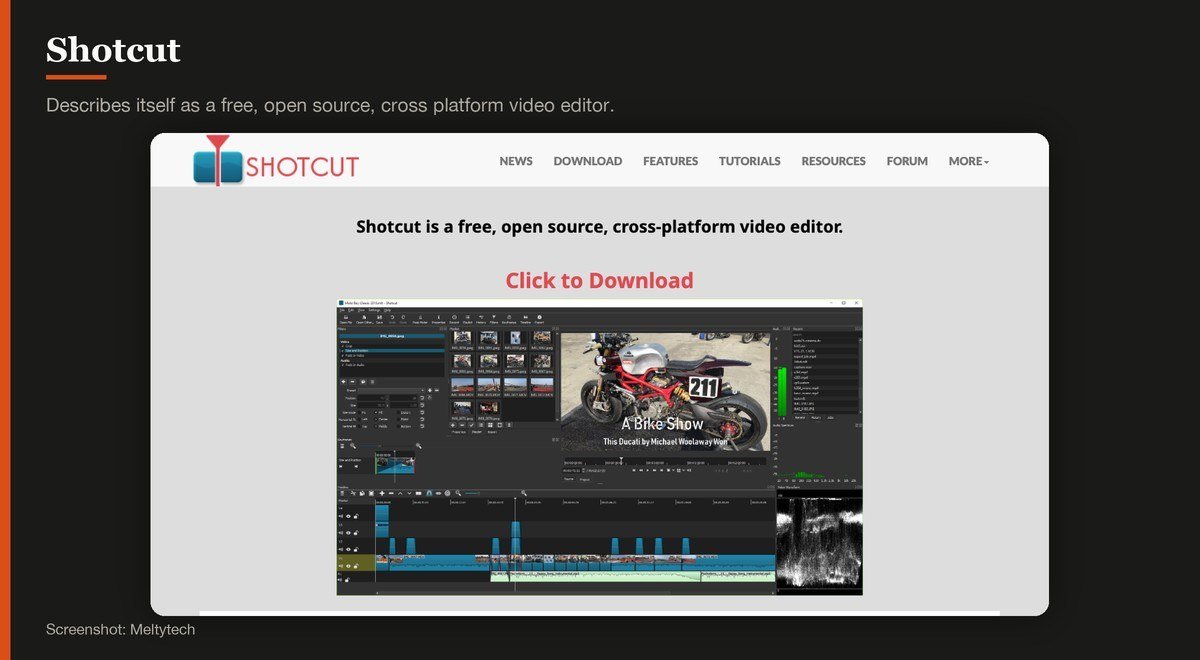
Platforms: Windows, macOS, Linux · Latest version: 26.9.27 · Updated: September 28, 2026 · Free tier: Free and open source
Shotcut describes itself as a free, open source, cross platform video editor, and that sentence is the whole pitch. There is no account, no tier, no asset store and no upsell, on Windows, macOS and Linux alike.
Development is steady rather than flashy, with version 26.9.27 arriving on September 28, 2026. The interface is panel-heavy and dated next to Clipchamp, but it reads a very wide range of formats and never asks for anything in return.
5. Kdenlive: The closest free feel to a paid NLE
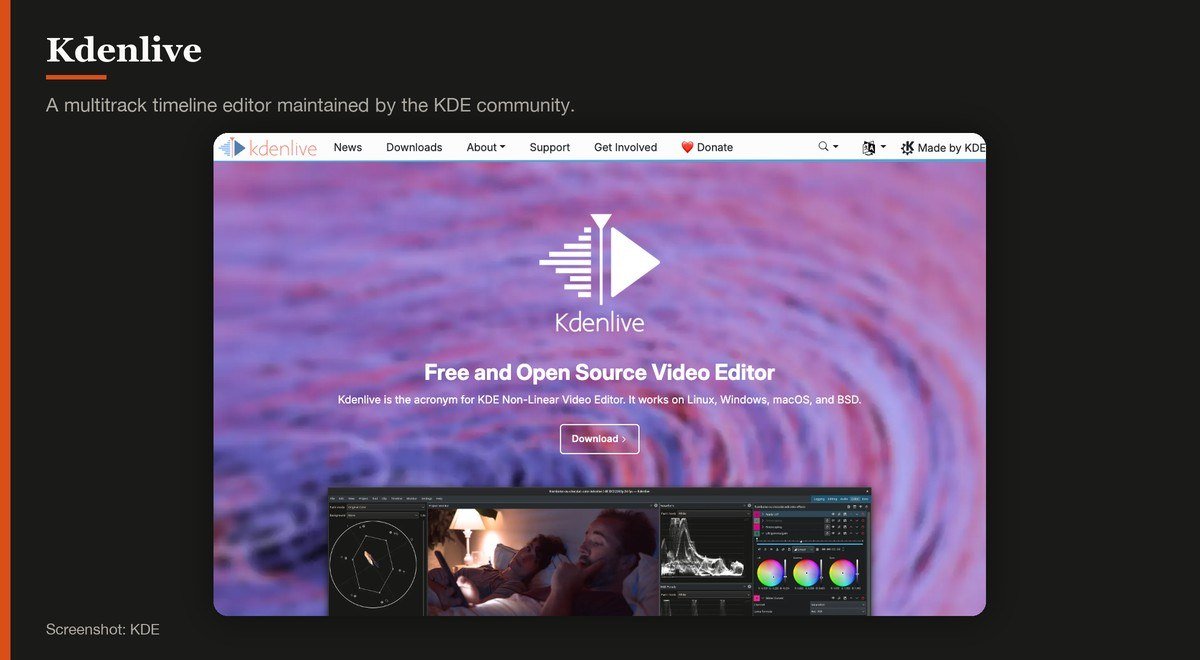
Platforms: Linux, Windows, macOS, BSD · Latest version: 26.08.2 · Updated: October 13, 2026 · Free tier: Free and open source
Kdenlive comes out of the KDE community and is the closest a free editor gets to the feel of a paid non-linear editor: multiple video and audio tracks, proxy editing, keyframes and effects chains, laid out the way a Premiere user expects.
It runs on Linux, Windows, macOS and BSD, and version 26.08.2 landed on October 13, 2026. Being community built, stability varies by platform more than it does with a commercial app, so keep a recent project backup.
6. OpenShot: The gentlest open source learning curve
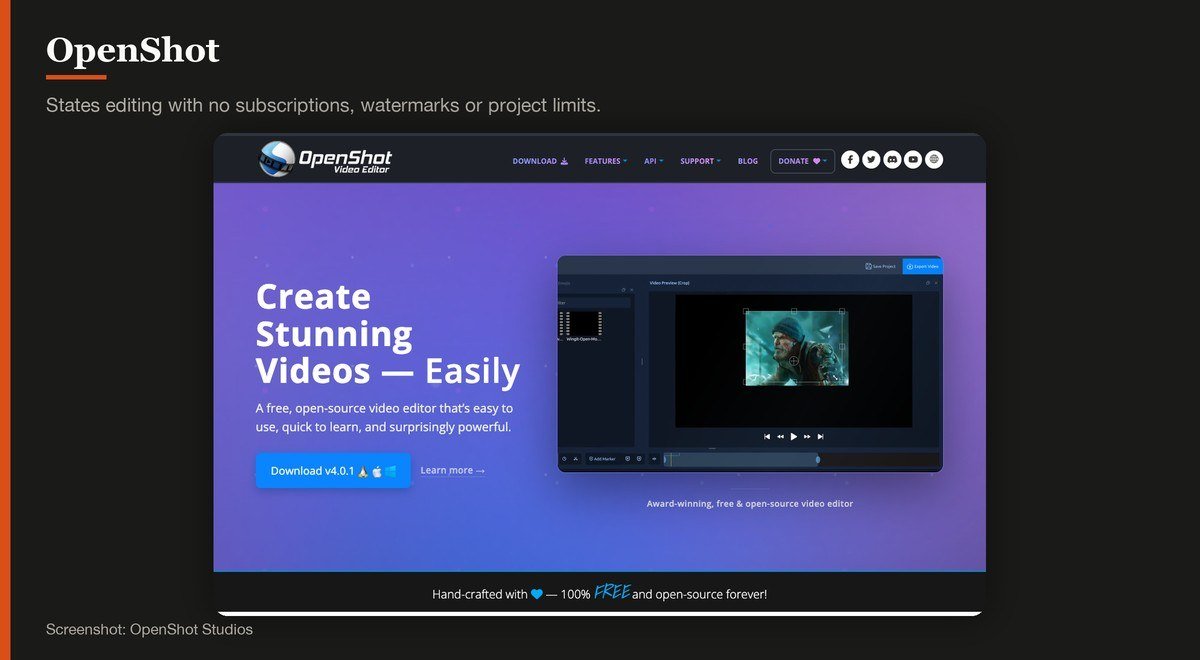
Platforms: Windows, macOS, Linux, Chrome OS · Latest version: 4.0.1 · Updated: September 27, 2026 · Free tier: Free and open source
OpenShot is where to send somebody who has never opened an editor. Drag clips onto a track, drop a transition between them, export. The project states editing with no subscriptions, watermarks or project limits.
Version 4.0.1 arrived on September 27, 2026 with an improved razor tool. It also runs on Chrome OS, which almost nothing else here does. The trade is ceiling: complex multitrack work will outgrow it.
7. iMovie: Simple projects on Apple hardware
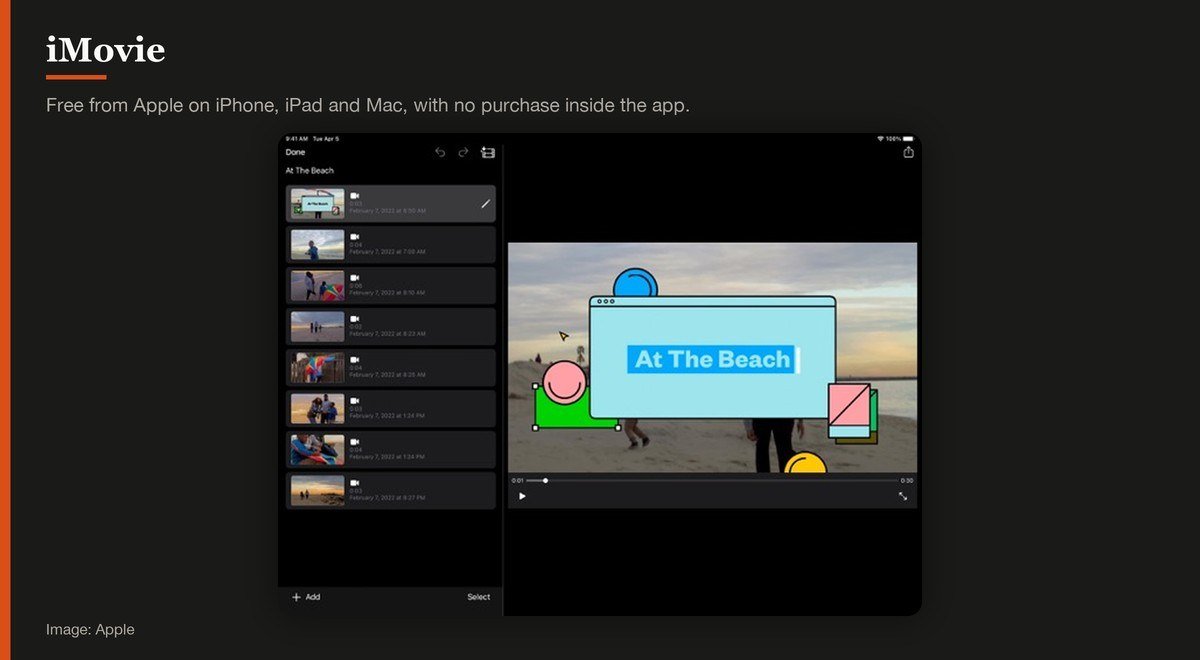
Platforms: macOS, iOS, iPadOS · Latest version: 3.0.6 · Updated: October 22, 2026 · Free tier: Free on the App Store
iMovie is free from Apple on iPhone, iPad and Mac with nothing to buy inside the app, and it is already installed on most of them. For holiday footage, a school project or a quick cut with titles and music, it is the shortest path from clips to a finished file.
Version 3.0.6 shipped on October 22, 2026. The deliberate limits are the point: a small effects set, two video tracks, and no way to grade footage properly. Projects move to Final Cut Pro when you outgrow them.
8. VN Video Editor: Editing on a phone
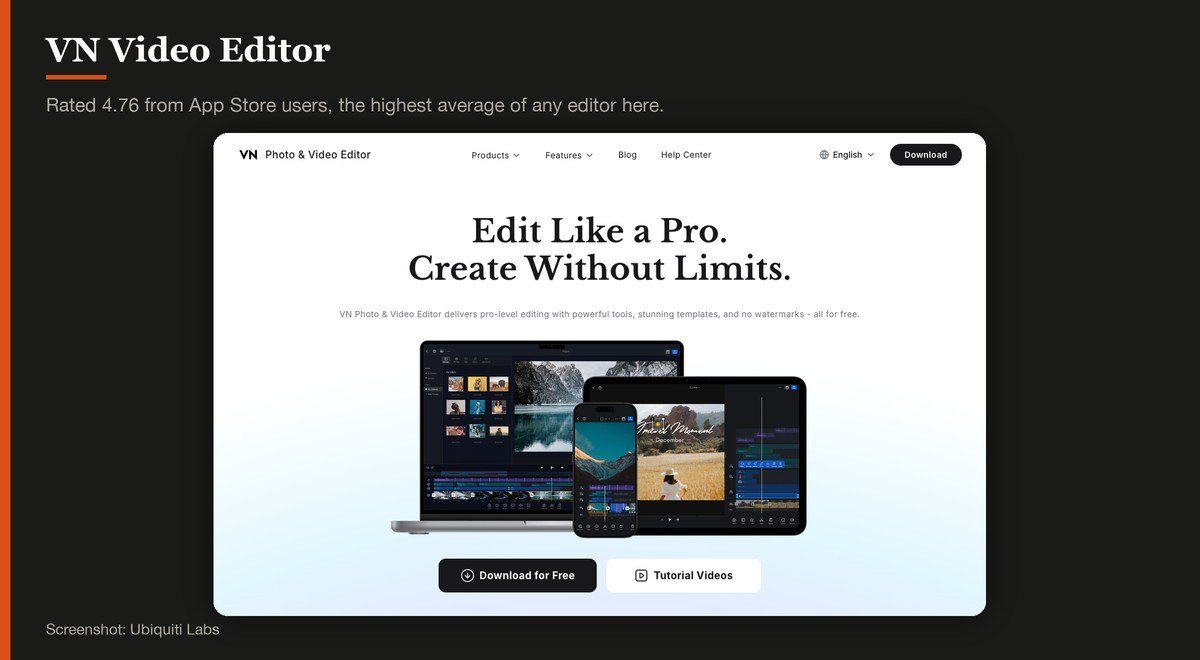
Platforms: iOS, iPadOS, Android, macOS, Windows · Latest version: 2.23.1 · Updated: October 21, 2026 · Free tier: Free on the App Store
VN is the editor to reach for when the footage is already on your phone. It carries a real multitrack timeline with keyframes rather than a template picker, and it runs on iOS, iPadOS, Android, macOS and Windows with the same project format.
It holds a 4.76 average on the App Store, the highest of any editor on this list. Version 2.23.1 shipped on October 21, 2026. A Pro tier exists, which is worth checking before you rely on any one effect.
VN Video Editor on the App Store
9. VSDC Free Video Editor: Squeezing high resolution out of a free Windows app
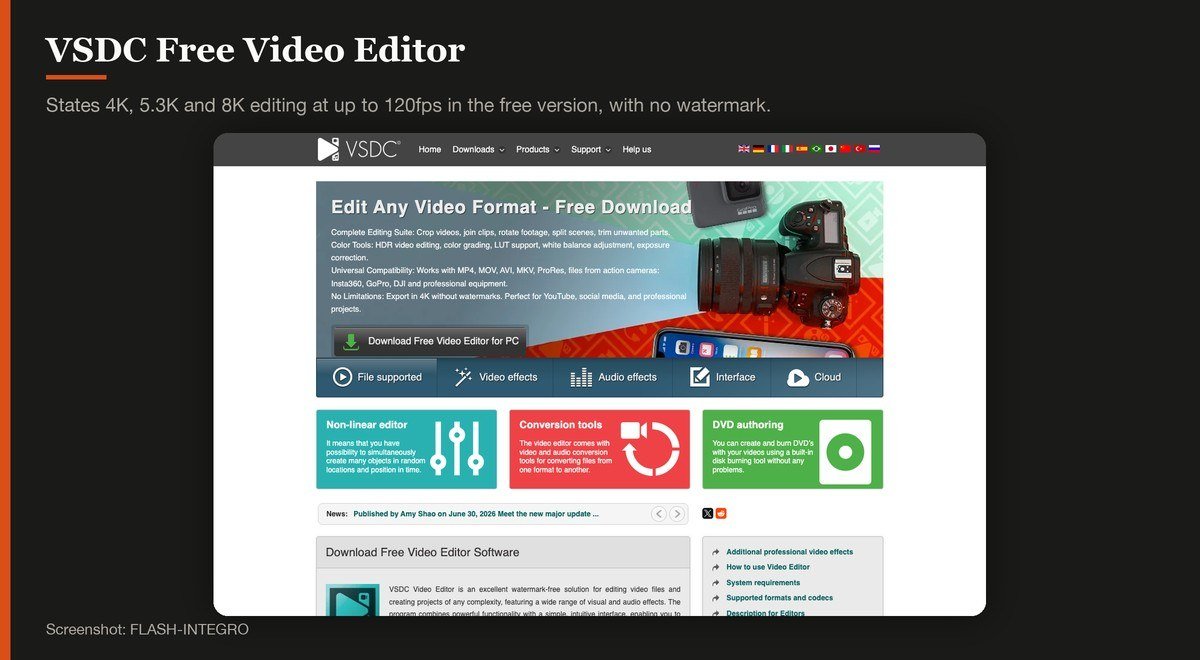
Platforms: Windows · Latest version: 11.3 · Updated: Windows only · Free tier: 4K export, no watermark
VSDC is the outlier that gives away the specification everyone else charges for. Its own page states 4K, 5.3K and 8K editing at up to 120 frames per second in the free version, with no watermark and no limit on file size or duration.
The catch is reach: the free editor is Windows only, so Mac and Linux users can stop reading here. The interface is crowded and the paid tier’s price is quoted differently in different places on the vendor’s own site, so treat any upgrade figure as something to confirm in the app.
VSDC Free Video Editor product page
10. Blender: Editing that needs real VFX
Platforms: Windows, macOS, Linux · Latest version: 5.2.3 LTS · Updated: October 22, 2026 · Free tier: Free and open source
Blender is a 3D suite that happens to contain a video sequencer, and that matters when a cut needs real visual effects, motion graphics or compositing rather than titles over footage. Nothing else free puts those in the same application as the timeline.
The stable build is 5.2.3 LTS from October 22, 2026, with 5.3 in beta on the download page. Nobody should pick Blender purely to trim clips. Pick it when the edit and the effects are the same job.
Watermarks, Export Caps and the Other Catches
Three limits separate a free editor from its paid sibling, and only one of them is the watermark everybody worries about.
- Resolution. DaVinci Resolve stops at Ultra HD 3840 x 2160 and 8-bit colour on the free edition. Clipchamp exports HD. VSDC states 8K at up to 120fps for nothing, the highest ceiling here.
- Watermarks. The open source four never add one. Clipchamp states exports without any watermark. CapCut is the one to read closely, since its own help page makes it conditional.
- Accounts. Clipchamp needs a personal Microsoft account and CapCut and VN want a login. Shotcut, Kdenlive, OpenShot and Blender ask for nothing.
None of these editors charges by project or by minute, which used to be the standard trick. Length limits have largely gone from the category.
Which One Runs on Your Machine
Platform support quietly eliminates more options than features do. VSDC’s free editor is Windows only. iMovie is Apple only. OpenShot is the only one here that also covers Chrome OS.
Hardware matters more than the download size suggests. Resolve and Blender both lean on the GPU, and on a thin laptop they will feel slower than Shotcut doing the same cut. If you are choosing a machine around this work, a discrete graphics card does more for export times than extra processor cores.
Everything here runs locally except Clipchamp, which edits in a browser tab. That makes it the only option on a locked-down work computer, and the only one that needs a connection to open a project at all.
What Decided the Order
Four things: how much the editor does before any payment, whether the developer shipped a build during 2026, how plainly the vendor states its own free-tier terms, and how long it takes a newcomer to finish a first export.
Two candidates were cut on the second test. Avidemux has not had a release since September 2022, and Olive’s own site says only that the project will return, with no current download. A video editor that nobody maintains stops reading new camera formats.
Canva’s video editor is absent for a third reason. It is a design tool with video attached rather than an editor, its free plan is defined by which assets you use rather than by an export limit, and that makes it impossible to place against the ten above.
How to Choose a Free Video Editor
Start from the output. Vertical social clips point at CapCut or VN. A long-form video with titles and music points at Clipchamp or OpenShot. Graded footage for a client points at Resolve and nothing else on this list.
Then check the one limit that would break your work. If you deliver 4K, Clipchamp’s HD ceiling ends the conversation and VSDC or Resolve begins it. If a watermark is unacceptable, stay with the open source four or Clipchamp.
Install two, not one. A full editor plus LosslessCut covers almost every job, because trimming an hour of footage losslessly is a different task from editing it. Both are free, so the only cost is disk space.
Finally, be honest about the learning curve. Resolve is the most capable editor here and the most likely to be abandoned in week one. Starting in OpenShot and moving up later loses nothing, and capturing your own screen is often the fastest way to document what you learn.
Frequently Asked Questions
Which free video editor has no watermark?
Shotcut, Kdenlive, OpenShot, Blender and LosslessCut never add one, since they are open source with no paid tier. Microsoft states that Clipchamp exports without watermarks, and VSDC states the same for its free Windows editor.
Is DaVinci Resolve really free?
Yes, and it is not time limited. The free edition works with virtually all 8-bit formats at up to 60fps and resolutions as high as Ultra HD 3840 x 2160. Resolve Studio adds 10-bit, higher frame rates and extra effects for a one-off fee.
Can I edit 4K video for free?
On Windows, VSDC states 4K and beyond at no cost. DaVinci Resolve covers 4K up to Ultra HD 3840 x 2160 on every platform it supports. Clipchamp’s free plan is HD, so it is the wrong choice for a 4K delivery.
Do I need a powerful computer?
For HD work, no. For 4K, the graphics card matters more than anything else, because Resolve and Blender hand most of the work to the GPU. Shotcut and OpenShot are the gentlest on older hardware, and LosslessCut barely uses any, since it does not re-encode.
Related Articles

Get the Fox Bulletin briefing
The stories that matter, in your inbox. No spam, unsubscribe anytime.
Newsletter signup will be available soon.
Related stories
Free Cloud Storage: How Much You Really Get
Ten free cloud storage tiers compared on allowance, encryption and the limit each provider does not advertise, from 20 GB down to 5 GB.
Best Webcams: 7 Picks for Calls and Streaming
Seven webcams compared on resolution, field of view and microphones, from the office default to a dual-camera 4K body with an 11x hybrid zoom.
Free Screen Recorders: 10 Picks and Their Limits
Ten free screen recorders ranked, with the length cap, resolution ceiling and system audio support of each one stated plainly.