

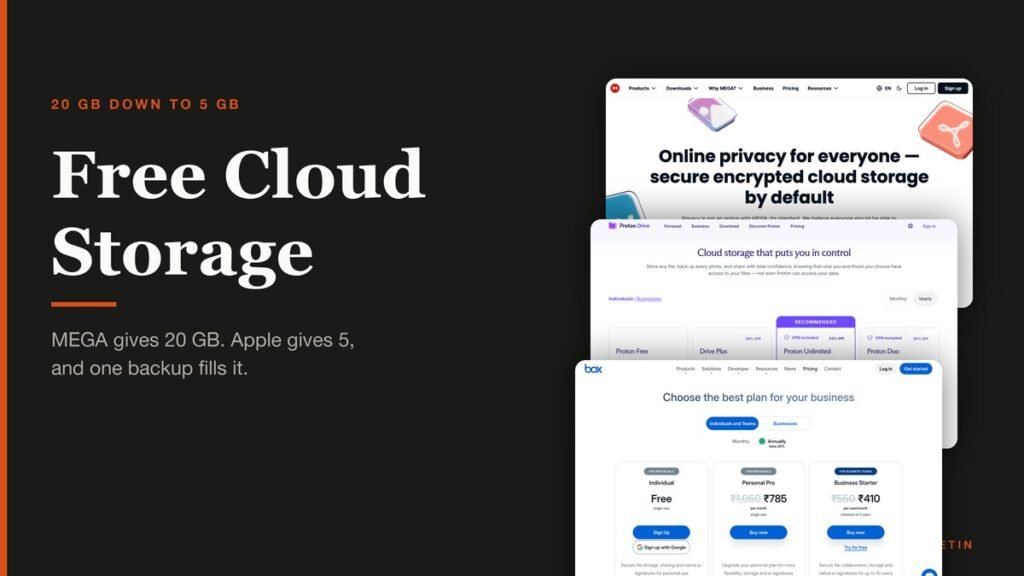
Free cloud storage runs from 20 GB down to 5 GB, and the gap between the top and bottom of that range is larger than most people realise. MEGA gives away four times what Apple does, and Apple’s 5 GB has not moved in years while iPhone backups have grown steadily.
Ten services are compared below on the three things that decide whether a free tier is usable: how much space there is, whether anyone else can read what you put in it, and the limit the provider does not put in its headline.
The Three Numbers That Decide a Free Tier
An allowance on its own tells you very little. Three other things change what it is worth.
- Whether the space is shared. Google’s 15 GB also holds Gmail and Photos, and Microsoft’s 5 GB holds Outlook.com attachments. A full inbox eats the storage you meant for files.
- Whether uploads are capped. Box limits a single file to 250 MB on the free plan, which rules out video entirely. Koofr caps file size at nothing.
- Whether it is encrypted. End-to-end encryption means the provider holds no key that can read your files. Five of these ten apply it free; five do not.
Encryption is the line that splits this market in two. MEGA, Filen, Proton Drive and Sync.com encrypt the free tier as standard. Google, Microsoft, Box and Icedrive do not, and Apple only does when Advanced Data Protection is switched on.
That is not automatically a reason to avoid the mainstream services. Encrypted storage means a lost password is unrecoverable, because there is nobody holding a key to reset it for you.
Free Cloud Storage Compared: Allowance, Encryption and Limits
All ten services below, ordered by how much space the free tier actually gives you.
| # | Service | Free storage | End-to-end encrypted | The catch | Best for |
|---|---|---|---|---|---|
| 1 | MEGA | 20 GB | Yes | Transfer quota is limited rather than unlimited | The largest free allowance with real encryption |
| 2 | Google Drive | 15 GB, shared across Google services | No | The same 15 GB holds your email and photos | People who already live in Gmail |
| 3 | Koofr | 10 GB | One encrypted Vault on the free plan | Main storage is not end-to-end encrypted | Large files on a free plan |
| 4 | Icedrive | 10 GB | No, paid plans only | The free plan is labelled No crypto and has no file history | A lifetime plan, if you intend to pay |
| 5 | Filen | 10 GiB | Yes | A smaller company than the rest of this list | Encryption without paying for it |
| 6 | Box | 10 GB | No | 250 MB upload limit and only one file version | Documents rather than media |
| 7 | Proton Drive | 5 GB | Yes | No Linux sync client, only a command line tool | Privacy with real applications around it |
| 8 | Sync.com | 5 GB | Yes | Its own pages disagree on the paid price | Encrypted sync with compliance paperwork |
| 9 | Microsoft OneDrive | 5 GB, shared with Outlook attachments | No | Not stated on the pricing page, and shared with email | Windows users already signed in |
| 10 | Apple iCloud | 5 GB | Only with Advanced Data Protection enabled | Device backups consume the same 5 GB | Nothing, at 5 GB |
The 10 Free Cloud Storage Tiers, Ranked by Allowance
1. MEGA: The largest free allowance with real encryption
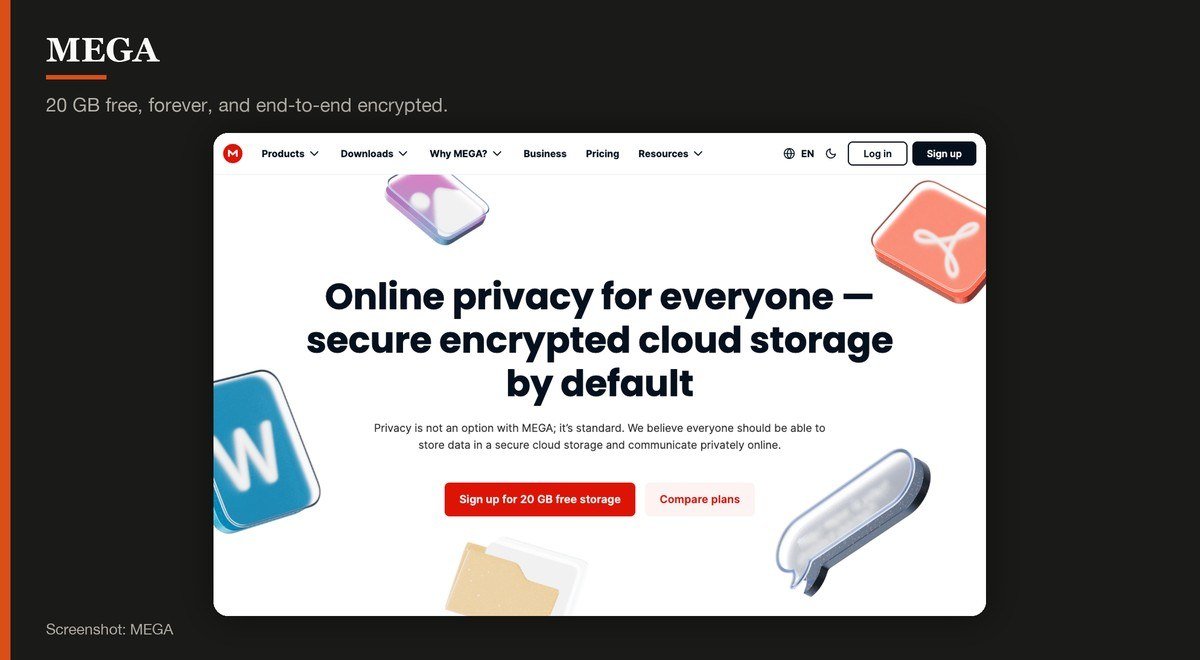
Free storage: 20 GB · End-to-end encrypted: Yes · Platforms: Windows, macOS, Linux, iOS, Android, web · The catch: Transfer quota is limited rather than unlimited
MEGA gives away 20 GB, the most of any service here, and its own pricing page marks the plan as free forever rather than as a trial. Everything is end-to-end encrypted, so the company cannot read what you store even if it wanted to.
The limit is transfer rather than storage. The free plan carries a capped transfer quota, so a library you download from repeatedly will hit it. The contracting entity named in MEGA’s terms is registered in Hungary, which is where any dispute about your data would be settled.
2. Google Drive: People who already live in Gmail
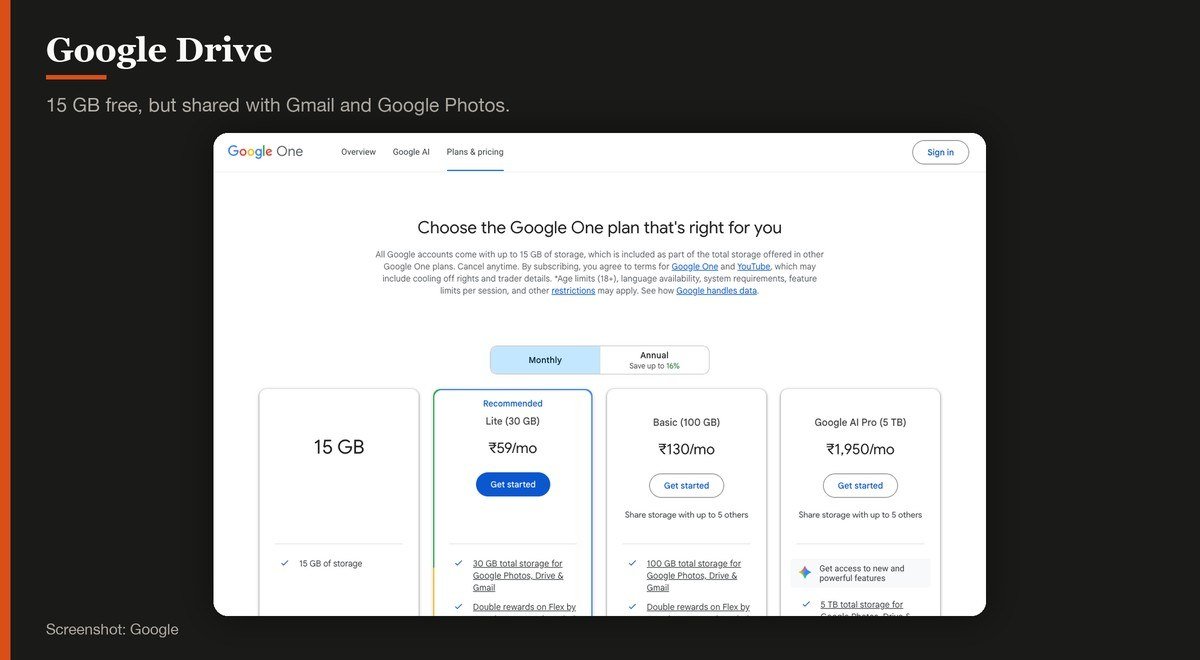
Free storage: 15 GB, shared across Google services · End-to-end encrypted: No · Platforms: Windows, macOS, iOS, Android, web · The catch: The same 15 GB holds your email and photos
Google states that all Google accounts come with up to 15 GB of storage, and that figure is the reason most people never think about cloud storage at all. The clients are good and everything integrates with Docs and Photos.
The catch is in the word shared. That 15 GB holds Gmail and Google Photos too, so a full inbox eats the space you meant to use for files. It is also not end-to-end encrypted, which means Google holds keys that can decrypt your content.
3. Koofr: Large files on a free plan
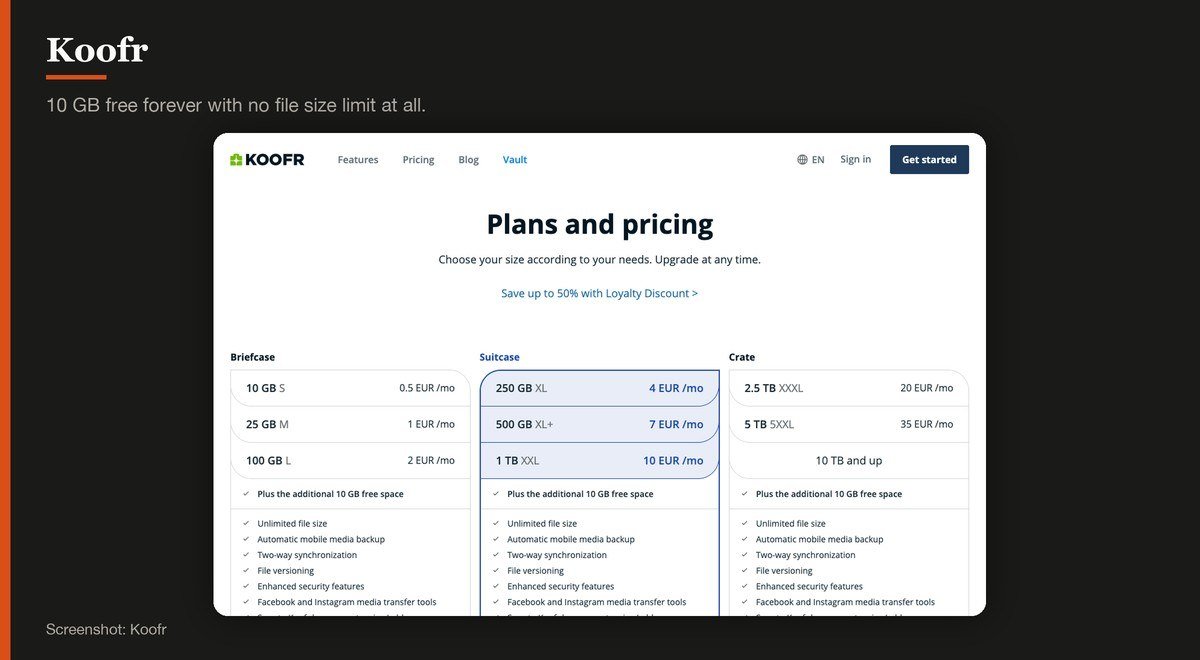
Free storage: 10 GB · End-to-end encrypted: One encrypted Vault on the free plan · Platforms: Windows, macOS, Linux, iOS, Android, web · The catch: Main storage is not end-to-end encrypted
Koofr’s free plan states 10 GB, free forever, with unlimited file size, and that last item is unusual. Box caps a single upload at 250 MB on its free tier, and Koofr caps it at nothing.
It also connects to Dropbox, Google Drive and OneDrive accounts and presents them in one interface, which makes it useful as a hub rather than only a destination. Main storage is not end-to-end encrypted, though the free plan includes one zero-knowledge Vault for the files that need it.
4. Icedrive: A lifetime plan, if you intend to pay
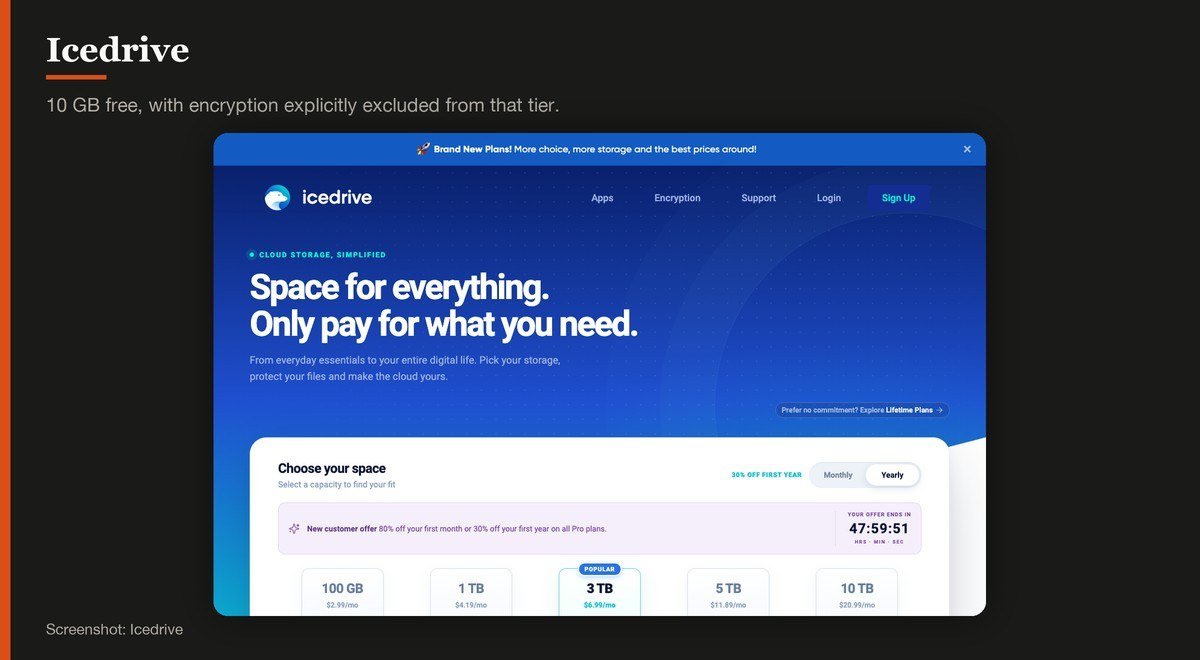
Free storage: 10 GB · End-to-end encrypted: No, paid plans only · Platforms: Windows, macOS, Linux, iOS, Android, web · The catch: The free plan is labelled No crypto and has no file history
Icedrive’s free plan offers 10 GB and its own page is unusually blunt about what is missing: no crypto, no file history, basic collaboration. The zero-knowledge encryption the service advertises belongs to the paid tiers.
What makes Icedrive interesting is the lifetime option, with one payment instead of a subscription. If you expect to keep paying a cloud provider for a decade, the arithmetic is worth doing, and the free plan is best understood as a way to test the clients first.
5. Filen: Encryption without paying for it
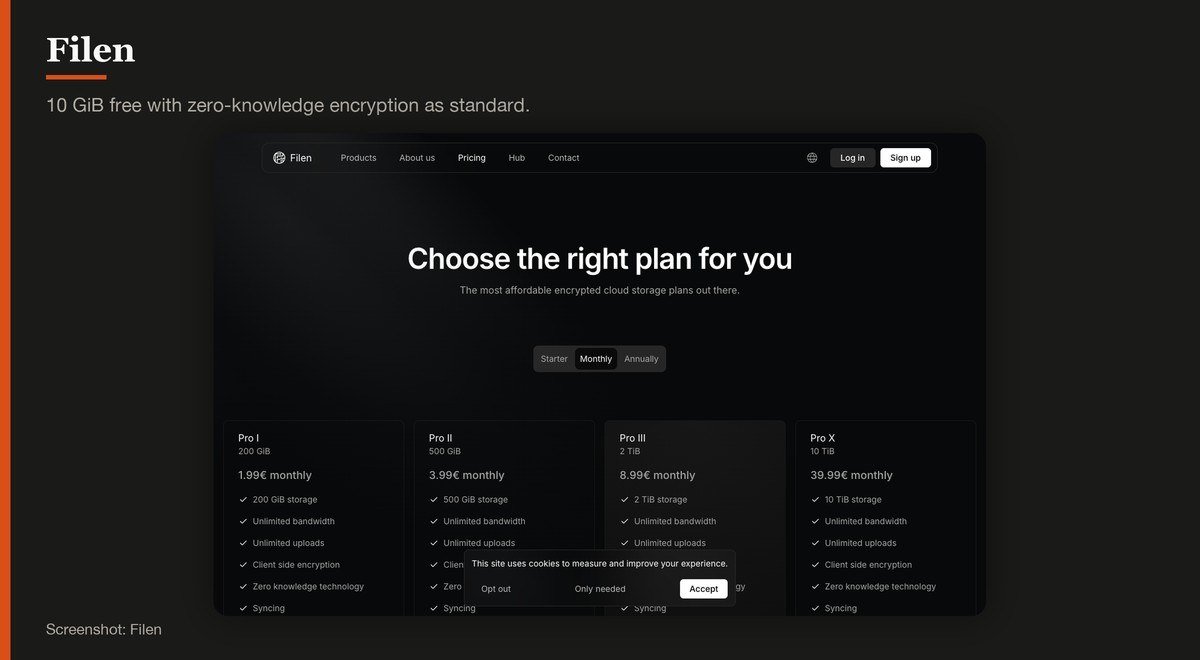
Free storage: 10 GiB · End-to-end encrypted: Yes · Platforms: Windows, macOS, Linux, iOS, Android, web, CLI · The catch: A smaller company than the rest of this list
Filen gives 10 GiB free with end-to-end encryption applied to everything, which puts it in the small group that encrypts the free tier rather than reserving it for subscribers. There is a command line client alongside the desktop and mobile apps.
It is the smallest operation here, which cuts both ways: development is responsive and the company has less history behind it than Google or Microsoft. Filen has also withdrawn the lifetime plans it used to sell, so the subscription is now the only route.
6. Box: Documents rather than media
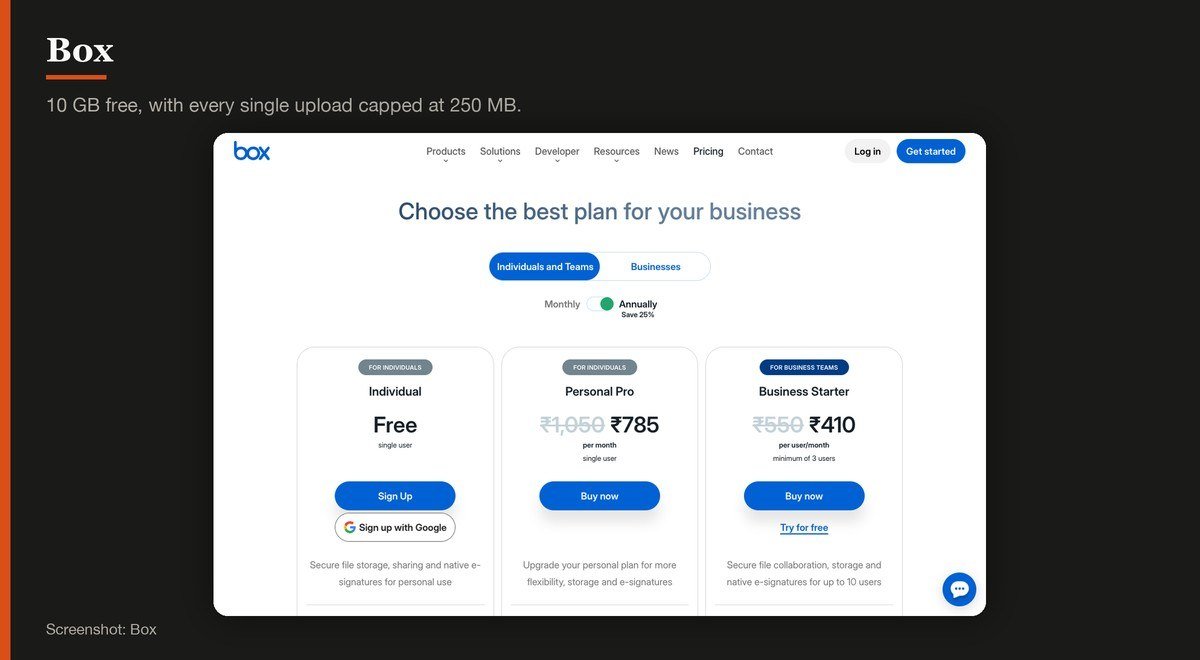
Free storage: 10 GB · End-to-end encrypted: No · Platforms: Windows, macOS, iOS, Android, web · The catch: 250 MB upload limit and only one file version
Box’s individual plan lists 10 GB of storage, a 250 MB file upload limit, one file version and five e-signature requests a month, free for a single user. The signature allowance is a genuine extra that none of the consumer services match.
That 250 MB cap decides everything. A phone video or a RAW photo set will not fit, so Box free is a document service rather than a backup. One file version also means a mistake overwrites the only copy you have.
7. Proton Drive: Privacy with real applications around it
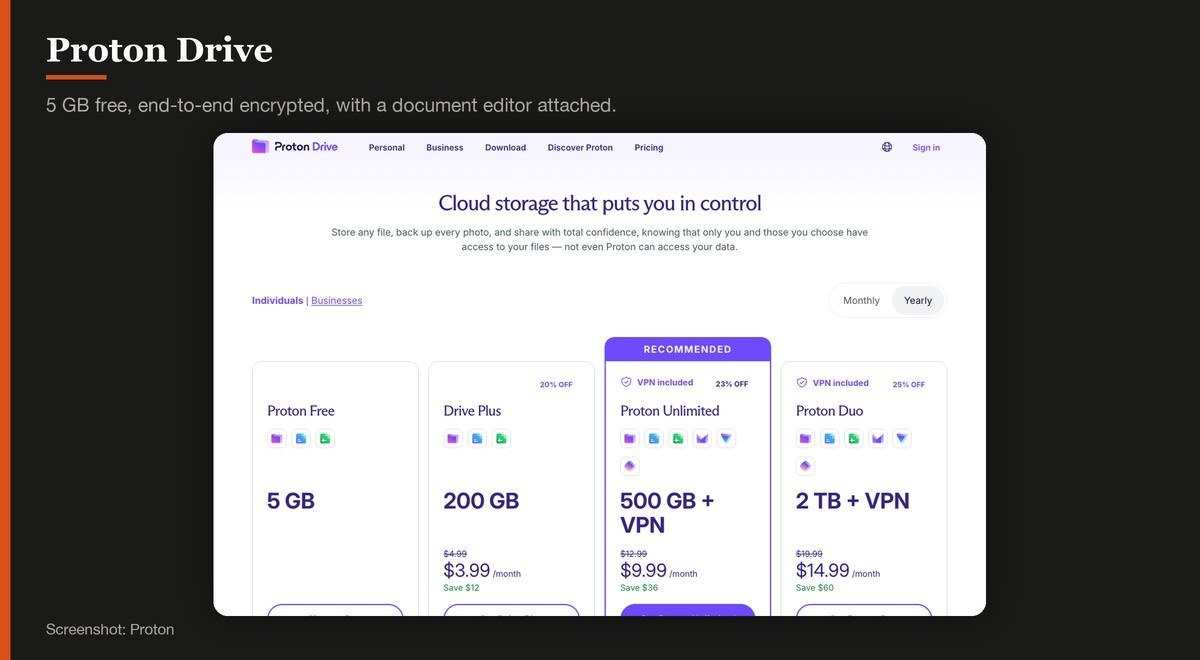
Free storage: 5 GB · End-to-end encrypted: Yes · Platforms: Windows, macOS, iOS, Android, web · The catch: No Linux sync client, only a command line tool
Proton Drive’s free tier is 5 GB with everything end-to-end encrypted, and Proton’s own page puts it plainly: not even Proton can access your data. An online document and spreadsheet editor is included, which no other encrypted service here offers.
Drive Plus lifts it to 200 GB at $3.99 a month on the discounted annual rate. The gap in the lineup is Linux, where there is no desktop sync client, only a command line tool.
8. Sync.com: Encrypted sync with compliance paperwork
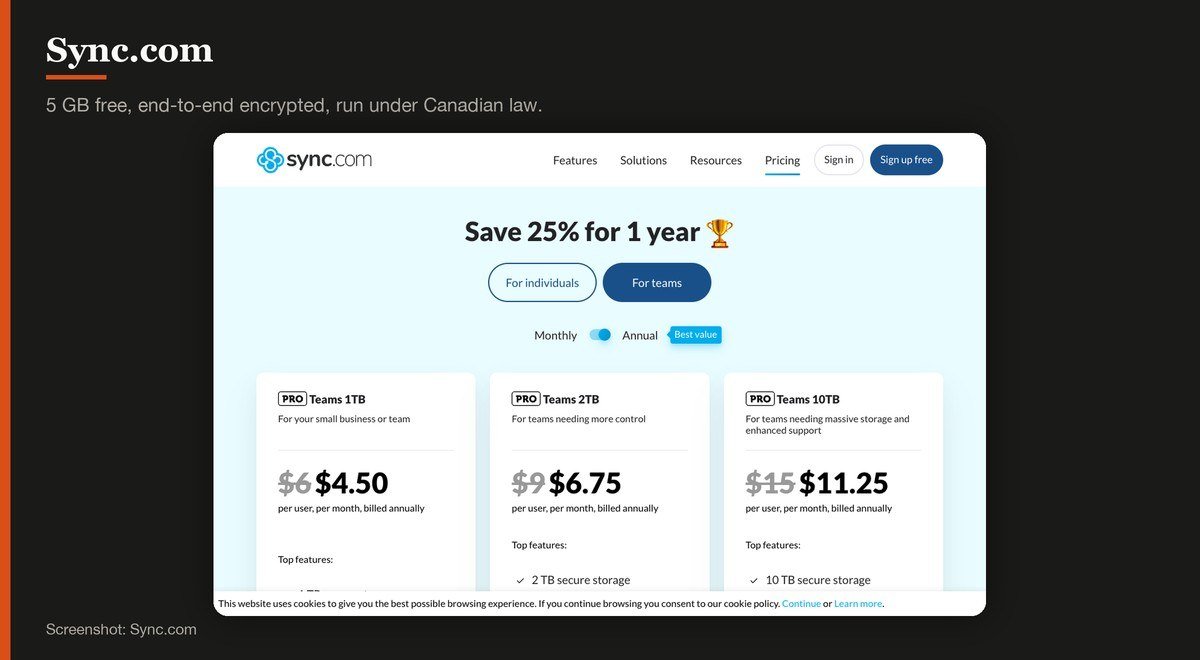
Free storage: 5 GB · End-to-end encrypted: Yes · Platforms: Windows, macOS, iOS, Android, web · The catch: Its own pages disagree on the paid price
Sync.com encrypts everything end to end, including on the free 5 GB tier, and lists SOC 2 Type 1, HIPAA, GDPR and PIPEDA compliance alongside it. For anyone storing material covered by those regimes, that paperwork is the product.
Be careful reading its prices. Different pages on the company’s own site show different paid ladders, so confirm the figure at checkout rather than from a plan table. The free tier itself is straightforward.
9. Microsoft OneDrive: Windows users already signed in
Free storage: 5 GB, shared with Outlook attachments · End-to-end encrypted: No · Platforms: Windows, macOS, iOS, Android, web · The catch: Not stated on the pricing page, and shared with email
OneDrive is built into Windows and into Office, which means most Windows users are already storing things in it. The free allowance is 5 GB, and Microsoft does not state that figure anywhere on the plan comparison page itself.
As with Google, the space is shared, in this case with Outlook.com attachments and the Microsoft 365 applications. It is not end-to-end encrypted. Where it wins is integration: files save there by default from Word and Excel with nothing to configure.
Microsoft OneDrive product page
10. Apple iCloud: Nothing, at 5 GB
Free storage: 5 GB · End-to-end encrypted: Only with Advanced Data Protection enabled · Platforms: iOS, iPadOS, macOS, Windows, web · The catch: Device backups consume the same 5 GB
Apple lists iCloud at 5 GB free, with iCloud+ starting at $0.99 a month for 50 GB and $2.99 for 200 GB. Plans can be shared with up to five other family members at no extra cost, which is the strongest part of the offer.
Five gigabytes has not moved in years and a single iPhone backup will consume most of it, which is why so many people live with a permanent storage warning. End-to-end encryption exists but is optional, arriving only when Advanced Data Protection is switched on.
The Free Allowances That Are Not What They Look Like
Two patterns inflate a headline figure, and both appear in this category.
The first is task gating. pCloud advertises up to 10 GB free, and its own help pages explain that a new account starts with 2 GB, with the rest unlocked by completing actions such as installing apps and inviting people. It is not absent from this list by accident.
The second is sharing the pool. Google’s 15 GB is the largest mainstream allowance and also holds every email and photograph you have, which is why so many people hit the limit without storing a single file deliberately.
Photo libraries are usually the culprit. Exporting edits at full resolution fills a free tier quickly, and most free photo editors will happily write a second copy of every image you touch.
Dropbox is the other absence worth explaining. Its free tier is 2 GB, less than half of Apple’s, and it has stayed there while every competitor moved, which leaves it out of a comparison about how much you get.
Where Your Files Legally Live
A provider’s jurisdiction decides which government can compel access and under which process. That matters more for unencrypted storage, since there is something to compel.
Proton is Swiss, Sync.com is Canadian and Koofr is based in Slovenia, all of which sit under stricter privacy regimes than the United States. MEGA is widely described as a New Zealand service, and the contracting entity named in its own terms is registered in Hungary.
If the content is ordinary, none of this changes anything. If it is client work, medical material or anything covered by a compliance regime, read the terms before the marketing, and prefer a service that cannot read the files at all. A cloud storage provider that holds no key cannot hand over what it cannot decrypt.
What Decided the Order
The free allowance first, since that is the question, then whether the free tier is encrypted, then the limit the provider does not advertise, and finally how many platforms the clients cover.
Services whose free allowance is unlocked by completing tasks were excluded rather than ranked on their headline figure, which is why pCloud does not appear. A free tier that requires work is a promotion.
Upload and download speeds were not compared. They depend far more on your connection and the distance to the nearest data centre than on the provider, and any figure measured from one location would mislead.
How to Choose Free Cloud Storage
If you want the most space, MEGA at 20 GB, encrypted, with a transfer cap to watch. If you want the most convenient, whichever one your devices already use, which is Google Drive on Android and iCloud on an iPhone.
If the files matter, pick an encrypted provider and accept the trade. Proton Drive at 5 GB adds a document editor, Filen gives 10 GiB and Sync.com brings compliance paperwork. In all three cases, losing the password means losing the files.
Stack them rather than choosing one. There is nothing to stop you holding 20 GB at MEGA, 15 GB with Google and 10 GB at Koofr, and 45 GB of free storage across three accounts is more than most people need. Keep a local copy of anything irreplaceable regardless.
Treat cloud storage as sync rather than backup. A deleted file syncs its deletion everywhere, and ransomware encrypts a synced folder as happily as a local one, which is why a free antivirus still matters alongside it.
Frequently Asked Questions
Which service gives the most free cloud storage?
MEGA, at 20 GB, and its own pricing page marks that plan as free forever rather than as a trial. Google Drive comes second at 15 GB, although that pool is shared with Gmail and Google Photos.
Is free cloud storage encrypted?
Sometimes. MEGA, Filen, Proton Drive and Sync.com apply end-to-end encryption on the free tier. Google Drive, OneDrive, Box and Icedrive’s free plan do not, and iCloud only does when Advanced Data Protection is enabled.
Why does my iCloud storage fill up so fast?
Because 5 GB holds device backups as well as files, and a single iPhone backup can consume most of it. The allowance has not increased in years while backup sizes have, which is why the warning is so common.
Can I use several free accounts at once?
Yes, and it is the cheapest way to get real capacity. MEGA, Google Drive and Koofr together come to 45 GB at no cost. The drawback is managing three places, so keep each one for a distinct purpose.
Related Articles

Get the Fox Bulletin briefing
The stories that matter, in your inbox. No spam, unsubscribe anytime.
Newsletter signup will be available soon.
Related stories

Best Webcams: 7 Picks for Calls and Streaming
Seven webcams compared on resolution, field of view and microphones, from the office default to a dual-camera 4K body with an 11x hybrid zoom.
Free Screen Recorders: 10 Picks and Their Limits
Ten free screen recorders ranked, with the length cap, resolution ceiling and system audio support of each one stated plainly.
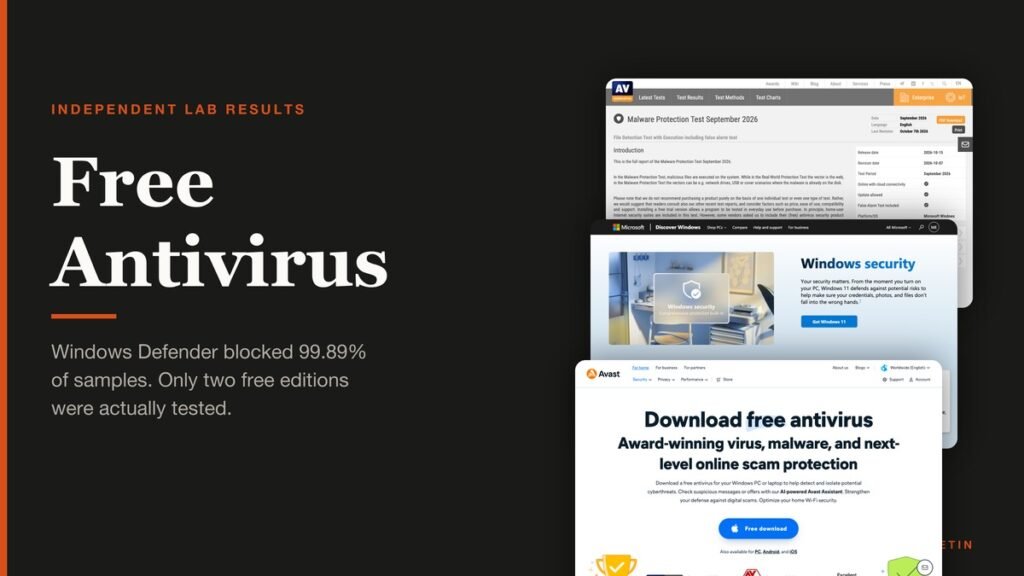
Free Antivirus: What the Labs Actually Found
Ten free antivirus products measured against the September 2026 lab results, including which ones were tested as the free edition and which were not.