

The best free screen recorder on your computer is probably already installed. Windows has had one behind the Windows key and G for years, and any Mac opens a recording toolbar with Shift, Command and 5. Neither costs anything and neither limits how long you record.
Ten are ranked below, from those built-in tools to OBS Studio, and each entry names the cap that matters: recording length, resolution, and whether the tool can capture the sound the computer itself is playing.
System Audio Is the Limit That Catches People
Every recorder here captures a microphone. Far fewer capture what the computer is playing, and that is the difference between a usable recording of a video call and a recording of one side of it.
The distinction exists because operating systems treat output audio as privileged. On Windows, applications can request it. On macOS it needed a third-party audio driver for years, and system audio recording only became a built-in feature from macOS 27 onward.
- Captures system audio free: OBS Studio, the Xbox Game Bar, FlashBack Express, Clipchamp and Loom.
- Paid tiers only: ScreenPal, where the free tier records the microphone and the screen but not the computer’s own output.
- Depends on the system: Screenity captures it where the operating system allows, and the macOS toolbar needs macOS 27 or later.
Check this before recording anything that matters, because the failure is silent. You find out when you play back forty minutes of your own voice over a silent video.
Free Screen Recorders Compared: Caps, Audio and Platforms
All ten below. The system audio column is the one most people discover too late.
| # | Tool | Platforms | Free limit | System audio | Best for |
|---|---|---|---|---|---|
| 1 | OBS Studio | Windows, macOS, Linux | None | Yes | Recording with no limits at all |
| 2 | The macOS recorder | macOS | None | System audio needs macOS 27 or later | The recording you can start in two seconds |
| 3 | Xbox Game Bar | Windows | None for most uses | Yes | A quick capture on Windows with nothing installed |
| 4 | Microsoft Clipchamp | Browser, Windows app | Unlimited HD exports | Yes | Recording and editing without switching tools |
| 5 | ShareX | Windows | None | Through an external encoder | Capture plus everything that happens afterwards |
| 6 | Screenity | Chrome and Chromium browsers | None | Where the operating system allows it | Recording a browser tab with annotation |
| 7 | FlashBack Express | Windows 10 and 11 | None | Yes | An unlimited free recorder on Windows |
| 8 | ScreenPal | Windows, macOS, iOS, iPadOS, Android, Chrome OS | 15 minutes per recording | Paid tiers only | A quick recording with nothing to sign up for |
| 9 | Loom | Browser, Windows, macOS, iOS, Android | 25 videos, 5 minutes each, 720p | Yes | Sending a recording to somebody immediately |
| 10 | QuickTime Player | macOS | None | Microphone | Recording an iPhone screen from a Mac |
The 10 Free Screen Recorders, Ranked
1. OBS Studio: Recording with no limits at all
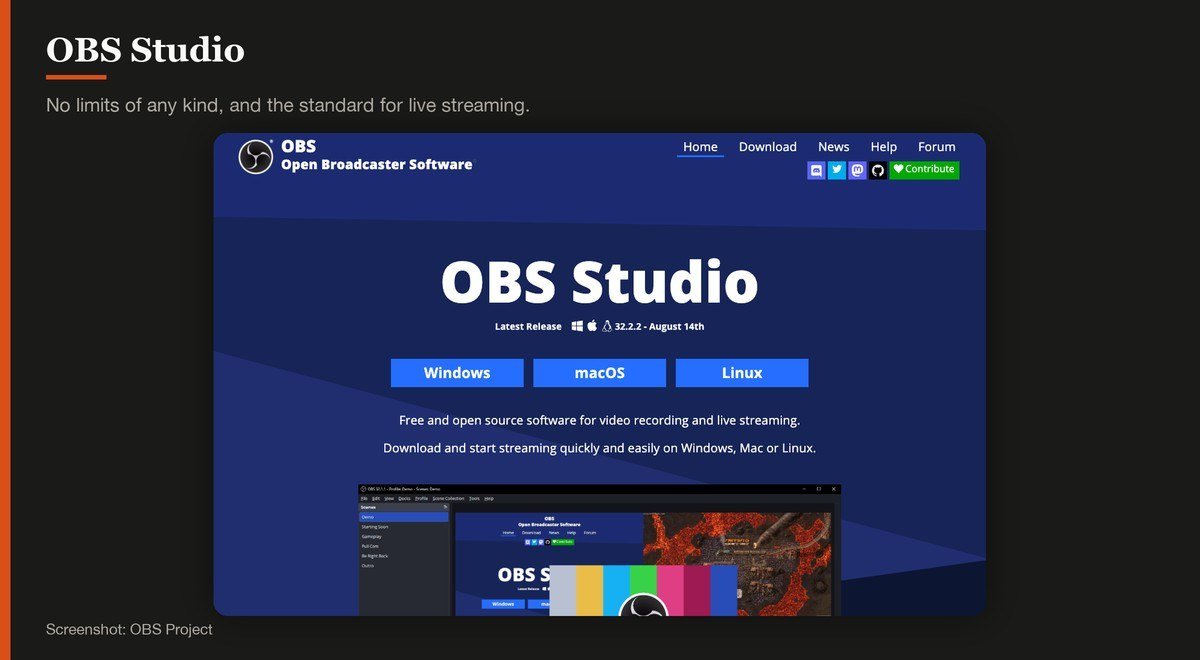
Platforms: Windows, macOS, Linux · Version: 33.0.0 · Updated: October 23, 2026 · Free limit: None · System audio: Yes
OBS Studio is what streamers use, and it records as well as it broadcasts. There is no time cap, no watermark, no account and no resolution ceiling, because it is open source with nothing to sell you. Version 33.0.0 arrived on October 23, 2026.
The price is complexity. OBS thinks in scenes and sources rather than in a record button, so the first session involves configuring what the canvas contains. Once set up it is the most capable tool here by a distance, and it captures system audio and a microphone on separate tracks.
2. The macOS recorder: The recording you can start in two seconds
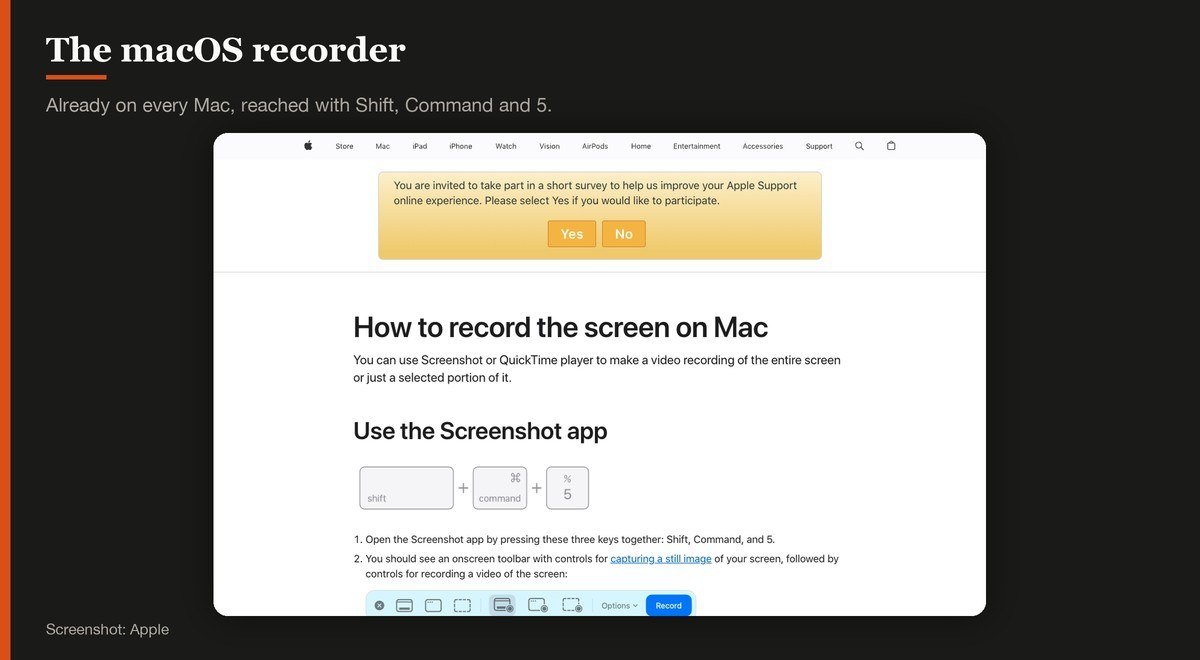
Platforms: macOS · Version: Bundled with macOS · Updated: Ships with macOS · Free limit: None · System audio: System audio needs macOS 27 or later
Press Shift, Command and 5 on any Mac and a recording toolbar appears, offering the whole screen, a selected portion or a single window. There is no install, no account and no limit on length.
Its historic weakness was audio: capturing what the Mac itself was playing used to need a third-party driver. System audio recording is built in from macOS 27 onward, which removes the main reason Mac users reached for OBS.
3. Xbox Game Bar: A quick capture on Windows with nothing installed
Platforms: Windows · Version: Bundled with Windows · Updated: Ships with Windows · Free limit: None for most uses · System audio: Yes
Windows has had a screen recorder built in for years and most people have never opened it. The Windows key with G brings up the Game Bar, and its capture widget records the active application with audio.
It was designed for games, which shows: it records an application rather than the desktop, so it will not capture File Explorer or the desktop itself. For recording a program in action it is instant and free.
4. Microsoft Clipchamp: Recording and editing without switching tools
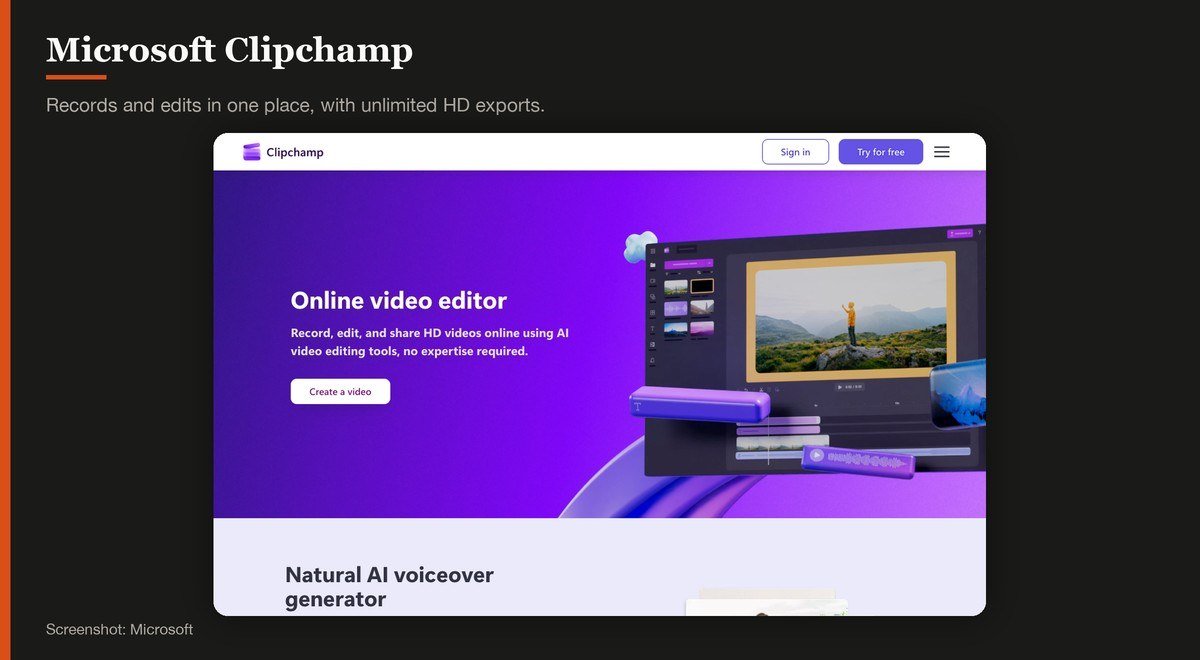
Platforms: Browser, Windows app · Version: Browser service · Updated: Rolling release · Free limit: Unlimited HD exports · System audio: Yes
Clipchamp records screen, webcam and audio and then drops the result straight onto a timeline, which is the step every other recorder here leaves you to solve separately. Microsoft states unlimited video and audio exports in HD quality with no watermarks.
It needs a personal Microsoft account and it runs in a browser, so the recording goes through the browser rather than the system. For a tutorial that needs trimming and captions before it is sent, the combination saves real time.
Microsoft Clipchamp product page
5. ShareX: Capture plus everything that happens afterwards
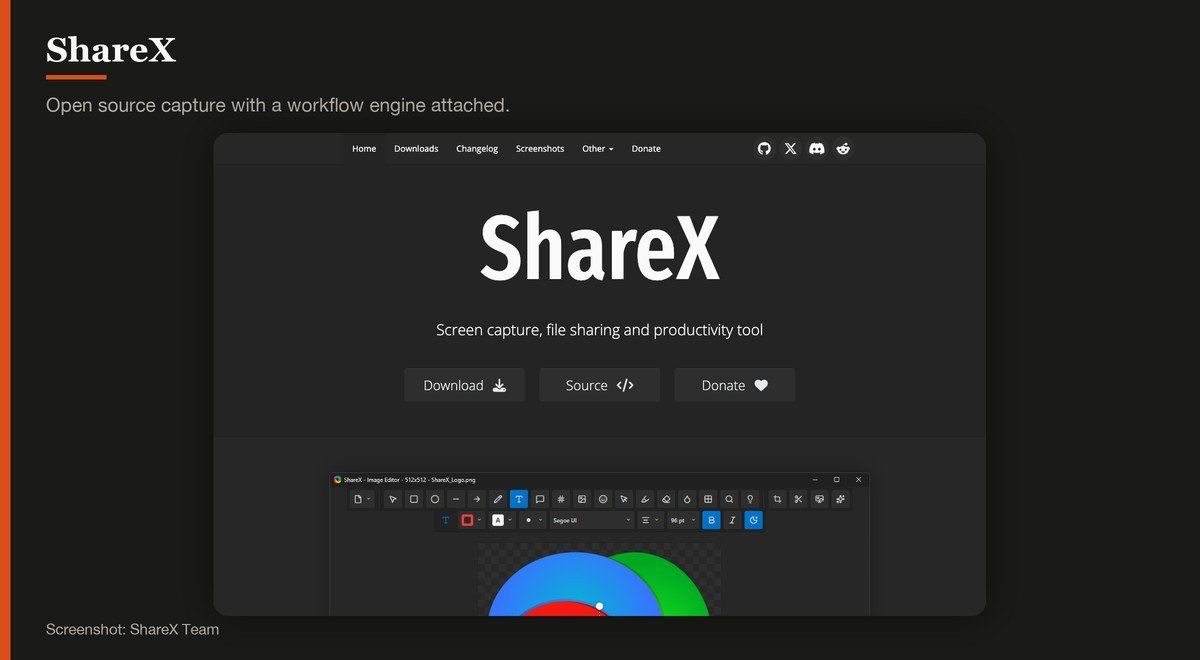
Platforms: Windows · Version: 21.0.0 · Updated: July 3, 2026 · Free limit: None · System audio: Through an external encoder
ShareX is a capture tool wrapped in an automation engine. It records screen or region to MP4 or GIF, then runs whatever you configured next: rename, watermark, upload, copy the link to the clipboard. For anyone who screenshots and shares all day, it removes most of the steps.
The stable release is 21.0.0 from July 3, 2026. A version 22 exists as a pre-release and its own changelog describes it as significantly less stable, so stay on 21 unless you enjoy filing bug reports. Windows only.
6. Screenity: Recording a browser tab with annotation
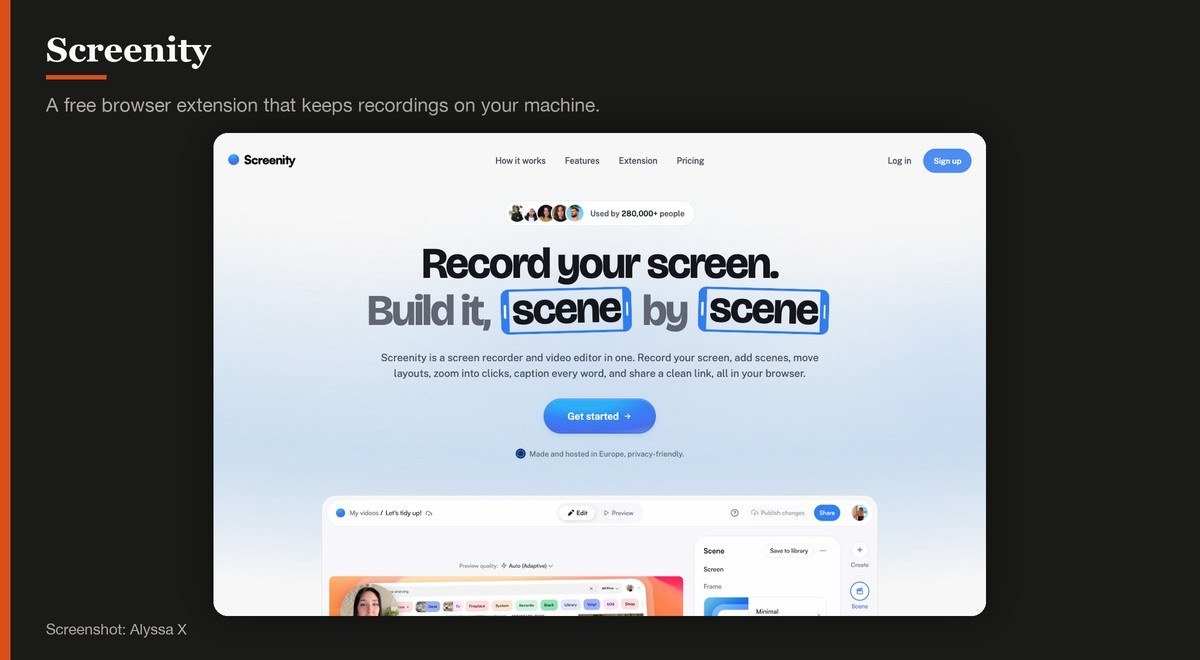
Platforms: Chrome and Chromium browsers · Version: 4.7.1 · Updated: October 22, 2026 · Free limit: None · System audio: Where the operating system allows it
Screenity records inside the browser with drawing tools, a spotlight and a countdown, and it keeps everything local rather than uploading to a service. No account, no cap on length, free and open source, at version 4.7.1 from October 22, 2026.
It is the right answer for recording web applications and tutorials where you want to annotate as you talk. It is a browser extension, so anything outside the browser is out of its reach.
7. FlashBack Express: An unlimited free recorder on Windows
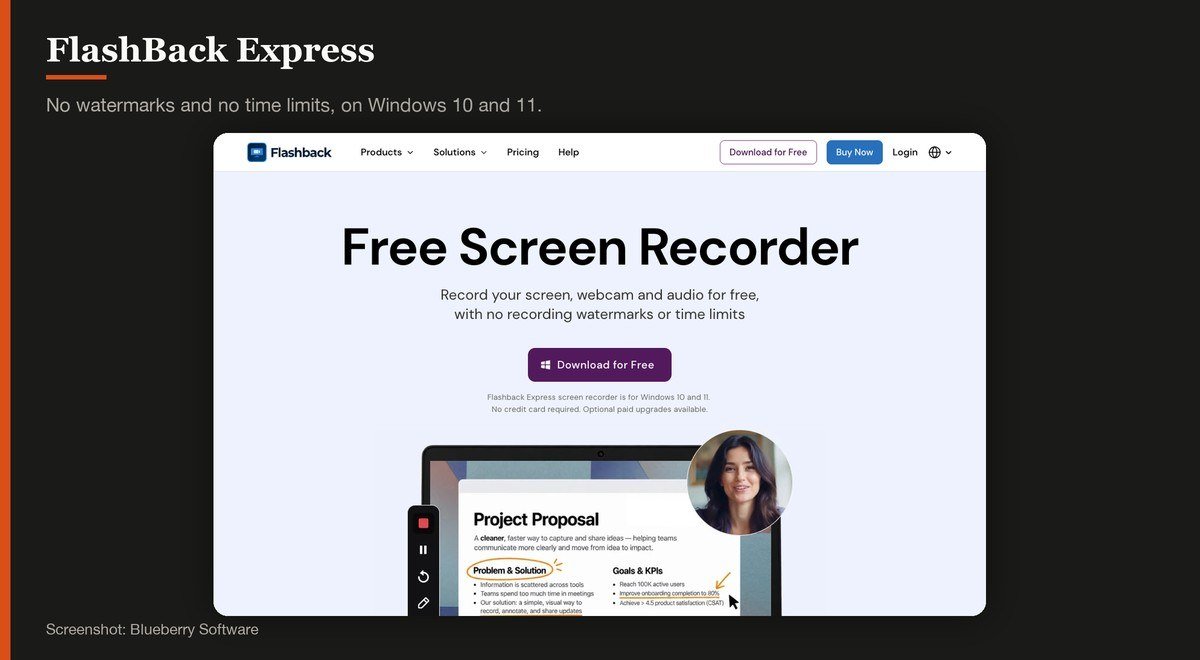
Platforms: Windows 10 and 11 · Version: Express 7 · Updated: 2026 build · Free limit: None · System audio: Yes
FlashBack Express promises what most free recorders will not: record your screen, webcam and audio for free, with no recording watermarks or time limits, and no credit card. That combination is rare outside open source.
It is Windows 10 and 11 only, and the paid FlashBack Pro sits above it with the editing and export options. For long recordings on Windows where OBS feels like too much machinery, this is the straightforward choice.
FlashBack Express product page
8. ScreenPal: A quick recording with nothing to sign up for
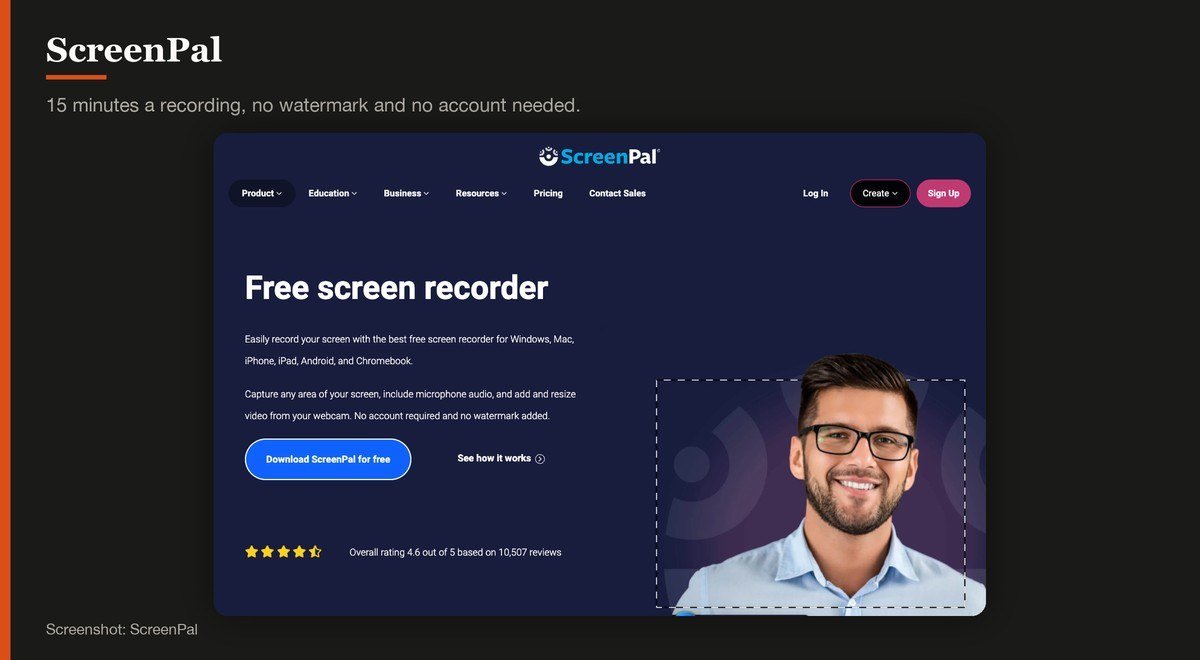
Platforms: Windows, macOS, iOS, iPadOS, Android, Chrome OS · Version: Current release · Updated: Rolling release · Free limit: 15 minutes per recording · System audio: Paid tiers only
ScreenPal’s free tier states its terms plainly on the page: record the screen with microphone and webcam, with no account required and no watermark added. Fifteen minutes is the cap on a single recording.
The limitation that catches people is audio. Capturing what the computer is playing, as opposed to what the microphone hears, is reserved for the paid tiers, so a recording of a video call or a video will come back with your voice and nothing else.
9. Loom: Sending a recording to somebody immediately
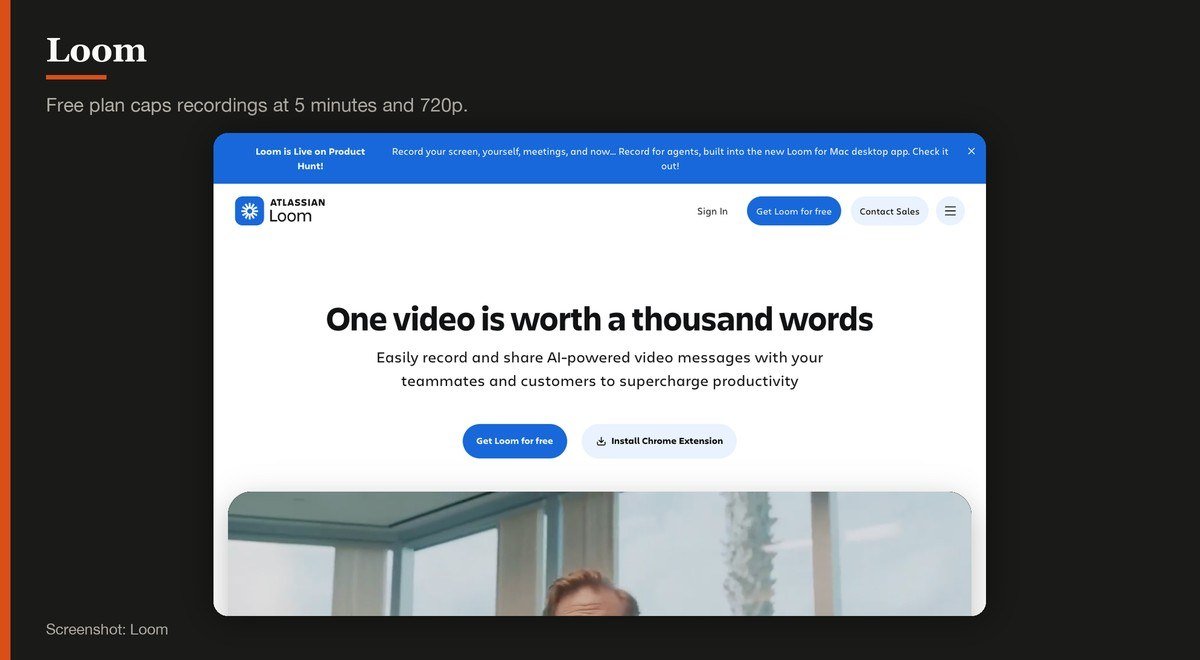
Platforms: Browser, Windows, macOS, iOS, Android · Version: Current release · Updated: Rolling release · Free limit: 25 videos, 5 minutes each, 720p · System audio: Yes
Loom’s value is the link. Stop recording and a shareable URL is already on the clipboard, with viewer analytics and comments attached, which is why it spread through workplaces rather than through enthusiasts.
The free Starter plan is tightly drawn: up to 25 videos per person, a five minute limit on each recording and video quality up to 720p, for up to 50 members. Business is listed at $18 per user a month. Five minutes is the number that decides whether Loom suits you.
10. QuickTime Player: Recording an iPhone screen from a Mac
Platforms: macOS · Version: Bundled with macOS · Updated: Ships with macOS · Free limit: None · System audio: Microphone
QuickTime Player has a New Screen Recording command that predates the Shift, Command and 5 toolbar, and on current systems it opens that same toolbar. It is still listed here for one specific trick.
Plug an iPhone or iPad into a Mac, choose New Movie Recording and select the device as the camera source, and you can record the phone’s screen directly. Nothing else on this list does that without installing software on the phone.
Where the Free Tiers Stop
The open source and built-in tools impose no limits at all. The hosted services do, and their caps are specific enough to decide the choice for you.
- Loom: up to 25 videos per person, five minutes per recording, video quality up to 720p, for up to 50 members.
- ScreenPal: 15 minutes per recording, with no watermark and no account required.
- Clipchamp: unlimited exports in HD with no watermark, needing a Microsoft account.
- FlashBack Express: no watermarks and no time limits, Windows 10 and 11 only.
Five minutes is the number worth dwelling on. Loom is excellent at what it does and a demonstration or a walkthrough will exceed that limit almost immediately, which turns a free account into a paid one quickly.
A recording is only half the job anyway. Trimming the dead air at the start needs a free video editor, unless you picked Clipchamp, which puts the recorder and the timeline in the same window.
What Decided the Order
Three things: whether the tool imposes any cap at all, whether it captures system audio without payment, and how quickly somebody who has never opened it can get a usable recording.
Captura was dropped. Its last stable release is from November 2018 and its own repository describes the project as no longer actively maintained.
Recording quality was not compared. These tools all hand the encode to the same handful of libraries, and a 1080p capture looks the same whichever of them made it, given the same bitrate.
How to Choose a Free Screen Recorder
Try the built-in tool first. On a Mac, Shift, Command and 5. On Windows, the Windows key and G. Both are free, instant and uncapped, and for a large share of recordings nothing else is needed.
Move to OBS Studio when a recording needs several inputs at once, separate audio tracks or a camera overlay. It is the most capable tool here and the only one that genuinely rewards an hour of setup.
Choose Loom if the point is sending the recording to somebody, and accept the five minute limit as the price of that convenience. Choose FlashBack Express on Windows if you want length without complexity.
If the recording is a tutorial, consider what comes after it. Taking a still screenshot is often clearer than a video for a single step, and a mixture of both usually explains a process better than either alone.
Frequently Asked Questions
Does Windows have a built-in screen recorder?
Yes. The Xbox Game Bar, opened with the Windows key and G, records the active application with audio and has no practical time limit. It records an application rather than the desktop, so File Explorer and the desktop itself are outside its reach.
How do I record my screen on a Mac for free?
Press Shift, Command and 5 to bring up the recording toolbar, which offers the whole screen, a selected portion or a single window with no time limit. Capturing the Mac’s own audio output is built in from macOS 27 onward.
Which free screen recorder has no time limit?
OBS Studio, ShareX, Screenity, FlashBack Express and both built-in tools record for as long as the disk allows. The caps belong to the hosted services: Loom stops at five minutes and ScreenPal at fifteen.
Can free screen recorders capture computer audio?
Several can. OBS Studio, the Xbox Game Bar, FlashBack Express, Clipchamp and Loom all capture system audio at no cost. ScreenPal reserves it for paid tiers, which is the most common trap in this category.
Related Articles

Get the Fox Bulletin briefing
The stories that matter, in your inbox. No spam, unsubscribe anytime.
Newsletter signup will be available soon.
Related stories
Free Cloud Storage: How Much You Really Get
Ten free cloud storage tiers compared on allowance, encryption and the limit each provider does not advertise, from 20 GB down to 5 GB.
Best Webcams: 7 Picks for Calls and Streaming
Seven webcams compared on resolution, field of view and microphones, from the office default to a dual-camera 4K body with an 11x hybrid zoom.
Free Antivirus: What the Labs Actually Found
Ten free antivirus products measured against the September 2026 lab results, including which ones were tested as the free edition and which were not.