

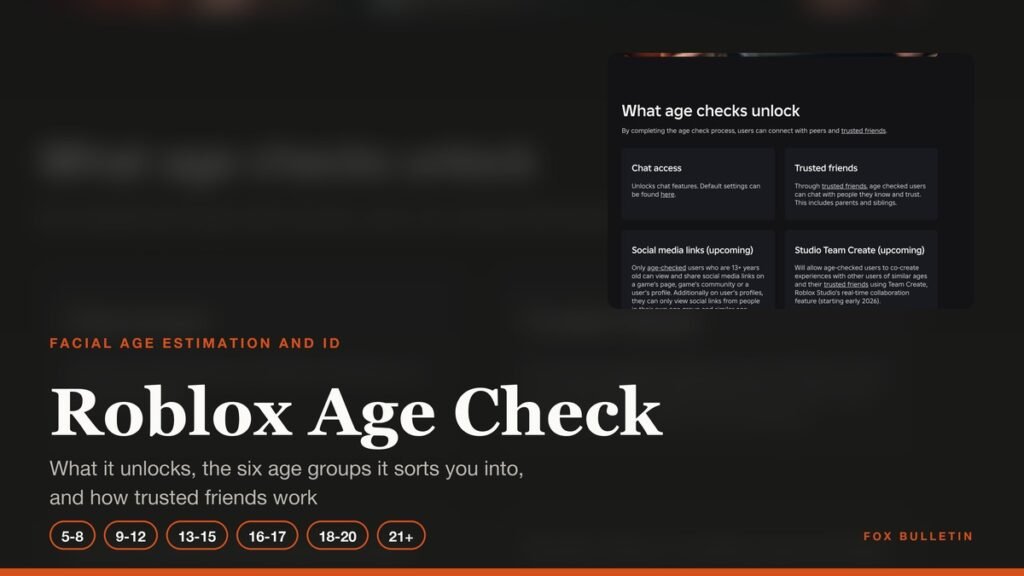
A Roblox age check is the step that decides what your account can reach. It sorts the account into one of six age groups, and until it is done, chat stays off no matter which birthday the account was signed up with. Two routes complete it: a selfie-style video that estimates your age, or a government ID.
Roblox began requiring it for chat on November 19, 2025, enforced it in the first markets that December and took it worldwide in January. This covers what the check unlocks, how to run it, what happens to the face scan afterwards, and how trusted friends let you talk to people the age rules would otherwise block.
What a Roblox Age Check Unlocks
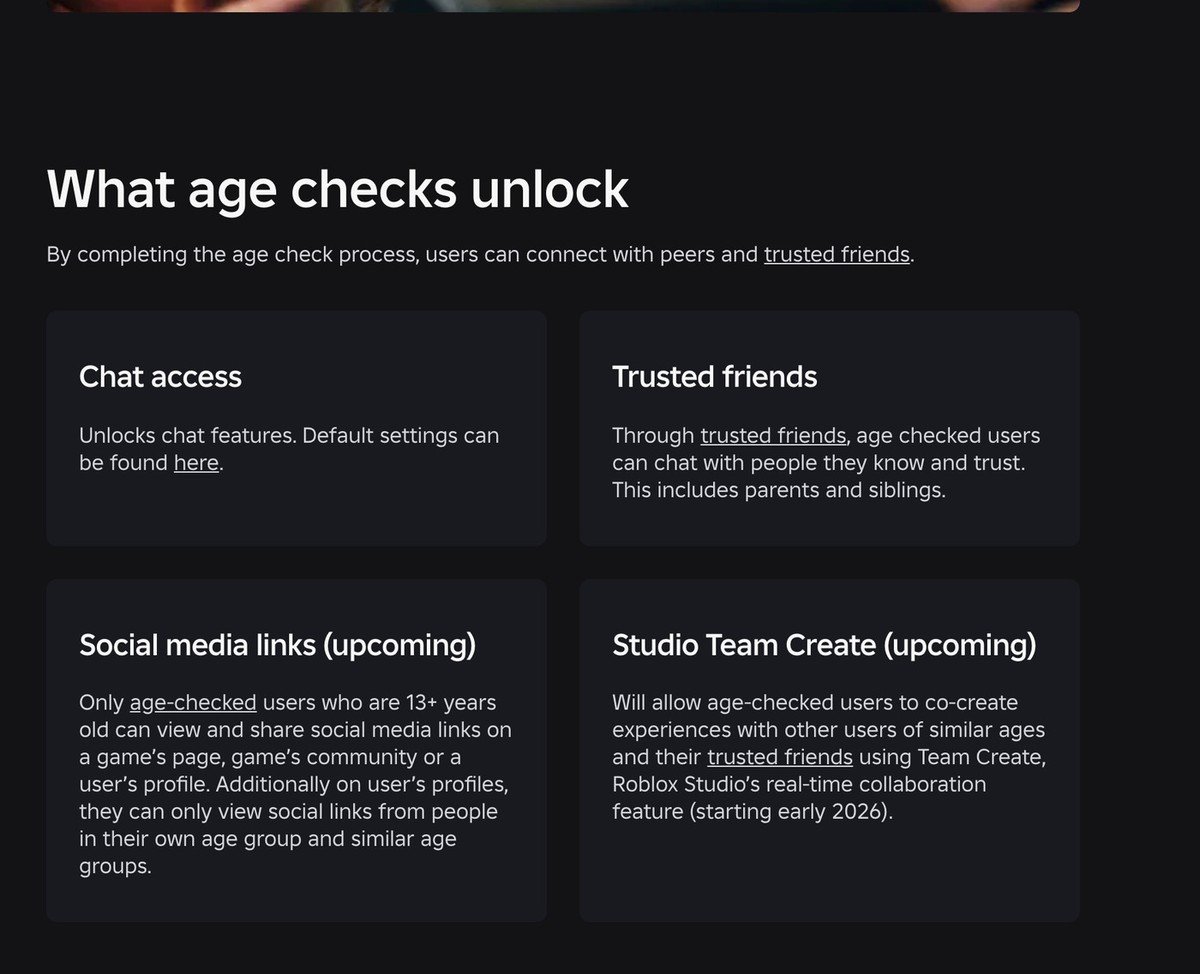
The check is a gate in front of a specific list of features rather than a general trust score. Roblox names seven things that need it, and chat sits at the top because it is the one most accounts notice missing.
- Chat
- Chat without the automatic text filter, with trusted friends
- Team Create, the collaboration feature in Roblox Studio
- Age-restricted content at 16+ and 18+
- Games carrying a Content May Vary rating, which needs 16+
- Games outside the Roblox Kids and Roblox Select catalogs
- Inviting early testers to your game, or being an early tester yourself
Without a completed check, Roblox falls back to the birthday typed in at signup. Accounts under 9 land in Roblox Kids and accounts 9 and older land in Roblox Select, both with chat off, which is where the Roblox Kids and Roblox Select account types and the age check meet.
The Six Age Groups an Age Check Sorts You Into
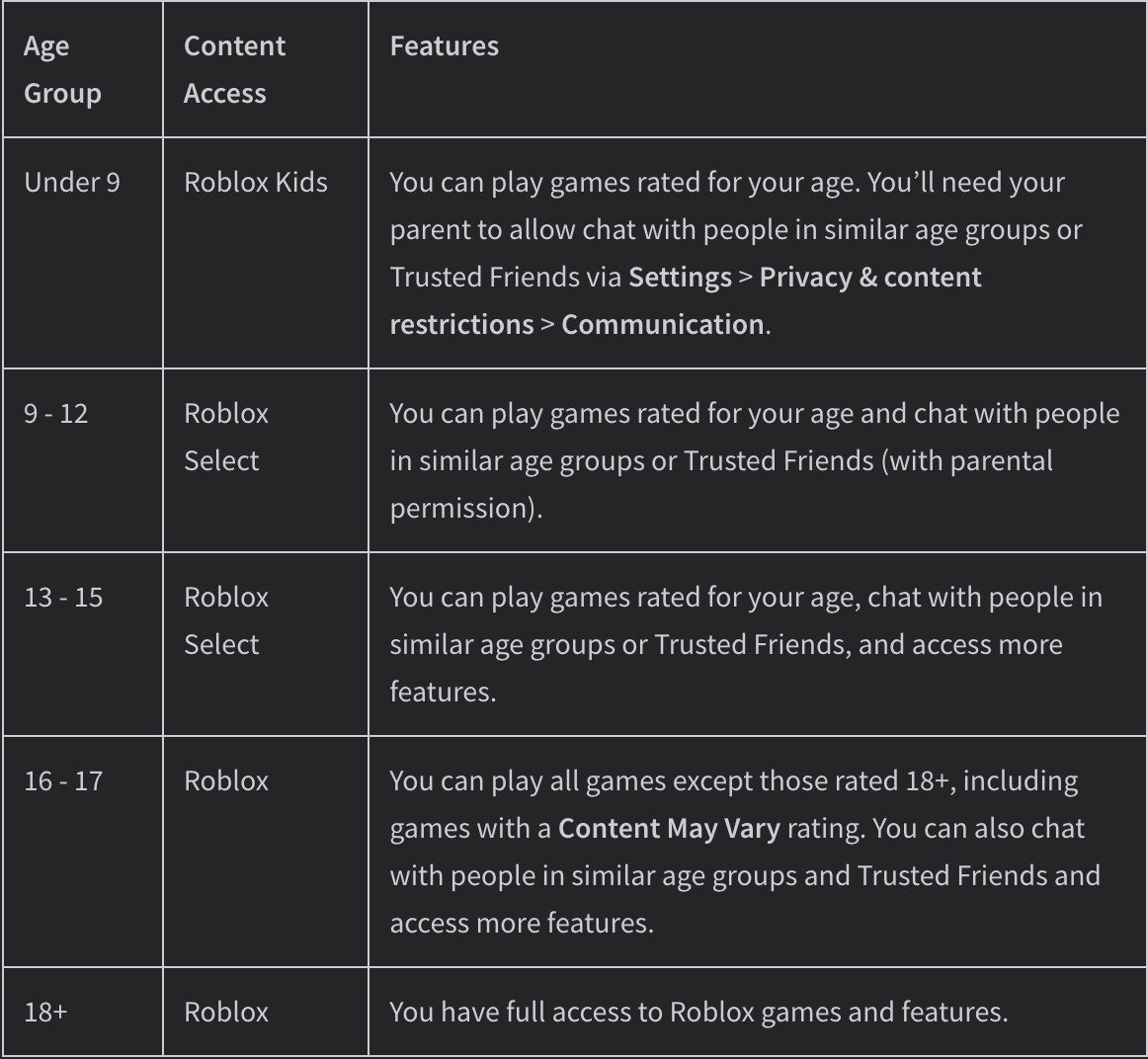
Facial age estimation returns one of six bands: 5 to 8, 9 to 12, 13 to 15, 16 to 17, 18 to 20, and 21 and over. The two adult bands behave the same way for games and chat, so Roblox’s own support table shows them as a single 18 and over row.
| Age group | Account type | What opens up |
|---|---|---|
| Under 9 | Roblox Kids | Games rated for the age. Chat only if a parent allows it, and then with similar age groups or trusted friends |
| 9 to 12 | Roblox Select | Games rated for the age, plus chat with similar age groups or trusted friends where a parent has given permission |
| 13 to 15 | Roblox Select | Games rated for the age, chat with similar age groups and trusted friends, and further features |
| 16 to 17 | Roblox | Every game except those rated 18+, including Content May Vary titles, plus chat with similar age groups and trusted friends |
| 18 and over | Roblox | Full access to Roblox games and features |
The group also governs who an account can talk to, not only what it can play. Chat is held to your own band and the ones next to it, which is why a 12 year old can reach players up to 15 while anyone 16 or older cannot start a conversation with them.
How to Complete a Roblox Age Check With a Selfie
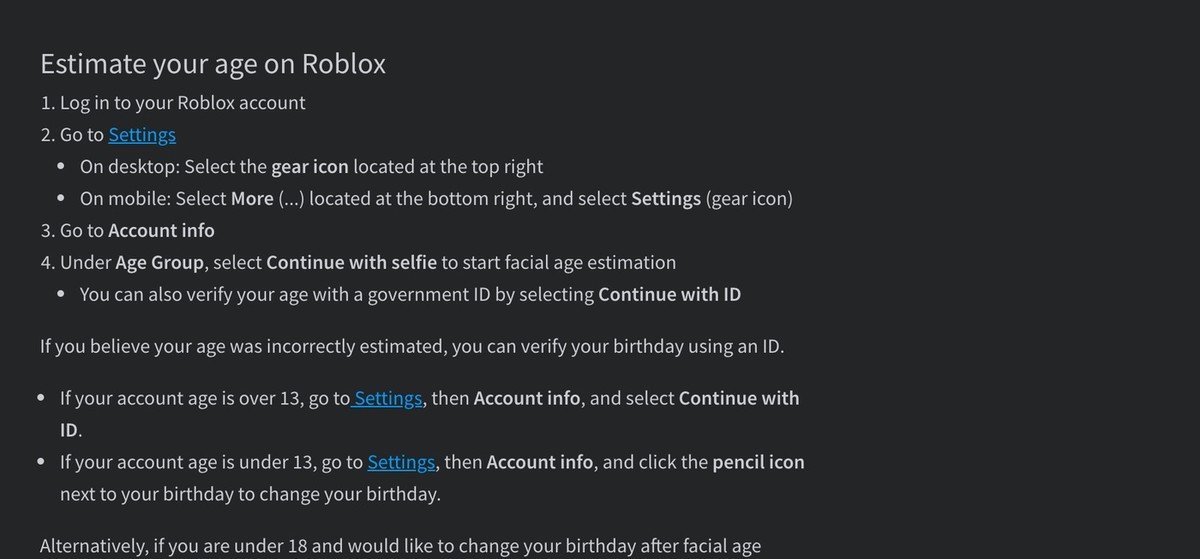
Facial age estimation is the faster route and it runs inside the Roblox app using the device camera. The whole thing is five steps.
- Sign in, then open Settings. On desktop that is the gear icon at the top right; on mobile, tap More at the bottom right, then the gear.
- Open Account info.
- Under Age Group, select Continue with selfie.
- Allow camera access and follow the prompts, which ask you to centre your face and turn it each way.
- Wait for the result. Roblox tells you which age group the account has been placed in.
A device with no camera, such as a desktop without a webcam or a console, cannot run the estimate at all. The same applies when the estimate fails to return a usable result, and in both cases ID verification is the way through.
Using ID Verification Instead of the Selfie
ID verification is open to accounts 13 and over, and it sits in the same place: Settings, then Account info, then Continue with ID. It takes a government-issued document rather than a camera pass, which makes it slower but exact.
It is also the override. An estimate that lands in the wrong band can be replaced by an ID result on an account over 13, and on an account under 13 the birthday is edited directly with the pencil icon next to it. A linked parent can update a child’s birthday too, and Roblox allows that only once per child.
In some regions a parent has to approve the facial age estimation before it can run at all, so the ID route and the parental-controls route are not simply conveniences in every country. The requirement varies with local law, as it does across the wider family of age verification systems generally.
Trusted Friends and How They Change Chat
Trusted friends are the exception to the age-band rule. The designation covers people a player knows and trusts, parents and siblings included, and chat with one of them is not held to the automatic text filter that applies everywhere else.
The feature arrived in July 2025 under the name Trusted Connections, alongside Roblox renaming Friends to Connections across the platform. Roblox’s current safety, support and parental pages call them trusted friends, so both names point at the same thing.
- Added by scanning a QR code or through the contact importer, both of which need the two people to be together or already in touch off the platform
- An adult adding a 13 to 17 year old has to use one of those real-life routes rather than a search
- For a child under 13, a linked parent approves or declines each request within 24 hours
- Both accounts need a completed age check before the unfiltered chat applies
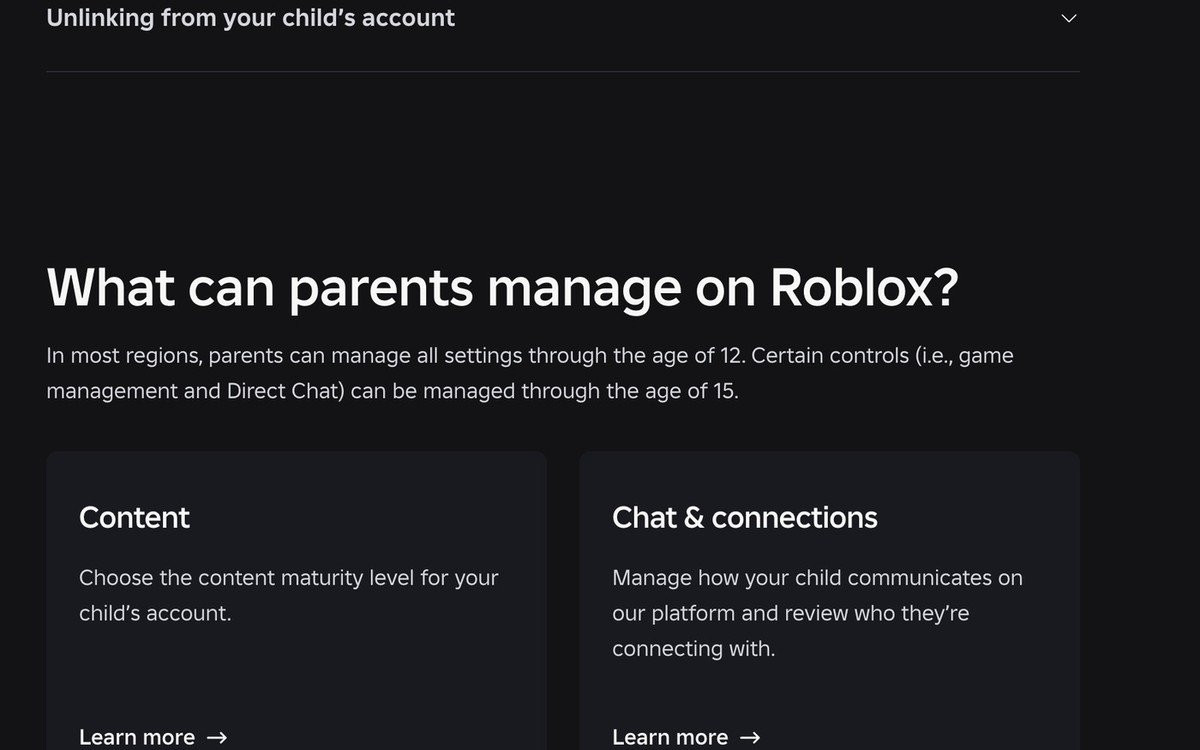
Parents keep a view of this through linked accounts. All settings are manageable through age 12, game management and direct chat settings run through age 15, and parents of teens can still see who their teen is connecting with, which is more reach than the controls Fortnite gives parents.
Voice Chat Needs the Same Check, Plus an Age Floor
Voice is gated twice. An account has to be at least 13 and it has to have completed an age check through ID verification or facial age estimation before voice chat can be switched on at all.
Once both conditions are met, the opt-in lives in the settings for an individual game or in account settings. Below 13 it is not a setting a parent can reach either: voice chat with friends stays off for every account under 13, while text chat at those ages can be opened up by a linked parent.
What Roblox Does With the Face Scan
The scan is handled by Persona, a third-party service that captures a selfie-style video and returns an estimate. Roblox says the images and video are deleted immediately after processing, and that it does not receive or store any biometric data from the process.
One consequence is easy to miss. An account estimated into the 5 to 8 or 9 to 12 band has personal data including its email address and phone number removed from Roblox, so an older sibling who runs the check on a younger child’s account strips contact details that may have been set up deliberately.
Age estimation from a face is approximate by nature, which is why NIST’s public evaluation of age estimation reports average error rather than a pass or fail, and why Roblox uses the youngest estimate it gets. The announcement carried a supporting quote from the Future of Privacy Forum, whose chief executive backed the approach.
Fixing an Age Group That Came Back Wrong
Roblox builds in a pause for the case that matters most. An account that self-reported as over 13 but was estimated under 13 gets a 48-hour grace period before the group officially changes, and the holder can skip that wait by opening Account info and choosing Accept now under Birthday.
- Over 13 and estimated wrong: run ID verification from Account info
- Under 13 and estimated wrong: edit the birthday with the pencil icon, or have a linked parent update it
- Checked into an 18+ group by mistake: the age-checked status can be undone from account settings
- Prompted again later: Roblox re-checks accounts where the behaviour and the estimated age do not line up
Re-checks are not a one-off risk either. Keeping trusted friends and the expressive chat features can mean passing age estimation or ID verification again at some point, which is closer to two-step verification on another game account than to a single setup step.
Why Roblox Made Age Checks Mandatory
The requirement was announced on November 19, 2025 by Matt Kaufman, Chief Safety Officer, and Rajiv Bhatia, Vice President of Product, with Roblox describing itself as the first gaming platform to require a facial age check for chat.
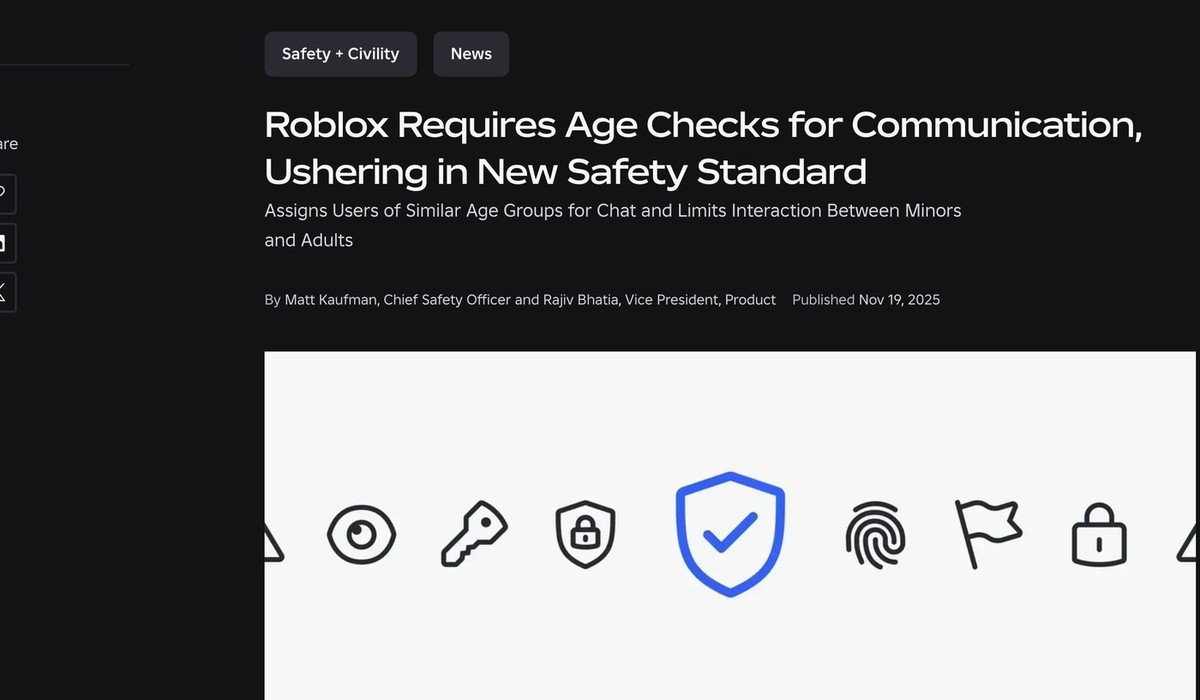
The schedule ran in three stages. Checks were voluntary from the day of the announcement, enforced in Australia, New Zealand and the Netherlands during the first week of December, and extended to the rest of the world in early January wherever chat is available.
Two defaults were tightened at the same time. Chat inside games switched to off for users under nine unless a parent consents after an age check, and chat outside games stayed restricted under 13. Roblox counts the requirement among more than 145 safety changes it shipped from January 2025 onward, and the age-based account types that followed in 2026 are built directly on top of it.
Frequently Asked Questions
Is the Roblox age check optional?
The check itself is optional, but the features behind it are not available without it. Chat is the big one: an account running on a self-declared birthday alone has chat switched off at every age.
Does Roblox keep the video of my face?
No. The images and video are processed by Roblox’s vendor Persona and deleted immediately afterwards, and Roblox says it does not receive or store biometric data from the process.
What if the estimate puts me in the wrong age group?
An account over 13 can correct it with ID verification from Account info. Under 13, the birthday is edited with the pencil icon beside it, or a linked parent can update it, which a parent can do only once.
Can someone under 13 have trusted friends?
Yes, but a linked parent approves each request. The parent gets the request by email or in parental controls and has 24 hours to answer before the child has to send it again.
Related Articles

Get the Fox Bulletin briefing
The stories that matter, in your inbox. No spam, unsubscribe anytime.
Newsletter signup will be available soon.
Related stories
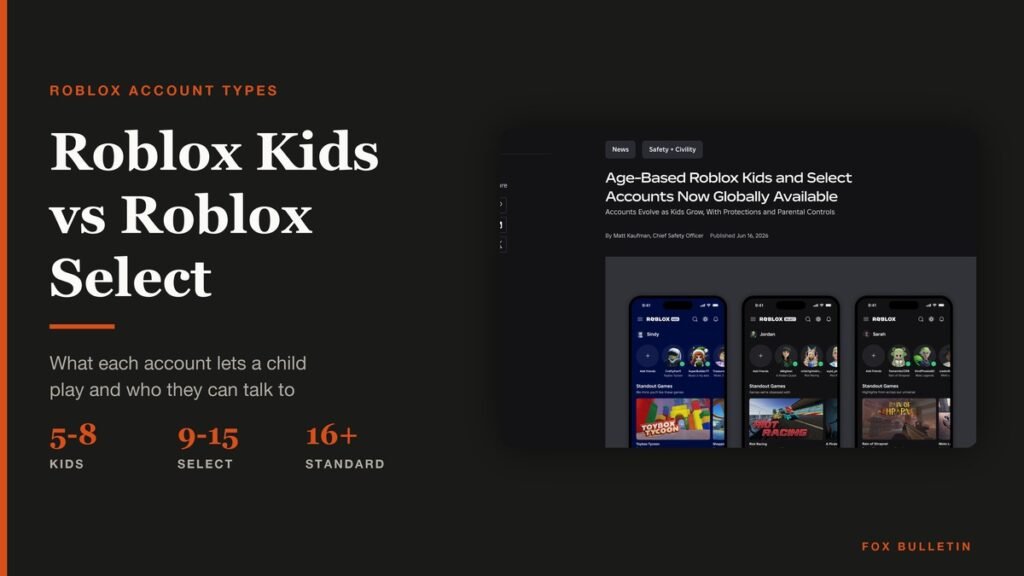
Roblox Kids vs Roblox Select: What Changes by Age
Roblox Kids covers ages 5 to 8 and Roblox Select ages 9 to 15. What each account type allows, from content ratings to chat defaults and parental controls.
Roll A Stickman Codes (October 2026)
The Roll A Stickman codes that pay instant rolls, potions and Trait Rerolls, the stage 100 condition on several of them, and the group check in front.

Anime Origins Codes (October 2026)
The Anime Origins codes that pay Trait Rerolls, Stat Prisms and Gems, the level 10 gate on most of them, and the punctuation that has to be typed.