
Category: Technology
Get the latest technology news covering smartphones, AI, software, gadgets, startups, and innovations shaping the digital world.
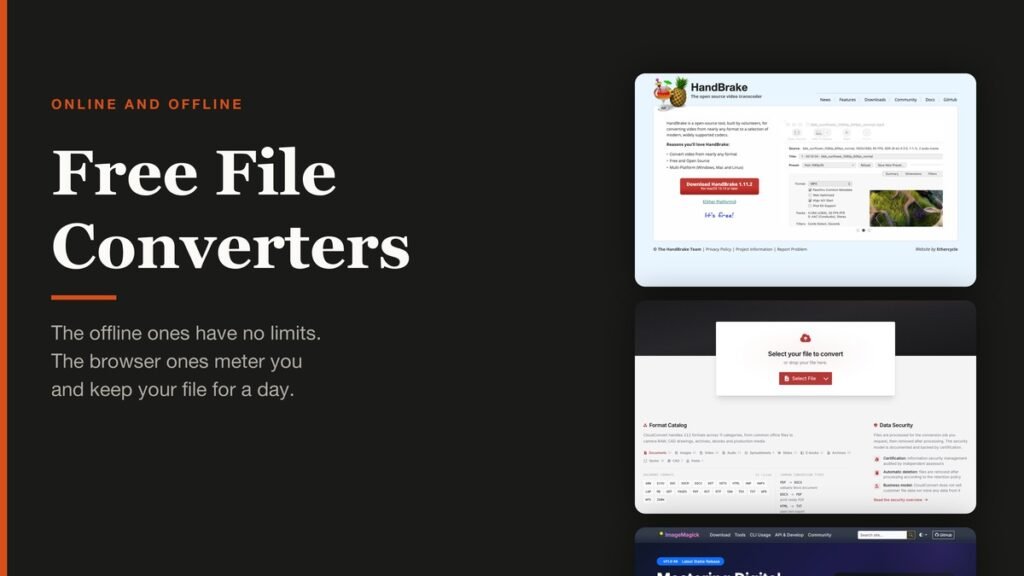
Free File Converters: 10 Picks and Their Limits
Ten free file converters compared on what they cost you, from unlimited offline tools to browser services that meter conversions and store your file.
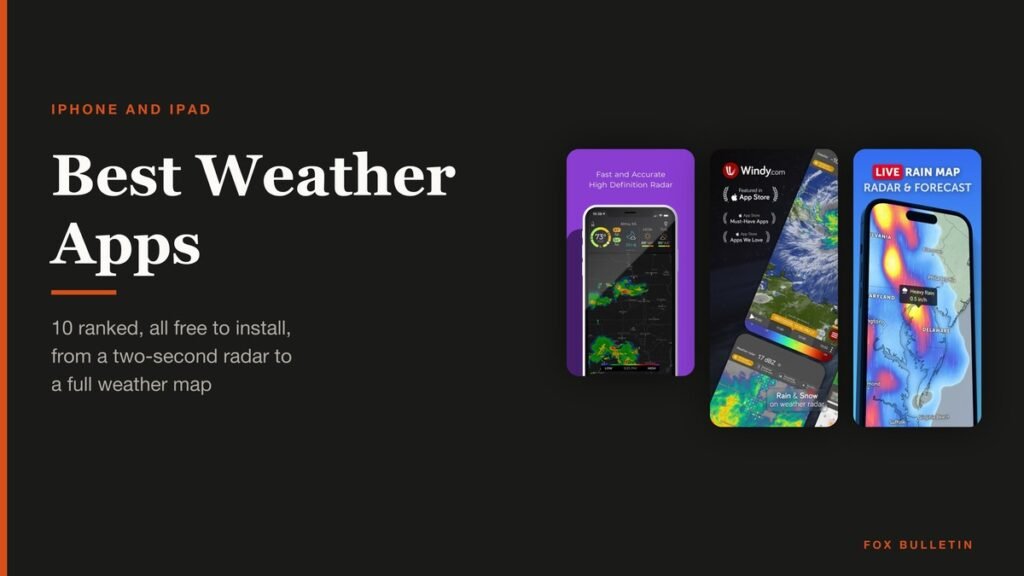
Best Weather Apps: 10 Picks for iPhone and iPad
Ten free weather apps ranked for iPhone and iPad, from the one already installed to the forecast maps meteorologists actually use.

Free Cloud Storage: How Much You Really Get
Ten free cloud storage tiers compared on allowance, encryption and the limit each provider does not advertise, from 20 GB down to 5 GB.

Best Webcams: 7 Picks for Calls and Streaming
Seven webcams compared on resolution, field of view and microphones, from the office default to a dual-camera 4K body with an 11x hybrid zoom.
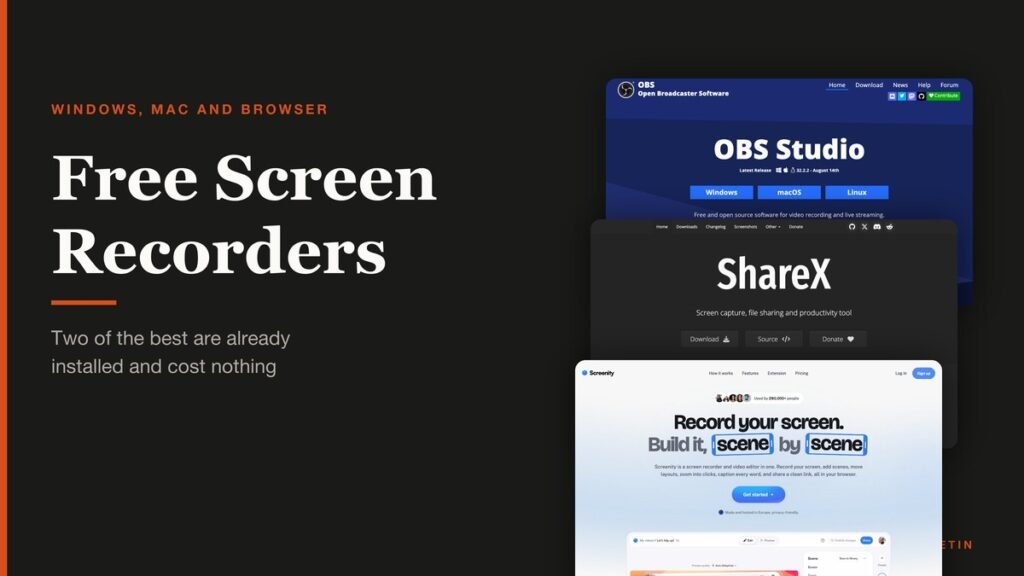
Free Screen Recorders: 10 Picks and Their Limits
Ten free screen recorders ranked, with the length cap, resolution ceiling and system audio support of each one stated plainly.

Free Antivirus: What the Labs Actually Found
Ten free antivirus products measured against the September 2026 lab results, including which ones were tested as the free edition and which were not.

Free Photo Editors: 10 Best Picks for Any Computer
Ten free photo editors ranked, from the suite that just stopped charging to the RAW developers that replace Lightroom for nothing.

Free Video Editors: 10 Best Picks for Windows and Mac
Ten free video editors ranked on what each gives away before payment, with the export cap, watermark terms and latest version of every one.

Windows Update Troubleshooter: Run It, Then Fix the Rest
Where the Windows Update troubleshooter lives on Windows 11 and Windows 10, how to run it, what it cannot fix, and the manual repairs in order: disk space, pause and resume, services and folders, DISM, sfc, stuck updates, restart loops and error codes.

Best Ad Blockers for iPhone and iPad: 10 Top Picks
Ten Safari content blockers for iPhone and iPad ranked on price, App Store rating and how recently they shipped, with what none of them can reach.
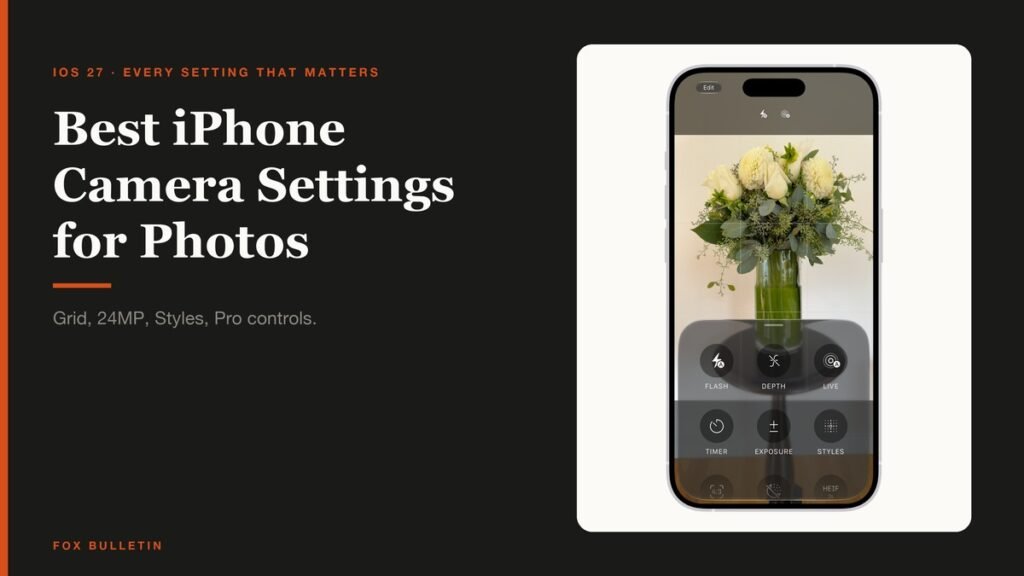
Best iPhone Camera Settings for Photos in iOS 27
Every iPhone camera setting that changes how a photo turns out in iOS 27, with the exact menu path and what to set it to.

How to Fix Slow Internet: Find the One Weak Link
A wired speed test, a symptom table and fixes in order: Wi-Fi band and placement, background tasks, cables, modem limits, QoS and the point where the plan or hardware has to change.

No Internet Connection? Find the Broken Link First
Your device is joined to the router and nothing loads. A layer-by-layer check: second device, modem lights, provider outage, gateway ping, 169.254 addresses, DNS, Ethernet, captive portals and router mode.
iPhone Won’t Turn On? Fixes by Symptom, in Order
Match what your iPhone shows to the fix: a charge test, the force restart for your model, a black-screen check, the Apple logo loop and recovery mode, plus the signs that mean service.
iPhone Battery Draining Fast? 8 Checks in the Right Order
A symptom table and eight checks in the order to run them: Settings > Battery usage, background refresh, location, screen, cellular, post-update activity, power modes and the point where the battery needs replacing.