

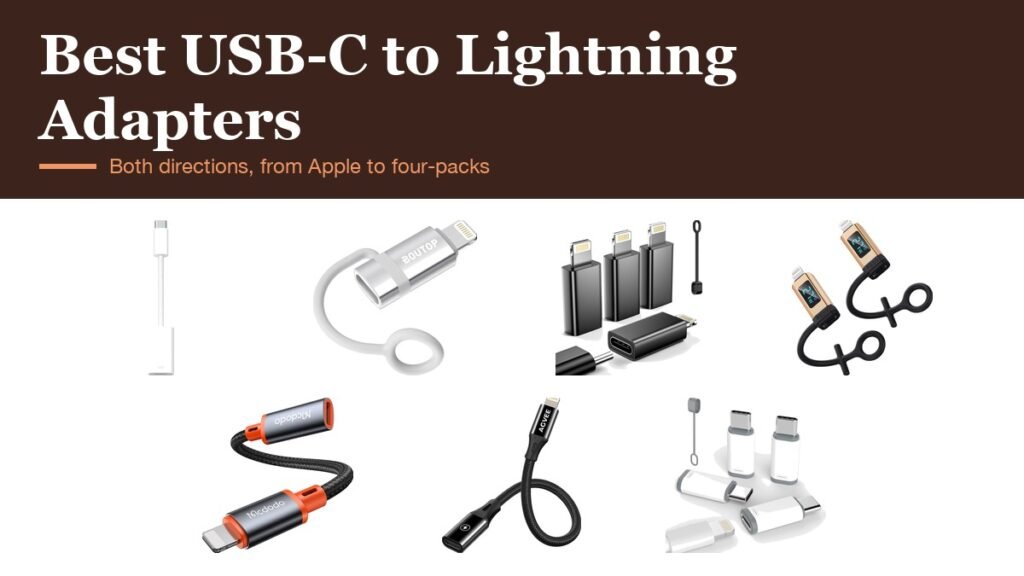
A usb-c to lightning adapter sounds like one product, but it is sold for two opposite jobs. One kind has a USB-C socket and a Lightning plug, so an older iPhone can charge from a USB-C cable. The other has a Lightning socket and a USB-C plug, so Lightning cables and accessories keep working on an iPhone 15 or later. Sellers use both names for both directions, which is why so many people buy the wrong one.
The second difference is what the adapter carries. Many cheap adapters only charge and sync with a computer, while Apple’s own handles charging, data, audio and CarPlay. The seven below are grouped so the direction and the limits are clear before you buy.
USB-C to Lightning Adapter Comparison: Direction and Functions
| # | Adapter | Plugs into | Charging | Also supports |
|---|---|---|---|---|
| 1 | Apple USB-C to Lightning Adapter | USB-C iPhone or iPad | Yes | Data, audio, CarPlay in most cars |
| 2 | BOUTOP MFi 36W (2-pack) | Lightning iPhone | Up to 36W | Charging only |
| 3 | LERTOSEN MFi (4-pack) | Lightning iPhone | Yes | Data sync with a computer |
| 4 | pzoz with LED Display (2-pack) | Lightning iPhone | Up to 27W | Data, live power readout |
| 5 | mcdodo 4-in-1 OTG | Lightning iPhone | Yes | Audio, USB drives, keyboards |
| 6 | AGVEE 4 Inch | Lightning iPhone | Up to 30W | Data sync, slim plug for cases |
| 7 | Thousover Lightning to USB-C (4-pack) | USB-C iPhone | Yes | Data sync with a computer |
1. Apple USB-C to Lightning Adapter: The One That Does Everything

Apple’s adapter plugs into the USB-C port of an iPhone 15 or later, or a USB-C iPad, and gives you a Lightning socket. Unlike most rivals it carries all three things a Lightning port used to: charging, data and audio, so Lightning headphones, cables and accessories work as they did on the old phone.
Apple also says it works with most cars, including those with CarPlay, and its braided cable takes strain off the phone’s port. It is the most expensive option here, and the only one with no caveats on what it supports.
What it does well
- Charging, data and audio through one adapter
- Works with CarPlay in most cars
- Braided cable section
- Made by Apple, so no compatibility questions
What to know before buying
- Only for USB-C iPhones and iPads
- Costs more than the generic packs
- One adapter per box
2. BOUTOP MFi 36W: Fastest Charging for an Older iPhone
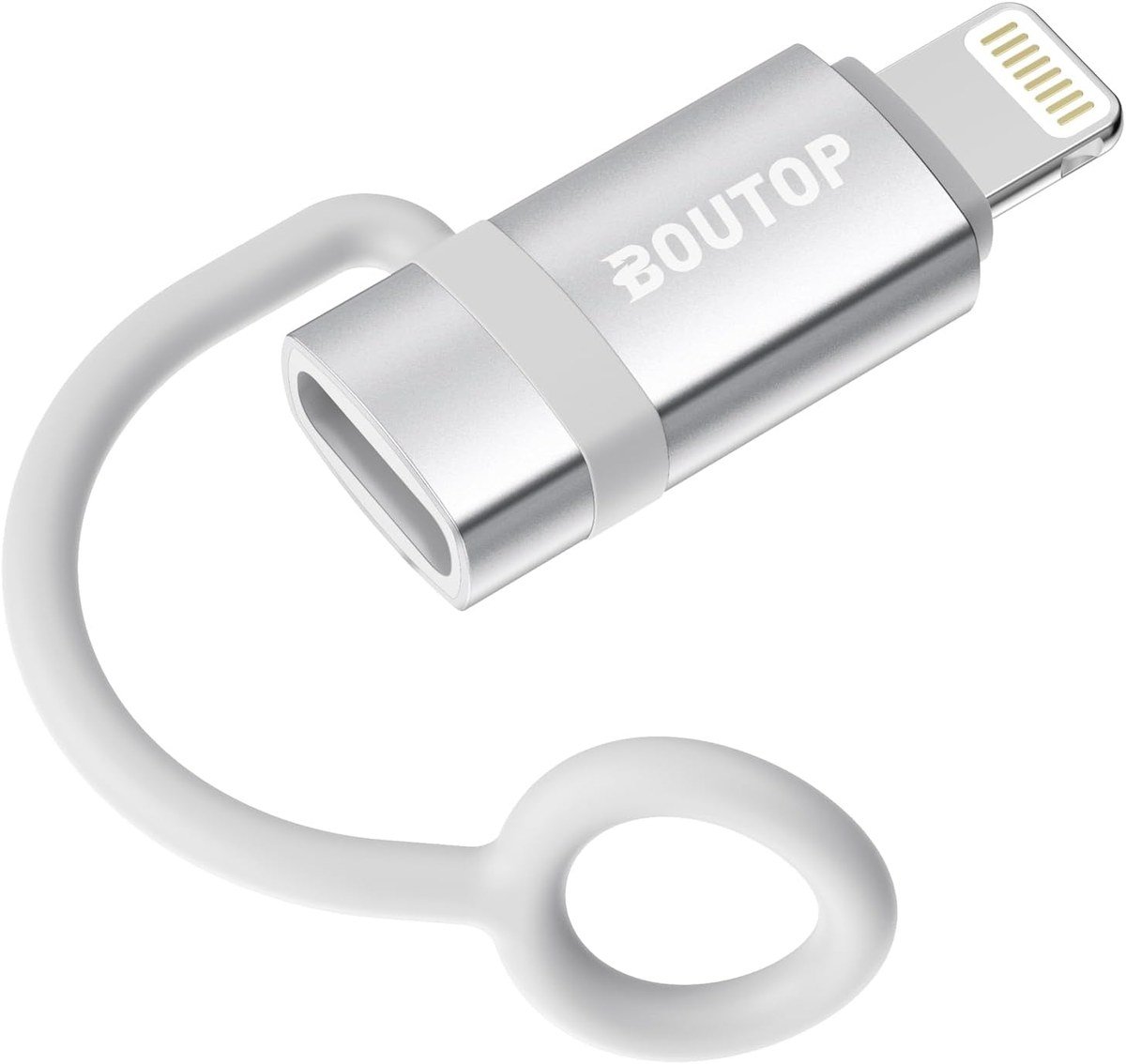
BOUTOP’s adapter goes the other way: its USB-C socket and Lightning plug let you charge a Lightning iPhone or iPad with the USB-C cable you already use for everything else. It is MFi certified and supports up to 36W Power Delivery, which BOUTOP says charges an iPhone to 70% in 30 minutes.
The aluminium alloy shell helps with heat and a silicone ring tethers the adapter to the cable so it does not get lost. BOUTOP is explicit that it does not support CarPlay, headphones or USB accessories. Two come in the box.
What it does well
- MFi certified with up to 36W charging
- iPhone to 70% in 30 minutes, per BOUTOP
- Aluminium shell and anti-loss ring
- Two adapters in the pack
What to know before buying
- No CarPlay, audio or accessories
- Charging only, no data listed
- Only for Lightning devices
3. LERTOSEN MFi (4-Pack): Charging and Computer Sync in Bulk
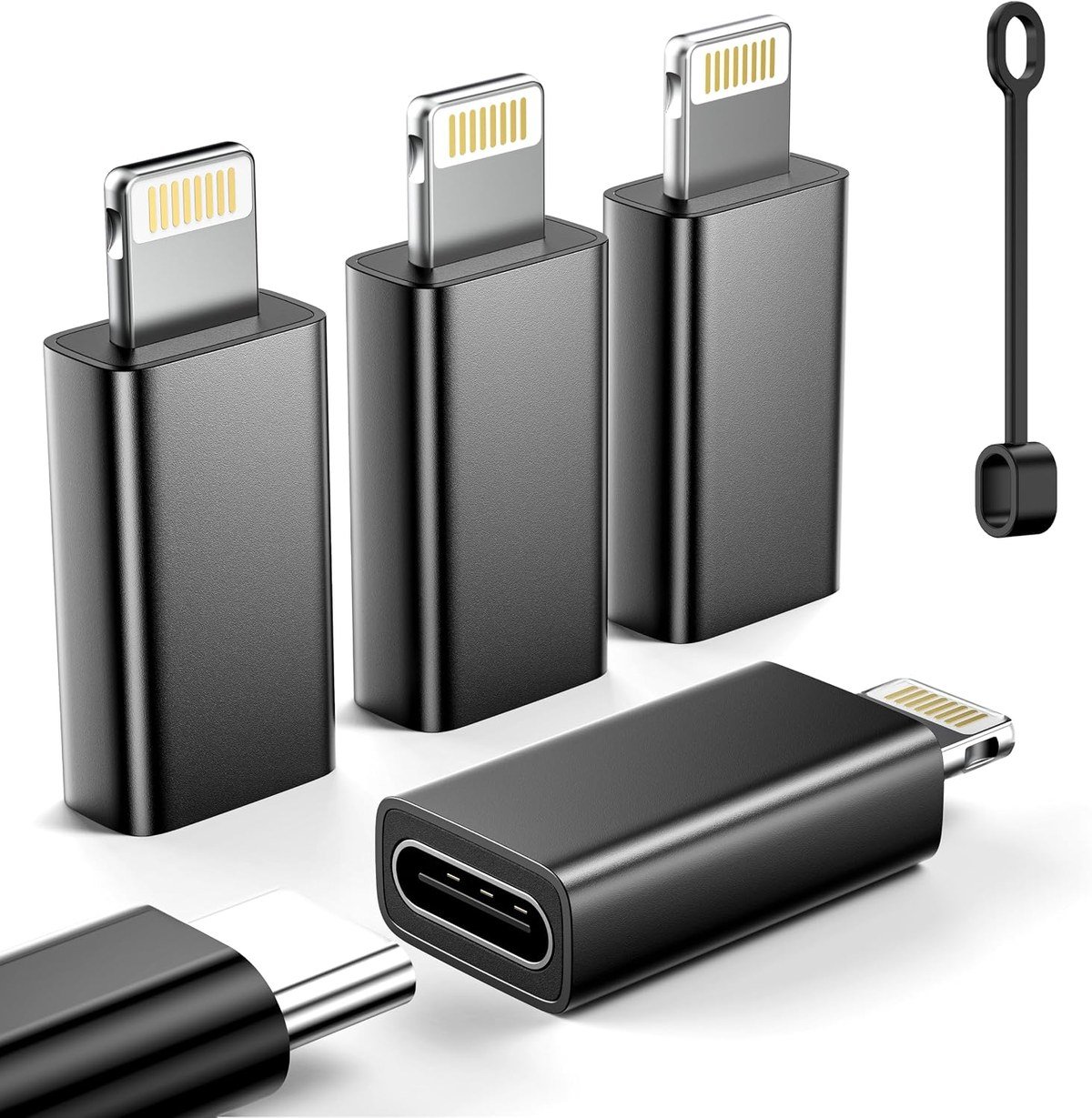
LERTOSEN’s four-pack is MFi certified for charging and syncing a Lightning iPhone or iPad with a computer at 480Mbps, which suits a household with several older devices and a drawer of USB-C cables. A 56k ohm resistor manages safe power delivery.
The aluminium shells are rated for more than 20,000 plug cycles. LERTOSEN lists clear limits: no audio, CarPlay, OTG accessories or first generation Apple Pencil.
What it does well
- MFi certified charging and data sync
- Four adapters in the pack
- Rated for 20,000+ plug cycles
- Correct 56k ohm resistor
What to know before buying
- No audio, CarPlay or accessories
- Lightning devices only
- Data sync with computers only
4. pzoz LED Display (2-Pack): See the Charging Power Live
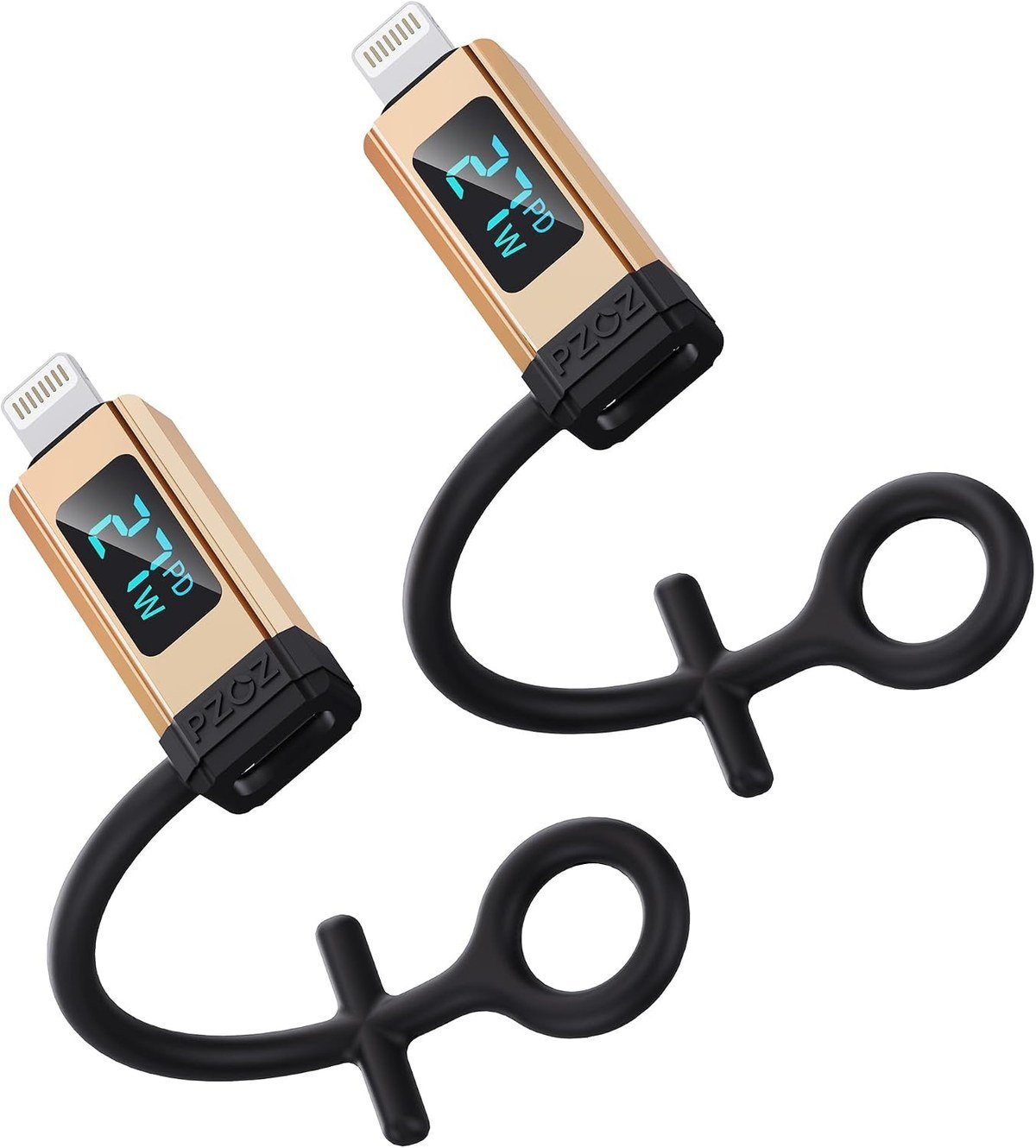
pzoz builds a tiny LED screen into its USB-C to Lightning adapter that shows the live current, voltage and wattage. It supports up to 27W with a strong enough charger and cable, and the display makes it obvious whether fast charging is actually running.
pzoz notes that Apple devices stop fast charging at around 80% battery, which the readout will show as a drop in power. It handles charging and data only, and comes with silicone ties to keep it on a cable.
What it does well
- Live current, voltage and wattage display
- Up to 27W charging
- Charging plus data
- Two adapters with silicone ties
What to know before buying
- No audio, OTG or accessories
- Display adds a little bulk
- Lightning devices only
5. mcdodo 4-in-1 OTG: For Audio and Accessories on a Lightning iPhone
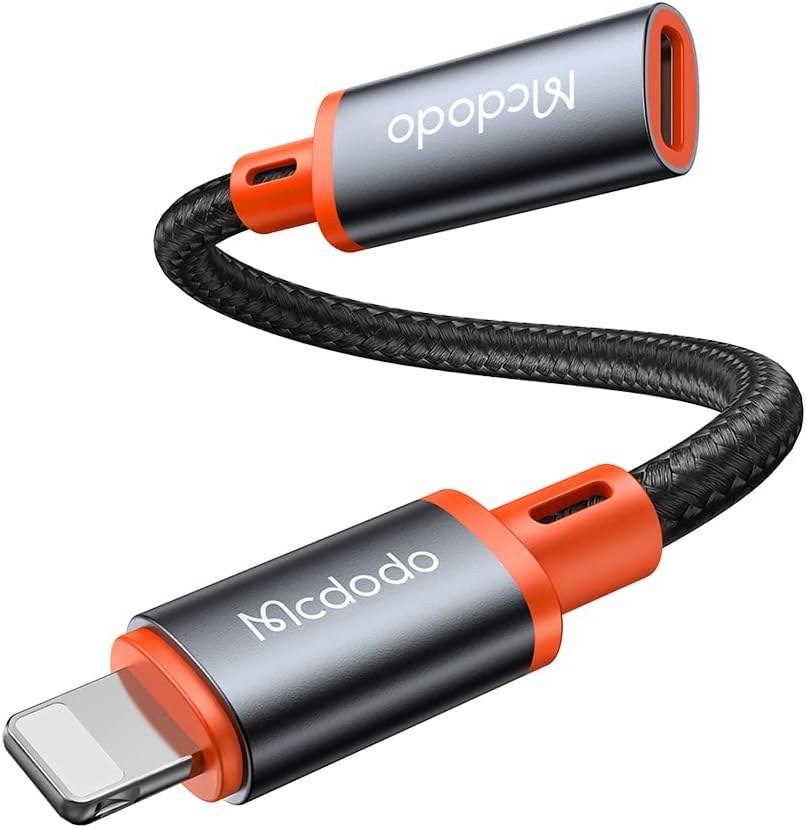
Most adapters that connect a USB-C cable to a Lightning iPhone only charge. mcdodo’s is the exception, adding OTG support for card readers, USB drives, keyboards, mice, MIDI keyboards and microphones, plus audio for USB-C headphones, as well as charging.
It is a short 4.3 inch cable adapter rated for 30,000 bends and 10,000 plug cycles, with a 12-month warranty. It suits someone with an older iPhone who has moved the rest of their gear to USB-C.
What it does well
- Charging plus audio and USB accessories
- Works with card readers, drives and keyboards
- Rated for 30,000 bends
- No drivers needed
What to know before buying
- Only for Lightning iPhones and iPads
- Cable form is bulkier than a plug adapter
- 12-month warranty
6. AGVEE 4 Inch: A Slim Plug for Cased iPhones
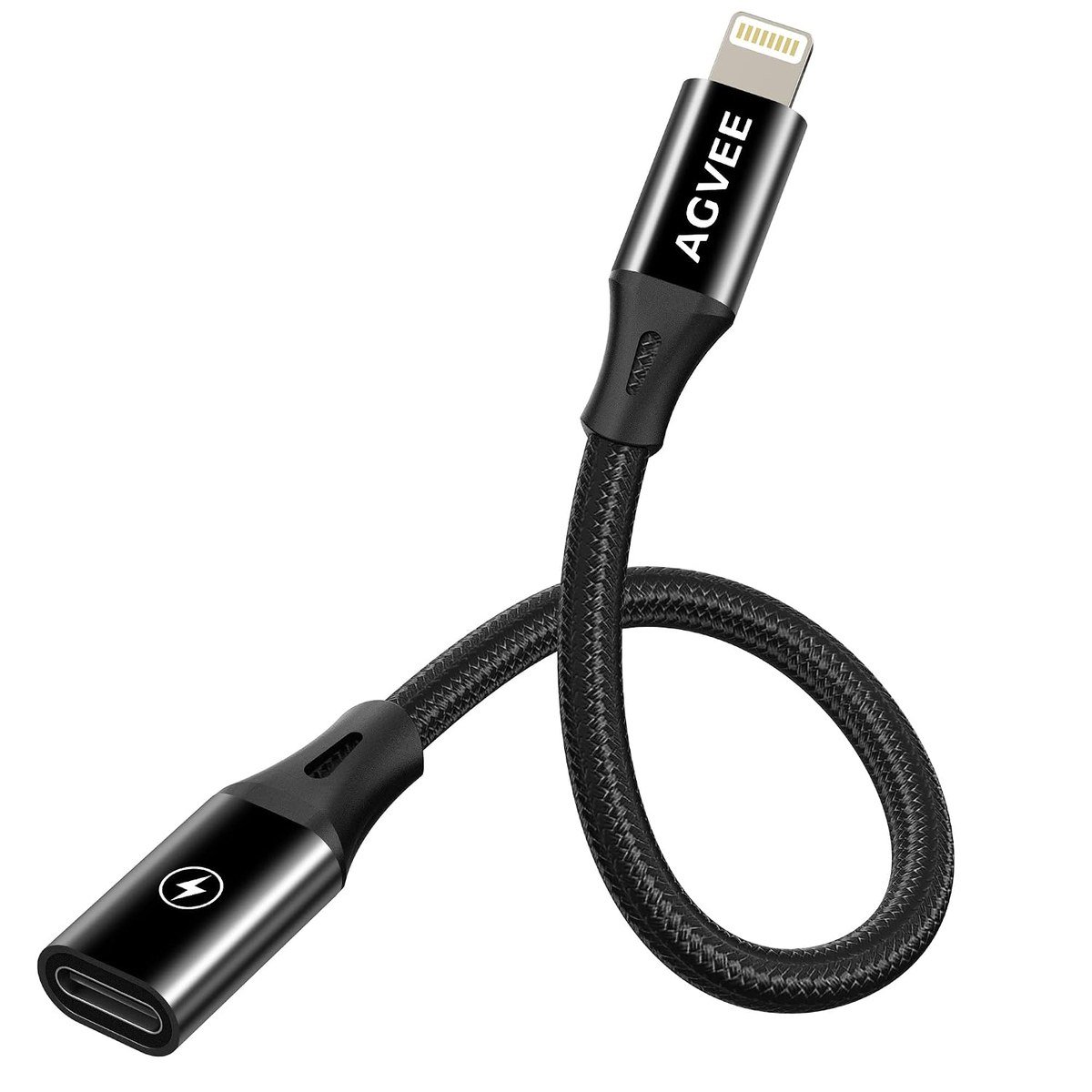
AGVEE’s adapter puts the Lightning plug on a 4 inch lead with a slim 8-pin end that fits through most cases, including waterproof ones, so you do not have to strip the case to charge. It supports fast PD charging on recent Lightning iPhones and syncs photos and files with a computer.
The shell is micro-arc oxidised aluminium and the lead is rated for 15,000 bends and temperatures to minus 50C. AGVEE states it does not carry audio, video, USB drives or hubs.
What it does well
- Slim plug fits through most cases
- Fast charging on recent Lightning iPhones
- Rated for 15,000 bends
- Hard-wearing aluminium shell
What to know before buying
- No audio or accessories
- Lightning devices only
- Short lead is one more cable to carry
7. Thousover Lightning to USB-C (4-Pack): Keep Your Old Cables
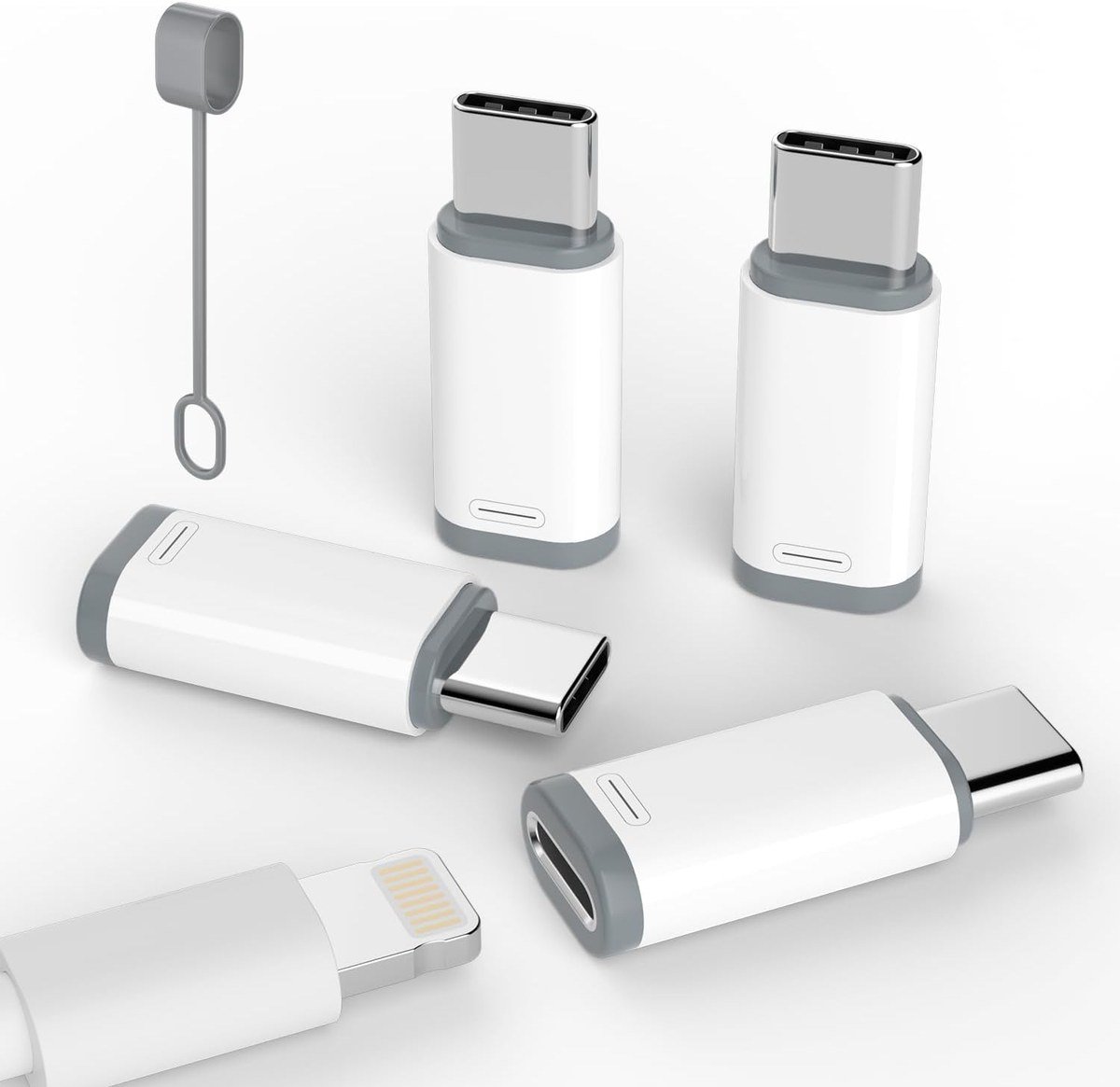
Thousover’s adapters have a Lightning socket and a USB-C plug, so the Lightning cables already in your car, bag and bedroom keep charging an iPhone 15 or later. A pack of four is enough to convert every cable in the house.
They support charging and data sync with a computer in a scratch-resistant aluminium shell. Thousover is clear that they do not support OTG, audio or other accessories, which is where Apple’s adapter earns its price.
What it does well
- Makes old Lightning cables work with USB-C iPhones
- Four adapters in the pack
- Charging and computer sync
- Aluminium shell
What to know before buying
- No audio, CarPlay or accessories
- Not MFi certified
- Small parts are easy to lose
Which Direction Do You Need?
Look at the phone first. If it has a Lightning port, an iPhone 14 or older, you need a USB-C socket on a Lightning plug, like the BOUTOP, LERTOSEN, pzoz, mcdodo or AGVEE adapters. If it has USB-C, an iPhone 15 or later, you need a Lightning socket on a USB-C plug, like Apple’s adapter or the Thousover pack.
Then check what you want to connect. For charging alone, almost any adapter will do. For Lightning headphones, CarPlay or accessories on a USB-C iPhone, Apple’s adapter is the safe choice, and Apple confirms that it supports power, data and audio. For newer phones, see the iPhone 18 Pro.
Why Lightning Adapters Still Matter in 2026
Lightning lasted more than a decade. Apple introduced it with the iPhone 5 in September 2012, and the iPhone 15 range in September 2023 was the first to switch to USB-C. The EU common charger rules made USB-C the common port for phones sold there from 28 December 2024, and for laptops from 28 April 2026.
That leaves millions of Lightning cables, headphones and docks still in use, and plenty of older iPhones on USB-C chargers. Adapters bridge the gap cheaply. For new wireless charging gear that works with any iPhone, see our best MagSafe chargers.
Which USB-C to Lightning Adapter to Buy
On an iPhone 15 or later, buy Apple’s USB-C to Lightning Adapter if you use Lightning headphones, CarPlay or accessories. If you only want old cables to charge the new phone, the Thousover four-pack is far cheaper.
On an older Lightning iPhone, the BOUTOP MFi 36W is the fastest way to charge from a USB-C cable, the pzoz shows you the charging power live, and the mcdodo 4-in-1 is the one to choose for USB-C headphones and accessories.
Frequently Asked Questions
Does a USB-C to Lightning adapter work with CarPlay?
Apple’s adapter works with CarPlay in most cars. Most generic adapters do not, and sellers including BOUTOP and LERTOSEN say so plainly.
Can I use Lightning headphones on an iPhone 15 or later?
Yes, with Apple’s USB-C to Lightning Adapter, which carries audio. Charging-only adapters will not pass sound.
Do USB-C to Lightning adapters support fast charging?
Many do. BOUTOP supports up to 36W, pzoz up to 27W and AGVEE fast PD charging on recent Lightning iPhones. Some cheaper adapters do not support Power Delivery at all.
What does MFi certified mean for an adapter?
It means the adapter is made under Apple’s licensing programme for Lightning accessories, which helps avoid the accessory not supported warning.
Related Articles
As an Amazon Associate, Fox Bulletin earns from qualifying purchases.

Get the Fox Bulletin briefing
The stories that matter, in your inbox. No spam, unsubscribe anytime.
Newsletter signup will be available soon.
Related stories
Morse Code: The Full Chart, Timing and How It Works
Every letter, digit, punctuation mark and procedural signal in international Morse code, with the timing rules that govern them and the places the code is still working.
Military Alphabet: All 26 Letters, Spelled and Pronounced
Alfa, Bravo, Charlie: the military alphabet is a set of 26 code words that keep letters apart over a noisy radio. Here is every letter, how to say it, and the history behind the list.
How to Turn Off Read Receipts on Instagram DMs
The global switch does not sweep up chats you have already set by hand. That one rule explains almost every case of Seen still appearing.