

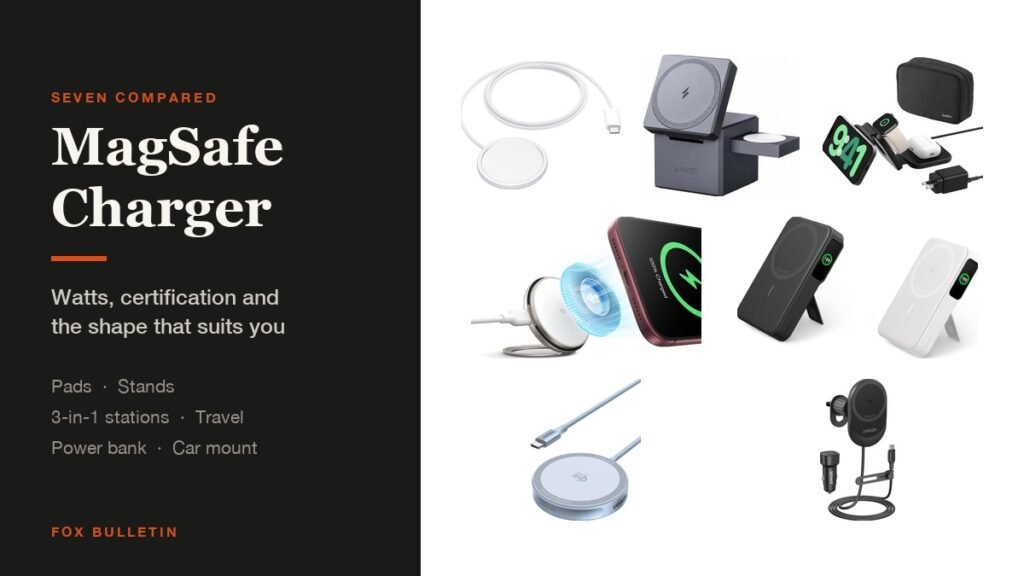
The best MagSafe charger for most iPhones is Apple own 25W puck, which is the simplest way to get full magnetic charging speed, and the ESR Qi2.2 Cyclone pad if you would rather have a stand with active cooling. For a bedside table, a 3-in-1 station charges the phone, watch and AirPods from one plug. Tags are the other accessory most people add next, and these AirTag holders cover keychains through bike mounts.
Every pick here is magnetic and aligns itself, so the differences are wattage, certification and shape. The table below compares all seven on those three axes:
MagSafe Charger Picks Compared: Watts, Certification and Shape
Qi2 tops out at 15W and Qi2.2 raises that to 25W, which is the single biggest difference between these:
| # | Charger | Speed | Form | Works with | Best for |
|---|---|---|---|---|---|
| 1 | Apple MagSafe Charger (1 m) | Up to 25W | Puck on a cable | iPhone 12 and later | The reference charger |
| 2 | ESR Qi2.2 Cyclone Pad | 25W, Qi2.2 | Stand, 0 to 150 degrees | iPhone 12 and later | Heat control |
| 3 | UGREEN MagFlow Pad | 25W, Qi2.2 | Flat pad | iPhone 12 to 17, not 16e | A second 25W pad |
| 4 | Anker MagGo 3-in-1 Station | 15W, Qi2 | Desk station | iPhone, Watch, AirPods | One hub by the bed |
| 5 | Belkin Qi2 Travel Pad | 15W, Qi2 | Folds flat, 3 in 1 | iPhone, Watch, AirPods | Packing light |
| 6 | Anker MagGo Power Bank | 15W, Qi2 | 10,000mAh with stand | iPhone 12 and later | Charging away from a socket |
| 7 | Anker MagGo Car Charger | 15W, Qi2 | Vent mount | iPhone 12 to 16 series | Navigation on the road |
1. Apple MagSafe Charger (1 m): The Reference MagSafe Charger
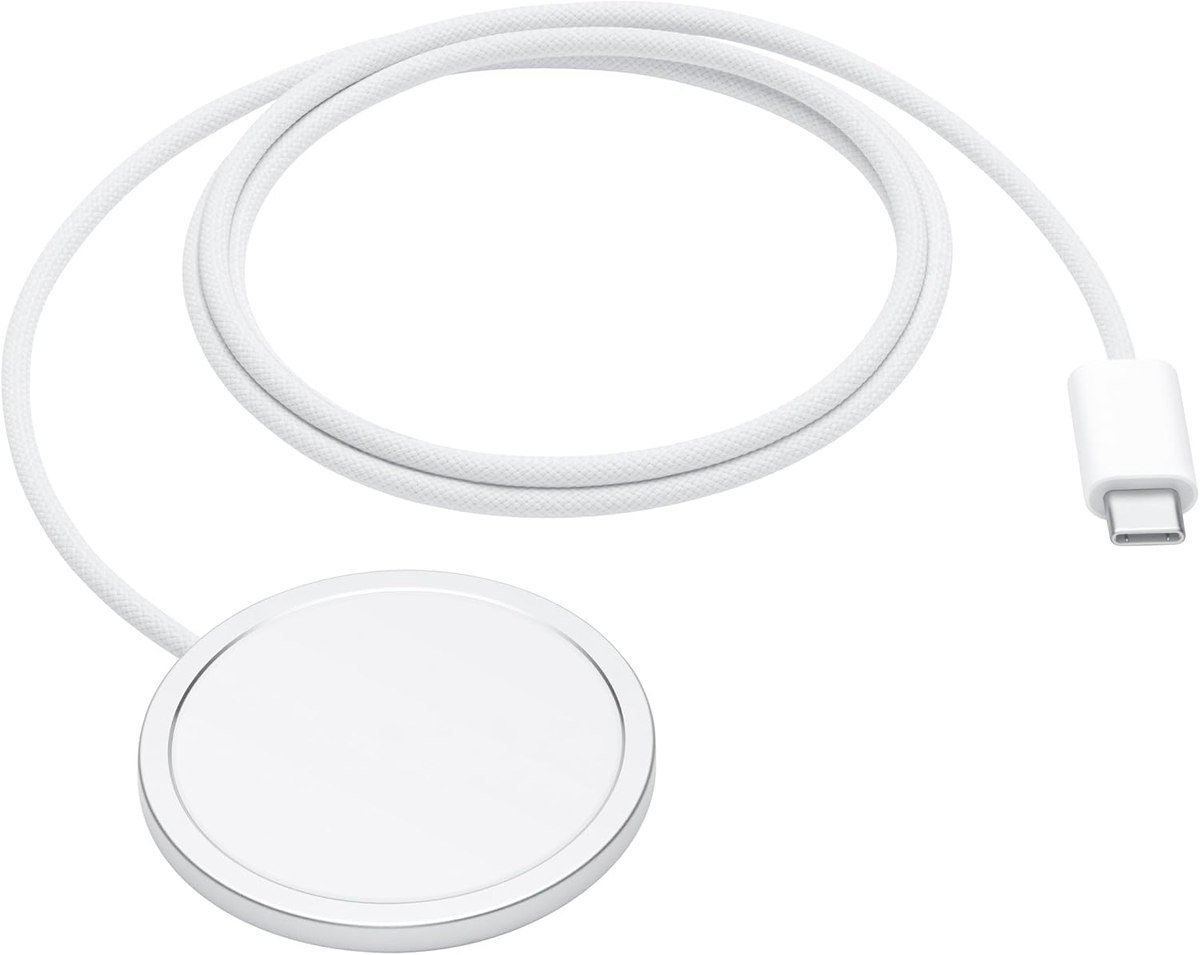
Apple describes this as making wireless charging fast, easy and convenient, with perfectly aligned magnets that attach to iPhone 12 or later models featuring MagSafe. It provides up to 25W, which Apple quantifies as up to 50 percent battery in around 30 minutes for iPhone 16 and iPhone 16 Pro when paired with a suitable adapter.
It also works as an ordinary Qi or Qi2 charger for an iPhone 8 or later and for AirPods cases with wireless charging. There is no stand, no extra coils and no display: it is a puck on a woven cable, which is exactly why it is the one to buy if you want no surprises.
What it does well
- Full 25W with the right adapter
- Works as a plain Qi charger too
- Nothing to go wrong
What to know before buying
- No stand or angle
- Needs a 30W or greater adapter, sold separately
2. ESR Qi2.2 Cyclone Pad: Best MagSafe Charger for Heat
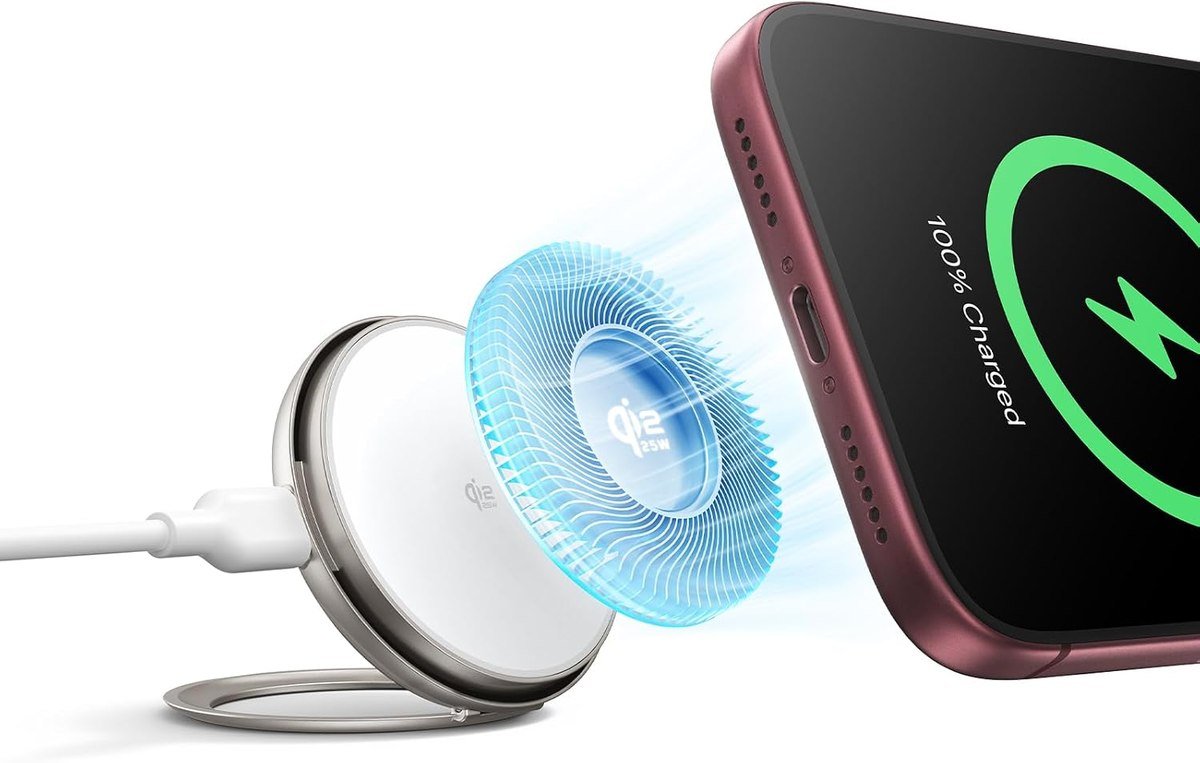
ESR certifies this one for Qi2.2 at 25W and says it takes an iPhone 17 Pro to 50 percent in 26 minutes. The distinguishing feature is CryoBoost active cooling: a built-in fan that runs while the phone charges, which ESR says lowers charging temperatures in its own lab testing.
The stand pivots from flat to 150 degrees, so it supports StandBy on the bedside table in landscape, or an upright angle on a desk for video calls. If you charge during the day while the phone is in use, which is when heat is worst, this is the one worth paying extra for.
What it does well
- Fan keeps the phone cooler under load
- 0 to 150 degree adjustable angle
- Supports StandBy in landscape
What to know before buying
- A fan is one more thing to fail
- Larger footprint than a bare pad
3. UGREEN MagFlow Qi2.2 Pad: A Flat 25W Alternative
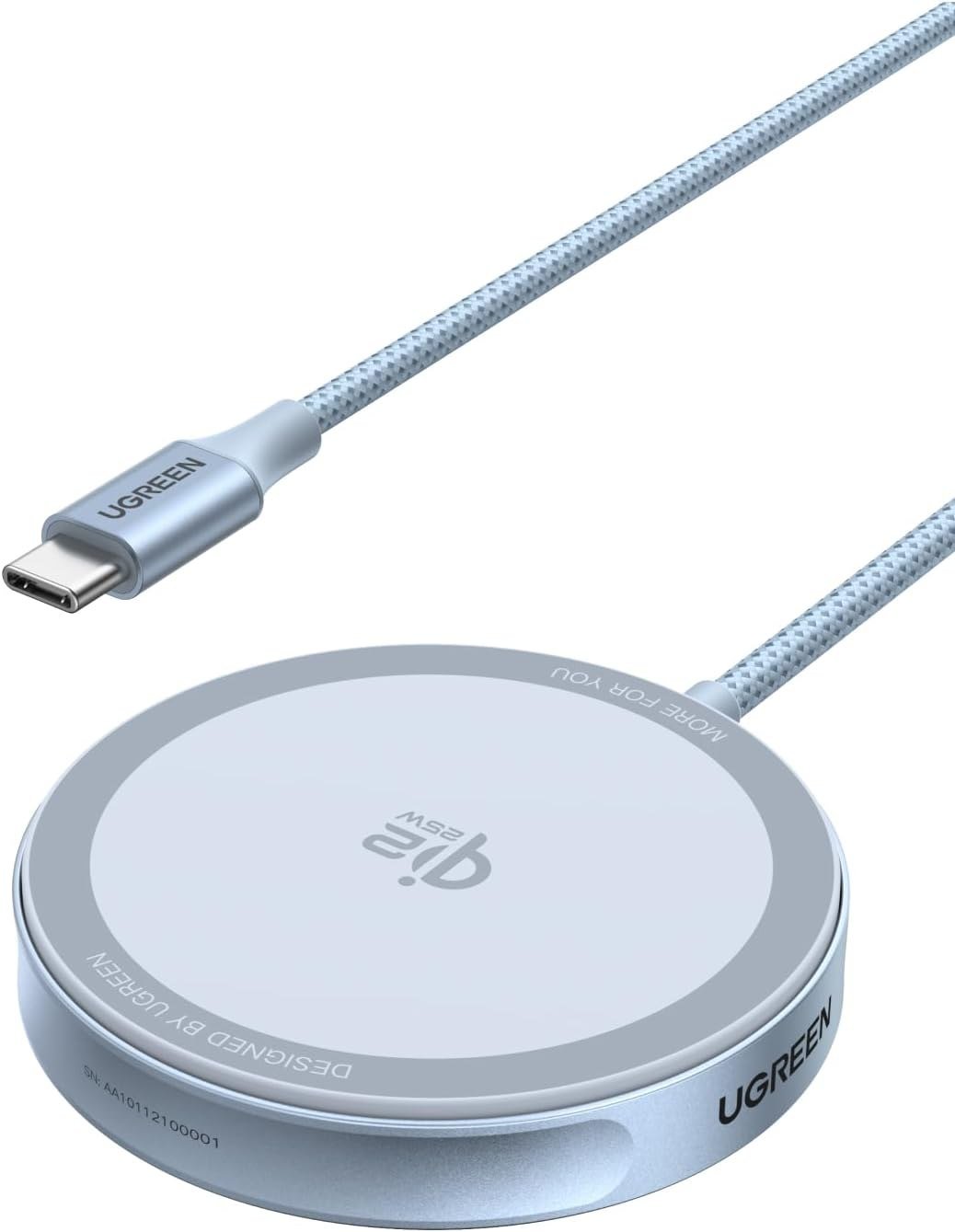
UGREEN MagFlow is the same 25W Qi2 generation in a flat pad rather than a stand. The company lists it for the iPhone 17, 17 Air, 17 Pro and 17 Pro Max and the 16, 15, 14, 13 and 12 series, with the iPhone 16e specifically excluded, plus 5W for AirPods cases with MagSafe.
Flat pads suit a desk where you set the phone down face up and keep glancing at it, and they travel better than anything with a hinge. Read the compatibility line before buying: the 16e omission is a real limitation rather than a formality, because that model lacks the magnet array.
What it does well
- 25W in the simplest possible shape
- Charges AirPods cases as well
- Packs flat
What to know before buying
- Not compatible with iPhone 16e
- No angle, so no StandBy use
4. Anker MagGo 3-in-1 Station: Best MagSafe Charger for a Bedside Table
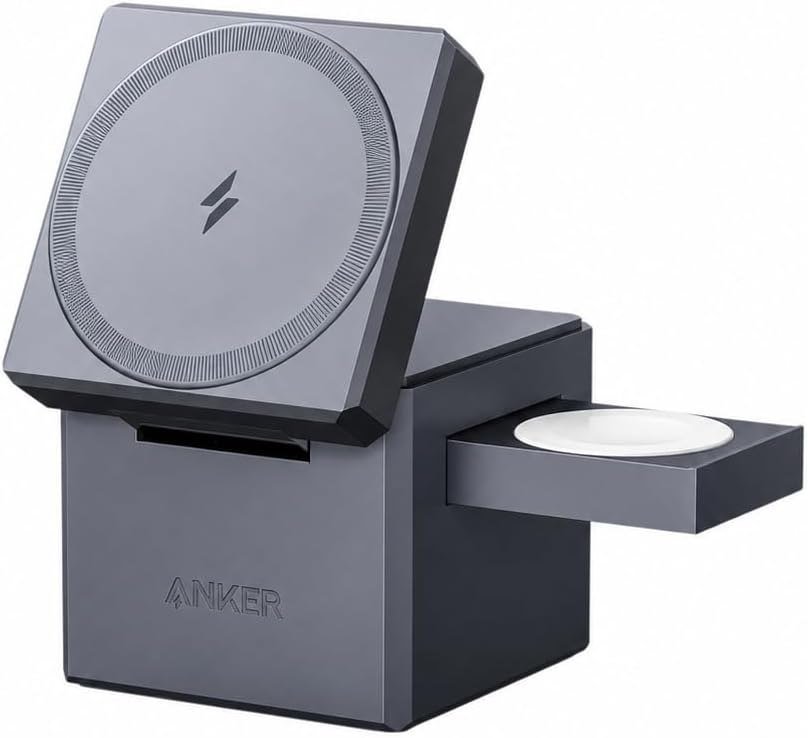
Anker builds this as a compact hub that charges an iPhone, an Apple Watch and AirPods from one plug. The phone pad delivers up to 15W of Qi2 magnetic charging for iPhone 12 and newer, the watch puck is certified Apple Watch charging at up to 5W, and there is a dedicated area for an AirPods case.
The appeal is cable count rather than speed. One socket and one brick replace three chargers, and everything has a fixed home, which is the actual problem on most bedside tables. At 15W it is slower than the 25W pads, which matters less overnight than it does at a desk.
What it does well
- Three devices, one plug
- Certified Apple Watch charging
- Compact enough for a nightstand
What to know before buying
- 15W rather than 25W
- Watch and AirPods spots are wasted if you own neither
5. Belkin Qi2 Travel Pad: Best Folding MagSafe Charger
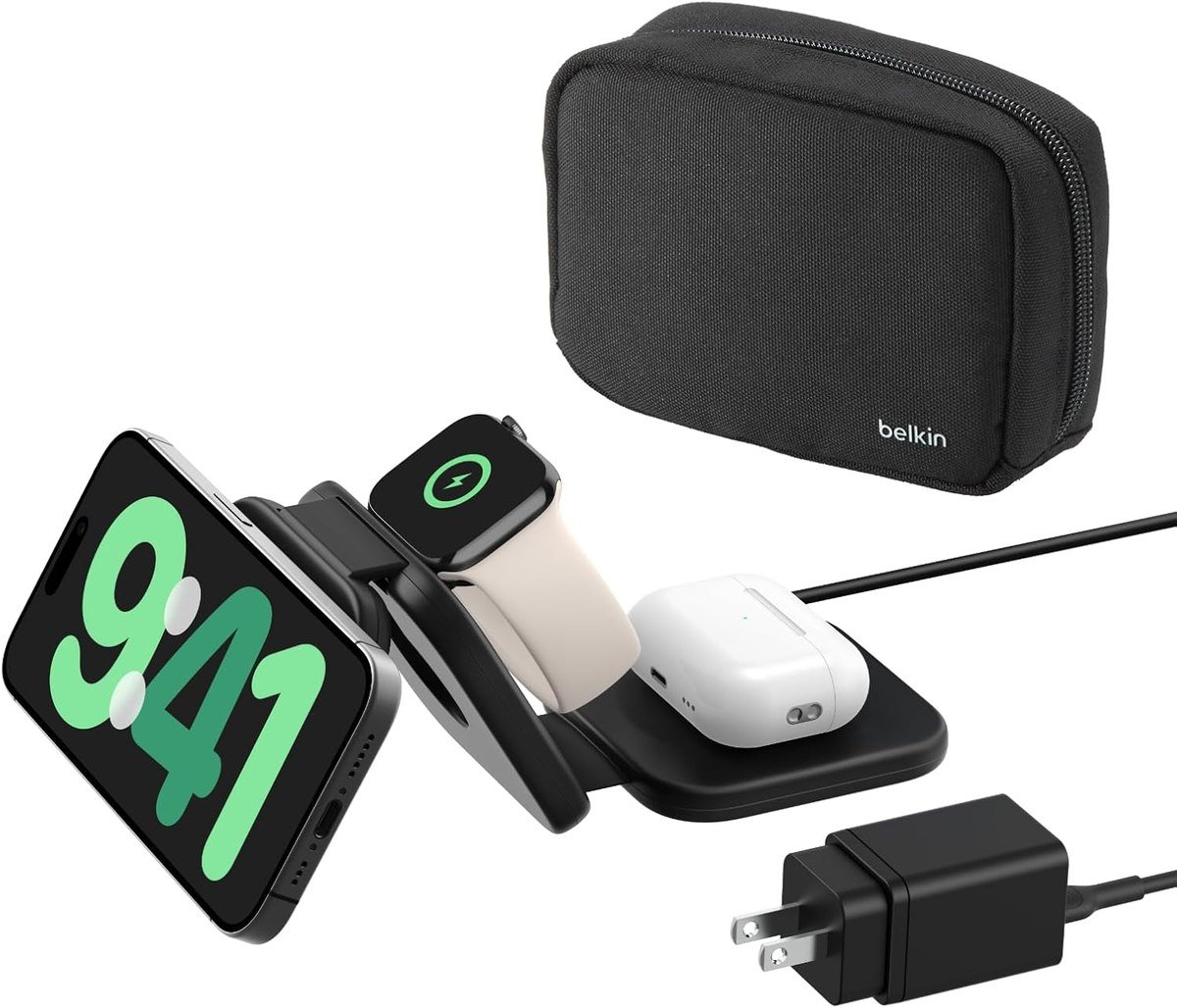
Belkin folds the same three-device idea flat enough for a pocket in a bag. It charges a Qi2 phone at up to 15W, and the upgraded 5W watch puck fast charges Apple Watch Series 7, 8 and 9 as well as Ultra and Ultra 2, with an LED on the back to confirm it is powered.
All three devices charge at once, which is the point on a trip where sockets are scarce and you have a phone, a watch and earbuds to get through the night. It is the pick for anyone who travels regularly rather than for a permanent desk setup.
What it does well
- Folds flat and comes with a case
- Fast watch charging included
- Three devices from one outlet
What to know before buying
- 15W ceiling on the phone
- More expensive than a single pad
6. Anker MagGo Power Bank: Best MagSafe Charger Without a Socket
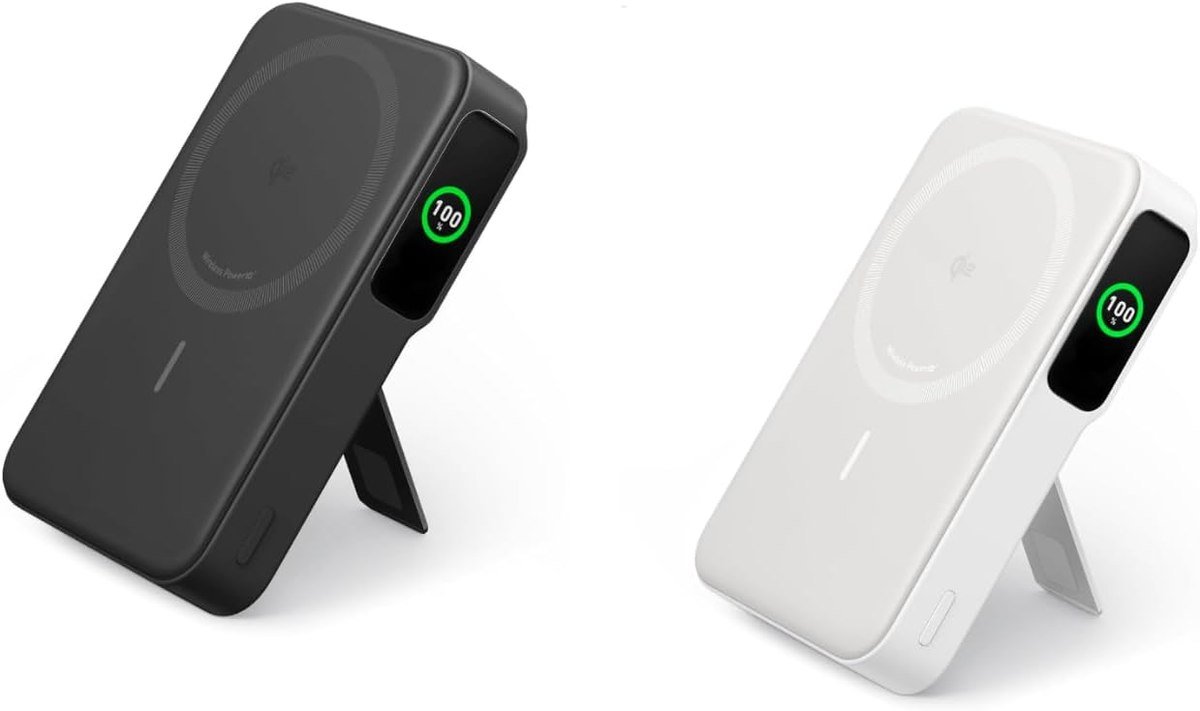
This is a 10,000mAh battery with a Qi2 certified 15W magnetic pad on its face, which Anker rates at about 1.8 charges for an iPhone 15 Pro. A smart display shows battery percentage and recharge time, so you are not guessing from four LEDs.
A built-in stand props the phone up while it charges, turning the battery into a desk stand on a train or in a cafe. It is the one pick here that does not need a wall at all, which makes it the natural companion to any of the others rather than a replacement for them.
What it does well
- Charges with no socket in sight
- Readable display rather than LEDs
- Stand built into the body
What to know before buying
- Adds real weight to a pocket
- Magnetic charging drains a battery faster than a cable
7. Anker MagGo Car Charger: Best MagSafe Charger for a Car
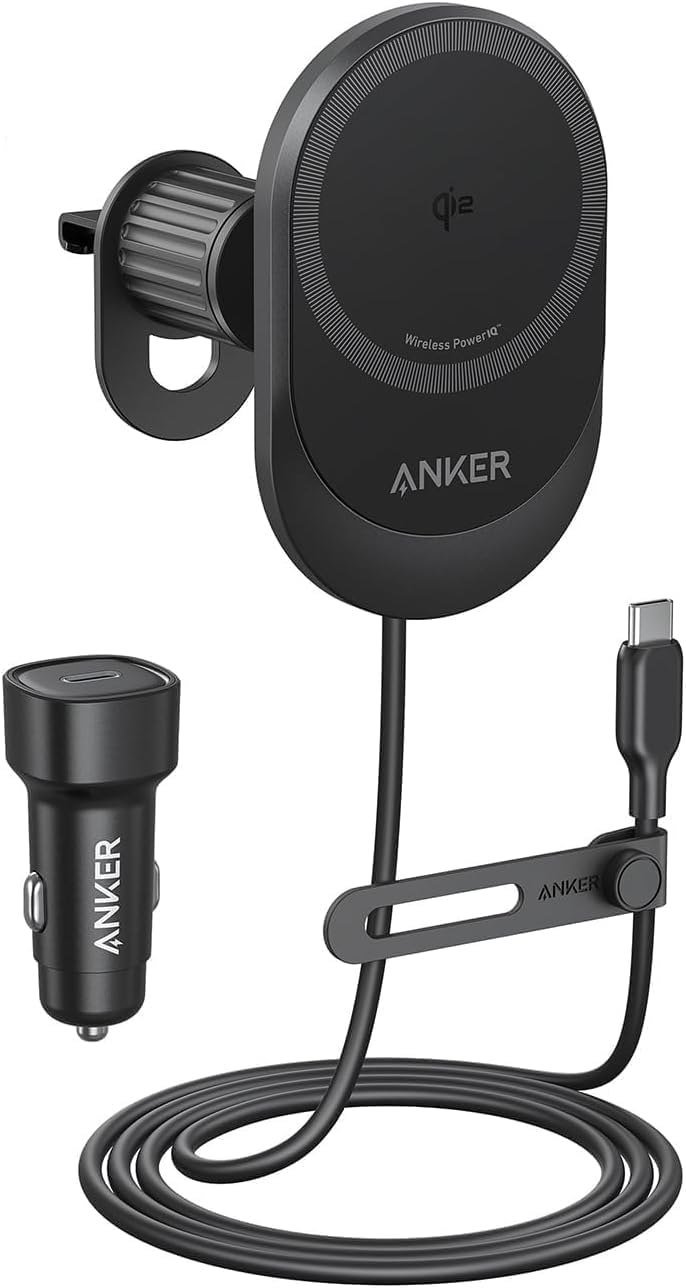
Anker vent mount is Qi2 certified at 15W and is built around magnetic hold rather than clamps, so the phone goes on and off one-handed. The company says the hold stays secure through bumps, turns and sudden stops, which is the whole job of a car mount.
The angle adjusts for portrait or landscape, which matters when the phone is running navigation for an hour and charging at the same time. Anker lists it for iPhone 12 through 16 series; a case without magnets will not hold, so check that before fitting it.
What it does well
- One-handed attach and release
- Charges while running navigation
- Portrait or landscape
What to know before buying
- Needs a magnetic case to hold properly
- Vent mounts can sag on worn vents
What Qi2 Actually Means
MagSafe is Apple name for its magnetic charging system. Qi2 is the industry standard that grew out of it: the Wireless Power Consortium built the Magnetic Power Profile around magnet alignment technology Apple contributed, which is why a Qi2 charger behaves like a MagSafe one on an iPhone and also works on certified Android phones.
The practical reading is simple. Qi2 certified means up to 15W with proper alignment and safety testing. Qi2.2 raises the ceiling to 25W, which is what the newest iPhones can accept. A product described only as MagSafe compatible, with no certification named, is promising magnets rather than charging speed, and often tops out at 7.5W.
Getting the Fastest Charge Without Cooking the Battery
Wireless charging wastes some energy as heat by design, and heat is what shortens battery life. Five habits keep it in check:
- Take the case off if it is thick, metal-backed or holds a card. Apple warns against putting credit cards, security badges, passports or key fobs between the phone and the charger, because the magnets and coils can damage magnetic strips and RFID chips.
- Give the charger air. A pad buried in a duvet or pushed against a wall traps the heat it is producing.
- Expect slower charging above 80 percent. Apple says software may limit charging past that point if the battery gets too warm, which is protective rather than a fault.
- Use wired charging when you need speed in a hurry. Wireless is for convenience and overnight; a cable is still faster and cooler.
- If the phone was placed before the charger was plugged in, lift it, wait three seconds and put it back to restore full power delivery.
Adapter choice is the most common mistake. Apple instructions are to connect the MagSafe Charger to a 30W or greater USB-C power adapter, and to place it face up on a flat surface clear of metal objects. A charger rated at 25W fed by a 12W brick simply charges at 12W. If you are also carrying a battery for other devices, our roundup of the best power banks covers the larger ones.
Which MagSafe Charger to Buy
Buy Apple own puck if you want the reference experience and already have a 30W adapter: it hits the full 25W, works as a plain Qi charger for everything else, and has no fan, hinge or display to fail. Pair it with the ESR Cyclone instead if you charge during the day with the phone in use, since active cooling is the only feature here that addresses the real long-term cost of wireless charging.
Take the Anker 3-in-1 station for a nightstand and the Belkin folding pad if you travel; both trade 25W for charging three devices from one outlet, which is the better deal overnight. Add the MagGo power bank if your day runs longer than your battery, and the car mount only if you navigate regularly. Five picks here work through cases, so our guides to iPhone 17 Pro cases and iPhone 16 cases flag which ones keep the magnet array intact.
Frequently Asked Questions
How fast does a MagSafe charger charge an iPhone?
Apple own charger delivers up to 25W with a 30W or greater USB-C adapter, which Apple describes as up to 50 percent in around 30 minutes on an iPhone 16 or 16 Pro. Qi2 chargers without the 2.2 certification top out at 15W, and uncertified magnetic chargers are often limited to 7.5W.
Is Qi2 the same as MagSafe?
Not quite. Qi2 is the Wireless Power Consortium standard whose Magnetic Power Profile is based on magnet technology Apple contributed. A Qi2 charger works like a MagSafe charger on an iPhone and also works with certified Android phones, while MagSafe is Apple branding for its own system.
Can you use a MagSafe charger through a case?
Yes, if the case is thin or has a magnet array built in. Thick cases, metal backs and anything holding a card or a key fob interfere, and Apple warns that cards, badges and passports between the phone and charger can be damaged.
Does wireless charging damage the battery?
Not directly, but the heat it produces accelerates normal battery ageing. Keeping the charger in open air, avoiding thick cases and letting the phone slow its own charging above 80 percent does more for battery life than choosing one brand over another.
Related Articles
- Best Tech Gifts for Men 2026: 10 Gadgets From Earbuds to Dash Cams
- Best Gifts for Car Lovers 2026: 10 Car Gadgets and Accessories
- Best Wireless Earbuds: 7 Compared on Calls, ANC and Battery
- Best Smartwatches: 7 Compared on Battery and Health Sensors
- How to Change an Apple Watch Band
As an Amazon Associate, Fox Bulletin earns from qualifying purchases.

Get the Fox Bulletin briefing
The stories that matter, in your inbox. No spam, unsubscribe anytime.
Newsletter signup will be available soon.
Related stories
Windows Update Troubleshooter: Run It, Then Fix the Rest
Where the Windows Update troubleshooter lives on Windows 11 and Windows 10, how to run it, what it cannot fix, and the manual repairs in order: disk space, pause and resume, services and folders, DISM, sfc, stuck updates, restart loops and error codes.
Best Ad Blockers for iPhone and iPad: 10 Top Picks
Ten Safari content blockers for iPhone and iPad ranked on price, App Store rating and how recently they shipped, with what none of them can reach.
Best iPhone Camera Settings for Photos in iOS 27
Every iPhone camera setting that changes how a photo turns out in iOS 27, with the exact menu path and what to set it to.