
Picking between the best note taking apps for iPad is harder than it looks, because every one of them is free to download and none of them tells you where the free version stops until you are already using it. One of the most popular caps you at three files.
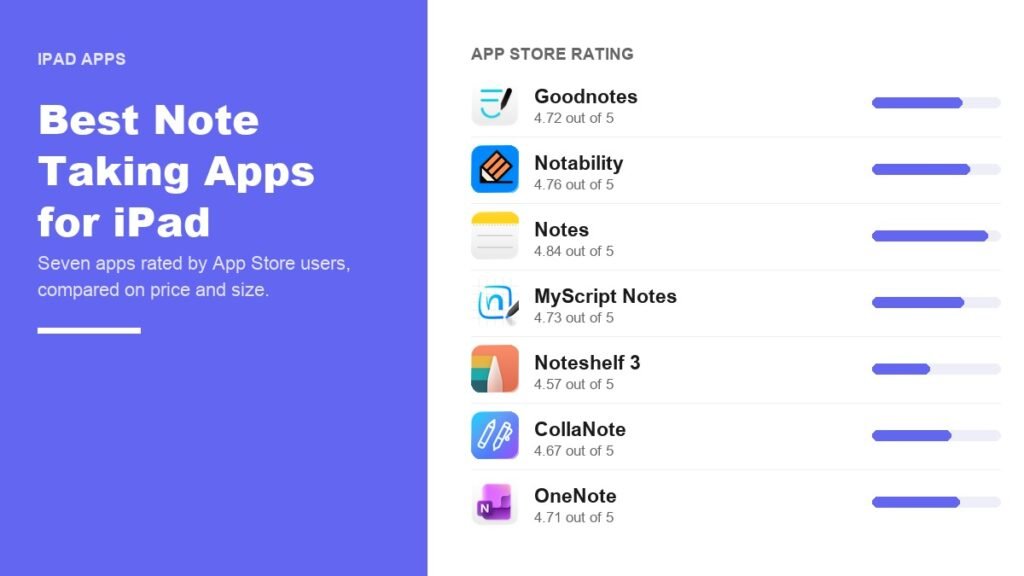
The numbers here come from each app’s US App Store listing, read on 21 September 2026: the star rating users actually left, the download size Apple prints, the minimum iPadOS version, and the in-app purchase prices. That last column is where these apps separate, and two of them now demand iPadOS 18.6.
Best Note Taking Apps for iPad Compared
| # | App | App Store rating | Size | Minimum iOS | What you pay |
|---|---|---|---|---|---|
| 1 | Goodnotes | 4.72 from 454,839 | 960.2 MB | iOS 18.6 and above | Free for 3 files, Essential $11.99 a year |
| 2 | Notability | 4.76 from 456,694 | 447.5 MB | iOS 17.5 and above | Free for 5 notes, Lite $11.99 a year |
| 3 | Notes (Apple) | 4.84 from 643,779 | 6.1 MB | iOS 15 and above | Free, no in-app purchases |
| 4 | MyScript Notes | 4.73 from 38,589 | 279.1 MB | iOS 17 and above | Free, with in-app purchases |
| 5 | Noteshelf 3 | 4.57 from 6,603 | 485.1 MB | iOS 18 and above | Free, with in-app purchases |
| 6 | CollaNote | 4.67 from 13,713 | 217.8 MB | iOS 18.6 and above | Free, Lifetime Premium $13.90 |
| 7 | Microsoft OneNote | 4.71 from 1,064,189 | 423.7 MB | iOS 18 and above | Free, Microsoft 365 from $9.99 a month |
Goodnotes and Notability are separated by four one-hundredths of a star across almost identical rating counts, which tells you the long-running argument between them is a matter of taste rather than quality. Where they differ sharply is the free tier and the iPadOS they demand.
1. Goodnotes: The Default, With the Strictest Free Tier
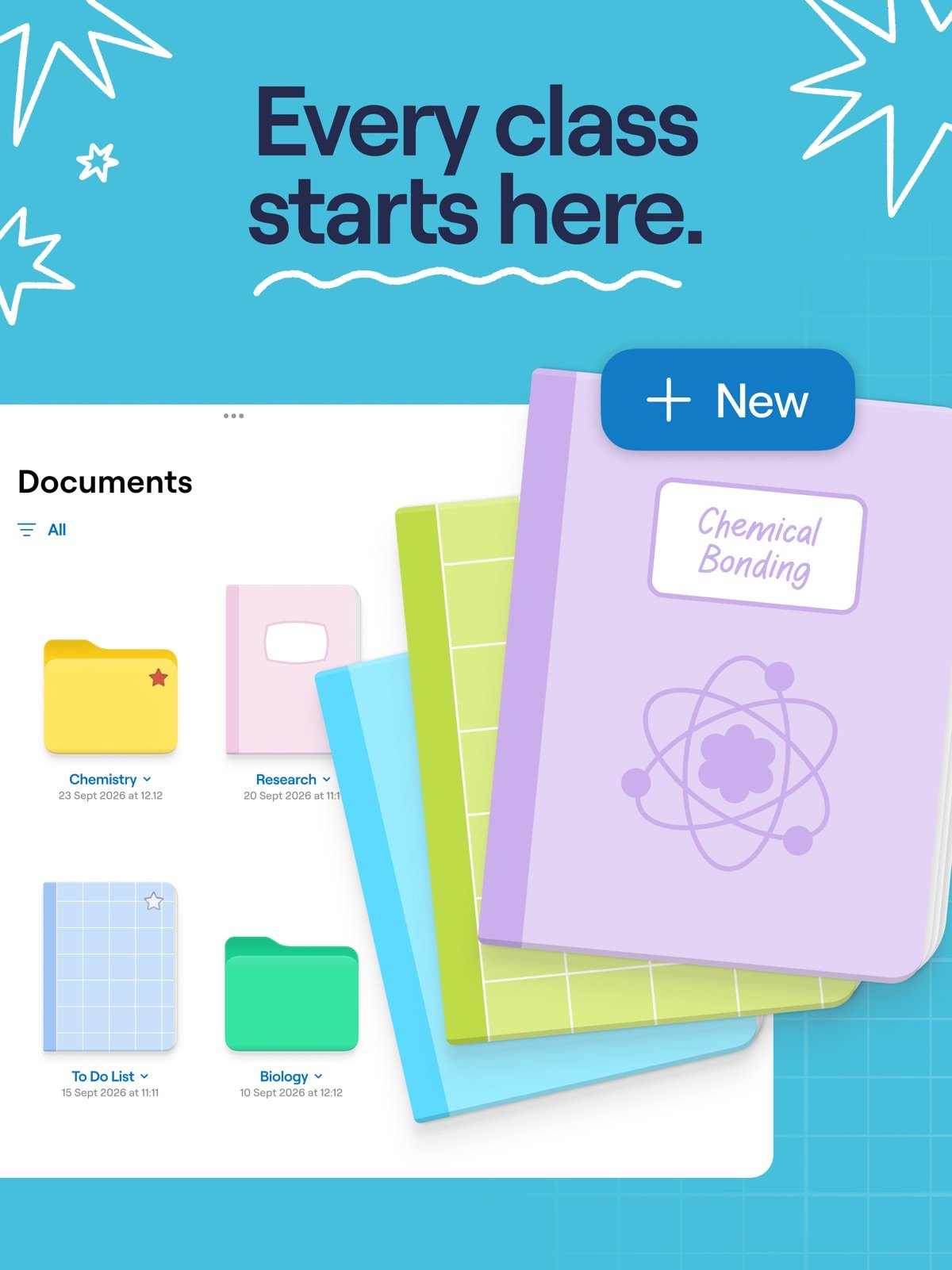
Goodnotes rates 4.72 from 454,839 App Store ratings and is the app most students reach for first. Handwriting feels close to paper, imported PDFs annotate cleanly, and handwritten text is searchable.
Its free version is the tightest here. Goodnotes’ pricing page allows three files in total across notebooks, whiteboards and text documents, and exports carry a watermark. Essential is $11.99 a year, Pro is $35.99, and the App Store listing also sells a one-time Goodnotes 6 unlock at $28.99.
Two practical warnings. At 960.2 MB it is the largest app in this comparison by a distance, and it now requires iPadOS 18.6, the newest requirement of any app here. An iPad that cannot update past iPadOS 17 cannot run it at all.
- Free version: three files, watermarked exports.
- Cheapest unlock: $11.99 a year, or $28.99 once.
- Will not install on: anything below iPadOS 18.6.
2. Notability: Better Free Tier, Better Audio
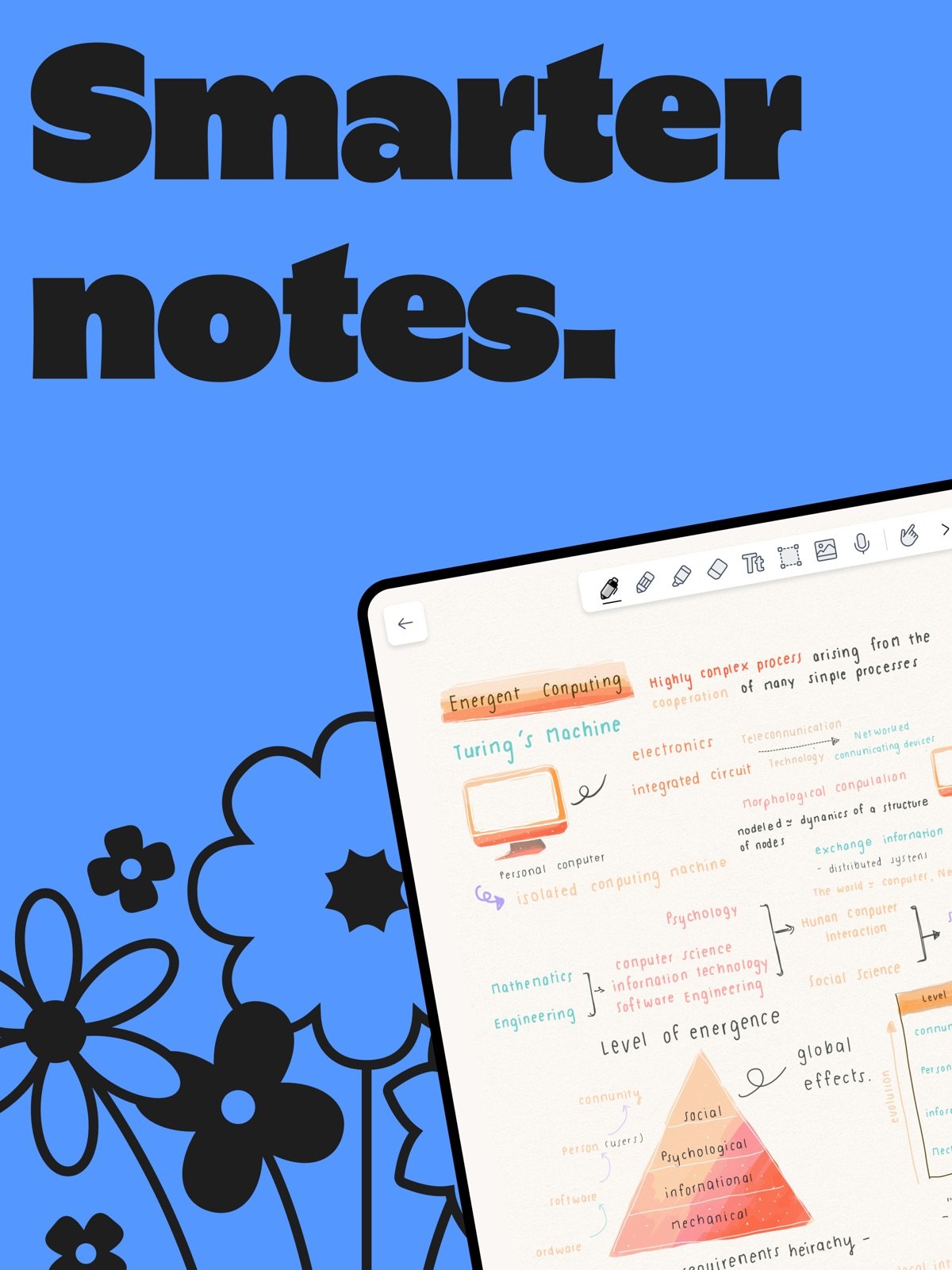
Notability edges Goodnotes on rating at 4.76 from 456,694 ratings, a near identical sample size. Its signature feature is recorded audio tied to your handwriting, so tapping a word jumps the recording to the moment you wrote it. For lectures that is genuinely valuable.
The free Starter plan allows five notes with all the editing tools and access to templates, which is more workable than three files but still a trial. Notability’s pricing then runs Lite at $11.99 a year, Plus at $15.99 and Pro at $79.99, with Plus adding handwriting search and audio transcription.
It is less than half the size of Goodnotes at 447.5 MB and it runs on iPadOS 17.5, a full version older. On an iPad that is a couple of generations behind, that difference decides the question on its own.
- Free version: five notes, full editing tools.
- Cheapest unlock: $11.99 a year for Lite.
- Runs on: iPadOS 17.5, older hardware than Goodnotes allows.
3. Notes: The One Already on Your iPad
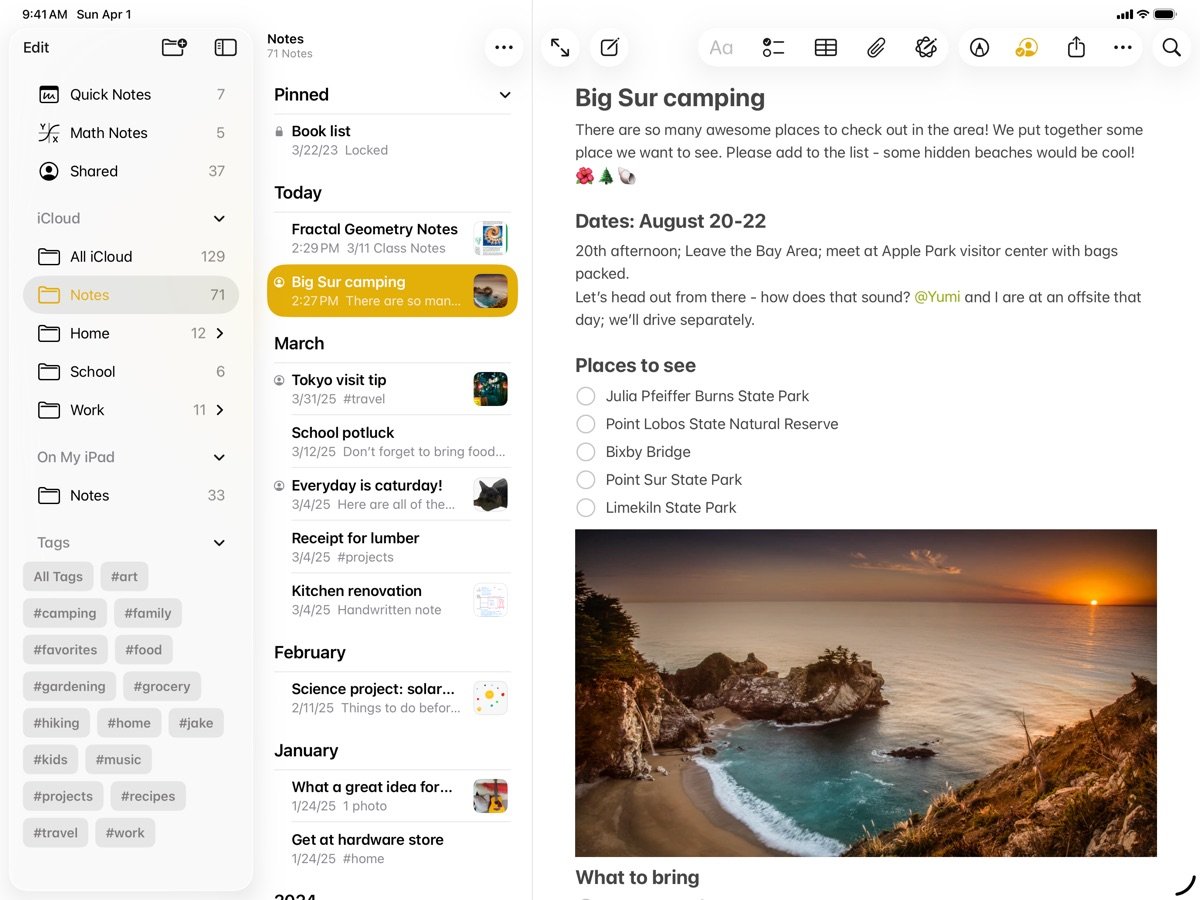
Apple Notes holds the highest rating in this comparison, 4.84 from 643,779 ratings, and its listing shows no in-app purchases at all. There is no free tier to exhaust because nothing is being sold.
It takes Apple Pencil input, scans documents, syncs through iCloud and now handles decent handwriting. At 6.1 MB it is roughly a hundred and sixty times smaller than Goodnotes, and it runs on iPadOS 15, which covers almost any iPad still receiving updates.
What it lacks is the specialist layer: no audio tied to ink, no serious PDF annotation workflow, no template marketplace, and organisation that stops at folders and tags. For a lot of people that list describes features they were never going to use.
- Free version: the whole app, with no in-app purchases.
- Cheapest unlock: not applicable, nothing is sold.
- Runs on: iPadOS 15, the widest hardware support here.
4. MyScript Notes: Best Handwriting to Text Conversion
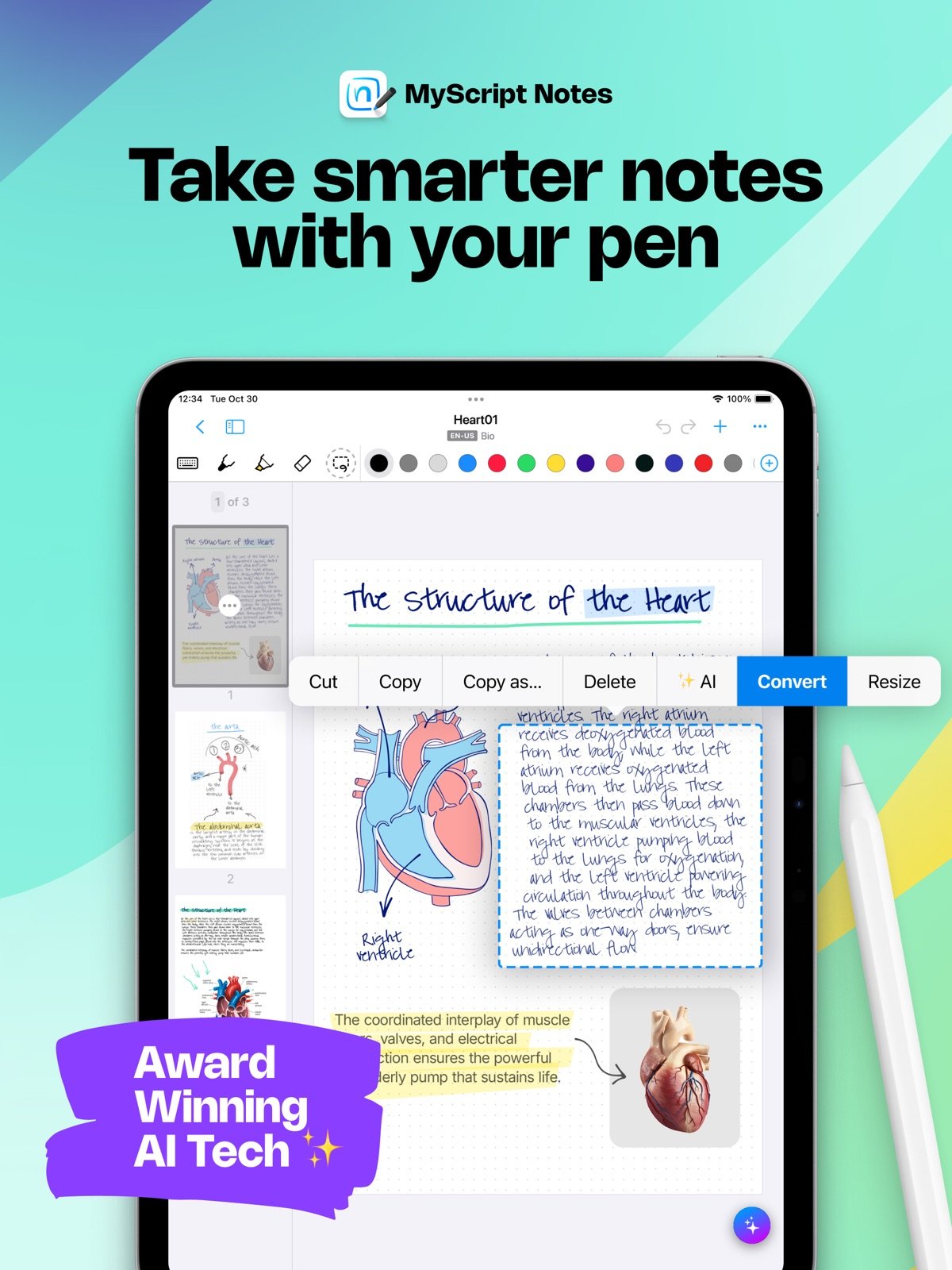
This is the app many people still call Nebo. It is now listed on the App Store as MyScript Notes: AI Handwriting from developer MyScript, and its in-app purchase list still carries a Nebo Pro entry, so searching the old name will not find it under that title any more.
It rates 4.73 from 38,589 ratings and its specialism is turning handwriting into clean typed text, which it does more accurately than anything else in this group. Diagrams and equations convert too, which is why it turns up in engineering and maths courses.
At 279.1 MB it is mid-sized and it runs on iPadOS 17. The app is free to download with in-app purchases covering the full version, so the useful test is whether the conversion quality justifies it for your handwriting, which varies more than the marketing admits.
- Free version: free to download, with in-app purchases to unlock the rest.
- Rating: 4.73 from 38,589 App Store ratings.
- Runs on: iPadOS 17, and it is listed under MyScript Notes, not Nebo.
5. Noteshelf 3: Templates and a One-Off Unlock
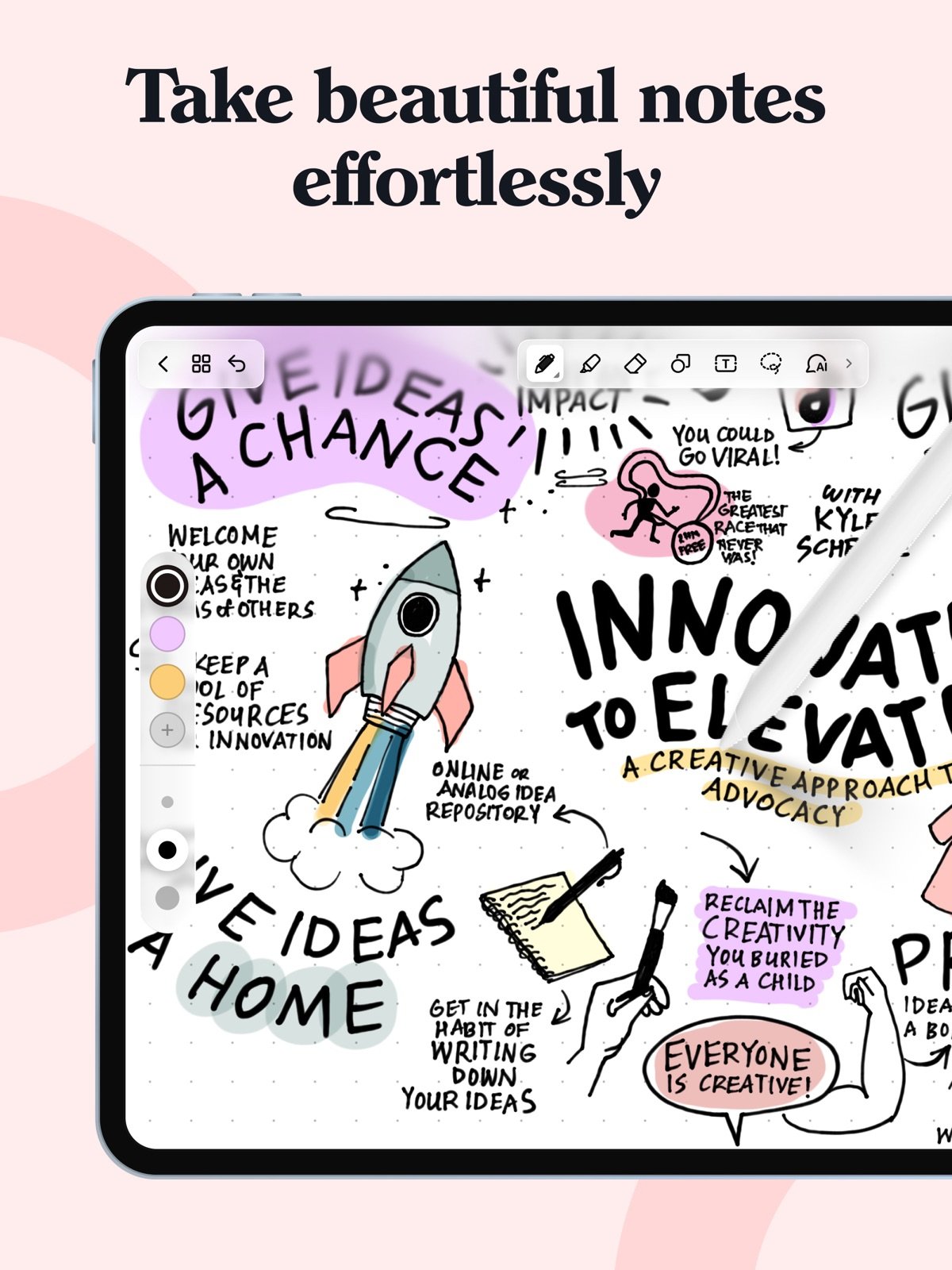
Noteshelf 3 rates 4.57 from 6,603 ratings, the smallest sample of the well-known names here and the lowest score in this comparison. It sits close to Goodnotes in what it does: handwriting, PDF markup, audio recording and a large library of notebook templates.
It is free to download, and its App Store in-app purchases include a lifetime premium unlock alongside the usual monthly and yearly options. A one-off purchase is increasingly rare in this category, and for anyone who resents subscriptions that alone makes it worth a look.
The download is 485.1 MB and it needs iPadOS 18, so it sits between Notability and Goodnotes on both counts. The smaller rating base is worth weighing: fewer than 7,000 ratings against Goodnotes and Notability at over 450,000 each.
- Free version: free to download, premium sold separately.
- Unlock options: monthly, yearly, or a one-off lifetime purchase.
- Runs on: iPadOS 18, at 485.1 MB.
6. CollaNote: The Cheapest Lifetime Unlock Here
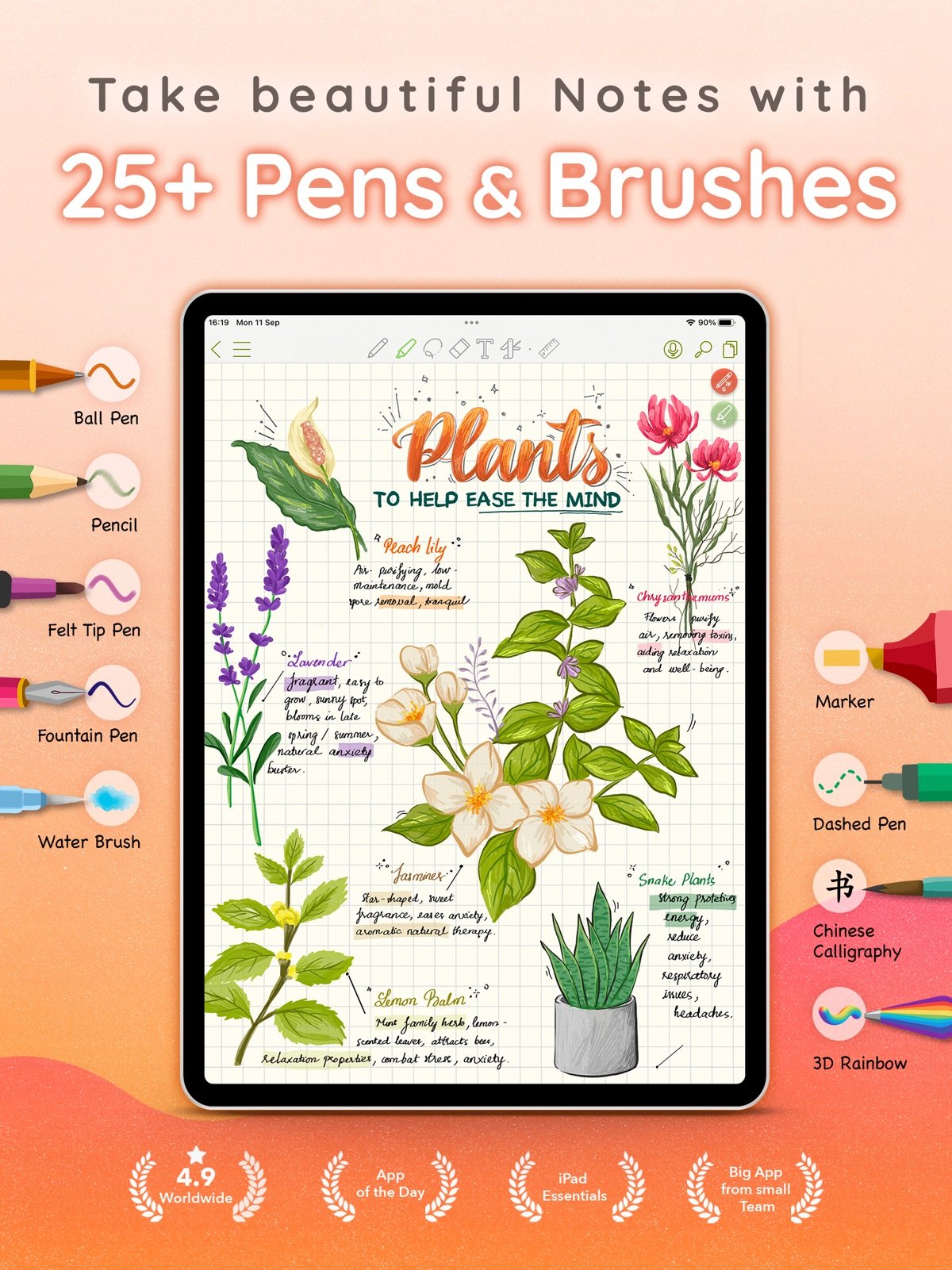
CollaNote rates 4.67 from 13,713 ratings and is the value pick. Its App Store listing sells Lifetime Premium at $13.90, a single payment that costs about the same as one year of Goodnotes Essential and never repeats.
The app covers the expected ground, with pens and brushes, PDF markup and real-time collaborative notes, which is unusual at this price. At 217.8 MB it is the second lightest app in this comparison after Apple Notes.
The catch is the same as Goodnotes: it requires iPadOS 18.6. A smaller developer also means a smaller rating base and less certainty about long-term support than Microsoft or Apple offer, which is worth weighing before you move years of notes into it, and a reason to keep an export somewhere you control, such as one of the Dropbox alternatives.
- Free version: free to download.
- Cheapest unlock: $13.90 once for Lifetime Premium.
- Will not install on: anything below iPadOS 18.6.
7. Microsoft OneNote: Free Forever, Built for Long Courses
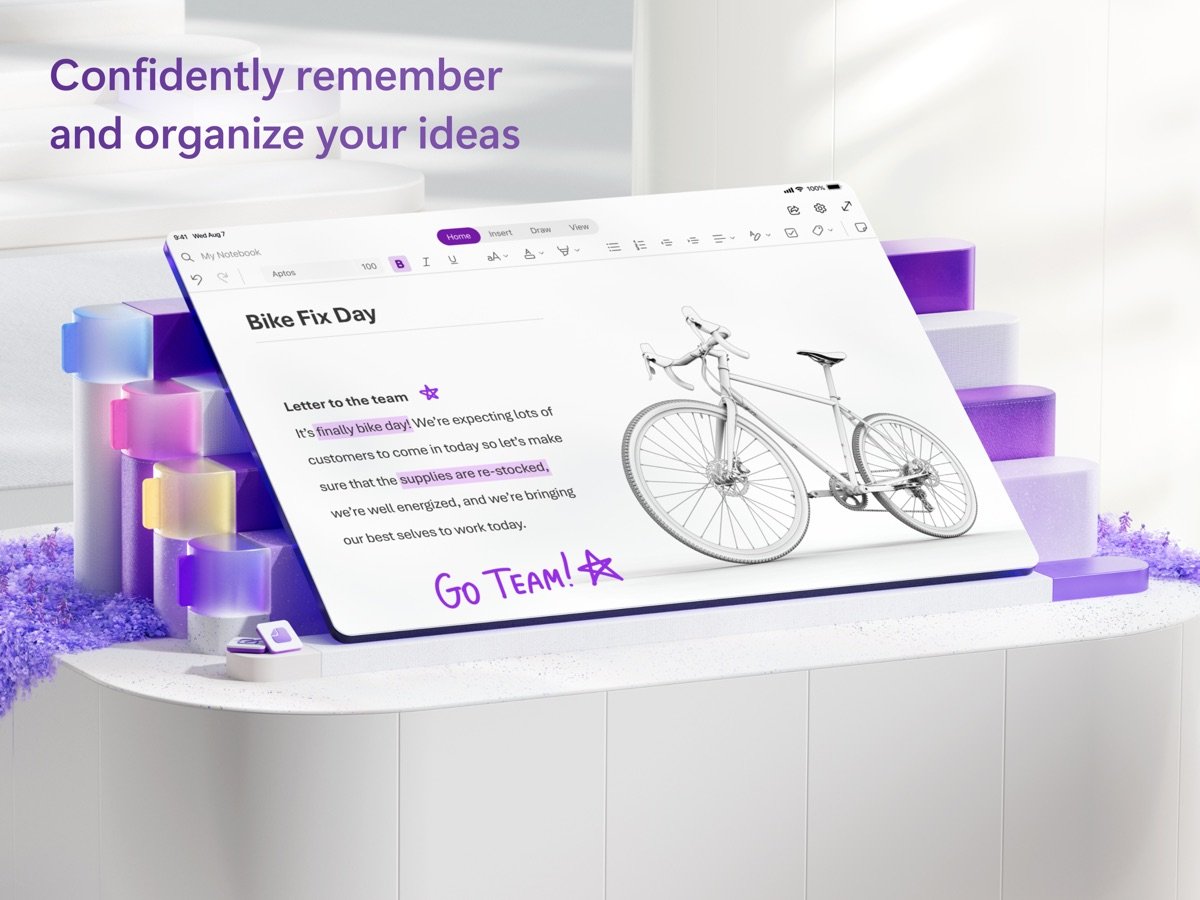
OneNote carries 4.71 from 1,064,189 ratings, more than double any other app here and a reasonable proxy for how long it has been in people’s hands. Notebooks divided into sections and pages suit a term of lectures far better than a flat list.
Note taking in OneNote is free and stays free. The in-app purchases on its listing are Microsoft 365 subscriptions at $9.99 a month for Personal and $12.99 for Family, which buy Office apps and storage rather than unlocking anything inside OneNote.
Handwriting is decent rather than excellent, so it will not replace Goodnotes for pure ink. It needs iPadOS 18 and downloads at 423.7 MB. Students who already have a Microsoft account through their university are effectively being handed it for nothing.
- Free version: the full note taking app, permanently.
- Paid extras: Microsoft 365 from $9.99 a month, not required.
- Runs on: iPadOS 18, at 423.7 MB.
The iPadOS Version Each App Demands
This is the first thing to check and the easiest to overlook, because the App Store only mentions it once you scroll. Two of these apps now require a version of iPadOS that older tablets cannot reach.
- iPadOS 18.6: Goodnotes and CollaNote, the newest requirement in this list.
- iPadOS 18.0: Noteshelf 3 and Microsoft OneNote.
- iPadOS 17: Notability at 17.5 and MyScript Notes at 17.0.
- iPadOS 15: Apple Notes, which installs on almost anything still supported.
If your iPad is a hand-me-down or several years old, that list cuts the field roughly in half before you have compared a single feature. Notability and Apple Notes are the safe choices on older hardware.
What the Free Versions Actually Give You
All seven are free to download and that is where the similarity ends. Two are free permanently, and the rest use the free tier as a demonstration that runs out quickly.
- Goodnotes: three files in total, with watermarked exports.
- Notability: five notes, but with the full editing toolset.
- Apple Notes: no limits, because nothing is sold.
- OneNote: no limits on note taking, with Microsoft 365 sold separately.
- CollaNote: free to use, with a $13.90 lifetime unlock for premium tools.
Three files and five notes are both gone inside a week of real lectures. Knowing that before you build a system inside one of them saves the irritating job of exporting everything later, the same problem that drives people to look for free Evernote alternatives.
Which iPad Note App Fits How You Work
For handwriting on a recent iPad, it comes down to Goodnotes and Notability, and they are close enough that the deciding factors are the free tier and the iPadOS requirement. Notability gives five notes instead of three and runs on iPadOS 17.5, so it is the safer start; Goodnotes has the larger template and marketplace ecosystem.
If you want to spend once rather than annually, CollaNote at $13.90 lifetime or Noteshelf’s lifetime unlock are the only real options here. For typed notes across a whole term, OneNote stays free. And if you are not sure you need any of it, start with Apple Notes, which is already installed and rated higher than everything else. Teams sharing notes rather than keeping them privately may be better served by internal communication tools with a notes feature attached.
Frequently Asked Questions
Is Goodnotes or Notability better?
Their App Store ratings are almost identical, 4.72 from 454,839 for Goodnotes against 4.76 from 456,694 for Notability, so neither is clearly better made. Notability has the more usable free tier at five notes and audio tied to handwriting; Goodnotes has more templates. Notability also runs on iPadOS 17.5 while Goodnotes needs 18.6.
What is the best free note taking app for iPad?
Apple Notes, which has no in-app purchases, no note limit and the highest rating here at 4.84. Microsoft OneNote is the better free option for long notebooks split into sections, and it also stays free for note taking.
Which note taking app works on an older iPad?
Apple Notes runs on iPadOS 15, MyScript Notes on 17.0 and Notability on 17.5. Goodnotes and CollaNote both require iPadOS 18.6, and OneNote and Noteshelf 3 need iPadOS 18, so those four are out on hardware that cannot update.
Can you buy a note taking app once instead of subscribing?
Rarely, but yes. CollaNote sells Lifetime Premium at $13.90 and Noteshelf 3 offers a lifetime unlock among its in-app purchases. Goodnotes lists a one-time Goodnotes 6 purchase at $28.99 alongside its yearly plans. Notability and Evernote are subscription only.
Related Articles

Get the Fox Bulletin briefing
The stories that matter, in your inbox. No spam, unsubscribe anytime.
Newsletter signup will be available soon.
Related stories
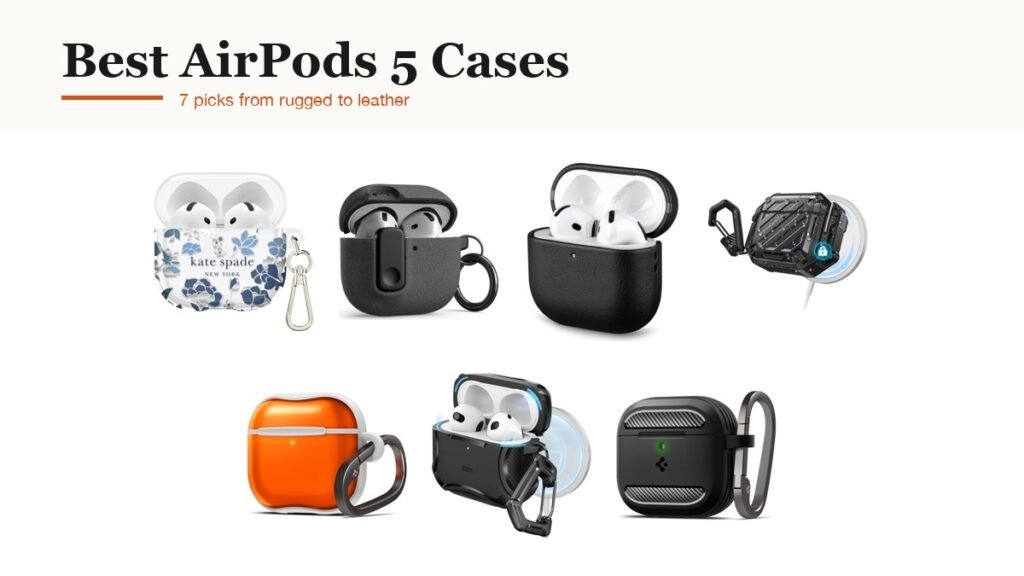
Best AirPods 5 Cases: 7 Picks From Rugged to Leather
Seven AirPods 5 cases compared, from Spigen's rugged default to ESR's MagSafe lid and a sealed SUPCASE, with the one detail about the $129 model most listings skip.
Email Etiquette: What Unsend, Recall and BCC Actually Do
Recall almost never works and BCC is not as invisible as people assume. The email etiquette rules that hold up against what Gmail and Outlook actually document, from send delays to attachment ceilings.
Wi-Fi 6 vs Wi-Fi 7: The Four Differences That Matter
Wi-Fi 7 doubles channel width and adds Multi-Link Operation. Which of those you notice depends on your bands, your devices and your broadband.