

Replacing Thunderbird is an odd goal. It is free, it has no paid tier, it runs on every desktop operating system and it now has an Android app. Most software you would want to escape is escaping you for money, and Thunderbird is not.
So the useful question is narrower than “what is better”. It is which specific Thunderbird problem you have, because the five options below solve five different ones.
Start by Naming the Problem
Almost every Thunderbird complaint falls into one of four buckets, and the bucket decides the answer.
- A bug or missing behaviour. You want Thunderbird, fixed. That is a fork, not a different product.
- The interface looks old. You want a commercial client with a design budget.
- It has got heavy. You want something smaller, not something shinier.
- It will not do read receipts or link tracking. You want a sending tool, which Thunderbird has never tried to be.
Pick the line that matches and skip to it. Buying a $99 client because the icons look dated is a common and avoidable mistake.
The Five Options
Betterbird, for the Bug Bucket
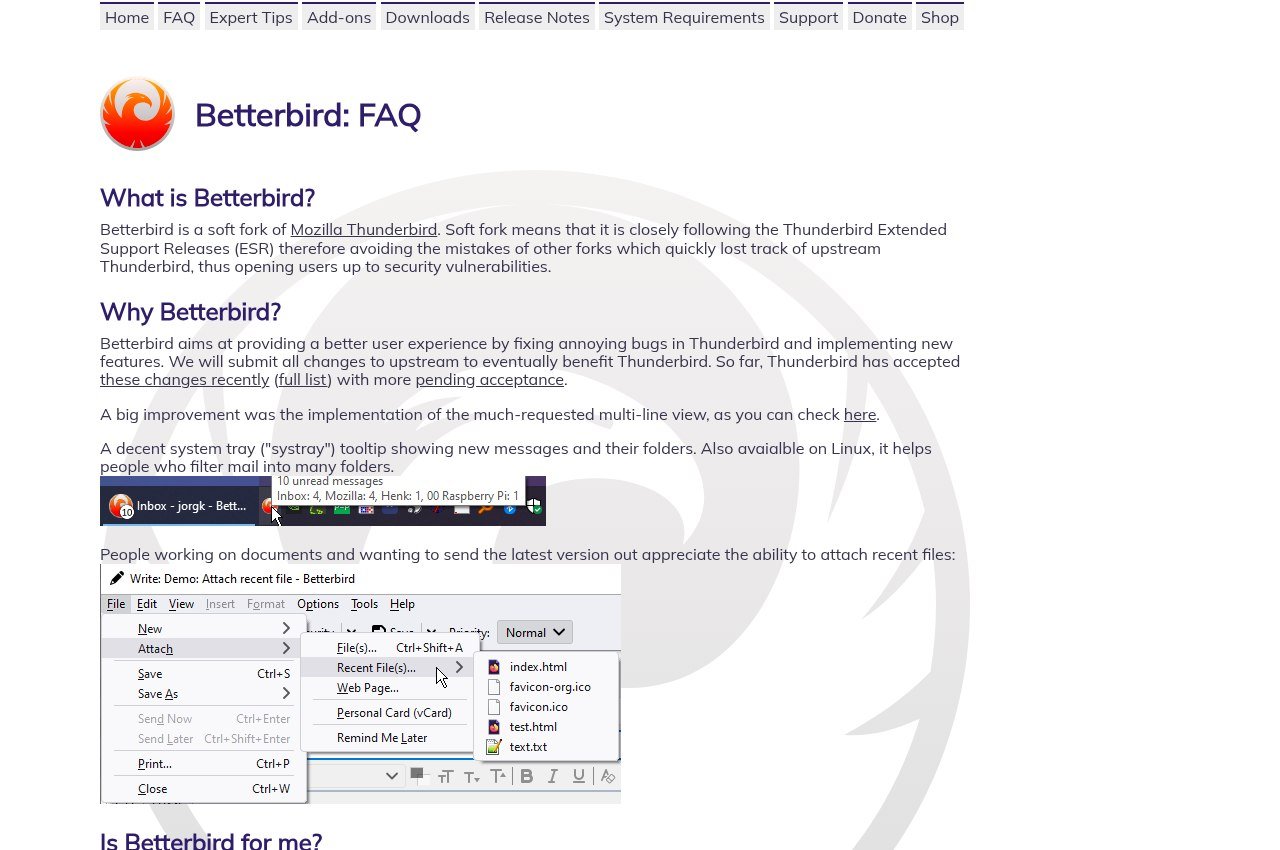
Betterbird is a soft fork of Thunderbird whose entire reason to exist is shipping fixes and features Thunderbird has not taken. Its developers describe it as a fine-tuned version, and the current build is 153.3.0 ESR dated 16 September 2026.
It is free. It installs alongside Thunderbird and can share the same profile, which makes trying it close to costless and reverting a matter of launching the other icon.
If your complaint is specific rather than general, this is the answer and it is the one most comparison articles leave out entirely.
eM Client, for the Interface Bucket

eM Client is the most polished desktop mail client here, with mail, calendar, contacts and tasks, Exchange and Gmail sync, and free Android and iOS apps that need no licence.
It is $39.95 a year for three devices, or $59.95 once with lifetime upgrades included. The perpetual option is unusual and genuinely perpetual, and it undercuts eighteen months of the subscription.
Its free licence allows two accounts and personal use only, and it withholds thread view, snooze, undo send and send later. For a Thunderbird user those are things you already have, so the free tier is a step backwards rather than a trial.
Mailbird, for Windows Users Who Want Integrations
Mailbird builds a unified inbox with app integrations on Windows and Mac. Premium is posted at $4.03 a month billed yearly against a $5.75 list, and a pay-once licence at $99.75 against a $399 list.
The pay-once price excludes lifetime updates, a further $69, which brings it to $168.75 against eM Client at $59.95 with upgrades included. The free tier allows one account.
For anyone leaving Thunderbird on Linux, Mailbird is not an option at all. There is no Linux build and no mobile app, and the Mac version refuses POP3 accounts.
Mailspring, for the Sending Bucket
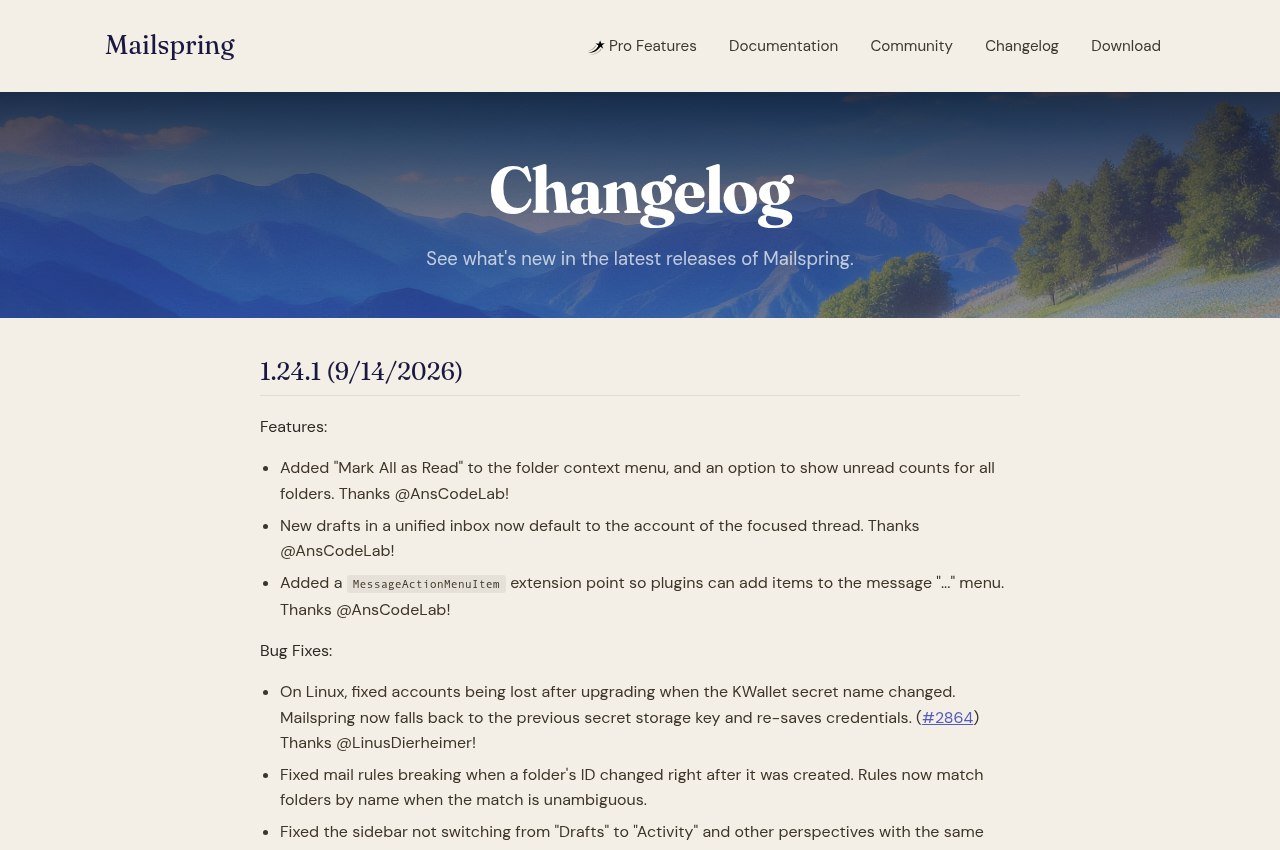
Mailspring gives the client away free on Windows, macOS and Linux and charges $8 a month for Pro, which is where read receipts, link tracking, send later, follow-up reminders, templates and snooze live.
That is the highest monthly price on this page and it buys features that are cheap or free elsewhere. What it does buy is the one thing Thunderbird genuinely does not do well out of the box. Release 1.24.1 shipped on 15 September 2026, so the project is alive.
Claws Mail, for the Weight Bucket
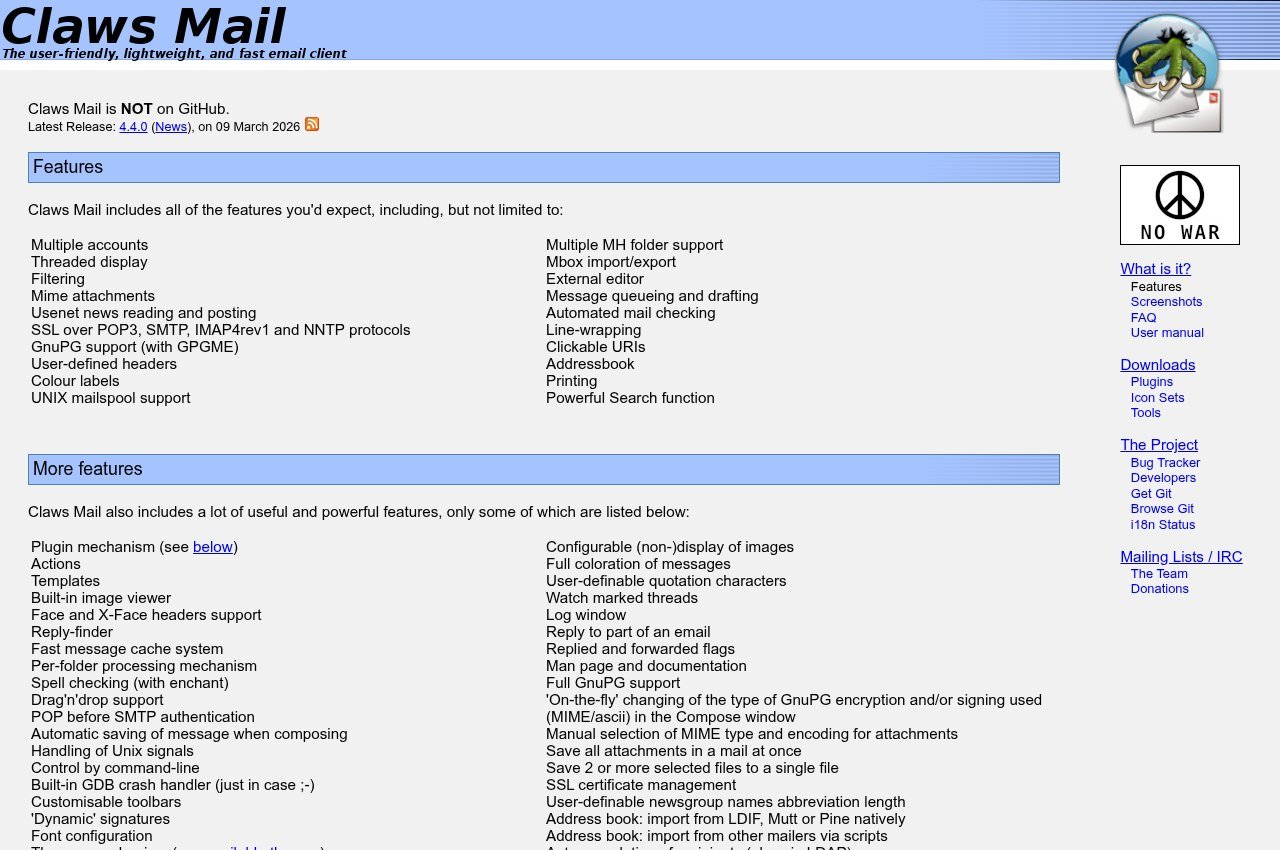
Claws Mail is free, open source and built on GTK for speed and low memory use. Version 4.4.0 was released on 9 March 2026, and it runs on Linux, Windows and BSD. It reads newsgroups as well as mail and extends through plugins including PGP.
It is not attractive and does not pretend to be. It opens instantly, handles very large mailboxes without complaint, and does not redesign itself between releases. If Thunderbird has become sluggish on older hardware, this is the fix.
Price and Platform Comparison
| Client | Price | Runs on |
|---|---|---|
| Betterbird | Free | Windows, macOS, Linux |
| eM Client | Free tier, $39.95 a year or $59.95 once | Windows, macOS, Android, iOS |
| Mailbird | Free tier, $4.03 a month or $99.75 once | Windows, macOS |
| Mailspring | Free, Pro $8 a month | Windows, macOS, Linux |
| Claws Mail | Free | Linux, Windows, BSD |
All pricing is current as of 18 September 2026.
What Each One Costs Over Three Years
Monthly prices flatter subscriptions and hide how quickly they overtake a one-off purchase. Over three years, on the posted rates:
| Client | Three-year cost | Notes |
|---|---|---|
| Betterbird | $0 | Free, donations optional |
| Claws Mail | $0 | Free, donations optional |
| Mailspring | $0 free, $288 with Pro | Pro at $8 a month is the priciest here |
| eM Client | $59.95 once, or $119.85 on subscription | The perpetual licence keeps receiving upgrades |
| Mailbird | $168.75 once with updates, or $145.08 on subscription | Pay-once is $99.75 plus a $69 updates add-on |
That table is the strongest argument for checking your actual complaint first. Mailspring Pro over three years costs nearly five times eM Client’s perpetual licence, and it buys read receipts rather than a better mail client.
It also shows why eM Client’s one-off is the outlier. Almost nobody in desktop software still sells a licence that keeps receiving versions, and at $59.95 it is cheaper than two years of its own subscription.
What Thunderbird Still Does That These Do Not
Before committing, check you are not giving up something you use daily:
- Extensions. Thunderbird’s add-on library has no equivalent in any paid client here. Betterbird inherits it, the others do not.
- Linux. Betterbird, Mailspring and Claws Mail run on it. eM Client publishes no Linux build and Mailbird has none either.
- Mobile. Thunderbird has Android. eM Client has both platforms free. Mailbird and Claws Mail have neither.
- A price of zero. Betterbird and Claws Mail match it. Mailspring matches it only until you want the Pro features.
It is the same trade you make swapping any mature open-source tool for a commercial one, and it plays out much as it does in our roundup of Adobe Illustrator alternatives.
Two Things That Stop People Switching
Two practical obstacles account for most abandoned migrations, and both are worth knowing before you start rather than halfway through.
The first is add-ons. Thunderbird’s extension library is large and people accumulate dependencies without noticing: a calendar tweak, a quick-filter enhancement, a signature manager. None of those transfer. eM Client, Mailbird and Mailspring each have their own integration systems and none of them accept Thunderbird extensions, so anything you rely on has to exist natively in the new client or be given up. Betterbird is the exception, since it inherits the library wholesale.
The second is local folders. Mail filed into Local Folders rather than an IMAP folder lives only on your disk, and a surprising number of long-term Thunderbird users have years of archived mail sitting there without realising it is not on any server. Moving to a new client means exporting that to MBOX and importing it, which every client here handles differently and some handle badly. Check the size of your Local Folders directory before you decide the move is simple.
Neither is a reason to stay. Both are reasons to test the new client for a fortnight alongside the old one instead of uninstalling Thunderbird the same afternoon, which costs nothing because every option here can read the same IMAP mailbox at the same time.
Moving a Thunderbird Profile
- Copy the profile folder first. It holds mail, filters and address books, and the copy is your rollback.
- Leave IMAP accounts alone. The server has everything and the new client will fetch it.
- Export local folders to MBOX. Those exist nowhere else.
- Export address books to CSV or vCard, because no client reads Thunderbird’s native format.
- Accept that filters get rebuilt by hand. Every client claims otherwise and none of them manage it.
Keep that profile copy off the machine it came from. Our comparison of cloud storage options covers where to put it.
Frequently Asked Questions
Is there a version of Thunderbird with the bugs fixed?
Betterbird, a soft fork built for exactly that. It is free, tracks the Thunderbird ESR line, currently sits at 153.3.0, and shares your existing profile so testing it takes minutes.
What is the best free alternative to Thunderbird?
Betterbird for a better Thunderbird, Claws Mail for something far lighter, and Mailspring if its free tier covers what you need. All three install without payment.
Which of these run on Linux?
Betterbird, Mailspring and Claws Mail. Neither eM Client nor Mailbird publishes a Linux build, which rules both out for Linux desktops.
Has Thunderbird been abandoned?
No. Version 156 is current, there is an Android app, and it is funded by donations under the Mozilla umbrella. Switching is a preference rather than a necessity.
Related Articles

Get the Fox Bulletin briefing
The stories that matter, in your inbox. No spam, unsubscribe anytime.
Newsletter signup will be available soon.
Related stories

Airbus A380: Size, Range and Who Still Flies It
The largest passenger aircraft ever flown measures 72.72 m long and 79.75 m across the wings. Its specifications, the two decks, why production ended at 251 aircraft, and which airlines still fly it.

Apple Creator Studio: Price and the New AI Tools
Generate Fill in Pixelmator Pro, an AI assistant in Logic Pro and MotionVFX in Final Cut. A free update for subscribers.

Apple Home Collection: Every Accessory and Price
Cameras, a smart lock and two thermostats, built by LG and Schneider Electric and sold by Apple.