

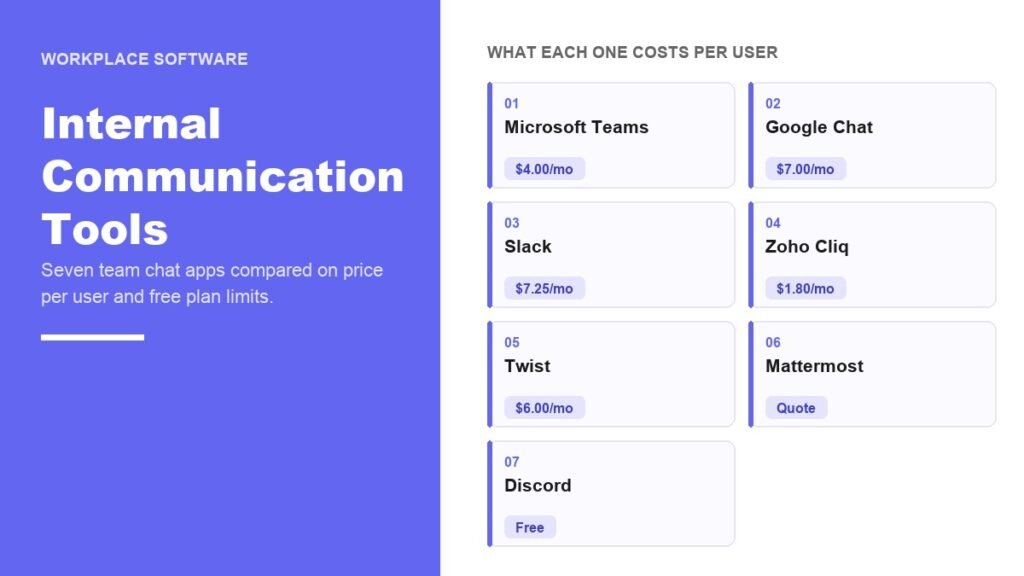
Most internal communication tools are bought twice. A company pays for Microsoft 365 or Google Workspace, which already includes a chat app, and then pays again for a separate one because a team asked for it. Working out whether you are in that position is worth more than any feature comparison.
Chat carries real weight now. The Bureau of Labor Statistics recorded that 22.6 percent of workers teleworked or worked at home for pay in March 2026, and for those staff the messaging app is where the workplace actually is. Here are seven, with what each costs, what the free tier withholds, and who each one genuinely suits.
Internal Communication Tools Compared
| # | App | Free plan | Paid from | Built for |
|---|---|---|---|---|
| 1 | Microsoft Teams | Yes, 60-minute meetings | $4.00 per user a month | Companies already on Microsoft 365 |
| 2 | Google Chat | Needs Workspace | $7.00 per user a month | Teams that run on Gmail and Drive |
| 3 | Slack | 90 days of history | $7.25 per user a month | Connecting other software together |
| 4 | Zoho Cliq | Yes, 10,000 searchable messages | $1.80 per user a month | Tight budgets and small teams |
| 5 | Twist | Yes, 1 month of history | $6.00 per user a month | Teams in different time zones |
| 6 | Mattermost | Evaluation edition only | Quote only | Regulated and self-hosted setups |
| 7 | Discord | Yes, no time limit | $2.99 a month per person | Informal and volunteer teams |
The paid entry points run from $1.80 to $22 per person a month. That is not a quality ladder. It mostly reflects how much non-chat software is bundled into the same invoice.
1. Microsoft Teams: Already Paid For in Most Offices
If there is a Microsoft 365 subscription anywhere in the building, Teams is almost certainly included in it. That makes it the cheapest option available to a large share of companies, because the marginal cost of switching the feature on is nothing.
The free version handles one to one calls for up to 30 hours, group meetings for up to 60 minutes, 100 participants and 5 GB of storage per user. Teams Essentials at $4.00 per user a month on annual billing lifts meetings to 30 hours and 300 attendees, though storage stays at 10 GB. Microsoft 365 Business Basic at $7.00 brings 1 TB per user plus the web Office apps.
Watch the phone side. Teams Phone Standard is an extra $10.00 per user a month, so a company using Teams to replace desk phones is paying more than the headline, and should compare that against dedicated business phone systems before committing.
- Free tier holds: chat history, but group meetings end at 60 minutes.
- Real entry price: $4.00 per user a month, or $0 if you already pay for Microsoft 365.
- Extra to budget: $10.00 per user a month for Teams Phone.
2. Google Chat: Bundled Into Workspace, Not Sold Alone
There is no business plan for Google Chat by itself. It ships with Google Workspace, so the decision is really about the suite, and the chat app comes along with the email and the storage.
Business Starter runs $7.00 per user a month with 30 GB of pooled storage per person and Meet calls up to 100 people. Standard at $14.00 doubles down with 2 TB, 150 participants, meeting recording and noise cancellation. Business Plus is $22.00 with 5 TB and 500 participants, and Enterprise is quoted on request.
Google’s pricing page is currently advertising up to 50 percent off the first three months, running to 5 January 2027. Treat that as a timing detail rather than a reason to choose, because the discount lapses long before a migration pays for itself.
- Free tier holds: nothing for a company domain, Workspace is required.
- Real entry price: $7.00 per user a month for Business Starter.
- Extra to budget: Starter has no meeting recording and caps Meet at 100.
3. Slack: Worth Paying For Only if You Use the Integrations
Slack earns its price through everything that connects to it. If your team pushes deploys, tickets, alerts and CRM updates into channels, it does that better than anything else on this list, and that is the case for paying the premium.
The free plan holds 90 days of searchable history and up to 10 integrations. Pro is $8.75 per user a month billed monthly or $7.25 annually, which unlocks unlimited history and unlimited apps. Business+ is $18 monthly or $15 annually and is where single sign-on, SCIM provisioning and full data exports live.
If your Slack is mostly people talking, you are paying for an ecosystem you are not using. That is the single most common reason a company overspends here, and it is the same trap as buying a heavyweight tool when a light one would do, which also shows up across inventory management apps.
- Free tier holds: 90 days of history and 10 app integrations.
- Real entry price: $7.25 per user a month billed annually.
- Extra to budget: $15 a seat for single sign-on and data export on Business+.
4. Zoho Cliq: The Cheapest Serious Option
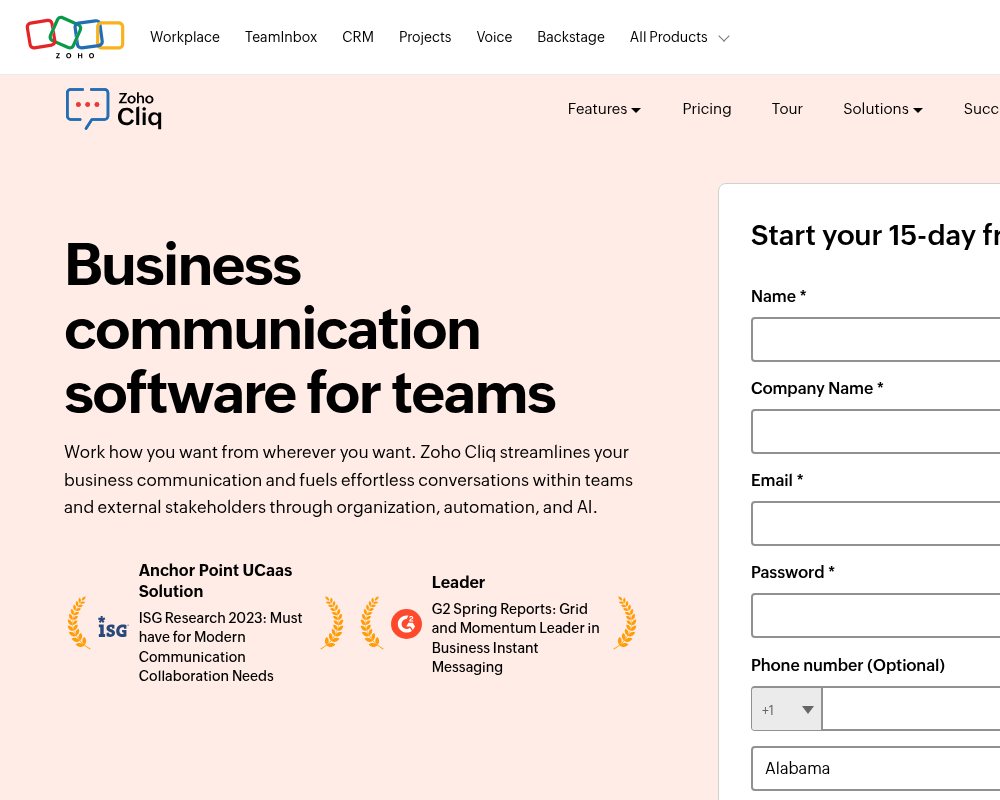
Cliq undercuts everything else here and does not feel like a stripped-back product while doing it. Its free plan allows unlimited one to one and group chats, 100 people per channel, 10,000 searchable messages, 100 GB of storage across the organisation and meetings of up to 60 minutes.
Standard breaks the usual per seat model entirely: US$16.20 a month covers up to 25 users when billed annually, and removes the search cap while adding external channels, call recording and a custom domain. Professional is US$1.80 per user a month with a ten user minimum, and Enterprise is US$3.60.
For a 20 person company, Standard works out at roughly 65 cents per person a month. Professional at $1.80 adds task management, custom roles, 100 GB per user and meetings with 1,000 active participants, which is a great deal of product for a quarter of what Slack Pro costs.
- Free tier holds: 10,000 searchable messages, then search stops.
- Real entry price: US$16.20 a month for up to 25 users, billed annually.
- Extra to budget: Professional and Enterprise need at least ten users.
5. Twist: Built for Teams That Are Never Online Together
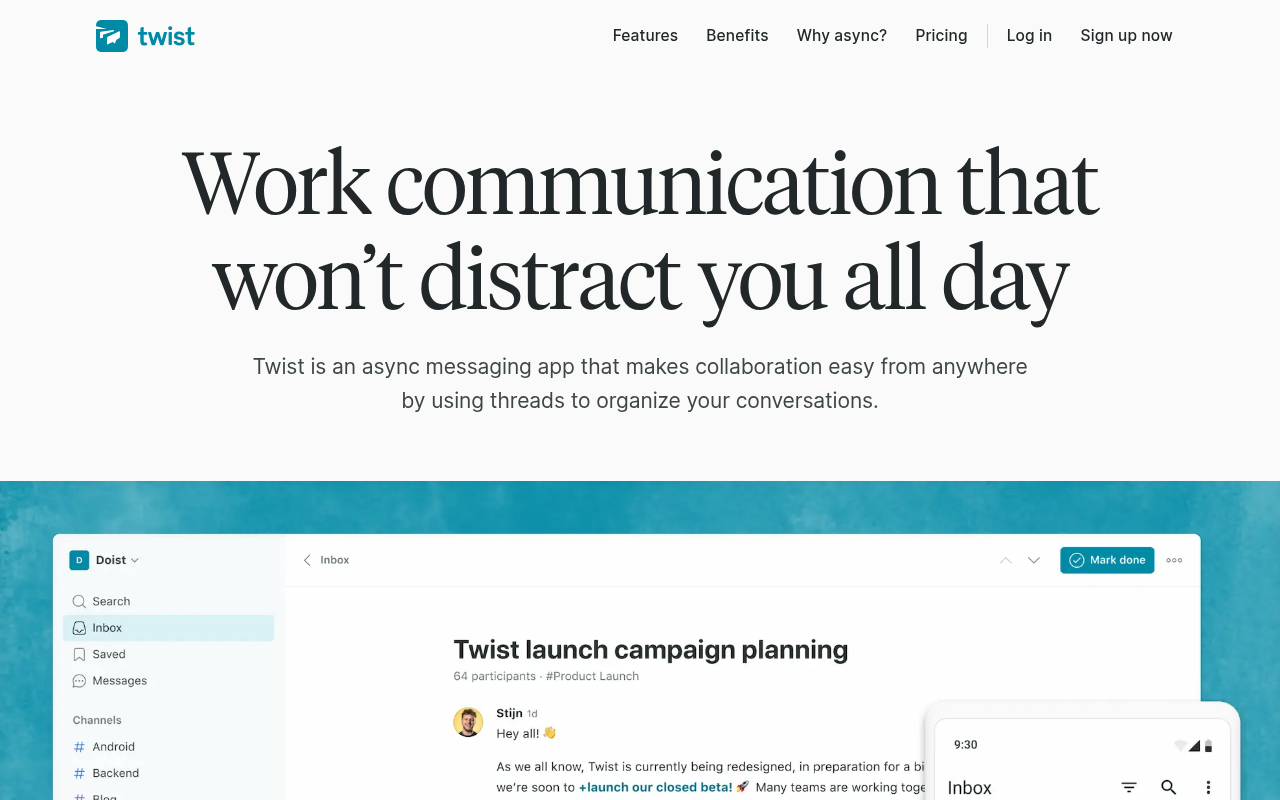
Twist replaces the endless channel with threads that have subject lines, which sounds small and changes everything. Nobody is expected to be watching, so a reply four hours later is normal rather than rude. For teams split across continents that removes a daily source of friction.
Free covers one month of comments and messages, five integrations, 5 GB of file storage, 500 internal members and up to 500 external guests. The Unlimited plan is US$6 per user a month and lifts every one of those limits, history included.
That one month of free history is the shortest here, so the free tier is best treated as a trial. The bigger question is cultural: Twist only works if the team actually stops expecting instant replies. Teams that do not make that shift end up with slow real-time chat and blame the tool.
- Free tier holds: one month of history, the tightest limit on this list.
- Real entry price: US$6 per user a month.
- Extra to budget: nothing, but expect to change how the team works.
6. Mattermost: When the Data Cannot Leave Your Servers
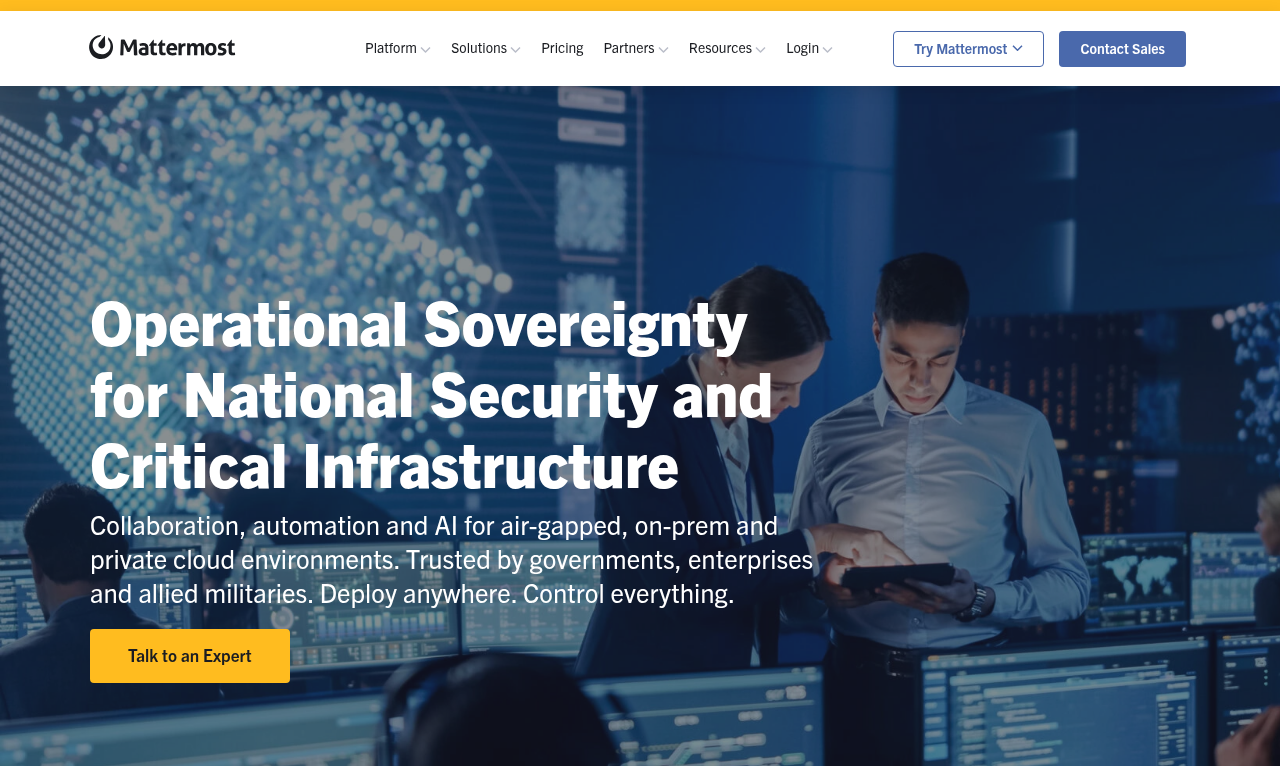
Mattermost is self-hosted, and that is the whole proposition. Conversations stay on infrastructure you control, and it can be run air-gapped with no internet connection at all, which is why it is common in defence, government and regulated industries.
It publishes no prices. Both Professional and Enterprise send you to a sales contact form, and Professional carries a stated ceiling of 250 users. Licences are prepaid annual seat subscriptions, so expect an annual commitment rather than a monthly card payment.
The free option is now an evaluation build called Mattermost Entry, described as a limited-use edition of Enterprise Advanced for technical evaluation. It is a way to test the software, not a permanent free tier, and the servers, upgrades and backups are your costs on top of the licence.
- Free tier holds: evaluation use only, not ongoing production.
- Real entry price: quote only, with Professional capped at 250 users.
- Extra to budget: hosting and the staff time to run it.
7. Discord: Free Without a Time Limit, and Without Compliance
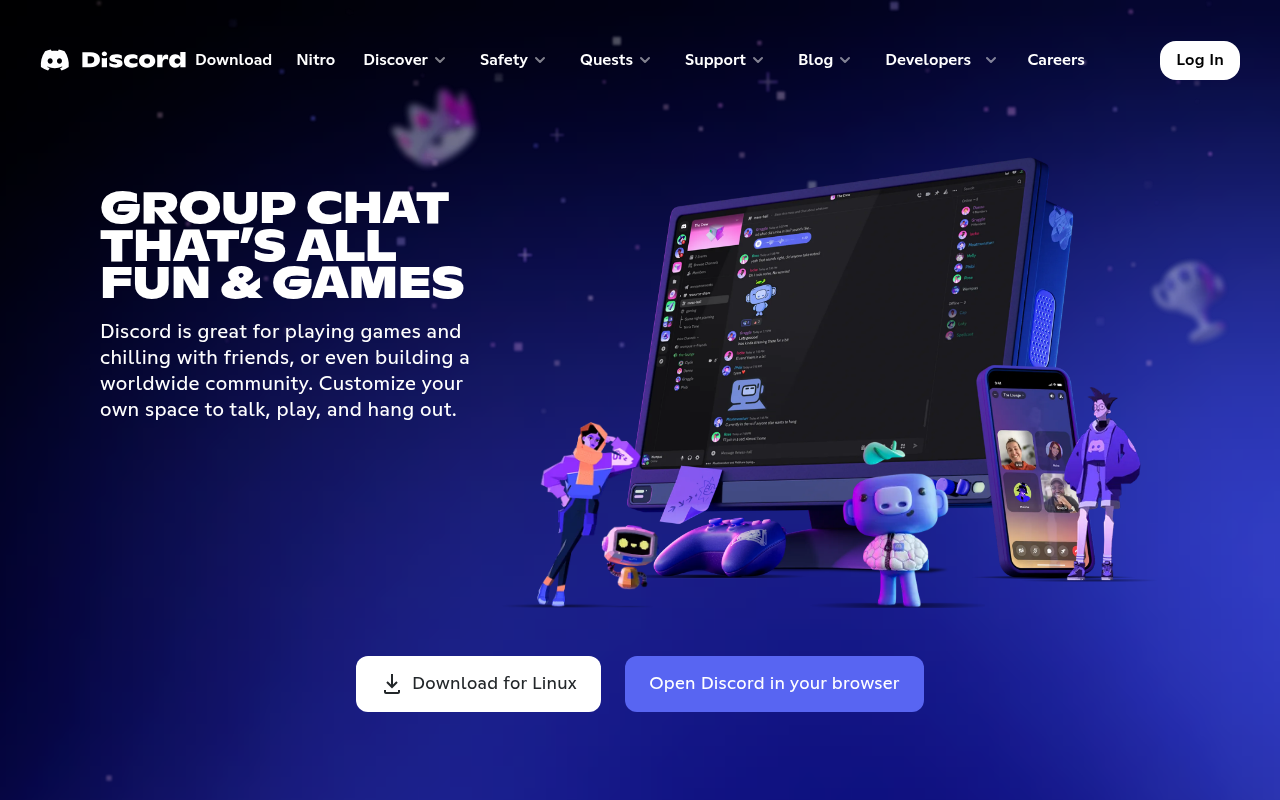
Discord gives away what every other free plan here restricts: unlimited history and calls with no timer. Persistent voice channels people wander into suit small creative teams, workshops and volunteer groups far better than scheduled meeting links do.
Its paid plans are personal purchases, not company ones. Nitro Basic is $2.99 a month and lifts uploads to 50 MB, and Nitro is $9.99 a month for 500 MB. No one negotiates a per seat contract, because there is not one to negotiate.
What is missing is everything an employer eventually needs: compliance export, retention policy, and the contractual data handling a regulated business has to show an auditor. For an informal team that never matters, and for a company handling customer records it matters immediately.
- Free tier holds: everything, with no history or meeting caps.
- Real entry price: $2.99 a month per person for Nitro Basic.
- Extra to budget: nothing, but there is no compliance tooling at any price.
The Bundle Question Most Teams Get Wrong
Before comparing any of these, check what the company already owns. A business paying for Microsoft 365 Business Basic at $7.00 a user already has Teams. One on Google Workspace Business Starter at $7.00 already has Google Chat. Adding Slack Pro on top is an extra $7.25 a head for a job already covered.
- On Microsoft 365: Teams is included from Business Basic upward at no extra cost.
- On Google Workspace: Google Chat is included on every plan from Starter upward.
- Buying chat alone: Zoho Cliq at $1.80 or Slack Pro at $7.25 are the realistic choices.
- Paying for both: worth it only when the integrations are genuinely load-bearing.
For a 30 person company, running Slack Pro alongside an existing Microsoft 365 subscription costs about $2,600 a year on top of software already bought. That is a defensible spend if channels are wired into other systems, and pure waste if they are not.
History Limits Are the Hidden Cost
Free plans in this category rarely restrict people or channels. They restrict memory, and a chat tool you cannot search is a chat tool that has lost most of its value.
- Twist: one month of comments and messages.
- Slack: 90 days of searchable history.
- Zoho Cliq: 10,000 searchable messages, regardless of how long that takes.
- Microsoft Teams and Discord: no history cap on the free plans.
Slack and Cliq run out differently, and the difference matters. Slack’s 90 days arrives on a fixed date whatever your volume, while Cliq’s 10,000 messages could last a quiet five person team a year or a busy one a couple of months.
Which Internal Communication Tool Fits
Start by using what you have already bought. Teams for Microsoft 365 companies, Google Chat for Workspace ones. Neither is exciting, both are competent, and the money saved is real rather than theoretical.
Buying separately, Zoho Cliq at US$16.20 a month for 25 users is the best value on this list, and Slack at $7.25 a seat is worth it when channels are wired into your other systems. Twist suits deliberately async teams, Discord suits informal ones, and Mattermost is the answer only when data has to stay on hardware you own. Companies rethinking their whole stack should also look at where free VoIP services fit, since calling is often bought twice as well.
Frequently Asked Questions
What are some good apps for internal communication?
Microsoft Teams and Google Chat if you already pay for their suites, Slack when you need deep integrations with other software, and Zoho Cliq when budget is the priority. Twist suits async teams and Mattermost suits organisations that must self-host.
What are examples of internal communication tools?
The everyday category is channel-based chat: group channels, direct messages, file sharing and calls in one app. Slack, Microsoft Teams, Google Chat, Zoho Cliq, Twist, Mattermost and Discord all fit that description, and differ mainly on price, history limits and administrative controls.
How much do internal communication tools cost per employee?
Between nothing and $22 a month. Zoho Cliq Professional is US$1.80, Microsoft Teams Essentials $4.00, Twist US$6.00, Google Workspace Business Starter $7.00 and Slack Pro $7.25 billed annually. Higher tiers with single sign-on and compliance features run $14 to $22.
Can a small team use a free internal communication tool long term?
Yes, with one caveat about memory. Discord and the free Microsoft Teams plan do not cap chat history, so they work indefinitely. Slack removes search after 90 days, Twist after one month and Zoho Cliq after 10,000 messages, which makes those free tiers better suited to trials.
Related Articles

Get the Fox Bulletin briefing
The stories that matter, in your inbox. No spam, unsubscribe anytime.
Newsletter signup will be available soon.
Related stories
Binance Hack Becomes the Biggest Crypto Theft Yet
About $6.3bn left Binance wallets on 29 October across ten blockchains, most of it inside twenty minutes. The exchange says user funds are covered.
Calendly Alternatives: 10 Scheduling Tools Compared
Calendly is free for one event type and $10 a seat beyond it. Ten Calendly alternatives compared on seat price, free tiers and one that costs $29 once.
Etsy Alternatives: 10 Places to Sell and What They Cost
Etsy charges $0.20 a listing, 6.5% a sale and up to 15% on ad orders. Ten Etsy alternatives compared on fees, cuts and who brings the buyers.