

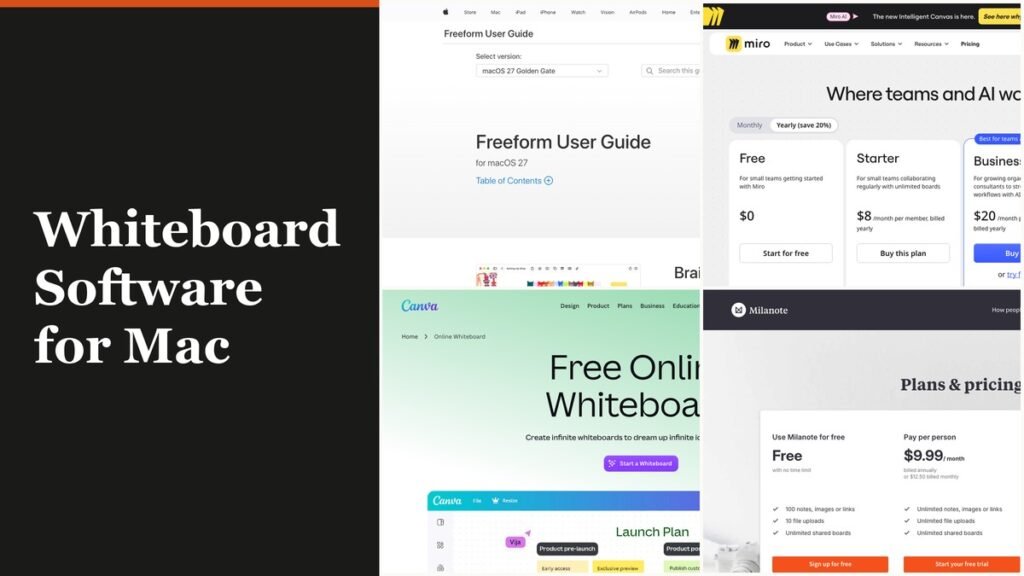
The best whiteboard software for Mac starts with Apple Freeform, which is already on every Mac running macOS Ventura 13.1 or later and costs nothing. Miro and FigJam lead for teams that also include Windows users, and Heptabase, Canva, Milanote, Mural, Lucidspark, Excalidraw and Explain Everything each cover a narrower job, from moodboards to recorded lessons.
What separates them on a Mac is how the software gets onto the machine. One is part of macOS itself, five offer a Mac download from the vendor, and the other four run mainly in Safari or Chrome. That single detail decides whether you need an installer, how the app feels next to native Mac software, and whether a colleague on a PC can join the same board.
What Whiteboard Software Does on a Mac
Whiteboard software gives you an infinite canvas for sticky notes, shapes, drawings, images and files that several people can edit at once. On a Mac, it arrives in one of three forms: built into macOS, as a downloaded desktop app, or as a web app in the browser. Freeform is the only one of the three that needs no download or account beyond your Apple Account.
- Built into macOS: Freeform, included since December 13, 2022.
- Mac download from the vendor: Miro, Heptabase, Canva for Mac, Milanote and Mural, plus the Figma desktop app for FigJam users.
- Browser on the Mac: Lucidspark, Excalidraw and Explain Everything, with Excalidraw installable as an offline-capable web app.
Microsoft Whiteboard is not on this list for a simple reason. Its standalone apps covered Windows, iOS and Android rather than macOS, and Microsoft retired them on October 16, 2026. Whiteboard on the web and inside Teams stays available for work or school accounts, and the web version runs in Safari, but there is nothing to install on a Mac.
Whiteboard Software for Mac Ranked by Install Type and Price
| # | Tool | Best for | Starting price | Free plan or trial | How it runs on a Mac |
|---|---|---|---|---|---|
| 1 | Freeform | Anyone on Apple devices | Free | Whole app free | Built into macOS |
| 2 | Miro | Workshops across Mac and PC | $8/member/mo, billed yearly | 3 editable boards | Desktop app, Apple silicon and Intel builds |
| 3 | FigJam | Product and design teams | Collab seat $3/mo | 3 FigJam files | Browser; Figma desktop app for macOS |
| 4 | Heptabase | Research and study maps | $8.99/mo, billed yearly | 7-day trial | Desktop app, Apple Silicon and Intel builds |
| 5 | Canva Whiteboards | Teams already designing in Canva | Free; paid tiers vary | Free plan | Canva for Mac, Intel and Apple chips |
| 6 | Milanote | Moodboards and creative briefs | $9.99/mo, billed annually | 100 items free | Desktop app for Mac |
| 7 | Mural | Facilitated enterprise workshops | $9.99/member/mo, billed annually | 3 editable murals | Mural for macOS desktop app |
| 8 | Lucidspark | Agile planning and facilitation | $9/mo, billed yearly | 3 editable boards | Browser |
| 9 | Excalidraw | Quick diagrams and sketches | Free; Plus $6/user/mo | Free forever | Browser, installable web app |
| 10 | Explain Everything | Teachers recording lessons | $69/year | 3 projects | Browser; iPad app on Apple silicon Macs |
The 10 Whiteboard Tools, From Built-In to Browser
1. Freeform: Already on Your Mac
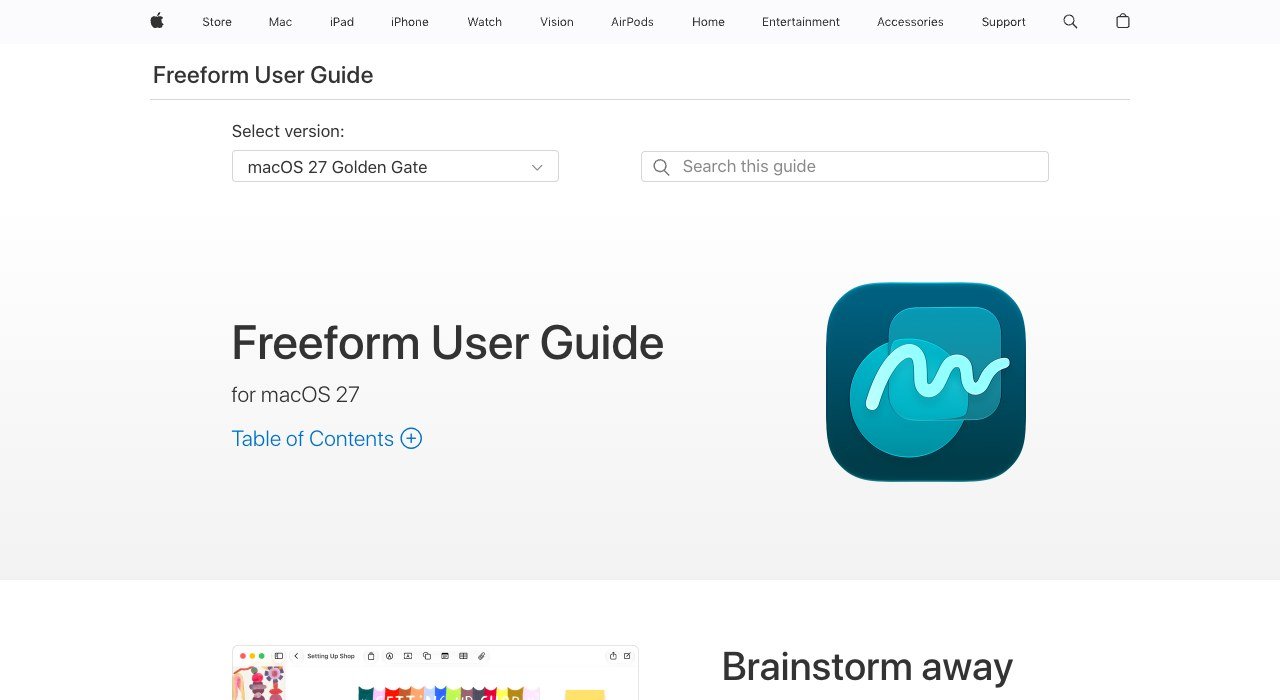
Price: free | Runs as: part of macOS, plus iPad and iPhone | Collaborators: up to 100 per board
Freeform launched on December 13, 2022 as part of macOS Ventura 13.1, iOS 16.2 and iPadOS 16.2, and Apple’s user guide now covers every release from Ventura 13 to macOS 27 Golden Gate. Boards stored in iCloud stay current on every device signed in to the same Apple Account, so a sketch started on the Mac opens on an iPad for Apple Pencil markup. The shapes library holds over 700 options, and newer builds add Tables and Scenes, which save regions of a board you can jump to while presenting.
Creating, editing and collaborating in real time needs no subscription. Apple now folds Freeform into Apple Creator Studio, which adds premium content and AI image tools for subscribers, but the core whiteboard stays free. The limit is the platform: there is no Windows or Android app, so it fits households, classrooms and teams that are all on Apple hardware.
2. Miro: Separate Builds for Apple Silicon and Intel

Price: $8 a month per member on Starter, billed yearly | Runs as: desktop app on macOS 12 Monterey or higher | Free plan: 3 editable boards
Miro offers two macOS downloads, one for Macs with Apple silicon chips and one for Intel Macs, and states that the desktop app supports all the basic features of the browser version. Under the hood each open tab is a webview, so the app behaves like a focused browser window with Mac shortcuts such as Cmd + R to reload and Cmd + W to close a tab. IT teams also get Apple silicon and Intel installers without auto-updates for controlled rollouts.
The free plan lets you create unlimited boards, but only the three most recent stay editable. Starter removes that cap and adds private boards plus 25 AI credits per member each month, while Business at $20 per member doubles the credits to 50. With 7000+ templates and 250+ integrations, Miro is the safest pick when half the room uses Windows.
3. FigJam: The Whiteboard Inside Figma

Price: Collab seat $3/mo on Professional, Full seat $16/mo | Runs as: browser, with a Figma desktop app for macOS and a FigJam iPad app | Free plan: Starter, 3 FigJam files
FigJam is included with all seats on every Figma plan, which makes the $3 Collab seat the cheapest paid route into it. Figma lists a desktop app for macOS alongside its browser editor, and the FigJam app on iPad handles solo sketching before a team session. Over 300 templates cover kickoffs, retros and journey maps, and Spotlight mode pulls every participant to the presenter’s view.
Its best Mac-team feature is guest access: people from other companies can edit a file free for 24 hours with no login. Asana, Jira and GitHub integrations carry decisions back into the backlog. The Starter plan stops at three FigJam files in a single team folder, so a busy team hits the wall within weeks.
4. Heptabase: Whiteboards for Thinking, Not Meetings

Price: Pro $8.99 a month on yearly billing | Runs as: desktop app with MacOS Apple Silicon (M1 to M4) and Intel downloads | Trial: 7 days, no free plan
Heptabase builds a knowledge base out of cards placed on whiteboards, so a literature review or thesis outline can sit on one canvas with notes, PDF highlights and YouTube transcripts. It ships a dedicated Apple Silicon download for M1, M2, M3 and M4 Macs plus an Intel build, with iPhone and iPad apps for reading on the move.
Every paid plan includes unlimited whiteboards and collaborator invites, and Pro adds 100 AI credits a month. Premium at $17.99 raises that to 1,800 credits for heavy AI users. With no free tier after the trial, Heptabase suits a researcher building a long-term map more than a team running a quick standup.
5. Canva Whiteboards: Brainstorms Next to Your Designs
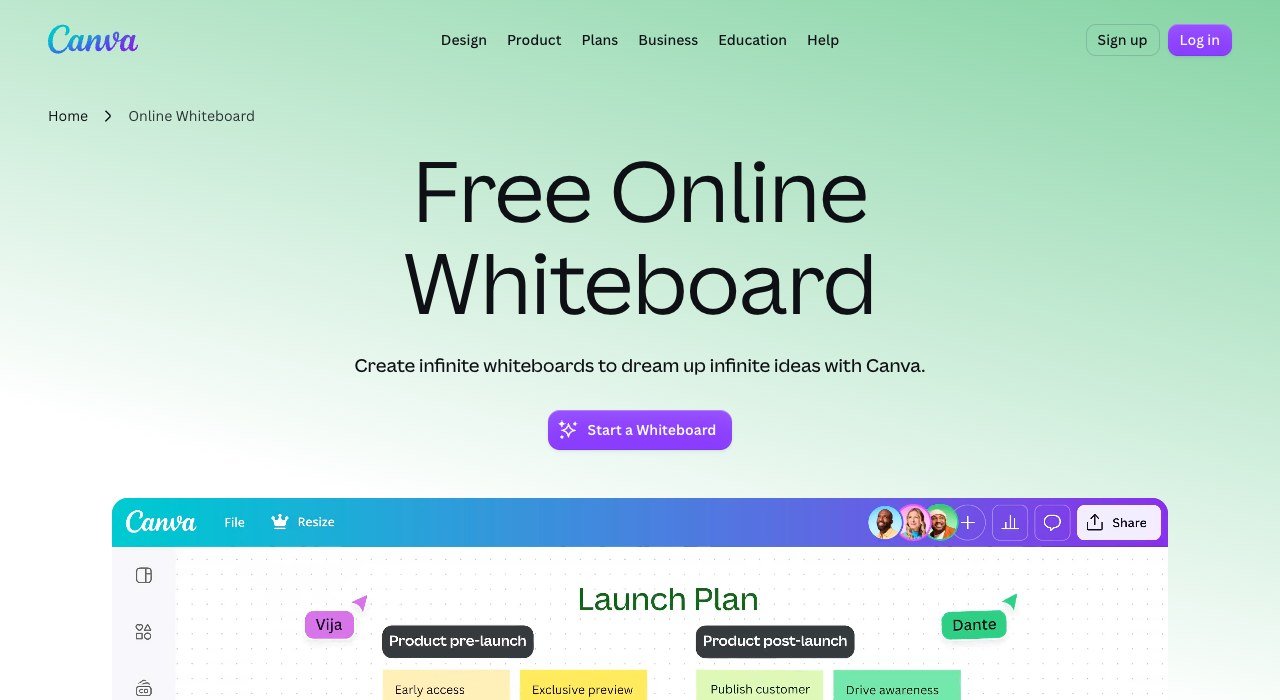
Price: free plan; Pro, Business and Enterprise priced by region | Runs as: Canva desktop app for Intel or Apple silicon Macs | Free plan: yes
Canva’s whiteboards live inside the same editor as its presentations and social graphics, so a brainstorm can turn into a deck without leaving the app. The Canva for Mac desktop app runs on Intel and Apple silicon Macs alike, and boards also open in any browser or on mobile. Collaborators can join without a Canva account, with timers, comments and sticky-note reactions for live sessions.
Templates include a Business Model Canvas, Flowchart, Brainstorm and Stakeholder Map, though many whiteboard templates carry a Pro badge. Paid prices depend on your region, so check the plans page before budgeting. Teams already paying for Canva get a whiteboard at no extra cost.
6. Milanote: A Mac App for Creative Boards
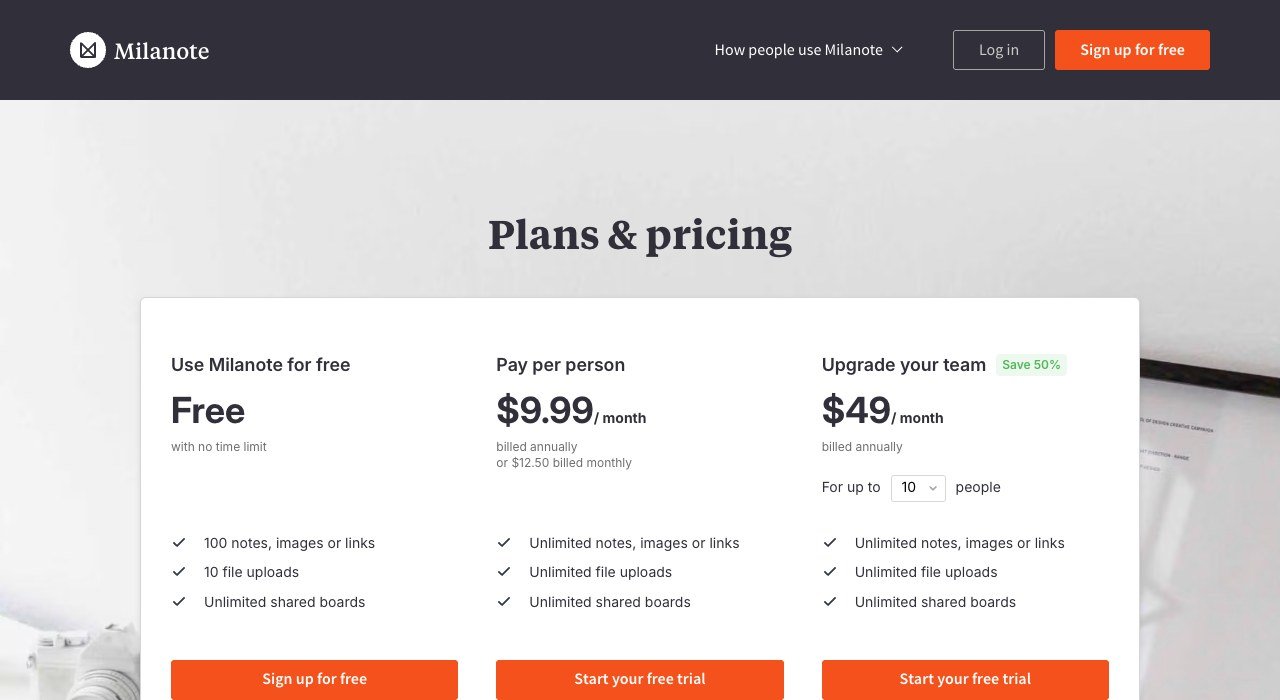
Price: $9.99 a month billed annually, or $12.50 monthly | Runs as: desktop app for Mac, plus iPad and mobile apps | Free plan: 100 notes, images or links
Milanote is closer to a visual organiser than a meeting whiteboard: designers, writers and filmmakers use it for moodboards, storyboards and briefs. Its Mac desktop app launches instantly with live notifications, and the iPad app picks up the same boards. In the Mac App Store, only the Milanote Web Clipper appears, so the main app comes from Milanote’s site.
The free plan has no time limit but counts content, not boards: 100 notes, images or links and 10 file uploads in total. A team upgrade is $49 per month, paid annually, and covers as many as 10 people, or $4.90 a head when full.
7. Mural: Structured Workshops at Enterprise Scale
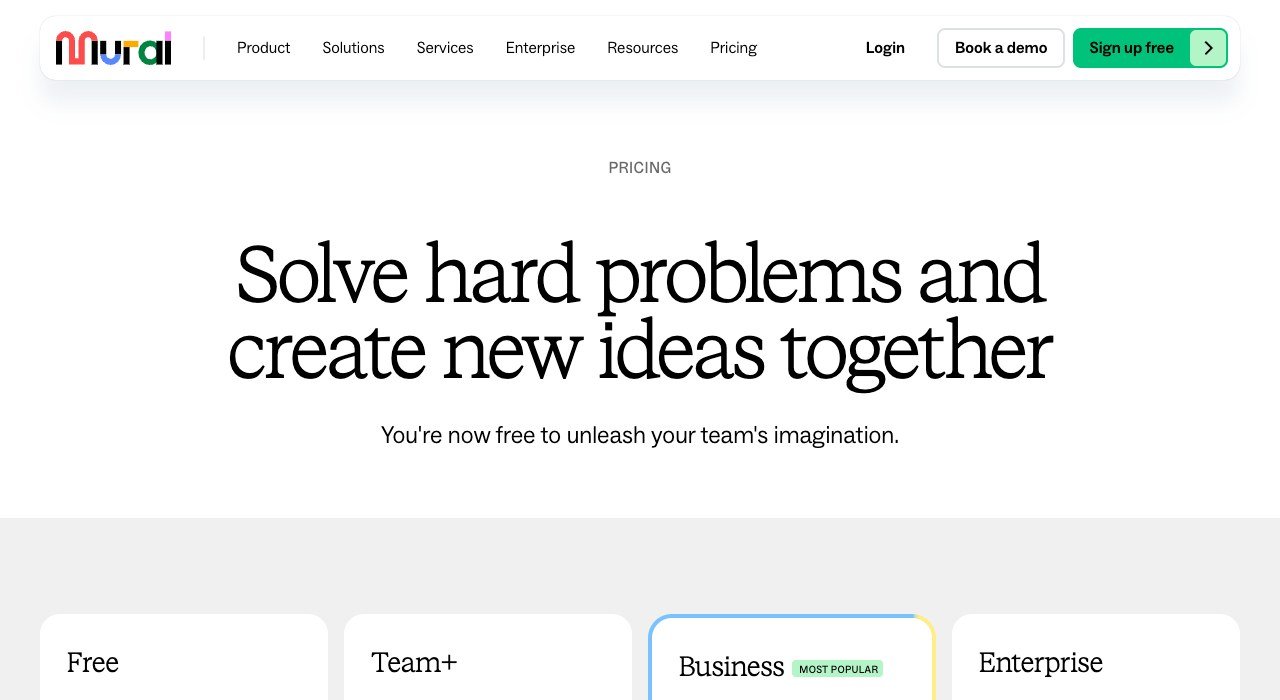
Price: Team+ $9.99 per member a month billed annually, $12 monthly | Runs as: Mural for macOS, Windows, iOS and Android | Free plan: 3 editable murals at a time
Mural lists a Mural for macOS desktop app next to its Windows, iPhone, iPad and Android apps, and the browser version covers the rest. It leans toward facilitated sessions, with 250+ expert templates and the LUMA frameworks on the Business tier, and says it is trusted by over 50% of the Fortune 100.
The free plan covers unlimited members and view-only visitors but only three editable murals at once. Business at $17.99 per member adds SAML single sign-on and unlimited external guests, which is what larger client-facing teams usually need.
8. Lucidspark: Facilitation Tools in the Browser

Price: Individual $9 a month, Team $10 per user, both billed yearly | Runs as: browser, no Mac app | Free plan: 3 editable boards
Lucidspark has no Mac download or Mac App Store listing, so on macOS it runs in Safari or Chrome. That suits agile teams already on Lucidchart, since the Enterprise tier bundles both and more than 100 integrations connect boards to existing tools.
Facilitators need the Team plan: voting, timers, guest collaborators and facilitator tools all start there. The free tier gives three editable boards with unlimited shapes, freehand drawing and Lucid AI, and a 7-day trial opens every paid feature.
9. Excalidraw: Open Source and Offline in a Browser
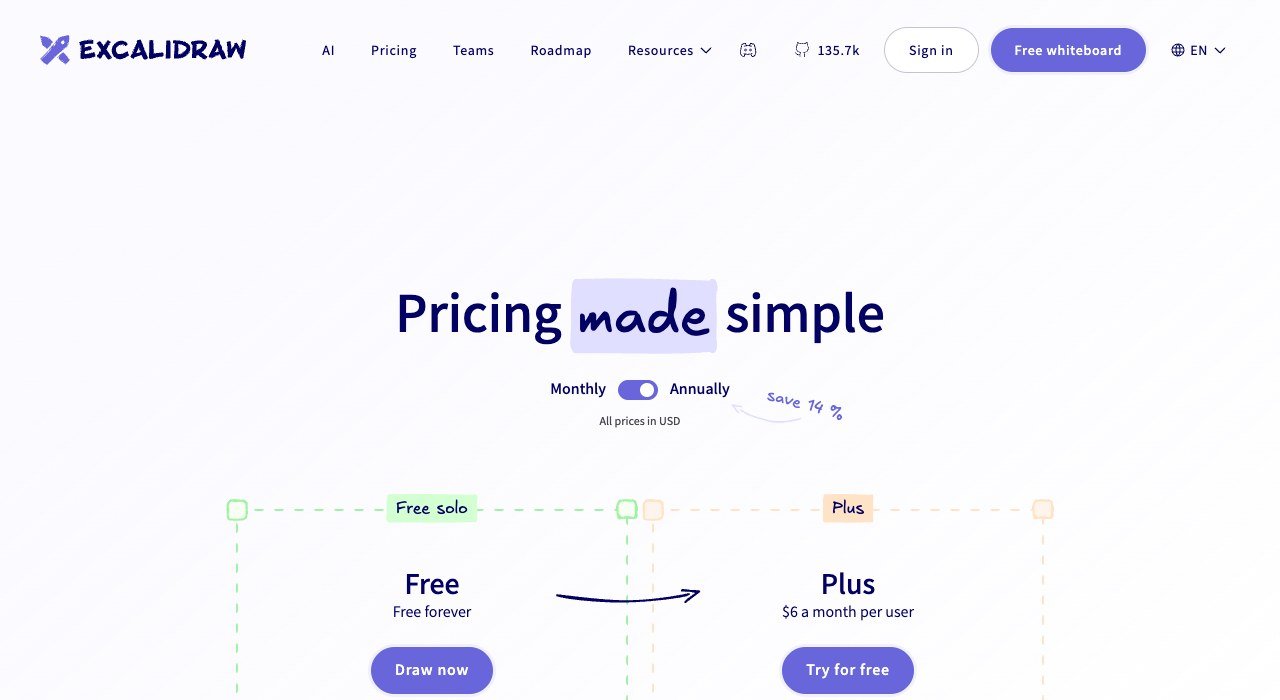
Price: free; Plus $6 a month per user | Runs as: browser, installable as a progressive web app | Free plan: 1 infinite scene, unlimited collaborators
Excalidraw is open source, draws everything in a hand-sketched style, and works offline once installed as a web app. It is local-first, autosaving to the browser, and the free plan includes unlimited collaborators, 10 AI requests a day and PNG or SVG export. Files save in an open JSON format, and sessions use end-to-end encryption.
The catch is storage. Excalidraw warns that browser storage can be cleared unexpectedly, so free users should save scenes to a file. Plus adds unlimited scenes saved to the cloud, PDF and PPTX export and 100 AI requests a day, with a 14-day trial.
10. Explain Everything: Recorded Lessons for Teachers

Price: Advanced $69 a year | Runs as: web browser app on desktop; iPad app on Apple silicon Macs | Free plan: 3 projects, 3-minute videos
Explain Everything, now part of Promethean, turns a whiteboard into a recorded video lesson, and counts more than 24 million teachers and students among its users. On a desktop Mac its supported route is the web browser app; Apple’s store also offers the iPad edition to Macs with Apple silicon.
Free accounts are tight: one slide per project, 3-minute videos and a single collaborator for up to 15 minutes. Advanced lifts projects and video length, extends collaboration to 30 minutes and adds 7.5 GB of storage plus polling, timer and spinner tools.
Apple Silicon, Intel Macs and Offline Work
Three vendors here publish separate macOS downloads by chip. Miro and Heptabase each offer an Apple silicon build and an Intel build, and Canva describes its Mac app as built for Macs with Intel and Apple chips. Miro sets the clearest floor: macOS 12 Monterey or higher on a 64-bit Intel or Apple M1 processor.
Offline use is rarer than it looks. Excalidraw is the one tool here that states it works offline, as an installable web app that autosaves to the browser. Freeform keeps boards in iCloud for syncing, Miro’s desktop app wraps the browser editor in webviews, and none of the other Mac downloads here state an offline mode, so plan on a connection for live sessions.
iPad, Apple Pencil and iCloud Sync
Freeform has the tightest Mac and iPad link. Boards stored in iCloud update on every Apple device signed in to the same Apple Account, and Apple Pencil support on iPad makes the tablet the drawing surface while the Mac handles layout and files.
Most others pair a Mac app with an iPad app through their own cloud accounts. FigJam, Milanote, Heptabase, Mural and Canva all list iPad apps, and Miro has a tablet app. If handwriting matters more than a shared canvas, the picks in our guide to note taking apps for iPad may fit better than a whiteboard.
What Five People Pay for a Year
Seat pricing decides most budgets. Here is a year for a five-person team on each tool’s entry paid tier, using the billing period each vendor shows:
| Tool and tier | Listed rate | Five people, 12 months |
|---|---|---|
| Miro Starter | $8 per member a month, billed yearly | $480 |
| Milanote team plan | $49 a month for up to 10, billed annually | $588 |
| Mural Team+ | $9.99 per member a month, billed annually | $599.40 |
| Lucidspark Team | $10 per user a month, billed yearly | $600 |
| Freeform | free | $0 |
Milanote’s flat team price is the outlier: the same $588 covers a team of 10, while Miro Starter for 10 people would cost $960 (10 x $8 x 12). Freeform costs nothing at any size, provided everyone is on Apple hardware.
How to Choose Whiteboard Software for Your Mac
- Everyone uses Apple devices: start with Freeform; it is already installed and syncs to iPad through iCloud.
- Mac and Windows colleagues on one board: Miro, or FigJam if the team already designs in Figma.
- You want a native-feeling desktop download: Miro or Heptabase, both with Apple silicon builds.
- Creative projects rather than meetings: Milanote for moodboards, Canva if the board becomes a design.
- No budget and patchy Wi-Fi: Excalidraw as an installed web app.
- Teaching: Explain Everything for recorded lessons.
Frequently Asked Questions
Does the Mac have built-in whiteboard software?
Yes. Freeform is included with macOS and has been since macOS Ventura 13.1 in December 2022. It is free, needs no subscription for real-time collaboration, and fits up to 100 collaborators in a board.
Is Microsoft Whiteboard available for Mac?
Not as an app. The standalone Whiteboard apps were for Windows, iOS and Android, and Microsoft retired them on October 16, 2026. Work or school accounts can still use Whiteboard on the web in Safari or inside Teams.
Which whiteboard apps have Apple silicon builds?
Miro and Heptabase offer dedicated Apple silicon downloads alongside Intel versions, and Canva for Mac supports both chip types. Freeform ships inside macOS, so there is nothing separate to download for either chip.
Can I use a Mac whiteboard offline?
Excalidraw states that its installable web app works offline and autosaves to the browser. Save scenes to a file regularly, because browser storage can be cleared.
Related Articles

Get the Fox Bulletin briefing
The stories that matter, in your inbox. No spam, unsubscribe anytime.
Newsletter signup will be available soon.
Related stories

Wholesale Billing Software: 10 Picks for US Distributors
Wholesale billing software for US distributors: price lists, purchase orders, net terms and EDI across 10 tools, from Zoho Books at $40 a month for 5 users.

Whiteboard Software for PC: 10 Picks by How They Install
Whiteboard software for PC sorted by how it runs on Windows. Microsoft retired its standalone app on October 16, 2026; AFFiNE and draw.io install free.
Workforce Management Software: 10 Tools and What They Cost
Workforce management software for hourly teams: six tools publish prices from $1.70 a user, four HR suites quote. See what 25 or 60 staff cost on each.