

Reusing the same password across accounts remains one of the biggest security risks online, and a good password manager fixes it in minutes. These tools generate strong, unique passwords, store them in an encrypted vault, and fill them in automatically across your devices.
The best options in 2026 balance strong security, ease of use, and price, whether you want a polished paid app or a free open-source vault. Below we compare the eight best password managers in 2026, with each tool’s starting price and who it suits best, so you can lock down your accounts without overpaying.
| Rank | Password Manager | Starting Price | Best For |
|---|---|---|---|
| 1 | 1Password | $2.99/mo | Best overall experience |
| 2 | Bitwarden | Free / $10 per year | Best free and open-source |
| 3 | Dashlane | $4.99/mo | Best all-in-one security |
| 4 | NordPass | $1.49/mo | Best budget premium |
| 5 | Proton Pass | Free / $1.99/mo | Best for privacy |
| 6 | Keeper | $2.00/mo | Best for business |
| 7 | Apple Passwords | Free | Best for Apple users |
| 8 | Google Password Manager | Free | Best for Chrome and Android |
The 8 Best Password Managers in 2026, Ranked
1. 1Password: The Best Overall Experience
Starting Price: $2.99/mo | Best For: Polished security across every device
1Password remains the top all-around choice for its blend of strong security and a clean, intuitive interface. Its standout feature is a locally generated Secret Key that combines with your master password, so your vault stays protected even if your password is ever exposed.
Cross-platform apps, travel mode, and excellent family sharing round out the package at about $2.99 a month. There is no permanent free tier, only a trial, but for users who want the most refined experience, 1Password is worth it.
2. Bitwarden: The Best Free and Open-Source Option
Starting Price: Free / $10 per year | Best For: Value and transparency
Bitwarden is the best choice for most people who want a free, trustworthy vault, with an unusually generous free tier covering unlimited passwords and devices. Its Premium plan costs just $10 a year, roughly a third the price of 1Password.
Because Bitwarden is open source under the GPL v3 license, its code is publicly auditable, and advanced users can even self-host their vault. For value and transparency combined, nothing matches it.
3. Dashlane: The Best All-in-One Security Suite
Starting Price: $4.99/mo | Best For: Bundled security features
Dashlane goes beyond passwords, bundling a VPN, dark web monitoring, and up to $1 million in identity theft insurance into one subscription. Its family plan covers ten accounts, making it strong value for households wanting broad protection.
At $4.99 a month it is the priciest option here, and it is discontinuing its free plan in September 2026. For users who want an all-in-one security suite rather than a standalone vault, though, Dashlane delivers the most.
4. NordPass: The Best Budget Premium Pick
Starting Price: $1.49/mo | Best For: Low-cost premium features
NordPass, from the makers of NordVPN, offers the cheapest paid tier on this list at $1.49 a month on a two-year plan. Despite the low price, it includes a modern interface, passkey support, and solid cross-platform apps.
It bundles neatly with NordVPN and NordLocker for users already in that ecosystem. For anyone wanting premium features without a premium price, NordPass is the value leader.
5. Proton Pass: The Best for Privacy
Starting Price: Free / $1.99/mo | Best For: Privacy-focused users
Proton Pass comes from the Swiss company behind Proton Mail, with privacy baked into its design and end-to-end encryption throughout. It offers a capable free tier, with Pass Plus dropping to $1.99 a month on the annual plan in 2026.
Open-source code and Switzerland’s strong privacy laws appeal to users who prioritize data protection. For the privacy-conscious, Proton Pass is the natural pick.
6. Keeper: The Best for Business and Compliance
Starting Price: $2.00/mo | Best For: Businesses with compliance needs
Keeper stands out for organizations that must meet strict security standards, holding certifications including FedRAMP, HIPAA, SOC 2, and ISO 27001. That makes it a top choice for regulated industries and larger teams.
Individual plans start around $2.00 a month, but its real strength is business-grade administration and reporting. For companies where compliance is non-negotiable, Keeper leads the field.
7. Apple Passwords: The Best for Apple Users
Starting Price: Free | Best For: People fully in the Apple ecosystem
Apple Passwords, built into iPhone, iPad, and Mac, became a standalone app that makes iCloud Keychain far easier to use. It is completely free, syncs across Apple devices, and now supports passkeys and shared groups.
The catch is limited support outside Apple’s ecosystem, with only a basic Windows and Chrome extension. For users who live entirely on Apple devices, though, it is a capable, no-cost option.
8. Google Password Manager: The Best for Chrome and Android
Starting Price: Free | Best For: Chrome and Android users
Google Password Manager is built into Chrome and Android, offering free, automatic password storage and filling for anyone in Google’s ecosystem. It now includes passkey support and on-device encryption options.
Like Apple’s tool, it works best within its own ecosystem and lacks the advanced features of dedicated apps. For casual users who mainly browse in Chrome, it is a convenient, free starting point.
Why You Need a Password Manager
The average person now juggles dozens of online accounts, and remembering a unique, strong password for each is impossible without help. Password managers solve this by generating and storing complex passwords, so a single breach cannot cascade across your accounts.
They also defend against phishing, since the app only autofills credentials on the genuine site it saved them for. Combined with two-factor authentication, a password manager is the single most effective step most people can take to secure their digital life.
Free Versus Paid: Which Should You Choose?
Free options like Bitwarden, Proton Pass, and the built-in Apple and Google tools are enough for many users, covering core storage and autofill at no cost. If you live in one ecosystem or want a trustworthy vault without spending, they are excellent.
Paid plans add cross-platform polish, family sharing, dark web monitoring, and priority support. If you use multiple operating systems or want extra security features, the few dollars a month for 1Password, Dashlane, or NordPass is usually money well spent.
How Password Managers Keep Your Data Safe
Reputable password managers use a zero-knowledge model, meaning your vault is encrypted and decrypted only on your own device with your master password. The company never sees your passwords, so even a breach of their servers leaves your data unreadable.
Strong encryption standards like AES-256, combined with features such as 1Password’s Secret Key or optional two-factor authentication, add further layers of protection. The one rule that matters most is choosing a strong, memorable master password, since it is the single key that unlocks everything else.
How We Ranked the Best Password Managers
This ranking weighs the factors that matter most: security architecture, ease of use, price across free and paid tiers, cross-platform support, and extra features like passkeys and monitoring. The goal is to match tools to different needs rather than crown a single winner.
We used verified 2026 pricing and current feature sets taken directly from each provider’s official plans and documentation. Prices and terms shift often, so confirm the current pricing on each service’s own site before subscribing.
How to Choose the Right Password Manager for You
Start with your devices, because the best tool depends on where you work. Apple-only users can rely on the free built-in app, Chrome and Android users on Google’s, while anyone mixing platforms benefits from a cross-platform option like 1Password or Bitwarden.
Then decide whether you want extras beyond passwords, such as a VPN or identity monitoring. If you do, Dashlane bundles the most, while budget-focused users are well served by NordPass or the free tier of Bitwarden.
Frequently Asked Questions
What is the best password manager in 2026?
1Password ranks best overall for its strong security architecture and polished, cross-platform experience, though Bitwarden is the top free and open-source choice at just $10 a year for premium.
Are free password managers safe?
Yes, reputable free options like Bitwarden and Proton Pass use strong end-to-end encryption and are safe for most users. The built-in Apple and Google managers are also secure within their ecosystems.
What is the cheapest paid password manager?
NordPass offers the lowest standard paid price at $1.49 a month on a two-year plan, while Bitwarden Premium is the cheapest annually at just $10 per year.
Do I still need a password manager if I use my browser’s built-in one?
Browser tools like Google Password Manager work well within one ecosystem, but a dedicated app offers better cross-platform support, sharing, and features if you use multiple devices or operating systems.
Are passkeys replacing passwords?
Passkeys are growing fast and most top managers now support them, but they are not yet universal. A password manager that handles both passwords and passkeys is the safest bet during the transition.
Related Articles

Get the Fox Bulletin briefing
The stories that matter, in your inbox. No spam, unsubscribe anytime.
Newsletter signup will be available soon.
Related stories
Morse Code: The Full Chart, Timing and How It Works
Every letter, digit, punctuation mark and procedural signal in international Morse code, with the timing rules that govern them and the places the code is still working.
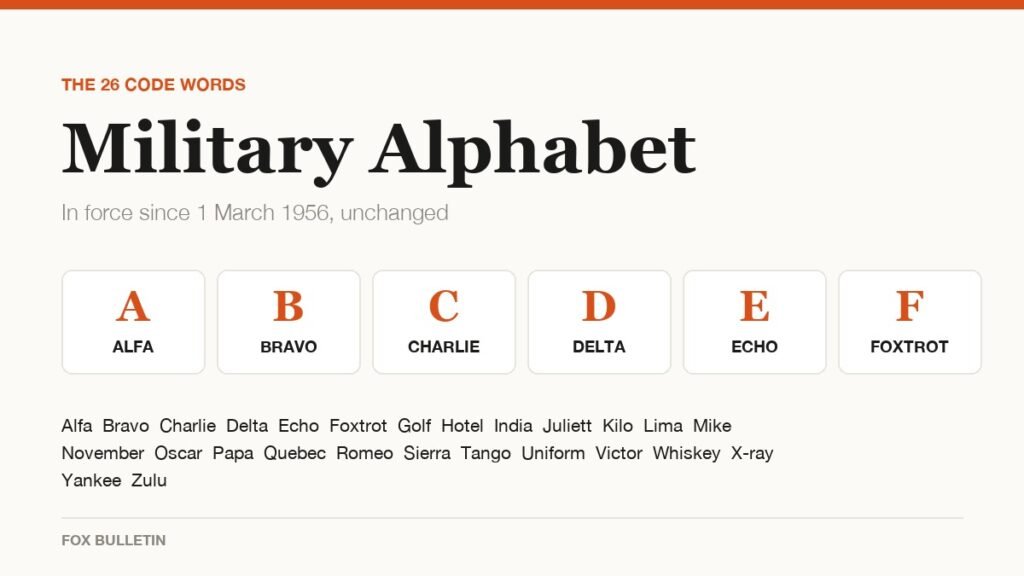
Military Alphabet: All 26 Letters, Spelled and Pronounced
Alfa, Bravo, Charlie: the military alphabet is a set of 26 code words that keep letters apart over a noisy radio. Here is every letter, how to say it, and the history behind the list.
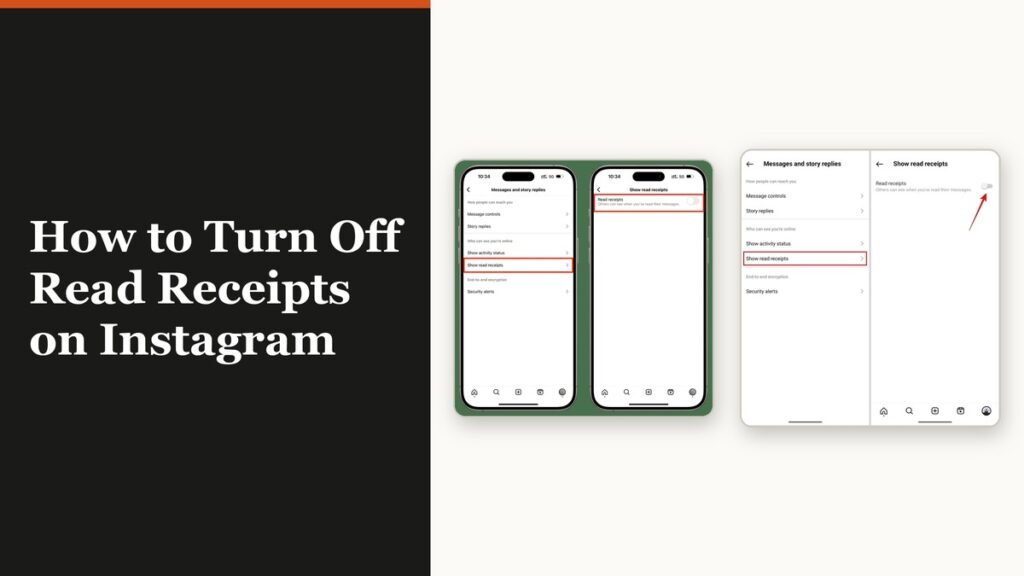
How to Turn Off Read Receipts on Instagram DMs
The global switch does not sweep up chats you have already set by hand. That one rule explains almost every case of Seen still appearing.