
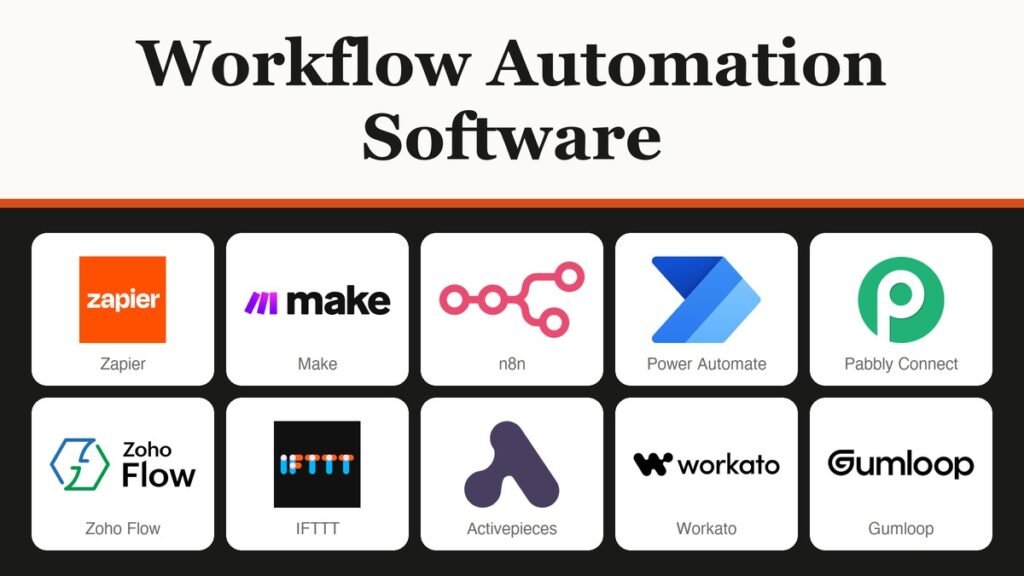
Workflow automation software connects your apps so that one event, such as a new form entry, triggers actions in others without anyone copying data by hand. Zapier leads on app reach, Make is the cheapest way to run high volumes, and n8n charges one flat unit per run however many steps it has.
The sticker price says little on its own, because each platform meters something different. This guide ranks ten tools by how their billing unit behaves on a real workflow, then prices one 500-run process on five of them so you can see the spread before you sign up.
What Workflow Automation Software Charges For
Every platform here does the same job: a trigger in one app starts actions in others. What differs is the meter. Some count each action, some count each module, some count each complete run, and some sell a licence per person or per robot. That meter decides your bill more than the headline price.
- Tasks: Zapier, Pabbly Connect and Zoho Flow count steps that do work. Zapier and Pabbly do not charge for a trigger checking for new data.
- Credits: Make, Activepieces and Gumloop sell a monthly credit allowance. On Make, reading data from an app or webhook uses a credit too.
- Executions: n8n counts one execution per finished run, with unlimited steps.
- Licences: Power Automate sells a user or bot licence, and IFTTT caps how many Applets you keep while runs stay unlimited.
- Quotes: Workato prices a platform edition plus usage through its sales team.
Workflow Automation Software Pricing by Billing Unit
| # | Software | Best for | Starting price | Free plan or trial | Billing unit |
|---|---|---|---|---|---|
| 1 | Zapier | Widest app reach, non-technical teams | $19.99/mo billed yearly | 100 tasks/mo | Task per action |
| 2 | Make | Branching scenarios at volume | $9/mo billed annually | 1,000 credits/mo | Credit per module |
| 3 | n8n | Technical teams, self-hosting | 20 euros/mo billed annually | Community Edition; cloud trial | Execution per run |
| 4 | Microsoft Power Automate | Microsoft 365 organisations | $15/user/mo paid yearly | 30-day trial | User or bot licence |
| 5 | Pabbly Connect | Small businesses, agencies | Depends on region | 100 tasks | Task per action step |
| 6 | Zoho Flow | Zoho CRM and Zoho One users | Depends on region | 100 tasks/mo | Task |
| 7 | IFTTT | Smart home, personal automations | $2.99/mo billed annually | 2 Applets | Applets kept |
| 8 | Activepieces | Open-source builds, AI flows | $20/mo flat | 1,000 credits/mo | Credit |
| 9 | Workato | Enterprise IT integration | Quote only | Not published | Edition plus usage |
| 10 | Gumloop | AI agent workflows | $37/mo | Pro and Enterprise only | Credit |
Ten Platforms, From Task Meters to Flat Licences
1. Zapier: The Widest Reach, Billed per Task

Price: Free; Professional from $19.99 a month billed yearly ($29.99 monthly) for 750 tasks; Team from $69 a month billed yearly. Billing unit: tasks. Free plan: 100 tasks a month, two-step Zaps.
Zapier suits teams that need one tool to reach almost any app: its SDK alone connects to thousands of apps, and paid plans add Zap version control and custom error notifications. A task is used each time an action completes, while a trigger checking for new data costs nothing. Zaps, Tables, Forms, MCP and AI steps all draw on one shared task pool.
The catch is how quickly tasks multiply. A Zap with four action steps uses four tasks per run, so the 750-task tier covers 187 runs. AI model tier and code runtime can push one action above a single task. At the limit the account switches to pay-as-you-go unless you turn that off, and the free plan builds only two-step Zaps.
2. Make: Credits That Keep Volume Cheap

Price: Free; Make Plan from $9 a month billed annually ($10.59 monthly) for 5,000 credits. Billing unit: credits. Free plan: 1,000 credits a month with a 15-minute minimum interval.
Make is a visual scenario builder for branching logic and data reshaping, owned by Celonis. Most actions use one credit, while the Router module that splits a scenario into branches and the error-handler modules use none. The single Make Plan scales by credits: 20,000 costs $29 a month billed annually, 40,000 is $53 and 80,000 is $91.
Two rules matter. Credits expire at the end of the term, so an oversized annual block loses whatever you leave unused. Running dry stops scenarios until credits are added, although incoming webhooks queue up to your storage limit. Extra credits come in bundles of 1,000 or 10,000, and firms under 20 employees can apply for a Start-up Plan.
3. n8n: One Execution per Run, Any Number of Steps

Price: Starter 20 euros a month billed annually (24 euros monthly) for 2,500 executions; Pro 50 euros. Billing unit: workflow executions. Free option: self-hosted Community Edition; cloud trial with no credit card.
n8n charges once per complete workflow run, so a 20-step workflow costs the same as a two-step one. Every plan includes unlimited users, unlimited workflows and every integration, from a catalogue of 2,000+. Pro lifts the allowance to 10,000 executions and up to 50 concurrent executions, against 5 on Starter.
It fits technical teams who want predictable cloud bills or their own server. Business costs 667 euros a month billed annually for 40,000 executions, is self-hosted only, and adds SSO, LDAP and Git version control. Running the free Community Edition means your team patches and secures the install. Startups under 20 employees can ask for 50% off Business.
4. Microsoft Power Automate: Licences Instead of Meters

Price: Premium $15 per user a month paid yearly; Process $150 per bot a month; Hosted Process $215 per bot a month. Billing unit: user or bot licence. Free option: 30-day trial with standard connectors.
Power Automate belongs in organisations already running Microsoft 365 or Dynamics. A Premium user builds cloud flows and attended desktop flows within service limits, with no per-step count, plus process and task mining with 50 MB of storage. The Power Automate licence types also include capacity licences and a pay-as-you-go option.
Unattended robotic process automation needs the Process licence, and each bot runs one unattended desktop flow at a time, so parallel runs need more bots. Hosted Process adds a Microsoft-hosted virtual machine on Azure. List prices can shift with currency, country and organisation, so treat $15 as a starting point.
5. Pabbly Connect: Triggers Never Touch the Allowance
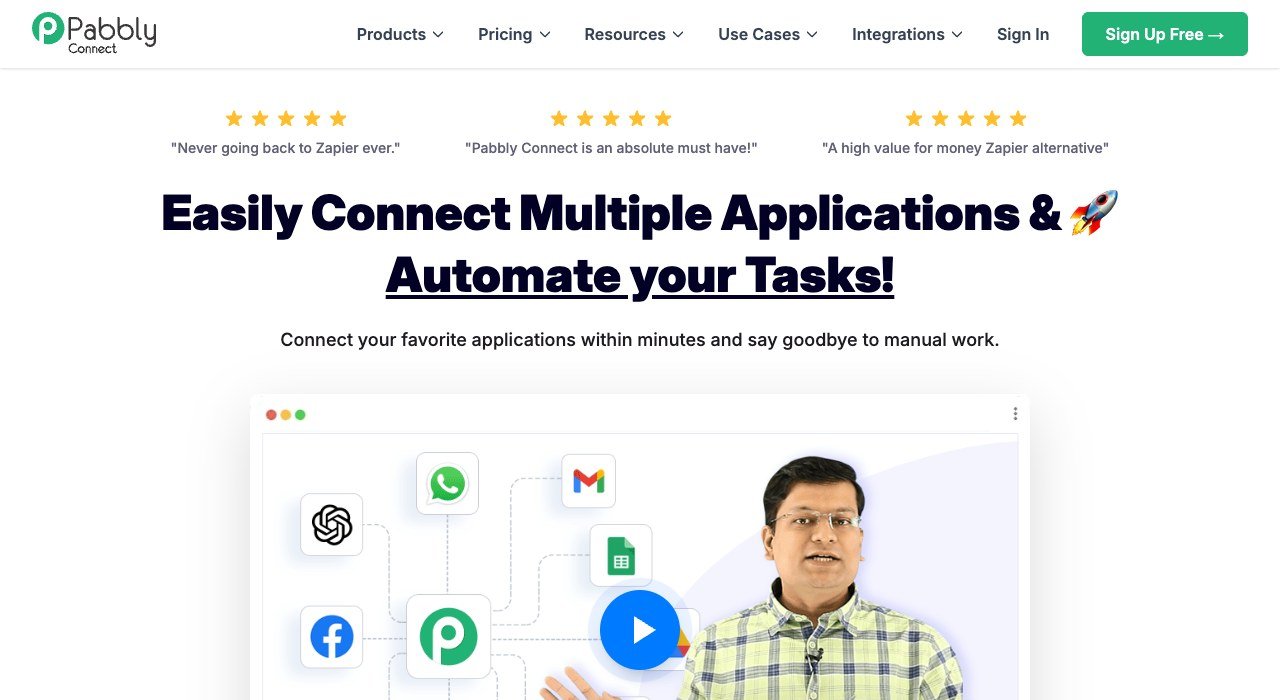
Price: depends on the buyer’s region; plans are Free, Standard and Unlimited. Billing unit: tasks, counted on action steps only. Free plan: 100 tasks, two-step workflows, no credit card.
Pabbly Connect counts only action steps, so triggers and internal steps are free. Standard includes 10,000 tasks a month with multi-step workflows, and the Unlimited plan removes the task cap. Every plan lists unlimited team members and 2,000+ integrations.
Billing runs monthly, yearly (15% off), two-yearly (20% off), three-yearly (25% off) or as a one-time lifetime plan, and a 30-day money-back guarantee applies. The amount charged depends on your region, so confirm it in your own currency at checkout.
6. Zoho Flow: The Natural Pick for Zoho Shops
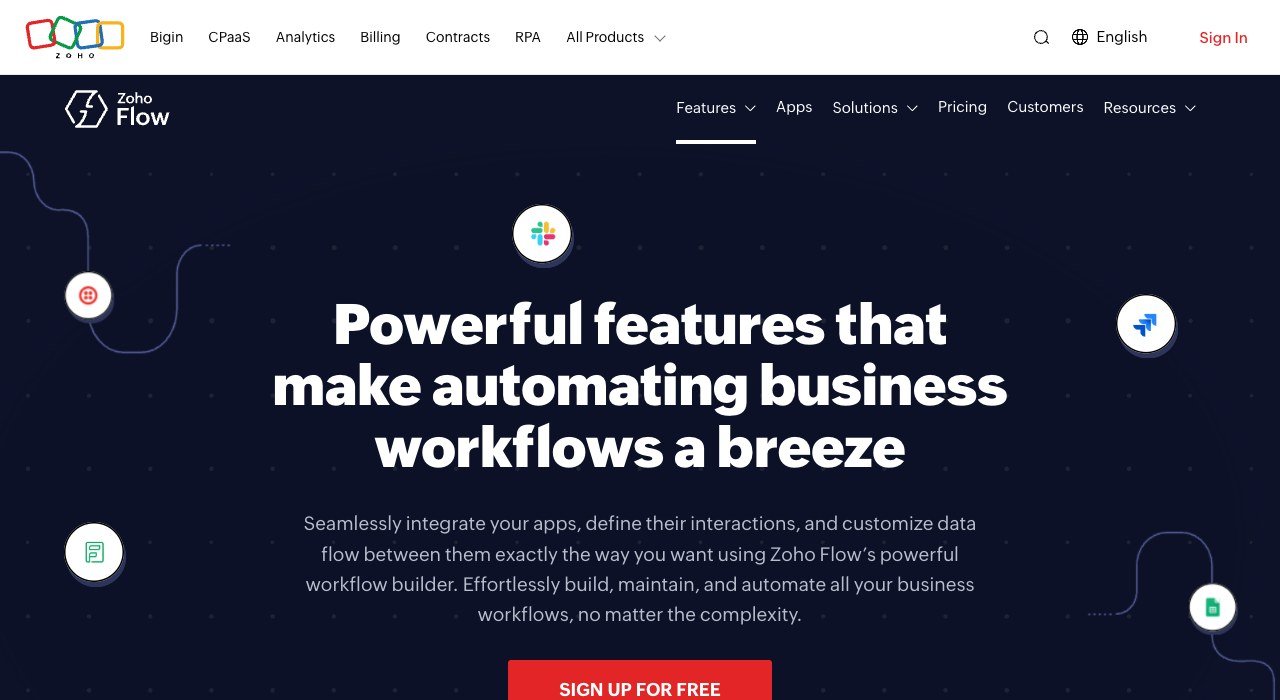
Price: depends on the buyer’s region; Free, Standard and Professional plans. Billing unit: tasks per month. Free plan: 100 tasks a month with 15-minute polling.
Zoho Flow links 1,000+ apps, from Zoho CRM to Slack, Google Sheets, QuickBooks and WordPress. Standard raises the allowance to 5,000 tasks a month with 60 days of flow history and custom functions. Professional reaches 10,000 tasks, 90 days of history, 5-minute polling, premium apps, on-premises integration and automatic reruns.
The free plan keeps base apps only and 30 days of history. A 15-day trial of premium features needs no card, yearly billing saves over 15%, and taxes are added on top of a price that varies by region.
7. IFTTT: Pay for Applets, Not Runs

Price: Pro $2.99 a month ($35.88 billed annually); Pro+ $8.99 a month ($107.88 billed annually). Billing unit: number of Applets. Free plan: 2 Applets with unlimited runs.
IFTTT covers smart-home and personal productivity links across 1,000+ brands and services. Runs are unlimited on every plan; what you pay for is how many Applets you keep. Pro allows 20 Applets and adds multi-action Applets and webhooks, while Pro+ gives unlimited Applets, AI services, queries, filters and multiple accounts per service.
Multi-action Applets and webhooks start at Pro, so the free tier suits simple one-to-one links. Pro+ is pitched at small business owners, which makes it the ceiling here.
8. Activepieces: Flat Fees With a Self-Host Option
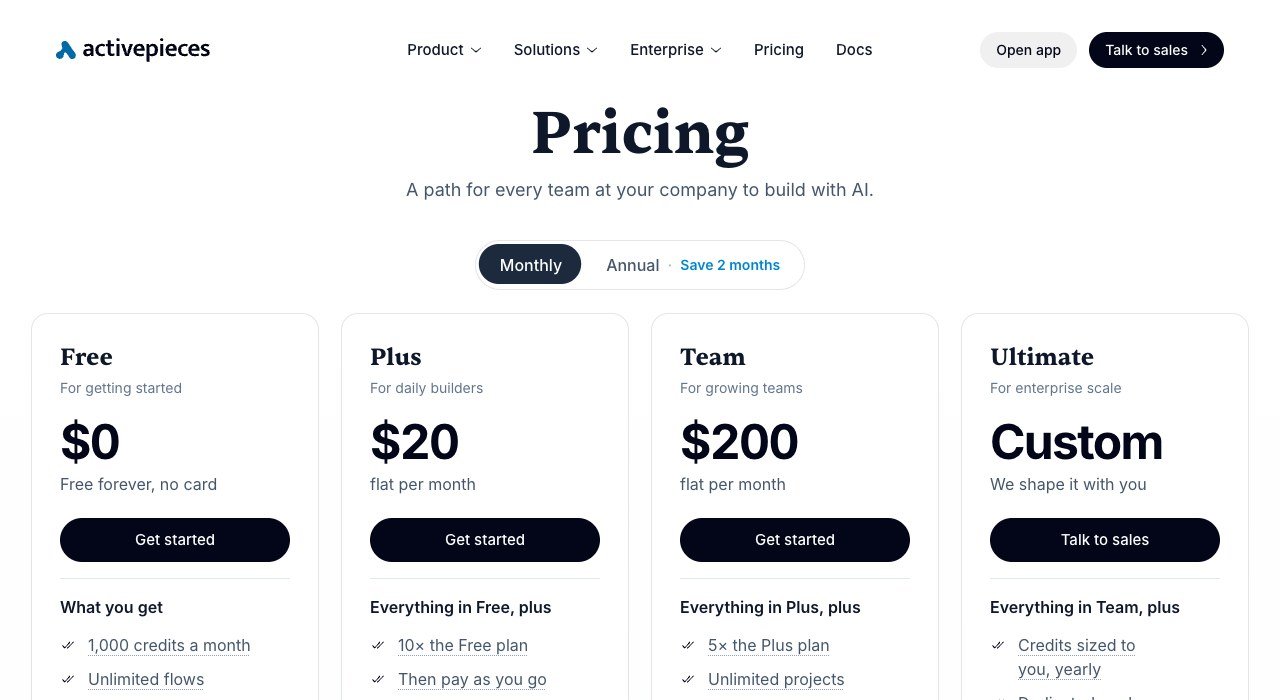
Price: Plus $20 flat a month; Team $200 flat a month. Billing unit: credits. Free plan: 1,000 credits a month, up to 5 users.
Activepieces is open source and runs in the cloud or on your own servers on every plan, with 770+ integrations. Plus includes 10,000 credits, then $0.007 per credit, and lets you bring your own AI keys. Team includes 50,000 credits, 25 users, SSO and unlimited projects.
AI steps use more than one credit, so agent-heavy flows burn the allowance faster than simple syncs. When the free plan runs out, flows wait for fresh credits. Embed, for putting the builder inside your own product, starts at $36k a year.
9. Workato: Enterprise Editions on Quote
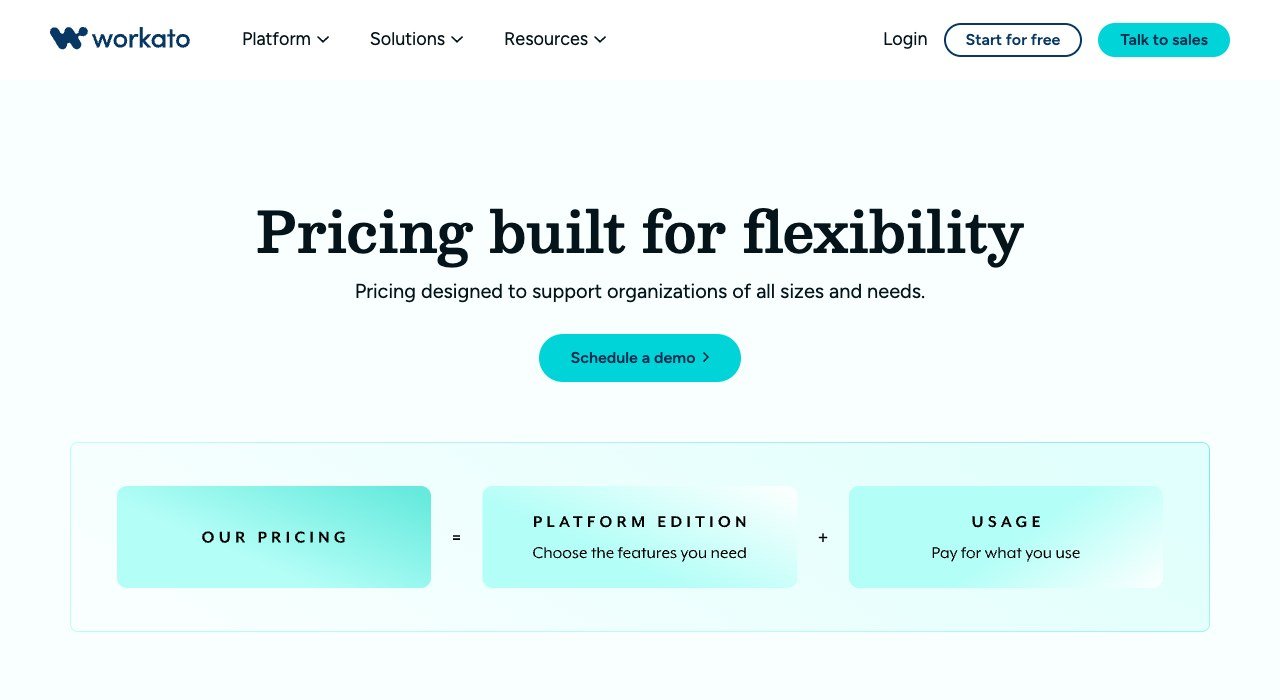
Price: quote only. Billing unit: platform edition plus usage. Free tier: limits not published.
Workato targets IT-led integration at large companies through four editions: Standard, Business MCP, Enterprise MCP and Workato ONE. All include 1,200+ pre-built connectors and unlimited workspaces and users. Concurrency rises from 1 on Standard and Business MCP to 15 and 30, and on-premises agents from 3 to 10 to 30.
Usage is weighted by capability, such as workflows, API management and event streams, and a usage dashboard shows task consumption. Logs are kept 30 days on Standard and 90 days on Enterprise MCP. Terms vary by contract, so budget time for a sales cycle.
10. Gumloop: AI Agents on a Credit Allowance

Price: Pro $37 a month; Enterprise custom. Billing unit: credits, 20,000 a month on Pro. Plans: Pro and Enterprise.
Gumloop builds AI agents rather than classic trigger-action chains, and its older flow builder now carries the label Workflows (Legacy). Pro includes unlimited agents, 35+ AI models, unlimited seats and teams, your own API keys and one hosted MCP server.
Pro caps you at 5 concurrent workflow runs and 25 concurrent agent chats. It suits teams whose processes are mostly AI work, such as research or lead qualification. For plain app-to-app syncing, a task or execution meter is easier to forecast.
One 500-Run Workflow, Priced on Five Meters
Take a common sales process: a website form fires, then the tool adds a CRM contact, posts a team chat alert and logs a spreadsheet row. That is one trigger and three actions, running 500 times a month. If the CRM itself is still undecided, our guide to HubSpot competitors covers the options.
| Platform | Counted per run | Monthly usage | Cheapest plan that fits |
|---|---|---|---|
| Zapier | 3 tasks (actions only) | 1,500 tasks | Professional 1.5K: $39/mo yearly, $58.50 monthly |
| Make | 4 credits (trigger reads data) | 2,000 credits | Make Plan 5,000: $9/mo annually, $10.59 monthly |
| n8n | 1 execution | 500 executions | Starter: 20 euros/mo annually, 24 monthly |
| Power Automate | Nothing per run | 1 user | Premium: $15/mo paid yearly |
| Pabbly Connect | 3 tasks (actions only) | 1,500 tasks | Standard (10,000 tasks), regional price |
The spread runs from 20 euros to $39 a month billed yearly for identical work. Make wins on cost even though it meters the trigger, because its credits are cheap and the 5,000 block leaves headroom for 1,250 runs. Zapier costs most here, because every action is a task and its price per task only falls at higher tiers.
Add a fourth action and the order shifts. Zapier needs 2,000 tasks ($49 a month billed yearly), Make needs 2,500 credits (still $9), and n8n stays at one execution per run. AI steps break the pattern on Zapier and Make, where one AI action can use more than one unit.
Free Plans: Where Each One Stops
Most free tiers are built for testing, and each runs out in a different place:
- Zapier: 100 tasks a month, and only two-step Zaps.
- Make: 1,000 credits a month, with at least 15 minutes between scheduled runs.
- Activepieces: 1,000 credits a month for up to 5 users; flows pause when credits run out.
- Pabbly Connect and Zoho Flow: 100 tasks each; Pabbly limits you to two-step workflows, Zoho to base apps and 15-minute polling.
- IFTTT: 2 Applets with unlimited runs.
- n8n: a cloud trial with no credit card, or the free self-hosted Community Edition.
- Power Automate: a 30-day trial limited to standard connectors.
For a single two-app link, IFTTT and the Make free plan go furthest. Anything with three or more steps pushes you to a paid tier on Zapier and Pabbly Connect straight away.
Self-Hosting, Bots and Other Flat-Fee Routes
Two tools can run on your own hardware. The n8n Community Edition is a free, self-hosted version, and Activepieces offers cloud or on-premises hosting on every plan, including Free. The trade is server cost and the staff time to patch and secure it.
Power Automate moves the meter to people and robots. One Premium licence covers a user’s cloud flows, while unattended desktop automation needs a $150 bot licence per concurrent run. Workato adds on-premises agents for systems behind a firewall. If invoices are what you plan to automate first, our accounting software for small business guide shows which ledgers connect cleanly.
How to Choose Workflow Automation Software
- Count actions per run and runs per month before comparing prices; multiply to get tasks or credits.
- If runs are long, with ten or more steps, favour per-execution billing such as n8n.
- If you need rare or niche apps, start with Zapier for its reach.
- If your company lives in Microsoft 365, price one Premium licence first.
- If your stack is Zoho, test Zoho Flow’s 15-day trial before anything else.
- If procurement needs SSO, on-premises agents and contract terms, request a Workato quote.
Frequently Asked Questions
What is workflow automation software?
It is software that watches for an event in one app and then performs actions in others, such as creating a contact or sending an alert. Zapier calls these Zaps, Make calls them scenarios and IFTTT calls them Applets.
Does a trigger count toward my monthly limit?
It depends on the tool. Zapier does not charge a task to check for new data, and Pabbly Connect treats triggers as free. On Make, reading data from an app or webhook uses a credit.
Is there a free tool with unlimited runs?
IFTTT’s free plan allows unlimited runs across 2 Applets. The n8n Community Edition is free to self-host, though you pay for and maintain the server it runs on.
Why do Pabbly Connect and Zoho Flow show different prices?
Both show prices that depend on the buyer’s region. Their plan limits stay the same, so compare the 100-task free tiers and the 10,000-task paid tiers, then check the total at checkout.
Related Articles

Get the Fox Bulletin briefing
The stories that matter, in your inbox. No spam, unsubscribe anytime.
Newsletter signup will be available soon.
Related stories

Wholesale Billing Software: 10 Picks for US Distributors
Wholesale billing software for US distributors: price lists, purchase orders, net terms and EDI across 10 tools, from Zoho Books at $40 a month for 5 users.

Whiteboard Software for PC: 10 Picks by How They Install
Whiteboard software for PC sorted by how it runs on Windows. Microsoft retired its standalone app on October 16, 2026; AFFiNE and draw.io install free.
Whiteboard Software for Mac: 10 Tools From Built-In to Web
Whiteboard software for Mac sorted by how it runs: built into macOS, a Mac download or a browser tab. Freeform is free and fits up to 100 collaborators.