
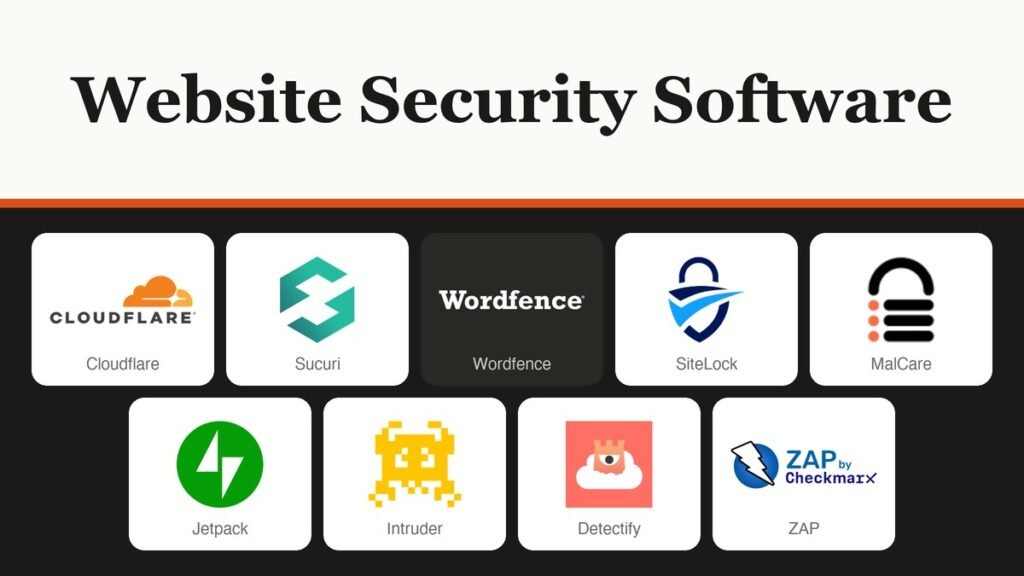
Website security software protects the site itself, not the laptop you build it on: it filters attack traffic, finds malware in your files and blocks exploits aimed at outdated plugins. Cloudflare leads for free edge protection, Sucuri for unlimited cleanups at a fixed yearly price, and Wordfence for WordPress sites that want the firewall inside the install.
The ten tools below fall into four types, and most small sites end up running two of them. Each entry gives the starting price and where the free tier stops.
Four Kinds of Website Security Software, and Where Each Sits
Website security software splits by position. An edge firewall filters traffic before it reaches your server once you change DNS. A plugin runs inside WordPress. A scanner probes the live site from outside, the way an attacker would. A cleanup service removes malware after a break-in. Few products do all four.
- Edge firewall and CDN: Cloudflare, Sucuri and SiteLock. Works for any platform, because nothing is installed on the server.
- WordPress plugins: Wordfence, MalCare, Jetpack and Patchstack. They see logins, file changes and plugin versions that an edge service cannot.
- Vulnerability scanners: Intruder, Detectify and ZAP. They report holes; they do not block traffic or remove anything.
- Cleanup included: Sucuri on every platform plan, SiteLock through automatic removal, MalCare from its Repair plan, and Wordfence on Care and Response.
The deciding question for most owners is the last one: who removes the malware if something gets through? A firewall alone answers “nobody”. If your site runs on a hosted builder from our website builders guide, the plugin tools here do not apply, so check whether the builder lets you change DNS before you plan on an edge firewall.
Website Security Software Prices and Free Tiers
| # | Tool | Best for | Starting price | Free plan or trial | Where it runs |
|---|---|---|---|---|---|
| 1 | Cloudflare | Any site that needs DDoS and WAF cover | $0; Pro $20/mo billed annually | Free plan | Edge, via DNS |
| 2 | Sucuri | Owners who want cleanups included | $229/yr per site | No free platform plan | Edge firewall plus cleanup team |
| 3 | Wordfence | WordPress firewall and scanner | $0; Premium $149/yr | Free, rules 30 days late | WordPress plugin |
| 4 | SiteLock | Non-technical owners, one monthly bill | $19.99/mo | Free web scan | Edge WAF plus scanning |
| 5 | MalCare | One-click WordPress cleanup | Regional pricing | Free scans, no removal | WordPress plugin |
| 6 | Jetpack | Security bundled with backups | Regional pricing | Free brute-force protection | WordPress plugin |
| 7 | Patchstack | Agencies running many WordPress sites | $69/mo billed annually (25 sites) | First month free | WordPress virtual patching |
| 8 | Intruder | Teams scanning servers and apps | $0; Cloud $239/mo | Free plan; 14-day Cloud trial | External scanner (SaaS) |
| 9 | Detectify | Security teams testing custom apps | From €0 platform fee, plus assets | Starter tier | External scanner (SaaS) |
| 10 | ZAP | Developers testing their own apps | Free, open source | Free | Desktop app or Docker |
The 10 Tools, From Edge Firewalls to Free Scanners
1. Cloudflare: Free Edge Protection for Any Site
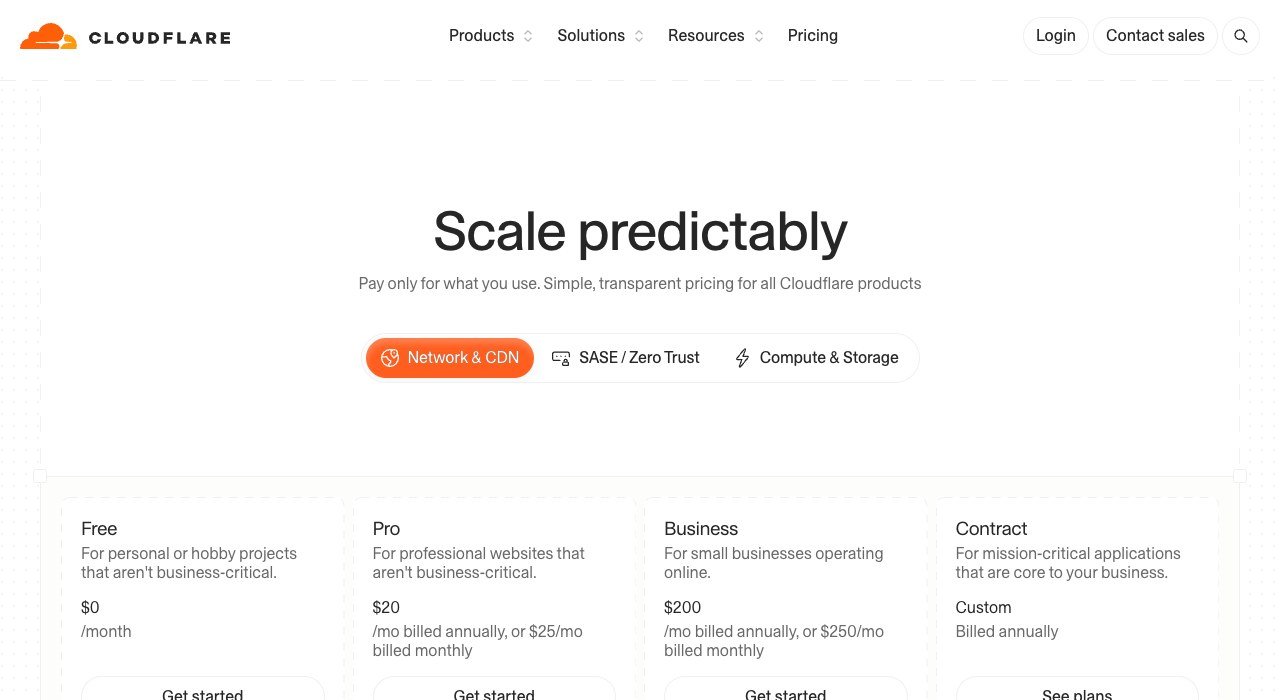
Price: Free $0; Pro $20 a month billed annually ($25 monthly); Business $200 a month billed annually ($250 monthly). Free plan: unmetered DDoS protection, Universal SSL and the Free Managed Ruleset. Runs on: any site, after a DNS change.
Cloudflare sits in front of a site as a reverse proxy, so every request crosses its network before it reaches your host. Its WAF inspects HTTP and HTTPS requests at the edge with managed and custom rules, blocks OWASP Top 10 attacks such as SQL injection and cross-site scripting, and adds virtual patches when a CVE is announced. Cloudflare says the WAF is built on systems powering 20% of the Internet, and retailer Carrefour put 400 e-commerce sites behind it.
The free plan is the strongest $0 offer in this list, but its WAF row is narrow: the Free Managed Ruleset only, one rate-limiting rule and leaked-credential detection on one field. The PCI DSS 4.0 compliance row and the 100% uptime SLA start at Business. Cloudflare does not clean malware out of your server files, so a hacked site still needs a cleanup tool from further down.
2. Sucuri: Unlimited Cleanups at a Fixed Yearly Price
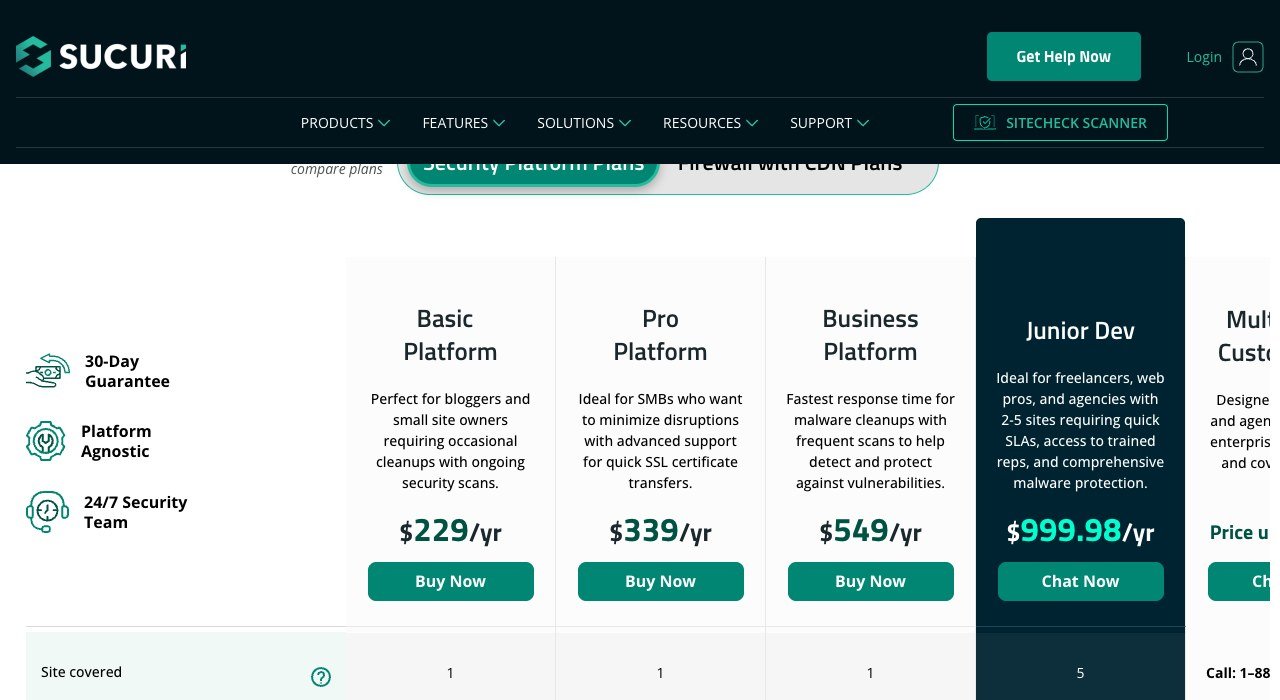
Price: Basic Platform $229 a year, Pro $339, Business $549, one site each; Junior Dev $999.98 a year for 5 sites. Free plan: none on the platform; a free SiteCheck scan is offered. Runs on: any CMS or custom site.
Sucuri, a GoDaddy Mediatemple business, sells security as a service rather than as a plugin. Every platform plan includes unlimited malware and hack removals by its security team, with a removal SLA of 30 hours on Basic, 12 hours on Pro and 6 hours on Business. The plans are platform agnostic, so custom and non-WordPress sites qualify.
Pricing is per site, per year, with no monthly option; Sucuri offers up to 30% off for terms longer than one year. Its Firewall with CDN plans sit on a separate tab, so confirm the WAF is in the tier you pick. The firewall switches on with a DNS change and creates SSL certificates for you, and Pro or Business customers can upload their own. Support runs by ticket on all four platform plans, backed by a 30-day guarantee.
3. Wordfence: A Firewall Inside WordPress
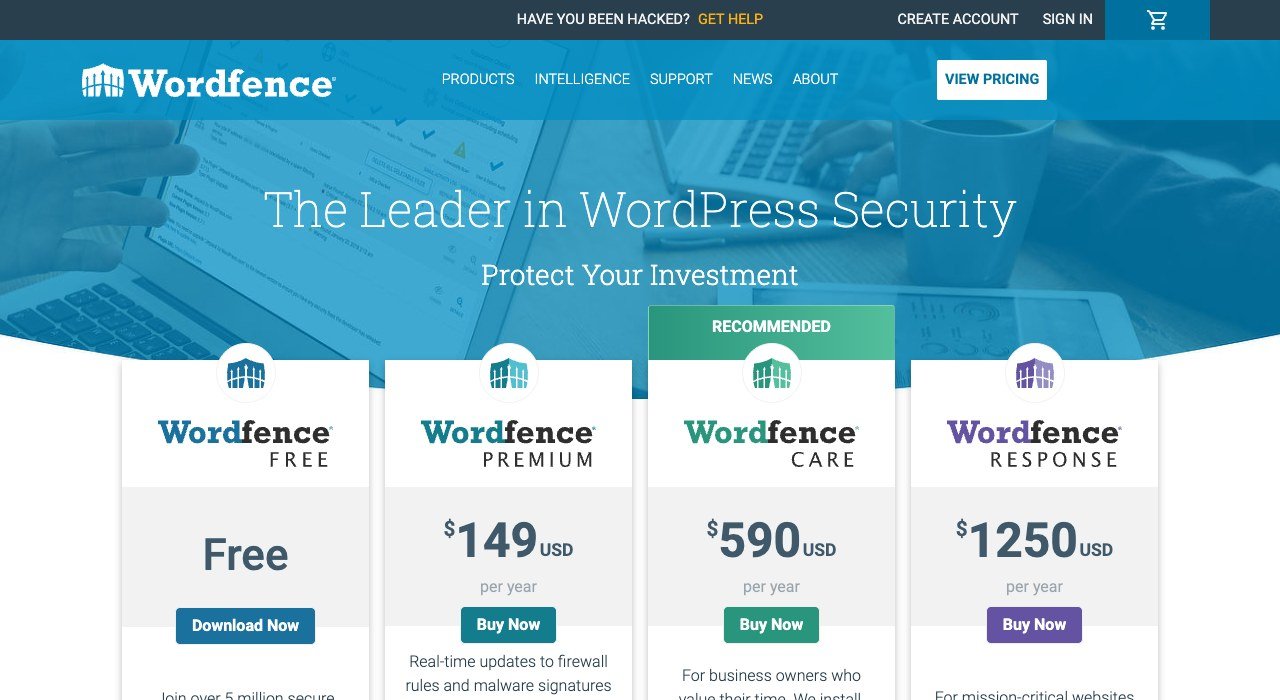
Price: Free; Premium $149 a year; Care $590 a year; Response $1,250 a year. Free plan: firewall and scanner with rules and signatures 30 days late, scans every 3 days. Runs on: WordPress only.
Wordfence is an endpoint firewall and malware scanner built as a WordPress plugin, with more than 5 million active installations on WordPress.org and a 4.7 out of 5 rating from 5,051 reviews. The free tier is unusually complete: rate limiting, brute force protection, two-factor login and reCAPTCHA, file change detection, plugin and theme vulnerability alerts, and Wordfence Central for managing several sites from one console.
The catch is timing. Free installs receive firewall rules and malware signatures 30 days after paying customers and carry no IP blocklist. Premium closes that gap with real-time rules, a blocklist Wordfence says covers over 40,000 known threat actors, country blocking and a 30-day audit log. Hands-on malware removal belongs to Care and Response; Response adds 24/7/365 incident handling with a 1-hour response time.
4. SiteLock: Scanning, Cleanup and WAF on One Bill
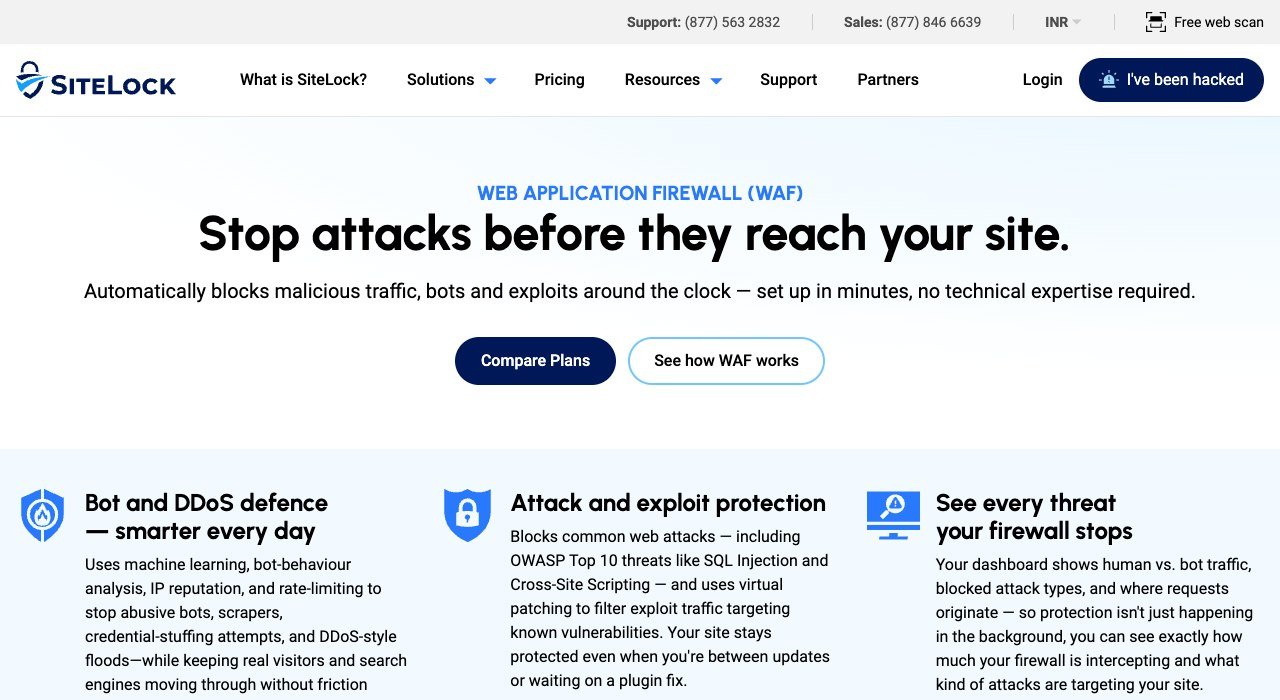
Price: Basic $19.99 a month, Pro $29.99, Business $44.99 on monthly billing. Free option: a free web scan. Runs on: any site; the WAF needs one DNS change.
SiteLock, part of Sectigo, packages scanning, removal, patching and a firewall for owners who do not want to configure anything. Basic covers daily site, code and database scanning plus unlimited automatic malware removal, with a 30-hour ticket response. Pro adds automatic patching and the CDN and WAF, and Business brings a 12-hour response, two-factor login protection, a PCI report for the firewall and a custom WAF rules dashboard. SiteLock says 14,000+ companies use it.
Basic carries no WAF, and its expert team removal is marked not available. Hands-on emergency cleanup comes as the separate SiteLock 911 service or with annual Pro and Business plans. Paying annually gives 2 months free (up to 17% off) against a 12-month minimum commitment.
5. MalCare: One-Click Cleanup in the Plugin
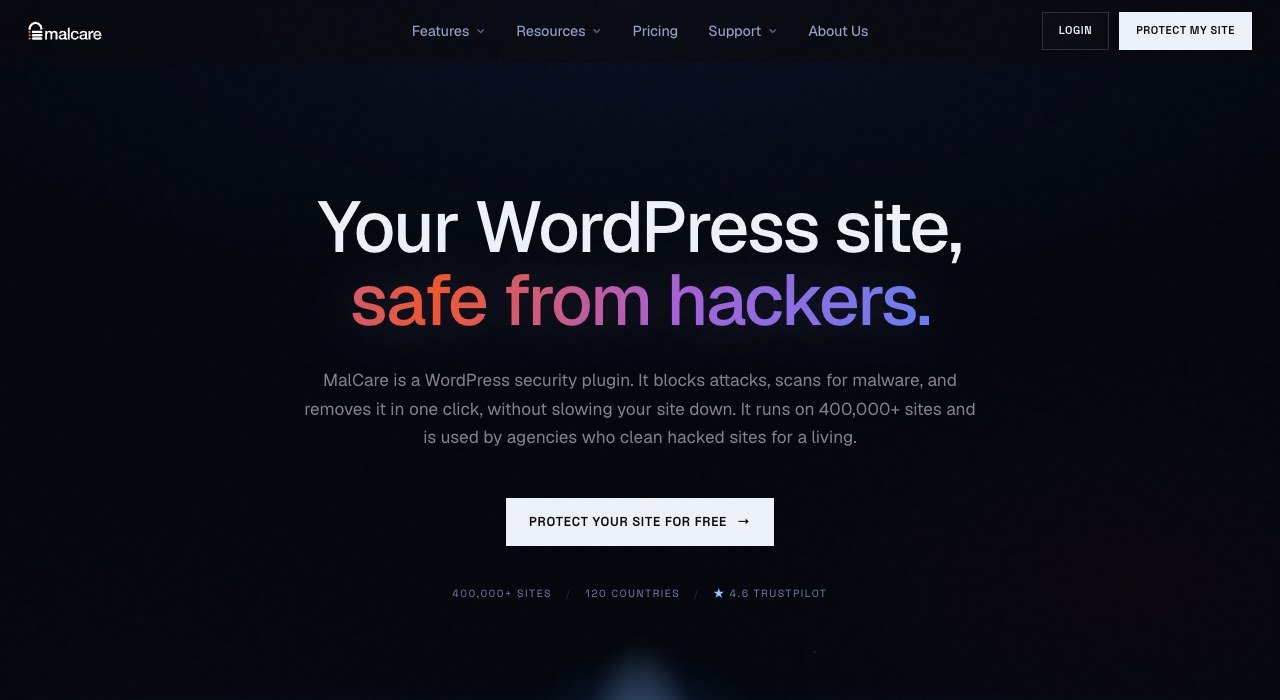
Price: Protect, Repair and Fortify plans for 1 or 5 sites, priced by region. Free plan: weekly malware scans, a basic firewall and login protection; it finds malware but does not remove it. Runs on: WordPress.
MalCare scans every file and database table on its own servers instead of yours, so a deep scan adds no load to a cheap host. MalCare says it runs on 400,000+ sites in 120 countries and turns an attack seen on one of them into a firewall rule for all. It tracks 39,000+ known plugin, theme and core vulnerabilities, and paid plans apply virtual patches within hours.
Read the plan ladder before buying. Protect scans every 24 hours and alerts you, but carries no cleanup. Removal starts at Repair, which scans every 12 hours and promises a response within 24 hours. Fortify adds hourly scans, unlimited manual security fixes and an annual audit. The 14-day refund window closes once a cleanup has run.
6. Jetpack: Security Bundled With Backups
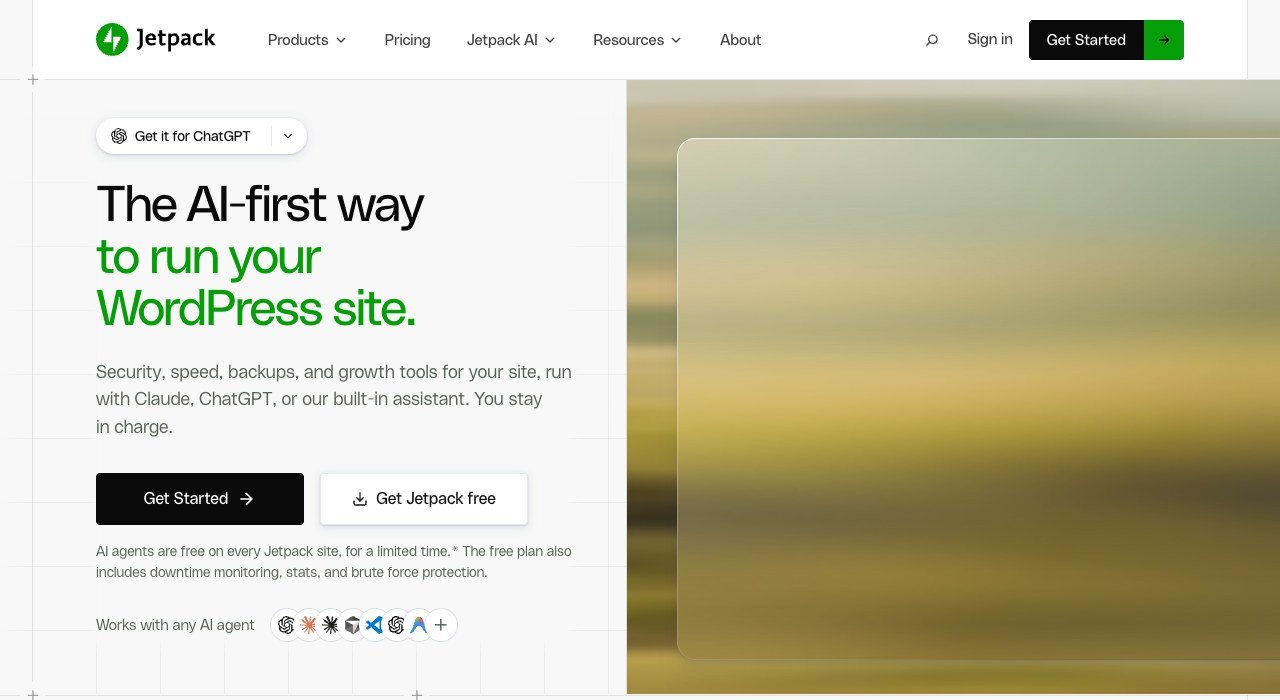
Price: Pro and Complete, billed yearly or every two years, priced by region. Free plan: brute-force protection, downtime monitoring, manual WAF rules and a 20-event activity log. Runs on: WordPress.
Automattic’s Jetpack wins on recovery rather than blocking. Pro adds real-time malware scanning, automatic WAF rules, 50 GB of real-time backups, a 30-day activity log and 10,000 Akismet anti-spam calls a month. Complete raises backups to 1 TB and the activity log to one year.
Two limits apply. Jetpack states that Protect (Scan) is not designed to fully clean up sites infected before it was active, so it is a poor first call after a hack. The paid tiers also bundle VideoPress, Boost, Stats and AI tools, so part of the bill pays for features unrelated to security.
7. Patchstack: Virtual Patches for Plugin Holes
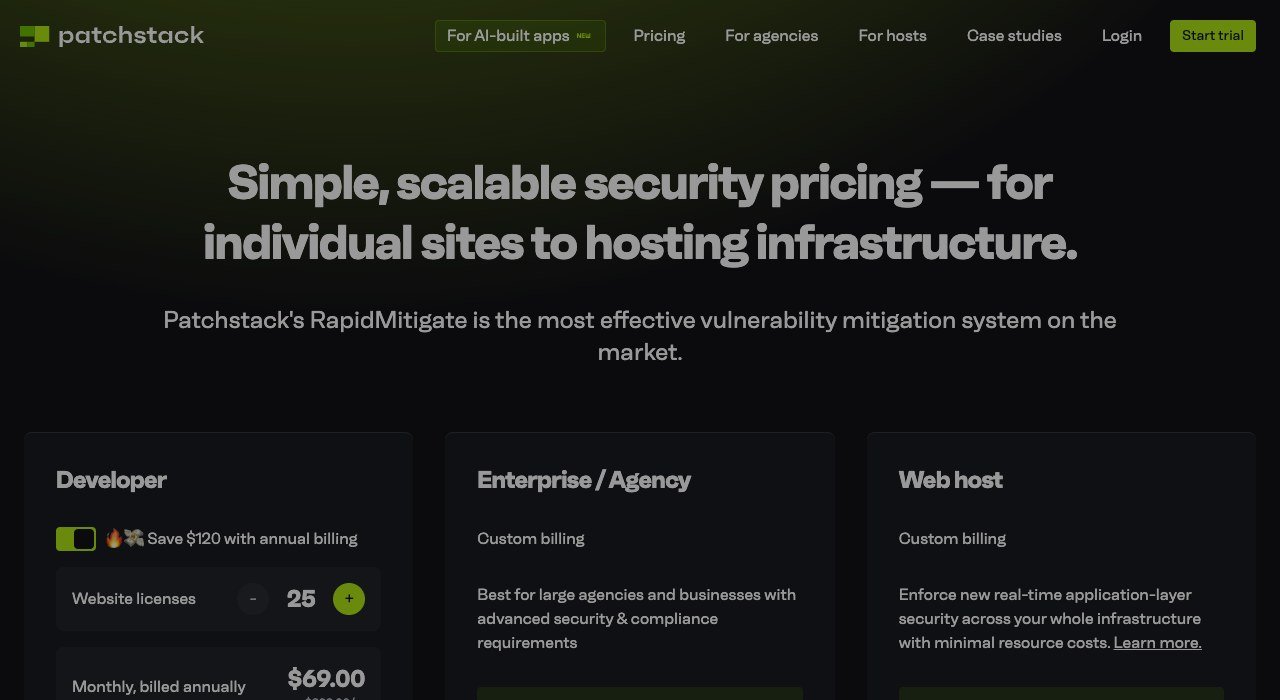
Price: Developer $69 a month billed annually ($828 a year) at the default 25 website licences; 5 more sites for $12.50 a month. Free option: first month free and a 30-day money back guarantee. Runs on: WordPress plugins, themes and core.
Patchstack is not a malware scanner. Its RapidMitigate rules stop known vulnerabilities in plugins and themes from being exploited until you can update, without changing code. Patchstack claims 19,281 unique mitigation rules, exclusive intelligence on 944 WordPress plugins and protection up to 48 hours ahead of competitors, plus PCI-DSS 4.0 support for online stores.
The Developer plan is built for agencies: it includes 3 seats (extra seats cost $24 each a month) and white-label reports, and annual billing saves $120. A single-site owner gets a personal plan through Patchstack’s hosting partners and resellers instead.
8. Intruder: Outside-In Scanning for Small Teams
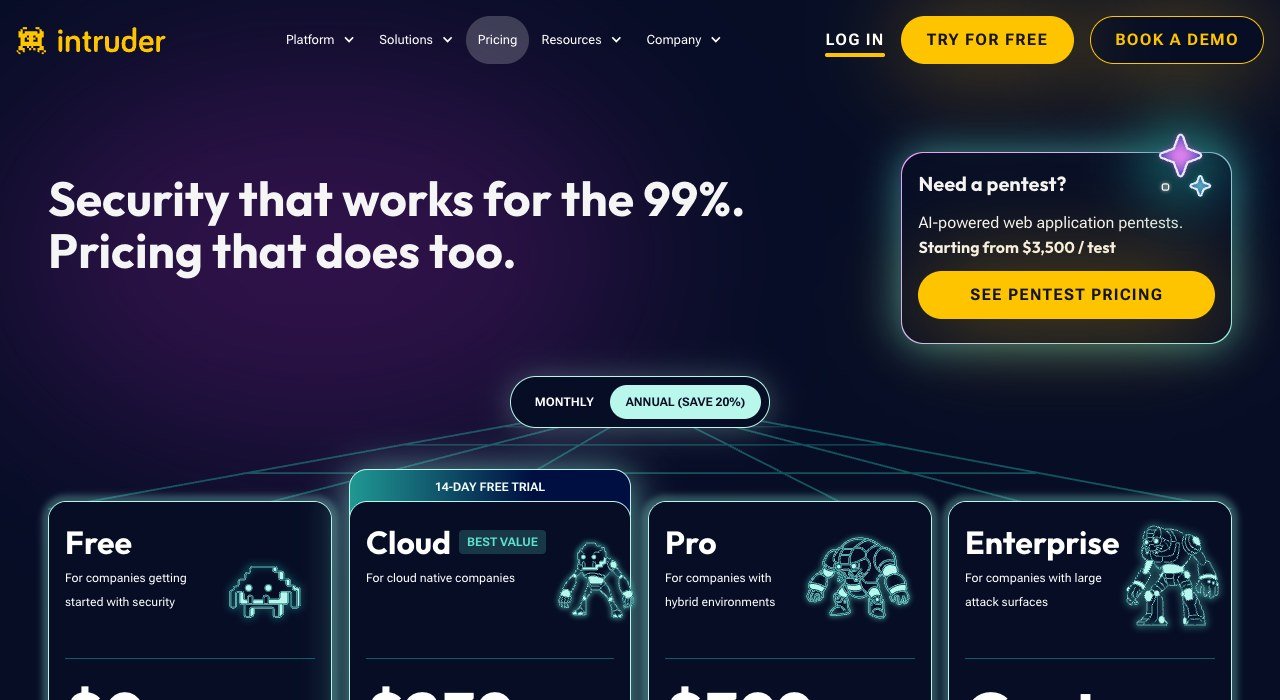
Price: Free $0; Cloud $239 a month or $2,870 a year; Pro $399 a month or $4,790 a year, varying with targets. Free option: a Free plan plus a 14-day trial of Cloud. Runs on: SaaS, scanning from outside.
Intruder runs Nuclei, OpenVAS and Tenable against your servers and apps, then ranks findings by risk. Its DAST scanner runs 100 checks across authenticated web apps and APIs, including SQL injection, XSS and CSRF, and loads single-page apps in a headless browser. Intruder says 3,000+ companies use it.
The Free plan gives weekly external vulnerability scans, monitoring on ports 80 and 443 and 3 users, but web apps are not included until Cloud. Paid pricing is a base fee plus a fee per target; a licence is used each time a target is scanned and stays used for 30 days. Prices exclude VAT, and a pentest starts from $3,500 per test.
9. Detectify: Hacker-Built Tests for Custom Apps
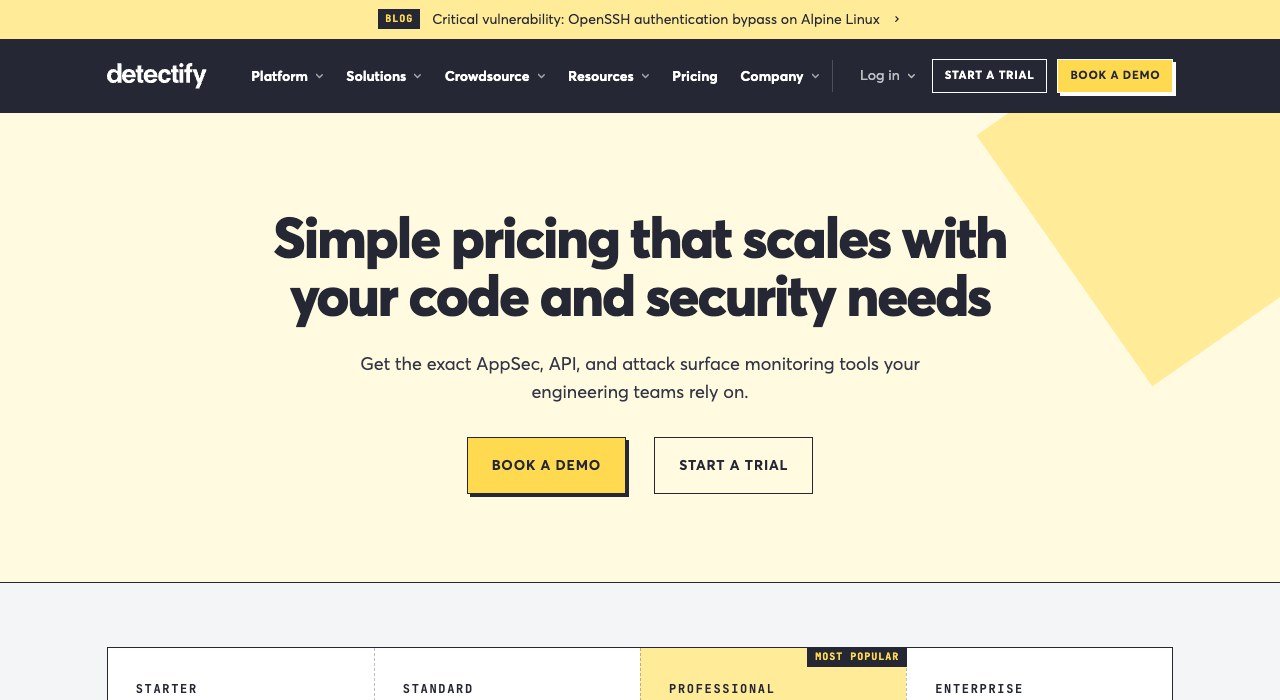
Price: annual platform fee from €0 (Starter), €2,500 (Standard), €5,000 (Professional) or €15,000 (Enterprise), plus per-asset costs. Free option: the Starter tier. Runs on: SaaS.
Detectify’s Application Scanning crawls an app in a real browser, renders JavaScript and single-page apps built with React, Angular or Vue, and can record a login to test the pages behind it. Its payloads come from 1,765+ modules written by ethical hackers in the Crowdsource community. Detectify says security teams at 2,100+ organizations use it.
The platform fee is a floor, not a total. Application Scanning, API Scanning and Surface Monitoring each add a cost per target or domain, and PCI ASV scanning is an extra €500 a year. Non-profits get 30% off.
10. ZAP: The Free Scanner for Developers
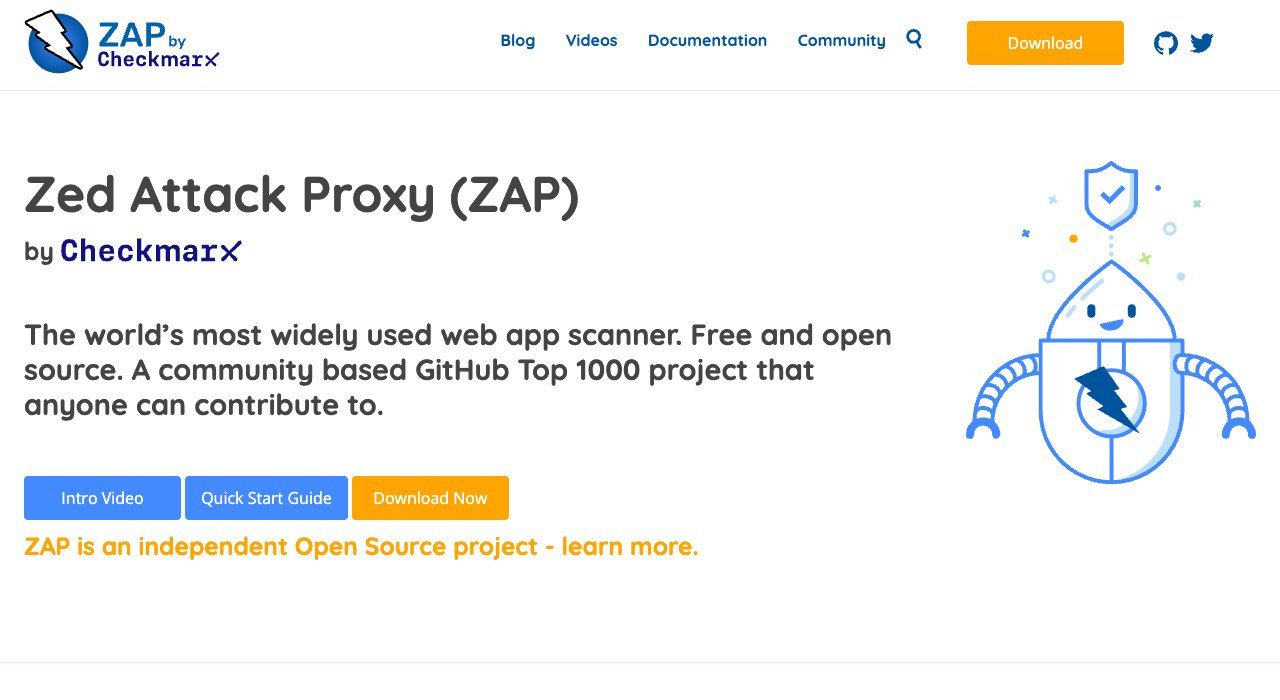
Price: free and open source. Free plan: everything, version 2.17.0. Runs on: Windows, Linux, macOS (Intel and Apple Silicon) and Docker.
ZAP (Zed Attack Proxy) calls itself the world’s most widely used web app scanner and remains an independent open source project under the ZAP by Checkmarx name. It works as an intercepting proxy and scanner, with an automation framework and an add-on marketplace. Windows and Linux builds need Java 17 or higher; the macOS installer bundles Java 17.
Releases are unsigned, so browsers and antivirus tools may flag the download. Run it only against sites you own or have written permission to test; the bare Docker image is the version meant for CI pipelines.
What a Year of Website Security Software Costs
Sucuri and Wordfence bill per year, while Cloudflare and SiteLock show monthly figures. Here is what twelve months costs for one small WordPress business site under five common setups.
- Cloudflare Free plus Wordfence Free: $0, with rules 30 days behind and no cleanup.
- Sucuri Basic alone: $229, with unlimited cleanups and a 30-hour removal SLA.
- Cloudflare Pro billed annually plus Wordfence Premium: $240 plus $149, or $389, with real-time plugin rules but still no hands-on removal.
- SiteLock Pro on monthly billing: 12 times $29.99, or $359.88, with WAF, patching and automatic removal. Annual billing cuts up to 17%.
- Wordfence Care: $590, with installation, a yearly audit and malware removal by an analyst.
The gap between $229 and $389 is the price of choosing. Sucuri Basic buys cleanup without real-time WordPress rules; the Cloudflare plus Wordfence pair buys stronger blocking without a cleanup team.
Card Payments and PCI DSS Requirement 6.4.2
If your site takes card payments, PCI DSS 6.4.2 asks for an automated technical solution that detects and prevents web-based attacks on public-facing web applications. It has been in force since 31 March 2025 and replaced the older 6.4.1. A WAF is the usual way to meet it, but the requirement does not name a product type.
- Cloudflare lists PCI DSS 4.0 compliance from the Business plan ($200 a month billed annually).
- SiteLock Business adds a one-click PCI report for its firewall.
- Patchstack claims PCI-DSS 4.0 support for e-commerce sites.
- Detectify sells PCI ASV scanning as a €500 a year add-on.
The full standard and its supporting documents sit in the PCI Security Standards Council document library.
How to Choose Website Security Software
- Zero budget on WordPress: Cloudflare Free in front and Wordfence Free inside. Accept the 30-day rule delay.
- Afraid of a hack you cannot fix: buy cleanup up front. Sucuri includes it on every plan; MalCare from Repair; Wordfence from Care.
- Not on WordPress: stick to edge services. Sucuri and SiteLock are platform agnostic, and Cloudflare works on any domain you control.
- Taking card payments: budget for Cloudflare Business or SiteLock Business, which carry PCI features.
- Running many client sites: Patchstack starts at 25 sites, Sucuri Junior Dev covers 5, and Wordfence Central is free.
- Shipping your own code: scan it with ZAP for free, then move to Intruder or Detectify when you need schedules and reports.
Frequently Asked Questions
Is free website security software enough for a small business?
For a low-traffic brochure site, Cloudflare Free plus a free WordPress plugin covers DDoS, basic WAF rules and login protection. What free tiers lack is speed and cleanup: Wordfence Free gets new rules 30 days late, and MalCare Free finds malware without removing it.
Is antivirus on my computer the same thing?
No. Desktop antivirus guards the machine you log in from, while website security software guards the server and its files. Both matter, because a stolen admin password bypasses most site defences; our free antivirus test results cover the computer side.
Does website security software replace backups?
No. Only a backup restores lost content. Jetpack bundles real-time backups with its scanner, and MalCare takes a backup before every cleanup so the removal can be undone.
Which tool fixes a site that is already hacked?
Pick a service with removal in the plan: Sucuri on any platform plan, MalCare Repair or Fortify, Wordfence Care or Response, or SiteLock 911. Jetpack Scan is not designed to clean an infection that predates it.
Related Articles

Get the Fox Bulletin briefing
The stories that matter, in your inbox. No spam, unsubscribe anytime.
Newsletter signup will be available soon.
Related stories

How to Add Your Business to ChatGPT Business Hub
Add your business to ChatGPT through Business Hub: find or create the listing, verify by phone, email, DNS or Shopify, pass Persona and fill in your profile.

WhatsApp Marketing Software: 10 Tools by Broadcast Plan
WhatsApp marketing software ranked by the plan that adds broadcasts: Zoko has them from $49.99, respond.io from $159 and Brevo only at $499 a month.

WhatsApp Business API Providers: 10 Ranked by Markup
WhatsApp Business API providers ranked by what they add to Meta's $0.0034 US utility rate, from $0.001 a message at Plivo to $0.005 at Twilio.