


Picking the best gaming laptop has become harder than it looks, because the badge on the lid now hides more than it tells you. Two machines can both say RTX 5060 and perform differently, since the power a laptop is allowed to feed its graphics chip varies by chassis, and the cooling decides whether it can hold that power for a whole evening. A desktop screen is the cheapest way to widen what that hardware can show, and our gaming monitor roundup covers panels from 1080p to a 240Hz OLED.
These seven run from an RTX 5080 flagship down to an RTX 5050 entry machine, and they are laid out by GPU tier so the ladder is visible. Every specification is the manufacturer’s own. Where a maker quotes a performance figure it is noted as their claim, because none of these numbers come from a bench test of our own.
Gaming Laptop Comparison: GPU, Display and Memory
| Laptop | GPU | Display | Memory |
|---|---|---|---|
| Lenovo Legion Pro 7i | RTX 5080 16GB | 16in WQXGA OLED 240Hz | 32GB DDR5 |
| ASUS ROG Strix G16 Nebula | RTX 5070 Ti | 16in 2.5K 240Hz | 32GB DDR5 |
| Lenovo Legion 5 OLED | RTX 5070 8GB | 15.1in WQXGA OLED | 32GB DDR5 |
| ASUS ROG Strix G16 i7 | RTX 5060 | 16in FHD+ 165Hz | 16GB DDR5 |
| Acer Nitro V 16S | RTX 5060 | 16in WUXGA | 16GB DDR5 |
| MSI Cyborg 17 | RTX 5060 | 17.3in FHD 144Hz | 16GB DDR5 |
| ASUS ROG Strix G16 i5 | RTX 5050 | 16in FHD+ 165Hz | 16GB DDR5 |
1. Lenovo Legion Pro 7i: The Flagship Gaming Laptop
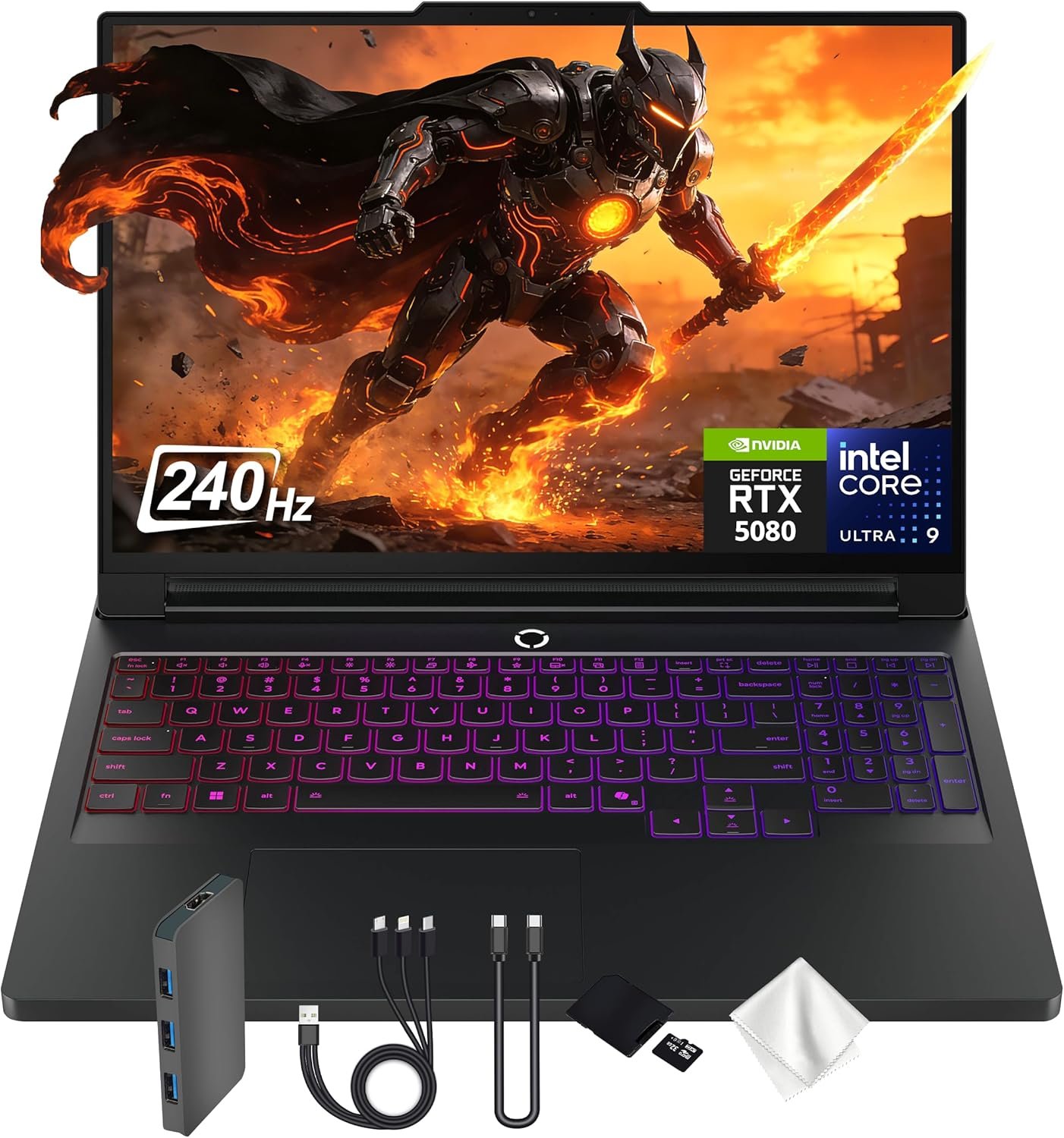
The top of the range here by a clear margin: an RTX 5080 with 16GB of GDDR7 alongside an Intel Core Ultra 9 275HX, which Lenovo describes as desktop class. The 16 inch WQXGA OLED panel runs at 240Hz, so the screen can actually show what that graphics chip produces rather than throwing frames away.
32GB of DDR5 is the right amount for a machine at this level, because it is the component people most often wish they had bought more of. This is a laptop bought to run new releases at native resolution with ray tracing on, and it is priced accordingly.
What it does well
- RTX 5080 with 16GB of GDDR7
- OLED at 240Hz matches the GPU
- 32GB of memory as standard
What to know before buying
- The heaviest and most expensive here
- OLED panels draw more power on battery
2. ASUS ROG Strix G16 Nebula: Best High Refresh Gaming Laptop
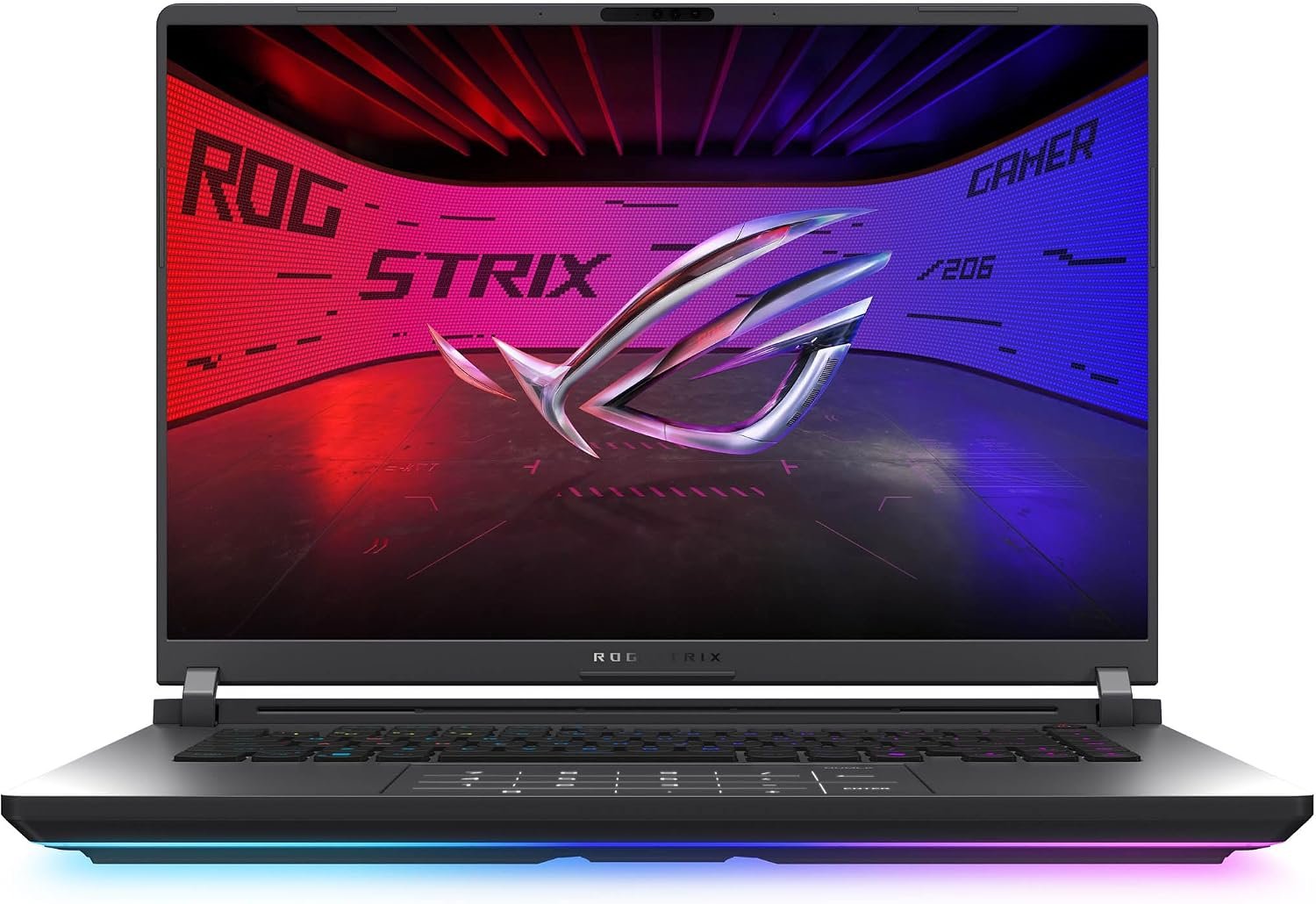
An RTX 5070 Ti paired with the same Intel Core Ultra 9 275HX, under what ASUS calls a ROG Nebula display: 16 inch, 2.5K, 240Hz with a 3ms response. ASUS also fits an ACR film it says cuts reflections, which matters more on a glossy high brightness panel than the spec sheet suggests.
32GB of DDR5-5600 and a 1TB PCIe Gen 4 drive make it a machine you can leave alone for a few years. ASUS puts considerable weight on its cooling, which is the right thing to advertise on a laptop in this power band.
What it does well
- 2.5K at 240Hz is the sweet spot
- Anti-reflective film on the panel
- Strong cooling design
What to know before buying
- A step down from the 5080 flagship
- Large 16 inch chassis to carry
3. Lenovo Legion 5 OLED: Best 15 Inch Gaming Laptop
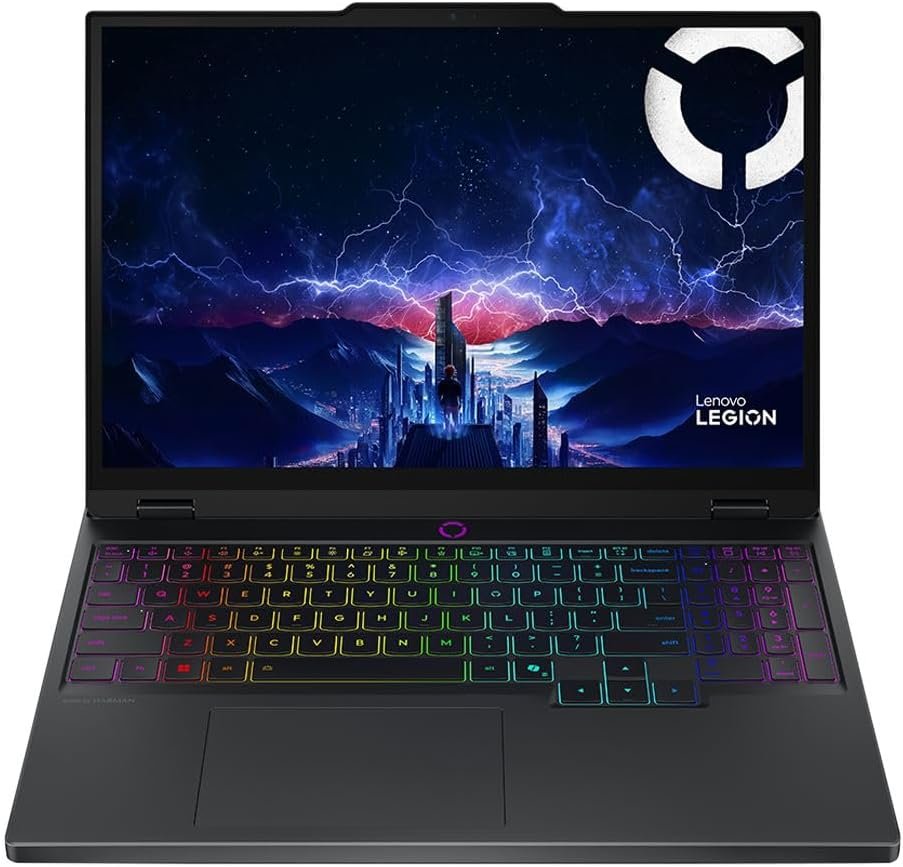
The smallest machine here at 15.1 inches, and the only other OLED. It pairs an RTX 5070 with 8GB of GDDR7 and an Intel Core i9 14900HX, with 32GB of DDR5-5600 and a 1TB Gen4 NVMe drive, so the supporting specification matches machines a tier above it.
The thing to watch is the 8GB of video memory against the Pro 7i’s 16GB, which is the limit you meet first at high texture settings. It also carries Wi-Fi 7 and gigabit ethernet, so the networking is current.
What it does well
- OLED in a genuinely portable size
- 32GB memory and a 1TB drive
- Wi-Fi 7 and wired ethernet
What to know before buying
- 8GB of video memory limits textures
- 14th gen CPU rather than Core Ultra
4. ASUS ROG Strix G16 RTX 5060: Best Mid-Range Gaming Laptop
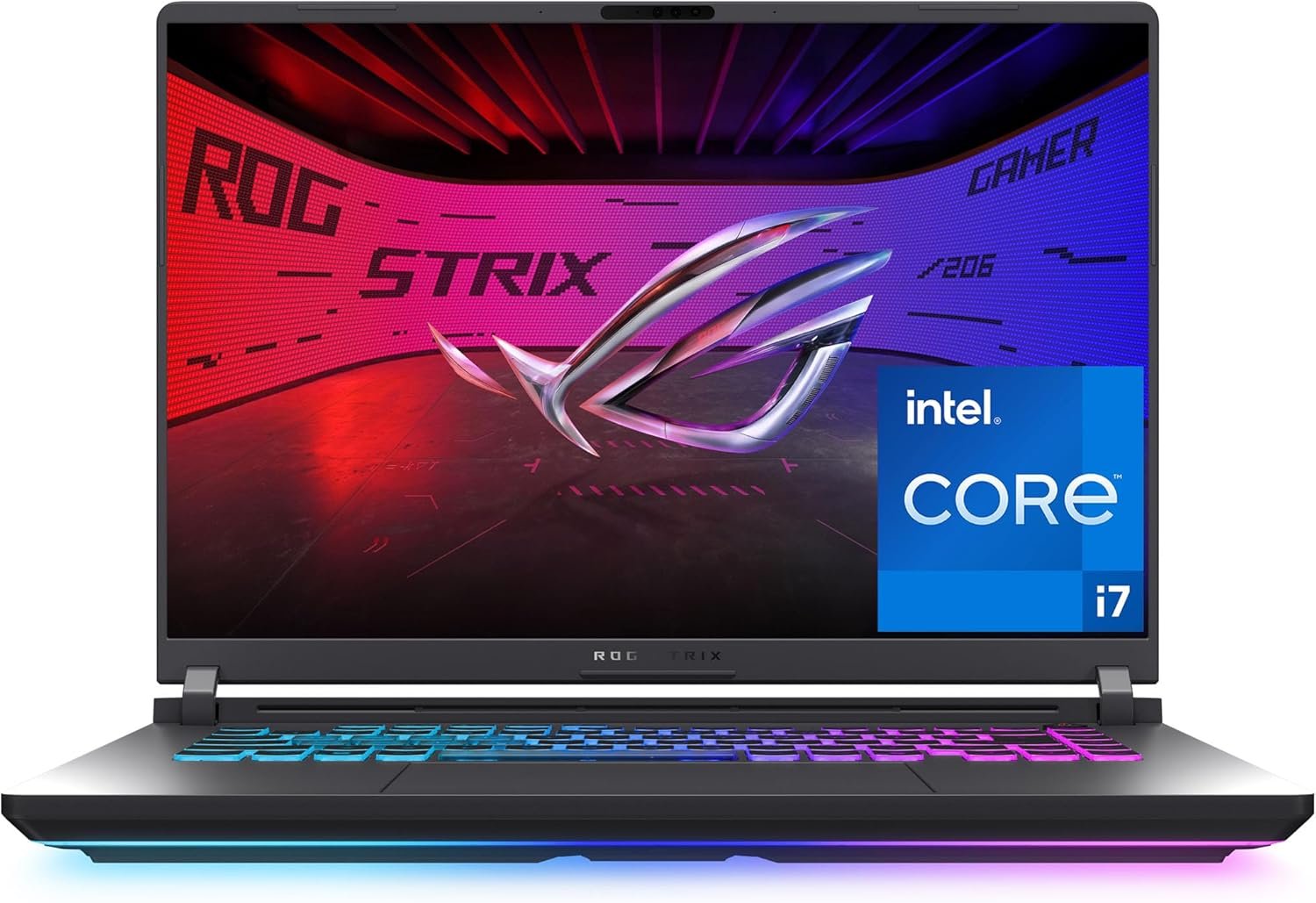
The volume machine in the ROG line: an RTX 5060 on NVIDIA’s Blackwell architecture with an Intel Core i7 14650HX, a 16 inch FHD+ 165Hz display and 16GB of DDR5. It is the point on the ladder where the price stops climbing steeply and the frame rate is still comfortably ahead of what most people need.
FHD+ rather than 2.5K is the deliberate trade. A 5060 driving a 1920 by 1200 panel at 165Hz is a better matched pair than the same chip struggling at a higher resolution, and it is why this configuration feels faster than its position in the range.
What it does well
- GPU and panel resolution are well matched
- 1TB of storage at this tier
- Same ROG cooling as dearer models
What to know before buying
- 16GB of memory rather than 32GB
- FHD+ looks soft next to the OLED machines
5. Acer Nitro V 16S: Best Value Gaming Laptop
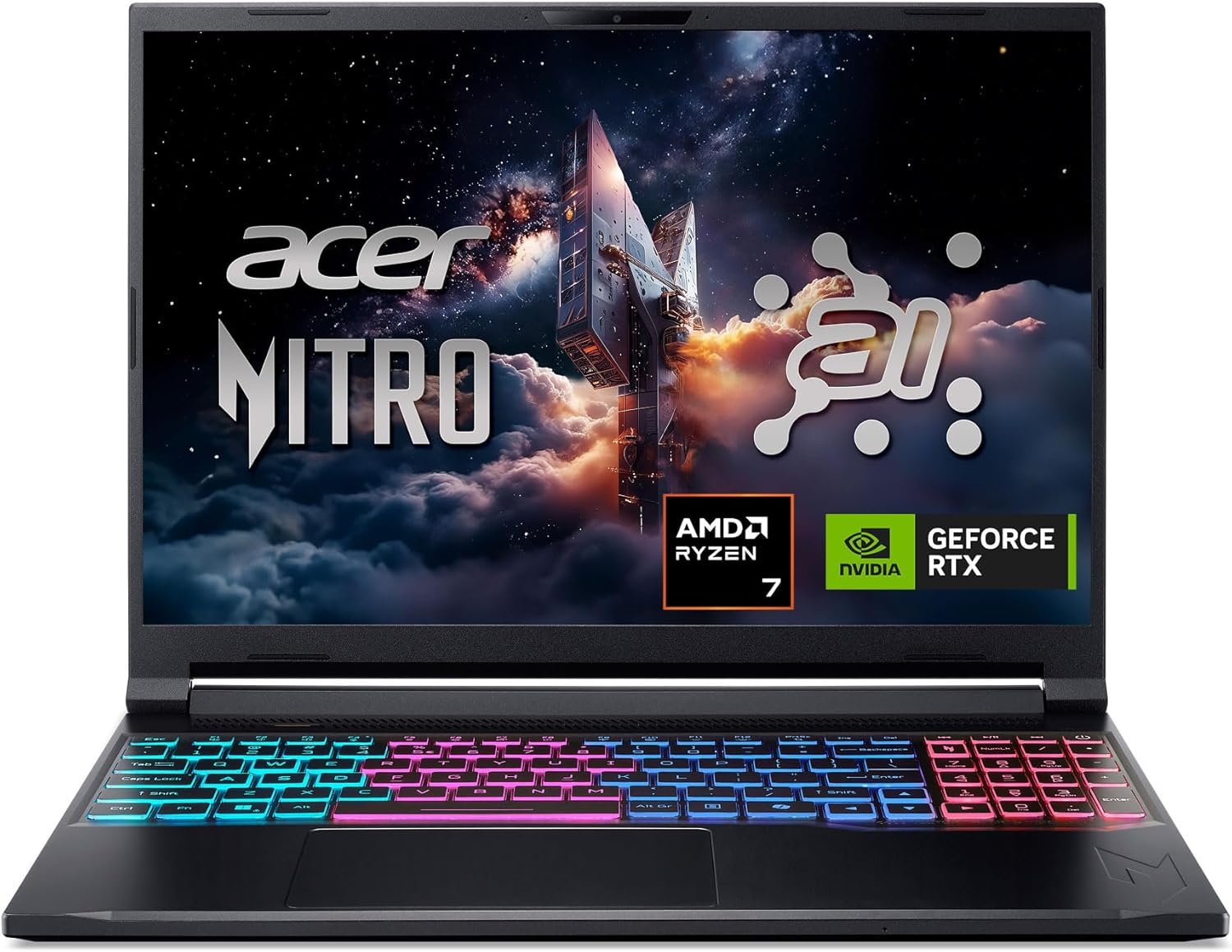
Acer pairs an RTX 5060 with an AMD Ryzen 7 260 and quotes 572 AI TOPS for the GPU and 38 overall for the CPU, both of which Acer quotes rather than measures. The 16 inch WUXGA panel covers 100 percent of sRGB, which is unusual at this price and useful if the machine does anything besides gaming.
The Nitro line exists to undercut the ROG and Legion machines using the same silicon, and it does. What you give up is chassis quality and cooling headroom rather than raw performance on paper.
What it does well
- Same RTX 5060 for less money
- Full sRGB coverage on the panel
- AMD CPU keeps the price down
What to know before buying
- Build quality below ROG and Legion
- Cooling has less headroom under load
6. MSI Cyborg 17: Best Big Screen Gaming Laptop
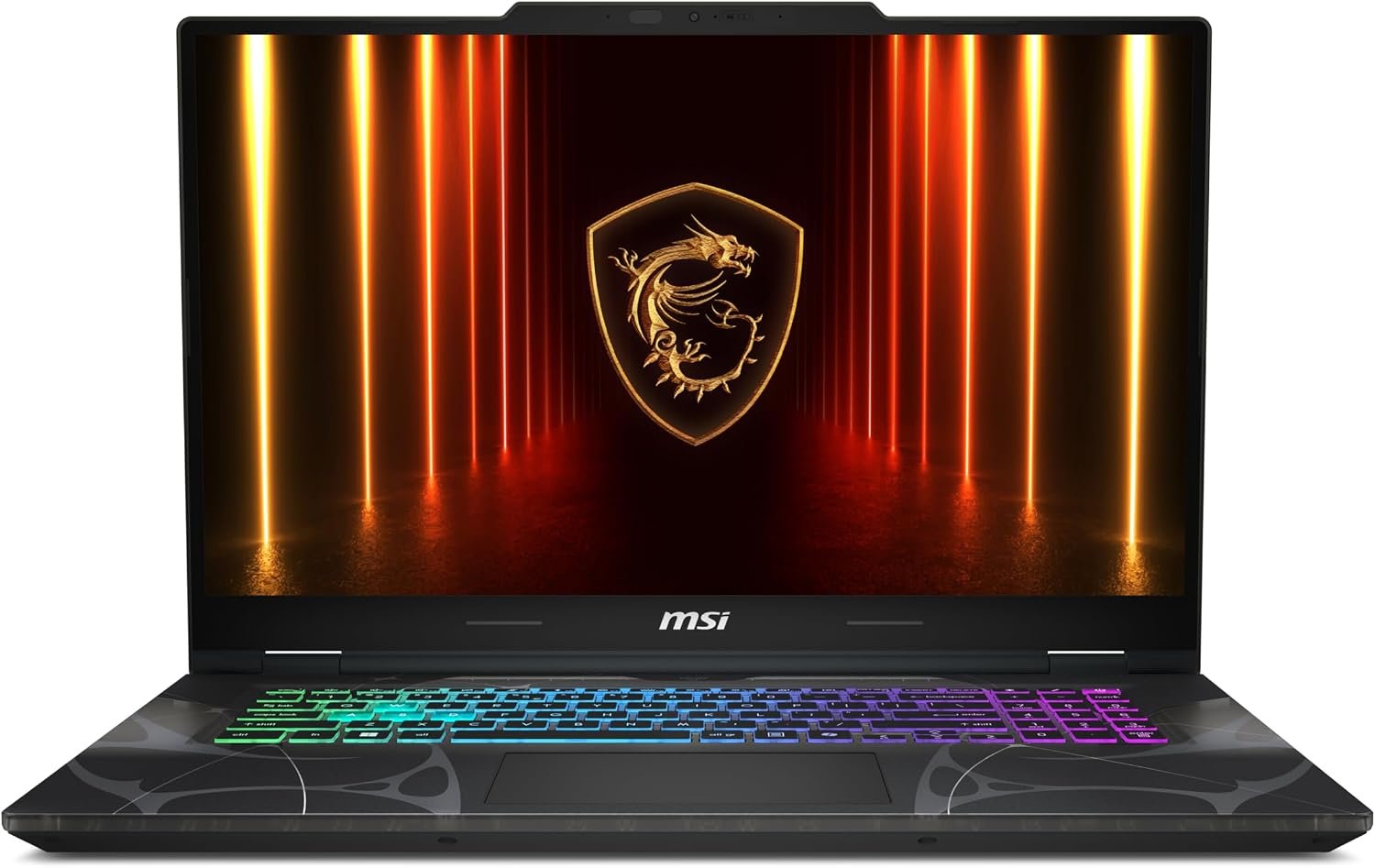
A 17.3 inch FHD 144Hz machine with an RTX 5060 and an Intel Core 7-240H, which MSI says comes in at 0.83 inches thick and 5.5 pounds. That is genuinely light for a 17 inch laptop and is the entire argument for this one: a big screen you can still carry.
16GB of DDR5 and a 1TB NVMe drive match the other 5060 machines, cooled by what MSI calls its Cooler Boost shared-pipe design. The panel is plain FHD rather than the taller 16:10 ratios elsewhere here, which is the compromise that buys the size.
What it does well
- 17 inch screen at 5.5 pounds
- Same 5060 and 1TB drive as rivals
- Thin for its screen size
What to know before buying
- 1080p on a 17 inch panel looks coarse
- 144Hz is the lowest refresh here
7. ASUS ROG Strix G16 RTX 5050: Best Entry Gaming Laptop
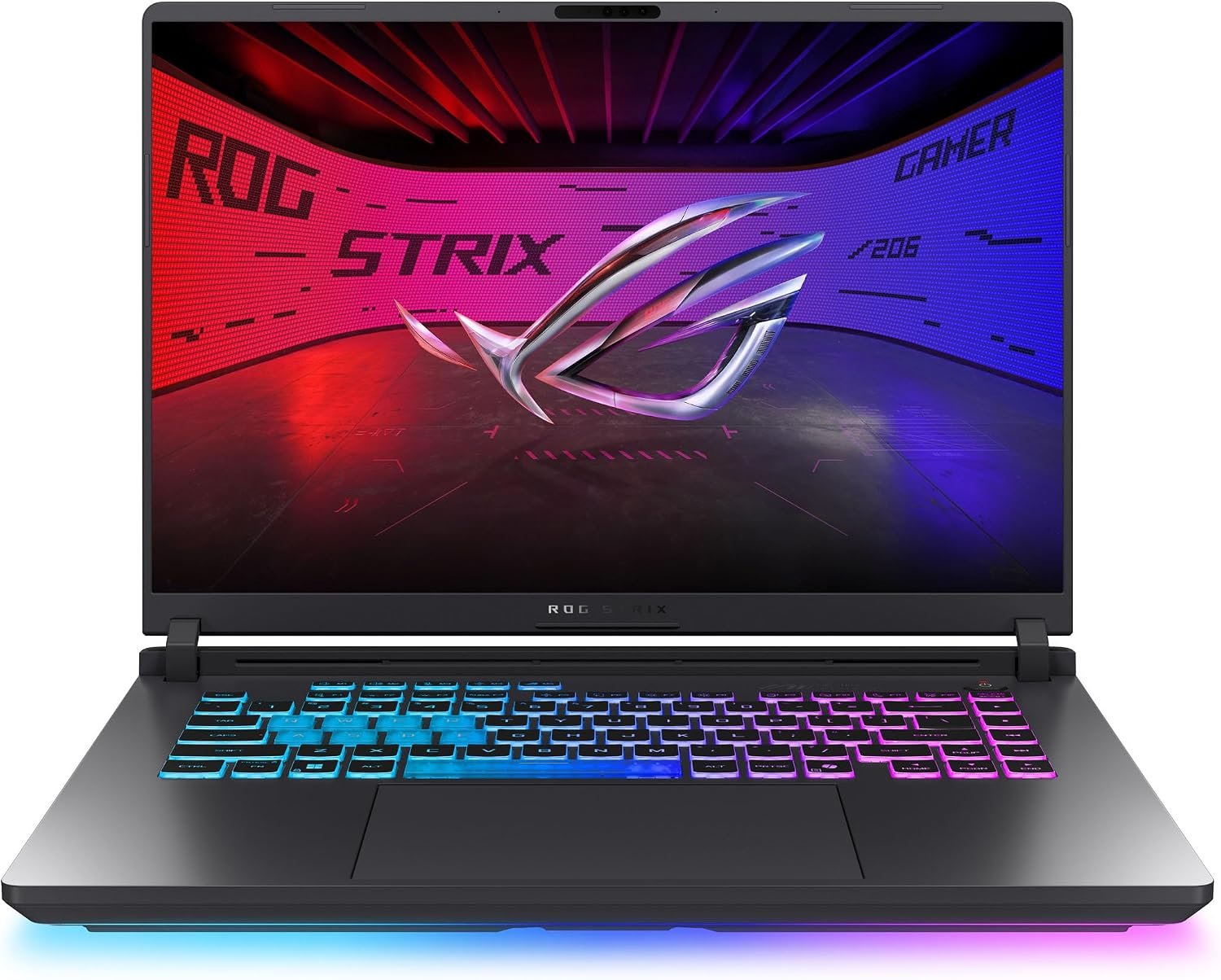
The way into the ROG line: an RTX 5050 with an Intel Core i5 14450HX, the same 16 inch FHD+ 165Hz panel as its dearer siblings and the same cooling architecture. ASUS fits an AGLR film it says cuts glare substantially.
The compromise is storage rather than speed. 512GB fills quickly at modern install sizes, so budget for a second drive early. For esports titles and anything a few years old, the 5050 and that 165Hz panel are a sensible pairing.
What it does well
- Cheapest route into the ROG chassis
- 165Hz panel kept from dearer models
- Anti-glare film on the screen
What to know before buying
- 512GB fills fast with modern games
- RTX 5050 limits ray tracing
Why Two Laptops With the Same GPU Perform Differently
The graphics chip name is only half the story. Laptop GPUs are given a power budget by the machine they are fitted to, and the same RTX 5060 can be allowed a markedly different wattage in a thin 17 inch chassis than in a thick 16 inch one. More power means more sustained frames, which is why cooling appears so prominently in these listings.
NVIDIA publishes the architecture and feature set for the current generation on its GeForce laptop pages, including DLSS, which uses AI to generate frames rather than render them. That matters here because a lower tier GPU with DLSS can post numbers close to a higher one without matching it in raw work.
The practical reading: treat the GPU tier as a ceiling and the chassis as what decides how close you get to it. A 5060 in a well cooled machine is a better buy than a 5070 in a thin one that throttles.
Memory, Storage and the Specification People Regret
Across these seven the pattern is consistent. The 5070 Ti and above come with 32GB of DDR5; the 5060 and 5050 machines come with 16GB. Memory is the specification buyers most often wish they had doubled, because games have grown into it and because some of these chassis make it awkward to add later.
Storage is the other one. Six of the seven ship with 1TB and the entry ROG ships with 512GB, which a handful of current releases will fill on their own. Check whether a machine has a second M.2 slot before you buy, since adding a drive is far cheaper than replacing the laptop.
Running costs are worth a thought on a machine that pulls this much power. The Energy Star computers programme publishes efficiency criteria for desktops and laptops, and a gaming laptop under load sits at the far end of that range. A good headset keeps the fan noise bearable, and our picks for the best gaming headsets cover that.
Which Gaming Laptop to Buy
If the budget allows it, the Lenovo Legion Pro 7i is the machine on this list with no real compromise: an RTX 5080 with 16GB of video memory, an OLED panel fast enough to show what it produces, and 32GB of memory. The ASUS ROG Strix G16 Nebula is the better value version of the same idea, trading the 5080 for a 5070 Ti and keeping the 240Hz screen.
For most people the RTX 5060 machines are the right answer, and among them the ROG Strix G16 is the most complete while the Acer Nitro V 16S is the cheaper way to the same chip. Take the MSI Cyborg 17 if screen size matters more than sharpness, the Legion 5 if you want OLED in a 15 inch body, and the RTX 5050 ROG only if the alternative is not buying one. A docking station turns any of them into a desktop.
Frequently Asked Questions
Is an RTX 5060 enough for gaming in 2026?
For 1080p and 1440p it is comfortably enough, especially paired with a 165Hz panel as it is in most of these machines. The tier matters most for ray tracing and for driving a high resolution external monitor.
How much memory does a gaming laptop need?
16GB is the working minimum and what every RTX 5060 and 5050 machine here ships with. 32GB is what the 5070 Ti and 5080 machines carry, and it is the upgrade people most often wish they had taken at purchase.
Are OLED gaming laptops worth it?
For contrast and colour, yes, and two machines here use them. The trade is battery life, since OLED panels draw more power, and a higher price for the same graphics tier.
Does a bigger screen mean a better gaming laptop?
Not by itself. The 17.3 inch MSI here runs 1080p, so it spreads the same pixels over more area than the 16 inch 2.5K machines. Resolution and refresh rate matter more than raw diagonal size.
Related Articles
- Best Gaming Consoles
- Best Projector
- Best Keyboards for Mac
- Free PC Games You Can Keep This Week
- Best graphics cards
As an Amazon Associate, Fox Bulletin earns from qualifying purchases.

Get the Fox Bulletin briefing
The stories that matter, in your inbox. No spam, unsubscribe anytime.
Newsletter signup will be available soon.
Related stories

Best Wi-Fi Routers: 7 Picks From Flat to Flagship
Seven Wi-Fi routers compared on standard, bands, coverage and wired ports, with a plain explanation of which of those actually changes anything.

Best Gaming Chairs: 7 Picks and Their Limits
Seven gaming chairs compared on capacity, material and features, including the mesh and fabric options that do not trap heat.

Best Standing Desks: 6 Picks for Every Room
Six standing desks compared on size, capacity and presets, including two glass desks that look like furniture and a riser for the desk you already own.