
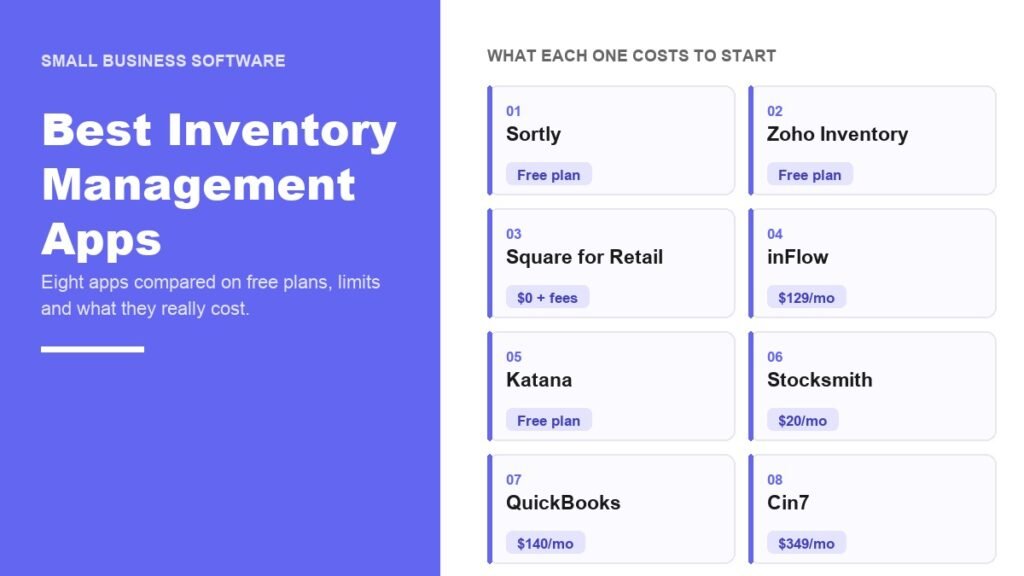
The best inventory management apps are not the ones with the most features. They are the ones whose limits happen to fit your business, because every app on this list throttles something different, and the limit you reach first is what sets your bill.
Stock is tighter across the economy than it was a year ago. Businesses in the United States were holding $2,764.7 billion of inventory at the end of July 2026, and the ratio of inventories to sales had dropped to 1.30 from 1.37 twelve months earlier in the Census Bureau figures. When there is less slack on the shelf, a count that is wrong by ten units costs more. These eight apps are arranged by the kind of business they suit, starting with the one that works best on a phone.
Best Inventory Management Apps Compared
| # | App | Free plan | Paid starts at | Built for |
|---|---|---|---|---|
| 1 | Sortly | 100 items, 1 user | $49/mo | Gear, parts and supplies on a phone |
| 2 | Zoho Inventory | 50 orders a month | $29/mo billed yearly | Online sellers on a budget |
| 3 | Square for Retail | $0 plus card fees | $49/mo per location | Shops with a till |
| 4 | inFlow Inventory | None, 14-day trial | $129/mo billed yearly | Scanning and picking orders |
| 5 | Katana | 30 SKUs | $299/mo | Workshops that build products |
| 6 | Stocksmith | None, 14-day trial | $20/mo | Recipes, materials and costing |
| 7 | QuickBooks Online | None for inventory | $140/mo | Stock kept beside the books |
| 8 | Cin7 | None | $349/mo | Thousands of orders a year |
Four of the eight can be run for nothing at some scale, which is worth more than it sounds. The first month of any inventory system is spent finding out whether your counts were wrong, and that is a bad month to be paying $349 for the privilege.
1. Sortly: The Best Inventory App on a Phone
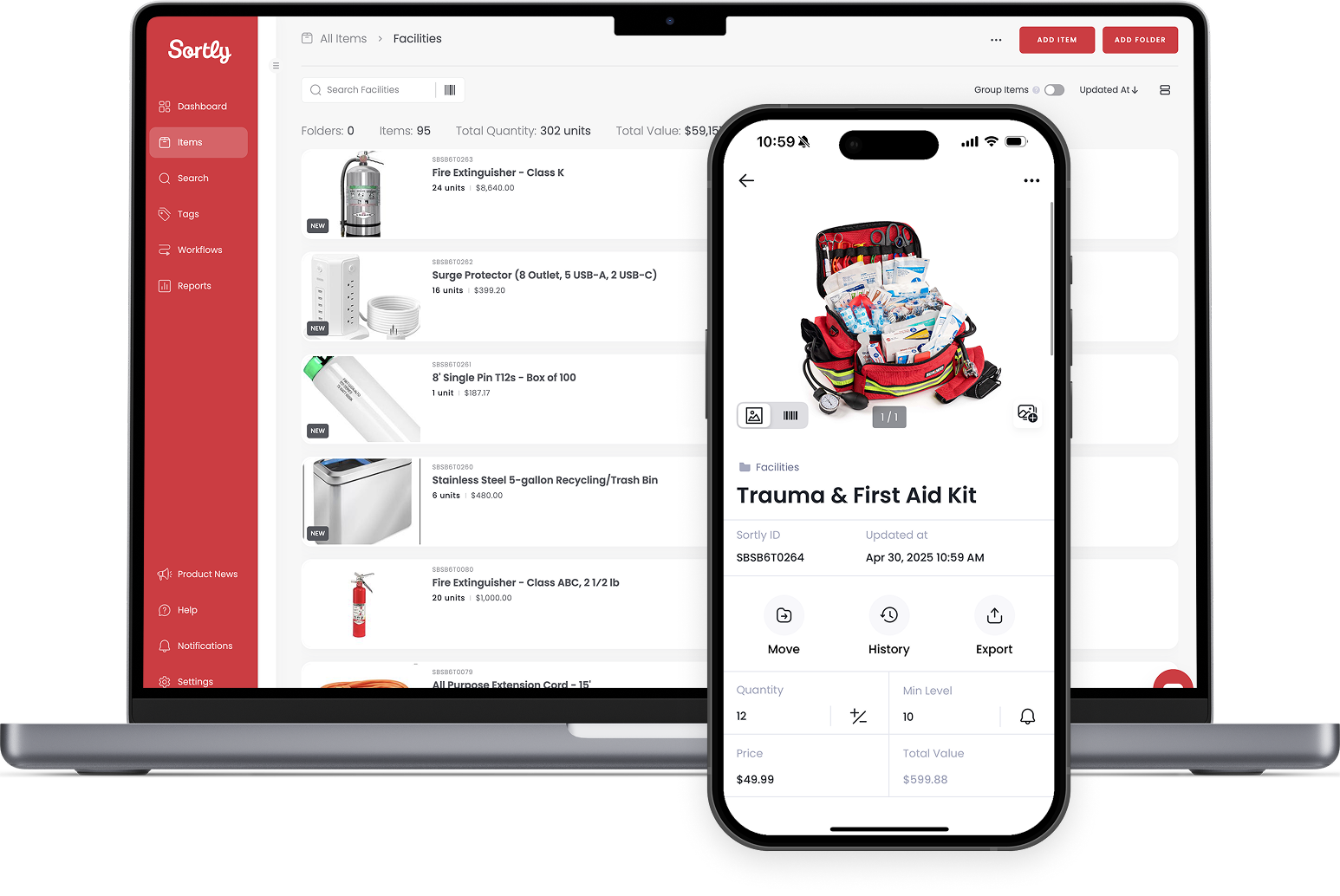
Sortly organises things into folders with photographs attached, which is how people who track tools, spare parts and site supplies already think. Scanning is done with the phone camera, so there is no hardware to buy before the first count.
The free tier holds 100 items for one user and two active jobs. Advanced at $49 a month raises that to 500 items and two users, Ultra at $149 reaches 2,000 items and five users and turns on barcode labels and purchase orders, and Premium at $299 covers 5,000 items, eight users and custom role permissions.
One detail to read carefully: the cheaper annual figures on offer are a first-year promotion at 50 percent off, and yearly plans settle at a 20 percent discount afterwards. The 14-day trial on paid plans asks for a card, so set a reminder before it converts.
- Counts: items, not orders.
- Free tier: 100 items, one user.
- Best at: equipment, consumables and anything easier to recognise by photo than by SKU.
2. Zoho Inventory: Best Free App for Online Sellers
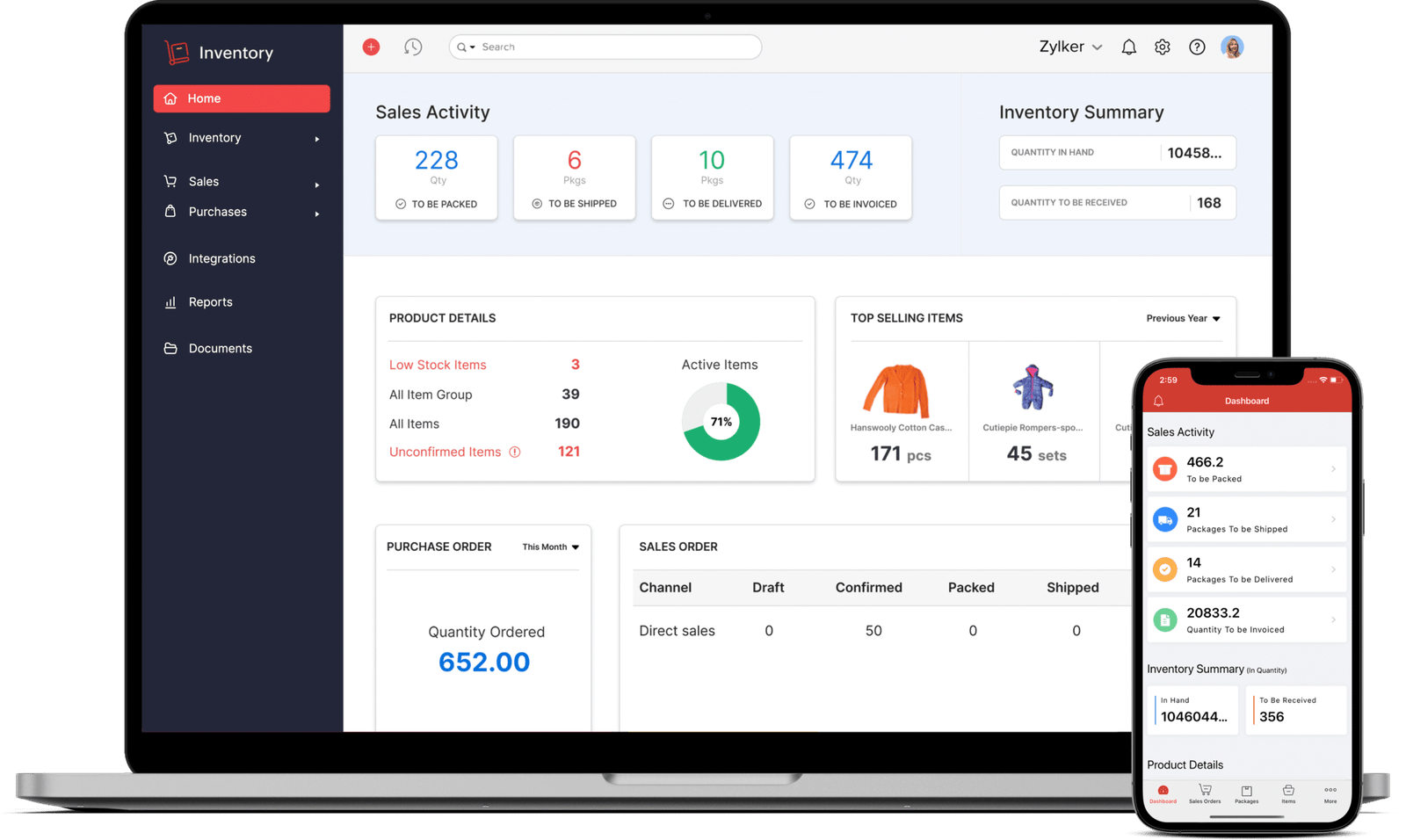
Zoho bills per organisation rather than per user, so adding a warehouse assistant does not change the invoice. The free plan handles 50 orders a month from one location, which is enough to run a small shop while you decide whether the system suits you.
Standard at $29 a month billed annually covers 500 orders, three users and two locations. Premium at $79 is the tier that matters for most sellers, because barcode generation, batch and serial tracking, stock counting and the vendor portal all start there. Month to month the same plans cost $39 and $99.
Above that, Plus at $129 allows 7,500 orders a month and Enterprise at $249 allows 15,000. Anyone syncing stock across marketplaces will find the same integration list they already met when choosing dropshipping apps.
- Counts: sales orders a month.
- Free tier: 50 orders, one user, one location.
- Best at: multichannel selling without a per seat bill.
3. Square for Retail: Best App for a Shop Till
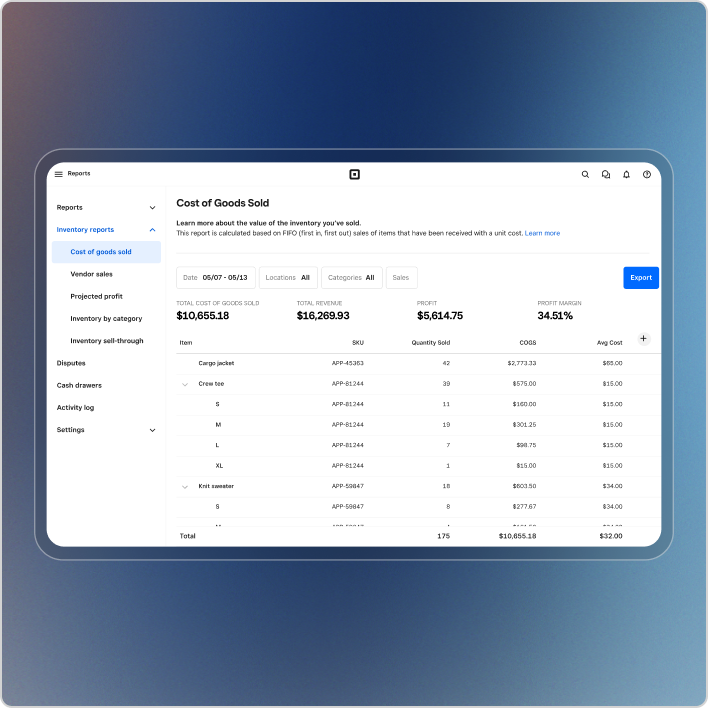
Square starts free per location, and the money comes out of card processing instead: 2.6 percent plus 15 cents in person and 3.3 percent plus 30 cents online. For a small shop that is a fair trade, up to the point where stock control becomes the job.
Inventory management and stock intake, vendor and purchase order management and cost of goods sold reporting all begin on Square Plus at $49 a month per location, which also drops the in person rate to 2.5 percent plus 15 cents. Square Premium at $149 a month per location adds transfer orders, cross location returns and 24/7 phone support.
The per location wording is the part that bites when a second shop opens, since the subscription repeats in full. Processing above $250,000 a year opens custom pricing, and the rate difference between tiers is worth modelling against your card volume the same way you would when comparing payment processors for a small business.
- Counts: locations, plus a percentage of every card payment.
- Free tier: $0 a month per location, fees still apply.
- Best at: selling face to face with stock attached to the till.
4. inFlow Inventory: Best App for Scanning and Picking
inFlow is for stock that lives on shelves and gets picked, packed and shipped. Entrepreneur at $129 a month billed annually covers two team members, unlimited products, 1,200 sales orders a year, one integration and one location, and comes with a $100 hardware credit toward a scanner.
Small Business at $349 a month is the tier most growing warehouses land on, with five members, 12,000 sales orders a year, three integrations and unlimited locations. It also comes with a mandatory $499 onboarding package, which is a real number to put in the first year budget. Mid-Size at $699 adds unlimited orders and lot numbers, with the same onboarding fee.
If all you need is stock going in and out of a cupboard with no costing or sales, inFlow Stockroom starts at $69 a month by itself or $39 as an add-on. inFlow Manufacturing starts at $179 a month. The trial runs 14 days and does not ask for a card.
- Counts: sales orders a year and team members.
- Free tier: none, trial only.
- Best at: barcode driven picking with real hardware behind it.
5. Katana: Best App for Workshops That Build Products
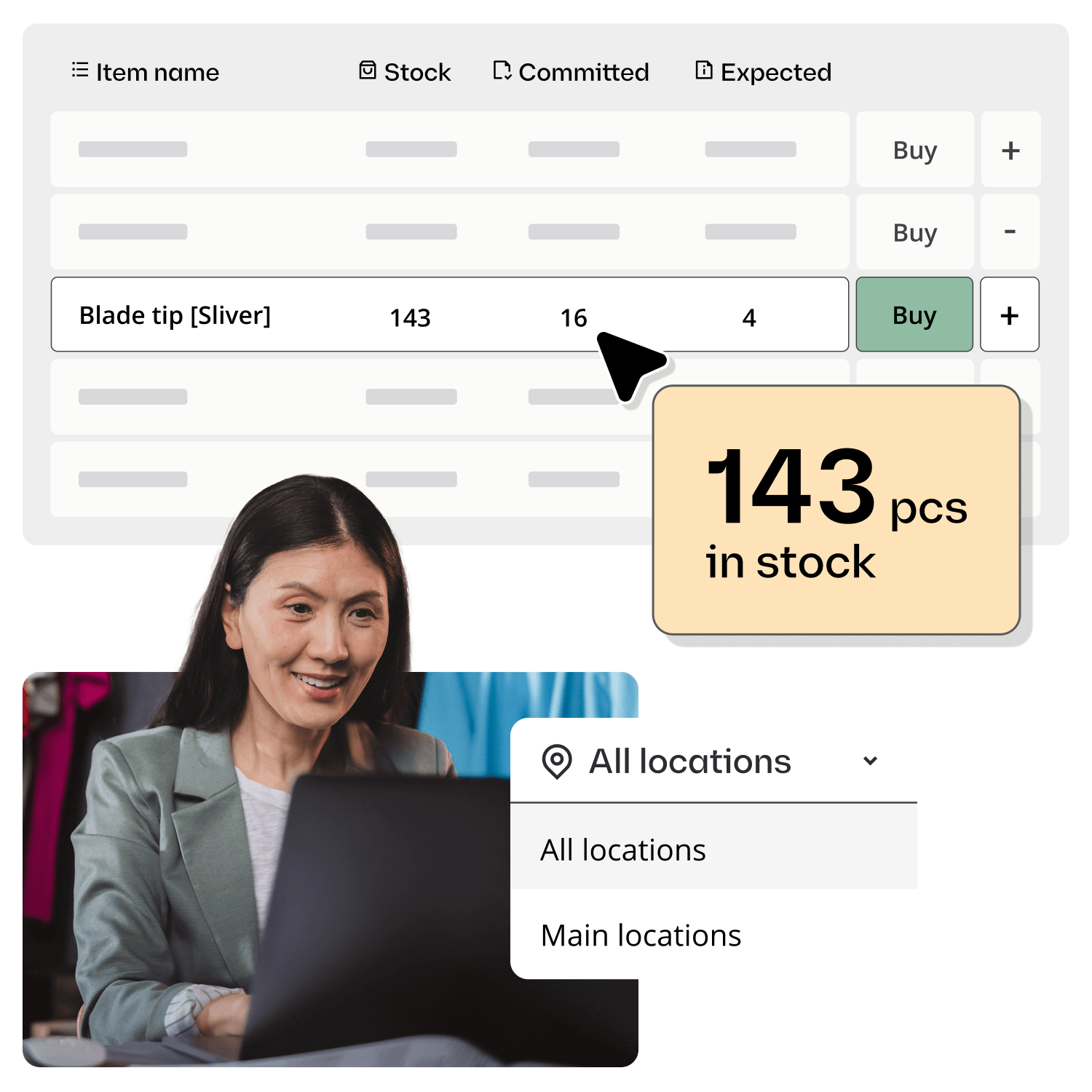
Katana is aimed at businesses that turn materials into finished goods. Its free plan caps SKUs at 30 but leaves users, integrations and locations unlimited and includes API access, with no card needed, which makes it unusually practical for a small workshop.
Core begins at $299 a month, lifts the SKU cap and keeps users unlimited, so a five person workshop pays the same as a one person one. That is the opposite of how most of this category charges.
Read the add-on list before budgeting. On Katana’s pricing page, manufacturing is $199 a month, traceability is $249 and warehouse management is $149, each on top of Core. A workshop needing production and traceability is looking at roughly $750 a month rather than the $299 headline.
- Counts: SKUs on the free plan, then add-on modules.
- Free tier: 30 SKUs, unlimited users and locations.
- Best at: make to order production with no per seat charge.
6. Stocksmith: Best App for Recipes and Materials

Craftybase now goes by Stocksmith, same team and same software under a new name. It tracks raw materials, recipes and bills of materials rather than just finished units, which is what soap, candle, food and cosmetics businesses need in order to cost a batch properly.
Indie costs $99 a month, or $83 if billed annually, and allows 1,000 order lines a month with unlimited users and unlimited sales channels. Business at $199, or $166 annually, raises that to 5,000 order lines and adds automatic stock sync, production scheduling and Amazon.
Growth at $349, or $291 annually, adds QuickBooks inventory sync and priority support, and two smaller plans sit below Indie: Studio at $41 a month billed annually or $49 month to month, and Pro from $20 a month, which is limited to one sales channel. Every plan opens with a 14-day trial and no card, which is rare at this end of the market.
- Counts: order lines a month.
- Free tier: none, but a card free trial on every plan.
- Best at: batch costing and traceability for handmade goods.
7. QuickBooks Online: Best if the Books Are Already There
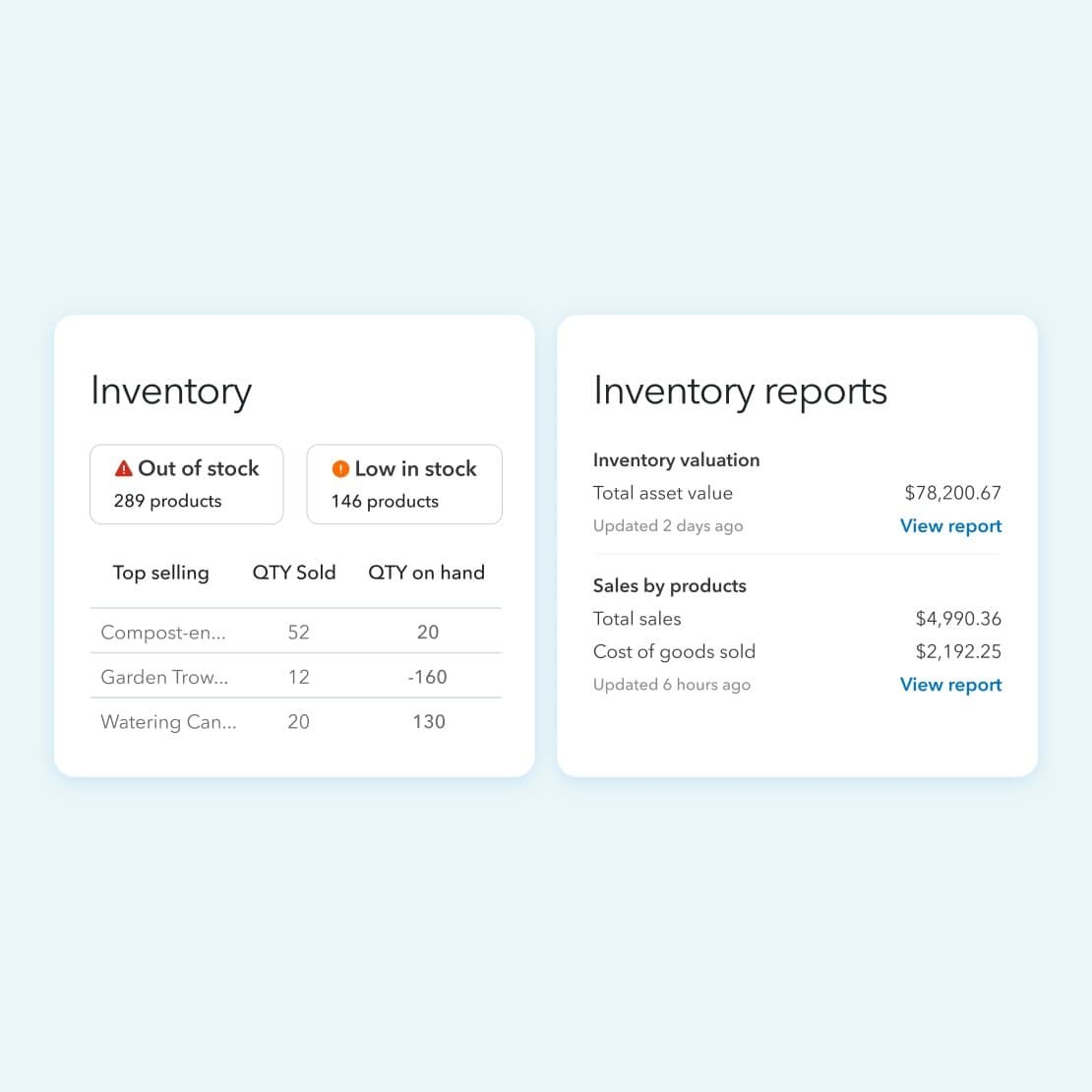
QuickBooks tracks inventory, but the feature sits higher up the price list than most people expect. It starts on Plus at $140 a month, which includes five users. The free plan, Simple Start at $38 and Essentials at $85 do not track stock at all.
If Plus was already the plan you needed for bookkeeping, the stock tracking arrives at no extra cost and everything reconciles in one place. If it was not, $140 a month is an expensive way to count boxes, and the comparison worth running is against accounting software for small business on a cheaper tier plus a dedicated inventory app.
Introductory pricing of 50 percent off for three months is normally available, and there is a 30-day trial as an alternative to the discount rather than on top of it.
- Counts: users, and which tier you are on.
- Free tier: exists, but without inventory.
- Best at: keeping stock and accounts in a single ledger.
8. Cin7: Best for Thousands of Orders a Year
Cin7 is where businesses go when the order count has broken everything cheaper. Standard is $349 a month for five users, two ecommerce or app integrations and 6,000 sales orders a year, with unlimited inventory locations.
Pro at $599 a month brings ten users, four integrations, 24,000 orders a year and material requirements planning. Advanced at $1,199 covers 15 users, six integrations, 120,000 orders a year and advanced warehouse management, with a custom tier above that.
Check the annual order allowance before the feature list. Six thousand orders a year is about 16 a day, and both extra integrations and extra order volume are sold as separate purchases rather than included when you outgrow a tier.
- Counts: sales orders a year, users and integrations.
- Free tier: none.
- Best at: multichannel operations that have outgrown a small business plan.
The Free Plans, and Exactly Where They Run Out
Four of these apps can be run at zero cost, and each stops at a different wall. Knowing which wall is closest to your business is faster than any feature comparison.
- Zoho Inventory: stops at 50 orders a month, one user and one location.
- Sortly: stops at 100 items, one user and two active jobs.
- Katana: stops at 30 SKUs, but never on users, locations or integrations.
- Square: never stops on time, but purchase orders and cost of goods sold need the $49 tier.
A shop selling 30 orders a month from a catalogue of 400 items can stay free on Zoho indefinitely and would be over the line on Sortly within a week. The same business flipped around, 400 orders from 30 items, is the exact reverse.
What an App Does That a Spreadsheet Cannot
Plenty of businesses run stock from a spreadsheet for years, and it works until two things happen at once. The first is a second person editing the file. The second is a sales channel that thinks it has stock you have already sold in the shop.
- Scanning: a phone camera reading a barcode removes the typing errors that quietly corrupt a count.
- Reorder alerts: the system tells you what is low rather than waiting for someone to sort a column.
- Channel sync: selling the last unit in person marks it sold online within minutes.
- Audit trail: every adjustment is stamped with who made it and when.
None of that matters at ten SKUs. All of it matters at four hundred, and the changeover usually happens before anyone notices it has.
Which Inventory App Fits Your Business
If you track equipment, parts or supplies, start with Sortly free and move up only when you pass 100 items. If you sell online, start with Zoho Inventory free and expect to need Premium at $79 a month once barcodes and batch tracking become necessary. A shop with a counter should run Square and treat the $49 tier as the real cost of stock control.
If you build what you sell, Katana free is the best starting point in this list, with the manufacturing add-on budgeted from the outset. Warehouses that pick and pack want inFlow, handmade and recipe based businesses want Stocksmith, and Cin7 only makes sense once the order count is into the thousands each year.
Frequently Asked Questions
What is the best free inventory management app?
Zoho Inventory for online sellers, since 50 orders a month on the free plan is a usable business rather than a demo. Sortly is better if you are tracking 100 physical items, and Katana is better for a workshop, since its free plan caps SKUs at 30 but never charges for extra users or locations.
What is the best tool for inventory management?
It depends on which limit you meet first. Apps here cap orders a month, sales orders a year, items, SKUs or order lines, and those units are not interchangeable. Count last year in the vendor unit, then compare the tiers that actually fit.
Can I use Excel for inventory management instead of an app?
For a short list managed by one person, yes. It falls apart once several people edit the same file or stock has to stay in step with an online store, because a spreadsheet has no scanning, no reorder alerts and no record of who changed what.
How much should a small business expect to pay?
Between nothing and about $80 a month for most. Free plans cover the smallest operations, and the common paid tiers are $29 to $79 a month on Zoho, $49 on Sortly or Square, and $140 on QuickBooks Plus. Prices above $300 a month are aimed at manufacturing and high order volume.
Related Articles

Get the Fox Bulletin briefing
The stories that matter, in your inbox. No spam, unsubscribe anytime.
Newsletter signup will be available soon.
Related stories
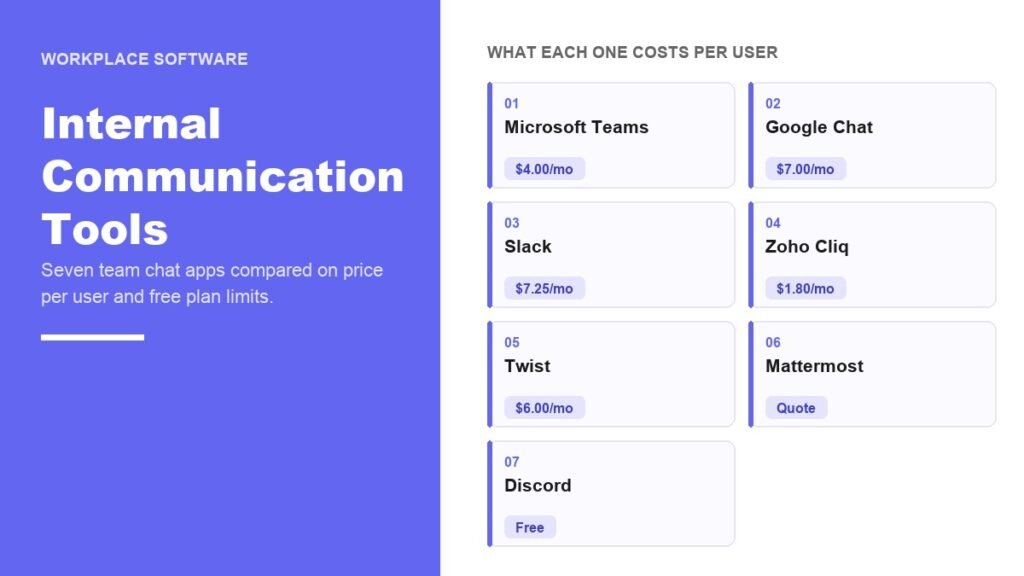
Internal Communication Tools: 7 Team Chat Apps Compared
Seven internal communication tools compared on price per user and free plan limits, starting with whether your existing subscription already includes one.
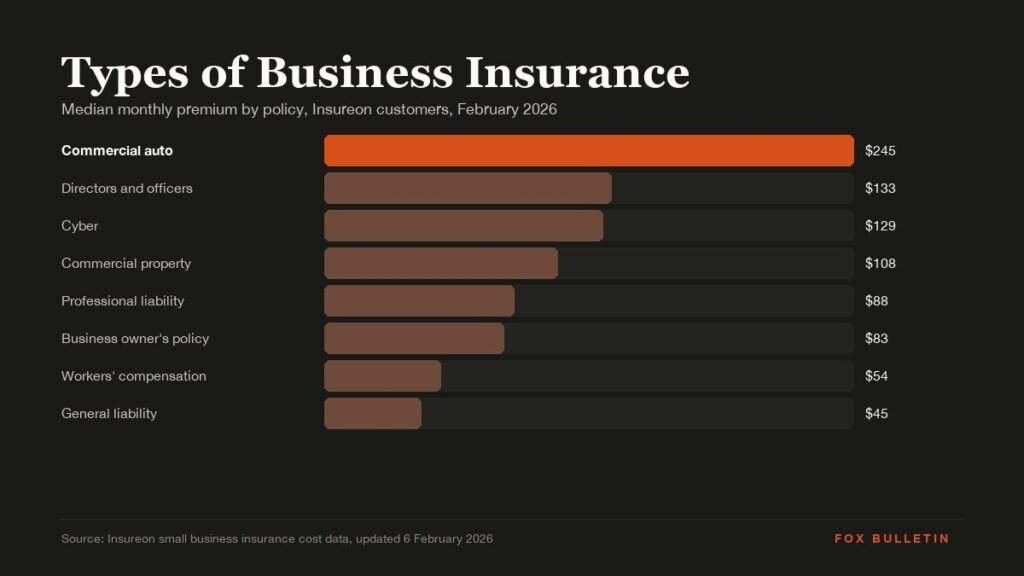
Types of Business Insurance: What Each Policy Covers and Who Must Carry It
General liability, professional liability, workers' compensation, property, BOP, cyber, commercial auto, product liability and D&O: what each covers, when the law requires it, and what small firms pay.
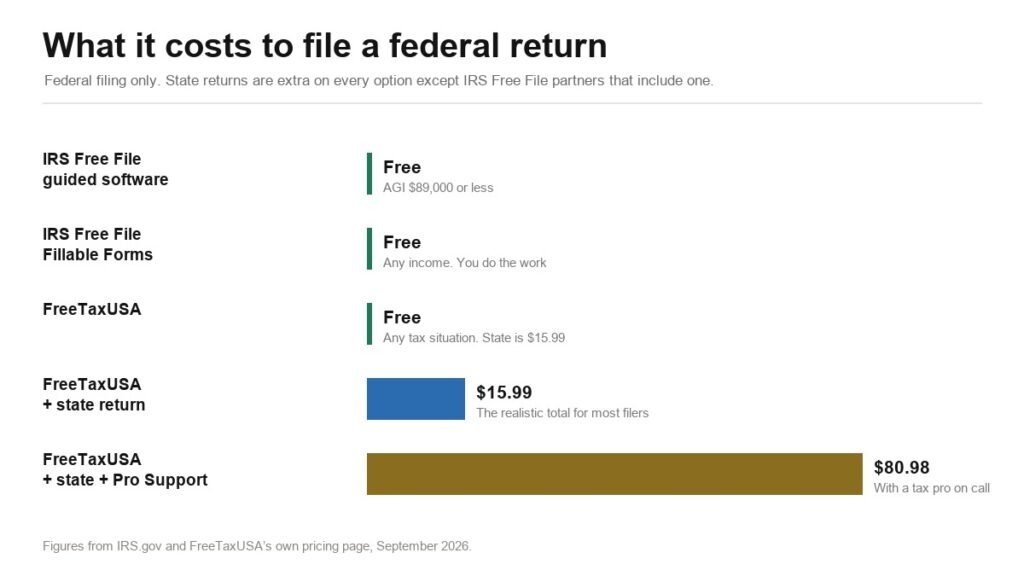
TurboTax Alternative: 3 Ways to File Free or Close to It
IRS Free File, Fillable Forms and FreeTaxUSA compared against TurboTax, including the $89,000 income threshold and the upsell rules the IRS bans inside Free File.