

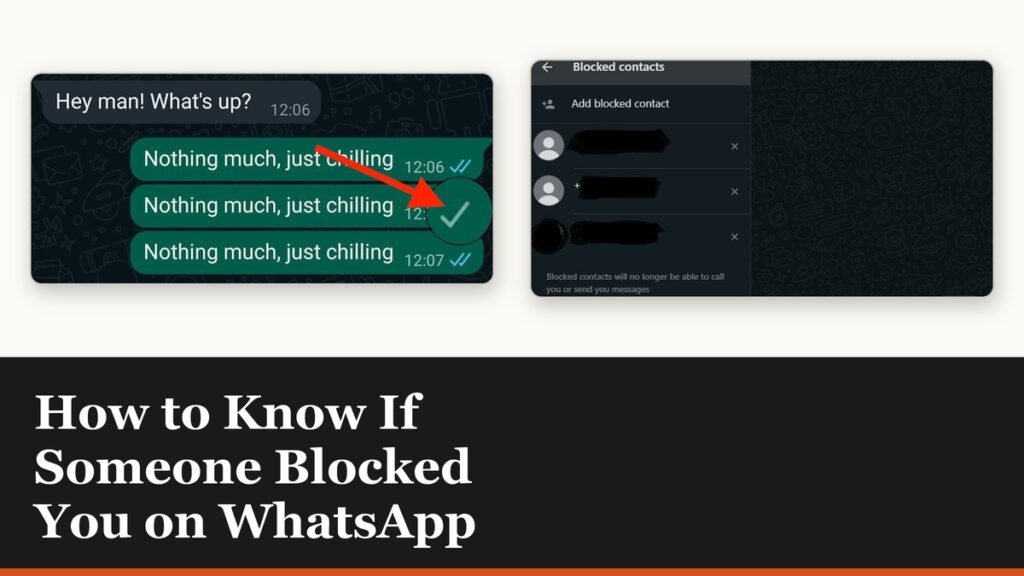
There is no notification, no grey banner and no setting that answers the question, which is why how to know if someone blocked you on WhatsApp comes down to reading six signals at once. A block changes all six together. Any one of them on its own has an innocent explanation.
WhatsApp is explicit that it will not tell you, and that it cannot remove a block on your behalf. What follows is the pattern the app leaves behind, the checks that separate a block from a privacy setting, and the one thing a block does not hide.
The six signals a block leaves behind
A blocked contact sees the same chat they always did. What changes is everything that depends on the other person letting information through. Look for all six together, in the same conversation, over a day or two.
| What to look at | What a block looks like | Innocent explanation |
|---|---|---|
| Last seen and online | Both disappear from the chat header | Privacy settings do this too |
| Profile photo | Frozen on an old image, or gone entirely | Privacy settings do this too |
| Status updates | Their status stops appearing for you | Privacy settings do this too |
| Delivery ticks | One grey check mark, never a second | A phone that is off does this too |
| Read receipts | The double blue check mark never arrives | Read receipts can be switched off |
| Calls | Voice and video calls do not connect | No signal does this too |
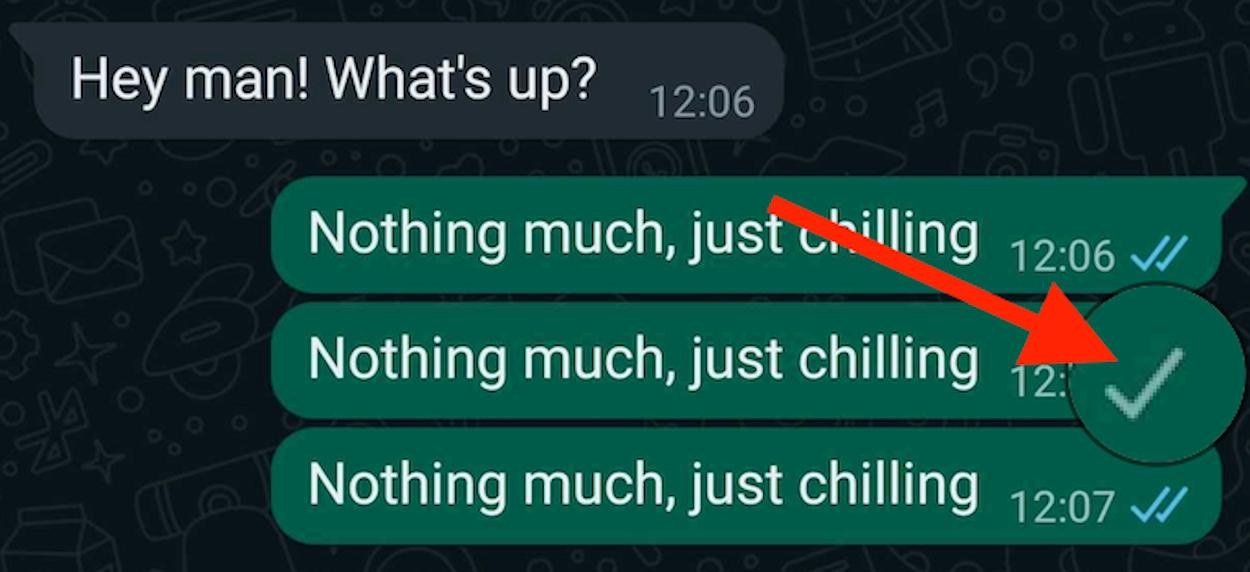
The tick behaviour is the clearest of the six. A message to someone who has blocked you leaves your phone and shows a single grey check mark, which means sent. The second check mark, the one that means delivered, never appears, because the message has nowhere to go.
Why no single signal is proof
Every item in that table has a second cause, and three of them are ordinary privacy settings any user can change in about four taps. Someone who sets Last seen to Nobody vanishes from the chat header for everyone, not just for you.
- A hidden profile photo can mean Profile photo is set to My contacts and you were never saved as a contact on their phone.
- A missing status can mean they used the My contacts except list, or simply have not posted anything in 24 hours.
- One grey tick can mean a dead battery, a phone in airplane mode, or a week at a campsite with no signal.
- A failed call can mean the same thing, since a device that is offline cannot ring.
The combination is what matters. One grey tick for a week, no last seen, no profile photo and a call that fails instantly rather than ringing out is a block in all but name. One grey tick on a Sunday afternoon is a flat phone.
Separate a block from a privacy setting
There is a test that costs nothing and takes a minute. Ask a mutual contact to open the same person’s profile while you look at yours.
- Open the chat and check whether last seen, online and the profile photo are visible to you.
- Ask a mutual friend to open the same contact and tell you what they can see.
- If your friend sees a photo and a last seen and you see neither, the setting is aimed at you, not at everyone.
- Send one message and watch the ticks for a full day rather than a few minutes.
- Try a voice call. A blocked call fails without ringing on the other end.
A group is the other half of the test. If you are a group admin and the app refuses to let you add that contact to a group, that is a strong signal, because WhatsApp blocks the action rather than the person. The same person turning up in a group you both already belong to proves nothing, as the next section explains.
What a block does not hide
A block is narrower than most people assume. It cuts the direct line between two accounts and leaves shared spaces alone.
- Shared groups still work. You will see their messages in a group you both belong to, and they will see yours.
- Your contacts list is unchanged. Blocking does not delete anyone from either phone’s address book.
- A status posted before the block stays visible to the blocked person for its full 24 hours.
- Changing your number keeps your blocks. Starting a brand new account does not, so every block has to be set again.
- Nothing arrives retroactively. Messages sent during a block are gone, even after an unblock.
Block or unblock someone from your side
The list of people you have blocked lives in privacy settings, and it is the only place that shows the whole set at once.

- On Android, tap the three-dot menu, then Settings, then Privacy, then Blocked contacts.
- On an iPhone, tap Settings or your profile picture, then Privacy, then Contacts, then Blocked.
- Tap the add icon on Android, or Add New on iPhone, and pick the contact.
- To reverse it, open the same list and tap the name, then Unblock.
Once you have blocked someone, your own chat with them carries a line reading that you blocked this contact, with a tap to undo it. The other person never sees that line. If a wider clear-out is what you are after, the same logic applies to the other apps on your phone, and our walkthrough of deleting a Facebook account covers the Meta side of it.
Someone who has blocked you can still reach you by phone, which is worth remembering before you treat a block as a clean break. A second number through one of the free VoIP services is the usual answer when the point is to stop a specific person contacting you at all.
Frequently Asked Questions
Does WhatsApp tell you when someone blocks you?
No. WhatsApp states plainly that it cannot tell you whether someone has blocked you or who has blocked you, and it will not remove a block for you. The signals in the chat are the only evidence there is.
Do messages arrive after the person unblocks me?
No. Anything you sent while the block was in place is discarded, not queued. Once the block is lifted, new messages go through normally, but the ones from the blocked period never turn up.
Can I still see someone in a group if they blocked me?
Yes. A block only affects direct contact. In a group you both belong to, their messages appear for you and yours appear for them, and neither of you can remove the other from it without admin rights.
Why can I see an old profile photo but no new ones?
A blocked contact keeps whatever image was cached on the device and stops receiving updates, so the photo freezes rather than disappearing. The same happens when a contact restricts their profile photo to people in their address book.
Related Articles

Get the Fox Bulletin briefing
The stories that matter, in your inbox. No spam, unsubscribe anytime.
Newsletter signup will be available soon.
Related stories
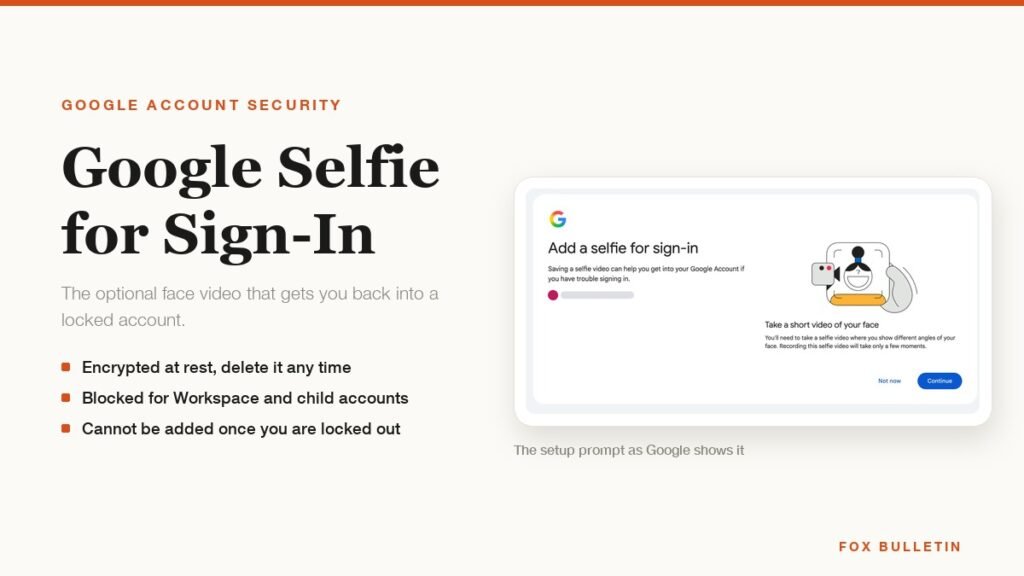
Google Selfie for Sign-In: How It Works and Is It Safe
The prompt headed Add a selfie for sign-in asks to keep a video of your face on your Google Account. Here is what that video is used for, and how to remove it.
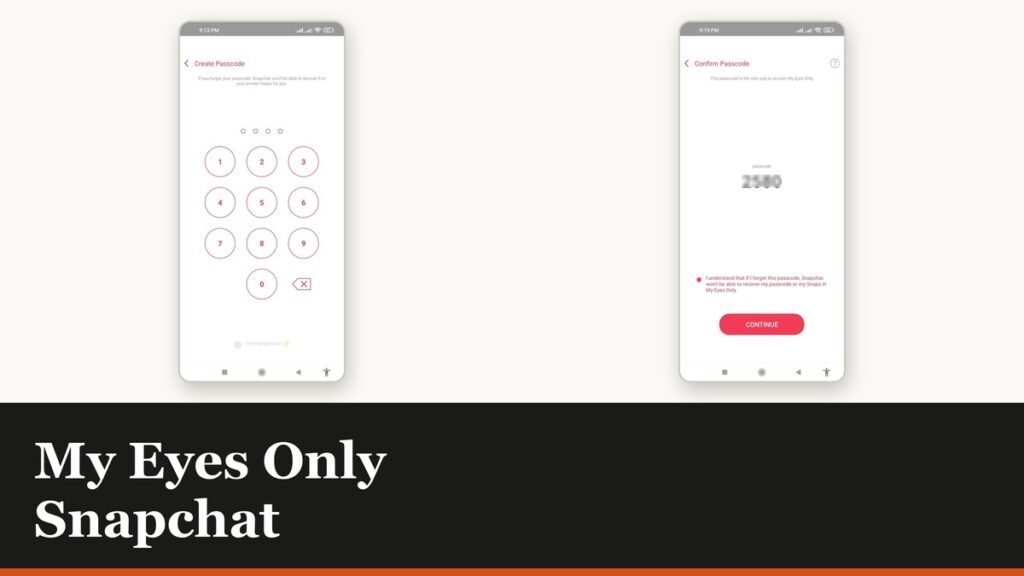
My Eyes Only Snapchat: Set It Up and Unlock It
Forgetting the passcode does not lock you out. It deletes everything behind it, and that is by design.
How to Delete Friends on Snapchat and What Changes
Removing a friend is quiet and quick. It also leaves them able to message you unless one other setting is changed.