

Skype’s long goodbye is finally over. Microsoft’s own retirement notice confirms the service went dark on 5 May 2025, and the portal that let former users pull their old chat history stayed open only until 15 June 2026. That closed the door on the one app that, for about twenty years, most people meant when they said “free internet calling”. Nothing has replaced it one for one, because the thing Skype did was actually three separate things.
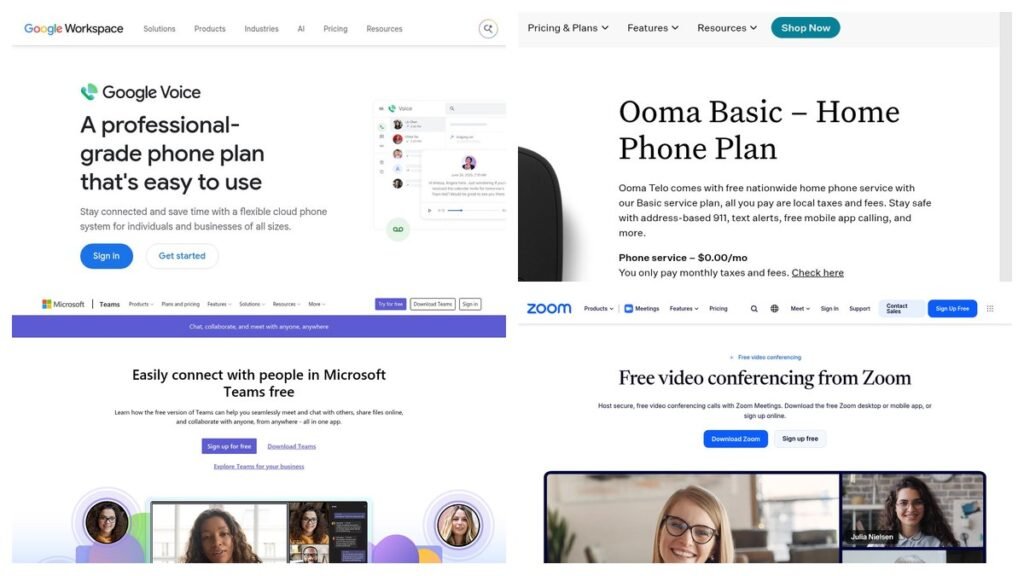
The eight services below all cost nothing to start using. Three of them hand you a real telephone number that your mother can dial from her landline. Three are meeting apps that connect people running the same software and never touch the public phone network. Two are dialers that do nothing at all until you plug in an account from somewhere else. Working out which pile you need takes about a minute and saves the far more common experience of installing something free, discovering it cannot call a normal phone, and assuming it is broken.
How the Eight Free VoIP Options Compare
| # | Service | What the free tier covers | Dialable number? | Suits |
|---|---|---|---|---|
| 1 | Google Voice | One US number, US and Canada calling, voicemail transcription | Yes | A free second line |
| 2 | TextNow | US number, unlimited in-app talk and text, free calls to Canada | Yes | Number without a Google account |
| 3 | Ooma Basic | Unlimited US home calling, taxes and hardware only | Yes | Replacing a landline |
| 4 | Microsoft Teams | 60-minute group meetings, 30-hour one-to-one calls, 100 people | No | Former Skype users |
| 5 | Zoom Workplace Basic | Unlimited 40-minute meetings, 100 participants | No | Short scheduled calls |
| 6 | Jitsi Meet | Unlimited encrypted meetings, open source, self-hostable | No | Guests who will not install anything |
| 7 | Linphone | Open-source app plus a free SIP address | A SIP address only | Open-source users |
| 8 | Zoiper 5 | Softphone for non-commercial use, bring your own account | Bring your own | People who already have SIP |
Only the first three rows give you something a stranger could dial. That single column matters more than any feature comparison, so it is worth understanding why the other five exist at all.
Three Kinds of Free VoIP, and Only One Replaces a Phone Line
Most online arguments about free calling apps happen because two people are describing products that are not competitors. Sorted by what they connect to, the field breaks into three groups.
- Services that issue a phone number. Google Voice, TextNow and Ooma give you a number inside the North American Numbering Plan. It rings when a landline dials it, it works with two-factor codes, and it behaves like a phone line because it is connected to one. This is the only group that can stand in for a carrier.
- Apps that call other users of the same app. Teams, Zoom and Jitsi live here, alongside WhatsApp and Signal. Calls are free and the audio is usually better than a phone line, but both ends need the same software and there is no number to hand out.
- Softphones with no service attached. Linphone and Zoiper are programs, not phone companies. They speak SIP, the signalling protocol nearly every business phone system uses, and they sit idle until you point them at an account from a provider or a PBX.
Linphone’s own documentation puts the limit of that third group plainly, noting that a softphone lets you call other users of the same protocol but that reaching mobile or landline numbers is not possible without a SIP trunking service from a third-party operator. That is the sentence most free VoIP roundups leave out.
Free VoIP Services That Give You a Number People Can Dial
1. Google Voice
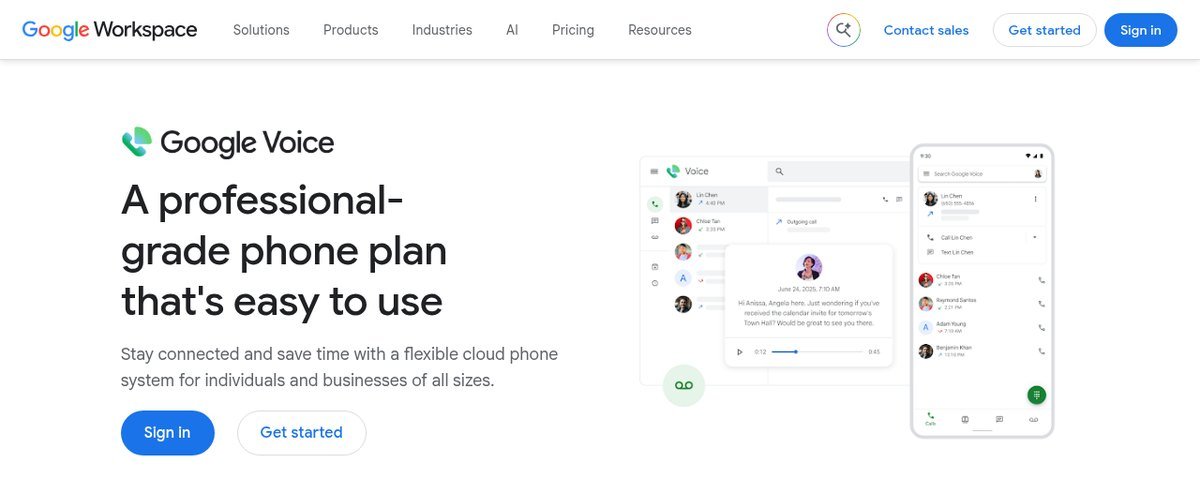
Google Voice remains the closest thing to a free phone line available to an ordinary person in the United States. A personal Google account gets one US number, voicemail with automatic transcription, forwarding to any phone you already own, and spam filtering, with no monthly charge attached.
The calling terms are more specific than most summaries admit. Google’s official rates page states that when you call from the US, almost all Google Voice calls to the US and Canada are free, that some calls to specific numbers in the US and Canada cost 1 cent per minute, and that calls outside the US are billed at listed rates. “Almost all” is doing real work in that sentence.
- Costs nothing: the number itself, US and Canada calling, voicemail transcription, call forwarding, spam screening.
- Costs money: certain US and Canada destinations at 1 cent a minute, all international calling, and the business edition, which lives inside Google Workspace and starts at $10 per user per month.
- The catch: you need an existing phone number to verify the account, which makes Google Voice a second line rather than your only line. The free tier is also licensed for personal use, not for running a company.
2. TextNow
TextNow answers the most common complaint about Google Voice, which is that Google wants an existing number before it will give you one. TextNow assigns a free US number in an area code you pick, and its own product page describes that number as included no matter which plan you are on.
Calling and texting anywhere in the US is unlimited inside the app, and calls to Canada are free as well. International destinations are billed per minute across more than 230 countries, with the rate shown before the call connects. The company funds all of this with advertising, and it leans into that openly: watching ads inside the app earns points you can spend on data passes and extra features.
- Costs nothing: the number, unlimited US talk and text through the app, calls to Canada.
- Costs money: mobile data, which is sold by the day or as an unlimited plan on the company’s own 5G service, plus international minutes.
- The catch: the free tier is ad-supported in a way that is hard to ignore, and free numbers can be reclaimed if the account sits unused.
3. Ooma Basic
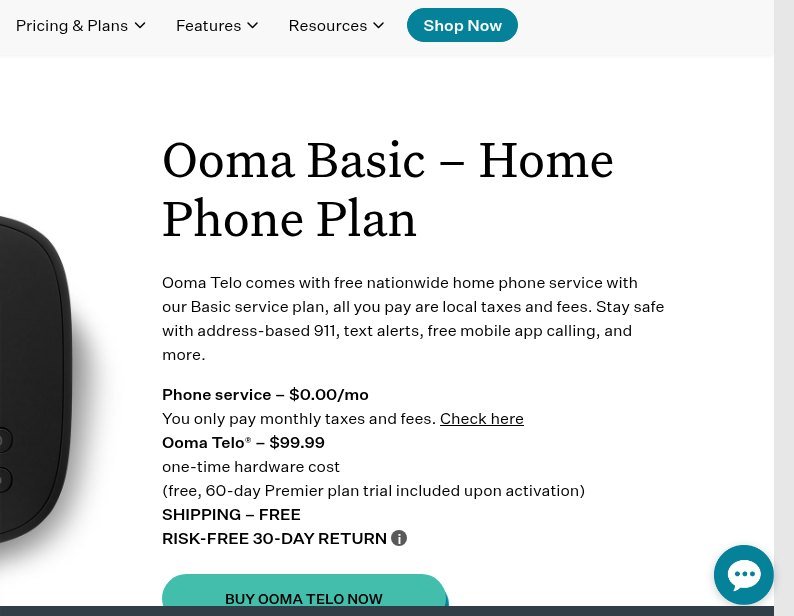
Ooma Basic is the only option here designed to take over the jack in your wall. The plan page lists phone service at $0.00 per month and says you pay only monthly taxes and fees, which Ooma estimates at roughly $6 to $9 depending on where you live. In exchange you get unlimited nationwide calling, free Ooma-to-Ooma calls worldwide, caller ID, call waiting, voicemail, a mobile app, and address-based 911 with text alerts.
What makes Ooma honest rather than misleading is that the hardware cost sits on the same page as the free service. The Ooma Telo box is a one-time $99.99 purchase with free shipping and a 30-day return window, and activation includes a 60-day trial of the $9.99 Premier tier. Porting your existing number across costs $39.99.
- Costs nothing: the monthly service itself, unlimited US calling, the standard home phone features.
- Costs money: $99.99 for the Telo up front, $6 to $9 a month in taxes and fees, $39.99 to bring your old number.
- The catch: it needs a box plugged into your router, so this is a house solution rather than a pocket one, and the free tier is US calling only.
Free VoIP Apps Built for Meetings Rather Than Phone Calls
4. Microsoft Teams Free
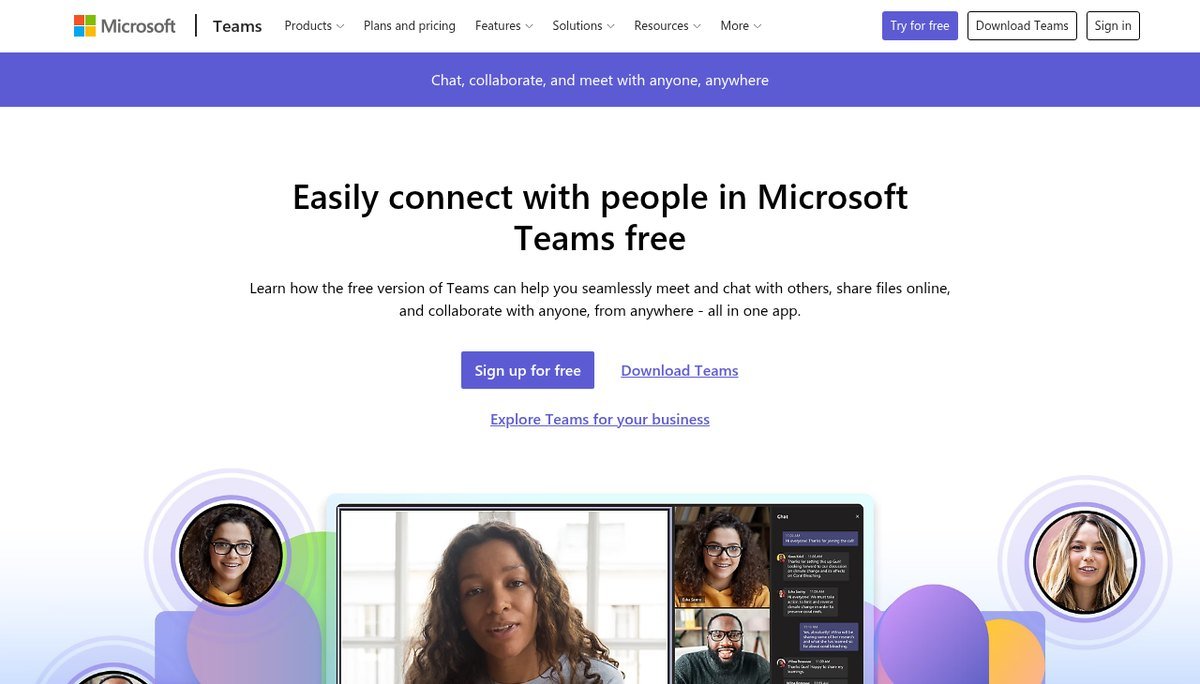
Teams is where Microsoft pointed everyone when it switched Skype off, and the retirement notice says so directly, describing Teams Free as offering many of the same core features and more. Leftover Skype Credit did not evaporate either, and can still be spent through the Skype Dial Pad inside Teams Free.
The free limits are unusually generous once you read them properly, because Microsoft splits one-to-one calls from group meetings. A call between two people can run for up to 30 hours. A group meeting stops at 60 minutes. Both are capped at 100 participants, and each user gets 5 GB of cloud storage.
- Costs nothing: 30-hour one-to-one calls, 60-minute group meetings, 100 participants, chat, communities, file sharing, polls, encryption on meetings and chats.
- Costs money: longer group meetings, 300 participants and 1 TB of storage, all of which arrive with a Microsoft 365 Personal or Family subscription.
- The catch: there is no phone number, so Teams connects you to people who also use Teams and nobody else.
5. Zoom Workplace Basic
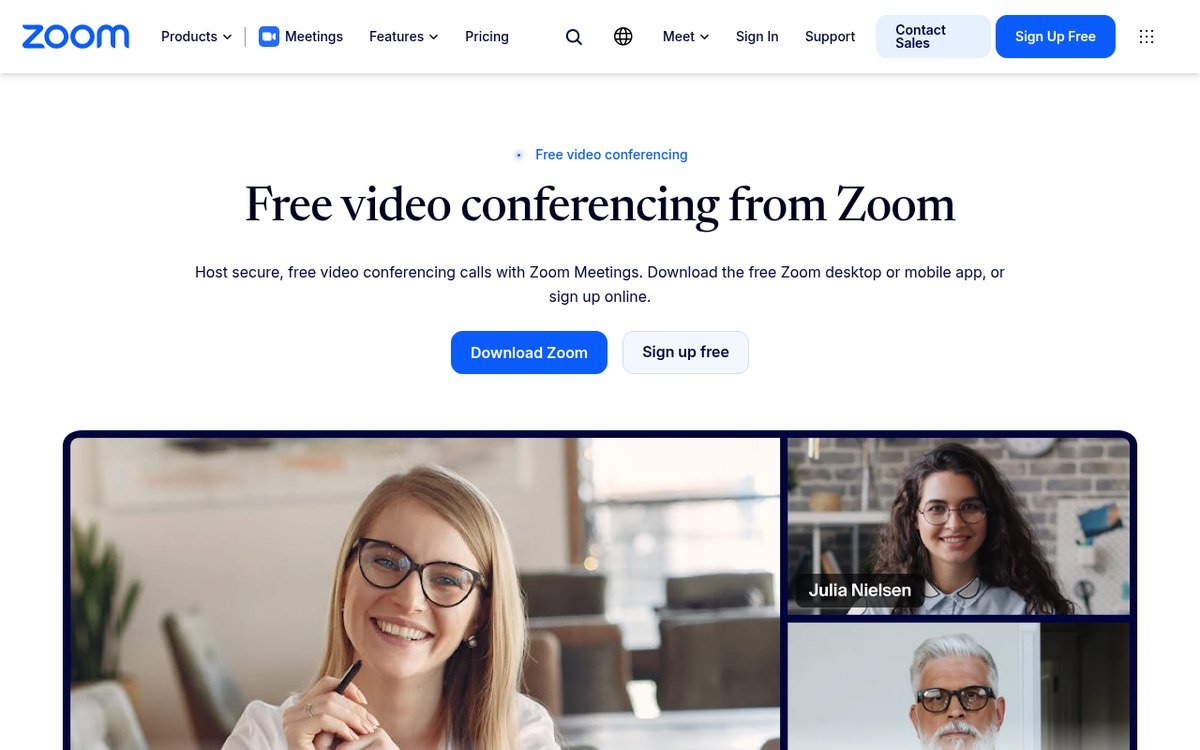
Zoom’s free tier survives on one number everybody already knows. Its support documentation states that almost all meetings scheduled and hosted by Basic users are limited to 40 minutes, on free and paid accounts alike. What gets forgotten is the other half of the deal: the number of those meetings is unlimited, and each one holds up to 100 people.
The 40-minute rule has an edge case worth knowing. A host sitting alone in a meeting with no participants is not cut off at 40 minutes, but the moment somebody joins, the clock applies. Paid licences extend the same meeting to 30 hours.
- Costs nothing: unlimited meetings at 40 minutes each, 100 participants, screen sharing, automated captions.
- Costs money: 30-hour meetings, cloud recording, and toll dial-in for people joining by phone.
- The catch: the timer applies to the host’s licence, not the meeting, so being invited by a free account still ends your call at 40 minutes.
6. Jitsi Meet
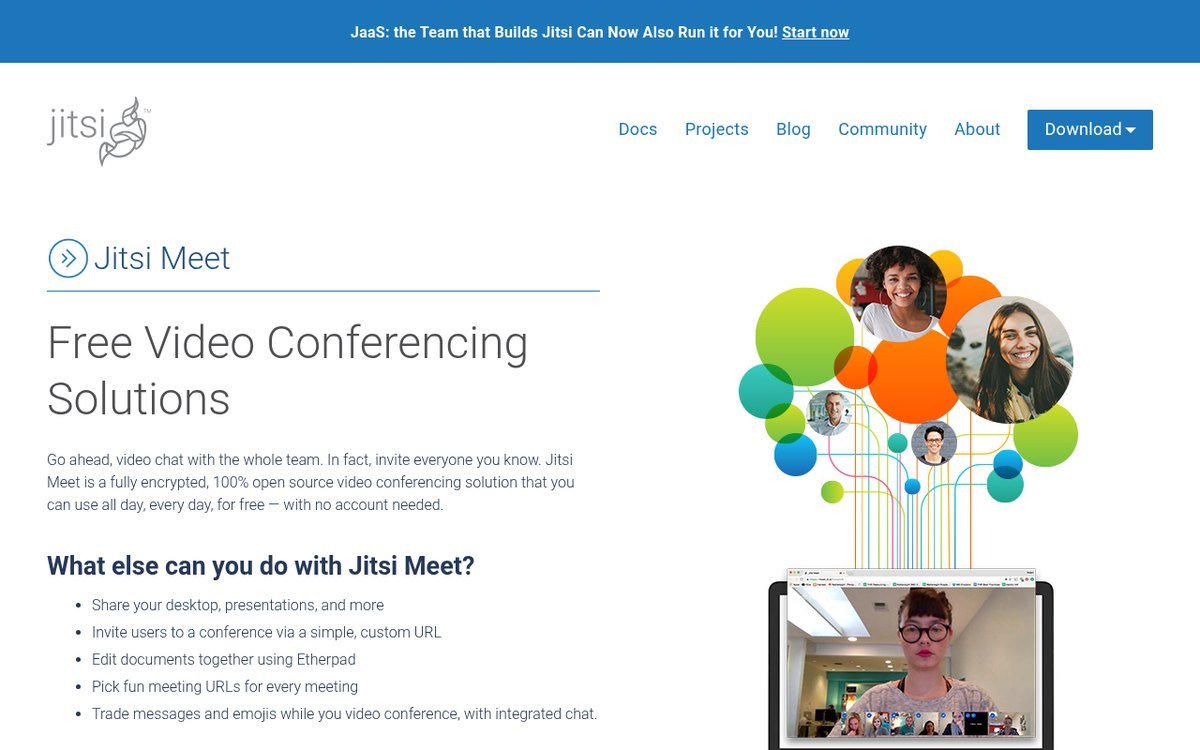
Jitsi Meet is genuinely open source, genuinely encrypted, and genuinely free with no meeting timer, which makes it the most quietly useful option on this list. It is also the one most often described incorrectly, including on Jitsi’s own marketing page, which still advertises the service as usable with no account needed.
That stopped being true some time ago. Jitsi’s own announcement confirms that from 24 August 2023 the hosted service at meet.jit.si no longer supports anonymous creation of rooms and requires an account, with Google, GitHub and Facebook supported as sign-in options. The distinction that saves the feature is that only the person opening the room needs to authenticate. Everyone you invite still joins by clicking a link, with no account, no app and no install.
- Costs nothing: unlimited meeting length, screen sharing, chat, shared document editing, custom room URLs.
- Costs money: nothing on the public service, though the team sells a hosted version for organisations that want it run for them.
- The catch: you need a Google, GitHub or Facebook login to start a room, and the public server offers no uptime promise. Running your own instance removes both problems.
Free Softphones That Need a SIP Account Behind Them
7. Linphone
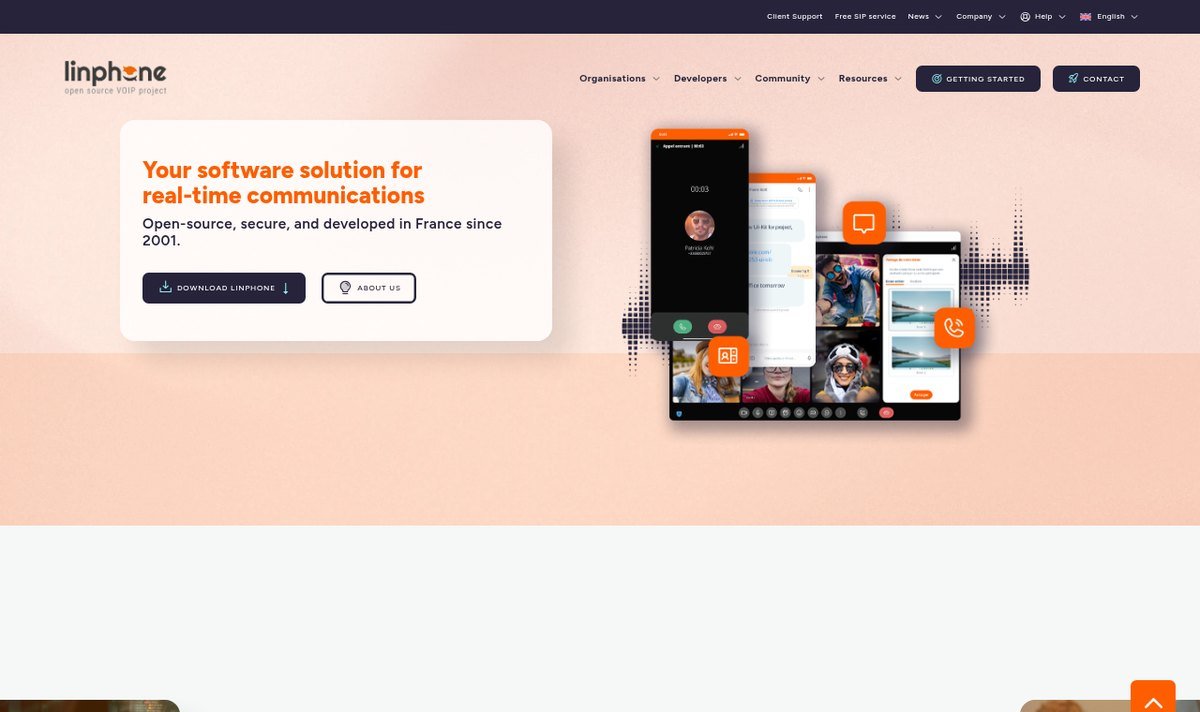
Linphone has been developed in France since 2001 and is published by Belledonne Communications, which keeps the client, the SDK and the server suite open source. It runs on Windows, macOS, Linux, Android and iOS, and the current release line is version 6.2.
It is the only softphone here that also gives you somewhere to call from. Linphone documents a free SIP service at sip.linphone.org, available through the account assistant inside the app, describing it as reserved for the community of individual users and free but with no guarantee of support. That gets you a SIP address rather than a telephone number, so other SIP users can reach you and the public phone network cannot.
- Costs nothing: the apps, the source code, a SIP account, end-to-end encrypted calls using ZRTP, plus video conferencing, group chat and presence when you use a Linphone account.
- Costs money: nothing for individuals. The paid side is aimed at businesses buying support, rebranding or a professional SIP service.
- The catch: connect a third-party SIP account instead and you lose the features that depend on Linphone’s own server, namely video conferencing, group chat and presence.
8. Zoiper 5
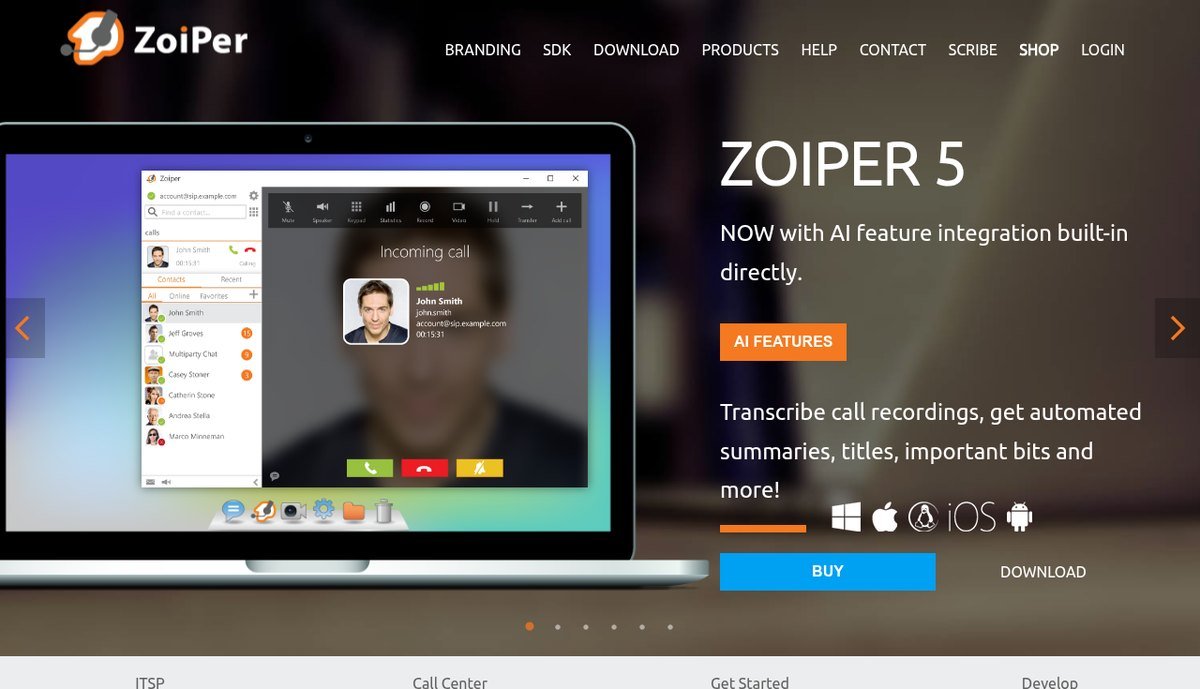
Zoiper is refreshingly blunt about what it is not. Its download page lists three requirements to use the software: a computer or a smartphone, an internet connection, and a VoIP provider or a PBX. Without that third item the app is an address book with a dial pad.
The free edition is labelled for non-commercial use and covers basic functionality for occasional use across Windows, macOS, Linux, Android and iOS. Anything a business would want sits behind the paid tier, which costs $11.11 on desktop and adds auto provisioning, contacts and browser integration, the G.729 and H.264 codecs for lower bandwidth, and call transfer and conferencing. The mobile upgrades are cheaper, at €7.99 on Android and $4.99 on iOS, and those add instant messaging, presence, call waiting, transfer, conferencing and TLS, SRTP and ZRTP encryption.
- Costs nothing: the app on every major platform, basic calling through any SIP account you supply.
- Costs money: $11.11 for desktop Premium, €7.99 on Android, $4.99 on iOS, plus whatever your SIP provider charges.
- The catch: the free licence is explicitly non-commercial, and encryption is a paid feature on mobile.
The Charges Free VoIP Plans Keep Off the Pricing Page
None of these services are dishonest, but “free” is doing different work in each case. Five costs turn up often enough to check for before you commit.
- Hardware. Ooma Basic costs nothing per month and $99.99 once, and the box is not optional.
- Taxes and regulatory fees. Ooma’s own estimate of $6 to $9 a month means the cheapest landline replacement here still costs around $80 a year.
- A phone number you already have. Google Voice will not finish setup without one, which quietly excludes the people who want a first number rather than a spare.
- Per-minute exceptions. Google’s 1 cent a minute applies to specific US and Canada numbers rather than obvious international ones, so it surprises people.
- Your attention. TextNow’s free tier is funded by advertising, which is a real price even though no money changes hands.
Where Free VoIP Stops Short of a Real Phone Line
Free tiers are built to be good enough for personal use and deliberately awkward for business use, which is the boundary most people run into. Google Voice reserves its free service for personal accounts and sells the business version through Workspace. Zoiper licenses its free build for non-commercial use only. Linphone offers its free SIP service with no guarantee of support. If you are choosing a line that customers will call, the sensible move is to compare proper providers in our guide to business phone systems rather than stretch a personal plan into a company one, in the same way you would not run company books on a personal spreadsheet when small business accounting software exists.
Four other limits apply almost everywhere in this category.
- Emergency calling is inconsistent. Ooma includes address-based 911 and text alerts on the free plan. App-only services vary, and meeting apps have no emergency calling at all, so none of these should be the only phone in a house.
- Numbers are harder to leave than to get. Porting a number away from a free service ranges from fiddly to impossible, and Ooma charges $39.99 to port one in.
- Support is best-effort. Free accounts get documentation and community forums, not a queue with a person in it.
- Privacy depends on the funding model. An encrypted call is not the same as a private account. If that distinction matters to you, encrypting the rest of your connection with one of the best VPN services is a separate job that a calling app does not do for you.
Used within those boundaries, free VoIP is genuinely excellent. A Google Voice number for online sign-ups, Jitsi for a call with someone who refuses to install anything, and Ooma on the kitchen wall will cover most households for the cost of taxes and one box.
Frequently Asked Questions
Can you get a free VoIP number that a landline can dial?
Yes, from three of the services above. Google Voice and TextNow both issue a free US mobile-style number that accepts calls from any phone, and Ooma Basic gives you a home line for taxes plus the cost of its box. Meeting apps such as Teams, Zoom and Jitsi never issue a number, and softphones like Linphone and Zoiper only carry a number if your SIP provider supplies one.
Is a Google Voice number still free?
For personal use, yes. One US number per personal Google account costs nothing, and Google states that almost all calls to the US and Canada from a US line are free, with certain numbers charged at 1 cent per minute and international calls billed at listed rates. Business use is a paid Google Workspace product starting at $10 per user per month.
Which free VoIP app works without creating an account?
Jitsi Meet comes closest, but only for guests. Since 24 August 2023 the person starting a room on meet.jit.si has to sign in with Google, GitHub or Facebook, while everyone joining that room still needs nothing but the link. If nobody involved can sign in, a self-hosted Jitsi instance restores fully anonymous rooms.
Can free VoIP replace a small business phone system?
Not within the terms these services publish. Google Voice’s free tier is licensed for personal use, Zoiper’s free build is non-commercial only, and Linphone’s free SIP service comes with no support guarantee. For a handful of calls from a sole trader the risk is low, but any business that depends on its phone ringing should be on a paid plan with a service agreement behind it.
Related Articles

Get the Fox Bulletin briefing
The stories that matter, in your inbox. No spam, unsubscribe anytime.
Newsletter signup will be available soon.
Related stories

Airbus A380: Size, Range and Who Still Flies It
The largest passenger aircraft ever flown measures 72.72 m long and 79.75 m across the wings. Its specifications, the two decks, why production ended at 251 aircraft, and which airlines still fly it.
Apple Creator Studio: Price and the New AI Tools
Generate Fill in Pixelmator Pro, an AI assistant in Logic Pro and MotionVFX in Final Cut. A free update for subscribers.
Apple Home Collection: Every Accessory and Price
Cameras, a smart lock and two thermostats, built by LG and Schneider Electric and sold by Apple.