

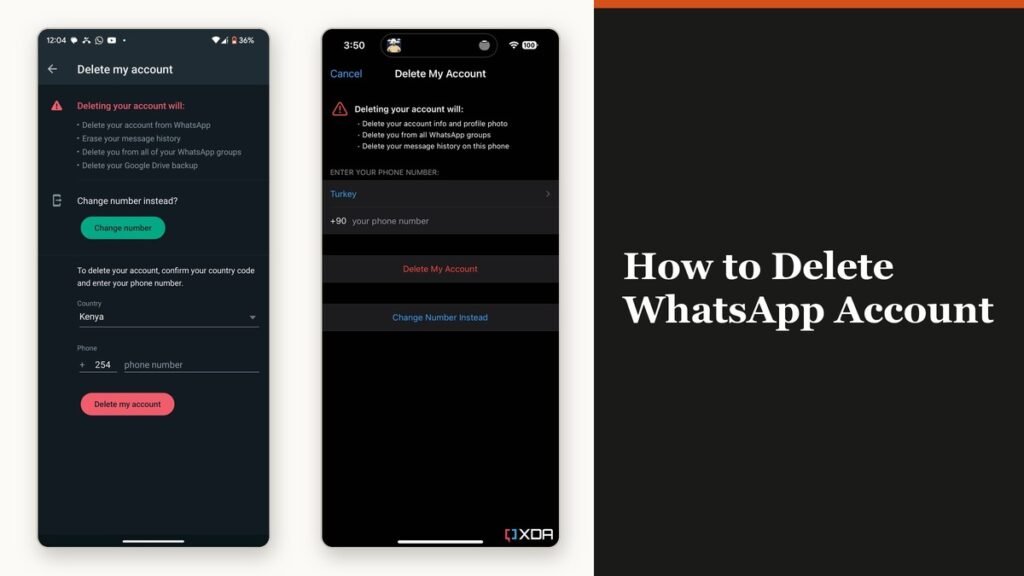
Knowing how to delete WhatsApp account data properly starts with the thing most people get wrong: removing the app from the phone deletes nothing. The account stays live, the number stays registered and contacts keep seeing you in their list. Deletion is a separate action inside the app, and WhatsApp calls it irreversible.
It can only be done from the primary device, not from a linked phone, tablet or desktop, and you have to be signed in to the account you intend to remove. Once it is done WhatsApp cannot restore the chats, the media, the backups or the call history.
What deletion actually removes
The split between what disappears and what survives is the part worth reading before you tap anything, because half of it is outside your control.
| Item | What happens to it |
|---|---|
| Your account and profile | Removed from WhatsApp and every linked device |
| Your message history | Erased on your side |
| Group membership | You are removed from every group you are in |
| Your cloud backup | The backup file is deleted |
| Channels you created | Permanently deleted unless another admin exists |
| Messages you sent others | Stay on their phones |
That final row is the one people are usually surprised by. Deleting your account does not reach into anyone else’s phone, so every message you ever sent is still sitting in their copy of the conversation. The same holds for groups you created, which carry on without you.
How to delete WhatsApp account on Android
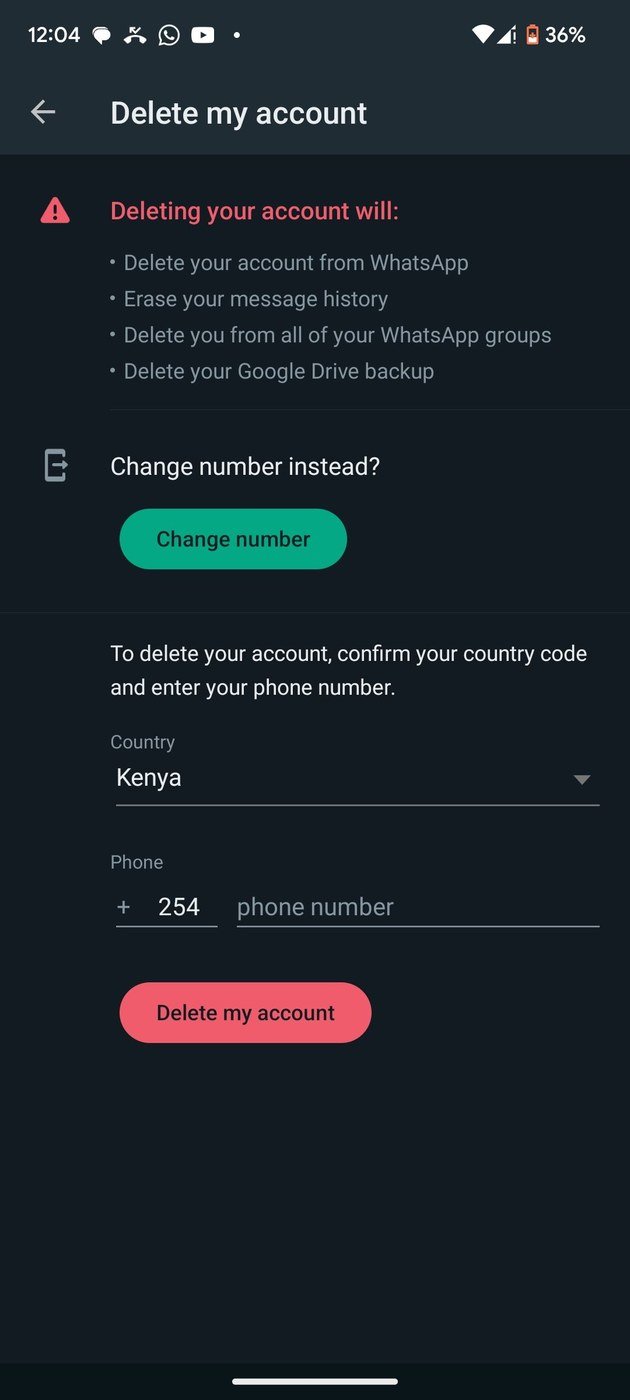
Android asks for your number in full international format, which means the country code with no spaces or dashes, and then for a reason from a short list.
- Open WhatsApp and tap the three-dot menu, then Settings.
- Tap Account, then Delete my account.
- Enter your phone number in full international format and tap Delete account.
- Pick a reason from the dropdown.
- Tap Delete account again to confirm.
The number has to match the one registered to the account exactly. A missing country code is the usual reason the button stays greyed out, and there is no error message explaining it.
Delete your account on an iPhone
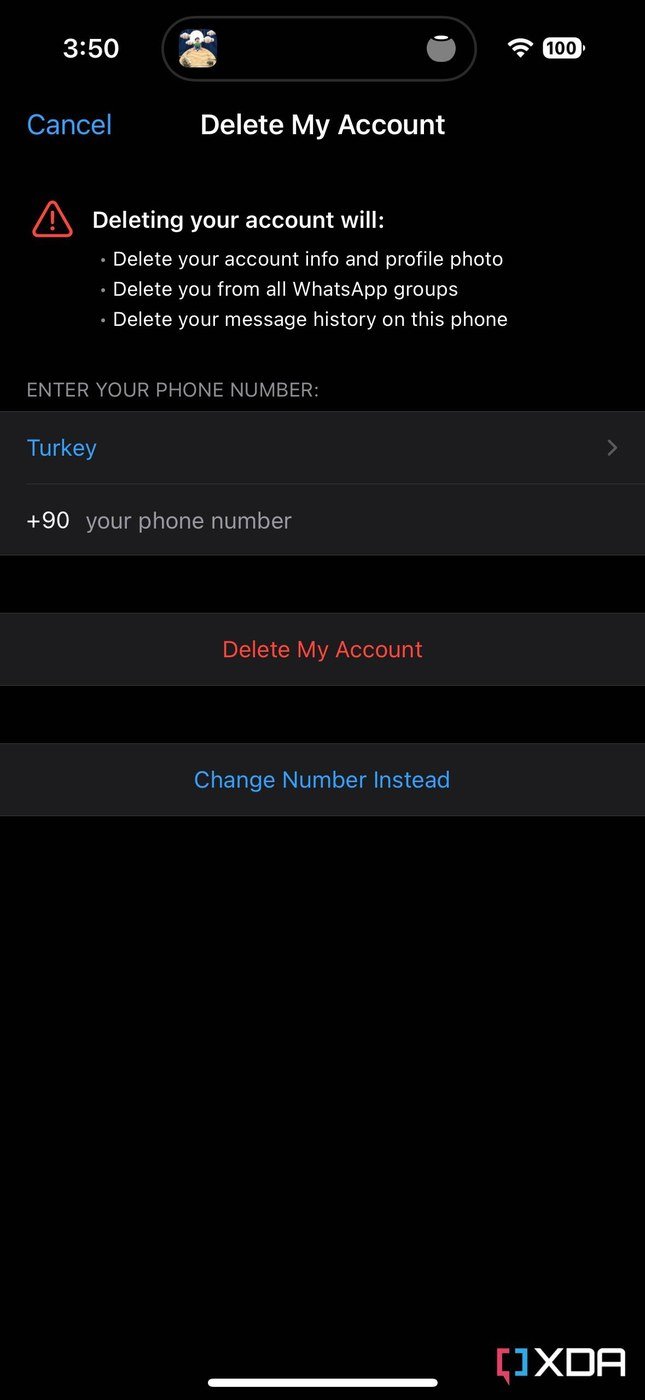
The iPhone route is one step shorter, because there is no reason dropdown on iOS.
- Tap Settings or your profile picture.
- Tap Account, then Delete My Account.
- Enter your phone number in full international format.
- Tap Delete My Account.
WhatsApp lists what goes slightly differently on iOS, naming your account information, your profile photo, your group memberships and your message history backup. It does not name iCloud specifically, so treat any iPhone backup outside WhatsApp as something to clear separately.
Handle channels before you delete, not after
Channels follow their own rules and they are the one thing deletion can destroy for other people.
- A channel with no other admin is deleted permanently when you delete your account.
- Add another admin first if the channel should survive. Ownership passes to whichever admin has followed it longest.
- To remove both, delete the channel first, then the account.
- Updates you posted are not deleted by removing you as admin or follower, and neither are reactions or poll votes.
What happens over the next 90 days
Deletion is immediate from your point of view and gradual from the back end. WhatsApp says it may take up to 90 days from the start of the process to delete your information, and copies can remain after that in the backup storage used for disaster recovery. The account is unusable to you throughout.
- Log data may be retained but is separated from anything identifying, with the account ID replaced by an identifier that cannot be linked back.
- Information shared with other Meta companies is deleted as well.
- Some information can be kept for legal matters, terms violations or harm prevention.
- If contacts still see you, ask them to restart WhatsApp so their contact list refreshes. Their chat history with you stays either way.
The retention rules sit in the WhatsApp privacy policy rather than in the app, which is the document to read if the reason for leaving is data rather than clutter. The same questions apply across the rest of Meta, and our guide to deleting a Facebook account covers the equivalent timeline there.
If you cannot open the app or use the number
A cancelled line, a lost phone or a number that now belongs to someone else all block the normal route. The account still goes, just on a timer rather than on demand.
- A deactivated account is deleted 30 days after deactivation if nobody re-registers it.
- An inactive account is generally deleted after 120 days without connecting to WhatsApp, and after 365 days in the United States.
- An internet connection is what counts as activity. An app left open with no connection does not keep the account alive.
- Content stored on the device itself stays until WhatsApp is removed from that device, and reappears if you register again on the same phone.
If the phone was stolen rather than retired, deleting the account is not the first move. Call the carrier, block the SIM, get a replacement with the same number and re-register, which logs the stolen device out automatically. WhatsApp cannot deactivate an account for you, because it has no way to confirm who is asking. If the point of leaving is to stop being reachable on that number rather than to close the account, a spare line from one of the free VoIP services is the cleaner answer.
Frequently Asked Questions
Does deleting WhatsApp delete the messages I sent to other people?
No. Your copy goes, theirs does not. Every message you sent remains in the other person’s chat, and group messages stay in the group.
Can I get my WhatsApp account back after deleting it?
Not the account or its history. You can register the same number again and start fresh, but WhatsApp cannot restore chats, media, backups or call history from a deleted account.
Is deactivating the same as deleting?
No. Deactivation is what happens when the number stops being used, and it leads to deletion after 30 days if nobody re-registers. Deleting is immediate and deliberate.
Should I back up before deleting?
Only if you want a copy for yourself, and only to a destination the deletion will not touch, since the account deletion removes the cloud backup tied to it. Exporting individual chats is the more reliable route.
Related Articles

Get the Fox Bulletin briefing
The stories that matter, in your inbox. No spam, unsubscribe anytime.
Newsletter signup will be available soon.
Related stories
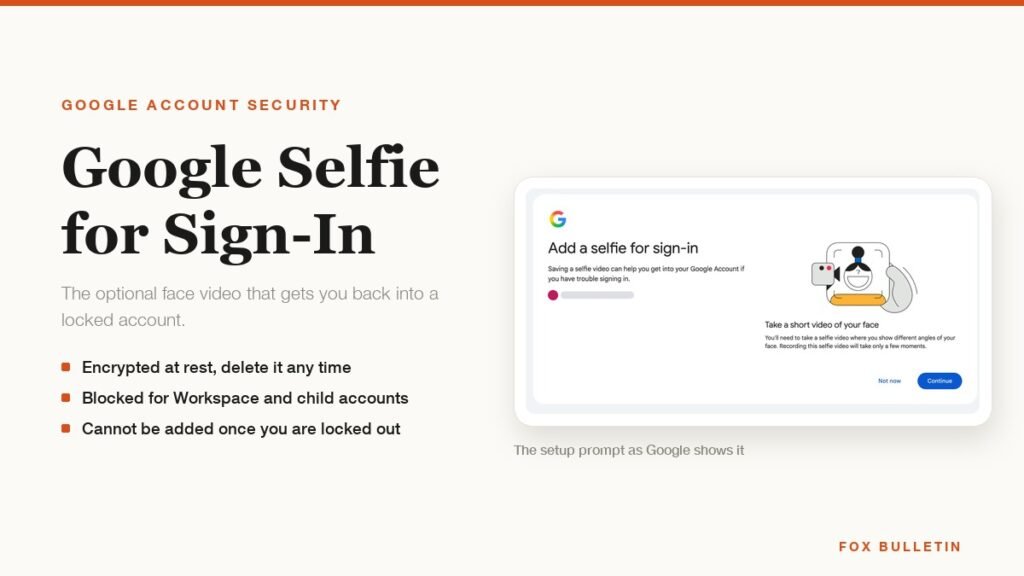
Google Selfie for Sign-In: How It Works and Is It Safe
The prompt headed Add a selfie for sign-in asks to keep a video of your face on your Google Account. Here is what that video is used for, and how to remove it.
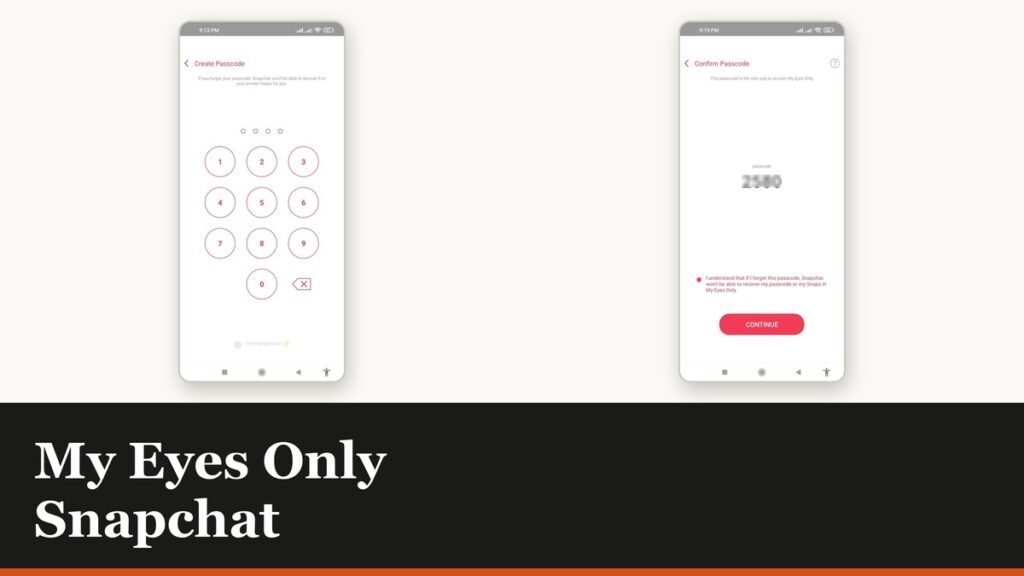
My Eyes Only Snapchat: Set It Up and Unlock It
Forgetting the passcode does not lock you out. It deletes everything behind it, and that is by design.
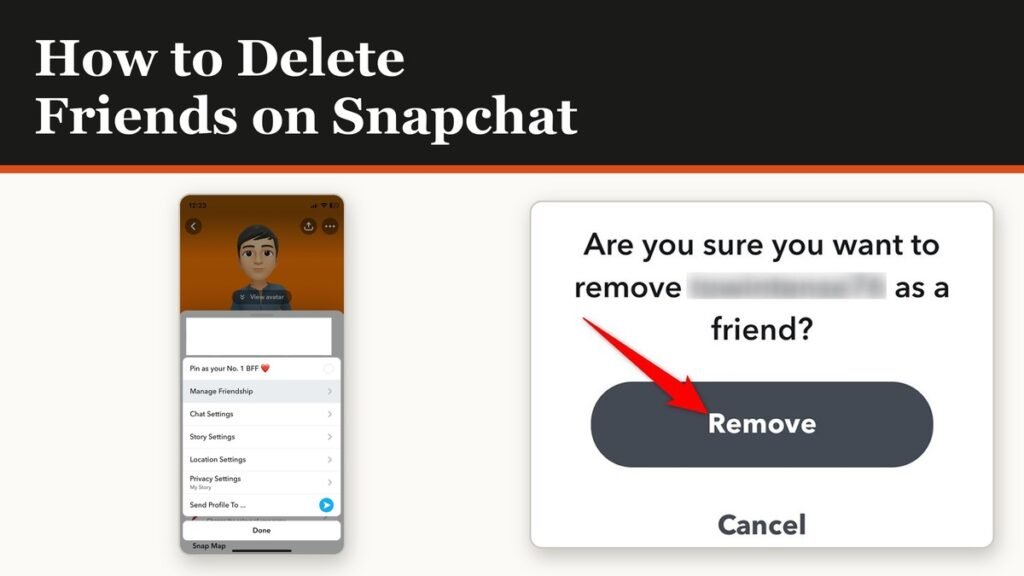
How to Delete Friends on Snapchat and What Changes
Removing a friend is quiet and quick. It also leaves them able to message you unless one other setting is changed.