

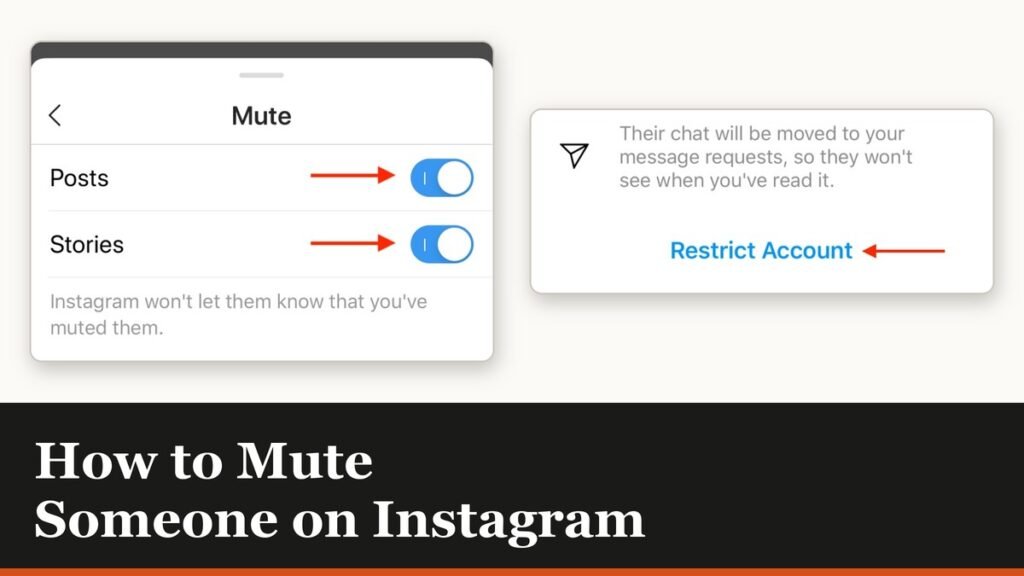
Working out how to mute someone on Instagram is the polite solution to a common problem: you do not want to see what an account posts, but unfollowing would be noticed and awkward. Muting fixes exactly that. The person stays in your followers and following lists, the follow button still says Following on their profile, and Instagram never tells them anything has changed.
What makes muting more useful than people expect is how finely it splits. Posts and stories are separate switches, messages and calls are separate again, and you can silence one without touching the others.
How to mute someone on Instagram from their profile
This is the route that gives you both switches on one screen, so it is the one to learn. Go to the person’s profile, either by tapping their username from a post or by searching for them.
- Open their profile.
- Tap Following below their profile information.
- Tap Mute.
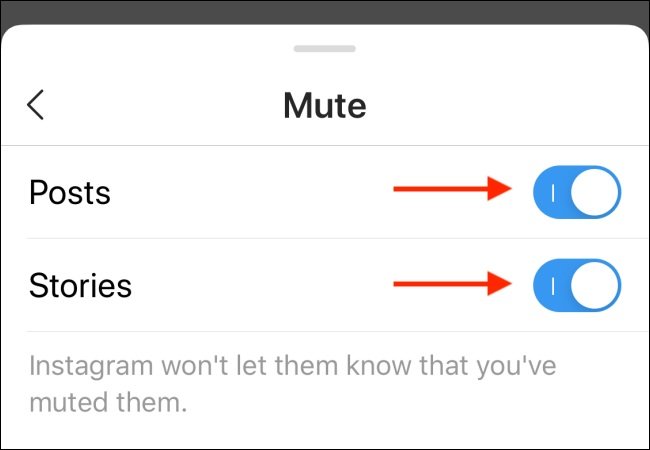
- Switch on Posts, Stories, or both.
Unmuting is the same journey with the toggles going the other way. The screen itself carries the reassurance in small print: Instagram will not let them know that you have muted them.
Mute an Instagram account straight from the feed
If someone has just appeared in your feed and you would rather they did not, you do not need to visit their profile at all. Tap the options icon next to their post, tap Hide, then Mute with their username, and choose between muting posts only or posts and stories together.
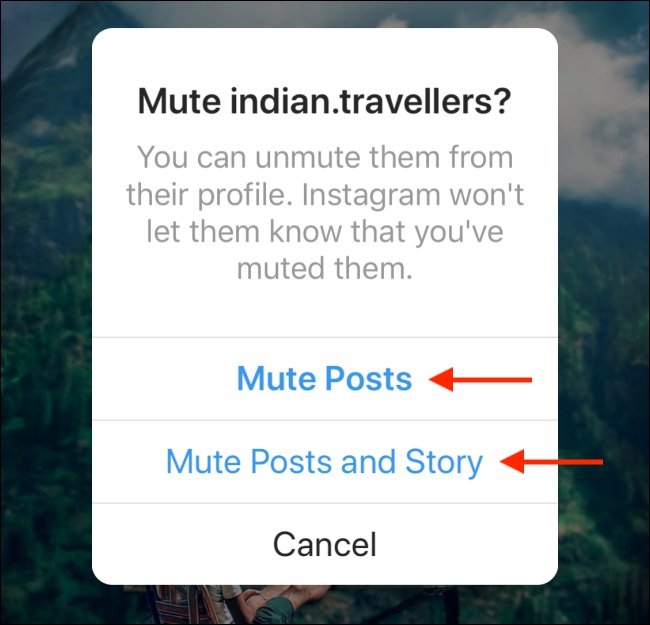
This is the faster version of the same setting, and the choice you make here lands in the same two toggles on their profile. One is not stronger than the other.
Mute messages and calls separately
Message muting is a different control and lives in the chat, not the profile. Open Messages, tap the conversation, tap the person’s name at the top, then Mute, and switch on mute messages, mute calls, or both.
Muting a conversation stops the notifications rather than the messages. The chat keeps receiving what they send, and it still appears in your inbox with unread marks. If the goal is to stop messages arriving at all, muting is the wrong tool and the sections below cover the right ones.
The one thing muting does not cover
Notes. Those short text updates that sit above the inbox are not affected by muting someone’s messages, posts or stories, and they will keep appearing. Instagram treats notes as a separate feed with its own mute, reached by pressing and holding the note itself. People regularly mute an account three ways and then wonder why they are still seeing it at the top of their inbox. This is why.
When mute is not enough: restrict, block and Limits
Muting controls what reaches you. It does nothing about what the other person can do on your posts, which is a different problem and needs a different switch.
| Tool | Do they find out? | What it actually does |
|---|---|---|
| Mute | They stay a follower and are never told | You stop seeing their posts, stories or messages |
| Restrict | They are never told | Their comments are hidden from others until you approve them |
| Block | They are never told, but the profile vanishes | All contact ends, across their other accounts too |
| Limits | A whole group, not one person | Comments and new chats from that group are hidden for weeks |
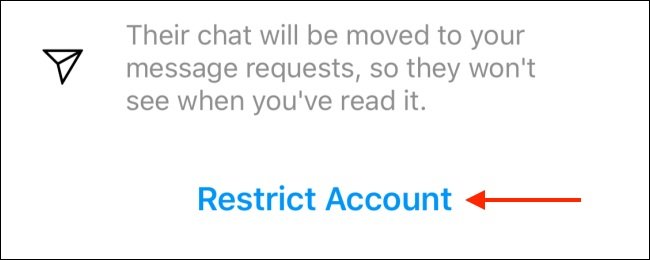
Restricting is the closest relative of muting and the most underused control on the app. A restricted person cannot see when you are online or whether you have read their messages, their new comments on your posts are visible only to them unless you approve them, and the chat moves quietly to message requests. Press and hold any comment to restrict its author, or use the option in the profile menu.
Limits is the group version and is built for a pile-on rather than one person. It can temporarily hide comments and new chats from everyone except your close friends, or from accounts that started following you in the last week, for up to four weeks at a time. Comments hidden while a limit is running stay hidden after you switch it off.
Blocking is the end of the ladder, and it reaches further than most people realise: it covers the person’s other existing accounts and any new ones they create. The same thinking applies across apps, and our guide to unblocking someone on Snapchat covers what a block does and does not restore once you lift it.
If the account bothering you is a stranger rather than someone you know, tightening your own settings is often more effective than acting on one profile. Our rundown of what changed in Instagram recently covers where several of those privacy controls moved to.
Frequently Asked Questions
Does Instagram tell someone you muted them?
No. There is no notification and no visible change on their side. Your profile still shows that you follow them, and they can still see and comment on everything you post.
How do I see everyone I have muted?
Open your profile, go to the menu, and look for Muted accounts under the content section of the settings list. It shows every account you have muted and lets you unmute from there without visiting each profile.
Can someone I muted still message me?
Yes, unless you also mute the conversation. Muting posts and stories only affects your feed. Their messages keep arriving in your inbox exactly as before.
What is the difference between muting and restricting on Instagram?
Muting changes what you see. Restricting changes what they can do to you: their comments go into a holding state, they lose sight of your activity status and read receipts, and their messages move to requests. Neither one notifies them.
Related Articles

Get the Fox Bulletin briefing
The stories that matter, in your inbox. No spam, unsubscribe anytime.
Newsletter signup will be available soon.
Related stories
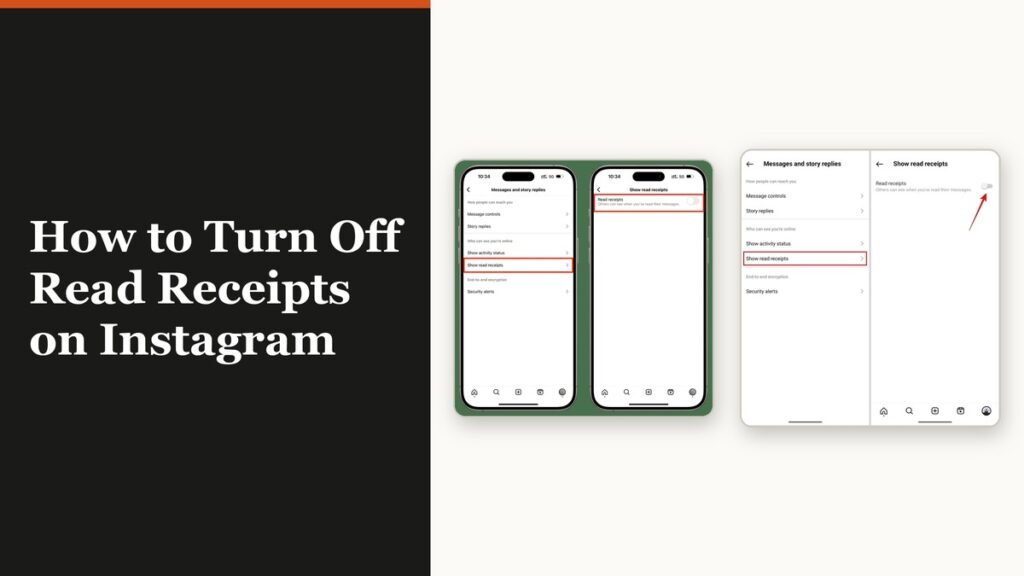
How to Turn Off Read Receipts on Instagram DMs
The global switch does not sweep up chats you have already set by hand. That one rule explains almost every case of Seen still appearing.
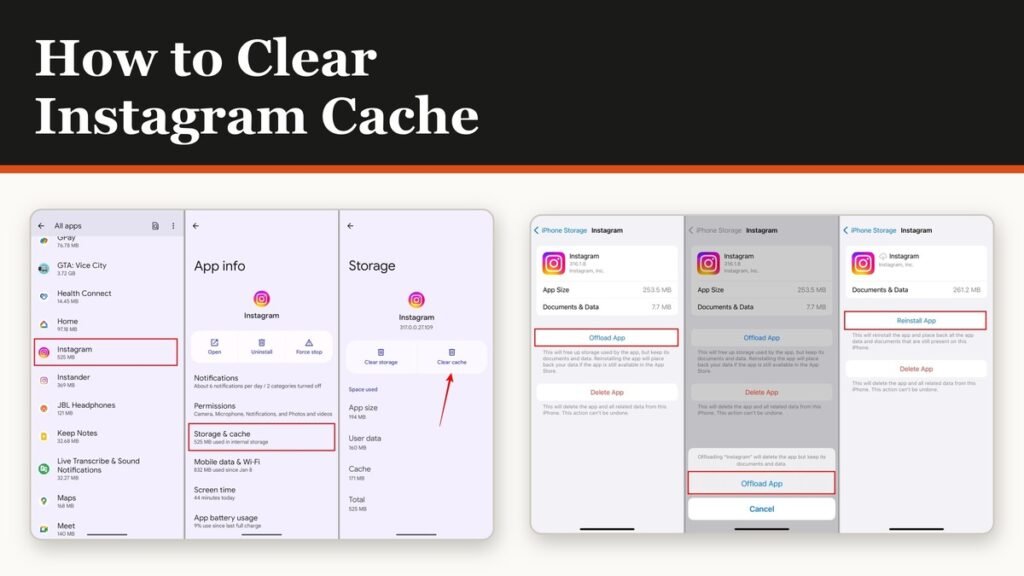
How to Clear Instagram Cache on Android and iPhone
Android has a real cache button and iPhone does not. The important part is telling it apart from the button next to it, which signs you out of everything.
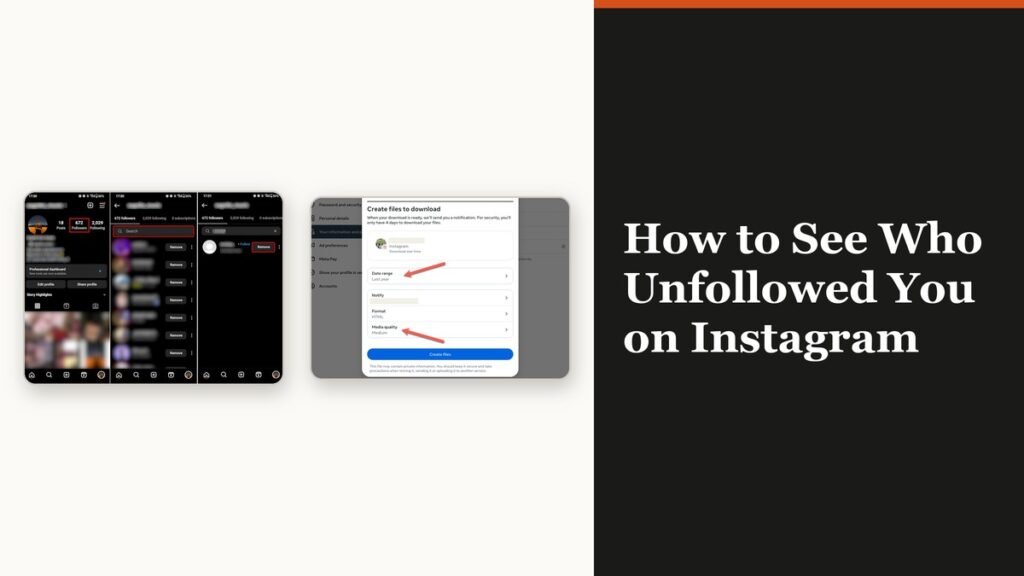
How to See Who Unfollowed You on Instagram
Instagram keeps no record of who left. There is still an accurate way to find out, and it does not involve handing your password to anyone.