

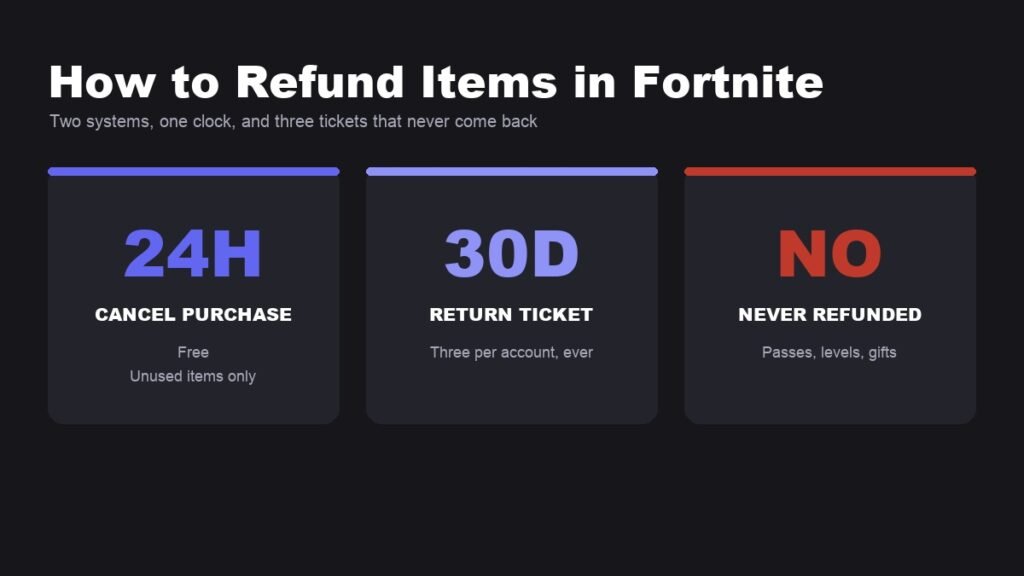
Working out how to refund items in fortnite is really a question of which of two systems you are inside. Within 24 hours of buying, Cancel Purchase undoes it for free. After that you need a Return Ticket, and Epic gives each account only three of those to last a lifetime.
The rules below are Epic’s published ones, including the equipping trap that closes the free route early, the seven categories that can never be returned, and why customer support cannot help once the tickets are spent.
Cancel Purchase: the Free 24 Hour Window
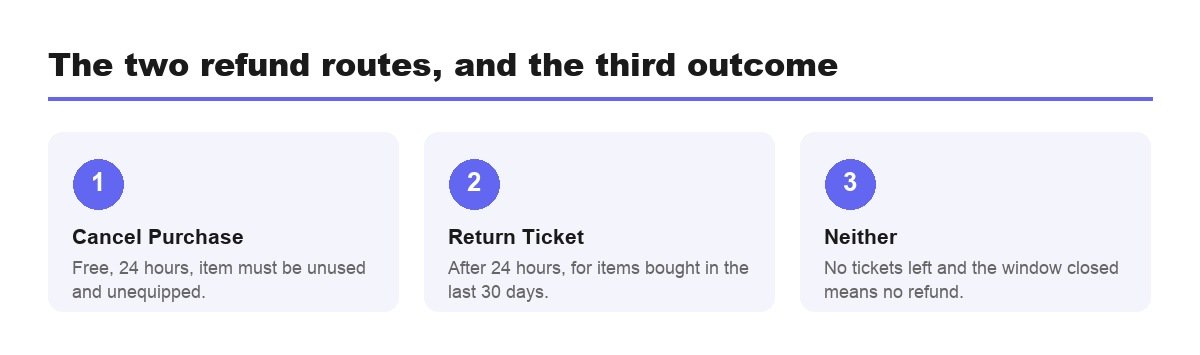
Epic describes Cancel Purchase as the option for something bought by mistake. It costs nothing and it is not rationed, which makes it the route worth protecting.
- Available for 24 hours after the purchase.
- The item must not have been used or equipped in any game mode.
- The item is removed and the V-Bucks come back immediately.
- Each item can be cancelled once. Rebuy it and Fortnite reminds you of that.
The equipping condition is the one that ends most refund attempts before they start. Wearing the skin for a single match counts, and so does using the emote once to see the animation. If there is any chance you will change your mind, look at the item in the preview and leave it unequipped until you are sure.
Return Tickets: Three, and One a Year After That
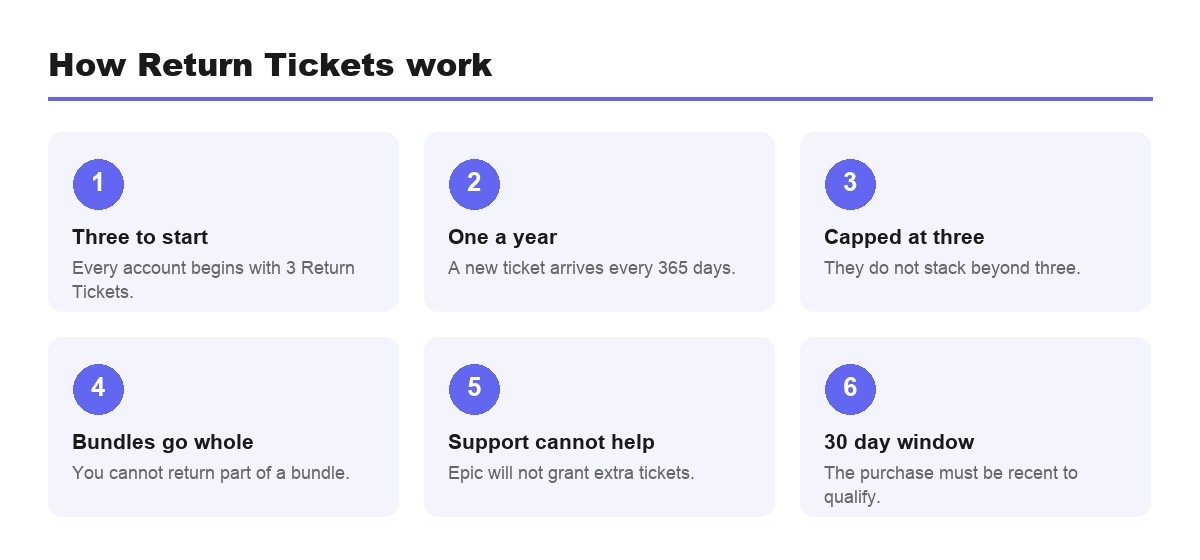
Once the 24 hour window closes, a Return Ticket is the only remaining route, and the supply is far smaller than most players assume.
- Every account starts with 3 tickets.
- One new ticket arrives every 365 days.
- The cap is 3 at any one time, so they do not accumulate while unused.
- Items must have been bought in the last 30 days to be eligible.
- A bundle returns as a whole, never item by item.
The 365 day accrual is slower than it sounds in practice, because the cap works against you. An account sitting on three tickets does not bank a fourth on the anniversary, so a player who never spends one gains nothing by waiting, while a player who spends all three waits a full year for the first replacement. There is no way to check a countdown for the next one either.
Epic states directly that support cannot grant more tickets. That single sentence changes how the system should be used: three tickets over years of play means holding them for purchases you genuinely regret rather than spending one on a skin you merely cooled on after a fortnight.
The Seven Things That Can Never Be Refunded
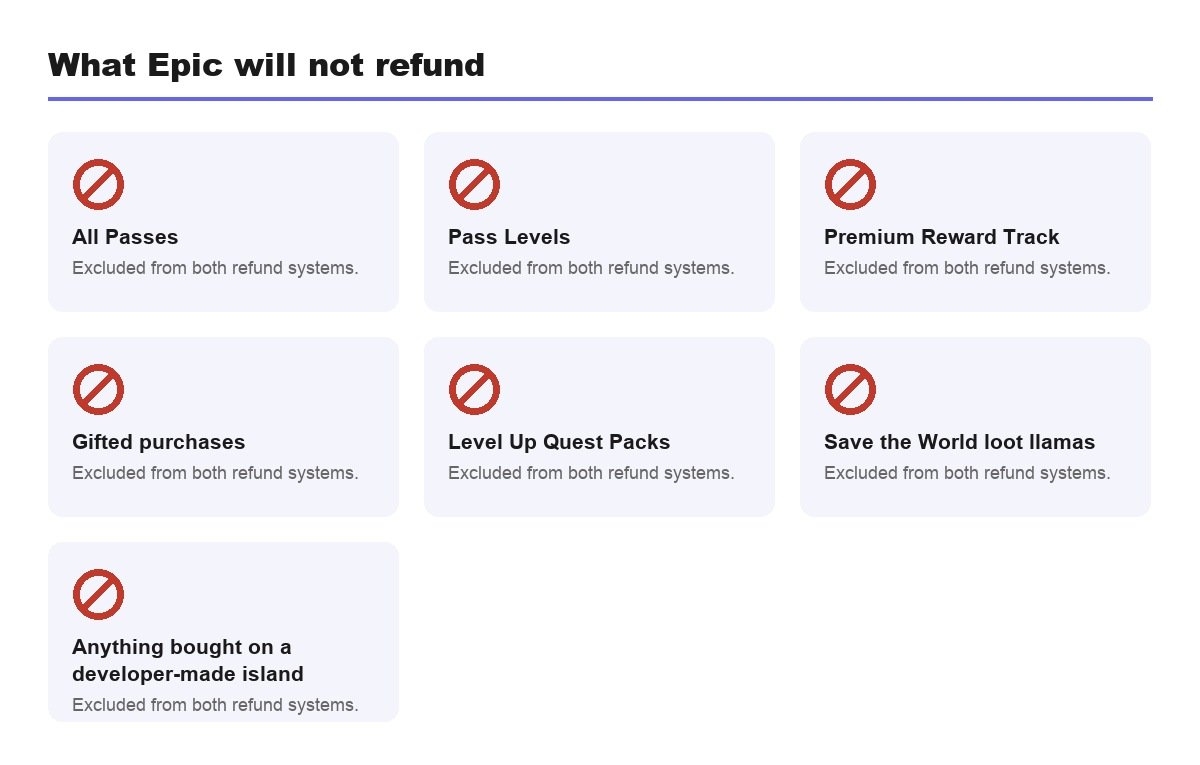
- All Passes, including the Festival Pass
- Pass Levels, such as Battle Pass tiers
- Premium Reward Track
- Gifted purchases
- Level Up Quest Packs
- Save the World loot llamas, event and weekly items
- Anything bought on a developer-made island
Two of those deserve emphasis. Pass Levels are final, so buying your way up the Battle Pass near the end of a season is a decision you cannot walk back. And gifted purchases are non-refundable for both sides, which makes a gift a genuinely one-way transaction. Gifting also requires two-factor authentication on the sending account before it will work at all.
How to Refund Items in Fortnite, Step by Step
- Open Fortnite and select the Player Icon, top right.
- Open the hamburger menu.
- Choose Support and Refunds.
- Select Return or cancel purchase.
- Pick the item and confirm. The V-Bucks appear on screen straight away.
Both paths show the same list of eligible purchases and apply the same rules, so there is no advantage to one over the other beyond convenience. The screen tells you which option is available for each item, which saves guessing whether you are inside the 24 hour window.
The browser route reaches the same place. Sign in at fortnite.com/shop, click the Player Icon, choose Return and Cancel Purchases, select Show Purchases, then choose your item and confirm. It is the quicker option if the game is not already running.
Money Spent Outside Fortnite Is Not Epic’s to Return
Both systems deal in V-Bucks. Real currency spent at a platform store sits with that platform.
- PlayStation, Xbox, Nintendo and mobile store purchases have to be refunded by the platform, not by Epic.
- Developer-made island purchases are outside both systems entirely.
- V-Bucks already spent cannot be converted back to money.
- Keep the receipt for anything bought with real money.
It is worth knowing the split before you buy rather than afterwards. Epic’s own card guidance covers where a V-Bucks card lands and why the platform you choose at redemption is hard to undo, which is a separate trap from the refund rules.
Why the System Is Built This Way
A cosmetic economy has an obvious exploit: if any item can be worn and then handed back, every skin in the shop becomes a free rental. The two-tier design exists to close that.
Cancel Purchase covers honest mistakes, the misclick and the wrong colour variant, which is why it is free and unlimited but dies the moment the item is used. Return Tickets cover slower regret, which is why they are scarce. The unused-and-unequipped condition is the hinge between the two, and it is the single rule worth remembering on the day you buy something.
Knowing that also tells you what the system will never do. It will not reverse a Battle Pass level, because levels are consumed the moment they are applied. It will not undo a gift, because the item has already moved to another account. And it will not touch an island purchase, because that money went through a creator rather than the Item Shop.
Before You Spend, Not After
The refund system is a safety net with three strands in it. The cheaper approach is not needing it, and that comes down to a handful of habits around the shop itself.
- The countdown is a sales tool. An item you hesitated over is an item you will probably return.
- Preview, do not equip. Equipping costs you the free route immediately.
- Bundles are all or nothing, so one wanted skin among three you dislike is a bad deal.
- Battle Pass levels are final, with no exceptions at all.
- Know your ticket balance before you decide something is worth one.
Account security belongs in the same conversation, because a purchase you did not make is the worst case of all and refunds are not designed for it. Turning on two-factor authentication takes two minutes, is required for gifting anyway, and is the only part of this whole subject that prevents a problem rather than patching one.
How to Avoid Needing a Ticket
- Never buy against a shop countdown, which is designed to stop you thinking.
- Preview before equipping, to keep the free cancel route alive.
- Treat bundles as all-or-nothing, because that is how they return.
- Leave Battle Pass levels alone unless you are certain.
- Check your ticket count before spending one on something minor.
Most regretted Fortnite purchases are made in under thirty seconds, and the shop is built that way on purpose. The countdown, the rotating stock and the limited returns all point the same direction. Any habit that adds a few seconds of thought before the confirm button saves more V-Bucks over a year than the refund system ever will. Our roundup of best-selling video game franchises is a reminder of how long these economies have been refined.
Frequently Asked Questions
Does using an item stop me refunding it completely?
It closes the free route but not necessarily the paid one. Cancel Purchase requires the item to be unused and unequipped, so wearing a skin once ends that option. A Return Ticket can still work if the purchase was inside the last 30 days and the item is not on the excluded list.
How many times can you refund in Fortnite?
Three Return Tickets to begin with, then one more every 365 days, capped at three held at once. Cancel Purchase is separate and unlimited, but it only covers the first 24 hours on an item you have not used.
Can you refund a gifted skin in Fortnite?
No. Epic lists gifted purchases among the items that cannot be refunded through either Cancel Purchase or Return Tickets, and that applies to the sender as well as the recipient.
What happens if I run out of Return Tickets?
Nothing can be refunded outside the 24 hour Cancel Purchase window until a new ticket arrives, which takes 365 days. Epic Games Support is explicit that it cannot grant additional tickets on request.
Can I refund V-Bucks themselves?
Not through these systems. They return V-Bucks to your account rather than money to your card. A refund of the original V-Bucks purchase has to be requested from whichever store you bought them from, which is usually the console or mobile platform rather than Epic.
Related Articles

Get the Fox Bulletin briefing
The stories that matter, in your inbox. No spam, unsubscribe anytime.
Newsletter signup will be available soon.
Related stories
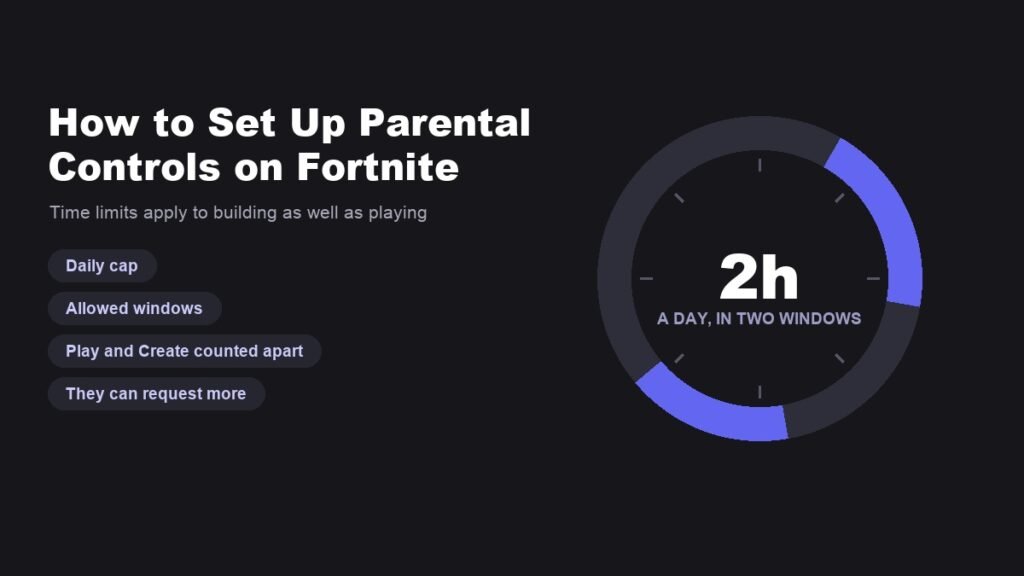
How to Set Up Parental Controls on Fortnite Properly
The setup is in the game, not on the website, and it turns on two decisions: which email owns it and what the PIN is.
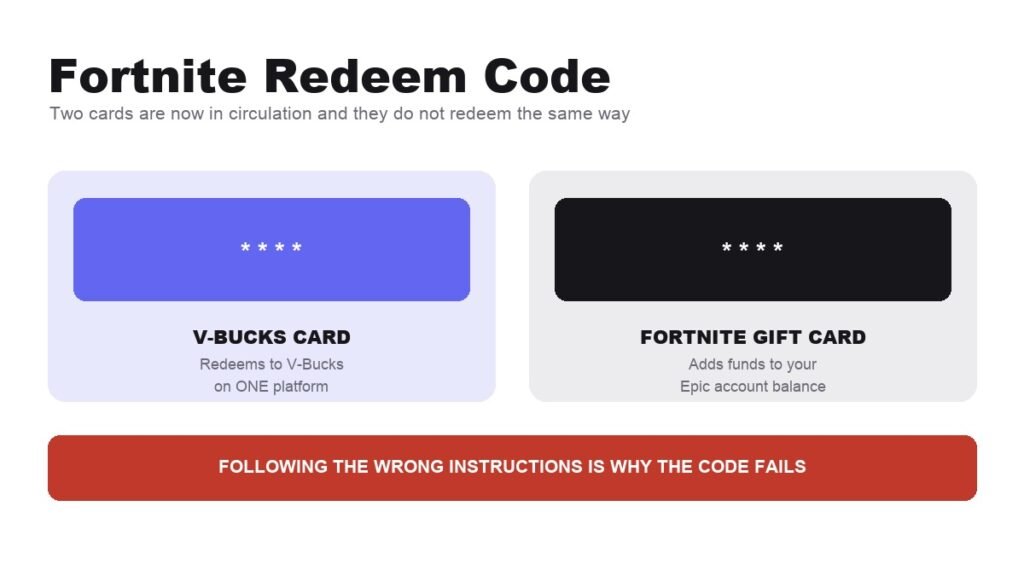
Fortnite Redeem Code: How V-Bucks Cards Actually Work
Two cards are in circulation and they redeem through different systems. Starting with the wrong instructions is why codes fail.
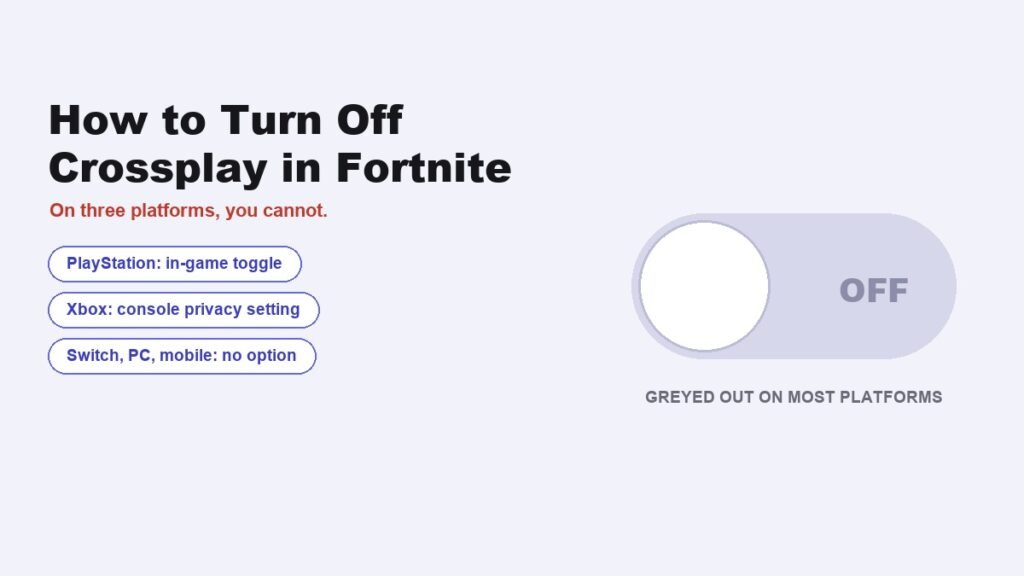
How to Turn Off Crossplay in Fortnite, and Who Actually Can
PlayStation has the toggle. Xbox hides it in console settings. On PC, Switch and mobile the option does not exist.