


The best whiteboard software for PC right now is AFFiNE for a free board that installs on Windows and keeps working offline, Miro for team workshops through its 64-bit Windows app, and Excalidraw for instant sketching with nothing to install. draw.io, Xournal++ and OneNote cover diagrams, stylus notes and ink on a touch screen.
Microsoft Whiteboard is no longer something you download. Its standalone Windows app retired on October 16, 2026, and the board now lives inside Microsoft Teams and on the web for work and school accounts. On a Windows machine, install type, offline support and pen input now separate the field.
How Whiteboard Software Runs on a Windows PC
Whiteboard software reaches a Windows PC in three ways: as an installed desktop app from a vendor installer or the Microsoft Store, as a browser tool with nothing to install, or as a feature inside another program such as Zoom or Teams. Installed apps are the ones most likely to work offline.
- Installed desktop apps: AFFiNE, Miro, draw.io, Xournal++, OneNote and OpenBoard.
- Browser only: Excalidraw and Lucidspark.
- Inside another app: Zoom Whiteboard (the Zoom desktop app) and Microsoft Whiteboard (Teams and the web).
Mac owners face a different split, with Apple’s built-in Freeform in the mix, and our guide to whiteboard software for Mac covers that side.
Microsoft Whiteboard’s Windows App Retired on October 16, 2026
Microsoft retired the standalone Whiteboard apps for Windows, iOS and Android on October 16, 2026. The retirement covers work or school accounts and personal Microsoft accounts alike. A copy already installed on a PC now shows a retirement screen instead of the Whiteboard gallery or any board, and it is not necessarily removed from the machine automatically.
Whiteboard itself continues for work or school accounts through these entry points:
- Whiteboard on the web, for creating and opening OneDrive-backed boards in a browser.
- Whiteboard during a Microsoft Teams meeting.
- A Whiteboard tab in a Teams chat.
- The Whiteboard app inside Teams, which opens the gallery without the standalone app.
- OneDrive-backed .whiteboard files through OneDrive.
Microsoft’s advice to IT teams was to update managed-app catalogs, device images and helpdesk scripts, and to remove instructions that tell staff to install the standalone app.
Whiteboard Software for PC: Install Type, Price and Free Tier
| # | Tool | Best for | Starting price | Free plan or trial | How it runs on Windows |
|---|---|---|---|---|---|
| 1 | AFFiNE | Notes and board in one, offline | $6.75/mo Pro, billed annually | Free plan, 3 members | x64 and ARM64 installers |
| 2 | Miro | Team workshops | $8/member/mo, billed yearly | Free, 3 editable boards | 64-bit app, Microsoft Store, MSI |
| 3 | Excalidraw | Quick hand-drawn sketches | $6/user/mo (Excalidraw+) | Free, 1 infinite scene | Browser only |
| 4 | draw.io | Flowcharts and diagrams | Free | Free forever, no sign-up | Installer, MSI, zip, Store, ARM64 |
| 5 | Xournal++ | Stylus notes on a tablet | No paid tier | Open source | Intel EXE, ARM EXE, Microsoft Store |
| 6 | OneNote | Ink on a touch-screen PC | Free; Microsoft 365 from $9.99/mo | Free app | Desktop app, 32-bit and 64-bit |
| 7 | OpenBoard | Classrooms and projectors | Free | Free, no registration | Windows 10+ installer |
| 8 | Lucidspark | Browser workshops on touchscreens | $9/mo, billed annually | Free, 3 editable boards | Browser only |
| 9 | Zoom Whiteboard | Teams already on Zoom | $2.07/user/mo add-on | Free Basic, 3 editable boards | Inside the Zoom desktop app |
| 10 | Microsoft Whiteboard | Microsoft 365 work and school users | Part of Microsoft 365 | Not sold separately | Teams and web only |
Ten Whiteboard Tools, Ranked for Windows Users
1. AFFiNE: A Free Board That Installs and Runs Offline
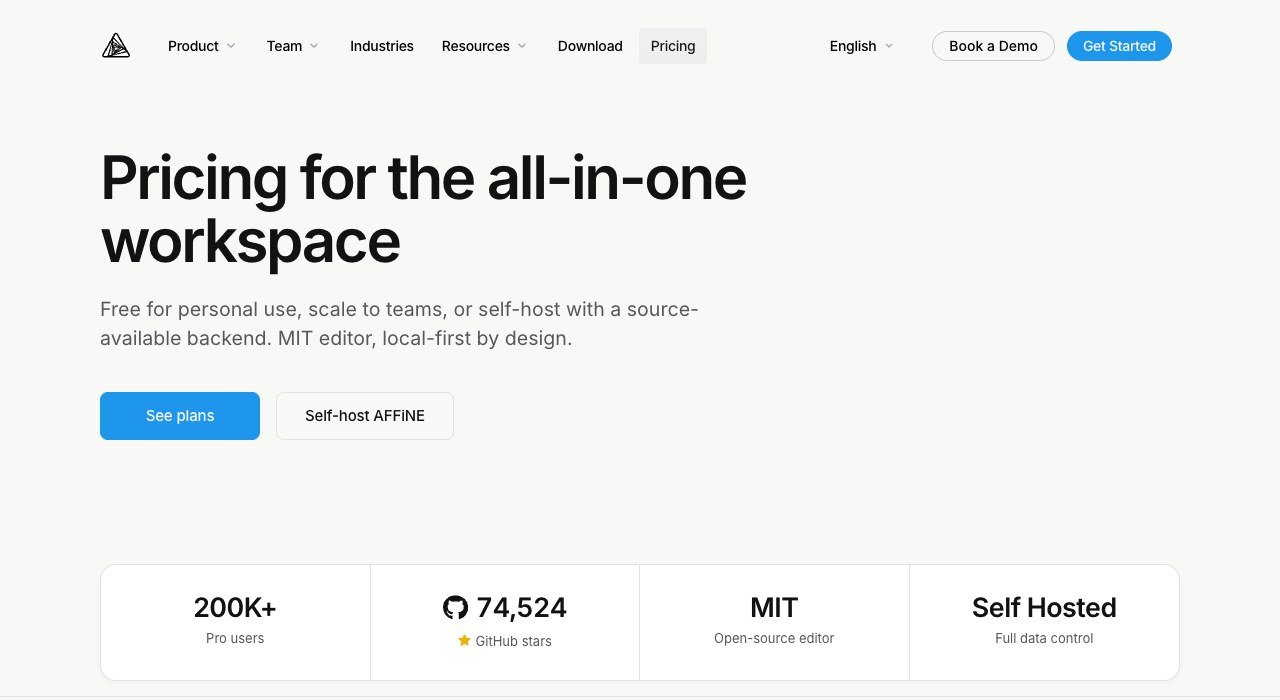
Price: free; Pro $6.75 a month billed annually; Team $10 per seat a month | Windows build: 64-bit Windows 10 or later, x64 and ARM64 .exe installers | Offline: yes, no account required
AFFiNE pairs documents with an Edgeless whiteboard canvas in one open-source, local-first workspace. On Windows it ships as a native installer in x64 and ARM64 versions, and the desktop app runs docs, databases and the Edgeless board locally with no account at all. The local editor carries an MIT licence.
The free tier is generous for one person: unlimited local workspaces, unlimited Doc and Edgeless editing, 10 GB of cloud storage, a 10 MB file cap and 7 days of version history. The ceiling appears when a group joins, because Free stops at 3 members per workspace. Pro raises that to 10 members and 100 GB.
2. Miro: The Team Workshop Board With a Windows App

Price: free; Starter $8 per member a month billed yearly; Business $20 | Windows build: 64-bit desktop app, Microsoft Store or MSI installers | Offline: no
Miro is the board most teams already know, with 7000+ templates and 250+ integrations that reach Microsoft, Slack, Google and Adobe tools. Its Windows desktop app supports all the basic features of the browser version, and IT departments get MSI installers with or without auto-updates, per machine or per user.
The limits are about hardware and connection. The app needs at least a 3 GHz dual-core CPU and 8 GB of RAM (16 GB recommended), the ARM version of Windows is not supported, and 32-bit Windows builds are no longer available. Offline mode is not on Miro’s roadmap. The Free plan lets you create unlimited boards, but only the three most recent stay editable.
3. Excalidraw: Zero-Install Sketching in Any Browser
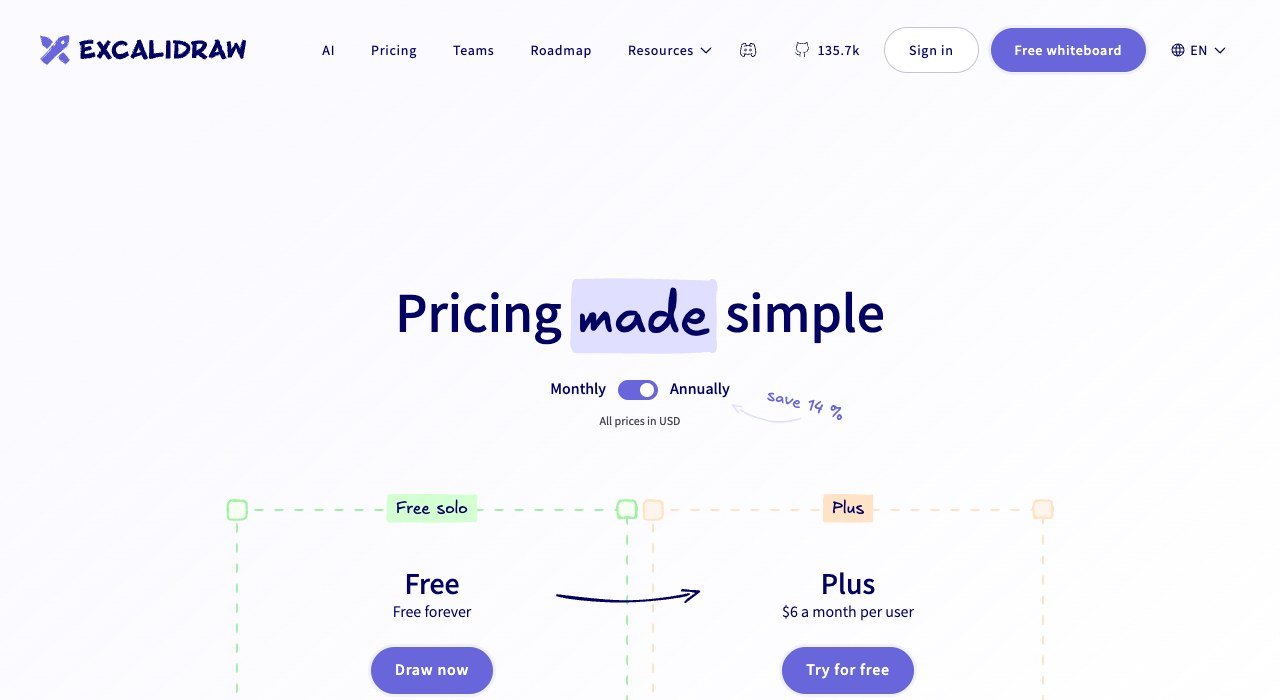
Price: free forever; Excalidraw+ $6 a month per user | Windows build: none, browser only with PWA support | Offline: yes, through the PWA
Excalidraw draws everything in a hand-sketched style, which keeps a brainstorm loose. It is free and open source, and the free tier gives you one infinite scene with unlimited collaborators, end-to-end encryption in the browser, PNG and SVG export and 10 AI requests a day.
Nothing installs on Windows, which is both the appeal and the risk. Free drawings autosave to the browser’s storage, and the app itself warns that this storage can be cleared unexpectedly, so saving a file regularly is part of the routine. Excalidraw+ (14-day free trial) adds unlimited scenes, cloud saving, comments, PDF and PPTX export and SOC 2 Type 2 compliance.
4. draw.io: Diagram Boards in Every Windows Installer Format
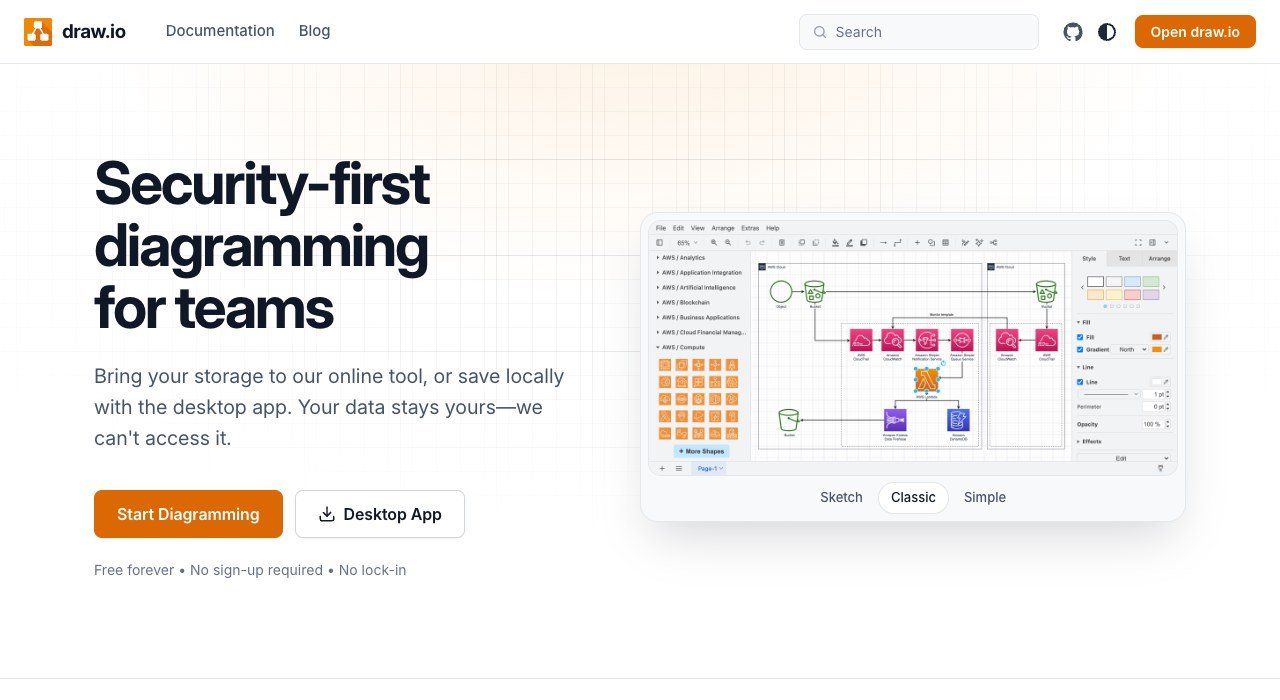
Price: free forever, no sign-up | Windows build: NSIS installer, MSI, portable zip, Microsoft Store, native ARM64 | Offline: yes, the desktop app saves locally
draw.io is a diagram editor rather than a freehand board, which makes it the PC pick for flowcharts, org charts and system maps on an open canvas. It has been around since 2005, counts 100M+ users and supports real-time collaboration with shared cursors. Integrations cover SharePoint, OneDrive and Teams alongside Google Drive, Confluence, Jira and GitHub.
The desktop app, at version 32.6.10, is built to stay isolated from the internet apart from a daily update check, and no diagram data is sent externally. Sticky-note brainstorming is not its strength.
5. Xournal++: A Pen Notebook for Windows Tablets

Price: open source, no paid tier | Windows build: Intel EXE, ARM EXE and Microsoft Store, all version 1.3.8 | Pen: pressure-sensitive stylus and drawing tablets
Xournal++ is not a team whiteboard. It is a handwriting and PDF-annotation notebook, and on a Windows tablet or a desktop with a drawing tablet that is exactly the point. It supports pressure-sensitive styluses and tablets from Wacom, Huion and XP-Pen, with customizable pen, highlighter and eraser tools. Layers, a LaTeX editor and audio recorded alongside your strokes suit lectures and maths.
The Windows page offers stable Intel and ARM executables plus a Microsoft Store build recommended for automatic updates. It is built for one person writing, not a room editing together. Artists who want brushes instead of notebook pens will find more in our roundup of drawing software that handles real artwork.
6. OneNote: Ink on an Endless Page, Free on Windows
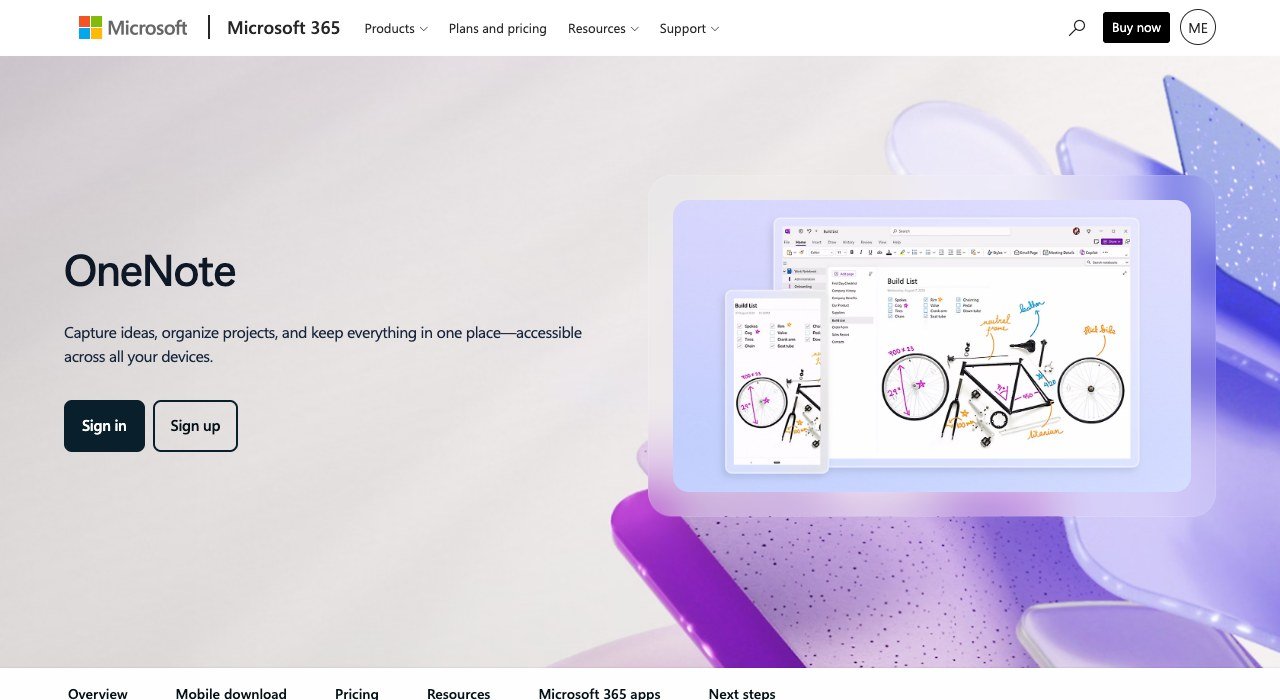
Price: free app; Microsoft 365 Personal $9.99 a month adds premium features | Windows build: OneNote desktop app, 32-bit and 64-bit, Windows 10 and 11 | Offline: local notebooks on the PC drive
OneNote is a notebook, not a real-time board, but on a touch-screen PC its Draw tab turns a page into a sketch surface, and Lasso Select with Ink to Text converts handwriting into typed text. All supported versions of OneNote are free to download and use. The desktop app is the only version that keeps notebooks on the PC’s hard drive as well as in the cloud.
Pick the right OneNote. OneNote for Windows 10, the older Store app, reached end of support on October 14, 2025 and now opens notebooks read-only, with no creating, editing or syncing. The current OneNote app on Windows is available in the Microsoft Store and is included with Microsoft 365.
7. OpenBoard: Free Classroom Board for Projectors and Pen Tablets

Price: free and open source | Windows build: Windows 10+ installer; older releases for Windows 7 on GitHub | Sign-up: none required
OpenBoard is teaching software built for interactive whiteboards, a dual-screen setup with a pen-tablet display and a projector, or an ordinary computer with a mouse. The Education Department of the canton of Geneva in Switzerland maintains it, and it descends from Open-Sankore 2.0 and the Uniboard software the University of Lausanne developed in 2003. It uses the GNU General Public License version 3.
Recent releases have focused on pens: version 1.7.4 moved the Windows build to Qt 6.9, fixed tool use with a tablet eraser and improved handle detection with a tablet pen, and 1.7.7 is current. It is a tool for one teacher at the front of a room, not a shared online canvas.
8. Lucidspark: A Browser Board With Touchscreen Support

Price: free; Individual $9 a month billed annually; Team $10 per user | Windows build: none, browser only in Chrome, Firefox or Edge | Offline: edits to an open board sync on reconnect
Lucidspark, from the company behind Lucidchart, runs entirely in the browser. Lucid lists Windows 7, 8, 8.1 and Windows 10 or later as supported, with the three latest versions of Chrome, Firefox and Edge, and asks for at least 8 GB of RAM. The Team plan adds touchscreen whiteboards, voting, a timer and guest collaborators.
Offline support is partial. Edits to a board that is already open are stored in the browser and sync when the connection returns, but the documents list and other boards will not open offline. Free allows 3 editable boards with unlimited shapes and freehand drawing, and Individual lifts the board cap with 1 GB of storage.
9. Zoom Whiteboard: For Teams That Already Live in Zoom

Price: Whiteboard Basic free; Whiteboard Unlimited add-on from $2.07 a month per user | Windows build: inside the Zoom desktop app on Windows 11 and 10 | Admin: must be enabled for the account
Zoom Whiteboard is not a separate install. It runs inside the Zoom desktop app on Windows 11 and Windows 10 Home, Pro and Enterprise (S Mode is not supported), or in the Zoom web app. Whiteboard Basic, included with the free Zoom Workplace Basic and Pro plans, allows 3 concurrently editable whiteboards and public sharing that needs no sign-in, with over 250 templates.
Storage is 200 MB per whiteboard (1 GB on Whiteboard Plus), single uploads stop at 35 MB, and an account admin has to switch Whiteboard on before anyone can use it. Business, Business Plus and Enterprise Essentials include Whiteboard Unlimited.
10. Microsoft Whiteboard: The Pick for Microsoft 365 Work and School Accounts
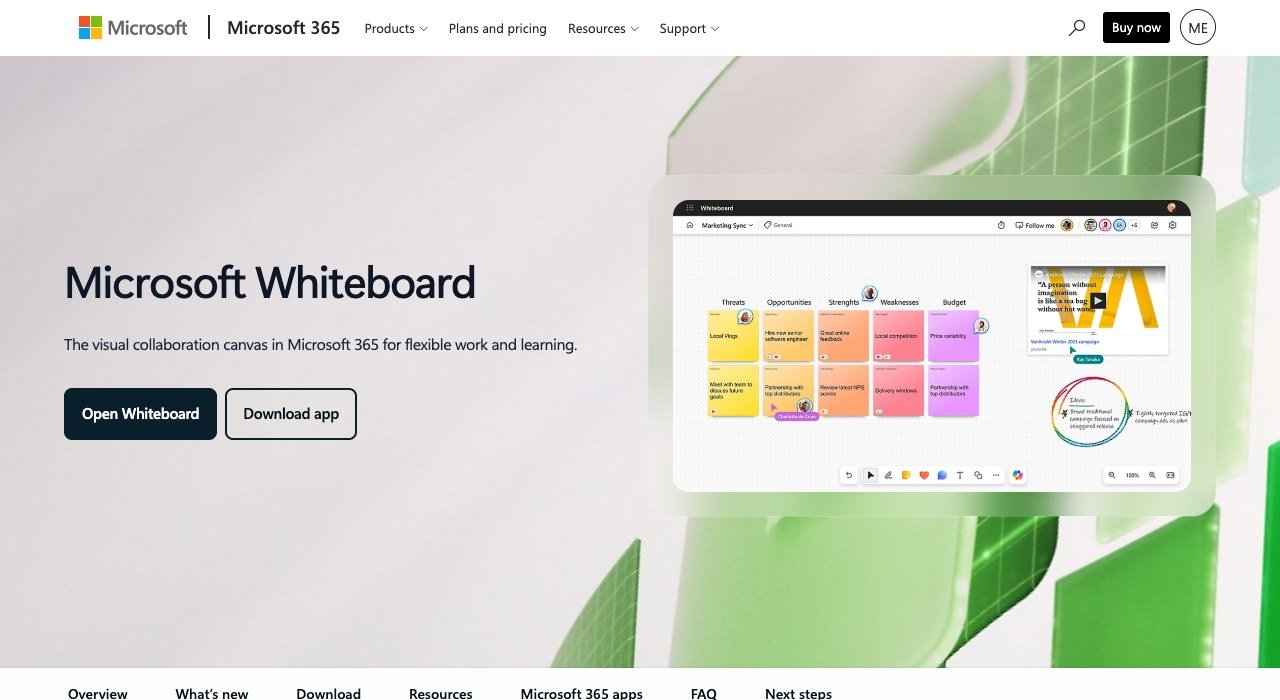
Price: part of Microsoft 365, no standalone price | Windows build: standalone app retired; use Teams or the web | Accounts: work or school
Inside a Microsoft 365 organisation, Whiteboard sits closest to meetings. Work and school users open it in a Teams meeting, from a Whiteboard tab in a chat, through the Whiteboard app in Teams or on the web, with templates, inking, sticky notes and Copilot in Whiteboard. For a company that already chats and meets in Teams (our list of internal communication tools covers the alternatives), it adds a board without another vendor.
It sits last on a PC list because it no longer installs on a PC. Since October 16, 2026, an installed copy shows a retirement screen instead of boards, for personal and work accounts alike. Outside a Microsoft 365 work or school tenant, one of the installable tools higher up is the practical choice.
Windows on ARM: Which Whiteboard Apps Run Natively
ARM-based Windows laptops split whiteboard apps sharply, because an x64-only app runs under emulation or not at all:
- AFFiNE: a native ARM64 .exe installer alongside the x64 one.
- Xournal++: a stable ARM EXE at version 1.3.8.
- draw.io: native ARM64 installer and portable builds, supported on Windows 11 ARM64. The MSI and Microsoft Store builds are x64 only and run under emulation.
- Miro: the desktop app does not support the ARM version of Windows.
- Excalidraw and Lucidspark: browser tools, so there is no separate ARM build to look for.
Which Boards Keep Working Without Wi-Fi
Offline support is rare among whiteboard tools, and it comes in degrees.
- Fully offline: AFFiNE’s Windows app works fully offline with no account, the draw.io desktop app saves diagrams locally, and the OneNote desktop app stores notebooks on the PC’s drive.
- Offline with a caveat: Excalidraw’s PWA works offline, but free drawings live in browser storage that can be wiped.
- Partial: Lucidspark keeps edits to an already-open board and syncs them later.
- Online only: Miro, where offline mode is not on the roadmap.
A Year of Whiteboarding for a Five-Person Team
Here is twelve months for five editors on each tool’s entry team tier:
| Tool and plan | Rate | Five people, 12 months |
|---|---|---|
| Zoom Whiteboard Unlimited add-on | $2.07 per user a month | $124.20 (5 x $2.07 x 12) |
| Excalidraw+ | $6 per user a month | $360 (5 x $6 x 12) |
| Miro Starter | $8 per member a month, billed yearly | $480 (5 x $8 x 12) |
| AFFiNE Team | $10 per seat a month | $600 (5 x $10 x 12) |
| Lucidspark Team | $10 per user a month, billed annually | $600 (5 x $10 x 12) |
| Miro Business | $20 per member a month, billed yearly | $1,200 (5 x $20 x 12) |
The Zoom figure assumes an existing Zoom Workplace plan. Teams within free limits pay nothing: draw.io has no paywall and Excalidraw’s free scene takes unlimited collaborators.
How to Choose Whiteboard Software for Your PC
- You want a free board that works offline: AFFiNE, or draw.io if the work is mostly diagrams.
- You run workshops with a team: Miro, or Lucidspark if the room uses a touchscreen whiteboard.
- You write with a stylus: Xournal++ for pressure-sensitive pens, OneNote for notes you also type.
- You teach from the front of a room: OpenBoard with a projector or interactive whiteboard.
- Your company lives in one meeting app: Zoom Whiteboard on Zoom, Microsoft Whiteboard in Teams with a work or school account.
- Your laptop runs Windows on ARM: AFFiNE, Xournal++ or draw.io’s ARM64 build.
Frequently Asked Questions
Can I still download Microsoft Whiteboard for Windows?
No. Microsoft retired the standalone Whiteboard app for Windows on October 16, 2026, for both personal and work or school accounts, and an installed copy now shows a retirement screen. Work and school users can keep using Whiteboard in Microsoft Teams and on the web.
What is the best free whiteboard software for PC?
AFFiNE, with unlimited local workspaces and offline use on Windows. draw.io is free forever for diagrams, Excalidraw is free in the browser, and OpenBoard and Xournal++ are open source.
Does any whiteboard app work offline on Windows?
Yes. AFFiNE’s Windows app works fully offline without an account, and the draw.io desktop app saves locally. Excalidraw works offline as a PWA, while Miro has no offline mode.
Which whiteboard app is best with a stylus on a Windows PC?
Xournal++ supports pressure-sensitive styluses and drawing tablets from Wacom, Huion and XP-Pen. OneNote handles handwriting on a touch screen and converts it to text, and OpenBoard works with pen tablets and interactive whiteboards in a classroom.
Related Articles

Get the Fox Bulletin briefing
The stories that matter, in your inbox. No spam, unsubscribe anytime.
Newsletter signup will be available soon.
Related stories

Wholesale Billing Software: 10 Picks for US Distributors
Wholesale billing software for US distributors: price lists, purchase orders, net terms and EDI across 10 tools, from Zoho Books at $40 a month for 5 users.
Whiteboard Software for Mac: 10 Tools From Built-In to Web
Whiteboard software for Mac sorted by how it runs: built into macOS, a Mac download or a browser tab. Freeform is free and fits up to 100 collaborators.
Workforce Management Software: 10 Tools and What They Cost
Workforce management software for hourly teams: six tools publish prices from $1.70 a user, four HR suites quote. See what 25 or 60 staff cost on each.