
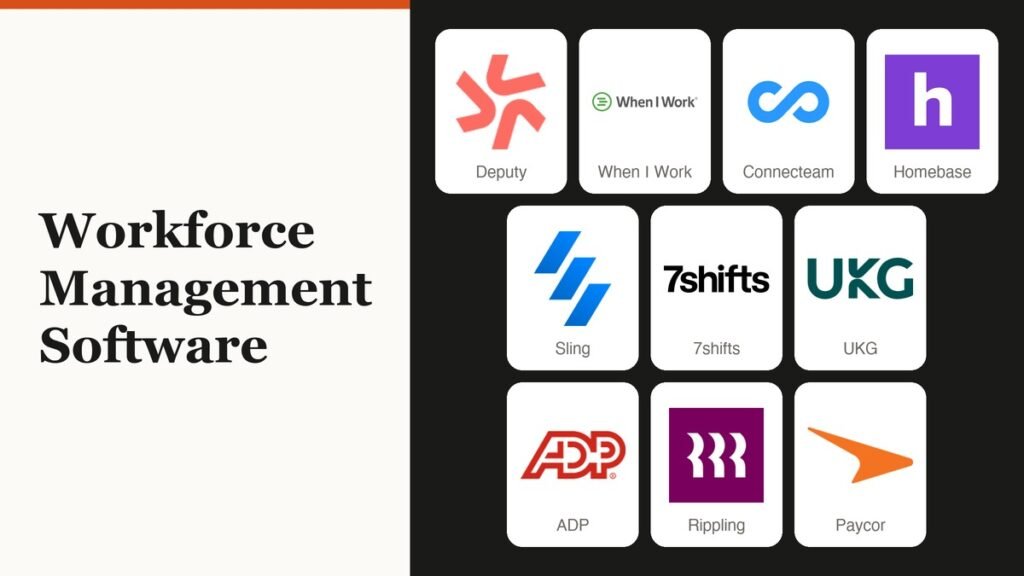
The best workforce management software for most hourly teams is Deputy or When I Work, with Connecteam the cheaper pick once a crew passes 20 people. These tools build shift schedules, record clock-ins and flag overtime and break problems before payroll runs.
Ten products are ranked below. Six publish a price, from $1.70 per user on Sling to a flat $29 a month on Connecteam, while UKG, ADP, Rippling and Paycor sell scheduling and time modules inside HR and payroll suites by quote. That split decides whether you can price the job tonight or need a sales call first.
Published Prices Versus Quote-Only HR Suites
Workforce management software schedules hourly staff, records their hours and checks those hours against pay rules. The structural split is how it is sold: Deputy, When I Work, Connecteam, Homebase, Sling and 7shifts publish per-user, per-location or flat prices, while UKG, ADP, Rippling and Paycor bundle the same jobs into payroll suites priced by quote.
The billing unit inside the first group matters just as much. Deputy, When I Work and Sling charge for every user, Homebase and 7shifts charge for every location, and Connecteam charges a flat fee for the first 30 users. The same term also covers contact-centre forecasting software that predicts call volumes, a separate category left out here.
Workforce Management Software Prices for 10 Tools
| # | Software | Best for | Starting price | Free plan / trial | Billed by |
|---|---|---|---|---|---|
| 1 | Deputy | Hourly teams that want auto-scheduling | $5/user/mo billed annually ($5.50 monthly) | Free trial | User (managers included) |
| 2 | When I Work | Single-site shift teams | $2.50/user/mo | 14-day trial | User, by location count |
| 3 | Connecteam | Mobile crews of 10 to 60 | Free; $29/mo billed yearly for 30 users | Free for 10 users + 14-day trial | Flat fee per hub |
| 4 | Homebase | One-site small businesses | Free; $24/location/mo billed annually | Free (1 location, 10 staff) + 14-day trial | Location |
| 5 | Sling | Free rotas for up to 30 people | Free; $1.70/user/mo billed annually | Free (30 users) + 15-day trial | User |
| 6 | 7shifts | Restaurants | Free; $39.99/location/mo billed annually | Free Comp plan (15 staff) + trial | Location, capped by headcount |
| 7 | UKG | Global enterprises with 24/7 operations | Quote only | None published | Quote |
| 8 | ADP Workforce Now | Midsized firms on ADP payroll | Quote only | Demo | Quote |
| 9 | Rippling | Companies running payroll in Rippling | Quote only | None published | Quote |
| 10 | Paycor | Mid-market HR and payroll buyers | Quote only | None published | Quote |
Ten Workforce Management Tools, Ranked
Published-price tools come first, because a manager can price and trial them in an afternoon. The four suites follow.
1. Deputy: Auto-Scheduling and Compliance on the Core Plan

Price: Lite $5, Core $6.50, Pro $9 per user per month billed annually; $5.50, $7.25 and $10 billed monthly | Free plan: none, free trial on Lite and Core | Billed by: user, managers included | Apps: web, iPad, iOS, Android
Deputy covers scheduling, timesheets and clocking on Lite, which already includes labor law compliance, shift swaps and leave management. Core holds the planning tools: auto-scheduling, demand forecasting, micro-scheduling, biometric clocking and wage and labor budgets. Its feature list names fair workweek compliance and meal and rest break rules, and Deputy reports more than 390,000 customers.
The catch is in the counting. Every manager and supervisor counts as a paid user, monthly plans carry a minimum spend of $30 per invoice, and a user added five days before month end is billed for the whole month. Annual plans cannot be downgraded or refunded mid-term, so stay monthly until headcount settles. Pro adds SSO, location hierarchies and pay centers.
2. When I Work: The Lowest Per-User Price for One Location

Price: $2.50 per user per month for one location or schedule, $5 for several | Free plan: none, 14-day trial without a card | Billed by: user | Apps: web, iOS, Android
When I Work keeps pricing to two plans, and both include scheduling, the time clock and team messaging; the only split is the number of locations or schedules. A 20-person cafe pays $50 a month, with GPS clock-in, shift swaps, overtime and break tracking and labor forecasting included.
The multi-location plan doubles the per-user rate, so opening a second shop turns that $50 into $100 for the same 20 people. Annual billing is available, but no separate annual rate is shown, and SSO and API access go through sales.
3. Connecteam: A Flat Fee That Wins Past 20 Users
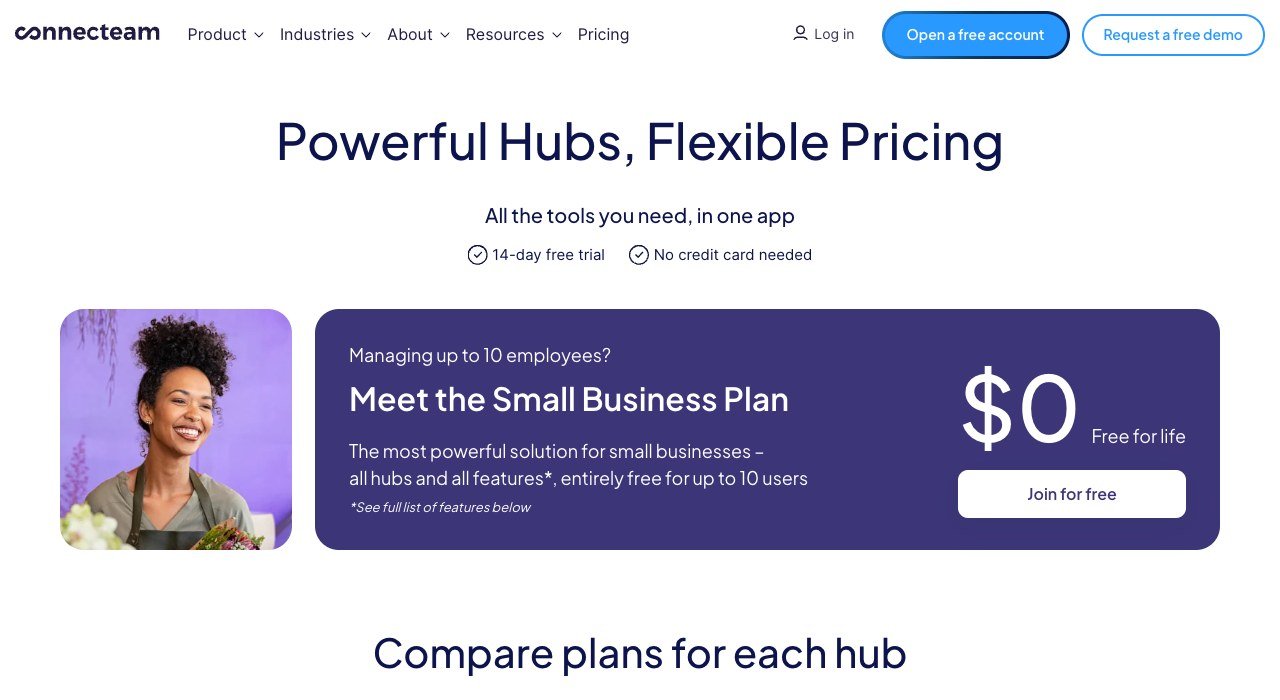
Price: Operations Hub Basic $29, Advanced $49, Expert $99 a month billed yearly for the first 30 users ($35, $59, $119 monthly) | Free plan: all hubs for up to 10 users | Billed by: hub, flat up to 30 users | Apps: iOS, Android, web dashboard
Connecteam sells hubs rather than seats. The Operations Hub holds the time clock, scheduling and forms, and its Basic tier includes GPS clock-in, a payroll integration and open shifts for a flat $29 a month on yearly billing, covering the first 30 users. Each extra user adds $0.80. Advanced brings auto clock-out and up to 10 geofence sites; Expert adds auto-assigned shifts.
The free Small Business Plan gives teams of up to 10 users every hub for life, the most generous free tier here for a crew that also wants chat and HR documents. The trade-off: Communications and HR & Skills are separate hubs with separate fees, so a team that needs all three pays three times.
4. Homebase: Per-Location Pricing for Small Shops
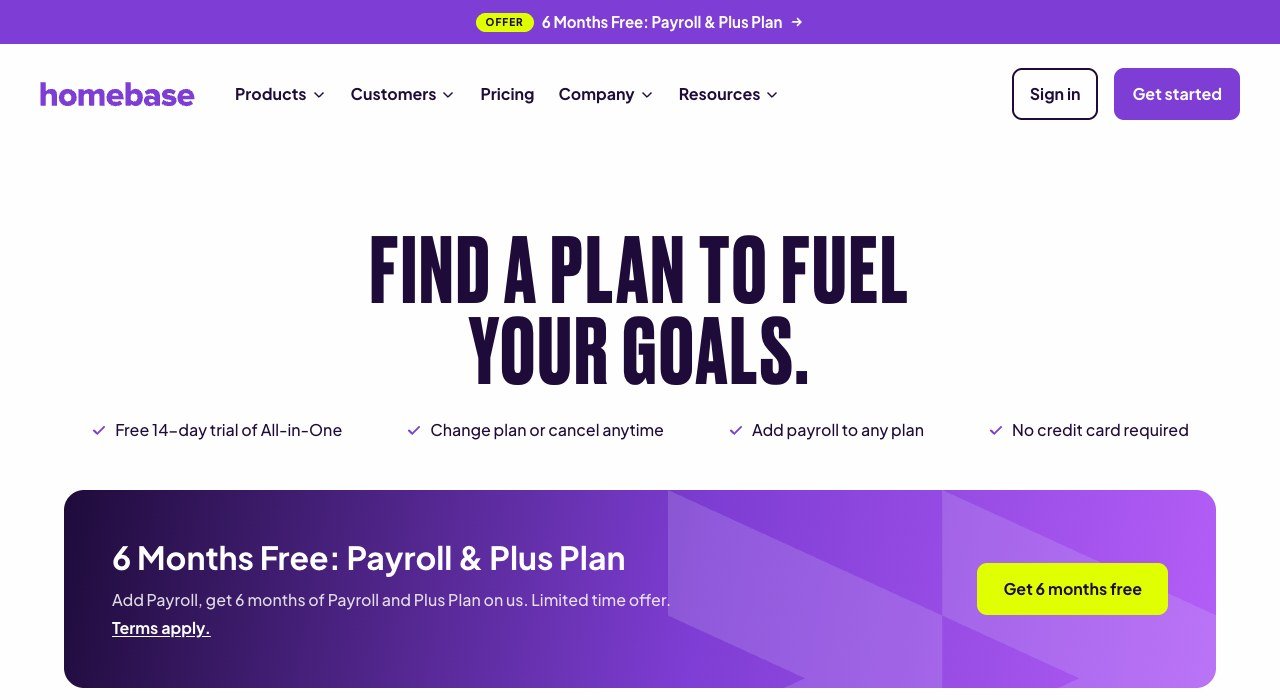
Price: Basic free; Essentials $30, Plus $70, All-in-One $120 per location per month ($24, $56, $96 billed annually) | Free plan: 1 location, up to 10 employees | Billed by: location, unlimited employees on paid plans | Apps: iOS, web, POS and tablet clock-in
Homebase charges per physical address, not per worker, so a single shop with 40 staff pays $30 a month on Essentials. The free Basic plan already handles drag-and-drop scheduling, conflict alerts and shift trades, covers and claims. Plus adds an AI assistant that drafts the rota for approval.
The free plan is limited by storage as much as headcount: Basic keeps timesheets for 90 days, while Essentials keeps them for 4+ years. A 14-day All-in-One trial falls back to Basic automatically if no plan is chosen.
5. Sling: Free Shift Scheduling for Up to 30 People
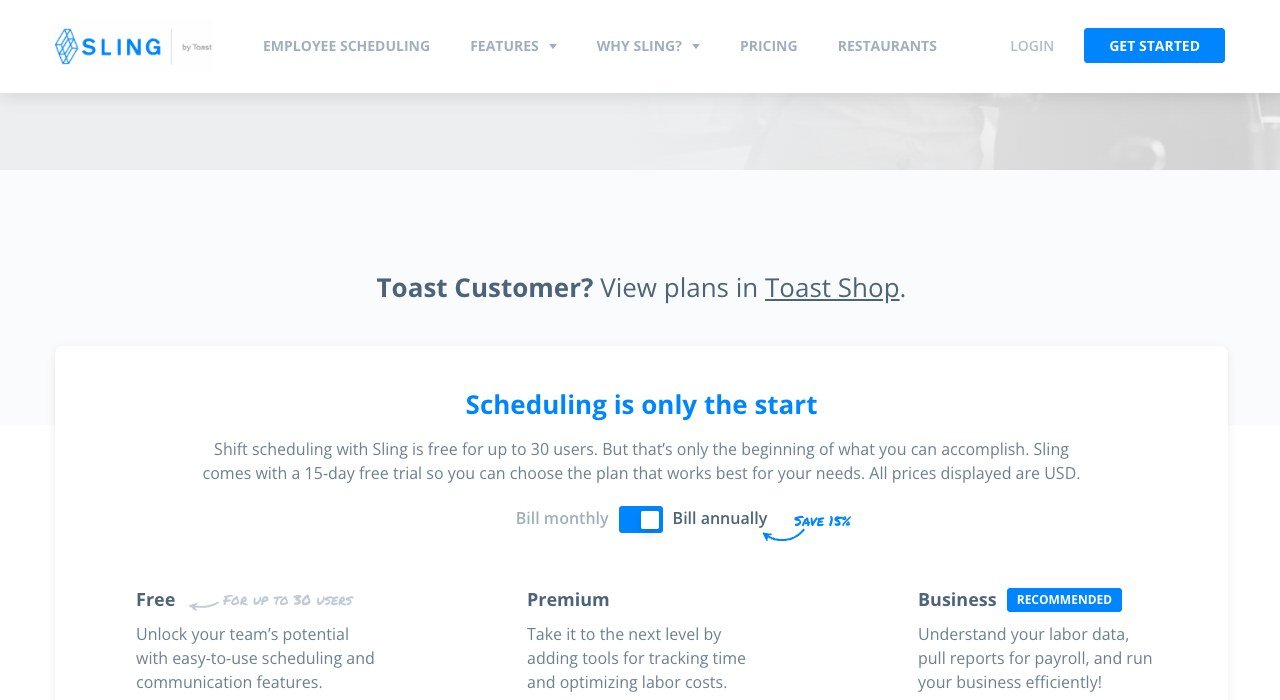
Price: Free; Premium $1.70 and Business $3.40 per user per month billed annually ($2 and $4 monthly) | Free plan: up to 30 users | Billed by: user | Apps: iOS, Android, web
Sling’s free plan covers shift scheduling, time-off requests, available shifts, long-term scheduling, news sharing and private messaging for up to 30 users. Premium adds mobile time tracking, labor cost management and overtime tracking, and Business adds kiosk clock-in, reports, no-show tracking and PTO management.
There is no time clock on the free tier, so it suits planning and messaging only. Premium is still the cheapest paid clock in this list: a 25-person team pays $42.50 a month on annual billing, and Sling prorates the unused seat when someone leaves.
6. 7shifts: Restaurant Scheduling With Headcount Caps
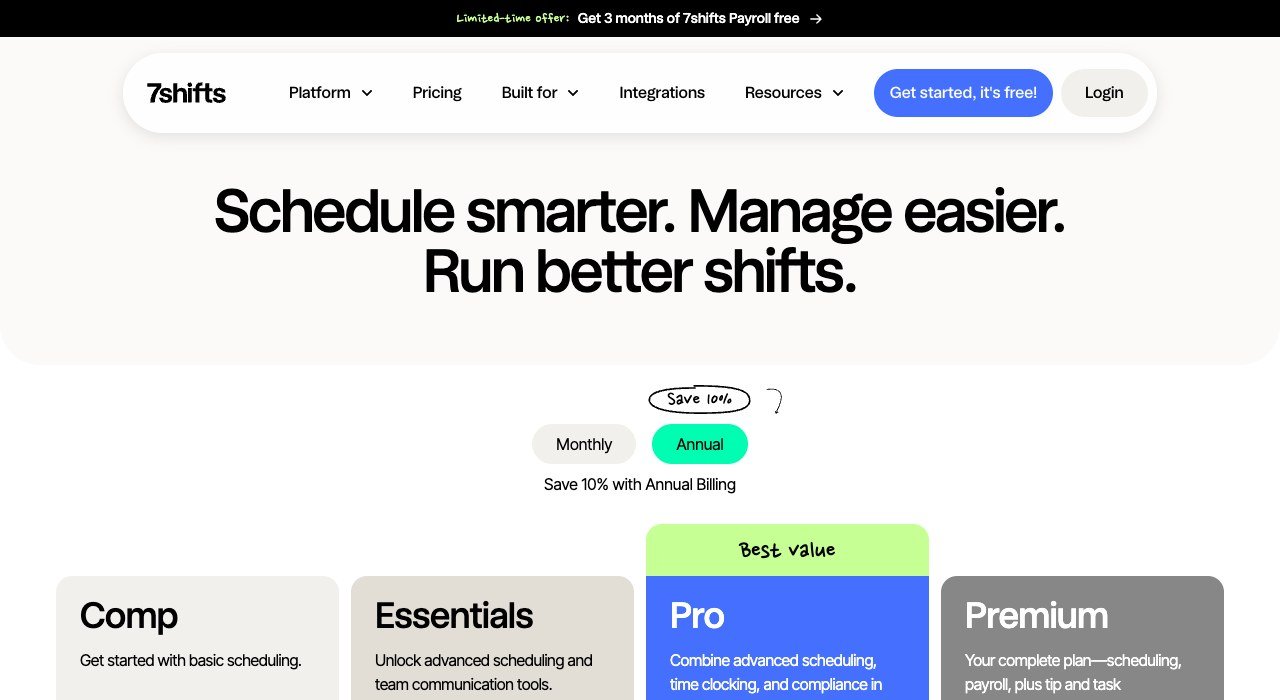
Price: Comp free; Essentials $39.99, Pro $79.99, Premium $134.99 per location per month billed annually (Essentials $44.99 monthly) | Free plan: Comp, one location, up to 15 employees | Billed by: location, capped at 15, 30, 60 or unlimited staff | Apps: iOS, Android, web
7shifts is scheduling software for restaurants, used by 55,000+ of them. Essentials adds team messaging and basic time clocking for up to 30 employees, Pro covers 60 and adds PTO accruals and labor compliance and labor cost tools, and Premium removes the cap. Its restaurant pages list fair workweek support and break tracking.
Add-ons are priced for restaurant work: Tip Management costs $49.99, Task Management $12.99 and a Manager Log Book $14.99 per location per month. The 31st hire forces the jump from Essentials to Pro, doubling the annual-billed rate from $39.99 to $79.99.
7. UKG Pro Workforce Management: Built for 24/7 Enterprises
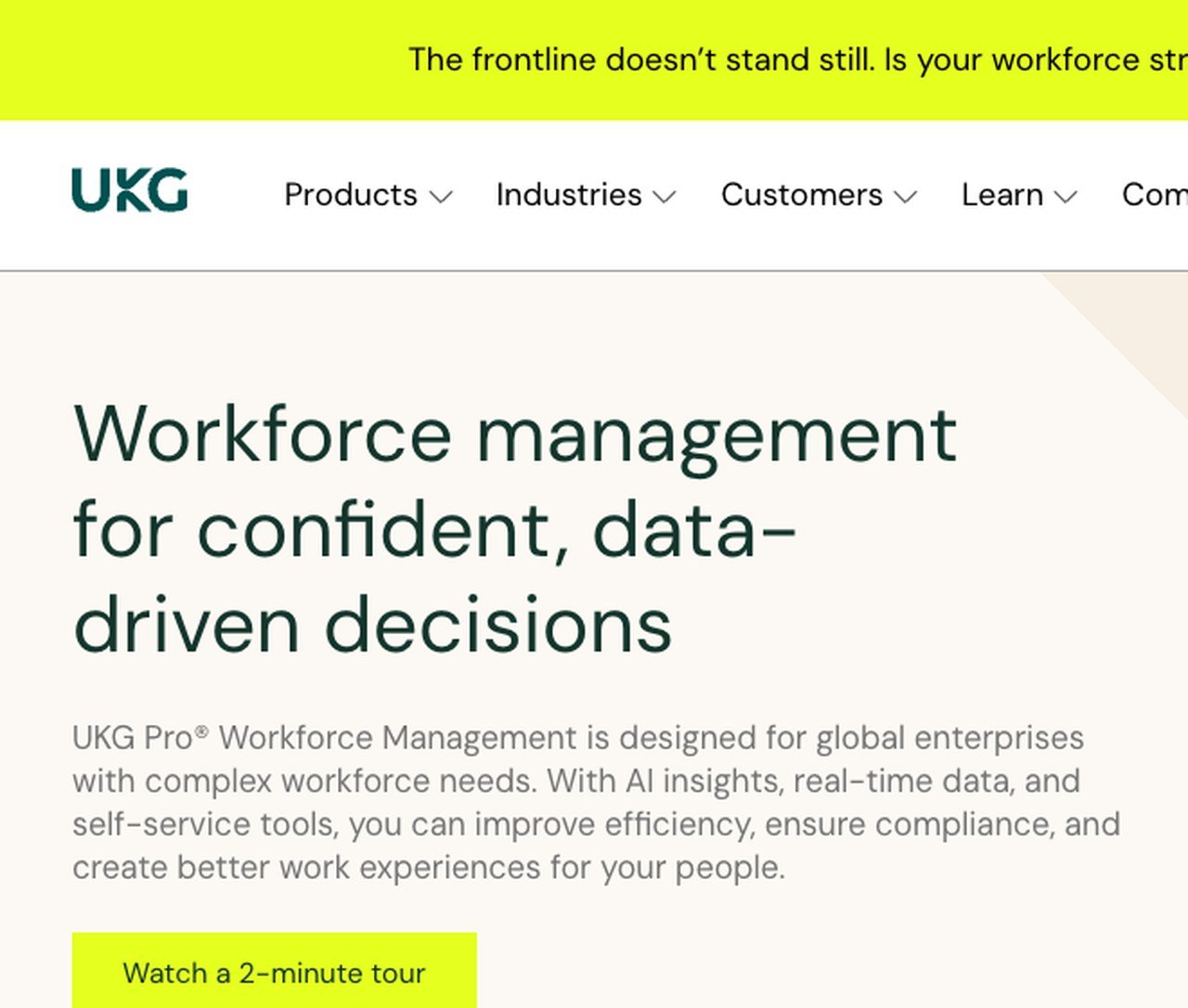
Price: quote only | Free plan: none published | Billed by: quote | Aimed at: global enterprises with complex workforce needs
UKG positions Pro Workforce Management for global enterprises with complex workforce needs. Its modules span time and attendance, AI scheduling, analytics, compliance, communication and strategic workforce planning, with UKG Bryte AI spotting risks and suggesting next steps. The scheduling pitch targets industries where compliance, safety and 24/7 operations cannot slip, with functions tailored to healthcare, retail and manufacturing.
No price, tier or trial is published, and the route in is a demo. Smaller companies are pointed to UKG Ready, which joins HR, payroll, time and scheduling for growing businesses.
8. ADP Workforce Now: Time Tracking Inside Midsized Payroll
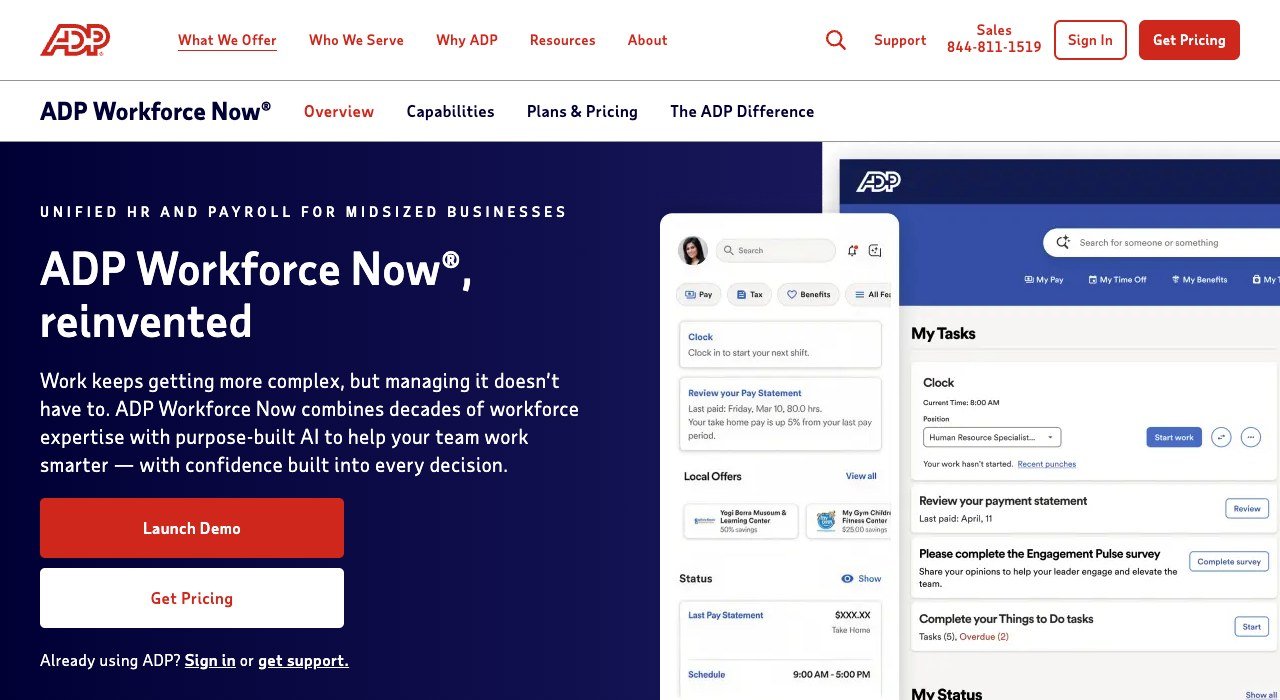
Price: quote only (Get Pricing) | Free plan: none, interactive demo | Billed by: quote | Clock options: ADP Mobile app, ADP Kiosk, web timesheet, biometric and geofencing
ADP Workforce Now is an HCM platform that joins payroll, HR, benefits, talent and time for midsized businesses. Hours come in through a smart clock, the ADP Mobile app, a web timesheet or the ADP Kiosk, with face or fingerprint log-in to stop buddy punching. From the app, employees clock in, check schedules, swap shifts and request time off.
Work rules such as maximum daily hours and consecutive days are configured once and applied automatically, and benchmarking draws on a data pool of over 39 million employees. Packages and prices arrive only through a quote, so it makes most sense where ADP already runs payroll.
9. Rippling: Hours That Flow Straight Into Payroll
Price: quote only | Free plan: none published | Billed by: custom quote | Apps: iOS, Android, web, physical time clocks
Rippling sells Time and Attendance as one module of its HR, IT and finance platform. Approved hours flow directly into Rippling Payroll, where timesheets can be reviewed inside each pay run, and overtime and break policies are applied automatically by work location. Duplicate punches, missed clock-outs and shift mismatches are flagged before payroll runs.
Scheduling is a separate add-on to Time and Attendance, while job costing comes included. Prices come from a quote form, so the bill depends on which modules are bundled.
10. Paycor: AI Schedules With Late-Change Warnings

Price: quote only | Free plan: none published | Billed by: quote | Clock options: PIN or badge timeclocks, Paycor Time Mobile Clock on tablets
Paycor pairs Paycor Time with advanced scheduling. Smart Scheduler, its AI assistant, generates shifts from skills, certifications and availability, and Predictive Work Scheduling warnings help managers avoid last-minute changes. The Paycor Time Mobile Clock adds tablet use, facial scan and offline capture to standard PIN and badge timeclocks.
Paycor counts more than 50,000 businesses as customers, which its footnote describes as about 30,000 corporate customers. A notice on its site states that Paychex has signed a definitive agreement to acquire the company. Pricing starts with a consultation.
What 25 or 60 Hourly Workers Cost on Each Published Plan
Take one location and the cheapest plan in each tool that fits the headcount and records hours, using annual billing where it is offered. Monthly totals at 25 staff and at 60 staff:
- Homebase Essentials: $24 at either size, since paid plans allow unlimited employees.
- Connecteam Operations Basic: $29 at 25; $29 plus 30 extra users at $0.80, or $53, at 60.
- 7shifts: Essentials at $39.99 for 25; Pro at $79.99 for 60.
- Sling Premium: $42.50 at 25; $102 at 60.
- When I Work: $62.50 at 25; $150 at 60.
- Deputy Lite: $125 at 25; $300 at 60, and every manager login adds $5.
At 60 people the gap runs from $24 to $300, so Deputy has to earn its price back through Core auto-scheduling and forecasting. Cutting four overtime hours a week at an $18 base rate saves $108 a week ($27 an hour at time and a half), roughly $468 a month, more than the $390 that Core costs for 60 users on annual billing.
Overtime and Recordkeeping Rules the Software Must Track
Under the federal Fair Labor Standards Act, covered nonexempt workers earn at least $7.25 an hour and time and a half for every hour over 40 in a workweek, defined as a fixed, recurring 168-hour period. The Wage and Hour Division at the US Department of Labor also lists what employers must record for each nonexempt worker, including:
- Hours worked each day and total hours each workweek.
- The time and day of the week when the workweek begins.
- The regular hourly pay rate.
- Total overtime earnings for the workweek.
Payroll records must be kept for at least three years under the federal recordkeeping regulation, 29 CFR Part 516, and the time cards, wage rate tables and work schedules behind each wage calculation for two. A business on Homebase’s free plan, which holds timesheets for 90 days, needs its own export routine to stay covered.
Federal law sets no advance-notice rule for schedules. Those rules come from cities and states, which is why Deputy and 7shifts list fair workweek tools and Paycor sells late-change warnings.
Payroll Add-Ons and Their Real Monthly Price
The four suites include payroll by design. The scheduling tools bolt it on, and the add-on can cost more than the scheduler itself. For 20 employees paid each month:
- Homebase Payroll: $49 base plus $6 per employee paid, so $169 a month ($29 a month for teams up to 5).
- 7shifts Payroll: $39.99 per location plus $6 per employee paid, so $159.99, with the base waived on Premium; US only.
- Deputy Payroll, enabled by Paycor: $8 per user plus a $49 base, so $209, on annual Core or Pro in the US.
- Connecteam: a payroll integration from Operations Basic rather than a payroll service.
- When I Work: payroll and POS integrations, with Rippling as its preferred payroll partner.
Homebase Essentials plus its payroll comes to $193 a month for a 20-person shop on annual billing, which makes a bundled quote from Rippling or Paycor worth requesting. For the accounting side, see the best accounting software for small business.
How to Choose Workforce Management Software for Your Team
- Count locations before people. One site with 30 or more staff favours Homebase at $24 or Connecteam at $29; many small sites favour per-user pricing.
- Decide whether the free tier needs a clock. Sling’s free plan has none, while Connecteam’s and Homebase’s both record hours.
- Restaurants should price 7shifts first, since tip management and labor targets are built for them.
- If ADP, Paycor or Rippling already runs payroll, ask for its time module before adding another tool.
- Enterprises with 24/7 operations across countries belong in a UKG demo.
Shift messaging covers rota changes, but a team that needs wider chat can compare these internal communication tools. Agencies that schedule carers in clients’ homes have a dedicated category in home care software.
Frequently Asked Questions
How much does workforce management software cost?
Per-user tools run from $1.70 (Sling Premium, annual) to $10 (Deputy Pro, monthly) a month. Per-location plans cost $24 to $134.99 per site, and the four HR suites quote.
Is there free workforce management software?
Four tools have a permanent free tier: Sling for up to 30 users without time tracking, Connecteam for up to 10 users, Homebase for one location and 10 employees, and 7shifts Comp for 15 employees at one site. Deputy and When I Work offer trials only.
How long must I keep employee time records?
Federal rules call for payroll records to be kept at least three years and time cards for two. Homebase Basic stores timesheets for 90 days and Essentials for 4+ years.
Do managers count as paid users?
On Deputy, yes: administrators and supervisors count toward the bill. Connecteam and Homebase price by hub or location, so extra managers cost nothing until Connecteam passes 30 users.
Related Articles

Get the Fox Bulletin briefing
The stories that matter, in your inbox. No spam, unsubscribe anytime.
Newsletter signup will be available soon.
Related stories

Wholesale Billing Software: 10 Picks for US Distributors
Wholesale billing software for US distributors: price lists, purchase orders, net terms and EDI across 10 tools, from Zoho Books at $40 a month for 5 users.

Whiteboard Software for PC: 10 Picks by How They Install
Whiteboard software for PC sorted by how it runs on Windows. Microsoft retired its standalone app on October 16, 2026; AFFiNE and draw.io install free.
Whiteboard Software for Mac: 10 Tools From Built-In to Web
Whiteboard software for Mac sorted by how it runs: built into macOS, a Mac download or a browser tab. Freeform is free and fits up to 100 collaborators.