

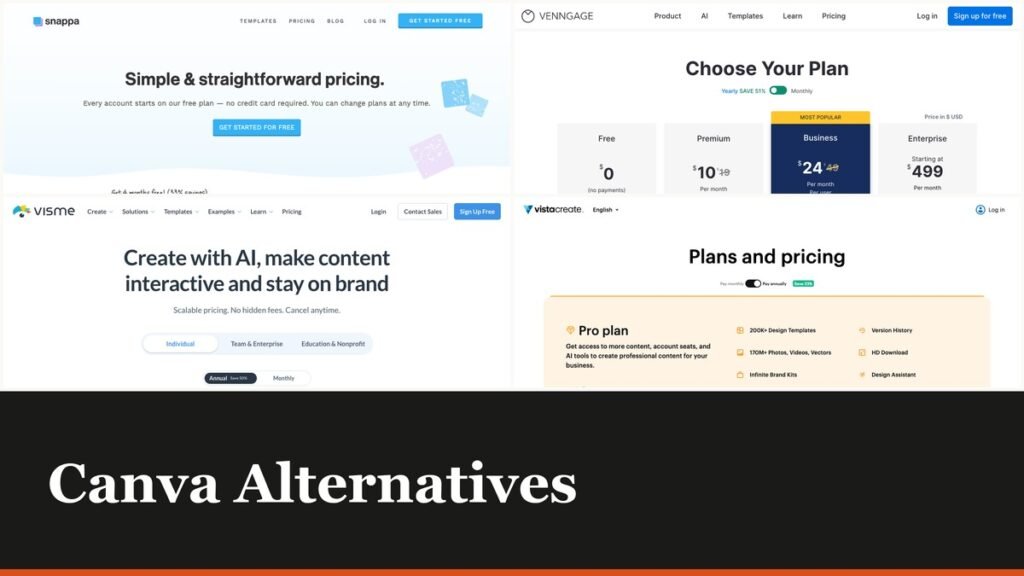
Canva alternatives are easy to recommend badly, because most people use perhaps a tenth of Canva and pay for all of it. Canva now sells four tiers for individuals and businesses, Free, Pro Lite, Pro and Business, and every one of them is priced per person.
The ten tools below are template-driven design apps, not professional creative suites. Each does one slice of what Canva does and charges accordingly, and one of them covers ten seats for the price others charge for one.
What You Are Actually Paying Canva For
Canva’s plan ladder has grown. Where there was once Free and Pro, there are now four tiers aimed at individuals and businesses, with a separate track for education. The charging unit has not changed: it is still per person.
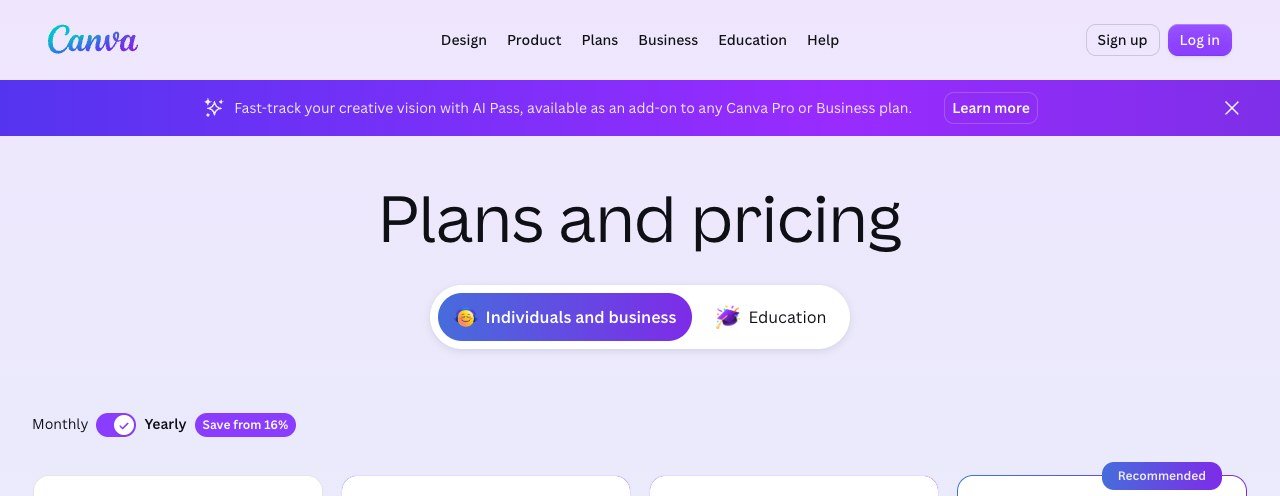
That matters because design is a shared activity in most organisations. Five people who each need to resize a banner once a month are five paid seats, and the per-person price is the same for the person who lives in the editor and the person who opens it twice a quarter.
Canva’s plan prices are displayed in the currency of the country you are buying from, so compare them on your own account page rather than from a figure quoted elsewhere. The structure, four tiers charged per person, is the same everywhere.
Canva Alternatives Compared on Price and What They Make
All ten, cheapest first, with what each is built for. The seats column is the one to read if more than two people will ever open the tool.
| # | Tool | Best for | Entry price | Free tier | Seats |
|---|---|---|---|---|---|
| 1 | Placeit | Mockups and templates by subscription | From $1.99 a month | No, free previews | Per account |
| 2 | Pixlr | Quick edits in a browser tab | $2.49 a month | Yes, ad supported | Per user |
| 3 | BeFunky | Photo editing with design attached | $6.99 a month | Yes | Per user |
| 4 | Easil | Brand templates teams cannot break | $7.50 per user a month | No, 30-day trial | Per user |
| 5 | Designs.ai | Generating a first draft from a prompt | $9.90 a month | No | Per account, credit based |
| 6 | Snappa | Social graphics at speed | $10 a month billed yearly | Yes, 3 downloads a month | 1, or 5 on Team |
| 7 | VistaCreate | Ten seats for one price | $10 a month for up to 10 seats | Yes, Starter | Up to 10 included |
| 8 | Venngage | Infographics and reports | $10 a month billed yearly | Yes | Per user |
| 9 | Piktochart | Turning data into something readable | $10 per member a month billed yearly | Yes, 2 downloads | Per member |
| 10 | Visme | Presentations and interactive documents | $12.25 a month billed yearly | Yes, no time limit | Per user |
The Ten Tools in Detail
1. Placeit: Mockups and templates by subscription
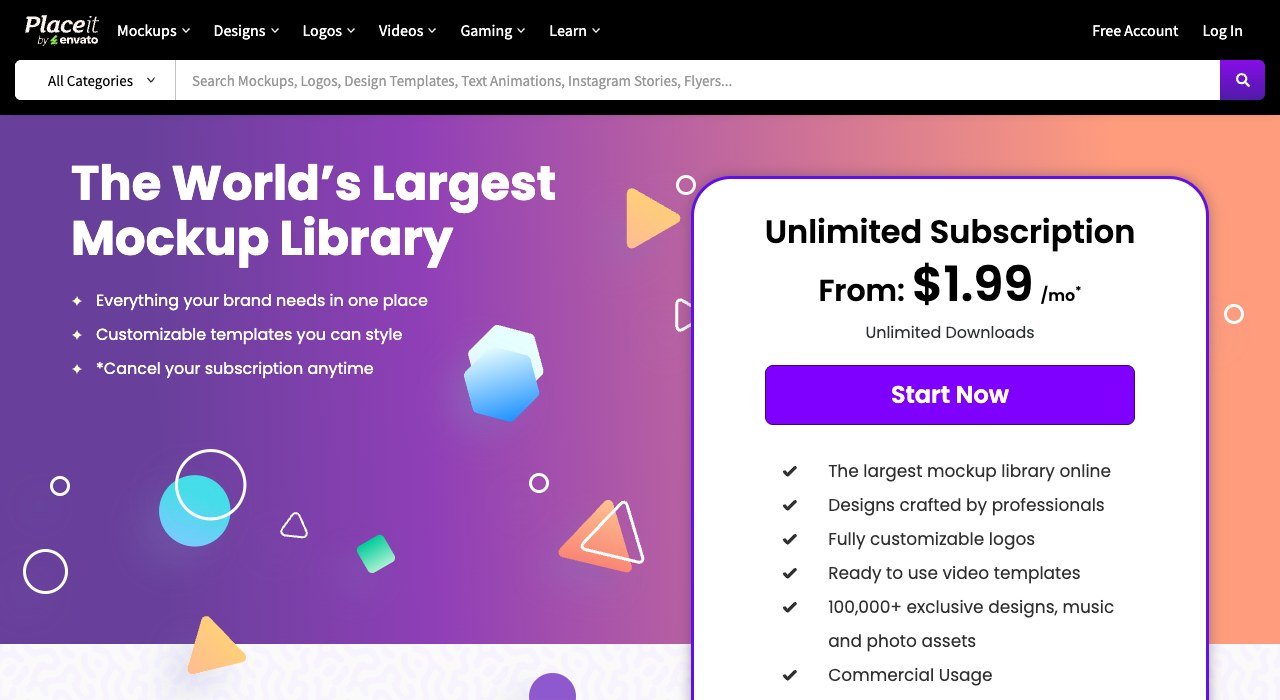
Entry price: From $1.99 a month. Free tier: No, free previews. Seats: Per account.
Placeit is a mockup library first and a design tool second. Subscriptions start from $1.99 a month and the appeal is the catalogue: product mockups, t-shirt templates, logo sets and video intros you customise rather than build.
If what you actually do in Canva is drop a logo onto a mockup, this does that job for a fraction of the price. It is not a general design canvas, so a team producing varied layouts will outgrow it quickly.
2. Pixlr: Quick edits in a browser tab
Entry price: $2.49 a month. Free tier: Yes, ad supported. Seats: Per user.
Pixlr runs in a browser tab and starts at $2.49 a month for the Plus tier, with a fuller plan at $9.99. There is a free, ad-supported version that handles most quick jobs without an account.
It leans towards photo editing rather than layout, so it suits the Canva user whose real task is cropping, retouching and resizing images. Template-driven multi-page documents are not its strength.
3. BeFunky: Photo editing with design attached
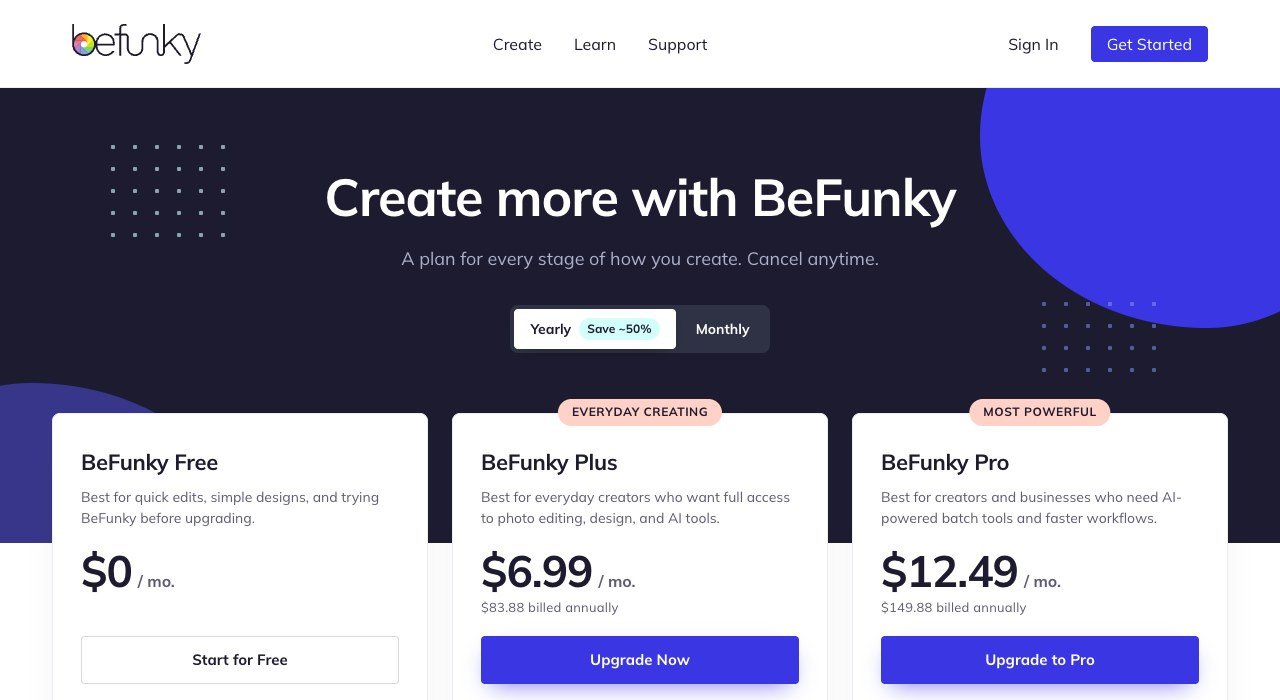
Entry price: $6.99 a month. Free tier: Yes. Seats: Per user.
BeFunky sits between a photo editor and a design tool, which is roughly where most casual Canva use actually lives. Free is usable, Plus is $6.99 a month at $83.88 a year, and Pro sits above it.
The photo work is better than Canva’s and the template library is smaller. For somebody making social posts from their own photographs rather than from stock layouts, that is the right trade.
4. Easil: Brand templates teams cannot break
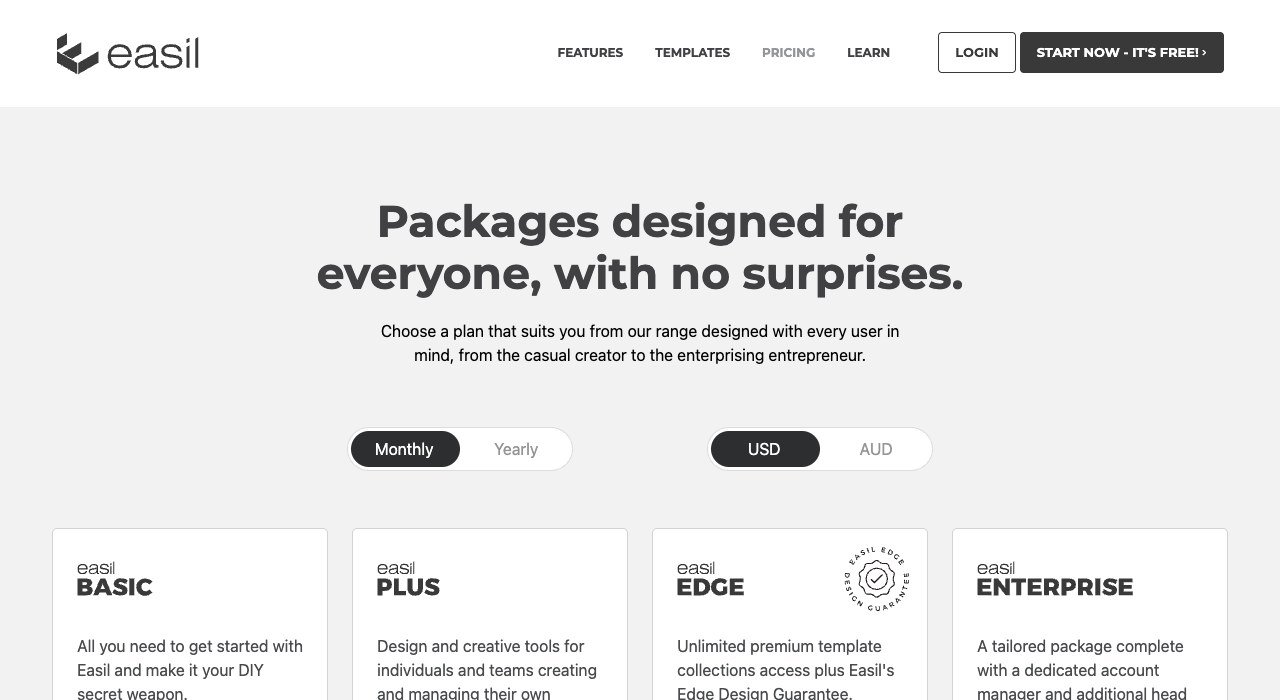
Entry price: $7.50 per user a month. Free tier: No, 30-day trial. Seats: Per user.
Easil is built for brand control. Templates can be locked so that colleagues can change the text and the image but not the logo placement, the typeface or the palette. It is $7.50 per user a month.
That single feature is why organisations with distributed teams pick it. Anyone who has watched a shared Canva template get quietly destroyed by a well-meaning colleague will recognise the problem it solves.
5. Designs.ai: Generating a first draft from a prompt
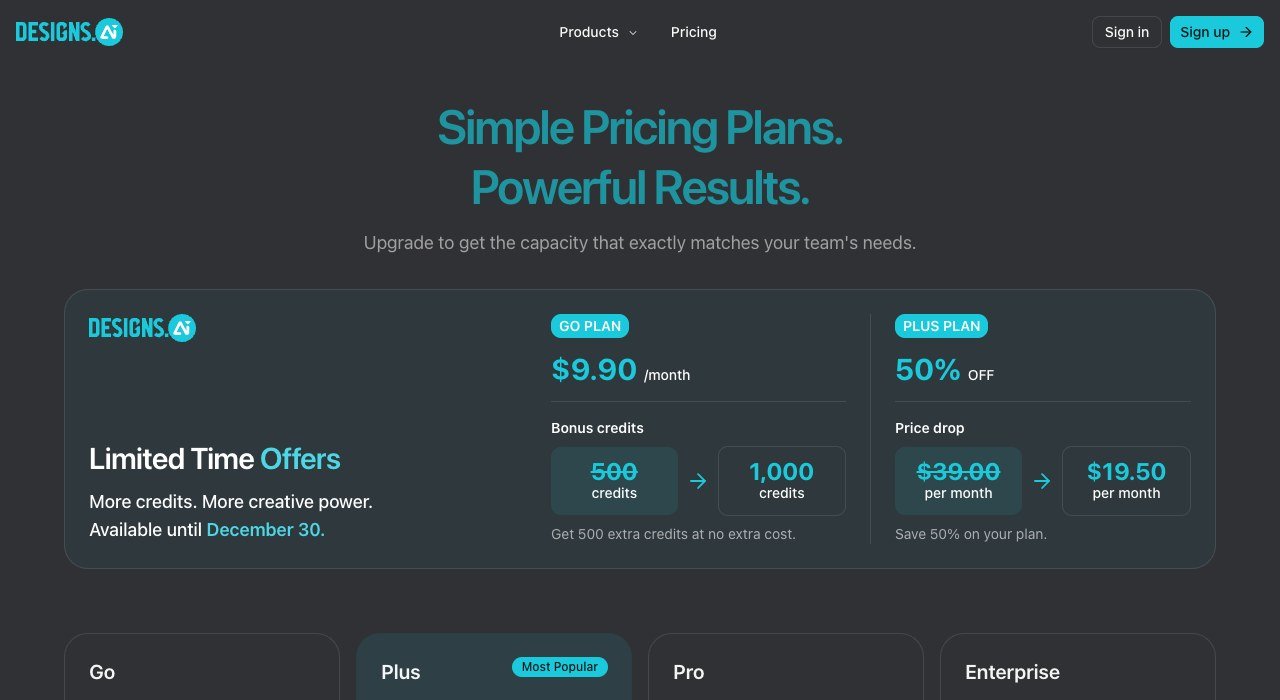
Entry price: $9.90 a month. Free tier: No. Seats: Per account, credit based.
Designs.ai generates a first draft from a prompt rather than starting from a template, covering logos, videos, banners and voiceovers from one credit pool. The Go plan is $9.90 a month.
Credits are the meter rather than seats, so heavy use costs more regardless of team size. It is best understood as a starting-point generator: the output usually needs finishing, and the time saved is in the blank page rather than the final file.
6. Snappa: Social graphics at speed
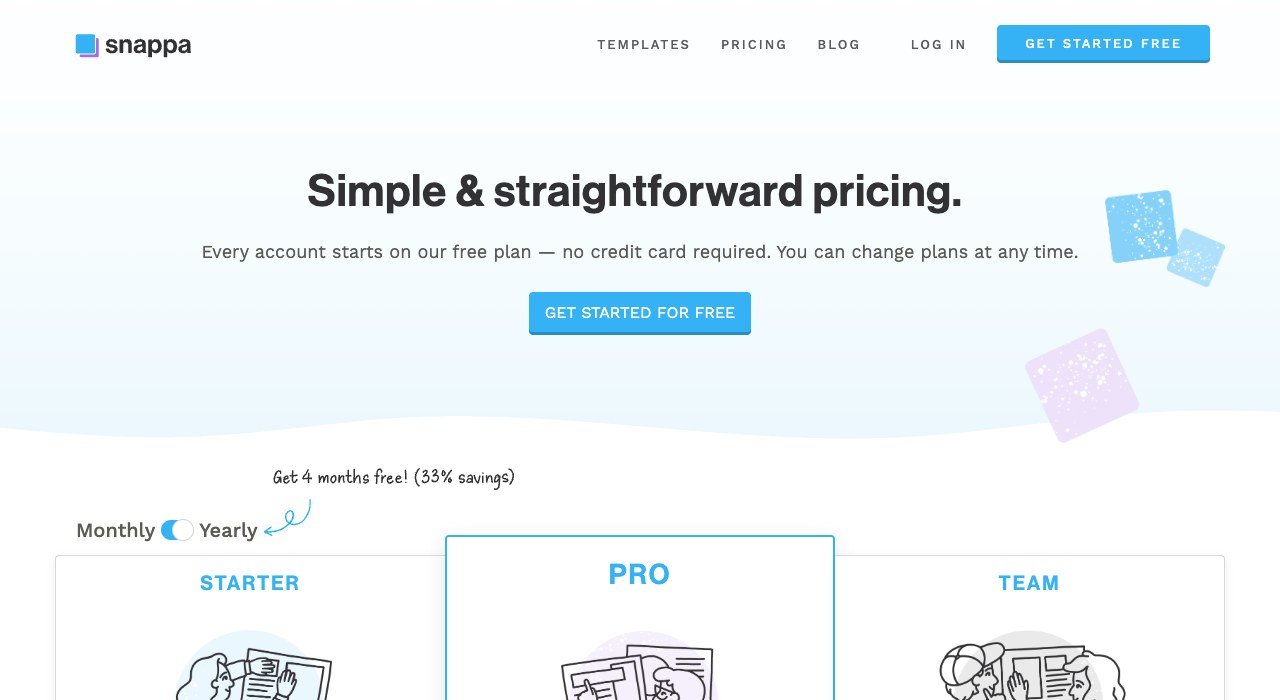
Entry price: $10 a month billed yearly. Free tier: Yes, 3 downloads a month. Seats: 1, or 5 on Team.
Snappa does social graphics and almost nothing else, which makes it fast. Pro is $10 a month billed yearly for one user and Team is $20 for five, with a free tier limited to three downloads a month.
Preset sizes for every platform, a large stock library and background removal cover the common case in a few clicks. There are no documents, no presentations and no video, and that narrowness is the product rather than a gap.
7. VistaCreate: Ten seats for one price
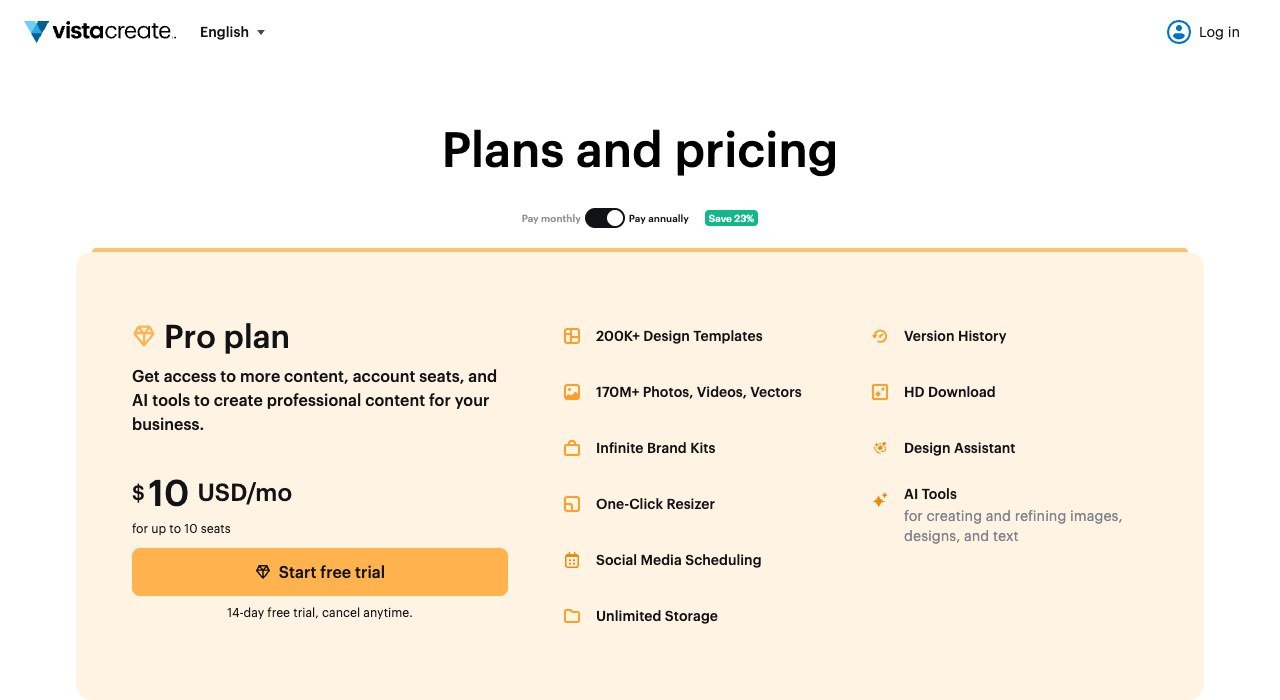
Entry price: $10 a month for up to 10 seats. Free tier: Yes, Starter. Seats: Up to 10 included.
VistaCreate breaks the per-seat model that makes Canva expensive for teams. The Pro plan is $10 a month and covers up to ten seats, where most rivals charge that per person.
For a five-person marketing team that is $10 a month against $50 or more elsewhere. The editor is a close relative of Canva’s, the template library is large, and the main thing missing is the depth of brand controls that Easil sells.
8. Venngage: Infographics and reports
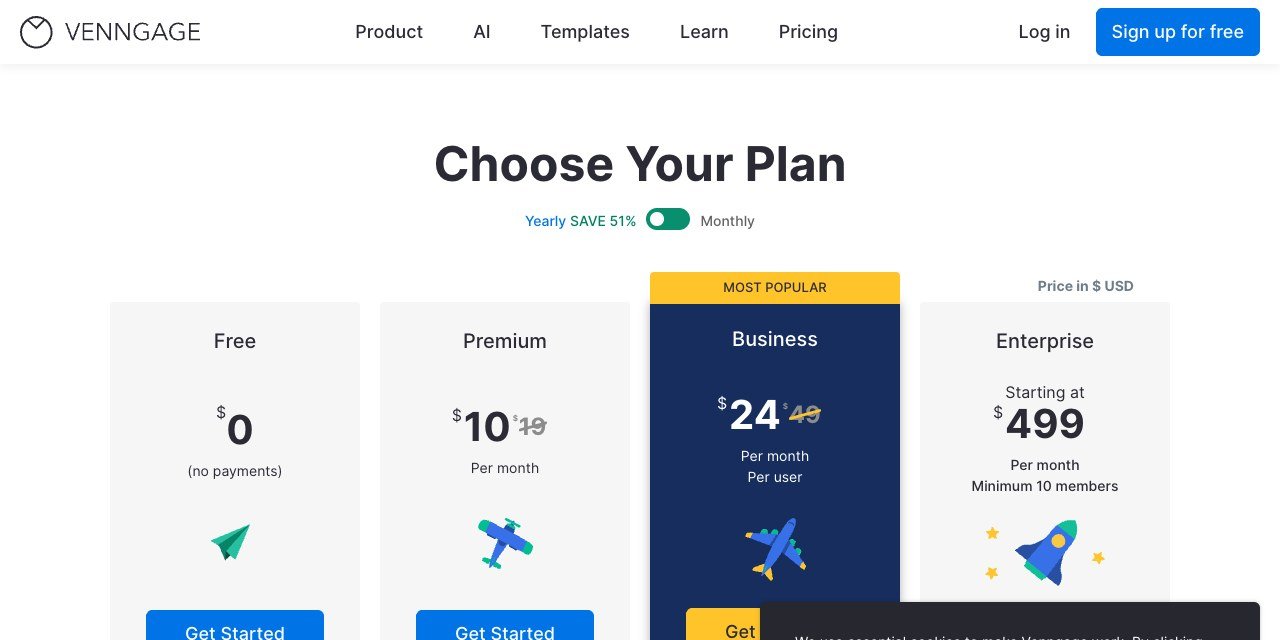
Entry price: $10 a month billed yearly. Free tier: Yes. Seats: Per user.
Venngage specialises in infographics, reports and anything where the point is to make information legible. Free is usable, and Premium is $10 a month billed yearly against $19 month to month.
Charts, diagrams and data widgets are first-class rather than afterthoughts, which is where Canva users doing annual reports and process diagrams tend to struggle. Social templates exist but are not the reason to be here.
9. Piktochart: Turning data into something readable
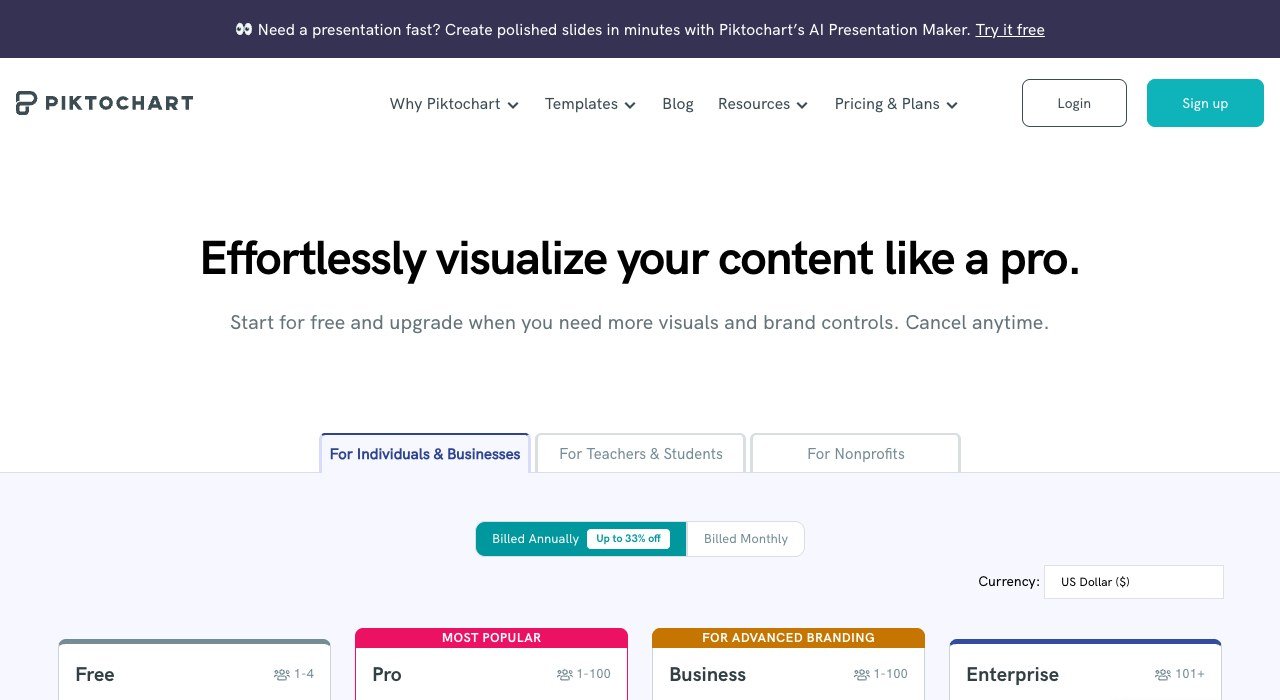
Entry price: $10 per member a month billed yearly. Free tier: Yes, 2 downloads. Seats: Per member.
Piktochart turns numbers into something a non-specialist will read, and prices at $10 per member a month billed yearly, or $15 monthly. The free tier allows two PNG downloads.
It overlaps with Venngage and differs in emphasis: Piktochart leans toward presentations and visual summaries, Venngage toward dense infographics. Both do a better job than Canva at making a chart that survives being printed.
10. Visme: Presentations and interactive documents
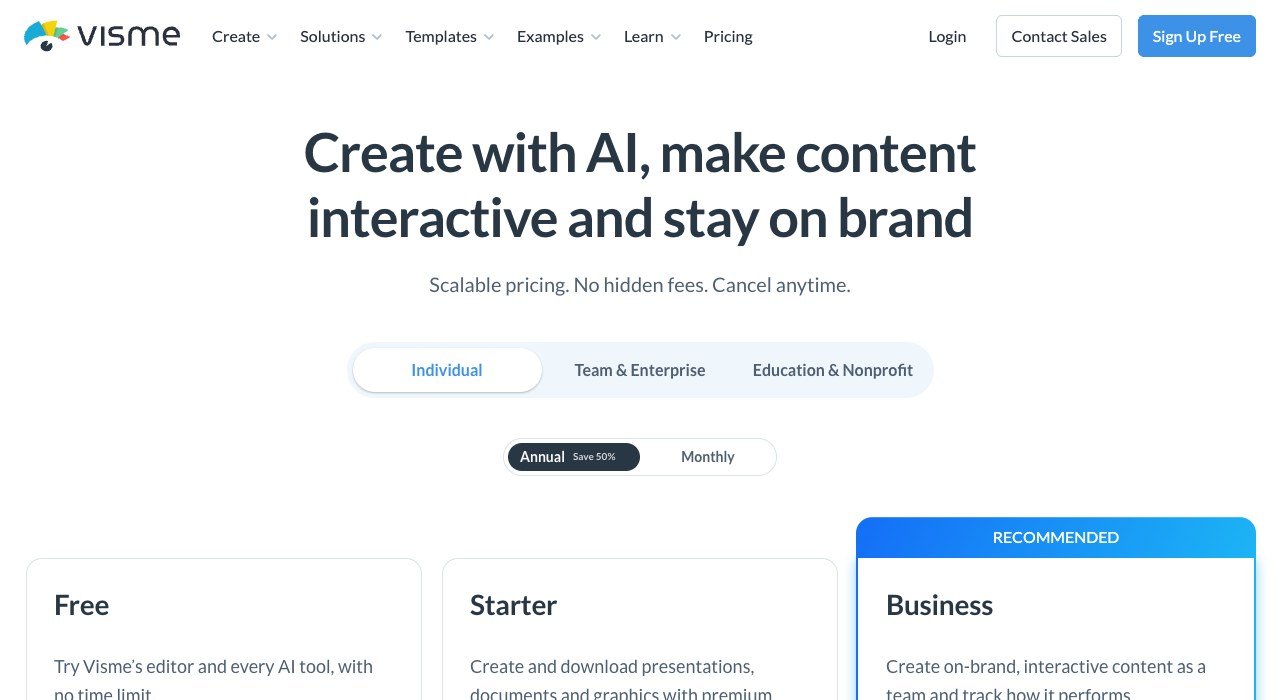
Entry price: $12.25 a month billed yearly. Free tier: Yes, no time limit. Seats: Per user.
Visme is the most capable tool here for documents that do more than sit still. Presentations, interactive reports and embedded data all work, and the paid plan is $12.25 a month billed yearly with a free tier that has no time limit.
It is the closest thing on this list to a Canva replacement rather than a Canva substitute for one job. The editor is denser and takes longer to learn, which is the honest cost of the extra capability.
What a Five-Person Team Pays
Per-seat pricing is where design tools quietly become expensive, and it is also where the biggest saving on this page sits.
- VistaCreate Pro: $10 a month total, because the plan includes up to ten seats.
- Snappa Team: $20 a month for five users.
- Easil: $37.50 a month at $7.50 a user.
- Piktochart Pro: $50 a month at $10 a member.
- Venngage Premium: $50 a month at $10 a user.
- Visme: around $61 a month at $12.25 a user.
Between the cheapest and the dearest of those is a factor of six for five people making social graphics. Before comparing template libraries, count how many people genuinely need to create rather than view, because that number is usually smaller than the number of licences bought.
Who Owns the Design You Just Made
Template tools sit on licensed content, and the licence travels with the output. This becomes a real question the moment a design goes on something you sell.
A design you create is generally protected as your work, but the stock photo, font or illustration inside it is licensed rather than owned. The US Copyright Office explains what copyright covers and who holds it, and the distinction between your layout and the assets within it is where most disputes start.
Logos raise a second question. A generated or template logo can usually be used, but registering it as a trademark requires distinctiveness, and the USPTO guidance on trademark basics sets out what qualifies. A logo assembled from a library template that a thousand other businesses also used is a weak candidate.
- Check whether the licence covers merchandise and resale, not just social posts.
- Confirm what happens to designs made on a paid plan if you downgrade. Several tools restrict access to premium assets retroactively.
- Export working files, not just finished images, before cancelling anything.
- Keep a record of which template a client-facing logo came from, because you will be asked eventually.
How to Choose a Canva Alternative
Pick on the thing you make most often. Every tool here is excellent at one job and mediocre at the rest, which is precisely why they cost less than Canva.
- Social posts, fast: Snappa or VistaCreate.
- A team that must stay on brand: Easil.
- Reports, charts and infographics: Venngage or Piktochart.
- Presentations and interactive documents: Visme.
- Mockups and merchandise: Placeit.
- Photo editing more than layout: BeFunky or Pixlr.
If the work is genuinely professional illustration or photo retouching rather than template editing, none of these is the answer and the comparison belongs with the full graphic design programs, or specifically with the Illustrator alternatives for vector work.
For teams reviewing their whole software bill, design is rarely the largest line and is often the easiest to cut, because the per-seat waste is so visible. The same audit applied to the Notion alternatives usually turns up more.
Frequently Asked Questions
Is there a free Canva alternative?
Several. VistaCreate, Venngage, Piktochart, Visme, BeFunky and Pixlr all run permanent free tiers, and Snappa allows three downloads a month. The limits are usually on downloads or premium assets rather than on time.
Which Canva alternative is cheapest for a team?
VistaCreate, because its $10 a month Pro plan covers up to ten seats rather than one. Snappa Team is next at $20 a month for five users. Everything else here charges per person, so the gap widens with every colleague added.
Can I use designs from these tools commercially?
Generally yes on paid plans, but the licence covers the stock assets inside the design rather than giving you ownership of them. Merchandise and resale often need a separate or higher licence, so check that specifically before putting a template on something you sell.
Do any of these import Canva files?
No tool here opens a Canva design directly. Export finished work as PNG, JPG or PDF before you cancel, and expect to rebuild editable templates by hand. That rebuild cost is the real barrier to switching, not the subscription.
Related Articles

Get the Fox Bulletin briefing
The stories that matter, in your inbox. No spam, unsubscribe anytime.
Newsletter signup will be available soon.
Related stories
Calendly Alternatives: 10 Scheduling Tools Compared
Calendly is free for one event type and $10 a seat beyond it. Ten Calendly alternatives compared on seat price, free tiers and one that costs $29 once.
Etsy Alternatives: 10 Places to Sell and What They Cost
Etsy charges $0.20 a listing, 6.5% a sale and up to 15% on ad orders. Ten Etsy alternatives compared on fees, cuts and who brings the buyers.
Mailchimp Alternatives: 10 Email Tools and Their Limits
Mailchimp bills by contacts stored and charges overages. Ten Mailchimp alternatives compared on what they meter, free tiers and entry price.