

The honest answer to how to see who unfollowed you on Instagram is that the app will not tell you. There is no notification when someone leaves, no list of departures, and nothing in your settings that records it. The follower count drops by one and that is the entire signal you are given.
That does not mean the question is unanswerable. There are two accurate ways to find out, both free and both using nothing but Instagram’s own features. One answers it for a specific person in about ten seconds. The other answers it for everyone, as long as you start now rather than wishing you had started last month.
How to see who unfollowed you on Instagram, one account at a time
If you have somebody in mind, this is the fastest route and it is conclusive. Open your own profile, tap Followers, and type their username into the search box at the top of the list.
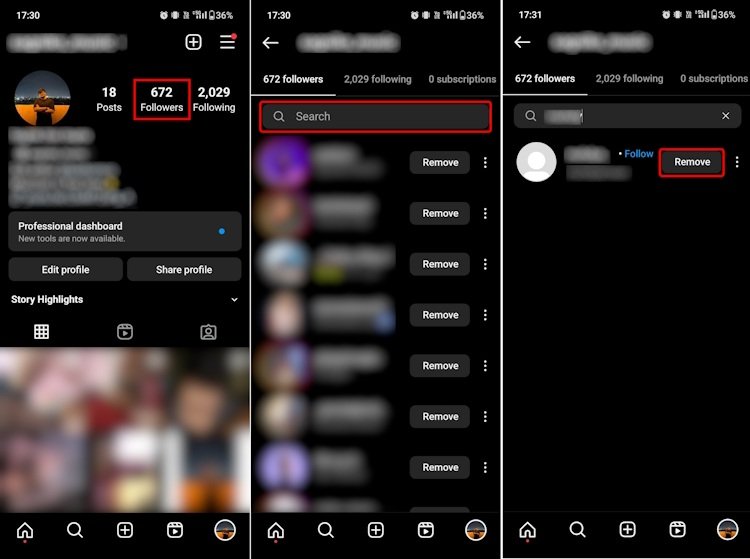
If they appear, they still follow you. If the list comes back empty, they do not. The search box reads the actual follower list rather than a cached count, so there is no ambiguity in the result.
One thing to rule out first: an empty result can also mean they deleted or deactivated the account, or that they blocked you. Open their profile separately to tell those apart. A profile that loads normally but is absent from your followers is a genuine unfollow.
The method that catches everyone: your data export
Instagram will hand you a machine-readable copy of your follower and following lists whenever you ask. Two of those exports, taken a month apart, is a complete and exact record of who left in between. This is the only approach that works at scale, and it costs nothing.
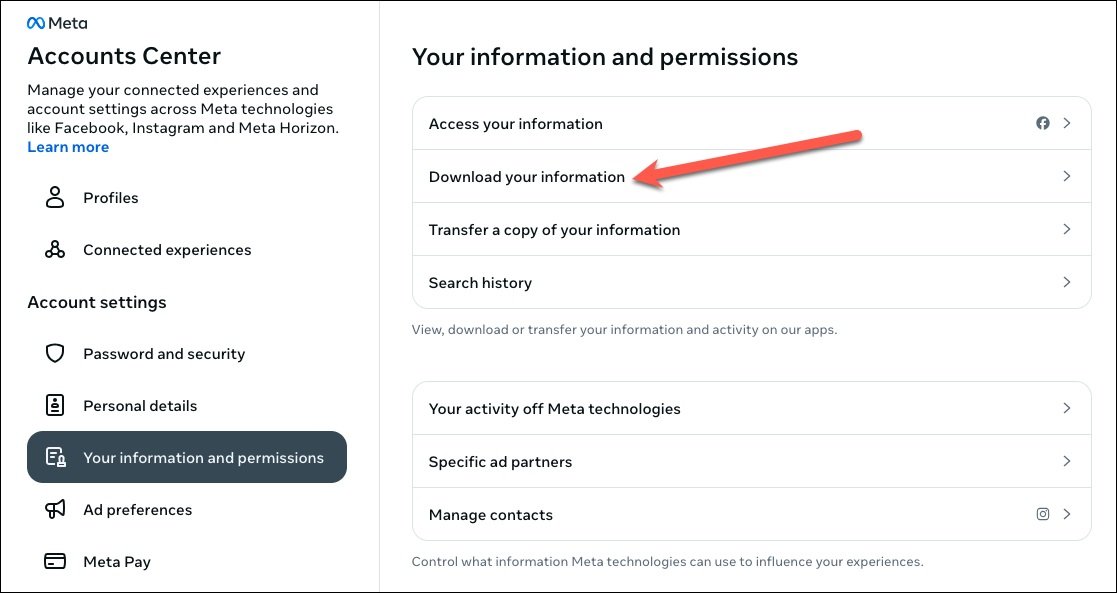
- Open your profile and tap the menu in the top right, then Accounts Center.
- Tap Your information and permissions.
- Tap Download your information, then Download or transfer information.
- Choose the Instagram profile, then pick Some of your information and select the followers and following category.
- Choose Download to device, set the date range to all time and the format to JSON, then tap Create files.
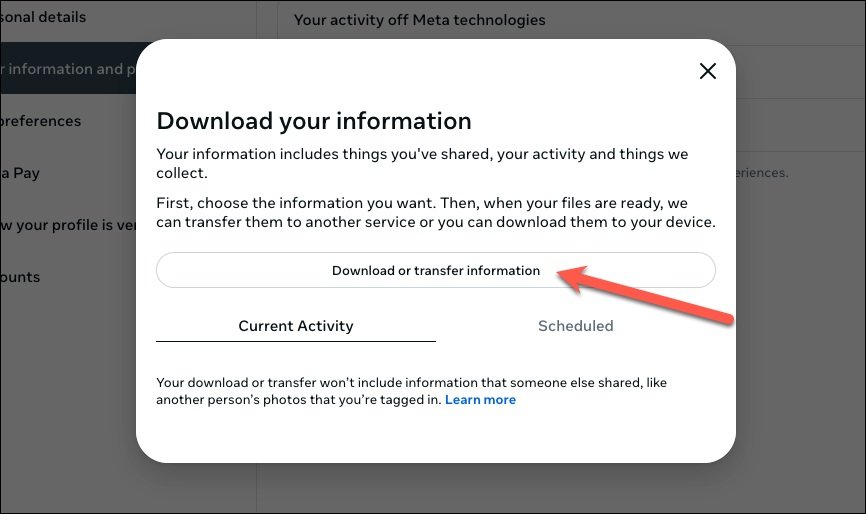
Pick JSON rather than HTML if you intend to compare the two files with anything other than your eyes. The archive arrives by email and the download link expires after four days, so save the file somewhere permanent as soon as it lands.
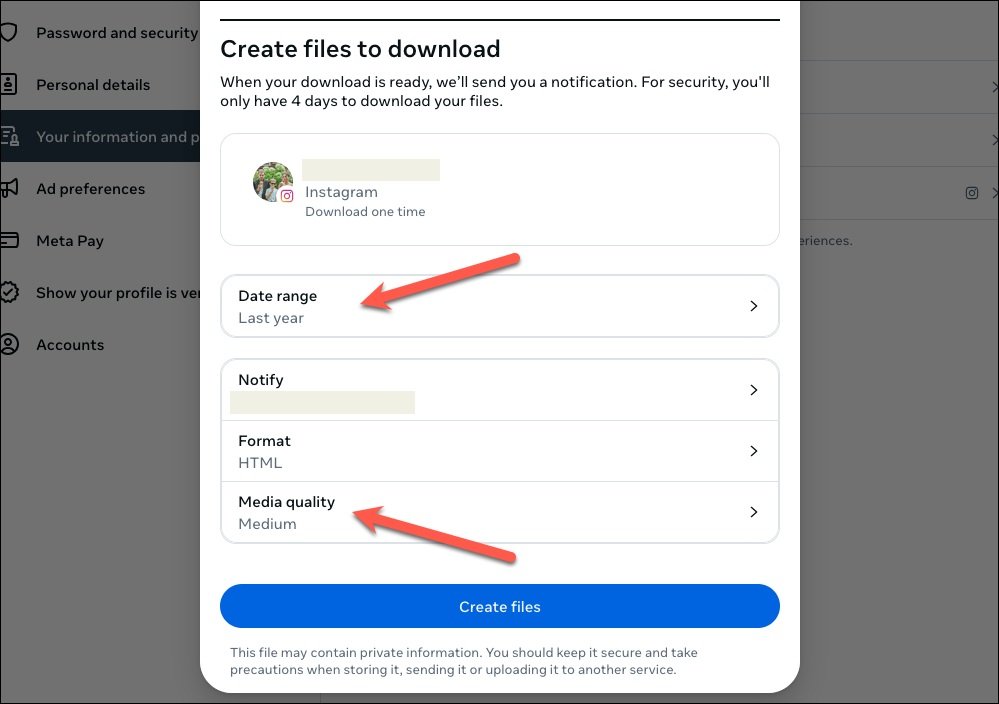
Inside the archive, the followers file lists every account that currently follows you and the following file lists every account you follow. Run the same export again in a month and anyone present in the first followers file and missing from the second has unfollowed you in that window. A spreadsheet handles the comparison in a couple of minutes.
The limitation is honest and unavoidable: a single export is a snapshot. It cannot tell you about anyone who left before you took it. The value starts accumulating from the first file you save.
Why the follower count tells you nothing
Watching the number is the method almost everyone tries first, and it is the one that does not work. Changes cancel each other out: three people leaving and three arriving on the same day looks identical to a quiet day with no movement at all.
| Method | What it tells you | What it costs |
|---|---|---|
| Search the followers list | One person at a time | Exact, and free |
| Compare two data exports | Everyone who left between the two dates | Exact, and free |
| Count the follower number | Nothing useful | Changes hide each other |
| Third-party unfollower apps | A list you cannot verify | Costs you your login |
The count is also not updated in real time and is rounded in some places in the app, so a figure that appears stuck for a day is not evidence of anything either way.
The apps that promise a list, and the trade they want
Apps that offer a ready-made list of departures all work the same way: they ask for your Instagram login, sign in as you, and read your follower list on a schedule. That is the product. The list is a by-product of handing over account access to a company you know nothing about.
Two things follow from that. Your credentials now exist somewhere outside Instagram, and automated access of this kind runs against Instagram’s own rules, which puts the account at risk of restriction. These apps also break regularly and without warning whenever Instagram changes how the app talks to its servers.
The export method gives you the same answer with none of that exposure. If you have already signed into one of these apps, change your Instagram password and review the logged-in devices in your security settings. A password manager makes that routine rather than a project, and our comparison of the best password managers covers the free tiers that are good enough for it.
What you can control on Instagram instead
If the real concern is who can follow you rather than who left, the useful levers are elsewhere. A private account approves every follower by hand and lets you remove existing ones. Blocking removes a follower from a public account and stops them returning. Restricting leaves the follow in place but hides their comments from everyone else.
Instagram has also moved several of these controls recently, and our summary of the latest Instagram changes covers where they now live.
Frequently Asked Questions
Does Instagram notify you when someone unfollows you?
No. There is no notification, no activity entry and no record kept anywhere in the app. This is deliberate, and it applies to everyone including business and creator accounts.
Can I see who unfollowed me in Instagram Insights?
Insights on a professional account shows how your follower total moved over a period and how many accounts were gained or lost. It does not name them, so it tells you how many left without telling you who.
Is there a way to see who unfollowed me in the past?
Not unless you already have an older copy of your follower list, either from a previous data export or a screenshot. Instagram keeps no history for you to go back to.
Does blocking someone show up as an unfollow?
From the other side it looks similar, because the follow disappears. If an account has vanished from your followers and you cannot open their profile at all, a block is the more likely explanation than an unfollow.
Related Articles

Get the Fox Bulletin briefing
The stories that matter, in your inbox. No spam, unsubscribe anytime.
Newsletter signup will be available soon.
Related stories
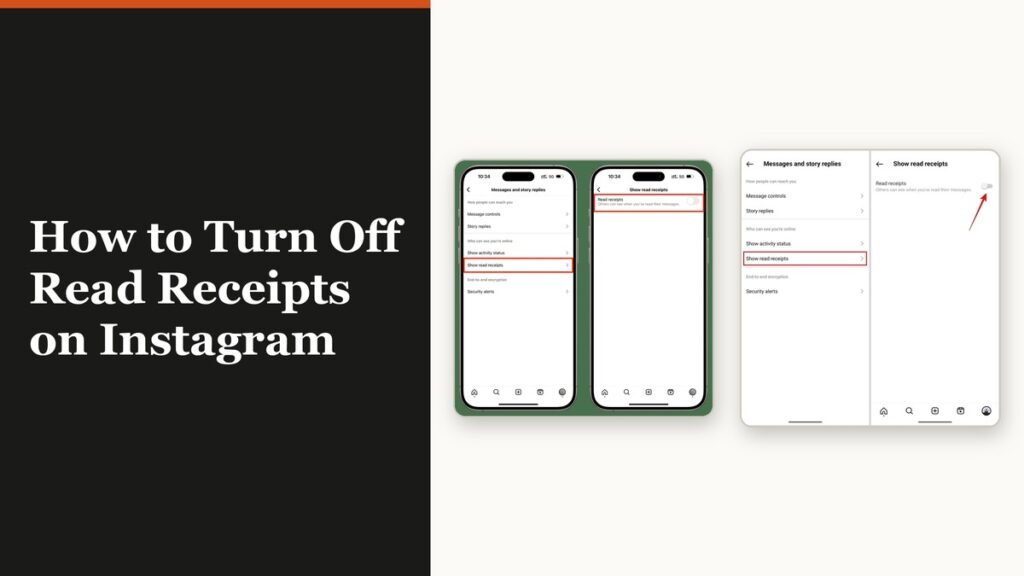
How to Turn Off Read Receipts on Instagram DMs
The global switch does not sweep up chats you have already set by hand. That one rule explains almost every case of Seen still appearing.
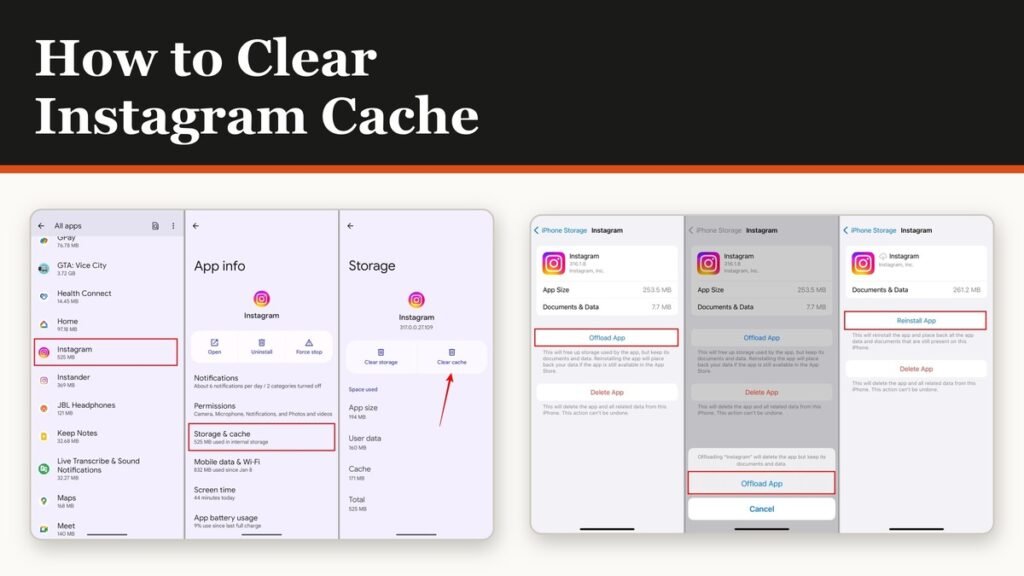
How to Clear Instagram Cache on Android and iPhone
Android has a real cache button and iPhone does not. The important part is telling it apart from the button next to it, which signs you out of everything.
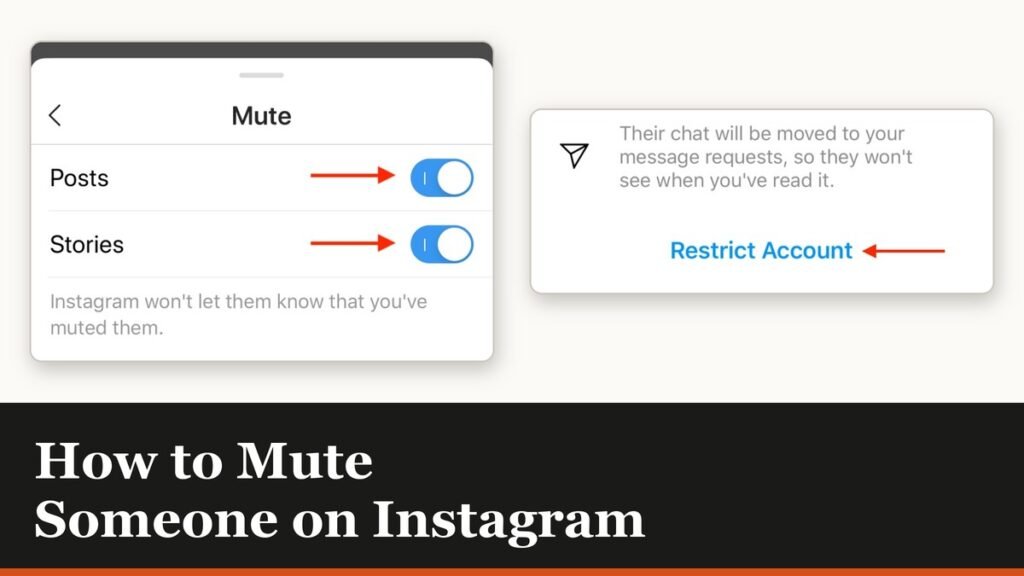
How to Mute Someone on Instagram Without Unfollowing
Muting is the quiet option: they are never told, they stay a follower, and you stop seeing them. There is one feed it does not cover.