

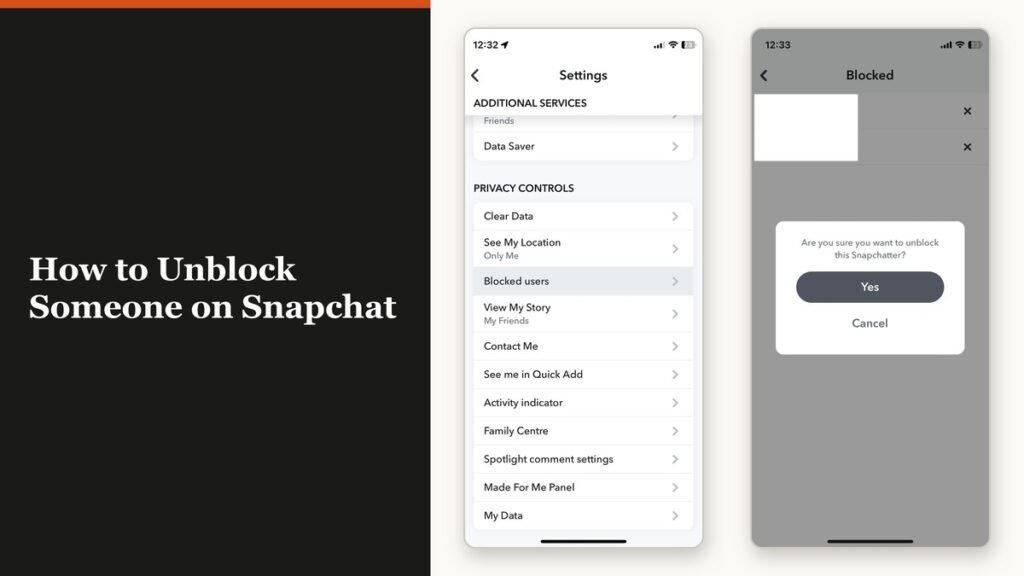
The short version of how to unblock someone on Snapchat: open your profile, tap the gear icon, scroll down to Blocked, and tap the X next to the name. Snapchat asks you to confirm and the entry disappears from the list. That is the whole procedure, and it takes about fifteen seconds.
The part worth reading is what happens next. Snapchat says an unblocked person will be able to send you Snaps and Chats again and see your Stories and Charms. It does not say your old conversation comes back, and in practice a lot of it does not.
Find the blocked list first
There is no unblock button on the other person’s profile, because a blocked account does not appear in search, in Quick Add or in your Best Friends list. The only place the block exists is a settings screen.
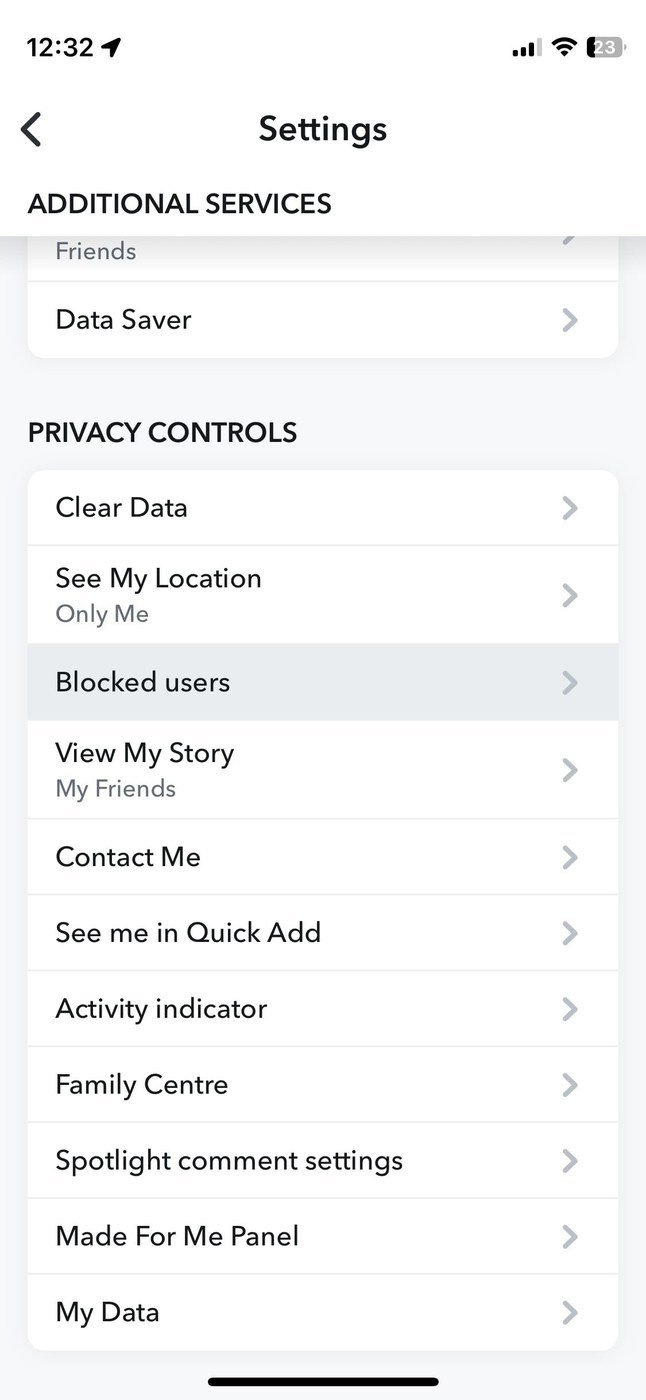
Tap your profile icon at the top of the camera screen, then the gear icon to open Settings. Scroll until you reach Blocked. On current builds that row sits in the Privacy Controls group, a little over halfway down, labelled Blocked users.
How to unblock someone on Snapchat
- Tap your profile icon at the top of the screen.
- Tap the gear icon to open Settings.
- Scroll down and tap Blocked.
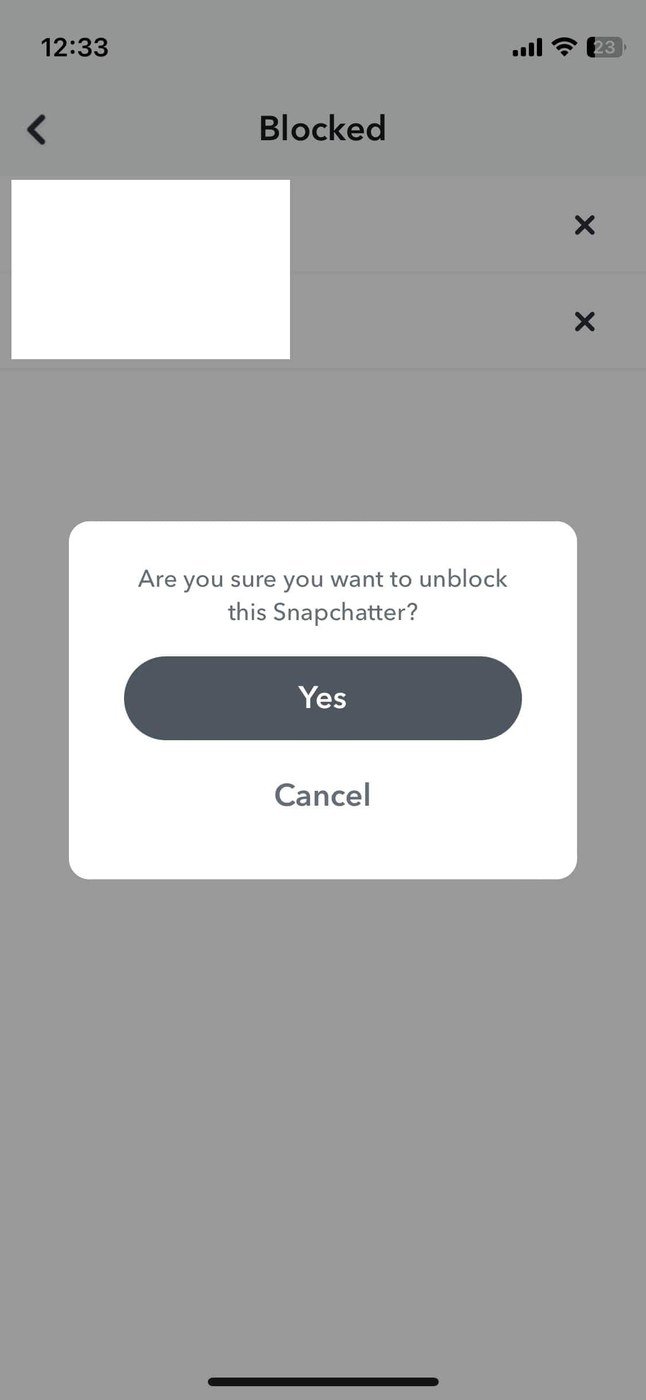
- Tap the X next to the name you want to unblock.
- Confirm when Snapchat asks whether you are sure.
The name leaves the list immediately. If the list is empty, you have no blocked accounts on this profile, which is worth checking before you assume a block is why someone cannot reach you.
What comes back, and what does not
Snapchat is precise about the first two items below and deliberately vague about the rest.
| After the unblock | Status |
|---|---|
| Sending you Snaps and Chats | Restored |
| Seeing your Stories and Charms | Restored |
| Your old one-to-one chat history | May be incomplete |
| Saved messages in that chat | May already be gone |
| Appearing in your friends list again | Not promised by Snapchat |
On chat history, Snapchat’s wording is that you may not see all of your previous messages with that person. Saved messages are weaker still: it says they may be removed when two people are no longer friends, which includes having blocked each other. Treat anything you needed from that conversation as gone.
Why they may not be in your friends list
This is the step people miss. Snapchat never states that unblocking restores a friendship, and its guidance on removing a friend says that to add someone again you have to search for them. Expect to re-add rather than assuming the old connection returns.
- Search their exact username from the Add Friends screen. Display names are not unique and will not reliably find them.
- They may need to accept, depending on how each of you has configured who can contact you.
- Streaks do not resume. A Snapstreak is a Charm, and Charms stop for a blocked account the moment the block goes on.
- Adding has a rate limit. Snapchat caps how quickly you can add people, so a failed add straight after an unblock may simply mean waiting.
If you cannot find them at all, the other direction is possible: they may have blocked you too. Snapchat says a Snapchatter who has blocked you cannot be added, and it will not tell you that is the reason. Our guide to what the green dot means on Snapchat covers the other status signals people misread the same way.
What the other person saw
Nothing, as far as notifications go. Snapchat does not tell anyone they have been blocked, and it does not tell them when the block is lifted either. What they would have noticed is the absence: no profile, no Stories, no way to send a Chat, and your location gone from the Snap Map even if you had been sharing it.
Public content is the exception throughout. A blocked account can still see Public Stories and anything you post to Spotlight, because that content is not tied to a friendship. If that is what you were trying to hide, the setting to change is your profile’s visibility rather than a block, and our walkthrough of making a public profile on Snapchat explains which parts of a profile are open to everyone.
Frequently Asked Questions
Does unblocking someone on Snapchat notify them?
No. Snapchat sends no notification for a block or an unblock. The other person only learns anything by noticing that your profile and Stories are reachable again.
Will my old Snapstreak come back after unblocking?
No. Streaks need a photo or video Snap from both people every day, and a block ends that exchange. Once the streak has expired it starts from zero when you both begin Snapping again.
Can I unblock someone from the Snapchat website?
The blocked list is a setting inside the mobile app. The accounts portal at accounts.snapchat.com handles passwords, data downloads and account locks, not blocking.
Why is the person still missing after I unblocked them?
Because unblocking and friendship are separate. Search their username and add them again. If the search returns nothing, they may have blocked you, deleted the account or changed the username.
Related Articles

Get the Fox Bulletin briefing
The stories that matter, in your inbox. No spam, unsubscribe anytime.
Newsletter signup will be available soon.
Related stories
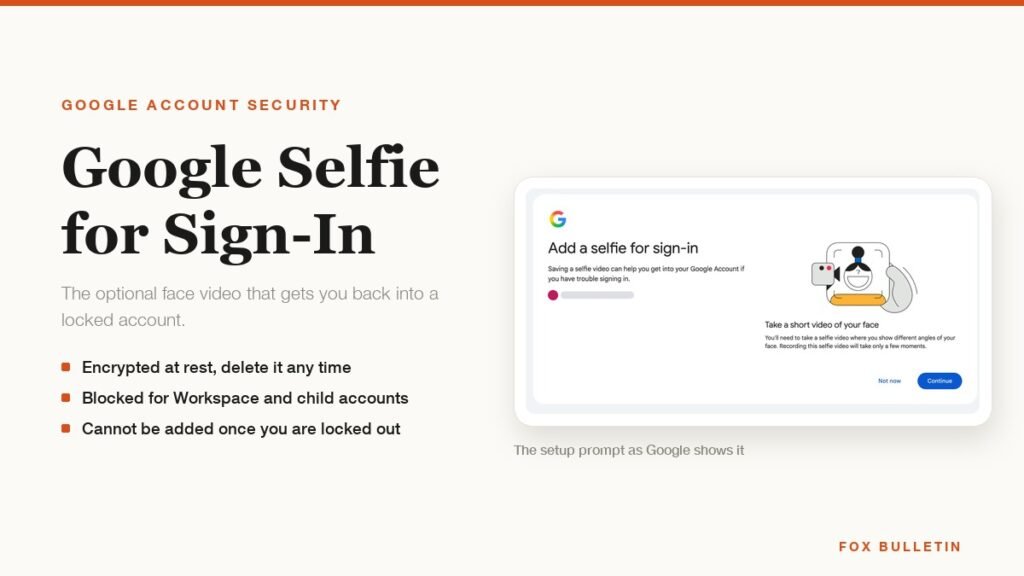
Google Selfie for Sign-In: How It Works and Is It Safe
The prompt headed Add a selfie for sign-in asks to keep a video of your face on your Google Account. Here is what that video is used for, and how to remove it.
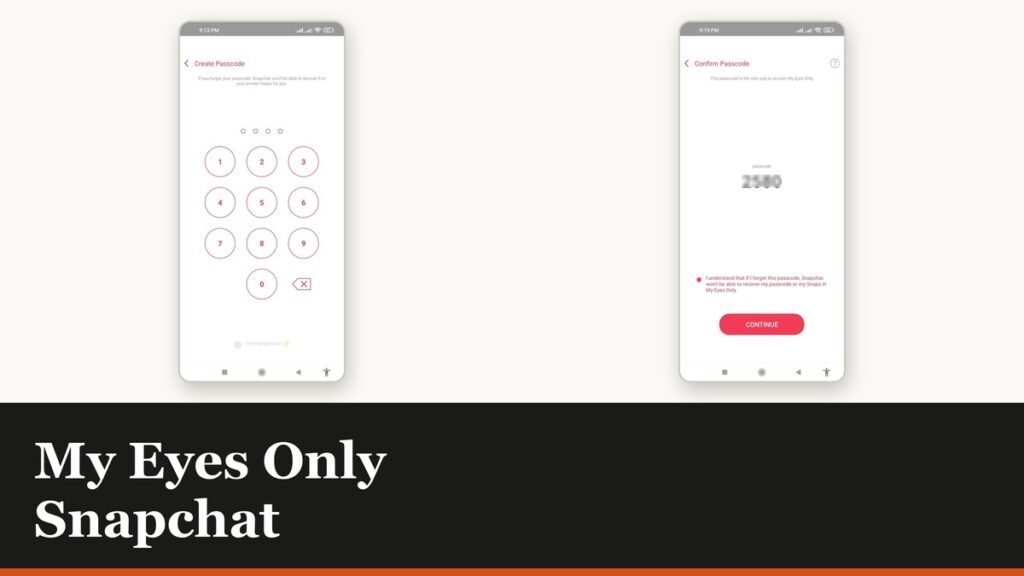
My Eyes Only Snapchat: Set It Up and Unlock It
Forgetting the passcode does not lock you out. It deletes everything behind it, and that is by design.
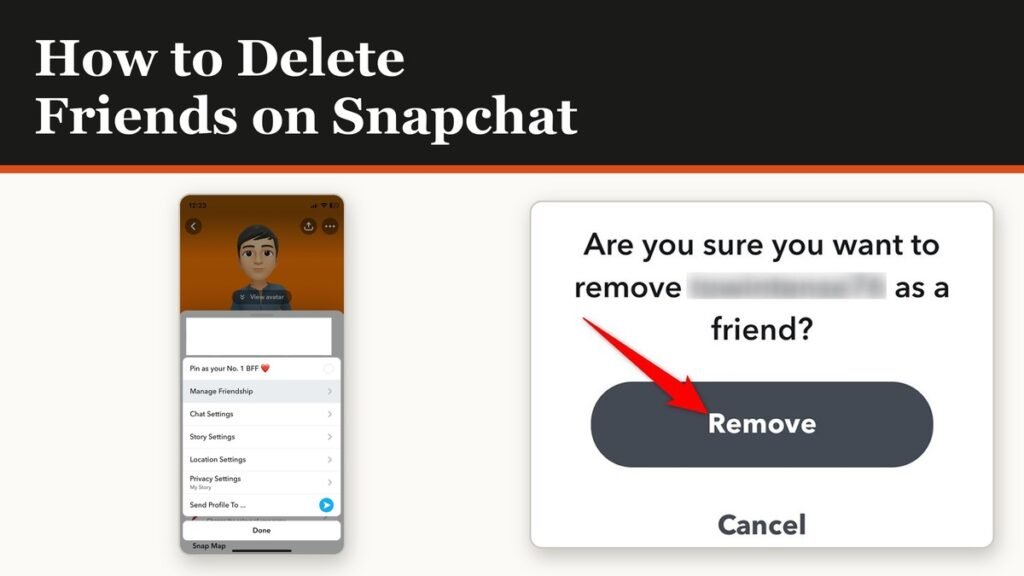
How to Delete Friends on Snapchat and What Changes
Removing a friend is quiet and quick. It also leaves them able to message you unless one other setting is changed.