

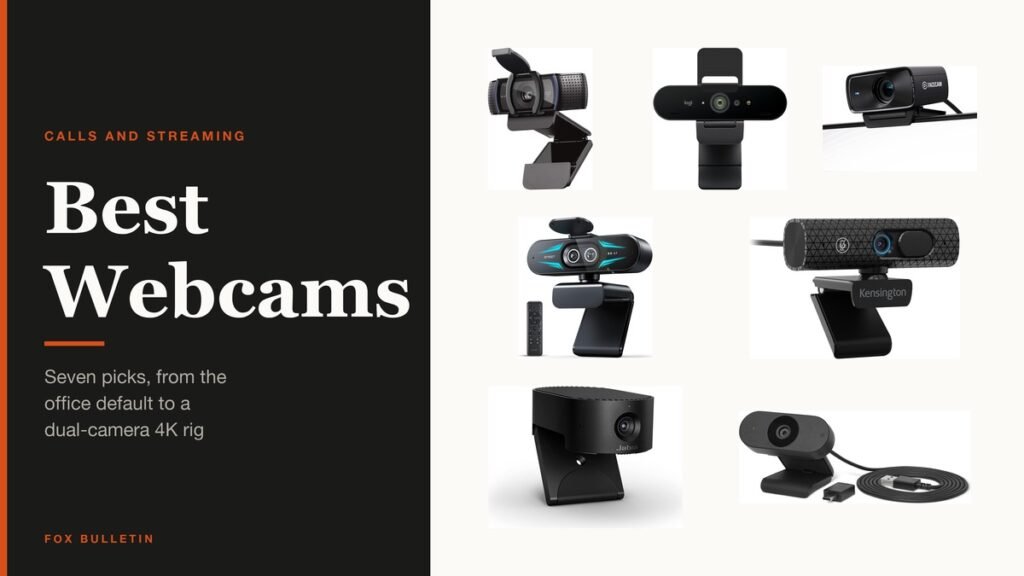
A webcam is the one piece of hardware other people judge you by, and the laptop camera above your screen is almost always the weakest one you own. Replacing it is the cheapest upgrade available to anyone who spends their day on calls.
Seven are compared below, from the camera most offices already standardise on to a body with two lenses and an 11x zoom. Resolution matters less than you would expect; field of view, lighting correction and the microphone matter more.
Webcam Comparison: Resolution, Framing, Connection and Microphones
All seven, with the specifications that decide how the picture actually looks.
| # | Webcam | Resolution | Field of view | Connection | Microphones |
|---|---|---|---|---|---|
| 1 | Logitech C920e | 1080p at 30fps | 78 degrees, fixed | USB-A | Two omnidirectional |
| 2 | Logitech Brio Ultra 4K | 4K at 30fps | Three presets, from 65 degrees | USB-A and USB-C | Two with noise cancelling |
| 3 | Elgato Facecam MK.2 | 1080p60 uncompressed, HDR | Adjustable in software | USB | None |
| 4 | EMEET C60E Dual-Camera 4K | 4K, 1/2.8-inch sensor | Wide-angle plus telephoto | USB | Two |
| 5 | Kensington W3050 EQ | 1080p at 30fps | Adjustable | USB-A and USB-C | Omnidirectional |
| 6 | Jabra PanaCast 20 | 4K Ultra HD, 13MP sensor | Wide, with intelligent zoom | USB-A to USB-C | Integrated |
| 7 | Amazon Basics Webcam | 1080p | Standard | USB | Built-in |
1. Logitech C920e: The Office Default That Still Holds Up
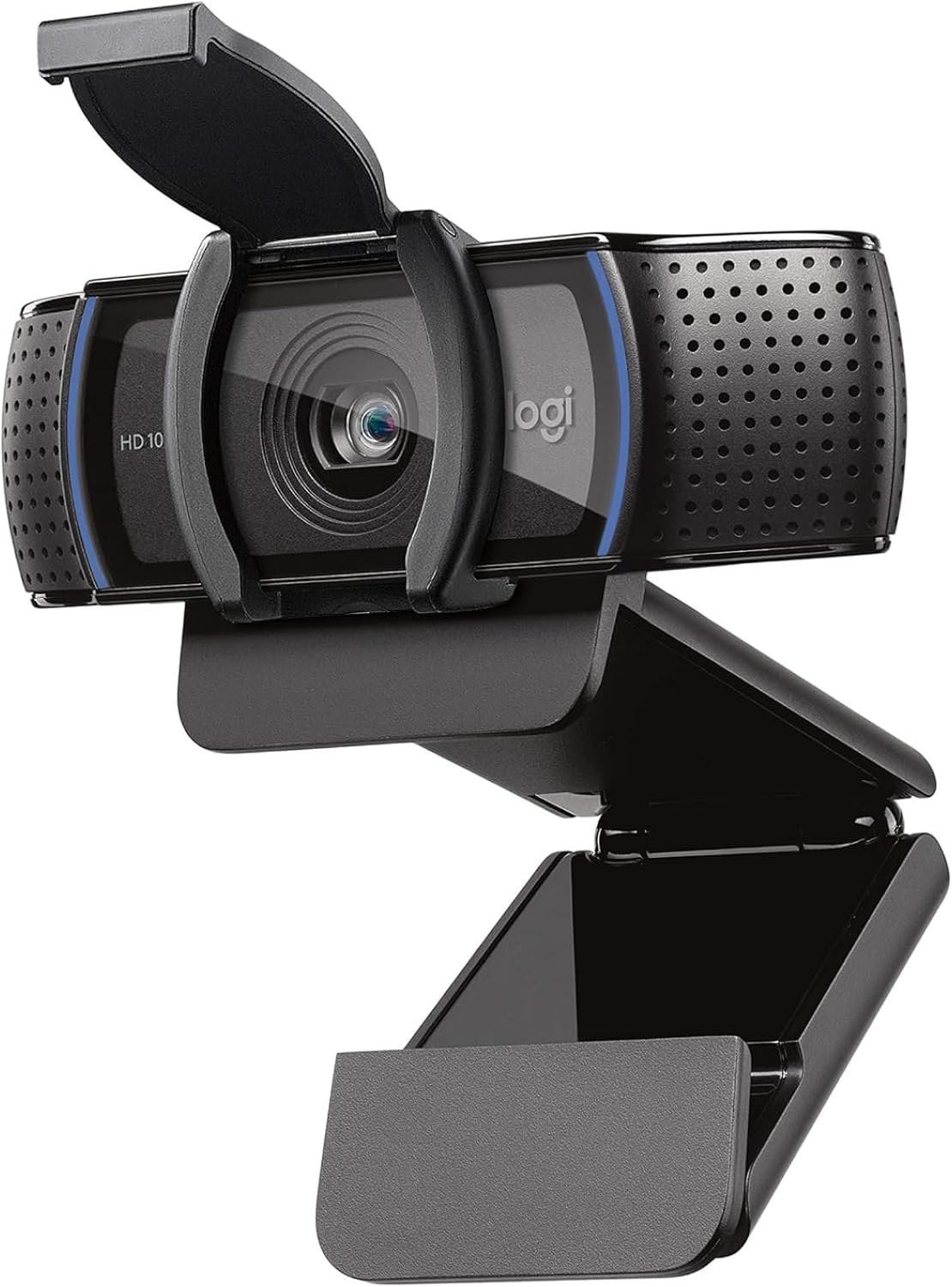
The C920 line has been the answer to this question for a decade, and the C920e is the version Logitech sells to companies. It fixes the field of view at 78 degrees, which frames one person at a desk well and leaves enough room to hold something up to the camera.
Two omnidirectional microphones capture audio from up to a metre away, autofocus and automatic light correction handle the rest, and an attachable privacy screen flips over the lens. It is certified for Zoom and works with Teams and the rest.
What it does well
- Fixed 78 degree framing that suits one person at a desk
- Dual omnidirectional microphones rated to about a metre
- Automatic light correction, which matters more than resolution indoors
- Attachable privacy screen you can see at a glance
What to know before buying
- 1080p only, so it is the wrong camera if you want 4K
- The field of view does not adjust, unlike the Brio and Kensington
- USB-A, so a modern laptop needs an adapter
2. Logitech Brio Ultra 4K: 4K With Three Framing Presets
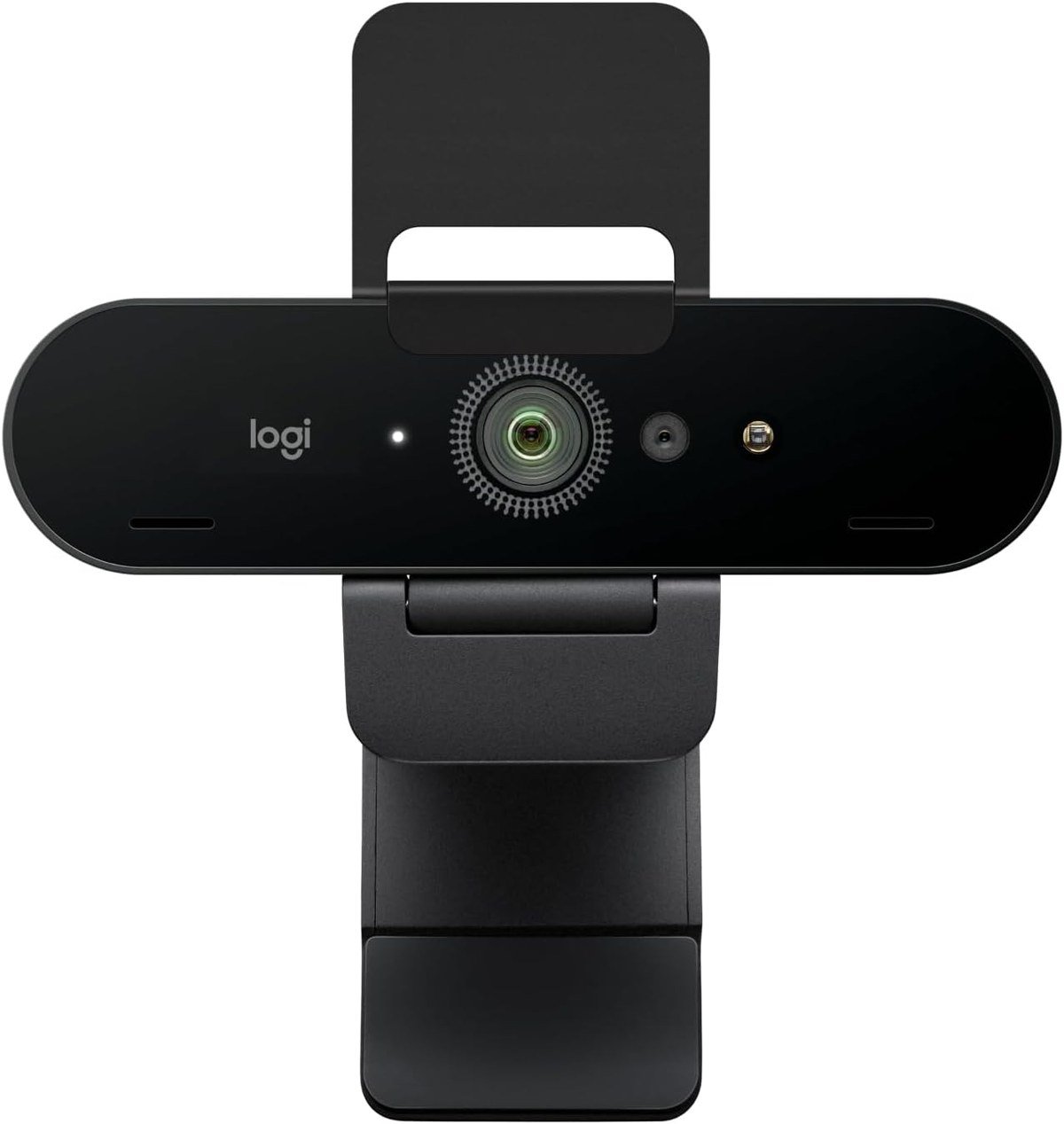
The Brio shoots up to 4K at 30fps with 5x digital zoom, and its party trick is choosing between three diagonal field-of-view presets rather than living with one. The 65 degree setting gives a head and shoulders crop; the wider options bring the room in.
RightLight 3 adjusts exposure and contrast against glare and backlighting, which is the difference between a usable picture and a silhouette in front of a window. The Logi Options+ app exposes manual focus and colour presets.
What it does well
- Up to 4K at 30fps with 5x digital zoom
- Three field-of-view presets instead of a fixed crop
- RightLight 3 exposure correction for backlit rooms
- Ships with both USB-A and USB-C connectivity
What to know before buying
- 4K at 30fps, not 60, so it is not a motion camera
- The software app is where most of the control lives
- Noticeably more expensive than the C920e for gains you may not see at 1080p
3. Elgato Facecam MK.2: Uncompressed 1080p60 for Streaming
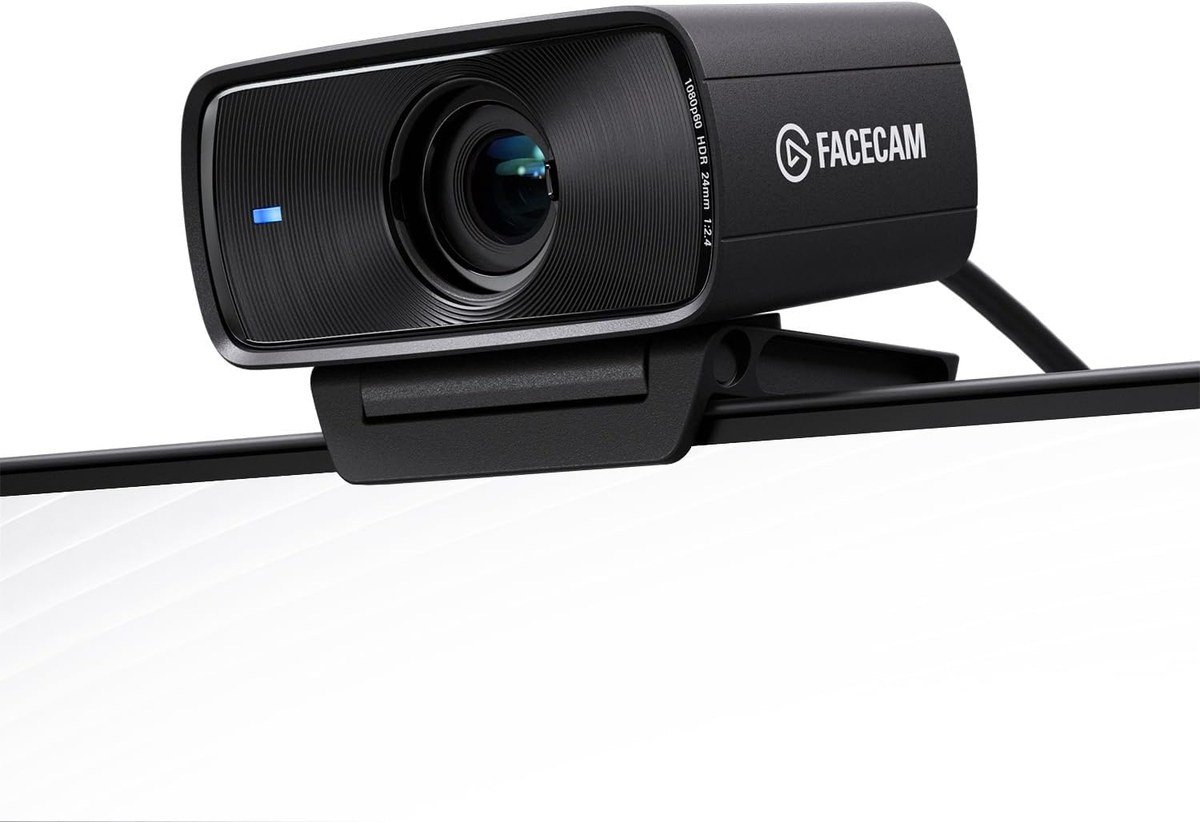
Elgato built this for people who stream, and the specification reflects it. The Facecam MK.2 outputs uncompressed 1080p60, so the encoder on your computer gets clean frames rather than video a webcam has already squeezed. On a moving subject that is more visible than extra pixels.
Camera Hub software exposes DSLR-style controls over exposure, white balance and focus, and HDR helps in high-contrast lighting. An easy-slide shutter covers the lens physically.
What it does well
- Uncompressed 1080p60, which keeps motion clean
- HDR for high-contrast lighting
- Camera Hub gives manual, DSLR-style control
- Physical slide shutter rather than a clip-on cover
What to know before buying
- No built-in microphone at all, so you need a separate one
- Uncompressed video needs real USB bandwidth and a capable machine
- 1080p rather than 4K, which is a deliberate choice here rather than a shortfall
4. EMEET C60E Dual-Camera 4K: Two Lenses and an 11x Hybrid Zoom
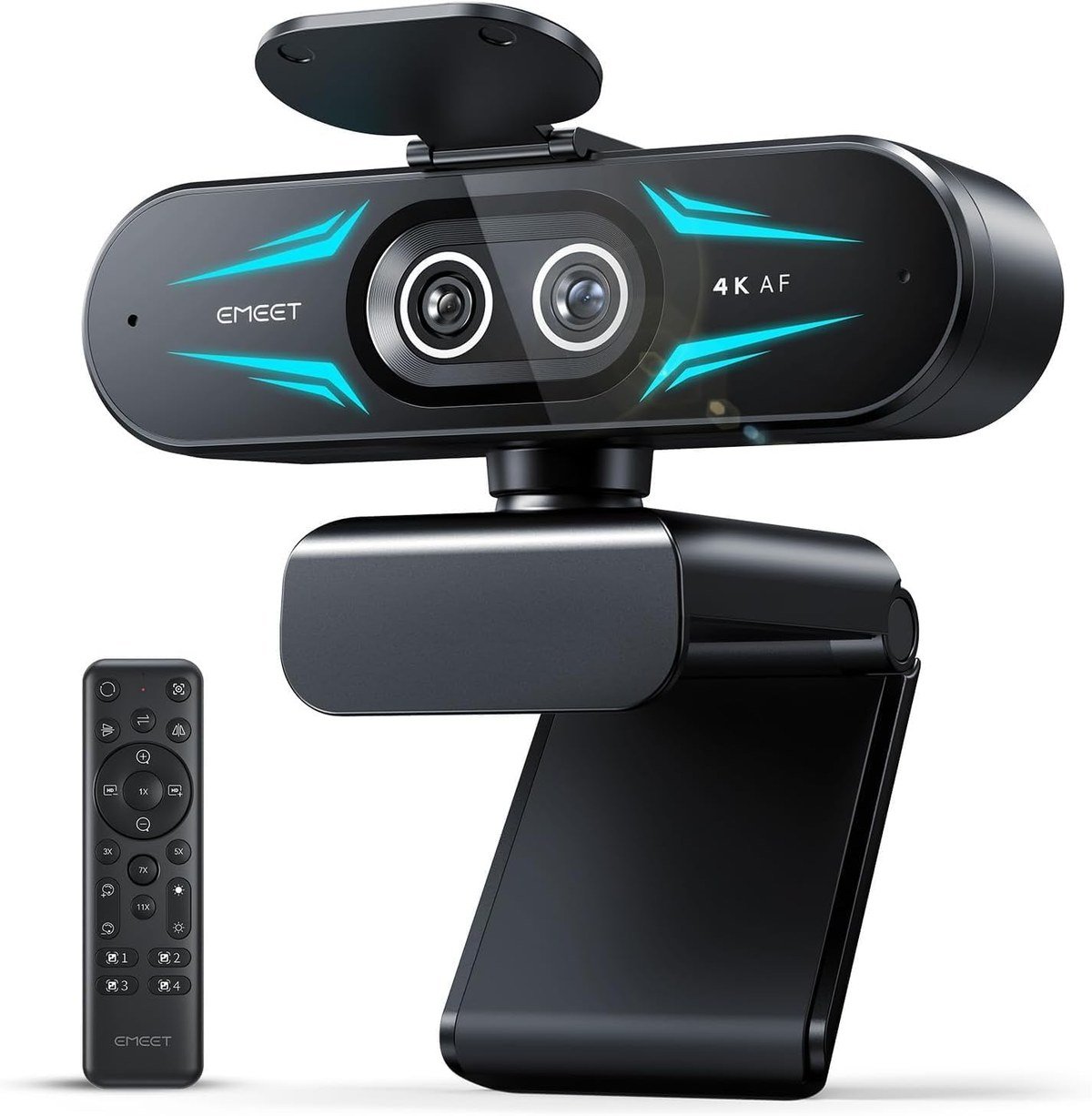
The C60E puts two cameras behind one 1/2.8-inch 4K sensor, a wide-angle lens and a telephoto one, and switches between them for up to 11x hybrid zoom with phase detection autofocus. Nothing else at this end of the market works that way.
A physical remote and the EMEET Studio software drive the framing, which is genuinely useful if you demonstrate things on camera and need to move between a wide shot and a close one without touching the computer. RGB lighting is built into the body.
What it does well
- Two lenses sharing a 4K sensor, wide and telephoto
- Up to 11x hybrid zoom with phase detection autofocus
- Physical remote control for framing mid-call
- Works across Windows 10 and 11 and macOS 10.14 or later
What to know before buying
- The RGB lighting is not to everyone’s taste and is part of the design
- Dual-camera switching adds software that has to be installed
- A larger body than a plain 1080p camera, which matters on a thin monitor
5. Kensington W3050 EQ: Adjustable Framing Without the Logitech Premium
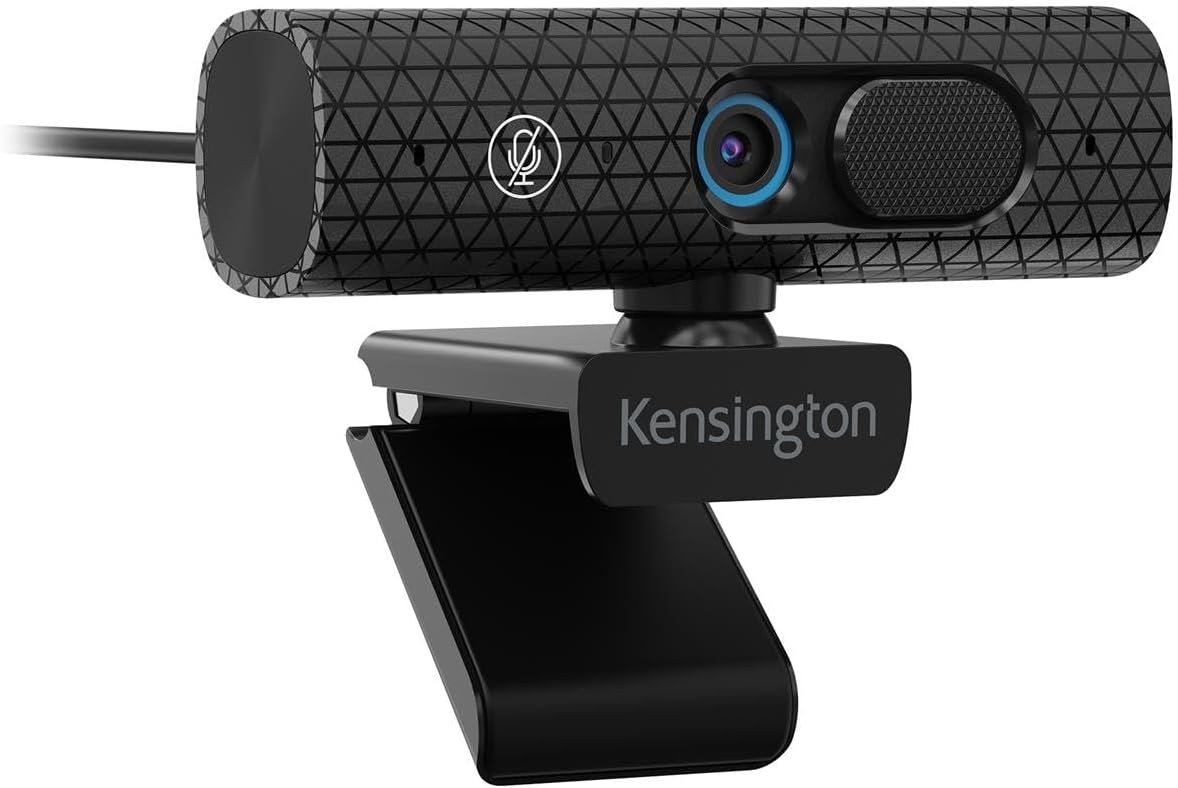
Kensington sells mostly to offices, and the W3050 EQ reads that way: 1080p at 30fps with autofocus that tracks movement and lighting changes, an adjustable field of view, and no drivers to install before the first call.
An omnidirectional microphone picks up voices from around the room rather than only in front, and TrueHue software adjusts brightness, contrast and sharpness when the default look is wrong. A built-in privacy shutter blocks the lens physically.
What it does well
- Adjustable field of view at a 1080p price
- Autofocus that tracks movement and changing light
- Both USB-A and USB-C supported, adapter included
- Built-in shutter rather than a separate clip
What to know before buying
- 1080p at 30fps only
- Omnidirectional pickup is a drawback in a noisy shared room
- A less familiar brand than Logitech for IT departments to approve
6. Jabra PanaCast 20: AI Framing Built for Meetings
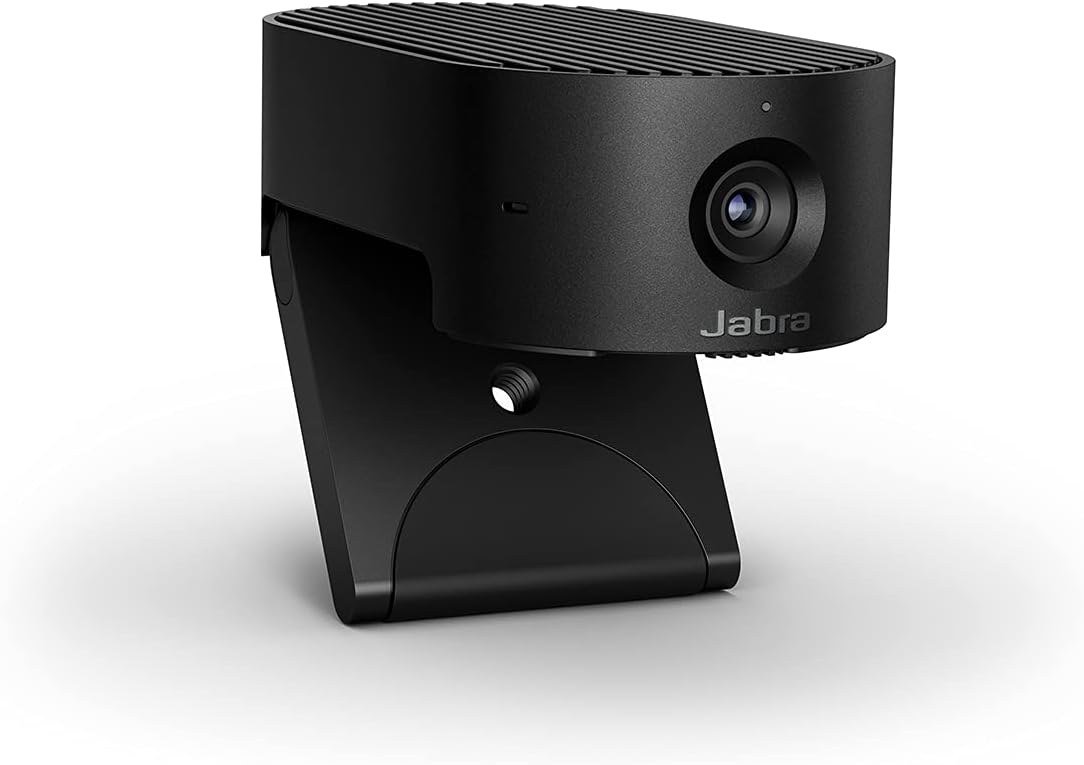
The PanaCast 20 is a meeting camera first. A 13-megapixel sensor feeds 4K Ultra HD, and its intelligent zoom follows you as you move, so standing up to point at a whiteboard does not leave you half out of frame.
Lighting optimisation analyses the room and adjusts automatically, and the camera is certified for Microsoft Teams and Zoom, which matters when a company decides what employees may plug in. It ships with a carry case, weighing about 100 grams.
What it does well
- AI-driven intelligent zoom that tracks you around the frame
- 13-megapixel sensor feeding 4K Ultra HD
- Automatic lighting optimisation for poorly lit rooms
- Certified for Microsoft Teams and Zoom
What to know before buying
- Built around meetings, not streaming or recording
- The processing is automatic, so manual framing control is limited
- Priced as business hardware rather than a consumer webcam
7. Amazon Basics Webcam: The One to Buy When Nothing Else Matters
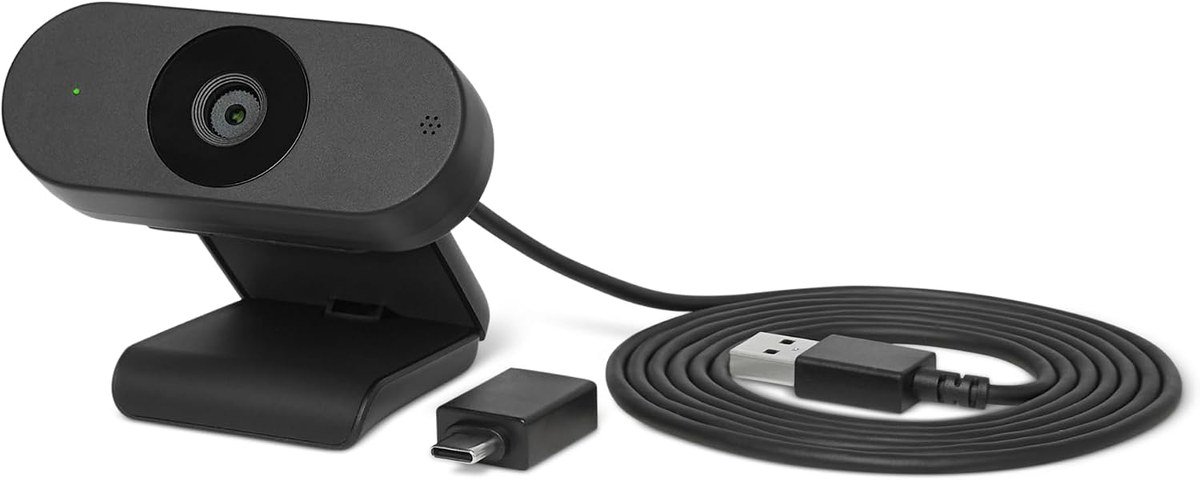
Not every camera needs to be considered. This one records 1080p, corrects the brightness and colour balance automatically, has a microphone in it and weighs about 100 grams.
That is the entire proposition, and for a spare machine, a second monitor or somebody whose laptop camera has died, it is enough. It is the floor of this list rather than a compromise on it.
What it does well
- 1080p with automatic light correction
- Built-in microphone, so no separate audio device
- Compact and light enough to move between machines
- The simplest option here to set up
What to know before buying
- No adjustable field of view and no manual control
- No privacy shutter mentioned in the specification
- Fine for calls, not intended for streaming or recording
Why Lighting Beats Resolution on a Webcam
A 4K sensor in a dim room produces a grainy, smeared 4K picture. A 1080p sensor in good light produces a clean one. Webcam sensors are physically tiny, so they gather little light, and everything they do afterwards is damage limitation.
The C60E’s 1/2.8-inch sensor is among the larger ones here, and it is still a fraction of the area a phone camera uses. Sensor format sets the ceiling on low-light performance before any processing happens.
This is why features like Logitech’s RightLight 3 and the automatic light correction on the C920e and the Amazon Basics camera matter more than the pixel count. They adjust exposure against a bright window behind you, which is the single most common reason a person appears as a silhouette.
The cheapest real improvement is not a camera at all. Put a lamp slightly to one side of your face, above eye level, and any camera on this list will look better than a 4K one lit from behind. A desk lamp placed properly does more than a sensor upgrade.
Most video platforms compress the stream back down anyway. Zoom and Teams rarely deliver more than 1080p to participants, so a 4K camera is often spending its detail on a connection that will not carry it.
Uncompressed Video and Why Streamers Care
Most webcams compress video before it leaves the device, which saves USB bandwidth and throws away detail. The Elgato Facecam MK.2 sends uncompressed 1080p60 instead, handing clean frames to the encoder on your computer.
For a video call this is irrelevant, because the platform compresses everything again. For streaming or recording it is the difference between crisp motion and a smeared background when you move. It also demands a machine with the USB bandwidth and processor headroom to accept it.
Frame rate follows the same logic. 1080p at 60fps looks better in motion than 4K at 30fps, which is why a streaming camera chooses the former and a meeting camera chooses the latter.
If the plan is to record rather than to call, the camera is only the first half of the setup. A free screen recorder captures what the camera sends, and the two decisions are worth making together.
Which Webcam to Buy
For most people, the Logitech C920e. It frames one person at a desk properly, corrects the light, has usable microphones and costs a fraction of the 4K options, and the limitations of 1080p are smaller than the limitations of a dim room.
Choose the Brio Ultra 4K if you want adjustable framing and the headroom to crop in. Choose the Elgato Facecam MK.2 if you stream, and budget for a separate microphone, since it has none. Choose the Jabra PanaCast 20 if you move around during meetings, the EMEET C60E if you demonstrate things and need to zoom, the Kensington W3050 EQ for adjustable framing without the Logitech premium, and the Amazon Basics camera when the only requirement is that one exists.
Frequently Asked Questions
Is a 4K webcam worth it?
Usually not for calls. Zoom and Teams rarely pass more than 1080p to other participants, so the extra detail is discarded in transit. 4K earns its place for recording, or for cropping into the frame without losing sharpness.
Do I need a webcam if my laptop already has one?
A laptop camera sits behind a very thin lid, which limits the sensor and the lens. Any of the cameras here will out-perform it, and the external position also lets you put the camera at eye level rather than looking up at you.
Does a privacy shutter matter?
It is the only guarantee that works regardless of software. Tape does the same job, and a built-in shutter like the Kensington’s or the Elgato’s slide cover is harder to lose. The C920e uses an attachable screen instead.
Will a webcam work without installing software?
All seven are plug and play for basic video. The software is where the extras live: framing presets on the Brio, manual exposure on the Facecam, dual-camera switching on the C60E. Skip the app and you get a working camera with default settings.
Related Articles
As an Amazon Associate, Fox Bulletin earns from qualifying purchases.

Get the Fox Bulletin briefing
The stories that matter, in your inbox. No spam, unsubscribe anytime.
Newsletter signup will be available soon.
Related stories
Best Graphics Cards: 7 Picks From Entry to 4K
Seven graphics cards compared on GPU, memory and physical size, from a 6GB entry card to a 16GB GDDR7 board built for 4K.
Free File Converters: 10 Picks and Their Limits
Ten free file converters compared on what they cost you, from unlimited offline tools to browser services that meter conversions and store your file.

Best Weather Apps: 10 Picks for iPhone and iPad
Ten free weather apps ranked for iPhone and iPad, from the one already installed to the forecast maps meteorologists actually use.