

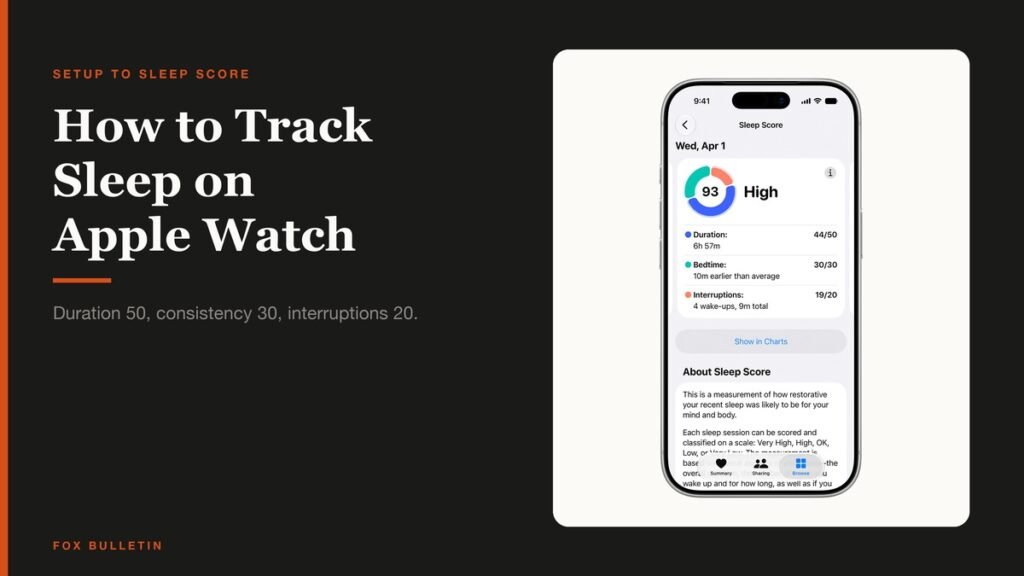
How to track sleep on Apple Watch comes down to one switch and one habit: turn on Track Sleep with Apple Watch in the Health app, then actually wear the watch to bed. Setup takes about three minutes and happens on the iPhone, not the watch.
What you get back is more specific than most people expect. The watch estimates how long you spent in each sleep stage, and every morning it scores the night out of 100 using a formula Apple publishes. The two settings that decide whether any of it works are covered below.
What You Need Before the First Night
Three things decide whether you wake up to data or an empty graph, and two of them are about battery rather than settings.
- An Apple Watch paired to an iPhone, with the Health app on the phone
- At least 30 per cent charge before bed, because a flat watch records nothing
- A willingness to wear it for at least one hour a night, below which the graph may show nothing at all
- A snug but comfortable fit, since a loose watch makes the accelerometer read movement that is not yours
- About three minutes for setup, all of it on the iPhone
The short version: open the Health app on your iPhone, tap Get Started under Set Up Sleep, set a sleep goal and your bedtime and wake times, turn on Sleep Focus if you want it, then turn on Track Sleep with Apple Watch and wear the watch to bed.
How to Track Sleep on Apple Watch: Setting It Up
Apple runs setup through the Health app rather than the watch, which is covered in its guide to tracking sleep on Apple Watch.
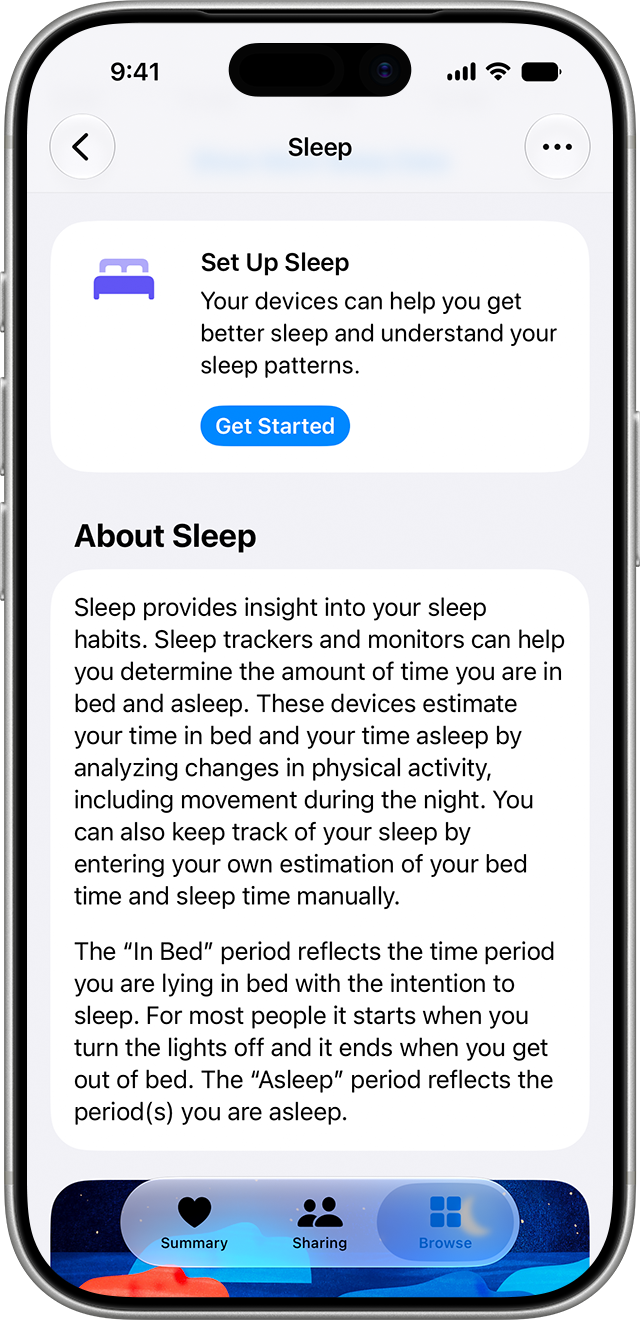
- Open the Health app on your iPhone and tap Get Started under Set Up Sleep, then tap Next. You know you are in the right place when the screen asks for a sleep goal.
- Set your sleep goal. Choose the number of hours you want to spend asleep. This is a target, not a limit, and you can change it later.
- Set bedtime and wake up times. You know the schedule works when the summary underneath matches your goal rather than turning orange.
- Decide on Sleep Focus. Turning it on simplifies the Lock Screen and cuts distractions from your wind down time. You can allow specific people or apps through.
- Turn on Track Sleep with Apple Watch. You know it is on when the option is enabled rather than greyed out. This choice only appears during setup if the watch was already paired, so pair first if you can.
If you paired the watch after running setup, nothing is lost. Track Sleep with Apple Watch can be switched on afterwards from the same Sleep section of the Health app.
Changing a Schedule for One Night or for Good
Apple splits this deliberately, and picking the wrong one is how people end up with a 6am alarm every Saturday for a month.
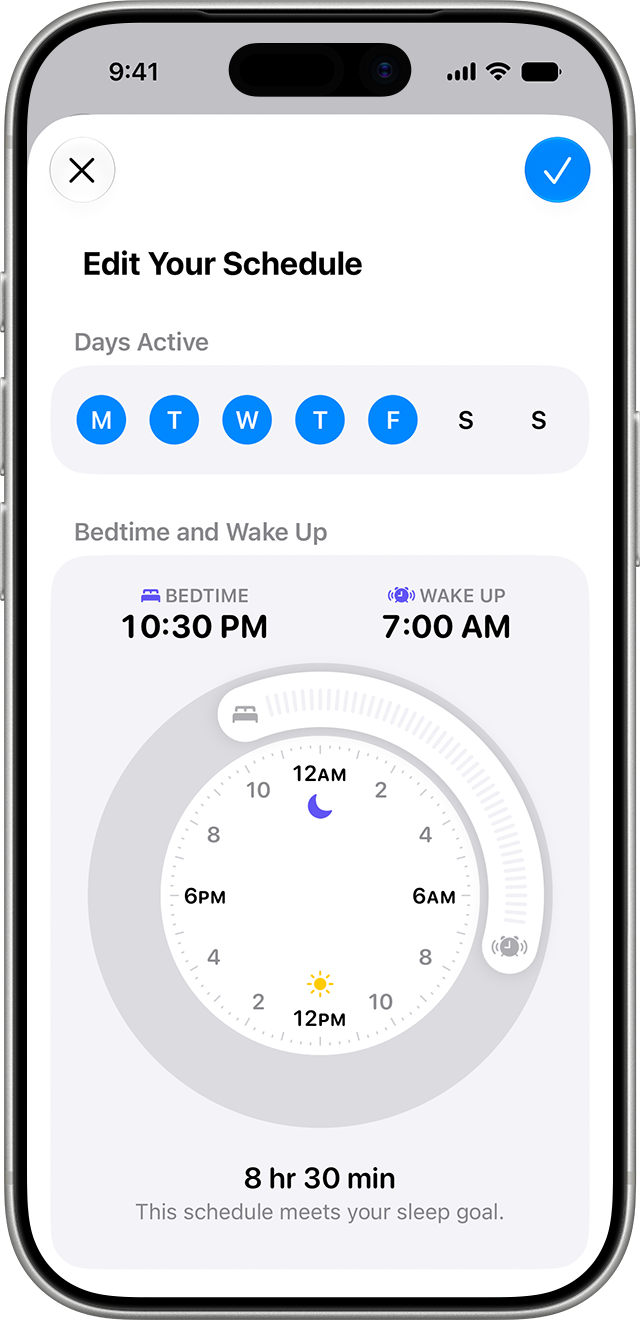
- Next Wake Up Only changes the following day alone and leaves your normal pattern untouched. This is the one for an early flight
- Full Schedule & Options changes all future days, and you can run more than one schedule, such as one for weekdays and another for weekends
- The slider turns orange when the times you have set do not meet your sleep goal, which is the fastest sanity check in the whole app
- Tap Alarm within either screen to set the sound, volume and haptics, or to turn the alarm off entirely
- Sleep Schedule can be switched off at the top of Full Schedule & Options without deleting anything you have built
Both live in the same place: Health, then the Browse tab, then Sleep. Apple also lets you edit the schedule on the watch itself, and the next wake-up alarm can be changed from the Clock app, which is usually quicker at 11pm.
How the Sleep Score Is Calculated
Every morning the watch rates the previous night from 0 to 100. Apple publishes the weighting rather than leaving it as a black box, which makes a bad score actionable.
| Component | Points | What it measures |
|---|---|---|
| Sleep duration | 50 | How much you actually slept against your goal |
| Bedtime consistency | 30 | When you fell asleep across the last 13 nights |
| Interruptions | 20 | The quality and length of the moments you were awake |
Bedtime consistency is the one worth understanding, because it is scored against when you fell asleep over the last 13 nights rather than against a clock. A person reliably asleep at 1am scores well on consistency; a person oscillating between 10pm and 1am does not, even if both average the same duration.
The total is banded from Very Low to Very High, and tapping the score then the info control explains the calculation on the device. Because duration carries half the points, a short night caps the score no matter how settled it was.
Scores depend on the watch surviving the night, so charging habits matter more than they sound. Our roundup of portable Apple Watch chargers covers the ones that top a watch up during a wind down rather than overnight.
Reading the Stages and the History
The watch estimates time spent Awake and in REM, Core and Deep sleep. Apple is careful to call these estimates rather than measurements, which is the right framing for a wrist sensor.
- On the watch: open the Sleep app and turn the Digital Crown to see stages, time asleep and duration for the last 14 days
- On the iPhone: Health, Browse, then Sleep. The bar graph opens on D for daily, and W, M and 6M show a week, a month and six months
- Stages shows the time and percentage in each stage
- Amounts shows sleep duration against your goal
- Comparisons puts heart rate and respiratory rate against your time asleep
Wrist temperature comparisons need an Apple Watch Series 8 or later, or any Apple Watch Ultra. Apple’s guide to viewing your sleep score covers where each of these appears on the device.
When the Graph Comes Back Empty
The battery died. This is the usual answer. Turn on Charging Reminders in the Apple Watch app on your iPhone, under My Watch then Sleep, and the watch will prompt you to charge before your wind down time.
You did not wear it long enough. Apple requires at least one hour of wear a night for the graph to populate. A watch taken off at 3am after a bad night may record nothing useful.
The band is too loose. A watch that slides registers movement that is not sleep, which skews both the stages and the interruption count.
It is a child’s watch. Sleep is not available on watches set up through Apple Watch For Your Kids, formerly Family Setup, and Respiratory Rate is not available for anyone under 13.
Making the Numbers Worth Reading
Sleep data is only useful if the setup is consistent, and three habits do most of the work.
- Wear it every night, not just bad ones. Bedtime consistency is scored across 13 nights, so a watch worn three times a week cannot score well on 30 of the 100 points
- Charge at the same point each day. A wind down charge beats an overnight one, because the watch has to be on your wrist rather than on the puck
- Leave the schedule alone for a fortnight. Changing bedtime targets weekly resets the pattern the score is measuring against
- Read the week, not the night. The W view in Health is where a real trend shows up; a single night moves for reasons that have nothing to do with your habits
None of this makes the watch a medical device, and Apple does not present it as one. What it does well is show whether this week looked like last week, which is the question most people are actually asking.
Sleep Focus overlaps with the quieting modes, so it is worth knowing which one is running overnight. Our guide to silencing an Apple Watch sets out what each mode switches off, including the alarm behaviour that catches people out on a charger.
Frequently Asked Questions
How is the Apple Watch Sleep Score calculated?
Out of 100, from three parts: sleep duration is worth 50 points, bedtime consistency 30 and interruptions 20. Consistency is measured against when you fell asleep over the previous 13 nights, and interruptions count both the quality and the length of the time you spent awake.
How much charge does my Apple Watch need to track sleep?
Apple recommends at least 30 per cent before bed. The watch has to stay alive all night to record anything, so turning on Charging Reminders in the Apple Watch app is worthwhile: it prompts you to charge before your wind down time rather than at bedtime.
Why is my sleep graph empty?
Most often because the watch ran out of battery, or because you wore it for under an hour. Apple requires at least one hour of wear each night for data to appear. Check that Track Sleep with Apple Watch is actually switched on as well, since it is a separate toggle from the schedule.
Can the Apple Watch tell REM from deep sleep?
It estimates four states: Awake, REM, Core and Deep. Apple presents these as estimates rather than clinical measurements, and they are derived from movement and heart rate rather than brain activity. The trend across weeks is more meaningful than any single night.
Related Articles

Get the Fox Bulletin briefing
The stories that matter, in your inbox. No spam, unsubscribe anytime.
Newsletter signup will be available soon.
Related stories
How to Turn Off an Apple Watch and Restart It
How to turn off an Apple Watch in watchOS 27, restart it, and force restart a frozen one, plus the charging rule that hides the power slider.
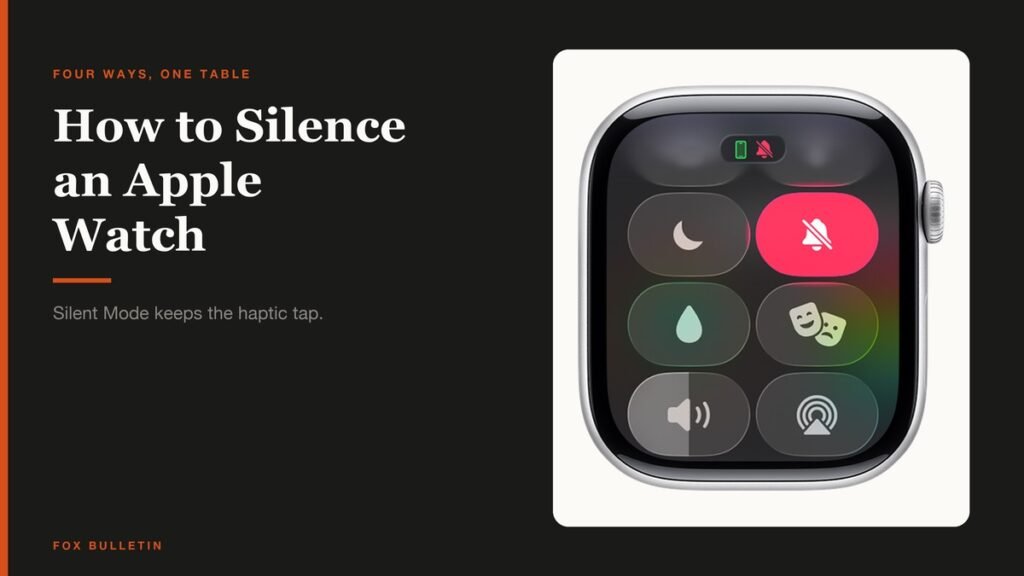
How to Silence Apple Watch: Every Mute Option
How to silence Apple Watch four ways, what each one leaves switched on, and why Silent Mode still lets alarms sound while the watch is charging.
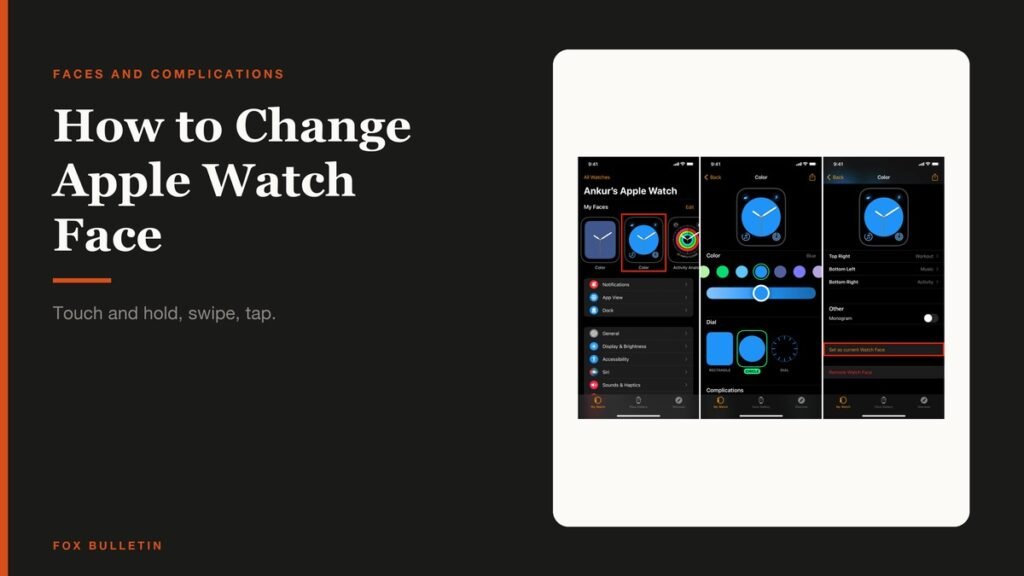
How to Change Apple Watch Face and Complications
How to change Apple Watch face on the watch and from the iPhone, pick complications, reorder your collection and remove the faces you never use.