

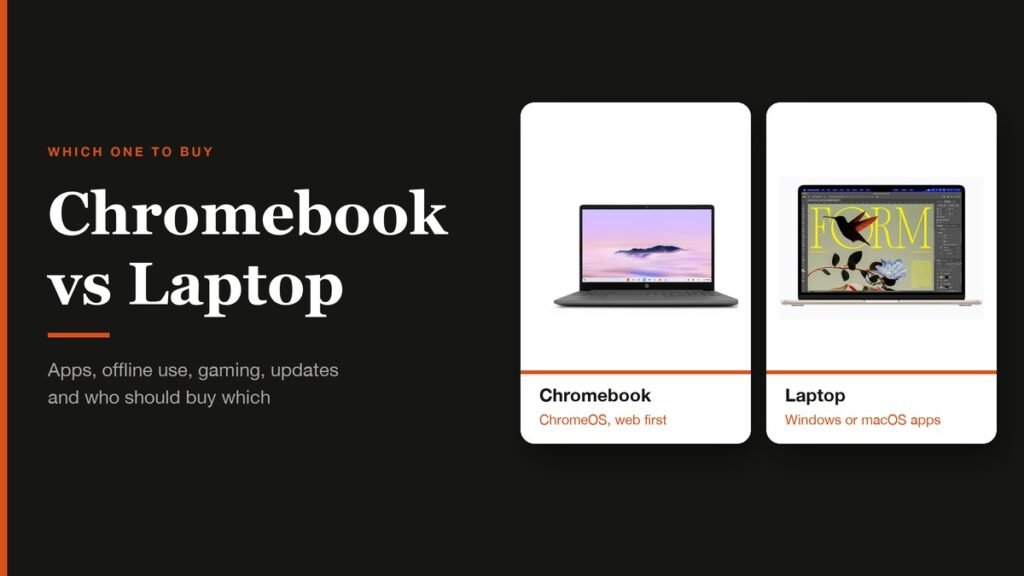
The Chromebook vs laptop question is really a question about software. A Chromebook is a laptop, but it runs ChromeOS, Google's operating system built around the Chrome browser, so it lives on web apps and Android apps. A Windows or Mac laptop runs full desktop programs, which is what decides whether it can edit 4K video, run a Steam library or open the exact software your course or job demands.
That gap has narrowed in some places and widened in others. Chromebooks now get a decade of automatic updates, while Google closed its Steam beta for them at the start of 2026 and launched Googlebook, a pricier Android-based laptop line, in October. Here is how the two compare today and who should buy which.
Chromebook vs Laptop: The Short Answer
Buy a Chromebook if nearly everything you do happens in a browser: email, Google Docs, streaming, video calls, schoolwork and light photo edits. Buy a Windows or Mac laptop if you need desktop software, serious gaming, or a program your school or employer installs. If you are unsure, list the three apps you use most and check whether each has a web or Android version.
What Makes a Chromebook Different From Other Laptops
The hardware looks familiar: a keyboard, a trackpad, a screen, often a hinge that folds back into a tablet. The difference is the operating system. ChromeOS signs you in with a Google account, keeps most of your files in Google Drive, and treats the Chrome browser as the main place you work. The first Chromebooks went on sale in 2011, and the idea has not changed since: a light, fast laptop for a web-first life.
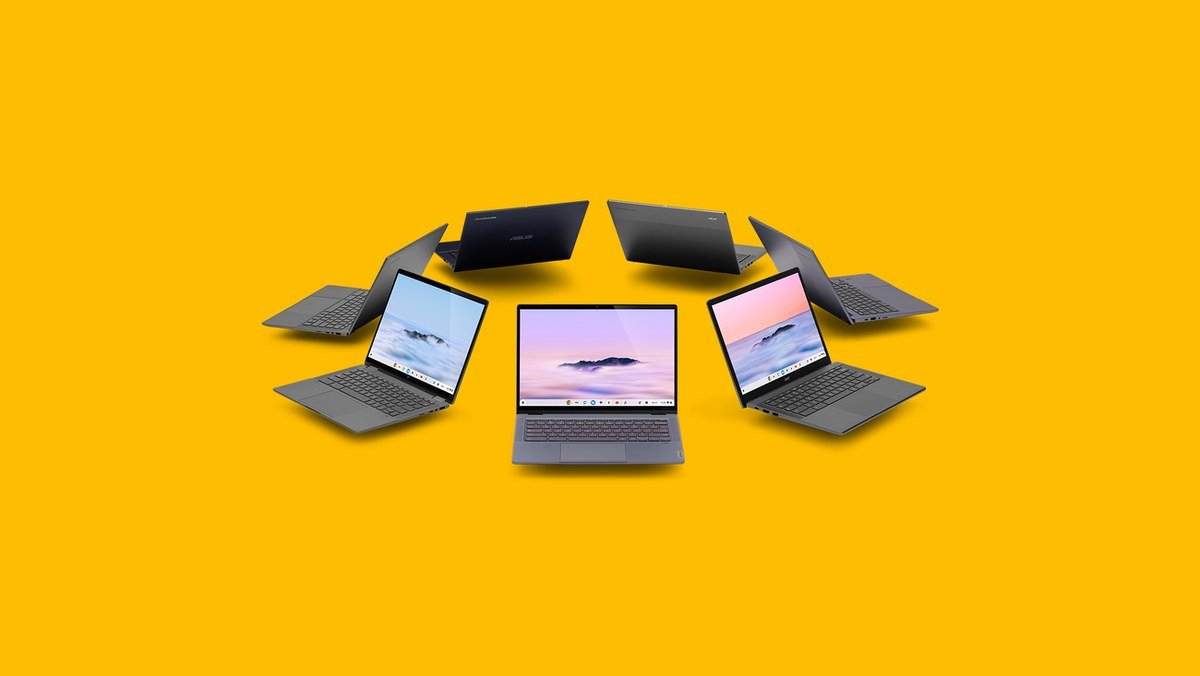
Three kinds of software run on one. Web apps are the core. Android apps install from Google Play on models that support it, which brings in mobile games and apps such as Spotify. And there is a Linux environment for developers, though Google's own Linux setup guide notes that hardware acceleration, including the GPU, is not yet supported inside it.
What does not run is a Windows or macOS program. There is no installer for desktop Photoshop, Microsoft's full desktop Office apps or most PC games, and that single fact decides most purchases.
Chromebook vs Windows and Mac Laptops, Side by Side
| Chromebook | Windows or Mac laptop | |
|---|---|---|
| Operating system | ChromeOS, built around the Chrome browser | Windows 11 or macOS |
| Everyday apps | Web apps, Android apps from Google Play on supported models | Desktop programs plus web apps |
| Pro creative software | Web versions only, such as Photoshop on the web | Full desktop Photoshop, Premiere, DaVinci Resolve, Final Cut |
| Offline work | Docs, Sheets and Slides offline once switched on | Everything installed works offline |
| PC gaming | Cloud gaming and Android games; Steam beta closed in January 2026 | Native PC and Mac games, Steam |
| Software updates | Automatic, 10 years for models released since 2021 | Depends on the maker and the OS version |
| Developer tools | Linux terminal, no GPU acceleration | Native toolchains, GPU compute |
| Typical entry storage | 128GB on Chromebook Plus models | 256GB to 512GB on most mid-range laptops |
Price is the row missing from that table because it no longer splits cleanly. Plenty of Chromebooks still sell for budget money, but the cheapest Mac is now close: Apple's MacBook Neo starts at $599, and a 13-inch MacBook Air with M5 starts at $1,099. Google's new Googlebooks start at $899. A low price alone is no longer a reason to pick ChromeOS.
Where a Chromebook Is the Better Buy
- A long, predictable support window. Chromebooks released since 2021 get 10 years of automatic updates, and you can see the exact end date under Settings, About ChromeOS, then Additional details.
- Security with no effort. Updates install in the background, and verified boot repairs the system if it has been tampered with. There is no antivirus to buy.
- Simplicity for shared or family use. Sign in with a Google account and your apps, bookmarks and files follow you, which is why schools issue so many of them.
- Offline basics. Google Docs, Sheets and Slides work offline once you switch on offline access in Drive settings while you are still connected.
Students are the obvious fit, and so is anyone whose working day is Gmail, Docs and video calls. Chromebook Plus models add Gemini built into the system and NotebookLM on the shelf, and they handle web versions of creative tools well.
Where a Windows or Mac Laptop Wins
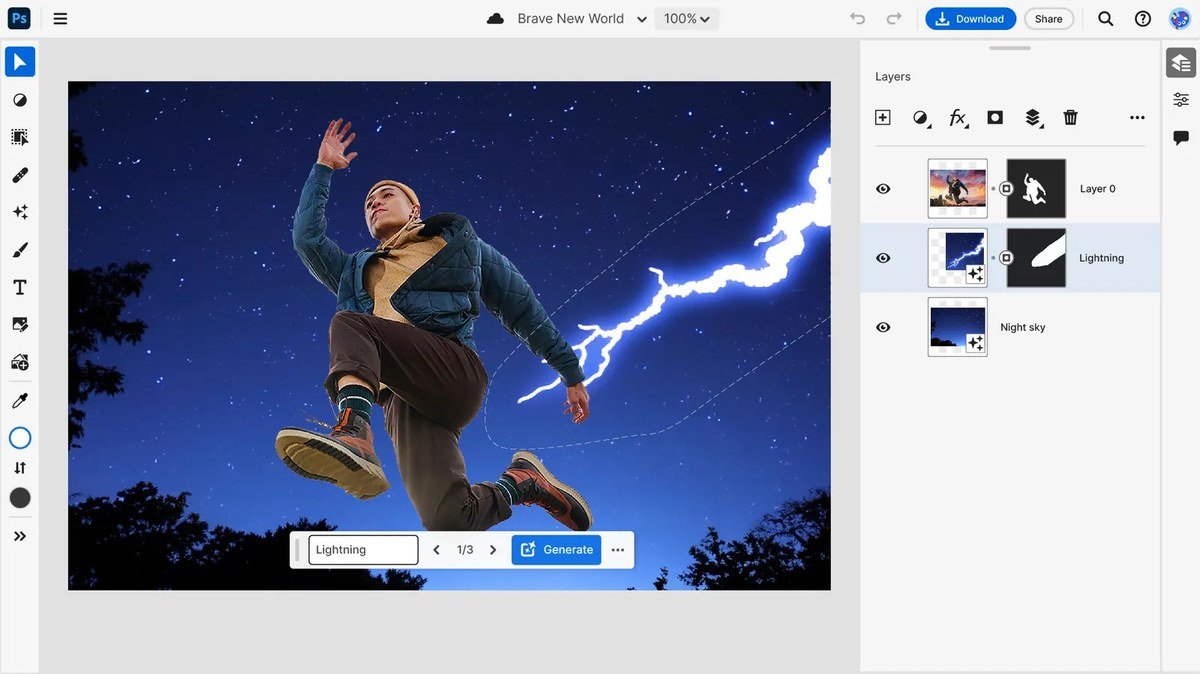
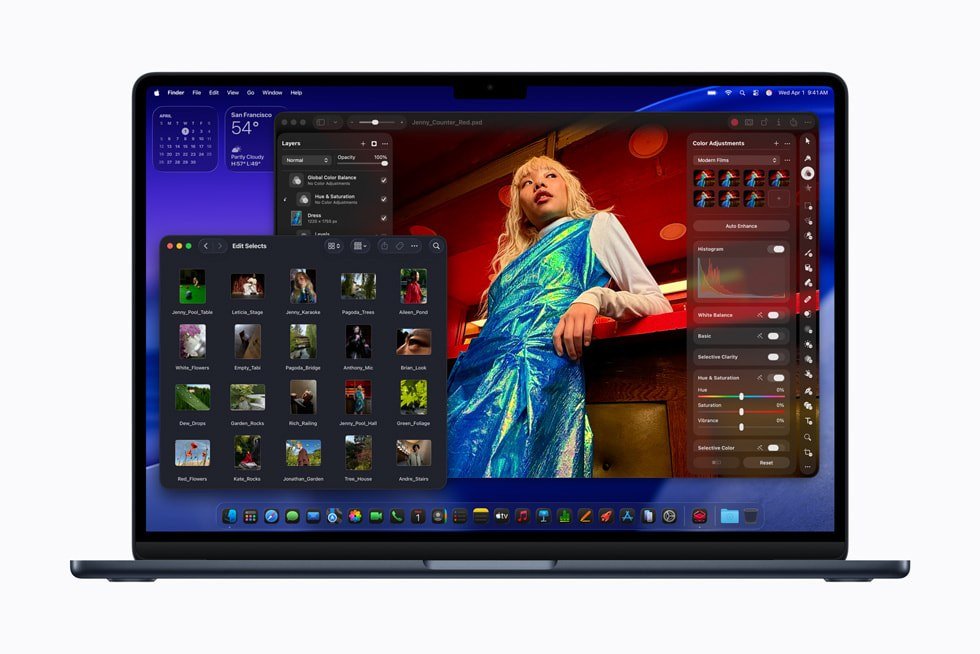
- Desktop creative software. Photoshop on the web runs on a Chromebook Plus, but the full desktop apps, Premiere Pro, DaVinci Resolve and Final Cut Pro do not.
- PC gaming. Google ended its Steam for Chromebook beta on 1 January 2026. Cloud services such as Xbox Cloud Gaming fill some of the gap, but anyone who wants a local library still needs a gaming laptop.
- Required software. Accounting packages, engineering tools and many exam or compliance apps exist only for Windows or Mac.
- Heavy offline work. On a laptop every installed program works on a plane or a train without preparation.
- Local storage. Mid-range Windows laptops and Macs commonly ship with 256GB to 512GB, where Chromebooks lean on Google Drive.
If you are coming from an older Windows PC, note that Windows 10 stopped receiving support updates on 14 October 2025. Upgrading means a Windows 11 machine, a Mac or a Chromebook, and the right one depends on the software rows above rather than the old PC.
Chromebook Plus: The Spec Floor Worth Paying For
Chromebooks range from basic school laptops to fast premium machines, so Google created the Chromebook Plus label in 2023 to mark the ones that meet a minimum standard. Any laptop carrying it has at least:
- An Intel Core i3 12th Gen or AMD Ryzen 3 7000 series processor, or better
- 8GB of RAM
- 128GB of storage
- A 1080p IPS display
- A 1080p webcam
Below that line, budget Chromebooks can ship with less memory and slower storage, which is where the reputation for sluggishness comes from. If you are buying a Chromebook in 2026, treat Plus as the baseline unless the laptop is only for a child's schoolwork.
What Googlebook Changes for Chromebook Buyers
Google announced Googlebook in May 2026 and put the first models on sale in the US in October. They run Googlebook OS, which brings together ChromeOS and the Android tech stack, and they sit at the premium end: prices start at $899, with Intel Core Ultra or Snapdragon X Elite chips, at least 16GB of RAM and 256GB of storage, from Acer, ASUS, Dell, HP and Lenovo.
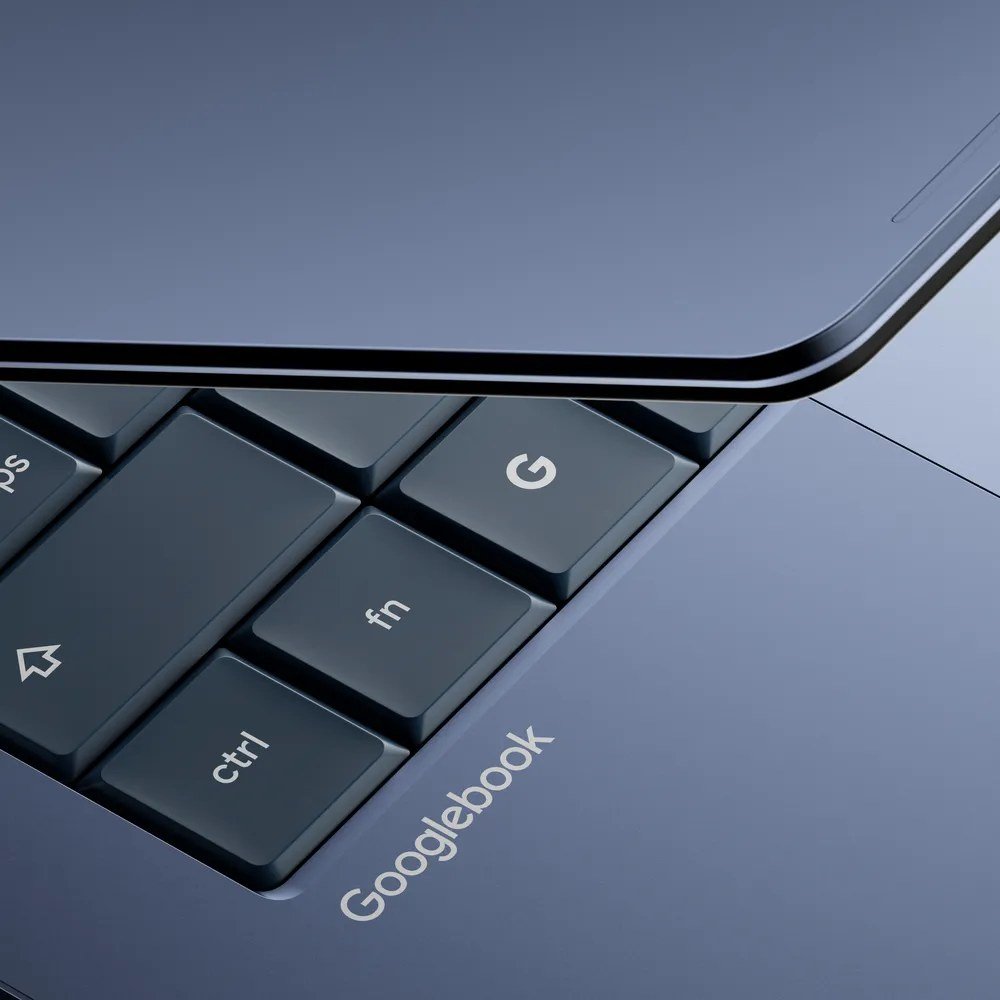
For anyone buying a Chromebook now, the important part is the support promise. Google says in its notes on the Googlebook transition that ChromeOS devices will keep getting updates through mid-2034, that Chromebooks remain on sale, and that many newer models will be able to move to Googlebook OS. A Chromebook bought today is not a dead end.
Which Should You Buy?
- Student with a Google Workspace school: a Chromebook Plus.
- Office worker on Gmail, Docs and Meet: a Chromebook Plus, or a Googlebook if you want premium hardware and an Android phone link.
- Gamer: a Windows laptop, or a prebuilt gaming PC at a desk.
- Photo or video editor: a MacBook Air or a Windows laptop with a dedicated GPU.
- Someone who needs one specific program: whichever system that program runs on.
Four Checks Before You Buy a Chromebook
- Look for the Chromebook Plus badge, or confirm the processor, 8GB of RAM and 128GB of storage on the spec sheet yourself.
- Find the exact model on Google's Auto Update policy page and note the final update date. A clearance model can have far fewer years left than a new one.
- Search Google Play or the web for each app you rely on, and confirm the model supports Android apps.
- On a demo unit, open Settings, select About ChromeOS, then Additional details, and read the update schedule shown there.
The history of ChromeOS explains why support windows differ: older models were promised six and a half, then eight years, before Google settled on ten.
Frequently Asked Questions
Is a Chromebook a laptop?
Yes. A Chromebook is a laptop that runs ChromeOS instead of Windows or macOS. The difference is the software it can run, not the shape of the machine.
Can a Chromebook run Microsoft Word?
It can run Word in the browser through Microsoft 365 on the web, which covers most writing and editing. It cannot install the full desktop version of Word or other desktop Office programs.
Can you play Steam games on a Chromebook?
Not through Steam for Chromebook any more, because Google closed that beta on 1 January 2026. Cloud gaming services and Android games from Google Play are the main options.
How long do Chromebooks get updates?
Chromebooks released since 2021 receive 10 years of automatic updates, and Google has said ChromeOS devices will be supported through mid-2034. The exact end date for any model is listed in Settings under About ChromeOS.
Related Articles

Get the Fox Bulletin briefing
The stories that matter, in your inbox. No spam, unsubscribe anytime.
Newsletter signup will be available soon.
Related stories
Second Monitor Not Detected? Fixes for Common Multi-Monitor Problems
A second monitor that shows no signal is usually a cable, input or display mode problem. Here is the fix for that and every other common multi-monitor headache.
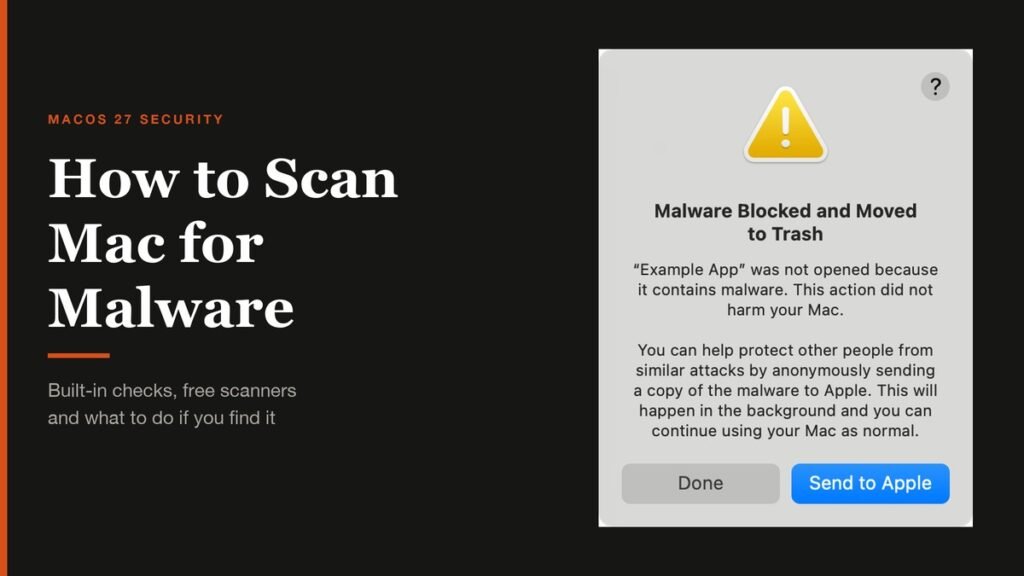
How to Scan Mac for Malware: A Complete Step-by-Step Check
Macs scan themselves, but not on demand. Here is how to check a Mac for malware by hand, which free tools help, and the 2026 copy-paste scam to watch for.
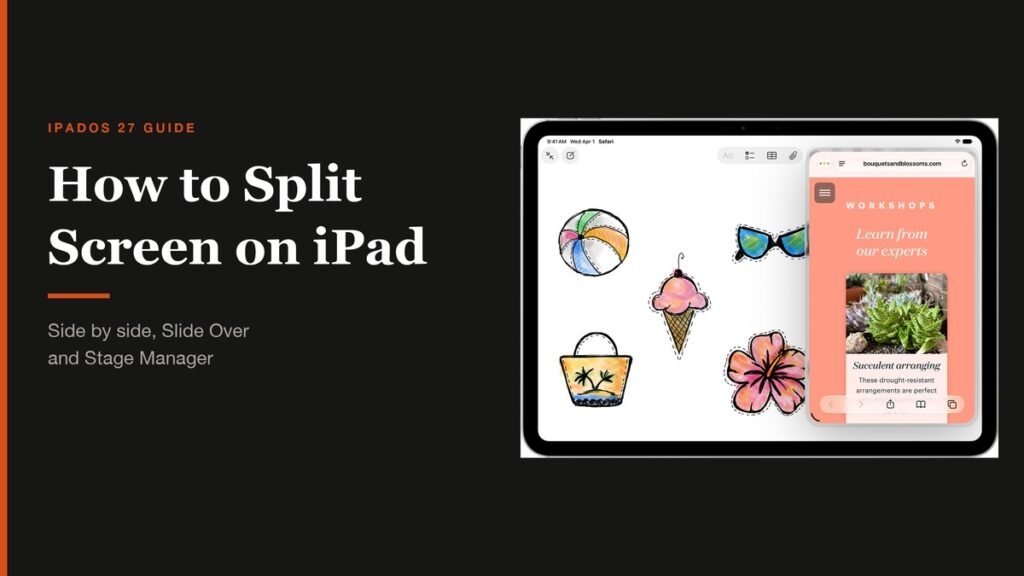
How to Split Screen on iPad: Side by Side, Slide Over and More
Split screen on iPad now lives inside Windowed Apps. Here is how to put two apps side by side, resize them, float a third in Slide Over and go back to one app.