

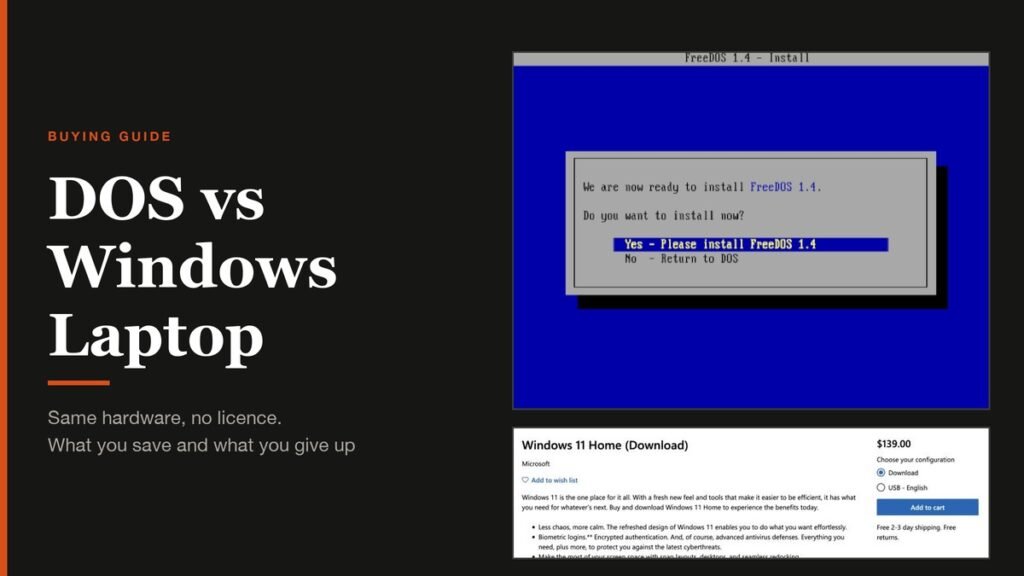
The DOS vs Windows laptop question comes up the moment you notice two listings with the same processor, memory and storage, and one of them costs noticeably less. The cheaper one usually says DOS, FreeDOS or "no operating system" where the other says Windows 11 Home. Nothing is wrong with the hardware. The difference is the software licence, and what you have to do yourself because of it.
This guide explains what DOS actually is, why laptops still ship with it, how much the saving is really worth, and what setting up a DOS laptop involves, so you can decide whether the lower price is a bargain or a weekend of work.
The Short Answer
A DOS laptop is the same hardware as its Windows version, sold without a Windows licence. It is cheaper by roughly what the maker would have paid for Windows, but it arrives with a text-only system that cannot run modern apps. Buy one if you plan to use Linux or already have a Windows licence. If you want a laptop that works the moment you open it, buy the Windows model.
DOS vs Windows Laptop at a Glance
| DOS laptop | Windows laptop | |
|---|---|---|
| Operating system on delivery | FreeDOS, or an empty drive | Windows 11 Home or Pro, activated |
| Hardware | Identical to the Windows model | Identical to the DOS model |
| Price | Lower, by roughly the licence cost | Higher, licence included |
| Ready to use out of the box | No, you install an operating system first | Yes |
| Drivers | You download and install them | Preinstalled |
| Best for | Linux users and people who already own a Windows licence | Anyone who wants to switch it on and work |
What DOS Means on a Laptop Listing
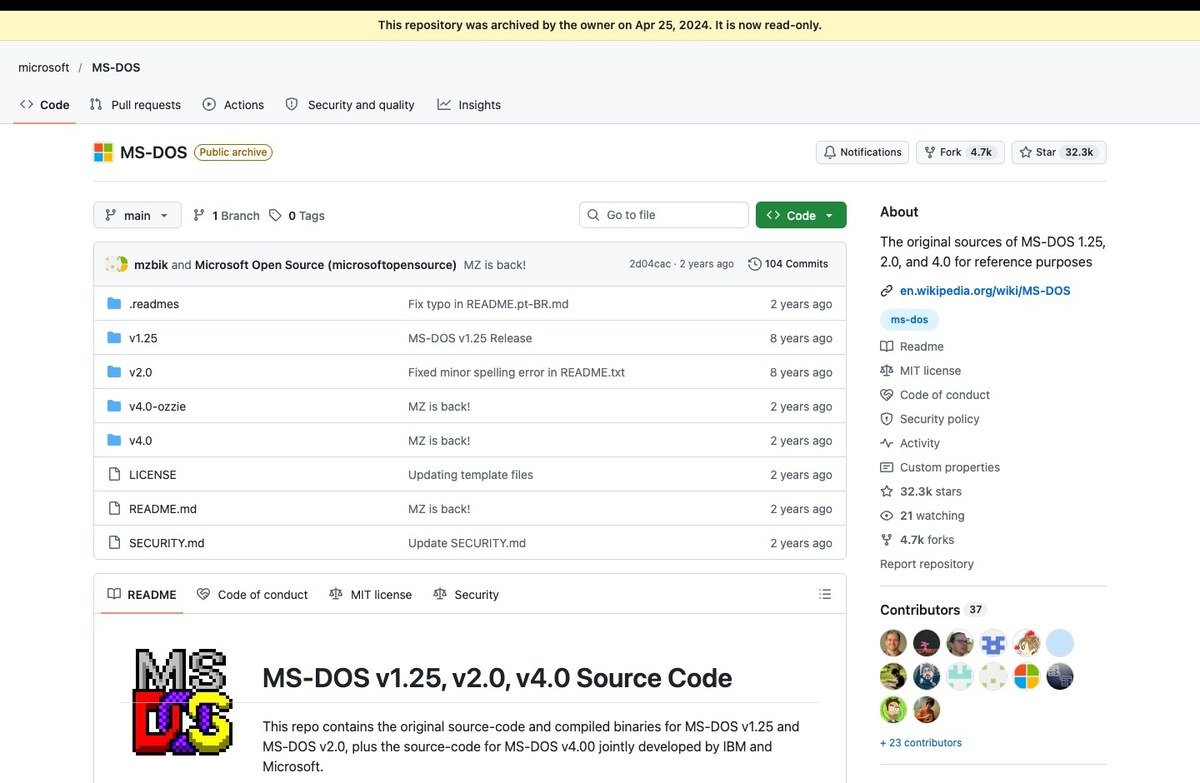
DOS stands for Disk Operating System. MS-DOS, Microsoft's version, was the main operating system for IBM-compatible PCs through the 1980s. IBM released it in 1981 as PC DOS 1.0 for the original IBM Personal Computer, and Windows gradually replaced it once graphical interfaces took over. Microsoft has since published the source code for MS-DOS 1.25, 2.0 and 4.0 on GitHub as a historical record.
The DOS on a modern laptop is almost never Microsoft's. It is FreeDOS, a free and open source system that aims to run anything written for MS-DOS. Jim Hall started the project in 1994, and FreeDOS 1.4 arrived in April 2025 with an updated installer and command shell.
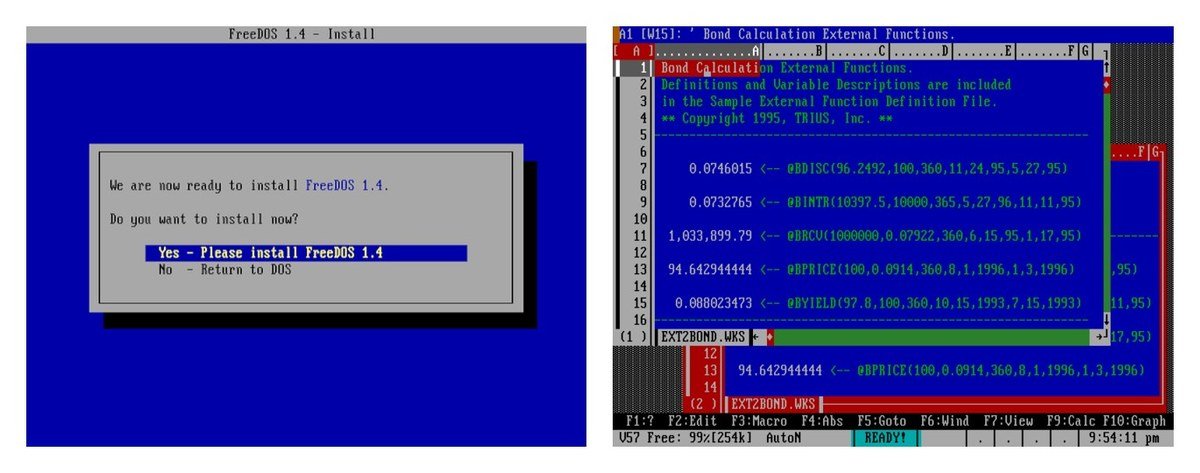
FreeDOS is genuinely useful for classic DOS games, old business software and programming for vintage PCs. What it cannot do is run Chrome, Microsoft Office, Zoom or anything else built for Windows. Apart from the optional OpenGEM desktop it works in text mode, so treat it as a placeholder that proves the laptop boots, not as a system to live with.
Why DOS Laptops Cost Less
Windows is not free, even when it feels that way. Microsoft sells Windows 11 Home for $139 and Windows 11 Pro for $199.99 in its US store. Laptop makers pay much less than that under their own licensing deals, but the cost still ends up in the price of every Windows laptop.
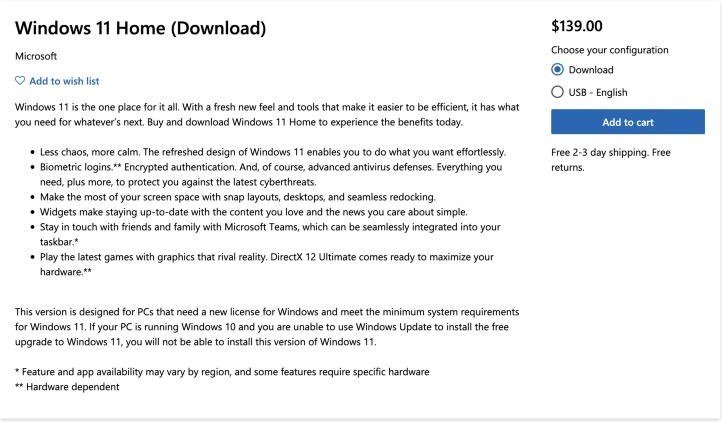
Leave Windows out and that slice of the price disappears. How big the gap looks depends on the model and the retailer, but it is roughly the value of the licence, not a sign of cheaper parts. Check the specification sheet line by line: processor, RAM, storage, screen and battery should match exactly between the two versions.
The saving only works out if you would not have to buy Windows separately at full retail price. Anyone who ends up paying $139 for Windows 11 Home after buying a DOS laptop has usually spent more than the Windows model would have cost, plus an afternoon installing it.
What to Do With a DOS Laptop After You Buy It
You have three realistic options, and the right one depends on what you use a computer for.
Install Windows 11
This makes sense if you already own a Windows 11 licence, for example a retail key bought earlier, or if your employer or school supplies one. Microsoft's minimum requirements are a 64-bit processor with at least two cores at 1 GHz, 4 GB of RAM, 64 GB of storage, UEFI with Secure Boot, and TPM 2.0. Any laptop sold new today clears that bar.
Install Linux
Linux is free, legal and well suited to students, developers and anyone whose work lives in a browser. Ubuntu 26.04.1 LTS is the current long-term release and gets five years of free security updates. Canonical asks for a 2 GHz dual-core processor, 6 GB of RAM and 25 GB of free space. Chrome, Firefox, VLC, LibreOffice and many developer tools run natively. Games are hit and miss, and some Windows-only software, such as parts of Microsoft Office and many anti-cheat games, will not run at all.
Keep FreeDOS
Only worth it for a dedicated retro machine. For everyday use, FreeDOS is the first thing to replace.
How to Install Windows 11 on a DOS Laptop
You need a second Windows PC, a blank USB flash drive of at least 8 GB, an internet connection and, ideally, your licence key. These steps follow Microsoft's Windows 11 download page.
- On the other PC, download the Windows 11 Media Creation Tool from Microsoft.
- Run it as an administrator, accept the licence terms and choose Create installation media for another PC.
- Pick your language and edition, select USB flash drive, and let the tool copy Windows to the USB stick. Anything already on the drive is erased.
- Plug the USB stick into the DOS laptop and switch it on, pressing the boot menu key straight away. It is usually F12, F2, Esc or Delete, depending on the maker.
- Choose the USB drive from the boot menu. Check: the Windows Setup screen appears.
- Enter your product key when asked, or choose the option to continue without one.
- Select the laptop's internal drive, delete the old FreeDOS partitions, and let Windows install into the unallocated space.
- Finish the setup screens, then open Settings, System, Activation. Check: it reads Windows is activated.
If you skipped the key, you can buy a digital licence later from the same Activation page by selecting Go to Store. Until then Windows runs, but it shows an Activate Windows watermark and locks the personalisation settings.
The Driver Step Most People Forget
A Windows laptop arrives with every driver installed and tested. A DOS laptop does not, and Windows Setup only carries generic drivers for common hardware.
- Download drivers before you start. Go to the maker's support page on another computer, enter the model or serial number, and copy the Wi-Fi, chipset and graphics drivers onto a second USB stick.
- Watch for a missing drive. On some Intel laptops, Windows Setup cannot see the SSD until you select Load driver and point it at the Intel Rapid Storage Technology driver from the maker's site.
- Run Windows Update afterwards. It fills in most of what is left, including touchpad and audio drivers.
- Install the maker's utility. Dell, HP and Lenovo each offer a tool that keeps BIOS and drivers current, which matters on a machine that started without any.
Buying a Windows Licence the Safe Way
Microsoft lists its own store and authorised retailers as the places to buy a genuine product key. Online marketplaces are full of Windows 11 keys at a small fraction of the $139 retail price, and those sellers are not on that list.
Their keys often activate, but activation only confirms that a key is valid for your hardware. It does not confirm that the copy was sold legitimately, and a key that is later blocked leaves you back on the Activate Windows watermark with no refund. If the saving on a DOS laptop depends on a suspiciously cheap key, the Windows model is the safer buy.
Which Should You Buy?
- Buy the DOS laptop if you will run Linux, you already own a transferable Windows licence, or your workplace provides one, and you are comfortable installing an operating system.
- Buy the Windows laptop if you need Windows for work, games or specific software and do not own a licence, or if the laptop is for someone who should not have to set it up.
- Consider a Chromebook if most of your day is spent in a browser. Our guide to the Chromebook vs a laptop covers where that trade-off works.
Either way, the hardware is what you are really paying for, so compare processors and memory first. Our explainer on what each PC component does helps decode a spec sheet.
Frequently Asked Questions
Is a DOS laptop worse than a Windows laptop?
No. The hardware is identical. The only difference is that a DOS laptop has no Windows licence, so you must install an operating system before it is useful.
Can I install Windows on a DOS laptop?
Yes. Create a Windows 11 USB installer on another PC, boot the DOS laptop from it, and activate with a product key or a digital licence bought from the Microsoft Store.
Does a DOS laptop come with a warranty?
DOS models normally carry the maker's standard hardware warranty, so check the listing. Software problems in an operating system you installed yourself are your responsibility.
Can I use a DOS laptop without installing anything?
Only for DOS programs and classic games. FreeDOS is mostly text based and cannot run modern apps or graphical web browsers.
Related Articles
- Laptop Screen Problems: Common Faults and How to Fix Them
- DDR4 vs DDR5 RAM: Speed, Voltage, Capacity and Compatibility
- NVMe SSD Explained: NVMe vs SATA, M.2 and PCIe Generations
- Black Spots on Laptop Screen: Causes, Fixes and When to Repair
- How to Take a Screenshot on Windows: Every Shortcut That Works

Get the Fox Bulletin briefing
The stories that matter, in your inbox. No spam, unsubscribe anytime.
Newsletter signup will be available soon.
Related stories
Morse Code: The Full Chart, Timing and How It Works
Every letter, digit, punctuation mark and procedural signal in international Morse code, with the timing rules that govern them and the places the code is still working.
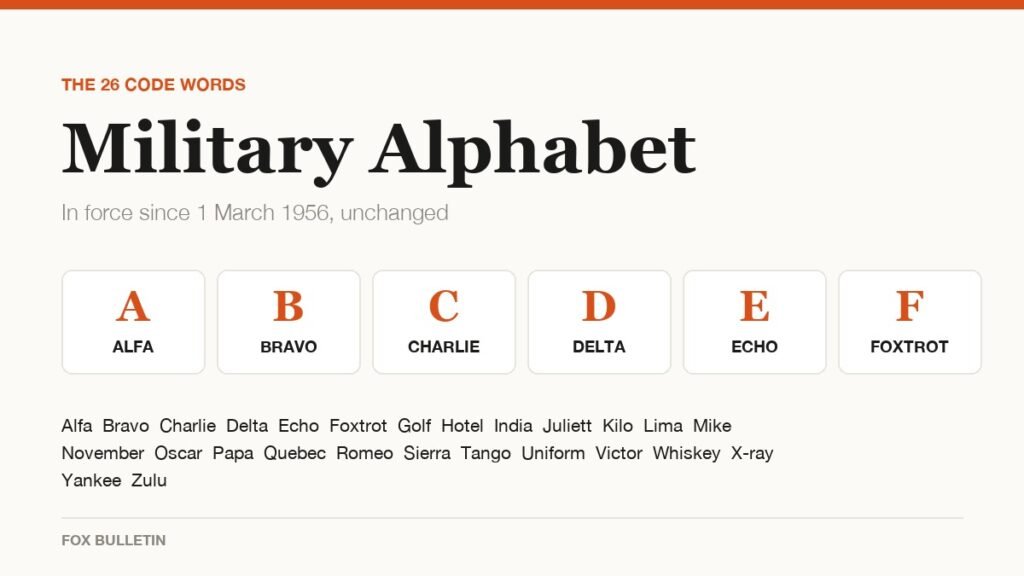
Military Alphabet: All 26 Letters, Spelled and Pronounced
Alfa, Bravo, Charlie: the military alphabet is a set of 26 code words that keep letters apart over a noisy radio. Here is every letter, how to say it, and the history behind the list.
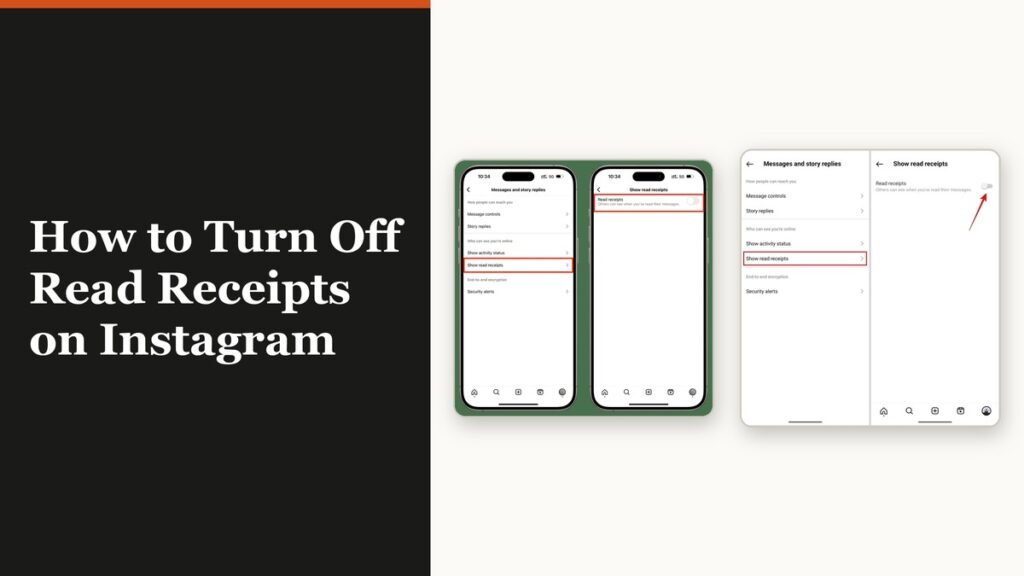
How to Turn Off Read Receipts on Instagram DMs
The global switch does not sweep up chats you have already set by hand. That one rule explains almost every case of Seen still appearing.