
More stories

Connected Carousel in Canva: Build One That Lines Up
The design half is one wide canvas. The half that stops people is the split, because Canva has no built-in command for it and the answer is an app.

How to Create a QR Code in Canva That Keeps Working
The code takes a minute. Choosing between a static and a dynamic one is the decision that matters, because only one of them can be repointed after printing.

How to Access Canva Trash and Restore a Design
Canva keeps a deleted design for 30 days. The Trash row is at the very bottom of the Projects panel, which is why most people never find it.

How to Create a PDF Book in Canva Start to Finish
The design half is easy. The export is where a book goes wrong, because one toggle quietly kills every link in the contents page.

How to Cancel Canva Subscription on Web and Phone
Cancelling has to happen wherever you signed up. A subscription bought in the iPhone app cannot be stopped from the Canva website, which is why so many attempts fail.

How to Make a Hollow Circle in Canva in Seconds
A circle with the middle taken out is two settings away: give it a border, then set the fill to no colour. The second control is the one nobody finds.

How to Curve Text in Canva for Logos and Badges
The Curve effect is three clicks deep in the Effects panel. What catches people is the slider behind it, which is the only control over how tight the bend gets.

How to Group on Canva and Move Elements as One
Grouping locks a layout so one stray drag cannot undo an hour of alignment. The button is easy; the multi-select that has to happen first is where people get stuck.

How to Remove Background in Canva on Desktop and Phone
One button does the cutout in a few seconds. The part that catches people out is the download, where the background quietly comes back as white.

GTA 6 Accessories: Everything You Need to Play
GTA 6 needs 212 GB free and runs at 30 FPS on every console. The storage, screens, headsets and controllers worth buying, and the one upgrade to skip.
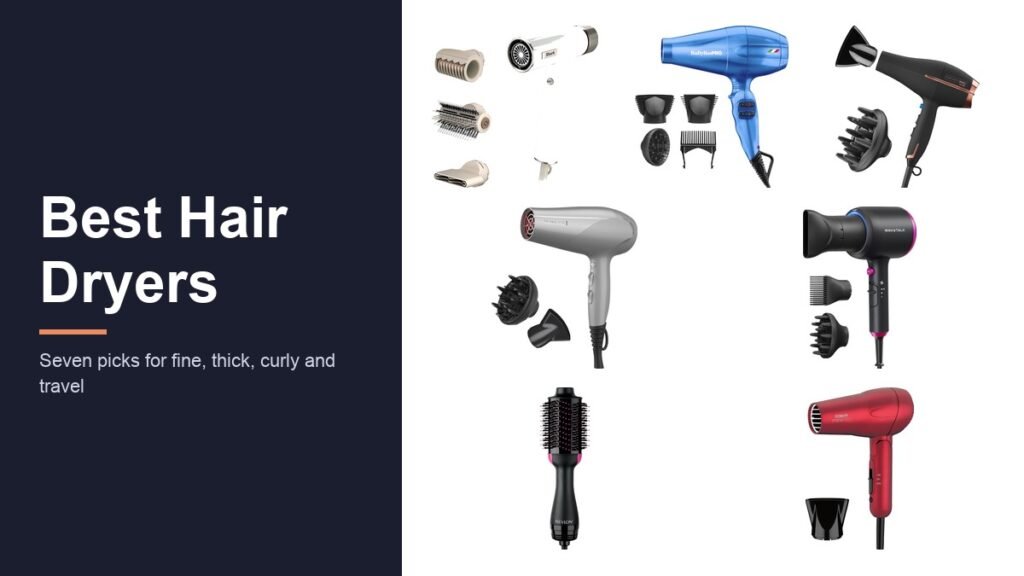
Best Hair Dryers: 7 Picks for Fine, Thick and Curly Hair
The best hair dryer for you depends on heat control, weight and attachments, not wattage. Seven picks compared for fine, thick, curly and travel use.
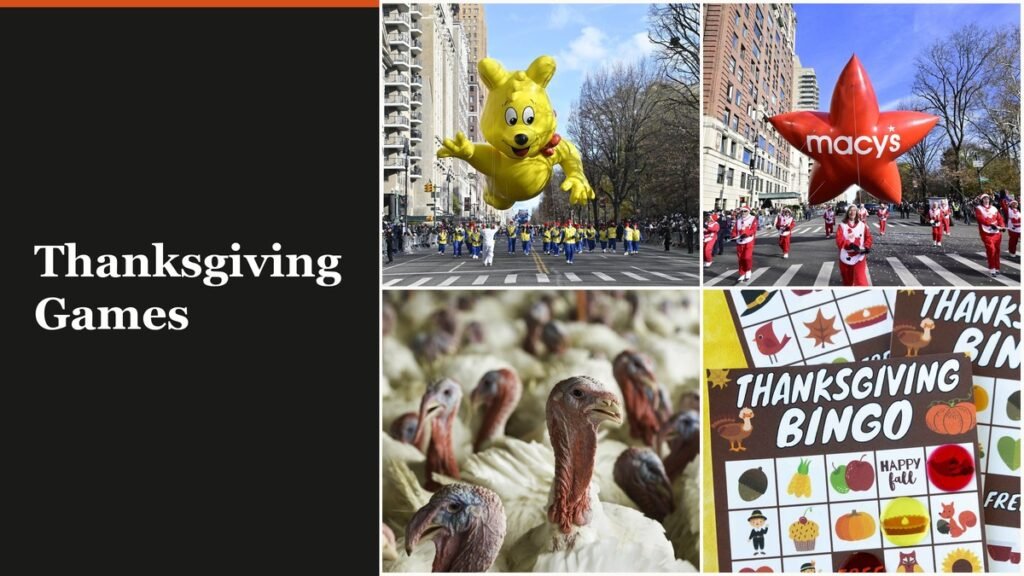
Thanksgiving Games: 18 Ideas Timed to Parade and Kickoff
Thanksgiving games for Thursday, November 26, 2026: 18 ideas with players and minutes, timed to the 8:30 a.m. parade, the 20-minute turkey stand and kickoff.
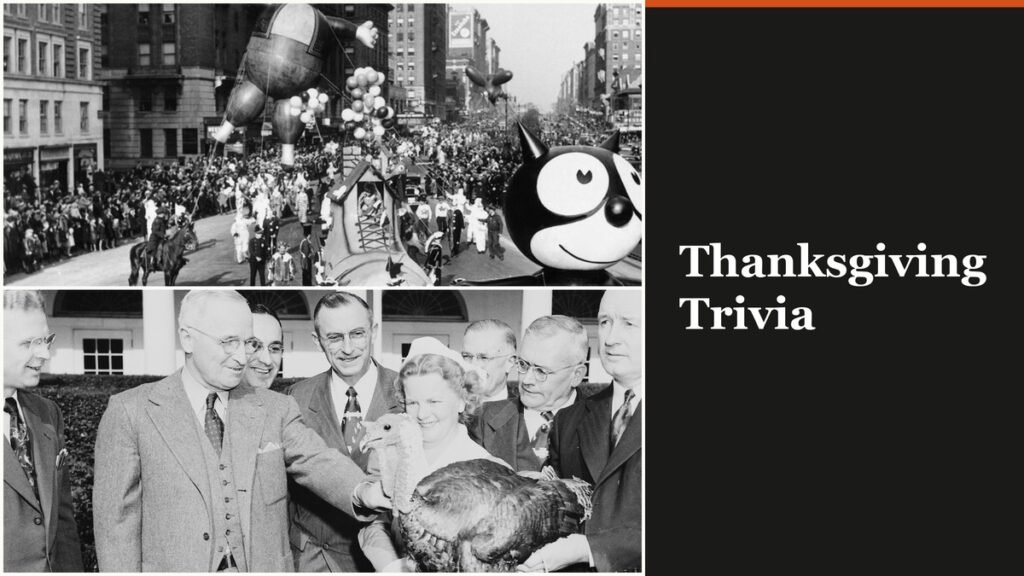
Thanksgiving Trivia: 43 Questions With Answers by Round
Thanksgiving trivia with every answer shown: 43 questions in eight rounds, from the 1621 harvest and Lincoln to the 100th Macy's parade on November 26.
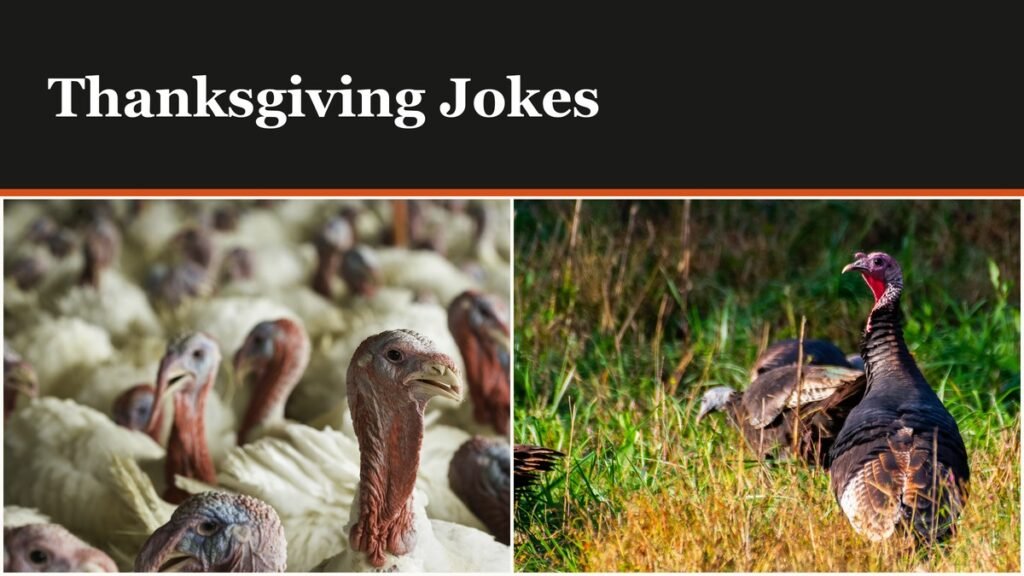
Thanksgiving Jokes: Turkey Puns, Dad Jokes and Riddles
Thanksgiving jokes for Thursday, November 26, 2026: turkey puns, dad jokes, knock-knocks and football lines, plus the 1621 letter that says fowl, not turkey.

GTA 6 Map Locations: All Six Regions and Five Counties
The six regions of Leonida, the five counties the game files every address under, and the only map size figure Rockstar has given.