

Notion alternatives get searched for two reasons that pull in opposite directions. One is the per-seat price, which is $10 a month on Plus and $20 on Business. The other is that a workspace which started as a few pages has turned into a system nobody can find anything in.
The ten below answer one or the other. Five of them can be run on your own server, four cost nothing at all to start, and one charges $79 a month for a hundred people where Notion would charge $2,000.
What Notion Charges Per Seat
Notion prices in US dollars and bills by the seat, with yearly billing saving up to 20 percent. The free tier is generous for one person and tightens as soon as a team shares a workspace.
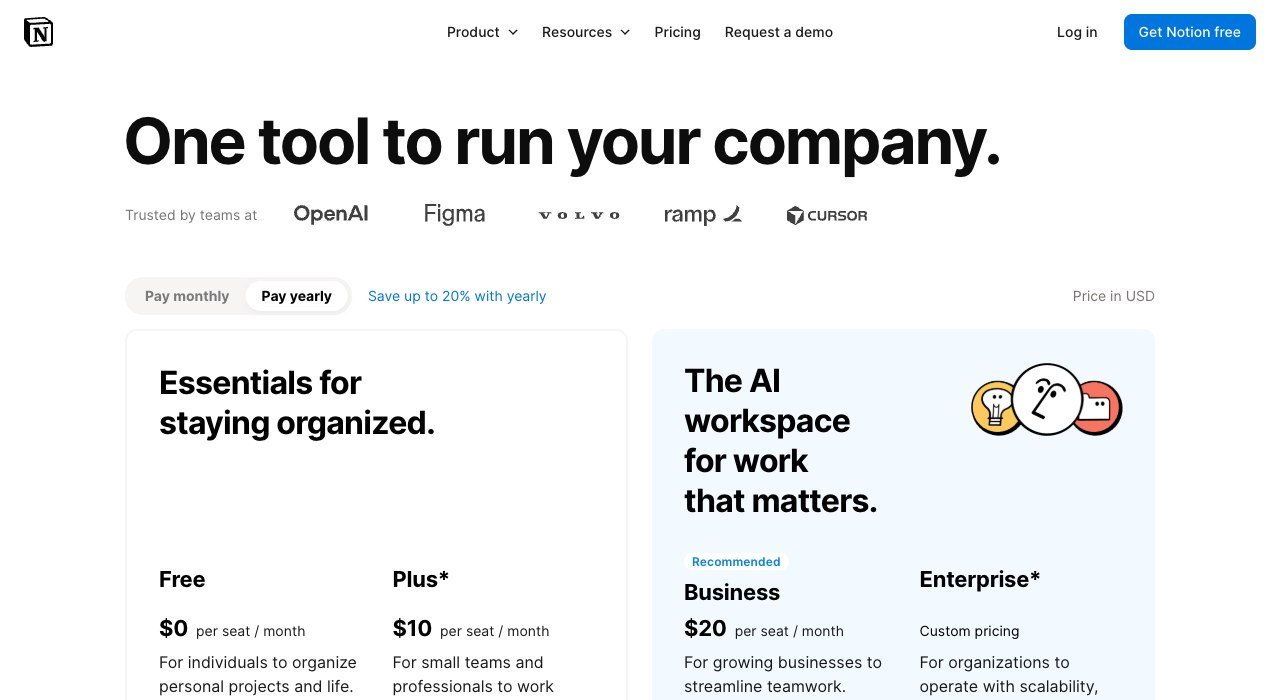
| Plan | Price |
|---|---|
| Free | $0 per seat a month |
| Plus | $10 per seat a month |
| Business | $20 per seat a month |
| Enterprise | Custom pricing |
The step that hurts is Plus to Business. Twenty dollars a seat for a team of fifteen is $300 a month, and the features driving that upgrade are usually security and search rather than anything the writers notice. That is the gap most of these alternatives are built in.
Notion Alternatives Compared on Seat Price and Hosting
All ten, ordered by entry price, with where the data can live. The hosting column separates two very different kinds of product that otherwise look alike.
| # | Tool | Best for | Entry price | Free tier | Hosting |
|---|---|---|---|---|---|
| 1 | Confluence | Wikis for teams already on Atlassian | $5.78 per user a month | Yes, up to 10 users | Cloud |
| 2 | Docmost | Self-managed docs with a real editor | $6 per seat a month | Yes, Community edition | Self-host or cloud |
| 3 | Nuclino | Speed over features | $6 per user a month | Yes, 50 items | Cloud |
| 4 | AFFiNE | An open-source canvas and docs hybrid | $6.75 a month | Yes, MIT licensed | Self-host or cloud |
| 5 | ClickUp | Projects first, documents second | $9 per user a month billed yearly | Yes, Free Forever | Cloud |
| 6 | Outline | A knowledge base that stays a knowledge base | $10 a month for up to 10 users | No, free trial | Cloud or on-premises |
| 7 | Slite | Documentation that answers questions | $10 per user a month billed yearly | No, free trial | Cloud |
| 8 | AppFlowy | The closest open-source Notion clone | $12 per member a month | Yes, Personal | Self-host or cloud |
| 9 | Obsidian | Files on your own disk, forever | $0, sync from $4 a month | Yes, no sign-up | Local files |
| 10 | Anytype | Local-first and encrypted by default | $0 | Yes | Local-first |
The Ten Workspaces in Detail
1. Confluence: Wikis for teams already on Atlassian
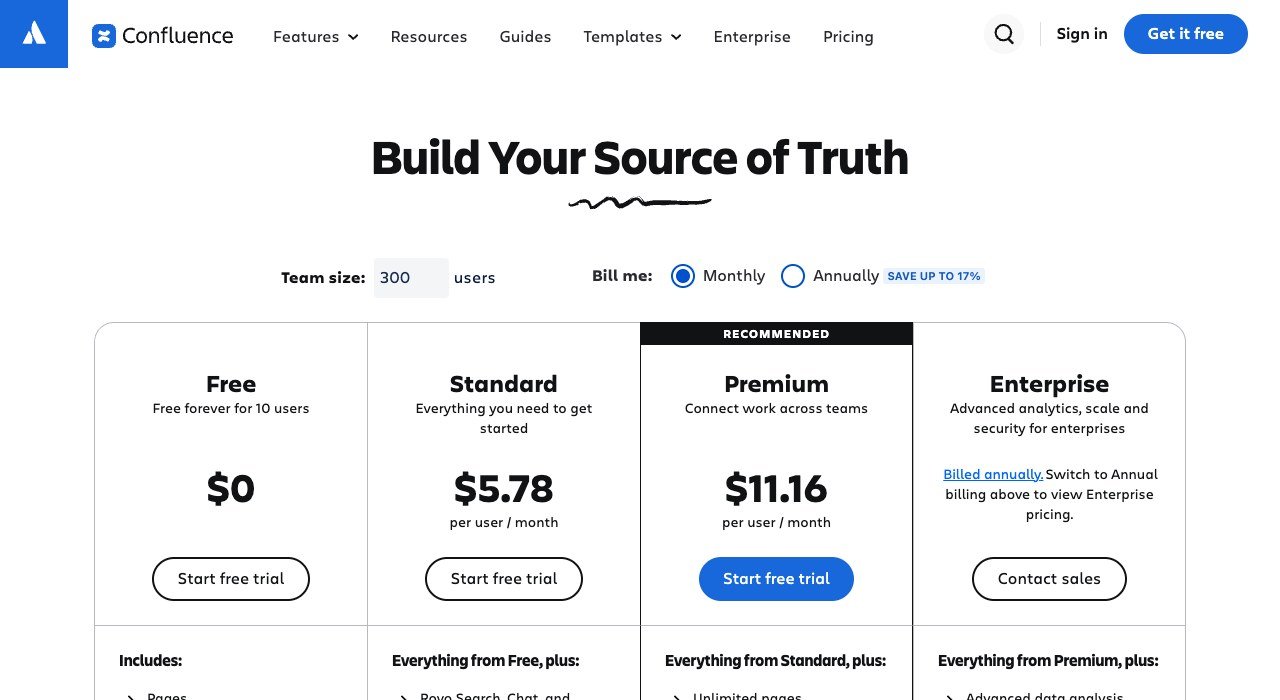
Entry price: $5.78 per user a month. Free tier: Yes, up to 10 users. Hosting: Cloud.
Confluence is the incumbent that most Notion refugees were using before Notion, and it has quietly become the cheaper option. Standard is $5.78 a user a month and the free tier covers ten users, which is more than Notion gives away for a team.
It is a wiki rather than a database engine, so the trade is structure for flexibility. Pages, spaces and permissions are strong; the linked-database work that Notion users build their systems around is not there in the same form.
2. Docmost: Self-managed docs with a real editor
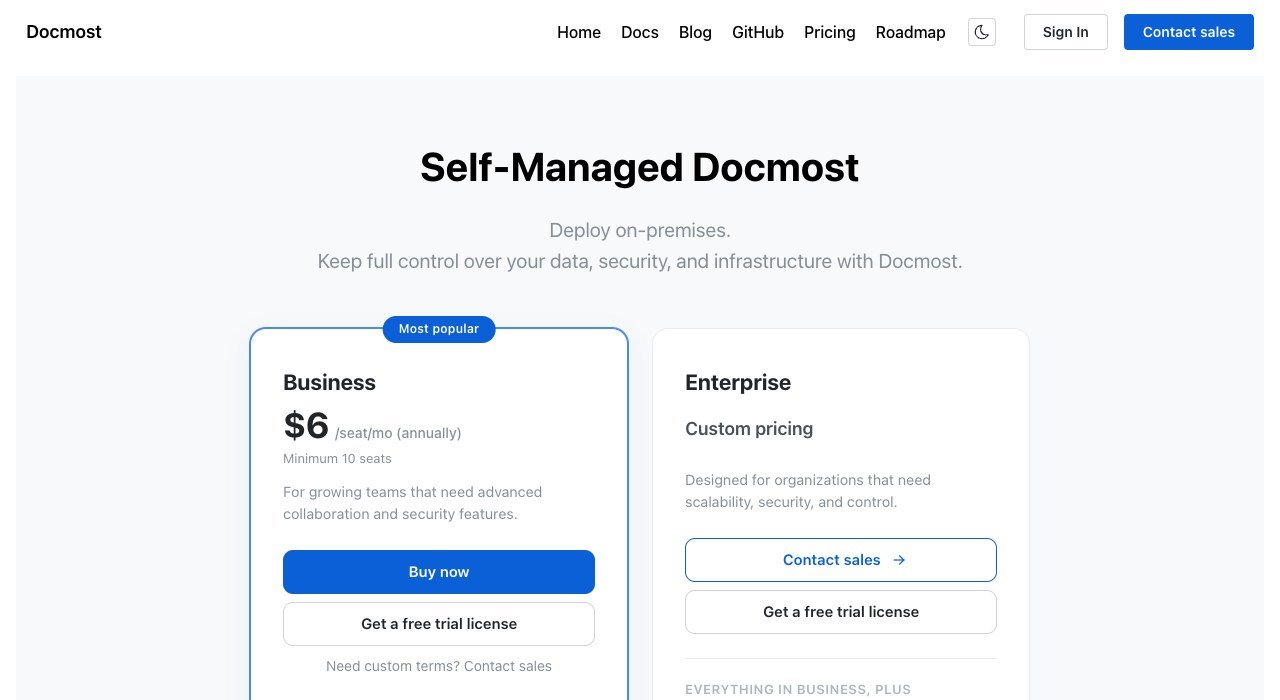
Entry price: $6 per seat a month. Free tier: Yes, Community edition. Hosting: Self-host or cloud.
Docmost is open source and designed to be run on your own infrastructure. The Community edition is free to self-host, and the managed Business tier is $6 a seat a month with a ten-seat minimum.
The editor is the part that matters: it is close enough to Notion’s that the daily writing experience survives the move, which is not true of most self-hosted wikis. If the objection to Notion is where the data lives rather than what it costs, this is the shortest path.
3. Nuclino: Speed over features
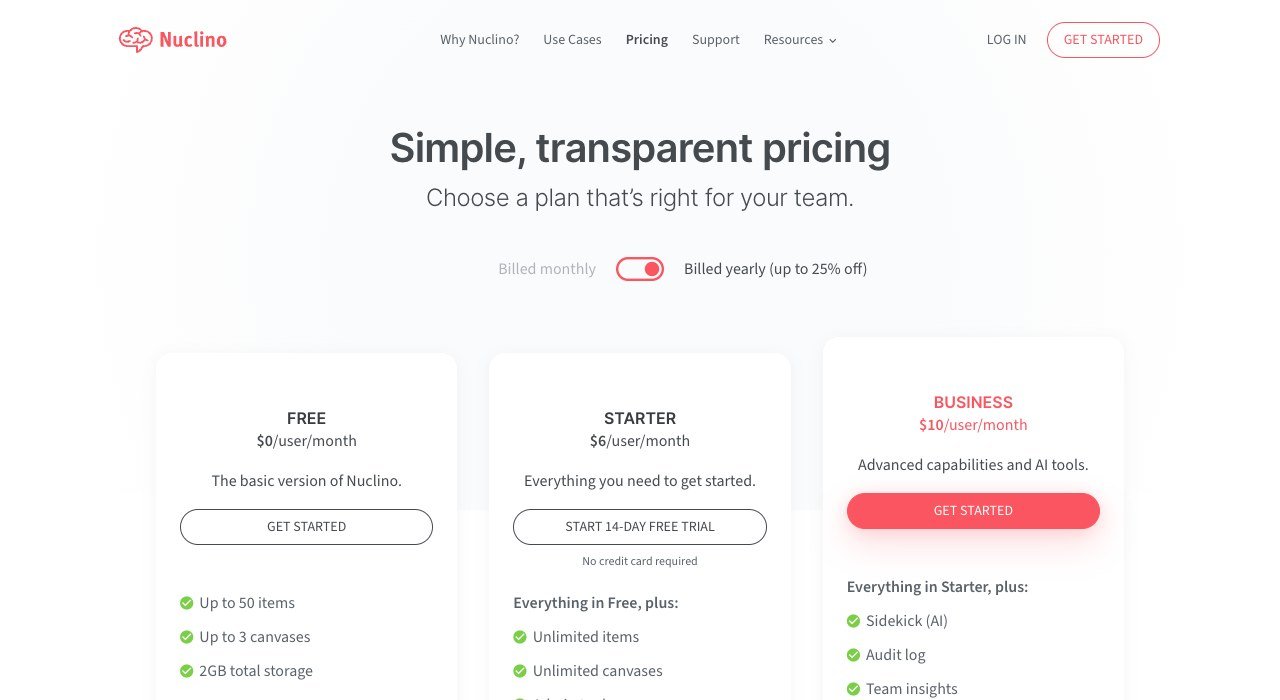
Entry price: $6 per user a month. Free tier: Yes, 50 items. Hosting: Cloud.
Nuclino is built around being fast. It opens instantly, searches instantly and does far less than Notion on purpose. Free covers 50 items and three canvases, and Starter is $6 a user a month.
Teams that moved to Notion for a wiki and ended up maintaining a database schema tend to like it immediately. Teams running project boards in Notion will find most of what they built has nowhere to go.
4. AFFiNE: An open-source canvas and docs hybrid
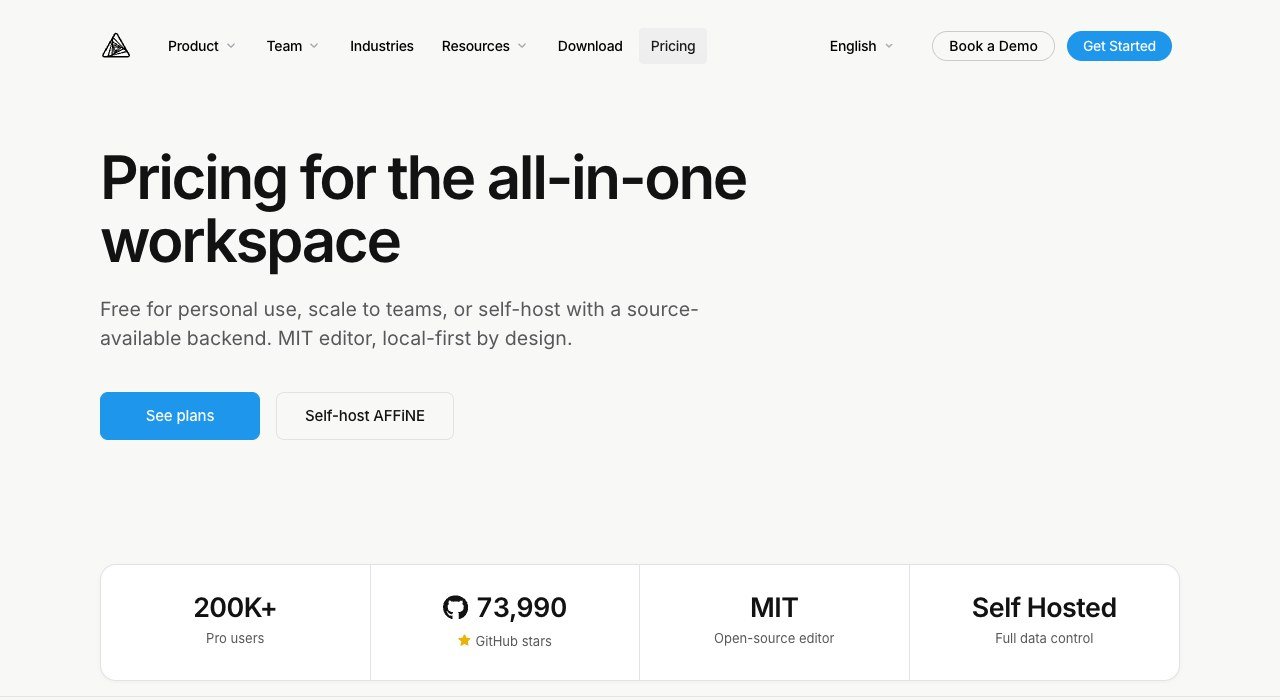
Entry price: $6.75 a month. Free tier: Yes, MIT licensed. Hosting: Self-host or cloud.
AFFiNE puts an infinite canvas and a document editor in the same file, so a page can become a whiteboard without exporting anything. It is MIT licensed with a large public repository, and the hosted Pro plan is $6.75 a month.
Self-hosting is a first-class option rather than an afterthought. For a small team that wants Notion’s block editor plus the whiteboard they are currently paying a second vendor for, this consolidates two subscriptions into one.
5. ClickUp: Projects first, documents second
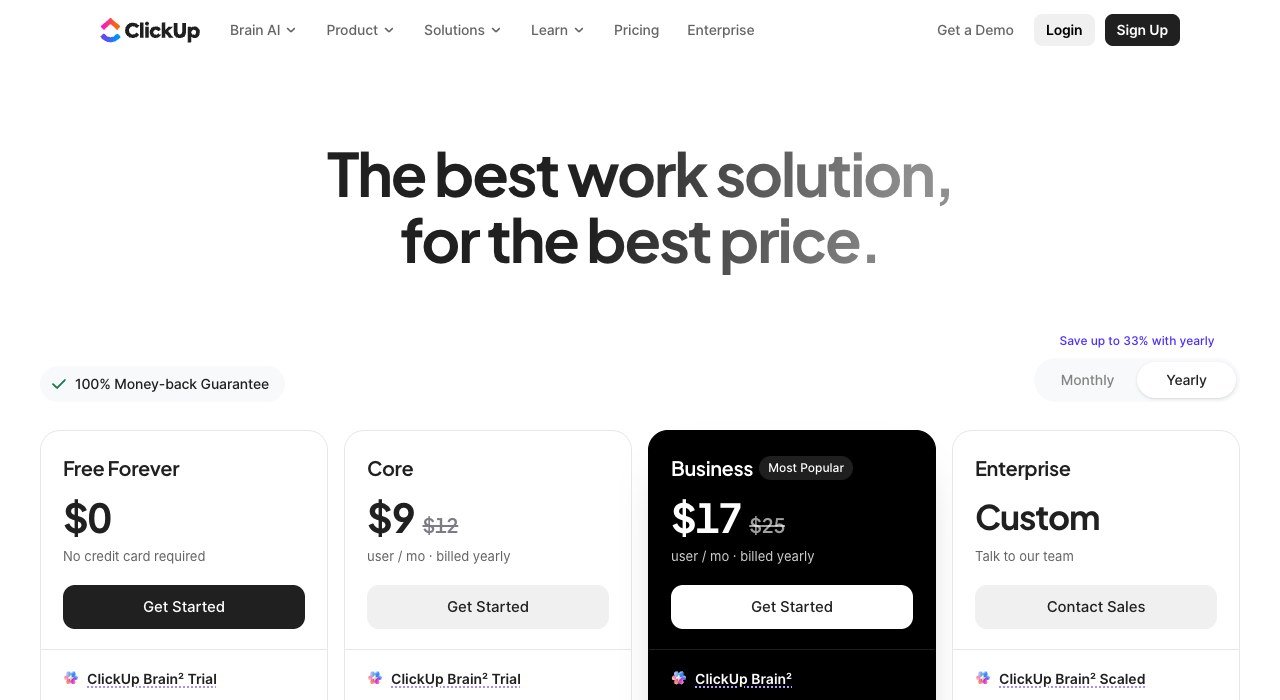
Entry price: $9 per user a month billed yearly. Free tier: Yes, Free Forever. Hosting: Cloud.
ClickUp is the swap for teams whose Notion workspace is really a project board wearing a wiki’s clothes. Free Forever is genuinely usable and Core is $9 a user a month billed yearly, against $12 month to month.
Docs exist and are competent, but they orbit the tasks rather than the other way round. If your Notion databases are full of statuses, assignees and due dates, this is a straighter tool for the same job and cheaper than Notion Business.
6. Outline: A knowledge base that stays a knowledge base
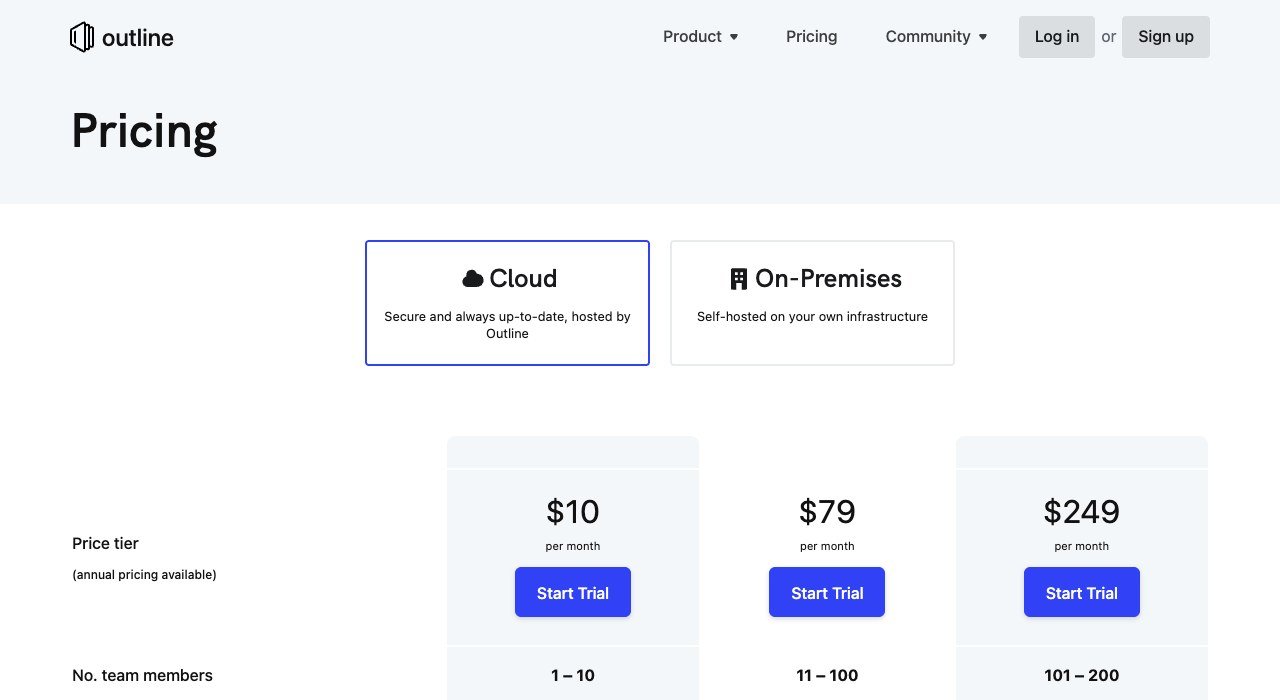
Entry price: $10 a month for up to 10 users. Free tier: No, free trial. Hosting: Cloud or on-premises.
Outline prices by team size rather than per seat, which changes the arithmetic completely for larger groups. The cloud tiers are $10 a month for up to ten users, $79 for eleven to a hundred and $249 beyond that, with on-premises available.
A hundred people on Outline costs $79 a month. The same hundred on Notion Business costs $2,000. That is the single widest price gap in this entire comparison, and it exists because Outline does one thing: documentation that people read.
7. Slite: Documentation that answers questions
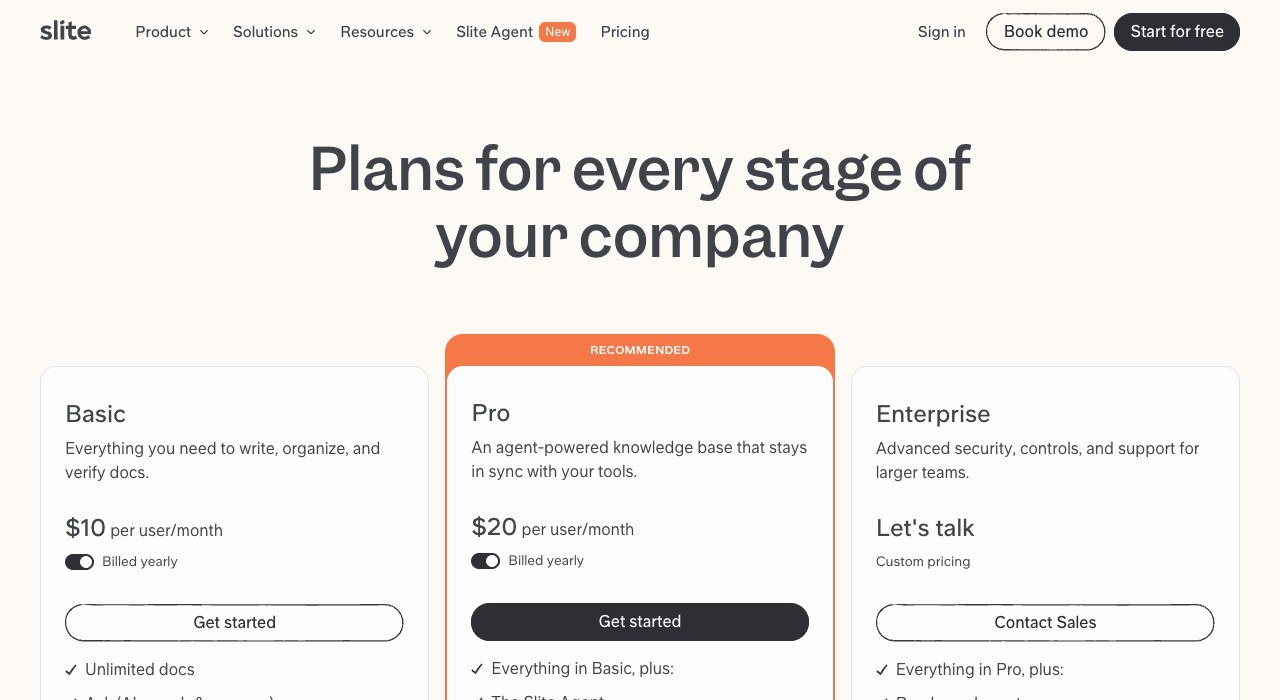
Entry price: $10 per user a month billed yearly. Free tier: No, free trial. Hosting: Cloud.
Slite is documentation with a search layer that tries to answer the question rather than return a list of pages. Basic is $10 a user a month billed yearly and Pro is $20.
It is priced level with Notion and competes on the one thing Notion is weakest at, which is finding the right page in a workspace that has grown for three years. Verification workflows mark documents as current, which is the other half of that problem.
8. AppFlowy: The closest open-source Notion clone
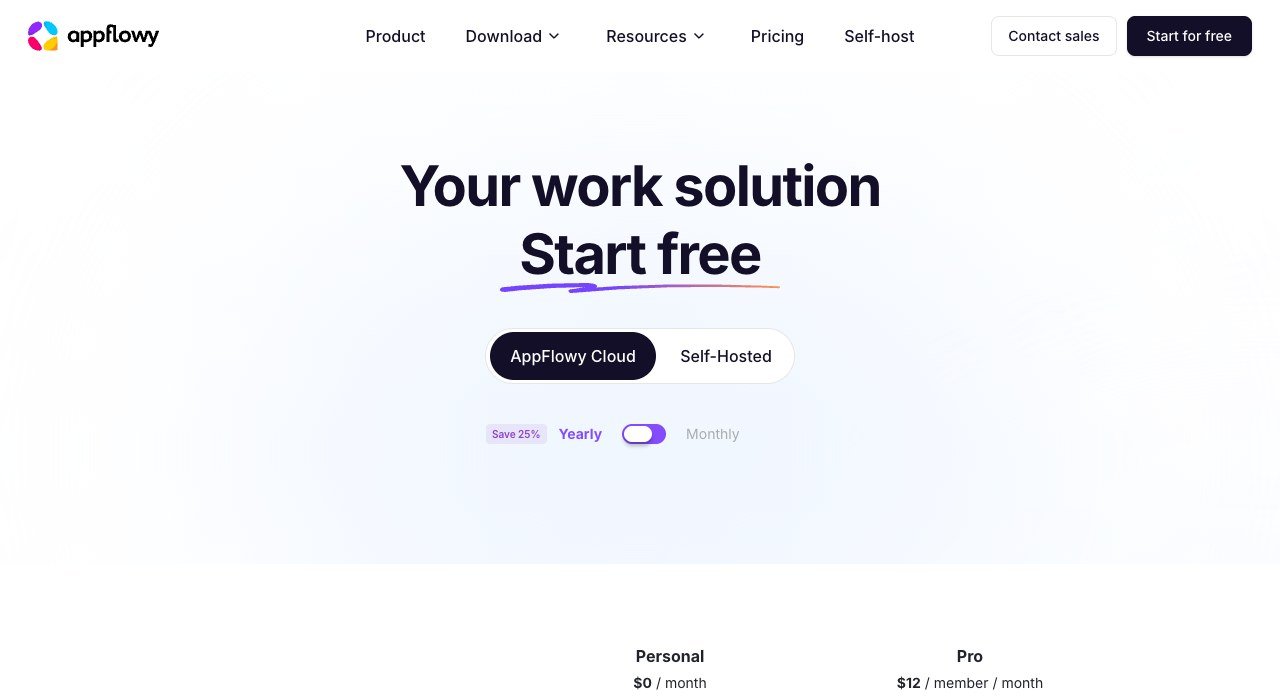
Entry price: $12 per member a month. Free tier: Yes, Personal. Hosting: Self-host or cloud.
AppFlowy is the most direct open-source answer to Notion: the same block editor, the same database views, built to run on your own machine or your own server. Personal is free and Pro is $12 a member a month on the hosted cloud.
Because it is open source, the hosted price is a convenience charge rather than a lock. A team can start on the cloud and move to self-hosting later without changing tools, which is exactly the escape route Notion does not offer.
9. Obsidian: Files on your own disk, forever
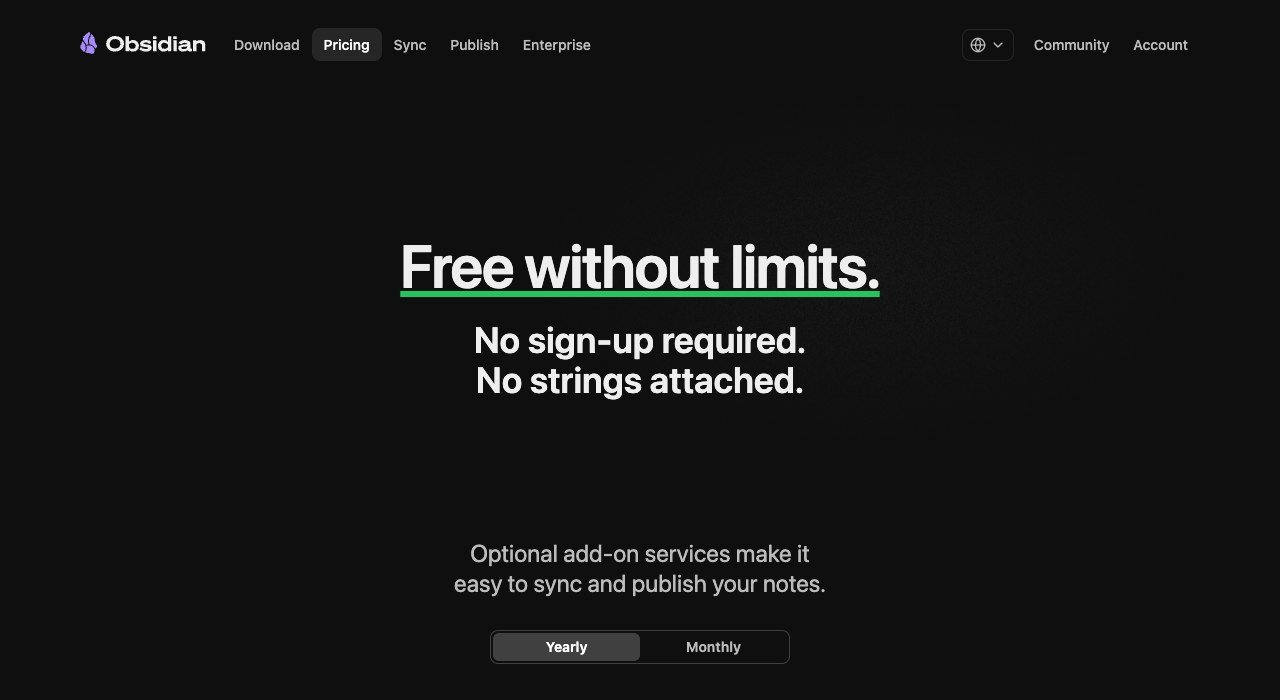
Entry price: $0, sync from $4 a month. Free tier: Yes, no sign-up. Hosting: Local files.
Obsidian is free with no sign-up and no account, and your notes are plain files in a folder on your disk. Sync is $4 a user a month billed annually and Publish is $8 a site, both optional.
It is the right answer when the real objection to Notion is that your writing lives in somebody else’s database. There is no multiplayer editing and no relational database, so a team using Notion for shared project tables will not find a replacement here.
10. Anytype: Local-first and encrypted by default
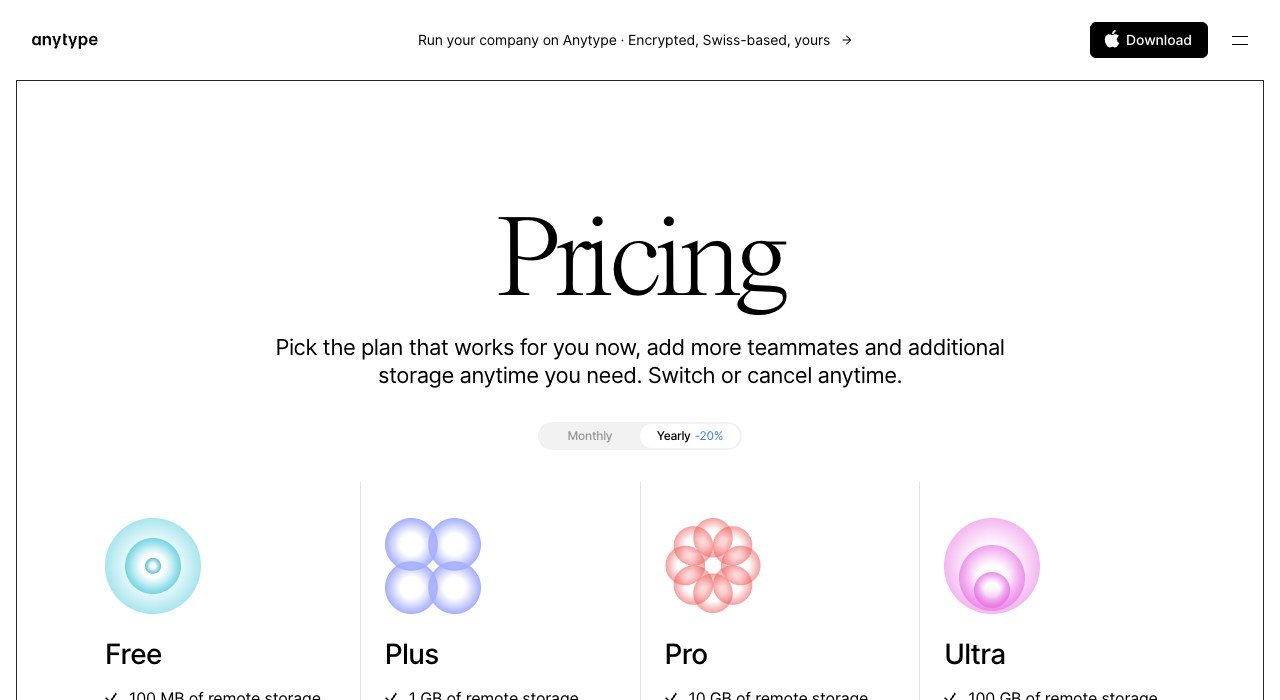
Entry price: $0. Free tier: Yes. Hosting: Local-first.
Anytype is local-first and encrypted, which means the working copy lives on your device and syncs peer to peer rather than through a company’s servers. The base product costs nothing.
It borrows Notion’s object and relation model more faithfully than anything else in this list, so the mental model transfers. The cost is maturity and collaboration: it is a quieter, more private tool, not a drop-in for a busy shared workspace.
What Twenty Seats Cost on Each One
Per-seat pricing hides how fast a workspace bill grows. Twenty people is a small company, and the spread across these tools at that size is more than twentyfold.
- Notion Business: $400 a month at $20 a seat.
- Notion Plus: $200 a month at $10 a seat.
- Slite Basic: $200 a month at $10 a user.
- AppFlowy Pro: $240 a month at $12 a member.
- ClickUp Core: $180 a month at $9 a user on annual billing.
- Docmost Business: $120 a month at $6 a seat.
- Confluence Standard: around $116 a month at $5.78 a user.
- Outline: $79 a month flat, because the tier covers eleven to a hundred.
- Self-hosted Docmost, AppFlowy or AFFiNE: the cost of a server.
Outline and the self-hosted options break the per-seat model entirely, which is why they dominate at scale and look unremarkable at three people. Work out the headcount you expect in two years rather than the one you have today.
Reading an Open-Source Licence Before You Depend On It
Five of these tools are open source, and that word covers arrangements that behave very differently once a company depends on them. The licence is worth two minutes before the migration.
AFFiNE uses the MIT licence, which is permissive: you can run it, change it and deploy it internally with almost no obligations. Others in this space use the GNU Affero General Public License, which extends copyleft to software offered over a network, so modifications you deploy must be shared.
For a company self-hosting a wiki for its own staff, neither is a practical problem. It matters if you plan to modify the tool and offer it to customers, which is the exact case AGPL was written for. Check the licence file rather than the marketing page, because projects relicense.
- Confirm whether the free self-hosted edition carries the features you need or whether they sit behind the managed tier.
- Check the export format. Markdown files move anywhere; a proprietary block format does not, and that is how workspaces become permanent.
- Price the server honestly, including backups and the person who restores them.
- Test search on a realistic volume of pages. Search is what breaks first and is hardest to judge from a demo workspace.
How to Choose a Notion Alternative
Start from what your Notion workspace actually became, because that is rarely what it was set up to be.
- It became a project board: ClickUp, which is cheaper and built for it.
- It became a wiki nobody can search: Slite or Outline.
- It became too expensive per seat: Outline at $79 for up to a hundred people, or Confluence at $5.78.
- The data should not be on somebody else’s servers: Docmost, AppFlowy or AFFiNE, self-hosted.
- You want your notes as files: Obsidian, with sync as a $4 add-on.
Whatever you pick, export before you cancel. Notion exports to Markdown and CSV, and the database relations do not survive the trip, so rebuild those by hand on a small test workspace first. The same discipline applies to every tool a business depends on, which is the thread running through our QuickBooks alternatives and HubSpot competitors comparisons.
If what you actually need is a notebook rather than a workspace, the shortlist is different again and the free Evernote alternatives cover it.
Frequently Asked Questions
Is there a free Notion alternative?
Several. Obsidian and Anytype are free with no seat charge, AppFlowy has a free Personal tier, Docmost ships a free Community edition you host yourself, and Confluence is free for up to ten users. ClickUp and Nuclino also run usable free plans.
Which Notion alternative can I self-host?
Docmost, AppFlowy and AFFiNE are open source and built to run on your own server, and Outline offers an on-premises deployment. Obsidian and Anytype are local-first instead, keeping the working copy on your own device rather than on a server at all.
What is cheapest for a team of twenty?
Outline at $79 a month, because its middle tier covers eleven to a hundred users rather than charging per seat. Confluence Standard is next at roughly $116, then Docmost Business at $120. Notion Business for the same twenty people is $400.
Will my Notion databases transfer to another tool?
Pages and text move cleanly as Markdown. Databases export as CSV, which keeps the rows but loses relations, rollups and formulas. Rebuild those in the new tool on a small sample before committing, because that work is usually the largest part of a migration.
Related Articles

Get the Fox Bulletin briefing
The stories that matter, in your inbox. No spam, unsubscribe anytime.
Newsletter signup will be available soon.
Related stories
Calendly Alternatives: 10 Scheduling Tools Compared
Calendly is free for one event type and $10 a seat beyond it. Ten Calendly alternatives compared on seat price, free tiers and one that costs $29 once.
Etsy Alternatives: 10 Places to Sell and What They Cost
Etsy charges $0.20 a listing, 6.5% a sale and up to 15% on ad orders. Ten Etsy alternatives compared on fees, cuts and who brings the buyers.
Canva Alternatives: 10 Template Design Tools Compared
Canva now sells four tiers, all priced per person. Ten Canva alternatives compared on seat price, free tiers and what each one is actually built to make.