

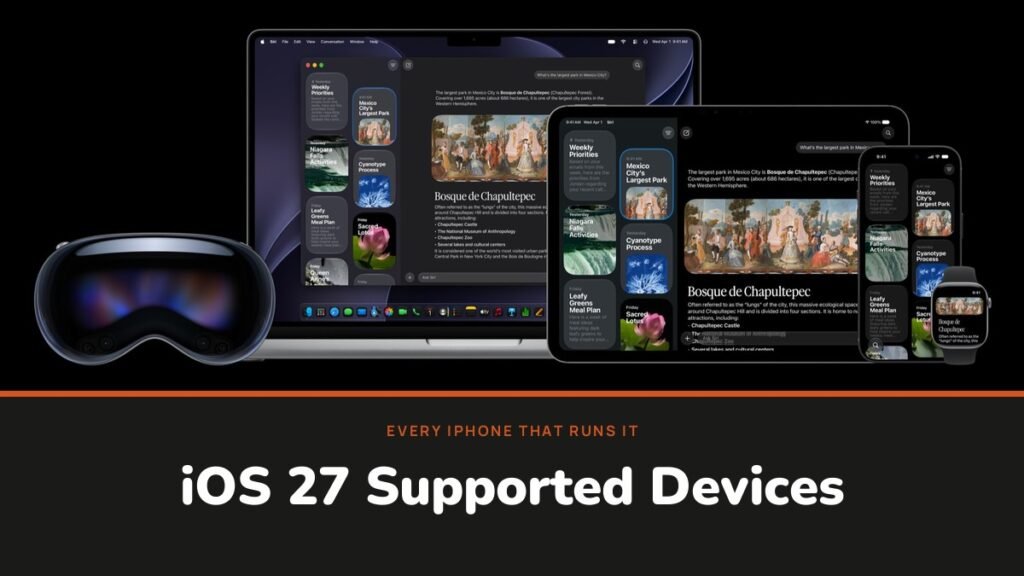
Here are the iOS 27 supported devices in one line: every iPhone from the iPhone 11 and iPhone SE (2nd generation) onward. That is 34 models on Apple’s compatibility list. Every iPhone that ran iOS 26 is on it, so nobody lost the update this year, and the iPhone Duo arrives on the list rather than upgrading onto it.
What changes from phone to phone is how much of iOS 27 you get. Apple released it on 14 September 2026 with Siri AI and a new generation of Apple Intelligence, and those need newer chips. This guide lists every supported iPhone and iPad, then sorts them by the features they actually receive.
Every iPhone That Supports iOS 27
Grouped by family, newest first:
- iPhone Duo
- iPhone 18 Pro and iPhone 18 Pro Max
- iPhone 17, iPhone 17 Pro, iPhone 17 Pro Max and iPhone 17e
- iPhone Air
- iPhone 16, 16 Plus, 16 Pro, 16 Pro Max and 16e
- iPhone 15, 15 Plus, 15 Pro and 15 Pro Max
- iPhone 14, 14 Plus, 14 Pro and 14 Pro Max
- iPhone 13 mini, 13, 13 Pro and 13 Pro Max
- iPhone 12 mini, 12, 12 Pro and 12 Pro Max
- iPhone 11, 11 Pro and 11 Pro Max
- iPhone SE (2nd generation) and iPhone SE (3rd generation)
The iPhone Duo went on sale on 23 October and shipped with iOS 27 already installed, so it never had an iOS 26 version to upgrade from. Our foldable iPhone guide has its price and the rest of its specifications.
iOS 27 Supported Devices by Feature Tier
Siri AI and Apple Intelligence are where the list splits. Apple’s requirements put every model into one of three groups:
| # | iPhone models | Siri AI and Apple Intelligence | Most powerful on-device model |
|---|---|---|---|
| 1 | iPhone 18 Pro, iPhone 18 Pro Max | Yes | Yes |
| 2 | iPhone 17 Pro, iPhone 17 Pro Max | Yes | Yes |
| 3 | iPhone Air | Yes | Yes |
| 4 | iPhone 17, iPhone 17e | Yes | No |
| 5 | iPhone 16, 16 Plus, 16 Pro, 16 Pro Max, 16e | Yes | No |
| 6 | iPhone 15 Pro, iPhone 15 Pro Max | Yes | No |
| 7 | iPhone 15, iPhone 15 Plus | No | No |
| 8 | iPhone 14, 14 Plus, 14 Pro, 14 Pro Max | No | No |
| 9 | iPhone 13 mini, 13, 13 Pro, 13 Pro Max | No | No |
| 10 | iPhone 12 mini, 12, 12 Pro, 12 Pro Max | No | No |
| 11 | iPhone 11, 11 Pro, 11 Pro Max | No | No |
| 12 | iPhone SE (2nd and 3rd generation) | No | No |
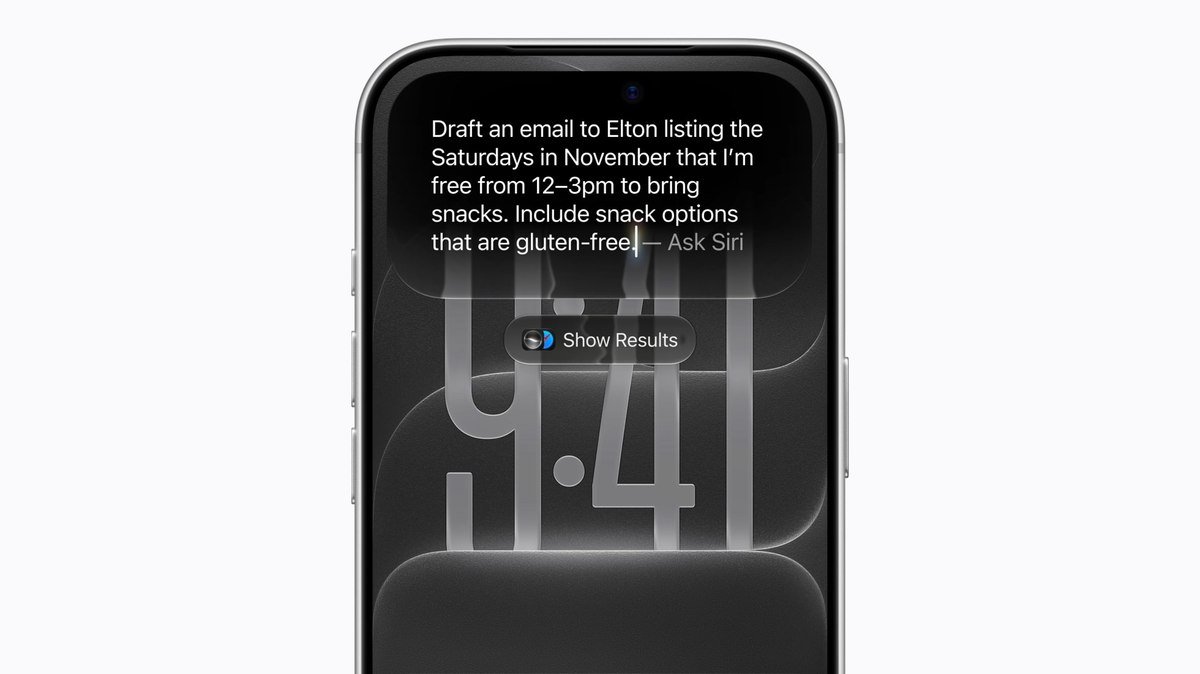
The practical rule is simple. If your iPhone is a 15 Pro, any 16, any 17 or an 18 Pro, you get Siri AI. If it is an iPhone 15 or older, you get iOS 27 without it.
What Siri AI and Apple Intelligence Add in iOS 27
Siri AI is a rebuilt Siri that understands personal context from your messages, emails and photos, knows what is on screen, and can pull answers from the web. Around it, Apple Intelligence adds features across the system:
- A standalone Siri app that saves conversations and syncs them between your devices.
- Siri mode in Camera for asking about whatever the lens is pointed at.
- Write with Siri for drafting, rewriting and feedback in almost any text field.
- New Photos editing: Spatial Reframing, Extend and an improved Clean Up.
- Call Context in the Phone app, which surfaces details like a booking reference when you call a business.
What Siri AI Needs Beyond the Right iPhone
A supported model is only the first condition. According to Apple’s Apple Intelligence support page, you also need:
- Free storage: up to 14 GB on the iPhone 17 Pro, 17 Pro Max and iPhone Air, and up to 8 GB on the other supported iPhones.
- A supported language. Siri AI is still rolling out in English only. The wider Apple Intelligence feature set runs in 16 languages, among them French, Japanese, Korean, Portuguese and Spanish.
- An account for someone aged 13 or over, since Siri AI is not available to younger users.
The top tier adds features that run on Apple’s most powerful on-device model: more expressive Siri voices with adjustable expressivity and pace, and more accurate dictation. Apple lists them for the iPhone 18 Pro, 18 Pro Max, 17 Pro, 17 Pro Max, iPhone Air and iPhone Duo. The standard iPhone 17 does not get them, which is worth knowing if you are choosing between it and a Pro; our iPhone 18 Pro guide covers the newest Pro model.
Features Every iOS 27 iPhone Gets
Owners of an iPhone 11 to 15 still get most of the update. Apple’s release notes list model requirements only for the Apple Intelligence features, which leaves these for every supported phone:
- Parental controls: app-by-app choices when setting up a child’s iPhone, Ask to Browse approval for new websites, Time Allowances and Schedules.
- A redesigned Screen Time and expanded Communication Safety protections.
- A Liquid Glass slider from ultra-clear to fully tinted.
- Faster app launches, faster loading of new photos and faster AirDrop.
- Better search in Spotlight, Photos and Mail, plus Connectivity Assist between Wi-Fi and cellular.
Apple Watch Models for iOS 27 and watchOS 27
If you wear an Apple Watch, it has its own list. watchOS 27 supports the Apple Watch Series 9 and later, the Apple Watch Ultra 2 and later, and the Apple Watch SE 3, and Apple says updating requires an iPhone 11 or later, or iPhone SE (2nd generation) or later, running iOS 27.
Siri AI works on those watches too, but only when they are paired with an Apple Intelligence iPhone. A new watch paired with an iPhone 14 gets watchOS 27 without Siri AI.
iPhones Left Out of iOS 27
iOS 27 needs an A13 Bionic chip or newer, the chip that debuted in the iPhone 11. The iPhone XS, XS Max and XR, which use the A12, were dropped a year earlier with iOS 26, and they stay on iOS 18. Every model older than those is also unsupported.
So if your phone is on iOS 26 today, it can install iOS 27. If it is still on iOS 18, it has reached the end of Apple’s major updates.
iPadOS 27 Supported iPads

iPadOS 27 was released alongside iOS 27 and supports 23 iPads, per Apple’s iPad list:
- iPad Pro: iPad Pro 13-inch (M5); iPad Pro 13-inch (M4); iPad Pro 11-inch (M5); iPad Pro 11-inch (M4); iPad Pro 12.9-inch (4th, 5th and 6th generation); iPad Pro 11-inch (2nd, 3rd and 4th generation)
- iPad Air: iPad Air 13-inch (M2, M3 and M4); iPad Air 11-inch (M2, M3 and M4); iPad Air (4th and 5th generation)
- iPad: iPad (A16); iPad (10th generation); iPad (9th generation)
- iPad mini: iPad mini (A17 Pro); iPad mini (6th generation)
Apple Intelligence on iPad requires M1 or later, or the iPad mini (A17 Pro). The strongest on-device features need M4 or later with at least 12GB of unified memory. If you use your iPad for writing, our best note taking apps for iPad list works on all of these models.
How to Update Your iPhone to iOS 27
- Check your model in Settings, General, About.
- Back up to iCloud or a computer.
- Connect to Wi-Fi and plug the phone in if the battery is low.
- Open Settings, General, Software Update, and tap to install iOS 27.
Apple says iOS 27 and iPadOS 27 make apps launch up to 30 percent faster on iPhone and iPad, photos load up to 70 percent faster after being taken, and AirDrop transfers run up to 80 percent faster. It measured the app-launch gain on an iPhone 11 Pro Max, comparing iOS 26.6 with prerelease iOS 27, so older phones are part of that claim rather than an afterthought.
Frequently Asked Questions
Is the iPhone 11 supported by iOS 27?
Yes. The iPhone 11 family and the iPhone SE (2nd generation) are the oldest models Apple supports with iOS 27.
Which iPhones get Siri AI in iOS 27?
All iPhone 16 models and later, the iPhone 15 Pro, the iPhone 15 Pro Max, the iPhone Air and the iPhone Duo.
Does the iPhone 15 get Apple Intelligence?
No. The iPhone 15 and 15 Plus run iOS 27 without Apple Intelligence. Only the 15 Pro and 15 Pro Max qualify from that generation.
Does the iPhone SE support iOS 27?
Yes, both the iPhone SE (2nd generation) and iPhone SE (3rd generation) run iOS 27. Neither gets Apple Intelligence or Siri AI, since both sit below the iPhone 15 Pro cut-off.
Will the iPhone Duo run iOS 27?
Yes. The Duo shipped with iOS 27 when it went on sale on 23 October, and it gets the full feature set, including Siri AI and Apple’s most powerful on-device model.
Did any iPhones lose support with iOS 27?
No. Every iPhone that ran iOS 26 also runs iOS 27. The last models to be dropped were the iPhone XS, XS Max and XR, with iOS 26 in September 2025.
Related Articles
- How to Update to iOS 27: Step by Step, Plus Fixes if It Won’t Install
- iPhone 18 Pro Max: Specs, Price and What Changed From the 17 Pro Max
- Best AAA Games on iPhone: 10 Console Ports and What They Cost
- Best iPhone Duo Screen Protector: 7 Compared on Glass and Glare
- How to Transfer WhatsApp to a New Phone

Get the Fox Bulletin briefing
The stories that matter, in your inbox. No spam, unsubscribe anytime.
Newsletter signup will be available soon.
Related stories
Morse Code: The Full Chart, Timing and How It Works
Every letter, digit, punctuation mark and procedural signal in international Morse code, with the timing rules that govern them and the places the code is still working.
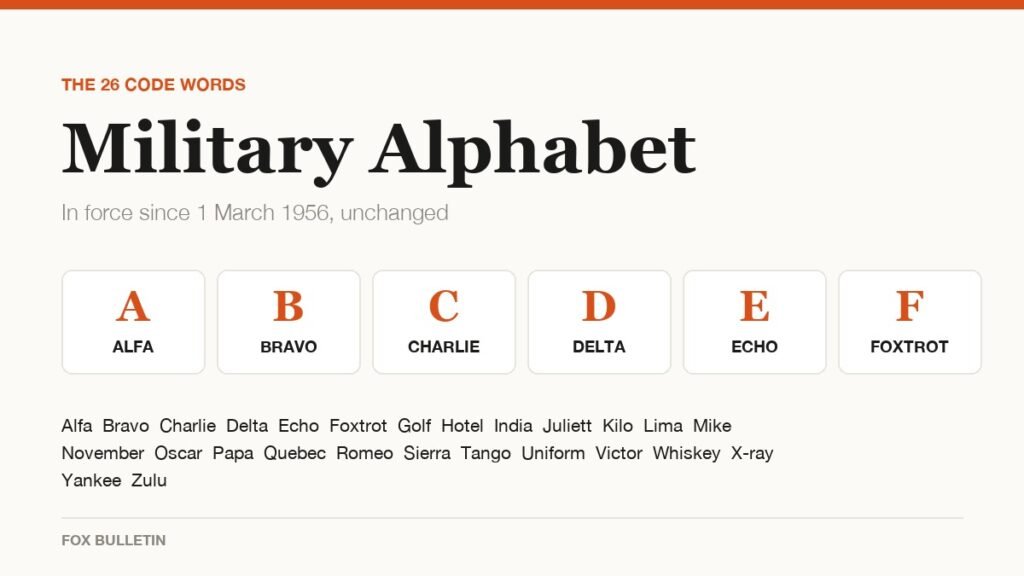
Military Alphabet: All 26 Letters, Spelled and Pronounced
Alfa, Bravo, Charlie: the military alphabet is a set of 26 code words that keep letters apart over a noisy radio. Here is every letter, how to say it, and the history behind the list.
How to Turn Off Read Receipts on Instagram DMs
The global switch does not sweep up chats you have already set by hand. That one rule explains almost every case of Seen still appearing.