

Every desktop computer is built from the same eight PC parts: a processor, a graphics card, a motherboard, memory, storage, a power supply, a case and a cooler. Laptops contain the same pieces soldered into one board, and a console is the same set chosen once by the manufacturer. Understand the eight and every spec sheet, from a $700 prebuilt to a $9,000 workstation, becomes readable.
This guide takes each part in turn: what it does, which specification matters when you buy, and how it constrains the others, because a processor dictates the motherboard, the motherboard dictates the memory, and the graphics card dictates the power supply. The figures come from Intel’s build guidance and from the makers’ own specification pages.
| # | Part | What it does | The spec that matters |
|---|---|---|---|
| 1 | Processor (CPU) | Runs the operating system and game logic | Cores, max turbo clock, socket |
| 2 | Graphics card (GPU) | Renders every frame on the display | VRAM, power draw, PCIe generation |
| 3 | Motherboard | Connects everything and sets what fits | Socket, chipset, form factor, M.2 slots |
| 4 | Memory (RAM) | Short-term working space for running software | Capacity, DDR generation, MT/s |
| 5 | Storage (SSD) | Holds the OS, apps and games | Capacity, NVMe or SATA, PCIe generation |
| 6 | Power supply (PSU) | Converts wall power to 12 V, 5 V and 3.3 V | Wattage, 80 Plus tier, ATX 3.1 |
| 7 | Case | Houses and cools the build | Form factor, GPU length, fan mounts |
| 8 | CPU cooler | Keeps the processor under its thermal limit | Air or liquid, radiator size, socket |
The Eight PC Parts in Every Desktop
1. Processor (CPU): The Part That Runs Everything
The central processing unit executes the operating system, the game’s logic, physics and AI, and every background task. Intel’s build guide says to look for a high maximum turbo frequency, which drives single-threaded speed, plus a high core and thread count for multitasking. The current desktop flagship, the Core Ultra 9 285K, has 8 performance cores and 16 efficient cores for 24 threads, a 5.7 GHz maximum turbo and a 250 W maximum turbo power on the LGA 1851 socket.
The socket is the constraint. An Intel LGA 1851 chip only fits an 800-series board; an AMD Ryzen 9000 chip only fits AM5. Pick the processor first and the board follows. Unlocked Intel parts carry a K suffix and AMD’s gaming-first parts an X3D suffix, which denotes extra cache stacked on the die.
2. Graphics Card (GPU): Frames, Resolution and the Power Bill
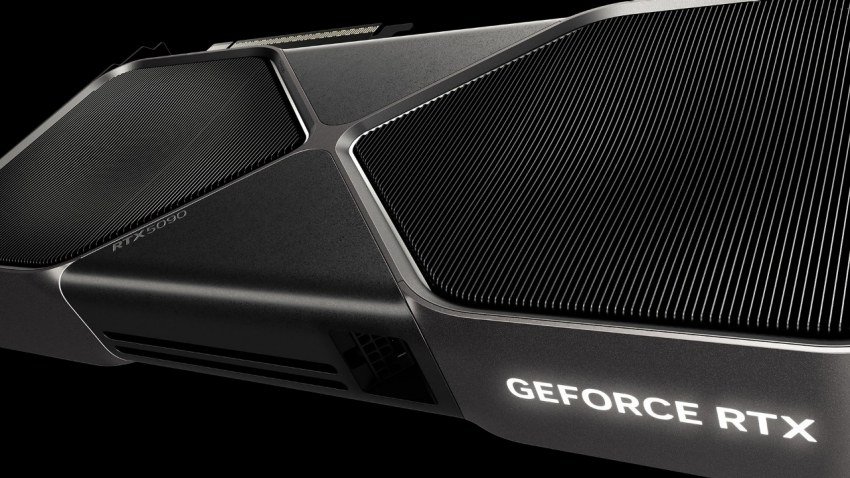
The graphics processing unit renders each frame and is the part that decides resolution and frame rate in games. It plugs into the motherboard’s PCIe x16 slot and is the largest consumer of power: NVIDIA’s RTX 5090 is rated at 575 W and needs a 1,000 W system, while an RTX 5060 draws 145 W and runs from a 550 W supply.
Match it to the monitor. Intel’s guidance is that 4K and 1440p at high refresh rates need stronger CPU and GPU pairings, while 1080p leaves the most options. Video memory is the second number to read: 8 GB cards struggle with texture packs at 1440p, 12 to 16 GB is the current mainstream, and the 5090 carries 32 GB for creators running local AI models.
3. Motherboard: The Board That Decides What Fits
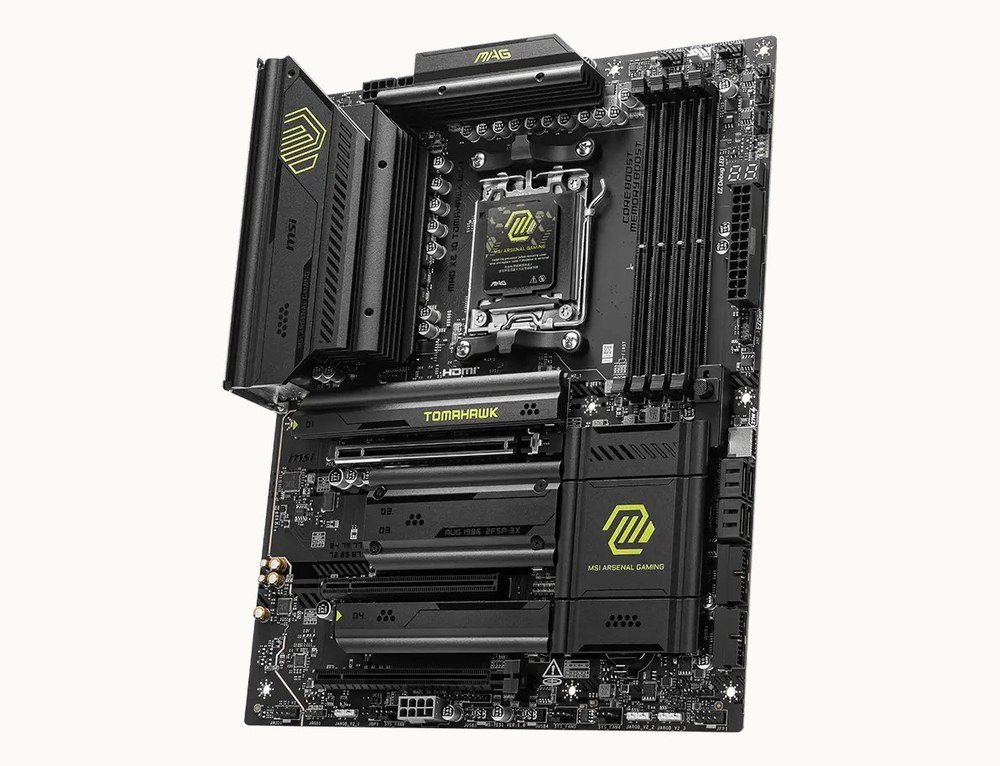
The motherboard carries the socket, the memory slots, the PCIe slots and the M.2 storage slots, and its chipset sets which features are available. Intel’s 800-series chipsets add DDR5, PCIe 5.0 for graphics and storage, and integrated Wi-Fi 6E; AMD’s X870 boards such as MSI’s MAG X870 Tomahawk add Wi-Fi 7, 5 Gb Ethernet and USB at 40 Gb/s.
Size is a four-way choice. Intel lists Extended ATX at 12 by 13 inches with up to eight memory slots, ATX at 12 by 9.6 inches with four, microATX at 9.6 by 9.6 inches with up to four, and Mini-ITX at 6.7 by 6.7 inches with two. A full-size ATX board takes nine screws and two power leads, the 24-pin main connector and an 8-pin CPU connector.
4. Memory (RAM): Working Space, Not Storage
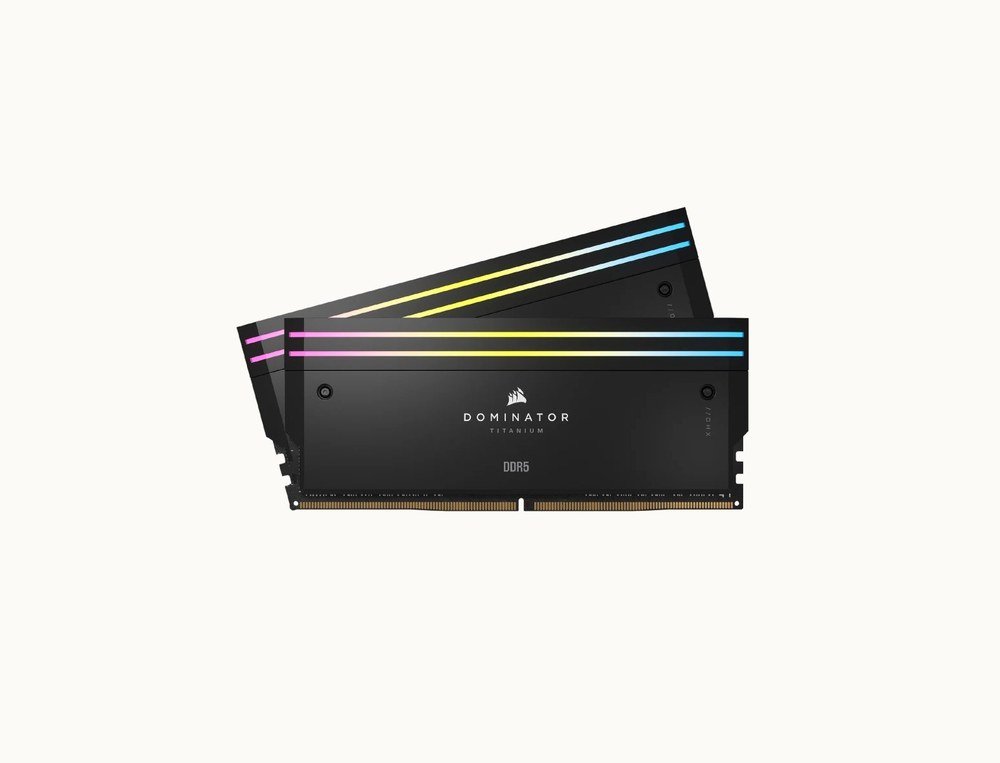
Random-access memory holds whatever is running right now: the operating system, the open game, the browser tabs. It empties when the PC powers off, which is the distinction our RAM versus storage explainer draws between memory and the drive. Intel calls 16 GB the minimum for modern games and says streaming or heavy modding needs more; 32 GB is the default in new desktops from Lenovo and Corsair.
The generation must match the board: DDR5 on every current socket, DDR4 on older ones, never both. Buy a matched two-stick kit, enable its XMP or EXPO profile in the BIOS, and do not mix kits from different makers even at the same rated speed, which Intel singles out as a common cause of instability. Our DDR4 vs DDR5 comparison covers what the newer standard changed.
5. Storage (SSD): Where the Games Live
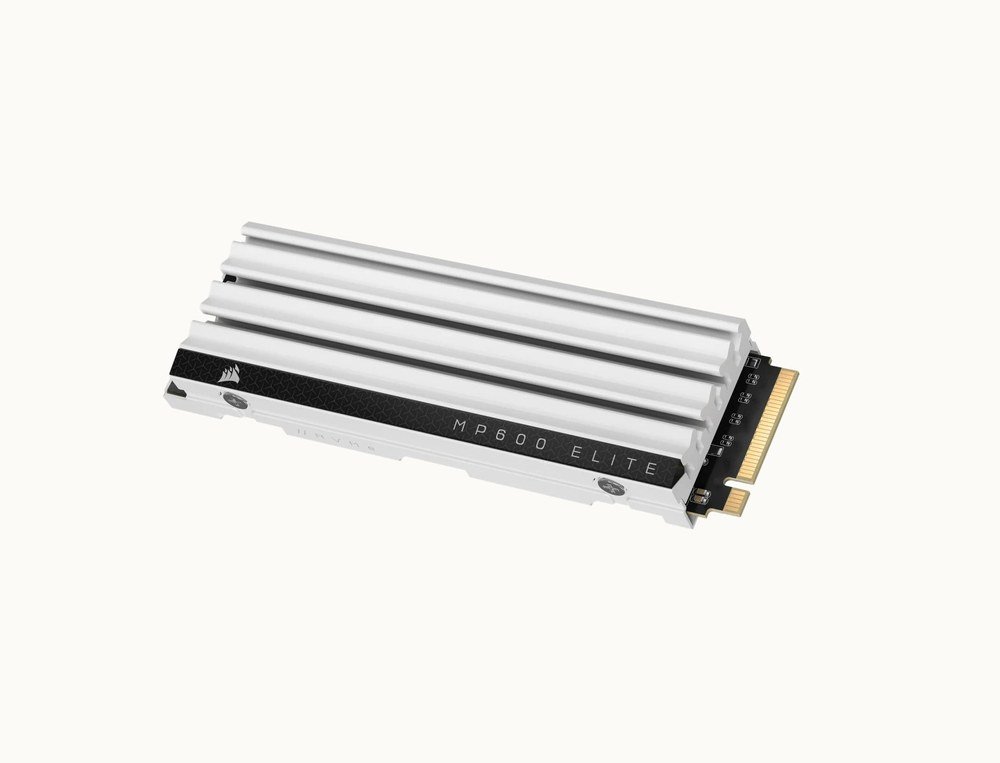
The drive holds the operating system, applications and games permanently. Intel recommends a solid-state drive over a hard disk because it is faster and has no moving parts to fail, and notes two protocols: SATA, older with higher latency, and NVMe over PCIe with higher performance. Almost every new build uses an M.2 NVMe drive, a gumstick that screws straight onto the motherboard.
Capacity first, then generation. New games routinely pass 100 GB, so 1 TB is the practical floor and 2 TB the comfortable choice. A PCIe 4.0 drive such as Corsair’s MP600 Elite at 7,000 MB/s is the sweet spot; PCIe 5.0 drives double that figure for a premium few users feel. The protocols and generations are explained in full in our guide to the NVMe SSD.
6. Power Supply (PSU): The Part Not to Economise On
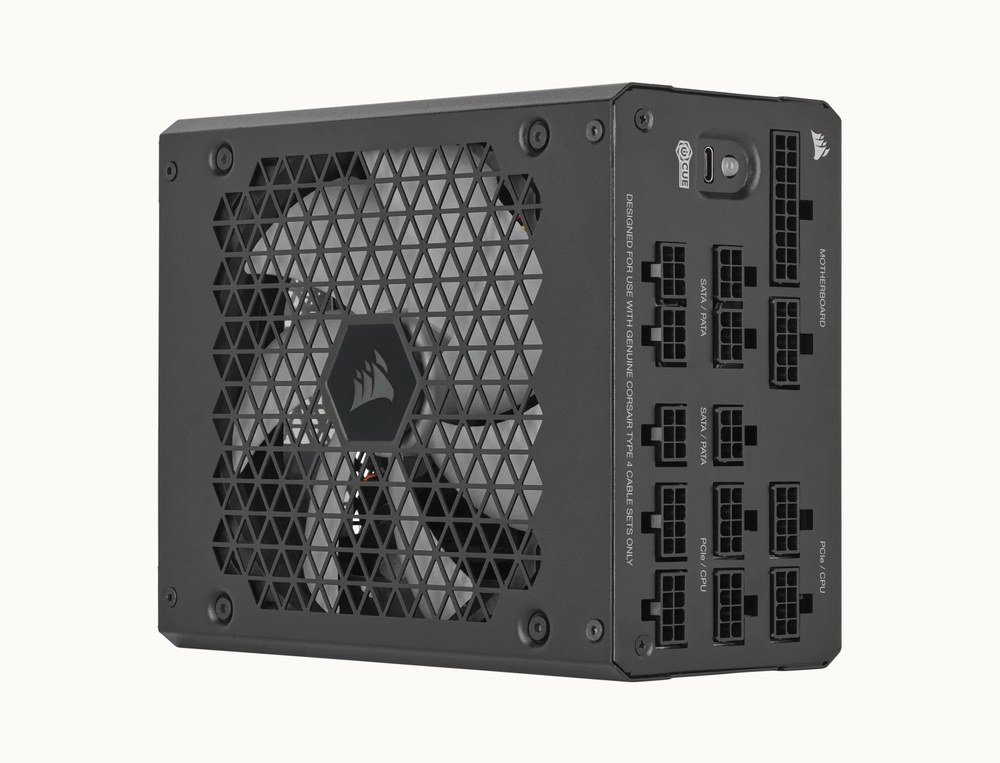
The power supply converts mains electricity into the 12 V, 5 V and 3.3 V rails the components use. Size it from the graphics card and processor with 20 to 30 percent headroom: 650 to 750 W covers a mainstream gaming build, 850 W a high-end card, and 1,000 W or more a flagship. Intel recommends a semi-modular unit for most people and a wattage calculator to confirm the figure.
Two labels matter. The 80 Plus tier, Bronze through Titanium, states how much wall power reaches the parts; Gold is the sensible floor. ATX 3.1 with a 12V-2×6 cable means the unit can feed a current NVIDIA card from one lead and ride out its power spikes. Our power supply unit guide works through the maths and the connectors.
7. Case: Airflow, Size and the Length of the Graphics Card
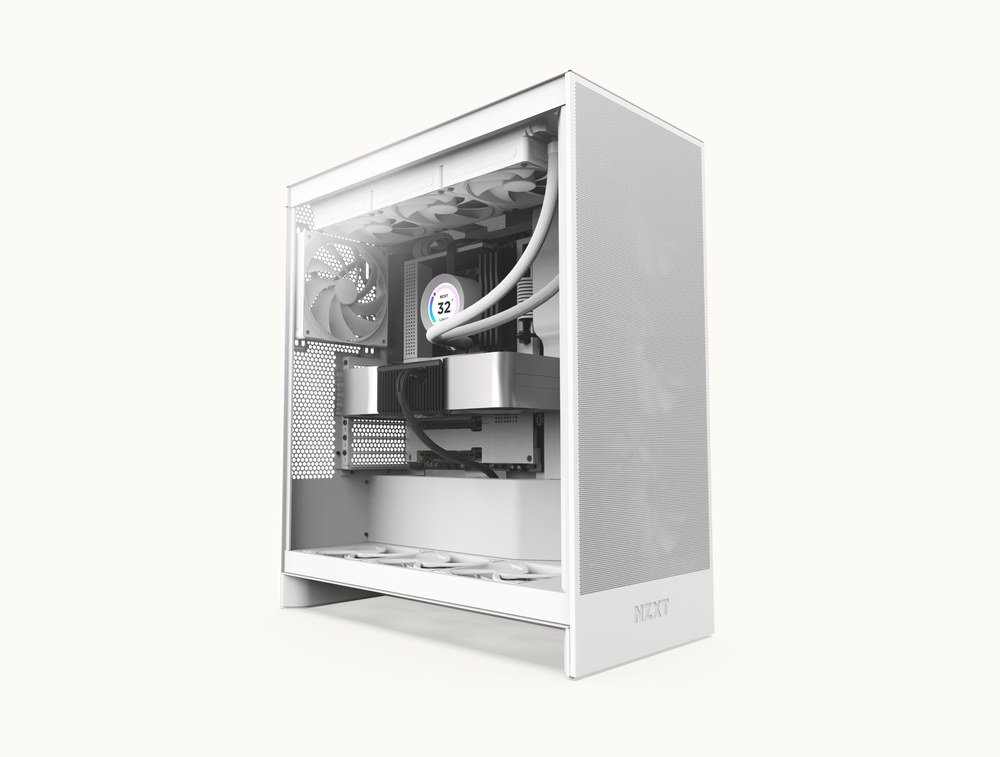
The case holds everything and decides how well it cools. Intel sizes a full tower at 22 to 24 inches tall and a mid-tower at 18 to 20 inches, and advises first-time builders to err larger, since compact cases are harder to work in and may use proprietary parts. NZXT’s H7 Flow, a typical mid-tower, takes boards up to E-ATX, graphics cards up to 410 mm long and ten fans.
Check three numbers against the parts list: maximum GPU length, maximum CPU cooler height and the radiator sizes the top and front panels accept. Tempered glass panels look better and scratch less; mesh fronts move more air. Lighting is cosmetic and changes nothing about performance.
8. CPU Cooler: Air or Liquid

The cooler moves heat from the processor into the case’s airflow. Air coolers are cheaper and simpler, Intel notes, and depend on unobstructed airflow; liquid coolers are more efficient but larger, harder to fit and more expensive. All-in-one liquid units arrive pre-filled with a 240, 280 or 360 mm radiator, and Corsair’s H150i is a typical 360 mm example with a five-year warranty.
A 250 W turbo chip such as the 285K wants a 360 mm radiator or a large dual-tower air cooler; a 65 W processor is fine on the cooler in the box. Apply thermal paste as a dot no larger than a grain of rice, in Intel’s words, and check the cooler’s height against the case before buying.
How the PC Parts Constrain Each Other
The order of decisions follows the dependencies. The processor sets the socket, the socket sets the board, the board sets the memory generation and the number of M.2 slots, and the graphics card sets the power supply and the minimum case length. Choosing in that sequence avoids the most common mistakes: DDR4 bought for a DDR5 board, a 340 mm card in a 320 mm case, or a 650 W supply under a 5080.
- Processor, which fixes the socket and the chipset family
- Motherboard in the form factor the case will take
- Memory in the generation the board uses, as a matched kit
- Graphics card sized to the monitor, which fixes the power budget
- Storage, at least 1 TB NVMe
- Power supply with 20 to 30 percent headroom and ATX 3.1
- Case that clears the card, the cooler and the radiator
- Cooler matched to the processor’s turbo power
Building From PC Parts or Buying Them Assembled
A self-build costs less for the same parts and leaves nothing proprietary inside, but it takes an afternoon and carries no single warranty. A prebuilt from Alienware, Lenovo, NZXT, Corsair or a configurator such as CyberPowerPC arrives tested with one support line, at a premium that varies from small to large depending on the brand. Our guide to buying a prebuilt gaming PC covers what to check on the spec sheet, and the parts list above is the checklist in either case.
Peripherals are not parts of the computer, but the build is not usable without a monitor, keyboard and mouse, and Intel recommends Windows 11 on an 8 GB or larger USB stick to install the operating system. Budget for them alongside the eight components rather than after.
Frequently Asked Questions
What are the main parts of a PC?
Eight: the processor, graphics card, motherboard, memory, storage drive, power supply, case and CPU cooler. A monitor, keyboard, mouse and operating system complete a usable system but are not part of the computer itself.
Which PC part matters most for gaming?
The graphics card, which sets resolution and frame rate, followed by the processor. Memory and storage affect loading and stutter more than frame rate once they meet the minimums of 16 GB and an NVMe SSD.
Can I mix any PC parts together?
No. The processor and motherboard must share a socket, the memory must match the board’s DDR generation, the graphics card must fit the case and the power supply must cover the card and CPU with headroom. Everything else is interchangeable.
How much do PC parts cost for a gaming build?
Prebuilt pricing is the clearest benchmark: configurators start near $800 for an entry build with a Ryzen 5 and a 4 GB card, mainstream RTX 5060 systems sit around $1,500, and RTX 5080 towers run $3,000 to $4,500. Self-built equivalents typically come in 10 to 20 percent below those figures.
Related Articles

Get the Fox Bulletin briefing
The stories that matter, in your inbox. No spam, unsubscribe anytime.
Newsletter signup will be available soon.
Related stories
Prebuilt Gaming PC Buying Guide: Specs to Check and 7 Brands
A prebuilt gaming PC trades a price premium for a tested build and one warranty. Here is how to read the spec sheet, which parts makers skimp on, and how Alienware, Lenovo Legion, NZXT, Corsair, CyberPowerPC, MSI and Maingear compare.
Power Supply Unit Guide: Wattage, 80 Plus Ratings and Cables
The power supply unit is the one PC part that can take everything else with it when it fails. Here is how to size the wattage from your CPU and GPU, what the 80 Plus tiers measure, and which connectors a modern graphics card needs.
DDR4 vs DDR5 RAM: Speed, Voltage, Capacity and Compatibility
DDR5 starts where DDR4 ends: 4,800 MT/s against 3,200, 1.1 V against 1.2 V, and up to 512 GB per module in the standard. Here is what the two generations change, which platforms use each, and whether a DDR4 PC should move.