

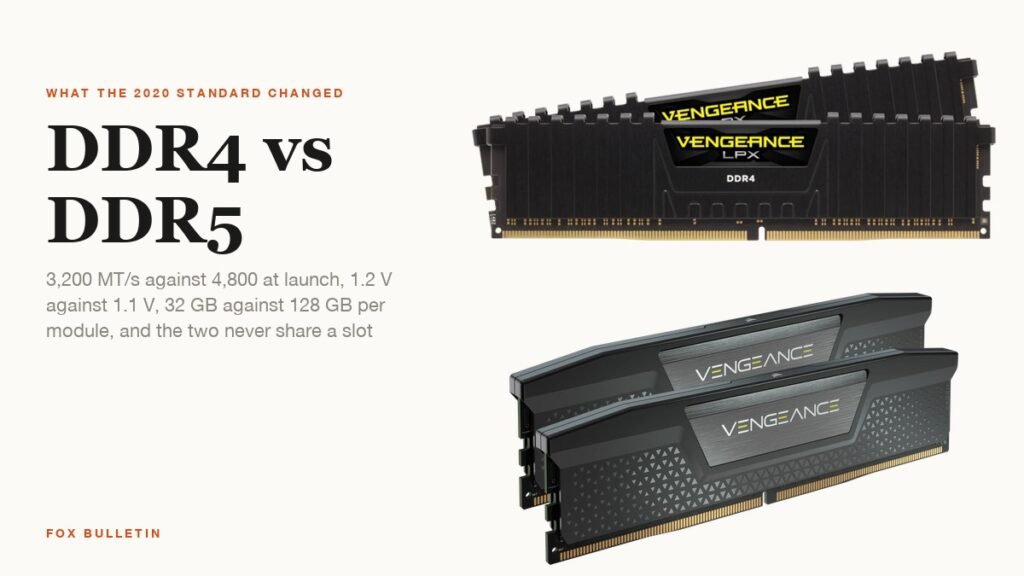
DDR4 vs DDR5 comes down to four numbers. DDR5 launched at 4,800 MT/s where DDR4 topped out at 3,200, runs at 1.1 V instead of 1.2 V, moves power regulation onto the module, and allows four times the capacity per stick. The two are not interchangeable: a DDR5 module will not fit a DDR4 slot, and a motherboard takes one or the other.
For a new PC in 2026 the choice is mostly made for you, because AMD’s AM5 platform and Intel’s current sockets are DDR5-only. The real question is for owners of DDR4 machines deciding whether a platform swap is worth it. This guide lays out what the standard changed, what the change is worth in games and work, and how to read the labels on a kit.
| Specification | DDR4 | DDR5 |
|---|---|---|
| Standard introduced | 2014 (JESD79-4) | July 2020 (JESD79-5) |
| Standard data rates | 1,600 to 3,200 MT/s | 4,000 to 8,800 MT/s; 4,800 at launch |
| Typical retail kits | 2,666 to 3,600 MT/s | 5,600 to 6,400 MT/s, with 8,000+ kits |
| Operating voltage | 1.2 V | 1.1 V |
| Power regulation | On the motherboard | PMIC on each module |
| Channels per module | One 64-bit | Two separate 32-bit sub-channels |
| Burst length | 8 | 16 |
| Banks | 16 | 32 |
| On-die ECC | No | Yes, on every chip |
| Largest consumer module | 32 GB | 64 GB today, 128 GB in the standard |
| Pins and keying | 288-pin, DDR4 notch | 288-pin, notch in a different position |
| Desktop platforms | Intel 6th to 14th Gen, AMD AM4 | Intel 12th Gen onwards, AMD AM5 |
DDR4 vs DDR5: What the Standard Changed
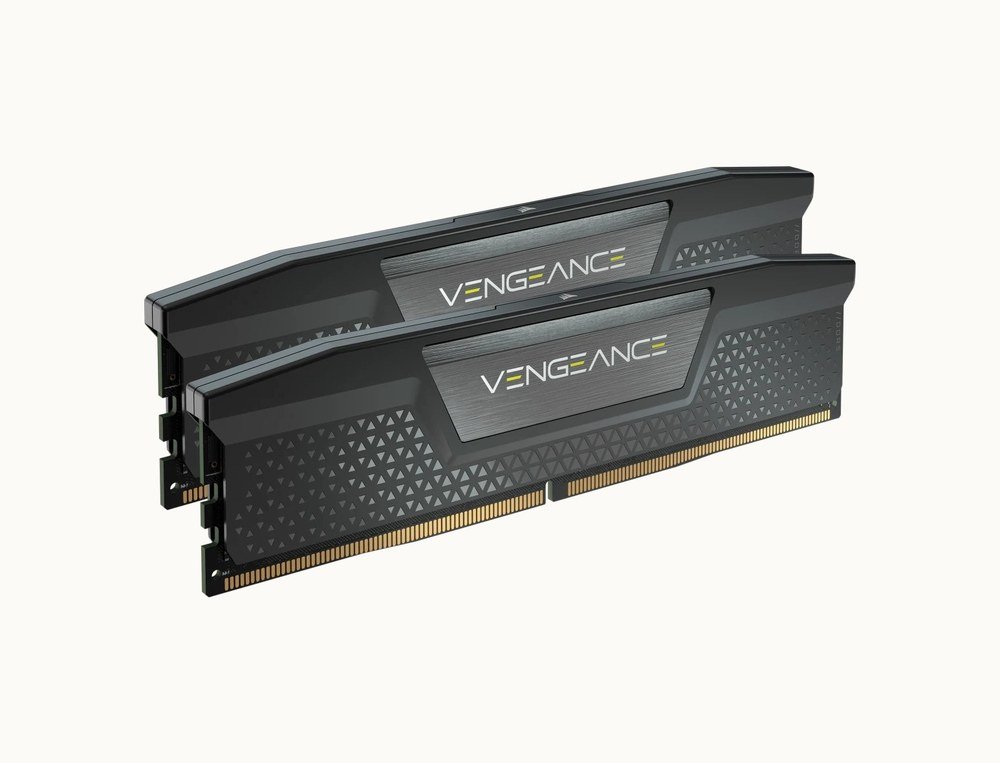
JEDEC published the DDR5 standard, JESD79-5, on July 14, 2020. Its announcement lists a 4.8 Gbps launch speed, 50 percent above DDR4’s end-of-life 3.2 Gbps, a supply voltage cut from 1.2 V to 1.1 V, a burst length doubled to 16, 32 banks instead of 16, and two separate 40-bit sub-channels per module. JEDEC summarised the result as “twice the performance and much improved power efficiency”.
The sub-channel split is the least visible and most useful change. A DDR4 module is one 64-bit channel; a DDR5 module presents two 32-bit channels (40-bit with ECC), so a single stick behaves like a small dual-channel kit and the controller can keep more requests in flight. Combined with the longer burst, that is where much of the “double” in JEDEC’s claim comes from.
Every DDR5 chip also carries on-die error correction, which the DDR5 specification notes DDR4 lacked. It corrects bit errors inside the DRAM before data leaves the chip; it is not the same as the full ECC that servers use across the whole bus, but it was necessary to keep the smaller, faster cells reliable.
Speed: Data Rates and What Latency Does to Them
The headline figure on a box is the data rate in megatransfers per second. Retail DDR4 settled at 3,200 to 3,600 MT/s, with 2,133 MT/s the launch rate in 2014. Retail DDR5 kits sit at 5,600 to 6,400 MT/s, and enthusiast kits run at 8,000 MT/s and beyond, well past the 4,000 to 8,800 range the standard defines.
Latency is quoted as a CAS number, and DDR5’s are higher: a typical DDR4-3200 kit is CL16, a typical DDR5-6000 kit CL30. Because the clock is faster, the real delay is similar. CL16 at 3,200 MT/s is 10 nanoseconds; CL30 at 6,000 MT/s is also 10 nanoseconds. The bandwidth gain is real and the latency penalty largely is not.
What that means in software depends on the workload. Memory-heavy tasks such as video encoding, compression, large spreadsheets and integrated-graphics gaming show the biggest gains. Games on a discrete GPU gain a few percent at most, which is why AMD’s X3D processors with their extra cache matter more to frame rates than the memory generation does.
Voltage, the PMIC and Heat
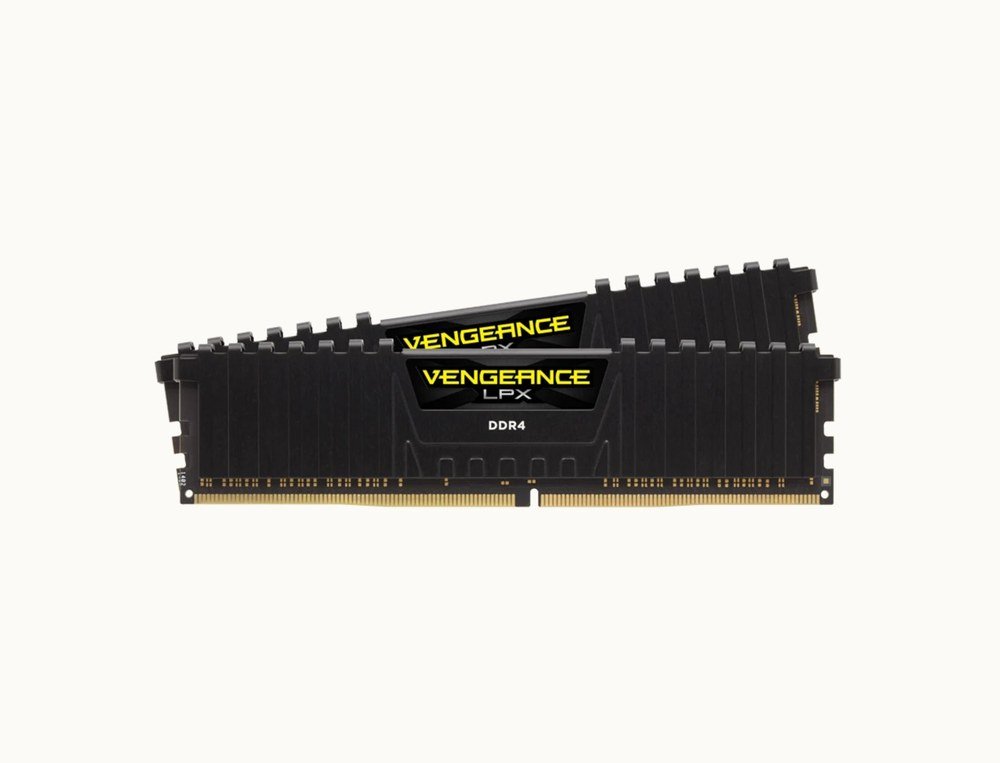
Dropping Vdd from 1.2 V to 1.1 V reduces the energy per transfer, and DDR5 moves voltage regulation from the motherboard onto a power management IC on each module. Desktop DDR5 UDIMMs take 5 V from the board and step it down locally, which gives cleaner power at high speed and lets overclocked kits run their own profiles.
The counter-intuitive result is that DDR5 modules often run warmer than DDR4, because the regulator and the faster chips sit under the same heat spreader. Corsair’s own guidance says as much, and it is why high-speed DDR5 kits ship with taller heatsinks. XMP and EXPO kits also run above the standard voltage: Corsair’s Vengeance DDR5-6000 CL30 kit is tested at 1.40 V, with 1.1 V as the fallback SPD profile.
For laptops the lower voltage is the point. LPDDR5 and LPDDR5X, the soldered variants, extend the same idea further, and are the reason thin machines in our best gaming laptop guide now ship with 16 GB as the floor without the battery penalty that implied a few years ago.
Capacity: 32 GB Sticks Against 128 GB
DDR4’s practical ceiling is 32 GB per module, reached only by a small number of high-end kits. The DDR5 standard allows up to 128 GB per module and 512 GB per DIMM in server form, and consumer 48 GB and 64 GB sticks are on sale now. A two-slot mini-ITX board can therefore hold 128 GB of DDR5 where it held 64 GB of DDR4.
Few people need that. Intel’s build guidance calls 16 GB the minimum for modern games and points to 32 GB for streaming or heavy multitasking, and prebuilt desktops from Lenovo and Corsair ship with 32 GB of DDR5 as standard. The capacity headroom matters for local AI models, video work and virtual machines, where memory rather than speed is the limit.
Whichever generation you buy, pair the modules. Two sticks of the same kit run in dual channel; mixing kits, even at the same rated speed, is the most common cause of a board refusing to boot at the advertised profile.
Compatibility: Which CPUs and Boards Take Each One
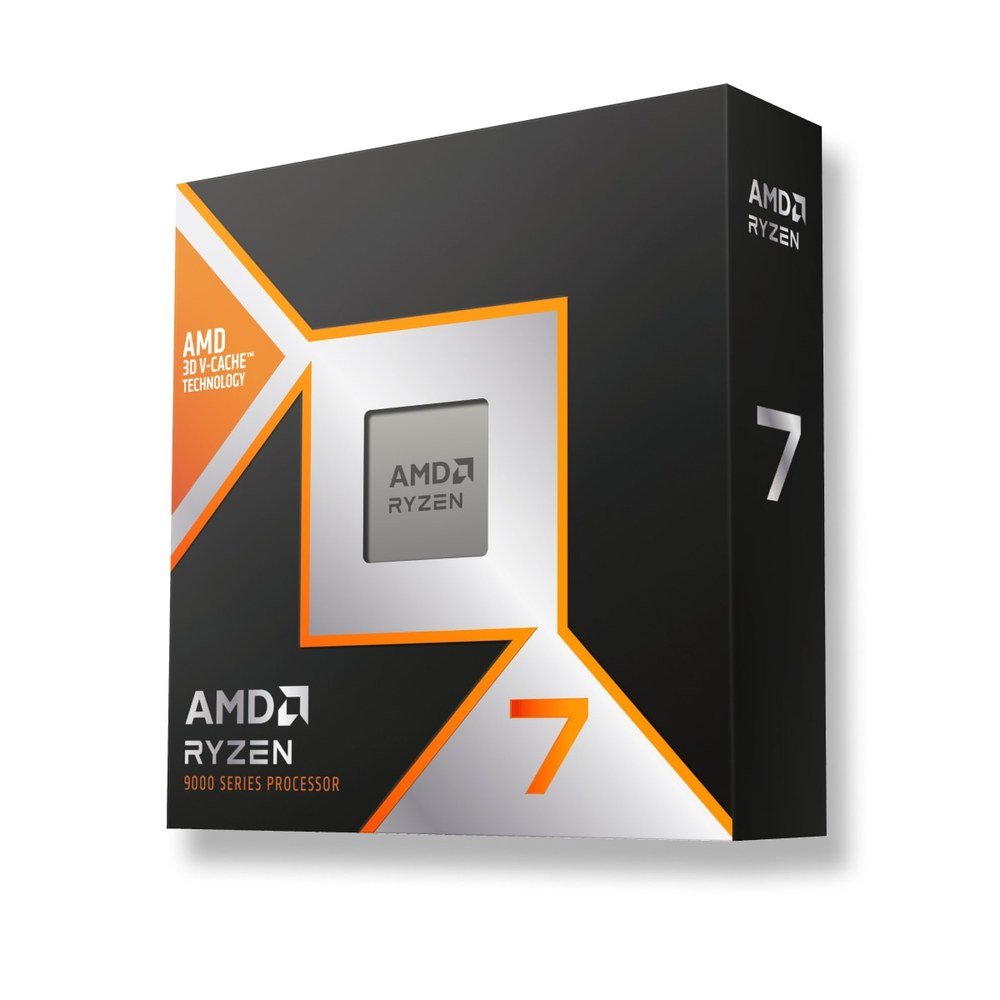
DDR4 arrived with Intel’s Haswell-E in 2014 and became mainstream with Skylake the following year, then ran through Intel’s 14th Generation and AMD’s whole AM4 socket. DDR5 reached desktops with Intel’s 12th Generation Alder Lake in late 2021, which supports both types depending on the motherboard, and AMD’s AM5 socket in 2022, which supports only DDR5.
The DDR4 standard is explicit that DDR4 and DDR5 modules are not interchangeable, and the two use different key-notch positions on the same 288-pin layout so that one cannot be forced into the other’s slot. Intel’s 12th, 13th and 14th Generation chips are the only desktop processors that can go either way, and even there a given board supports one type.
- DDR4 only: AMD AM4 (Ryzen 1000 to 5000), Intel 6th to 11th Gen
- Either, set by the board: Intel 12th, 13th and 14th Gen (LGA 1700)
- DDR5 only: AMD AM5 (Ryzen 7000 and 9000), Intel Core Ultra 200S (LGA 1851)
Intel’s current 800-series chipsets list DDR5 alongside PCIe 5.0 graphics and storage, and the Core Ultra 9 285K specification quotes DDR5-6400 as its supported memory. Anyone choosing between the two sockets should start with the processor, and our walkthrough of PC parts covers how the board, memory and CPU constrain each other.
Should You Upgrade From DDR4 to DDR5?
Not on its own. Moving to DDR5 means a new motherboard and a new processor, so the question is really whether the platform is worth replacing. A DDR4 system with a Ryzen 5000 or Intel 12th Gen chip and a modern GPU loses little in games, and the money is better spent on the graphics card.
If the platform is due anyway, there is no reason to buy DDR4 in 2026. Every new socket is DDR5, a 32 GB DDR5-6000 kit costs little more than its DDR4 equivalent did, and the capacity ceiling leaves room for the next five years. Our RAM versus storage explainer covers how much memory to buy once the generation is settled.
- Keep DDR4 if the CPU is from 2021 or later and the GPU is the bottleneck
- Move to DDR5 when replacing the motherboard and CPU for any other reason
- Buy a matched two-stick kit at the speed the CPU maker lists, 6,000 MT/s for AM5 and 6,400 for Core Ultra
- Enable the XMP or EXPO profile in the BIOS, or the kit will run at its slower default
Frequently Asked Questions
Is DDR5 noticeably faster than DDR4?
In bandwidth, roughly double. In games on a discrete graphics card the difference is a few percent. In memory-bound work such as encoding, compression and integrated-graphics gaming the gain is large.
Can I use DDR5 RAM in a DDR4 motherboard?
No. The modules have a different key notch and different signalling, and motherboards support one generation only. Moving to DDR5 requires a DDR5 board and a compatible processor.
Why does DDR5 have higher CAS latency?
Because the number counts clock cycles and DDR5’s clock is faster. DDR4-3200 CL16 and DDR5-6000 CL30 both wait about 10 nanoseconds, so the higher figure does not mean a slower kit.
How much DDR5 RAM do I need?
16 GB is the minimum Intel quotes for modern games, and 32 GB is the sensible default for a new desktop. Go to 64 GB only for video editing, large local AI models or virtual machines.
Related Articles

Get the Fox Bulletin briefing
The stories that matter, in your inbox. No spam, unsubscribe anytime.
Newsletter signup will be available soon.
Related stories

Prebuilt Gaming PC Buying Guide: Specs to Check and 7 Brands
A prebuilt gaming PC trades a price premium for a tested build and one warranty. Here is how to read the spec sheet, which parts makers skimp on, and how Alienware, Lenovo Legion, NZXT, Corsair, CyberPowerPC, MSI and Maingear compare.
PC Parts Explained: Every Component in a Desktop Computer
Every desktop is the same eight PC parts: a processor, a graphics card, a motherboard, memory, storage, a power supply, a case and a cooler. Here is what each one does, how they constrain each other and the spec that matters when you buy.
Power Supply Unit Guide: Wattage, 80 Plus Ratings and Cables
The power supply unit is the one PC part that can take everything else with it when it fails. Here is how to size the wattage from your CPU and GPU, what the 80 Plus tiers measure, and which connectors a modern graphics card needs.