

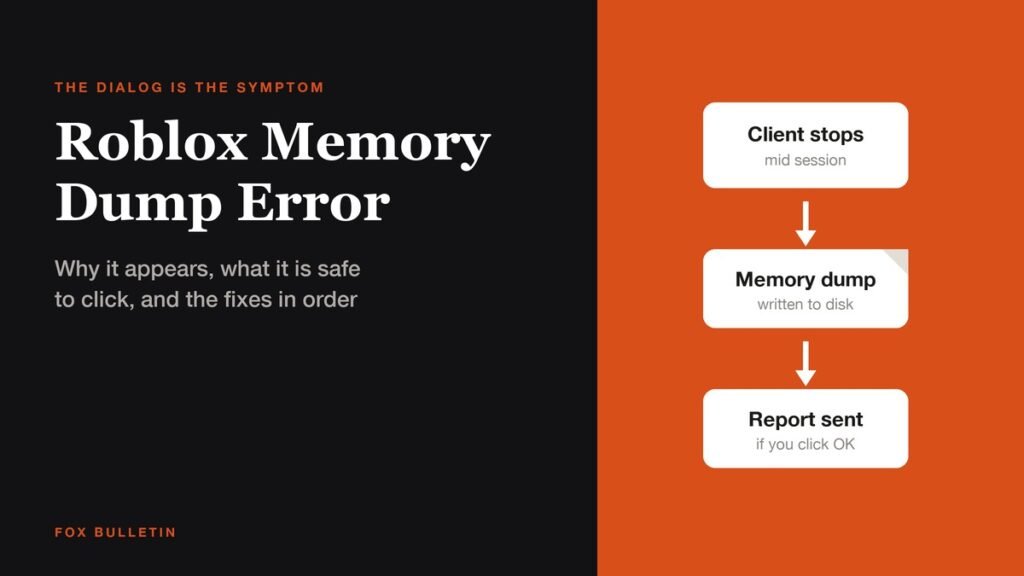
The Roblox memory dump error is the dialog that appears after the client has already stopped working, telling you a crash report was written and asking whether to send it. The dump is not the fault. It is the record of a fault that happened a moment earlier, which is why deleting dump files or clicking anything in that box changes nothing about whether it happens again.
Roblox has never published a page for this message, and there is no numbered code attached to it, so there is no official cause to point at. What does exist is a set of documented crash causes on Windows, and working through them in the right order clears the crash for most people. The order matters more than the list, because the expensive step most guides lead with is the one least likely to help.
What the Roblox memory dump error actually is
A memory dump, also called a core dump, is a snapshot of what a program was holding in memory at the instant it stopped. Operating systems and applications write them so a developer can reconstruct the crash afterwards. Roblox writing one means its crash reporter did its job, and the prompt is asking permission to send that snapshot back.
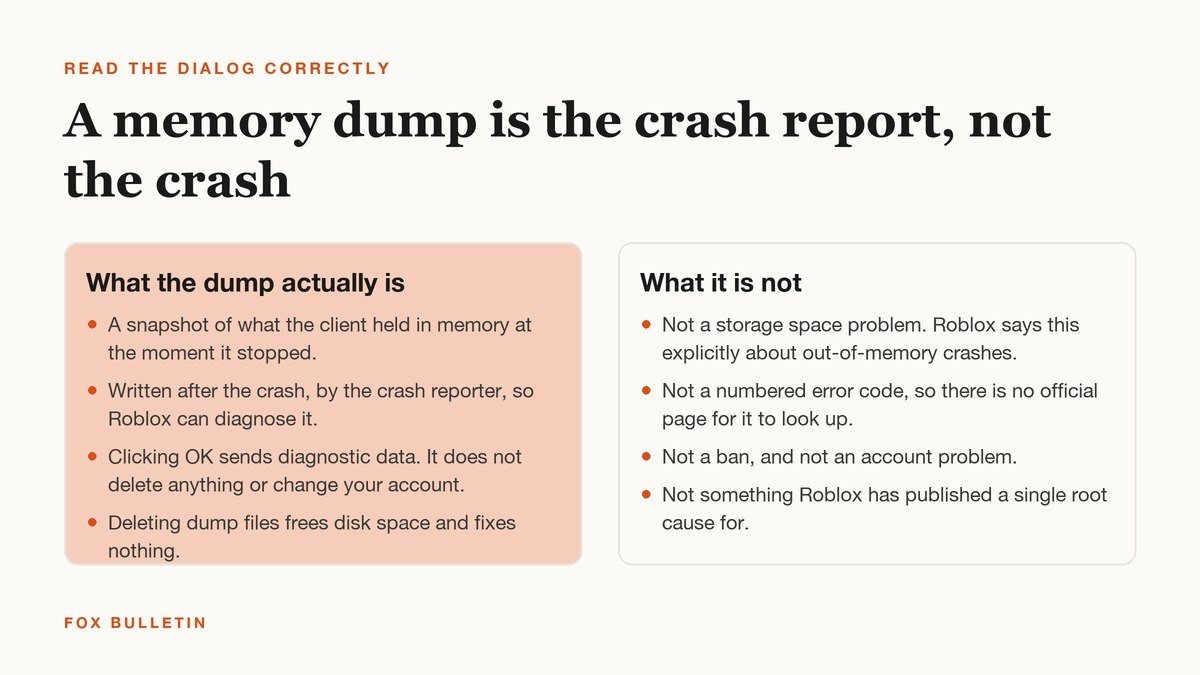
Clicking OK sends diagnostic data and nothing else. It does not touch your account, your Robux or your saved progress in any experience. If you would rather not send it, dismissing the box is equally safe. Either way the client has already closed, and the question worth answering is what closed it.
One confusion is worth clearing up immediately, because it sends people to the wrong fix. An out of memory failure has nothing to do with free storage space. Roblox says this outright in its low memory help article for iOS: the device is short of working memory, usually because too many other applications are open, not short of disk. Freeing 50 GB on the drive will not help a machine that is out of RAM.
Find out where the fault is before you reinstall
Almost every guide opens with a clean reinstall. It is the slowest step available and it only helps if the install is what broke. Four readings narrow it down in about five minutes, and each one rules out a whole branch.
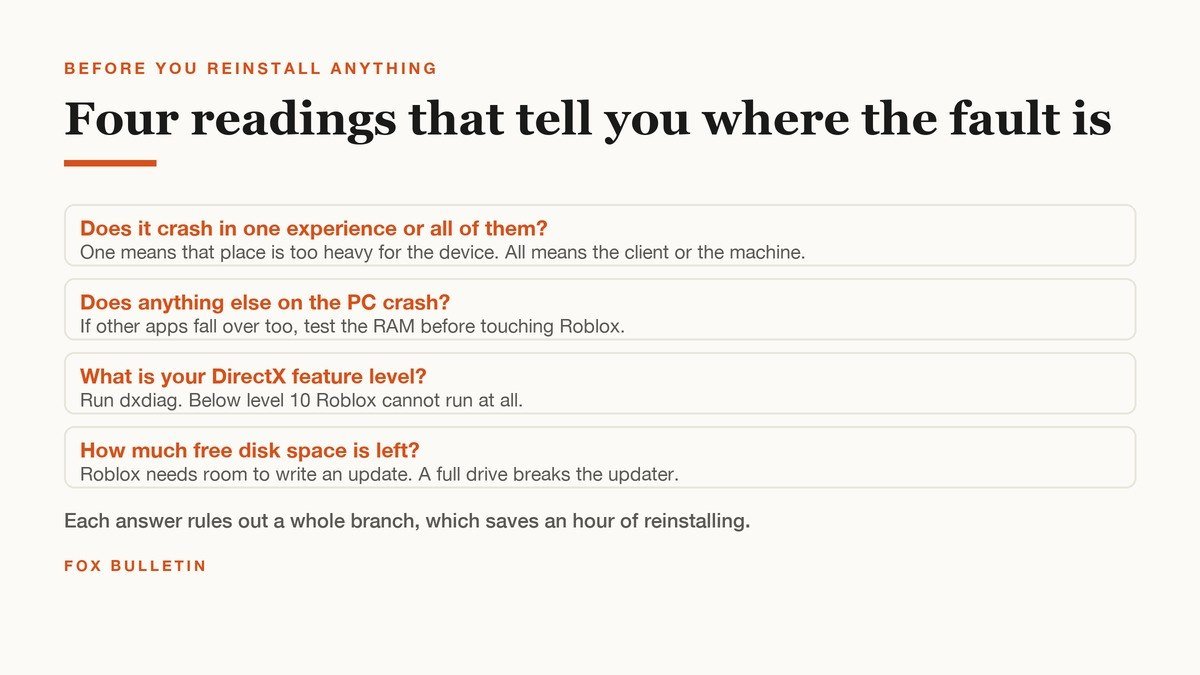
- One experience or all of them? If a single heavy game crashes and everything else is fine, the device is being asked for more than it has. If every experience crashes, the client or the machine is the problem.
- Does anything else on the PC crash? Crashes spread across unrelated applications point at memory or heat, not at Roblox.
- What is the DirectX feature level? Press Windows and R, run dxdiag, open the Display tab and read Feature Levels. Roblox needs DirectX level 10 or above and its graphics help page says a card below that cannot run the application at all.
- How much free disk space is left? Not because dumps fill it, but because a drive with no headroom breaks the updater, and a half applied update is its own source of crashes.
The fixes, cheapest first
Work down this list and stop when the client stays up through a full session. The first two steps cost nothing and address the cause that fits the symptom best.
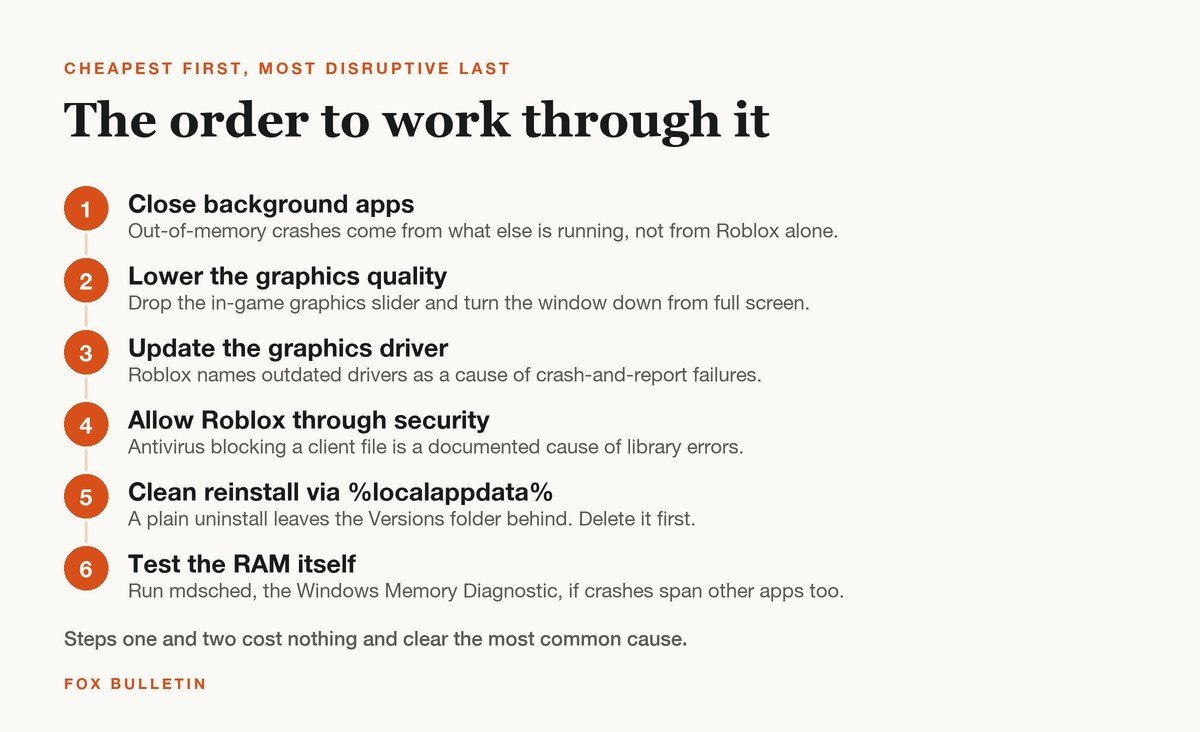
- Close background applications. Browsers with many tabs, Discord, recording software and a second game running at once are the usual load. This is the single most likely fix on a machine near its memory limit.
- Lower the graphics quality and leave full screen. Open the in-experience menu, drop the graphics slider several steps and play windowed. Less to hold in memory means less to run out of.
- Update the graphics driver. Roblox lists outdated drivers among the causes of crashes that report a graphics failure, and driver updates are reversible if they make things worse.
- Allow Roblox through antivirus and firewall. Roblox names security software blocking a client file as a documented cause of its failed to load library error, which is the same class of fault reaching a different failure point.
- Do a clean reinstall, not a plain one. Uninstall Roblox, then delete the Roblox folder under %localappdata% before installing again. A normal uninstall leaves the Versions folder behind, which is exactly the thing a reinstall was supposed to replace.
- Test the memory itself. Press Windows and R, run mdsched, and let the Windows Memory Diagnostic restart the machine and check the RAM. Only worth doing if other applications crash too.
Players also report that turning off hardware virtualisation in the BIOS, listed as SVM mode on AMD boards, stops the crash on some machines. That is community troubleshooting rather than anything Roblox documents, it affects every other program that uses virtualisation, and it belongs last for that reason. Change one BIOS setting at a time and write down what it was.
Crashing on launch and crashing mid game are different faults
When the client dies before you reach a spawn point, nothing has been loaded yet, so memory pressure is almost never the explanation. That pattern points at the install or at the graphics layer: a missing or blocked system file, a driver that cannot provide the feature level Roblox asks for, or a half applied update. Steps three to five above are the ones that apply, and the clean reinstall is worth moving up the list.
A crash that arrives ten or forty minutes into a session is the opposite case. The client started fine and then ran out of something while running, which is what memory pressure looks like from the outside. Closing background applications and lowering graphics quality address that directly. If the crash lands at a consistent moment, such as entering the same area every time, the experience itself is loading more than the device can hold at that point, and the developer is the only one who can change it.
Why no official page documents this message
Roblox publishes help articles for twelve numbered failures, and a crash report dialog is not one of them. The numbered ones describe a condition the servers can name, such as a version mismatch or a ban. A crash is the client stopping for a reason the client did not get to report, so there is no number to assign. Our guide to Roblox error codes covers the ones that do carry numbers.
Threads about this message on the Roblox developer forum have run for months without a root cause from staff, and the fixes players report succeeding with are the generic crash fixes above rather than anything specific. That is a reasonable sign the dialog covers several unrelated faults rather than one bug, which is also why no single setting reliably clears it for everyone.
When the machine is the limit
Roblox asks for very little on paper. Its hardware requirements list a 64 bit copy of Windows 10 or 11, a processor from 2005 or later at 1.6 GHz, at least 1 GB of memory and DirectX feature level 10. Those numbers describe what will start the client, not what will hold a modern experience with 30 players and a loaded map.
Two setups are outside support entirely and no fix applies to them: virtual machines and cloud based computers, which Roblox states it does not support, and Linux, which it does not run on. If crashes started on a machine that was stable for years, heat and ageing memory are more likely than anything on this list, and the memory test is the one step that will tell you.
If a specific experience is the only one that falls over, the honest answer is often that it is too heavy for the hardware rather than that something is broken. Lighter games in the same genre are usually a better evening than another reinstall, and the most popular Roblox games span a wide range of demands on a machine. Smaller servers help too, which is part of why the games built for small groups run on weaker PCs.
Frequently Asked Questions
Is the Roblox memory dump error dangerous?
No. It is a crash report. Clicking OK sends diagnostic information about the crash to Roblox and does nothing to your account, your purchases or your files. The dump file itself sits on disk and can be deleted safely, though deleting it does not stop the crash recurring.
Does the memory dump error mean my RAM is failing?
Usually not. It most often means the client ran out of working memory because of everything else running on the machine. Failing memory is worth testing for only when other applications crash as well, and the Windows Memory Diagnostic, run by typing mdsched, settles the question.
Will reinstalling Roblox fix it?
Sometimes, and only if the install is damaged. A plain uninstall often leaves the Versions folder under %localappdata% in place, so the reinstall restores the same broken files. Deleting that folder before reinstalling is what makes the step worth doing.
Why does it only happen in one game?
Experiences vary enormously in how much they load into memory. A single game crashing while others stay up points at that experience being heavier than the device can hold, which lowering graphics quality and closing background applications addresses directly.
Related Articles

Get the Fox Bulletin briefing
The stories that matter, in your inbox. No spam, unsubscribe anytime.
Newsletter signup will be available soon.
Related stories
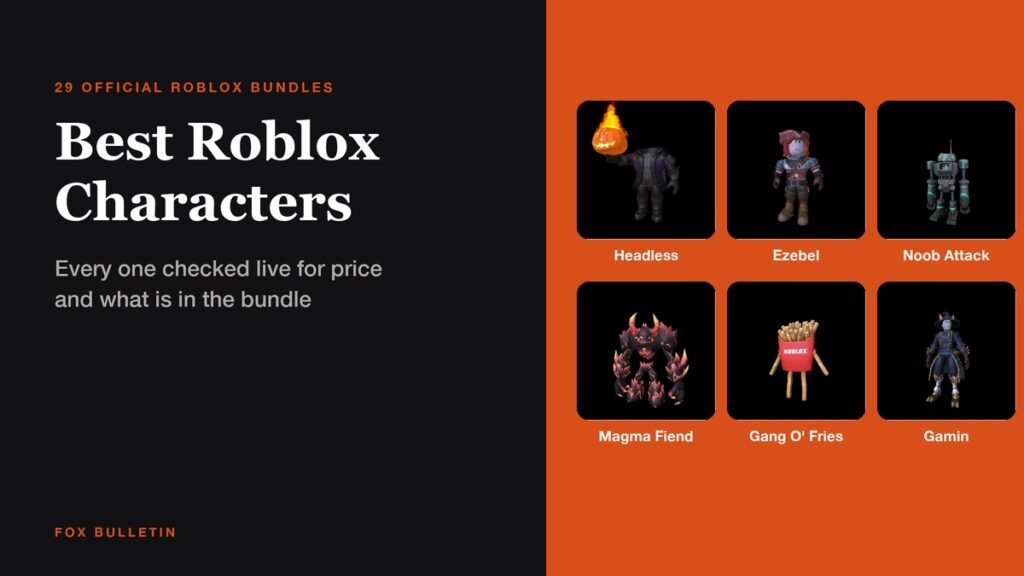
25+ Best Roblox Characters to Try on Your Avatar
Twenty-nine official Roblox character bundles with live prices, part counts and the flavour text Roblox wrote for each, from a 31,000 Robux Headless Horseman to two that cost nothing.
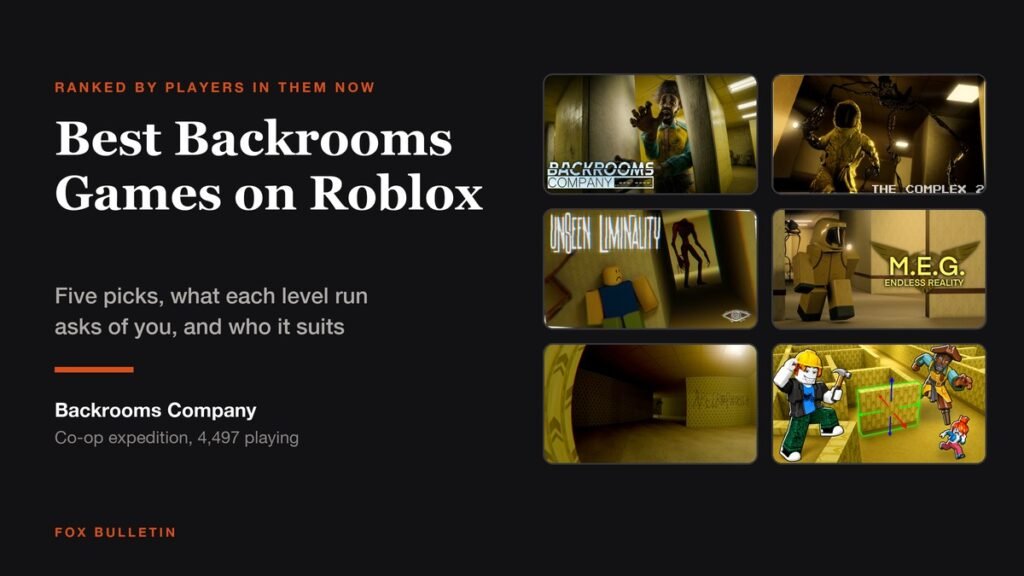
5 Best Backrooms Games on Roblox for Horror Fans
Five Backrooms games on Roblox worth a horror fan’s evening, ranked by live player count, with the lore each one follows and how a run is structured.

Roblox Games You Can Play Alone: 12 Best Picks
Twelve Roblox games where playing solo is the whole experience rather than a compromise, ranked by live player count, with server sizes, like ratios and how long each one holds up.