

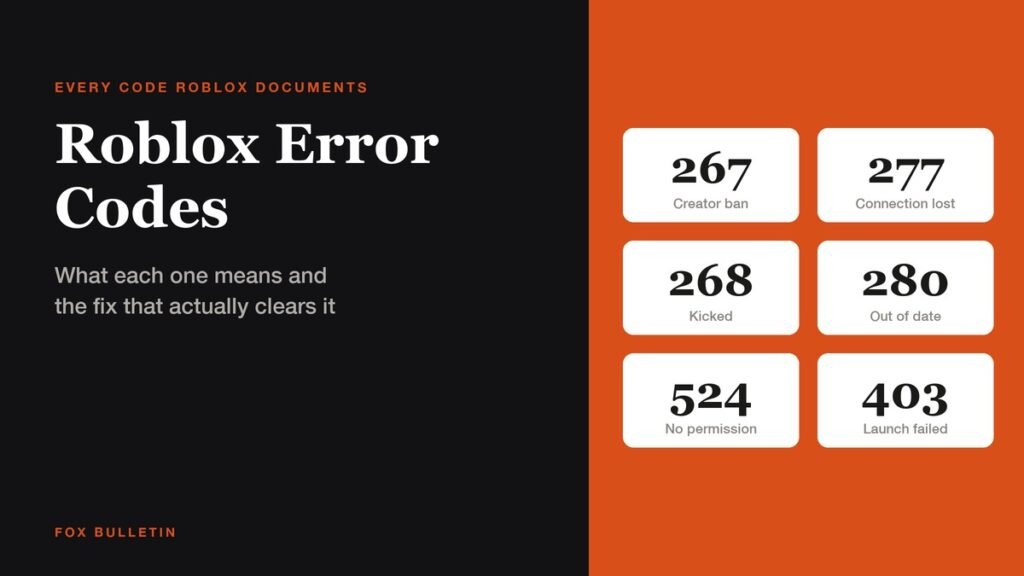
Roblox error codes are three digit numbers the client shows when it refuses to put you in an experience, and almost all of them are more specific than they look. Roblox documents twelve of them, and the number tells you which part of the chain broke: your network, your install, the creator of that one game, or your own account settings.
That matters because the fixes are not interchangeable. Reinstalling the client will never clear a ban a developer set inside their own game, and no amount of changing privacy settings will fix a router dropping packets. The table below is every documented code with the kind of fault it reports and the first thing worth trying.
Every Roblox error code and what it means
| Code | What Roblox calls it | Kind of fault | First thing to try |
|---|---|---|---|
| 264 | Same account launched from different devices | Session | Close the other device, then relaunch |
| 266 | Your connection timed out | Network | Test a second network before touching the install |
| 267 | Banned from an experience | Creator ban | Only that creator can lift it |
| 268 | Kicked due to unexpected client behavior | Network or security | Allow Roblox through antivirus |
| 270 | Lost connection to Team Create | Studio | Rejoin the Team Create session |
| 277 | Lost connection to the game server | Network | Relaunch, then change network |
| 279 | Failed to connect to the game (ID 17) | Network | Relaunch, then change network |
| 280 | Your version of Roblox may be out of date | Client version | Update or reinstall the client |
| 292 | Low memory warning on iOS | Device memory | Close background apps, lower graphics |
| 403 | Access denied, not authorized to view this page | Launch | Clear app data, then reinstall |
| 524 | You do not have permission to join this game | Permission | Get an invite or loosen privacy settings |
| 600 | Banned from an experience | Creator ban | Only that creator can lift it |
Roblox groups these on one error code page, last revised on October 2, 2026. Two conditions sit underneath the whole list and are easy to miss: the platform asks for an internet connection of 4 to 8 Mb/s or better, and it does not support virtual machines or cloud based computers at all. A mobile device running an operating system it was never updated to is also outside what Roblox supports.
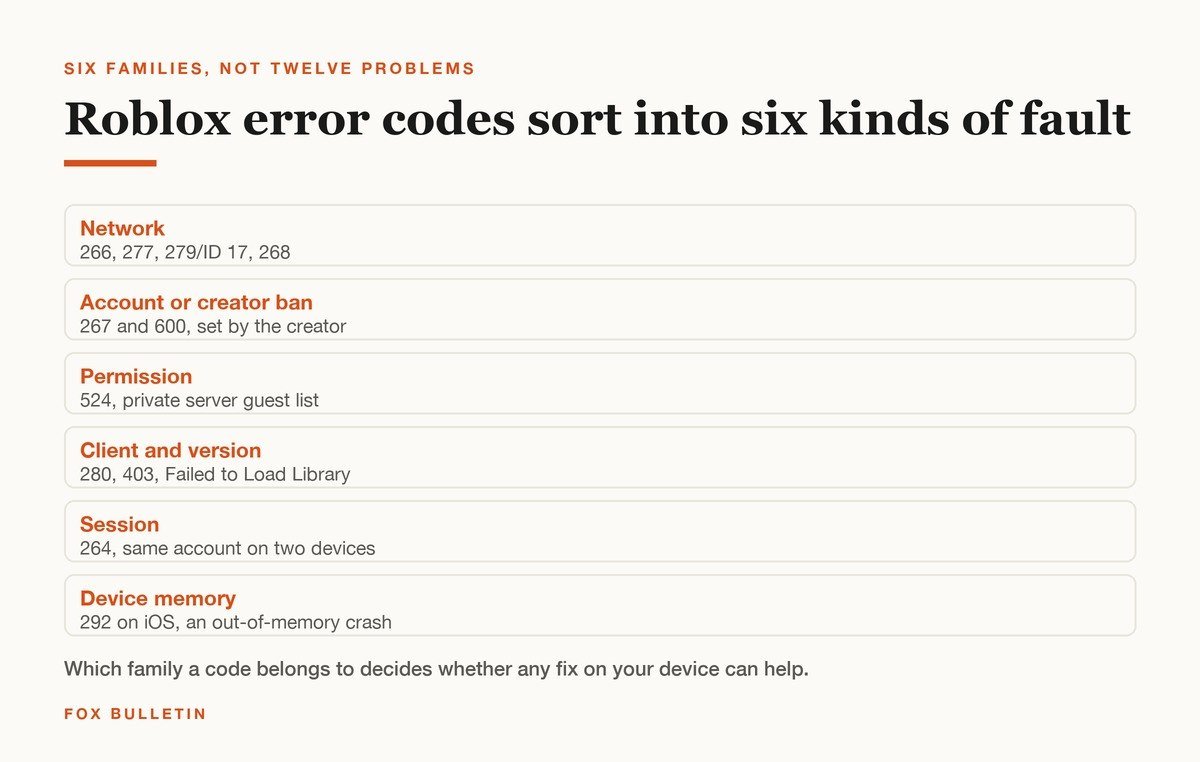
Network codes: 266, 277, 279 and 268
These four are the most common and the most often misdiagnosed. Code 266 is a timeout, which Roblox attributes to low bandwidth or an unstable link. Codes 277 and 279 both mean the client and the game server could not hold a connection, with 279 sometimes carrying the suffix ID 17.
Code 268 is the odd one in this group. Roblox describes it as a network problem between client and server, but it names a second cause explicitly: a conflict with another application, such as antivirus software that overrides permissions Roblox needs. If 268 keeps returning on a connection that is otherwise fine, the security software on the machine is the better suspect.
- Relaunch first. A dropped session produces 277 far more often than a broken install does.
- Change the network, not the settings. Tethering to a phone for one launch separates a router problem from a client problem in about a minute.
- Then allow Roblox through security software. This is the documented route for 268 and costs nothing to test.
- Clear app data and reinstall last. Roblox lists this for all four codes, but it is the slowest step and rarely the one that works.
Ban and permission codes: 267, 600 and 524
Codes 267 and 600 both mean the same thing, and it is the thing most people get wrong about them. Neither is a Roblox ban. Both are issued by the creator of a single experience against your account inside that experience, and Roblox states plainly that its support team cannot remove them and will not contact the creator on your behalf. Every other game on the platform still opens.
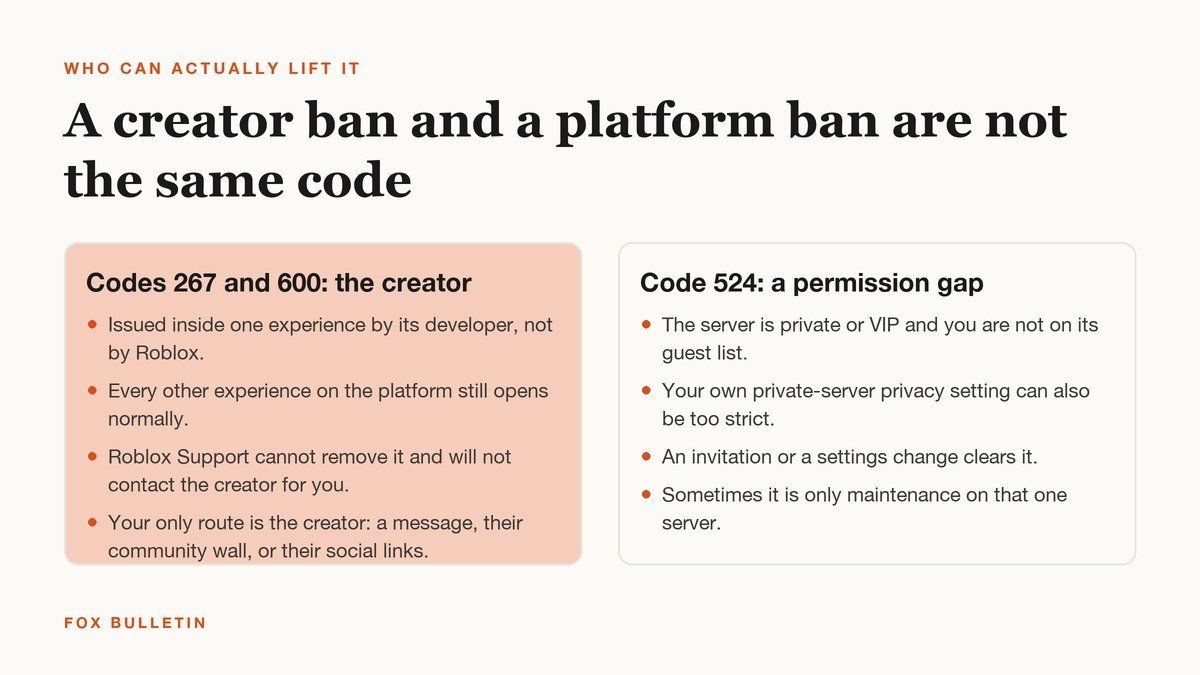
The route back in is the developer: a message on Roblox, a post on their community wall, or whatever social links they publish on the experience page. Roblox also notes that creators cannot issue Robux or money refunds, so a purchase made inside a game you are now banned from does not come back.
Code 524 looks similar and is not a ban at all. It means the server is private or VIP and your account is not on its guest list, or your own private server privacy setting is too restrictive, or that server is simply down for maintenance. An invitation or a settings change clears it. If a friend set up the server, the fix is on their side, which is worth knowing before a group session of the games that work best with friends falls apart.
Client and launch codes: 280, 403 and Failed to Load Library
Code 280 is the simplest code on the list: the version of Roblox on your device no longer matches what the servers expect. Updating the client fixes it, and if the updater is the thing that is broken, a reinstall does the same job.
Code 403 appears on PCs when the client, launched from the website, fails to initialise. It reads like a permissions problem on roblox.com and is not one. Clearing app data and reinstalling is the documented path.
“Failed to load library” is the one entry on the list that is not numbered, and it is the most specific. Roblox says the client cannot reach a Windows system file it needs, naming MFPlat.dll and urlmon.dll as common examples, because that file is missing, corrupted, outdated or blocked. It calls this a client side issue outright, which means nothing on the server end will change it. Antivirus and firewall interference is listed as a cause alongside a damaged Windows install.
Session and device codes: 264 and 292
Code 264 fires when the same account opens the same experience from two devices at once. A phone left running a game in the background is the usual culprit, and closing it is the whole fix.
Code 292 is iOS only and is the clearest code Roblox publishes, because it names its own cause: the device is running out of memory. Roblox is careful to say this is not a storage space problem. Too many apps in the background, or a device that cannot hold the experience you are in, produces an out of memory crash, and the warning exists so you can leave before the client dies. On Windows the same underlying failure surfaces as a crash report rather than a warning, so there is no numbered code to look up.
The fix order that clears most Roblox error codes
Roblox prints nearly the same troubleshooting block under 264, 266, 268, 277, 279, 280 and 403, and it leads with uninstall and reinstall. That is thorough and it is also the slowest thing in the list. Working from cheapest to most disruptive gets most people back in sooner.
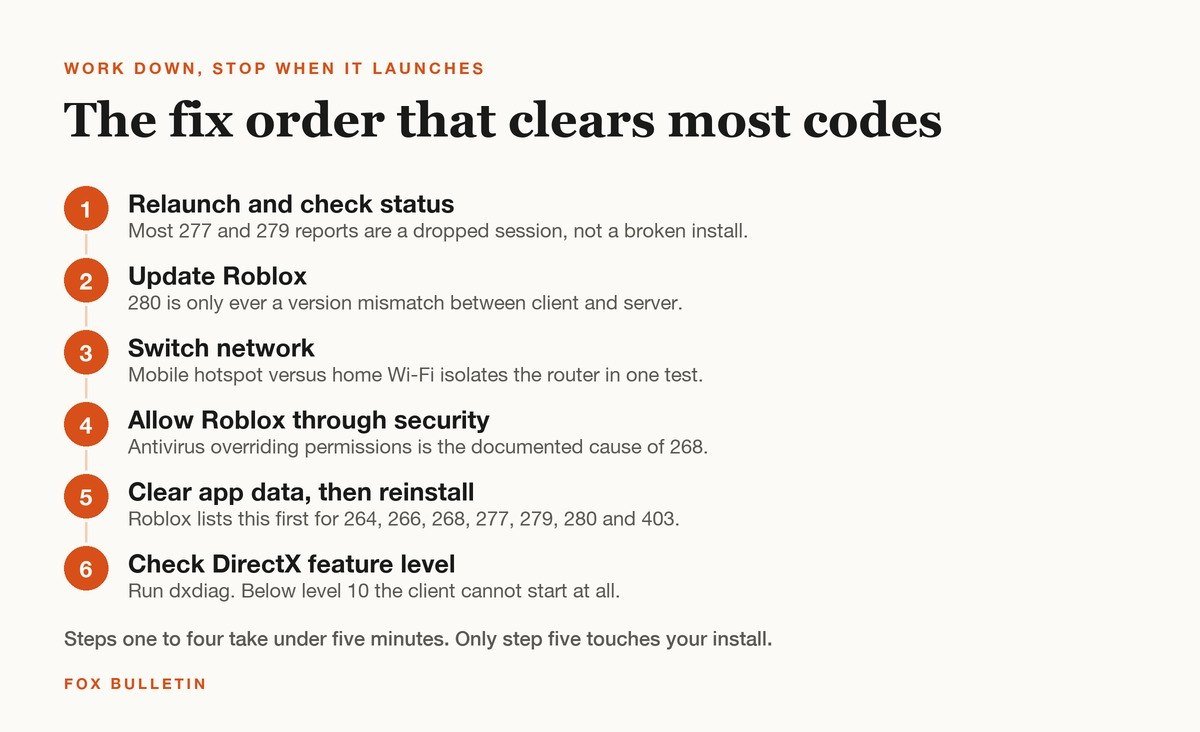
- Relaunch the client and try a different experience. If the second one opens, the first server was the problem.
- Update Roblox. Code 280 is only ever this, and an out of date client throws other codes too.
- Switch networks for one launch. A phone hotspot against home Wi-Fi isolates the router.
- Allow Roblox through antivirus and firewall. This is the named cause of 268.
- Clear app data, then uninstall and reinstall. This is where Roblox starts and where most guides stop.
- Check your graphics support. Press Windows and R, run dxdiag, open the Display tab and read Feature Levels.
That last step is the one worth doing before any of the others if the client will not start at all. Roblox requires DirectX feature level 10 or higher on Windows, and its graphics troubleshooting page is blunt that a card below level 10 cannot run the application. Its hardware requirements are otherwise modest: a 64 bit copy of Windows 10 or 11, macOS 10.13 or later, at least 1 GB of memory, and a processor from 2005 or newer at 1.6 GHz. Linux is not supported.
What Roblox Support can and cannot do
Reading the official pages side by side, the division is consistent. Roblox will help with anything that touches your account or the client. It will not intervene in a decision a developer made inside their own experience.
- Roblox can help with: client crashes, login problems, codes 264, 266, 268, 277, 279, 280, 403 and library errors, and account level restrictions it applied itself.
- Roblox will not help with: codes 267 and 600, which belong to the creator, or refunds for anything bought inside an experience you were later banned from.
- Nobody can help with: an unsupported setup. A virtual machine, a cloud PC, Linux, or a graphics card below DirectX feature level 10 will keep failing whatever you change.
If a code is not on the official list, Roblox asks you to contact support directly rather than guess. The platform is large enough that a one off number usually means a problem on one experience rather than the platform as a whole. Checking whether a second game opens is the fastest way to tell, and the most popular Roblox games are a reasonable test because their servers are almost never empty.
Frequently Asked Questions
What is the most common Roblox error code?
Codes 277 and 279 are the two most frequently reported, and both are connection failures between the client and the game server. Relaunching clears a large share of them because the underlying cause is usually a dropped session rather than anything broken on your device.
Can Roblox Support remove error code 267?
No. Roblox states that bans behind codes 267 and 600 are issued by the creator of that experience, not by Roblox, and that its support team can neither remove them nor contact the creator for you. Messaging the developer directly is the only route.
Does reinstalling Roblox fix every error code?
It fixes the client side ones. Reinstalling is Roblox’s own first suggestion for 264, 266, 268, 277, 279, 280 and 403. It does nothing for 267, 600 or 524, because none of those are caused by anything on your device.
Why does Roblox keep kicking me with error 268?
Roblox names two causes: an unstable network connection, and another application overriding permissions the client needs, with antivirus software given as the example. If the connection is otherwise stable, adding Roblox to your security software’s allowed list is the step most likely to stop it repeating.
Related Articles

Get the Fox Bulletin briefing
The stories that matter, in your inbox. No spam, unsubscribe anytime.
Newsletter signup will be available soon.
Related stories
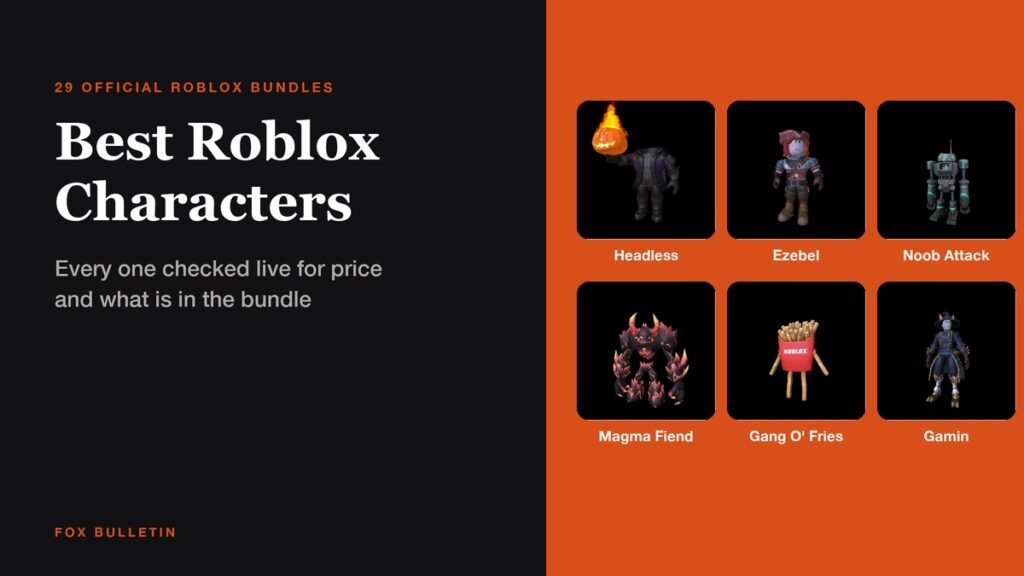
25+ Best Roblox Characters to Try on Your Avatar
Twenty-nine official Roblox character bundles with live prices, part counts and the flavour text Roblox wrote for each, from a 31,000 Robux Headless Horseman to two that cost nothing.
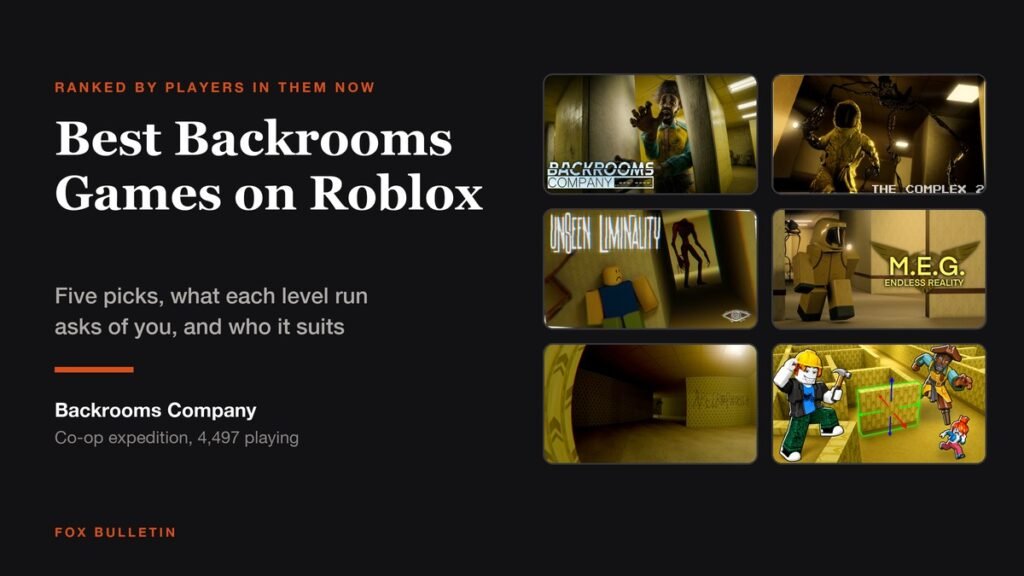
5 Best Backrooms Games on Roblox for Horror Fans
Five Backrooms games on Roblox worth a horror fan’s evening, ranked by live player count, with the lore each one follows and how a run is structured.
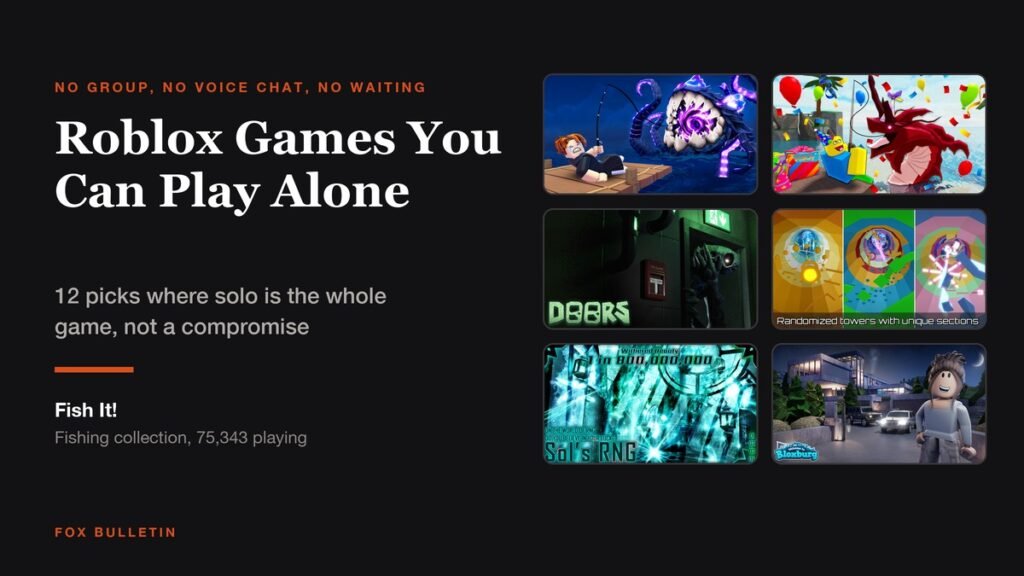
Roblox Games You Can Play Alone: 12 Best Picks
Twelve Roblox games where playing solo is the whole experience rather than a compromise, ranked by live player count, with server sizes, like ratios and how long each one holds up.