

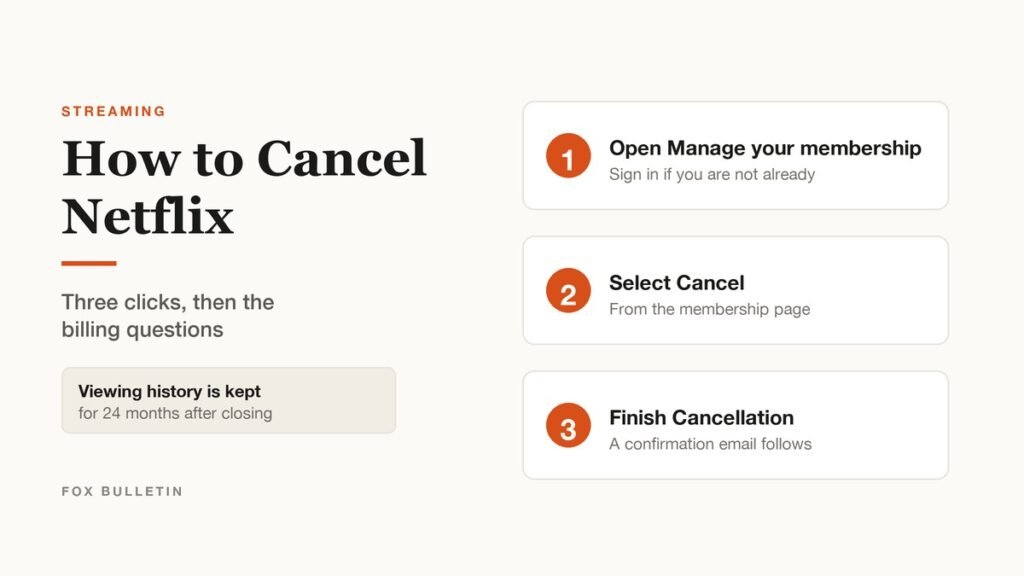
How to cancel Netflix, in short: open the Manage your membership page, select Cancel, then select Finish Cancellation. A confirmation email arrives afterwards, and that email is the only reliable proof the account is actually closing.
The part people get wrong is everything around those three clicks: when the charges stop, what happens if there is no cancel button at all, and whether pausing would serve them better. Netflix is explicit that signing out of the account or deleting the app does not cancel anything, which is the single most common and most expensive misunderstanding.
How to Cancel Netflix in Three Steps
The whole process runs in a browser or the mobile app and takes under a minute:
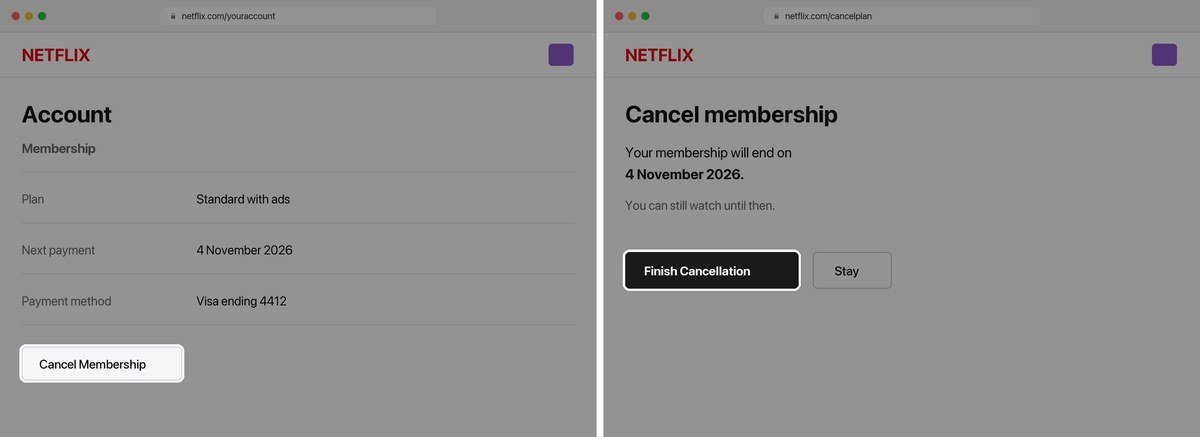
- Open the Manage your membership page in a browser and sign in if you are not already.
- Select Cancel.
- Under Cancel, select Finish Cancellation.
- Check your inbox. Netflix sends a confirmation email to the address on the account, which is your proof the cancellation went through.
Nothing else is required. There is no retention call, no form and no notice period, and the cancellation does not need to be confirmed by replying to the email. If the email does not arrive, the cancellation did not complete and the account is still live.
Do it from a browser if you have the choice. The flow is identical in the mobile app when the account is billed by Netflix directly, but accounts billed through an app store often hide the option inside the app entirely, and the browser version at least tells you plainly that a payment partner is involved. Cancelling on one device applies to the whole account rather than that device, so there is no need to repeat it on a television or a second phone.
When the Charges Actually Stop
Cancelling does not end access immediately, and it does not trigger a refund of the current month. You are not charged again unless you restart the account, and until the current billing period runs out the service keeps working normally. Five situations behave differently:
| Situation | What happens |
|---|---|
| You cancel mid-cycle | You keep access until the end of the billing period, and the account closes automatically on that date. Payment History shows when. |
| Your account is on hold | It closes immediately rather than running to the end of the period. |
| You have a gift card or promotional balance | You keep watching for as many months as the remaining balance covers, and access ends when it runs out. |
| There is no Cancel option | You are billed through a payment partner. Your Account page, under Membership, will either link you to the right process or tell you to contact that partner. |
| You are switching to a bundle that includes Netflix | Do not cancel. Link the existing account to the package instead and Netflix stops billing your payment method, keeping your profiles and downloads. |
The third-party case is the one worth checking before you start. If you signed up through an app store, a mobile carrier or a TV or broadband provider, the cancel button may not appear in your Netflix account at all, because the billing relationship is with them. Your Account page under Membership will say which applies.
Pausing Instead of Cancelling
If the reason for cancelling is a quiet month rather than a permanent decision, pausing keeps the account intact. It is on the same page as the cancellation flow, and it works like this:
- Go to the Cancel Membership page and choose Pause for 1 Month rather than cancelling.
- You can keep watching until your next billing date, then you are not charged and the membership pauses for a month.
- While paused you cannot stream or download, but you can still browse and add to My List.
- A week before it unpauses automatically you get the option to extend by another month.
- An account can be paused for three months in total, after which the option disappears.
Two limits are worth knowing in advance. Pausing is not offered on every plan or every payment method: Netflix names the Basic plan and methods such as direct debit, gift cards and some partner payments as exclusions. And the three month ceiling is cumulative, so an account that has already been paused three times will not offer the option again.
What Netflix Keeps After You Cancel
A cancelled account is not a deleted account. If you come back within two years, most of the account comes back with you:
- Viewing activity, kept for 24 months after the account closes
- Recommendations
- Ratings
- Account details
- Gameplay history
- Game saves, though games without cloud saves still need the data on the device they were played on
That is useful if you cancel seasonally and rejoin for a particular show, which is now a common pattern across the services compared in our roundup of the best streaming services. It also means the account is recoverable by anyone who still has the password, which matters for the next point.
Stopping Someone Else Restarting the Account
Because the account survives cancellation, anyone who was signed in can restart it and start the billing again. Netflix recommendation is to change the password after cancelling and tick the box to sign out of all devices, which both changes the credential and ends every existing session.
Do that if the account was shared with an ex-partner, a former flatmate or an adult child, and particularly if the payment method on file is still yours. It takes a minute and it is the only thing standing between a cancelled account and an unexpected charge in three months.
Cancelling an Extra Member Instead of the Account
Netflix defines a household as the devices connected to the internet at the main residence where you watch, and anyone outside that household has to be added as an extra member on their own slot. That slot is billed on top of the plan, which means a bill that has crept up may not be the plan at all.
Removing an extra member is a different action from cancelling the membership, and it is the one to take if the person you were sharing with has moved out or stopped watching. The account, the profiles and the downloads all survive, and the saving arrives at the next billing date. It is worth checking the Account page for extra member slots before deciding the whole subscription has to go.
What to Do Before You Press Cancel
Four things are much easier to do while the account is still open than afterwards:
- Check Payment History and note the date the account will actually close, so you know how long you still have.
- Work out who bills you. If it is an app store, a carrier or a TV provider, the cancellation happens on their side and the Netflix button will not appear.
- Decide between pausing and cancelling. Pausing keeps the account whole for up to three months and needs no rejoining later.
- Finish anything you are part-way through, because downloads stop working when the period ends rather than being kept offline.
Then cancel, wait for the confirmation email, and change the password if anyone else ever had it. Those two minutes are the difference between a clean exit and a surprise charge in a quarter.
Before You Cancel, Check Which Plan You Are On
A cheaper plan is sometimes the better answer than leaving. Netflix tiers differ by country and by whether your membership came through a package, and the plan and pricing page shows the tiers available where you live, along with how many devices can stream at once and the maximum video quality on each.
Downgrading keeps your profiles, history and downloads and applies at the next billing date rather than immediately. If the reason for cancelling is that the catalogue feels thin rather than that the price is too high, our list of the most watched Netflix shows of all time is a reasonable test of whether you have actually run out of things to watch, and a streaming VPN does not change which catalogue your account is entitled to.
Frequently Asked Questions
Does cancelling Netflix stop it immediately?
No. You keep access until the end of the current billing period, and the account closes automatically on that date. The exception is an account on hold, which closes as soon as you cancel.
Do you get a refund when you cancel Netflix?
No. Netflix does not refund the current month; instead the service keeps running until that paid period ends. Check Payment History to see the exact closing date.
Why is there no cancel button on my Netflix account?
Because you are billed through a payment partner such as an app store, a mobile carrier or a TV provider. Your Account page under Membership will either link you to the right cancellation process or tell you to contact that provider directly.
Can you pause Netflix instead of cancelling?
Yes, for one month at a time and up to three months in total, chosen from the Cancel Membership page. You cannot stream while paused, and the option is not available on every plan or payment method.
Related Articles

Get the Fox Bulletin briefing
The stories that matter, in your inbox. No spam, unsubscribe anytime.
Newsletter signup will be available soon.
Related stories
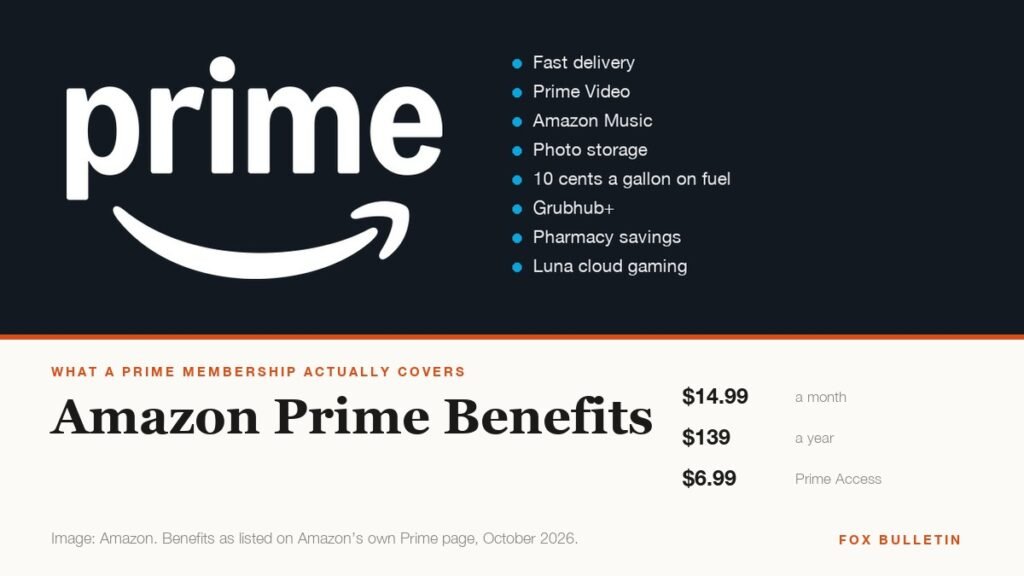
Amazon Prime Benefits: Everything Included for $14.99 a Month
Amazon Prime costs $14.99 a month and covers ten benefit categories, including a fuel discount, Grubhub+ and pharmacy savings most members never use. Everything included, and the cheaper tiers.
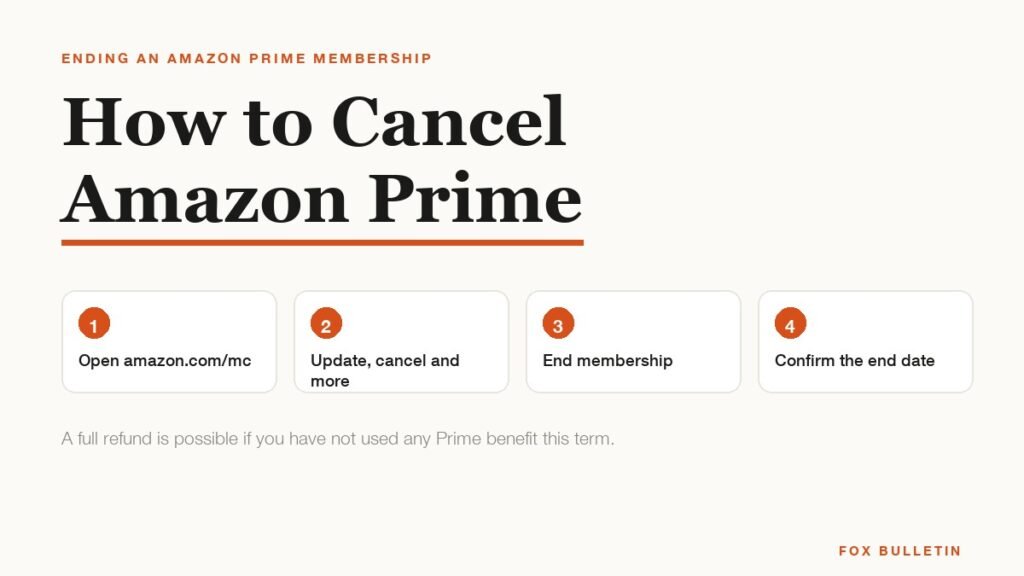
How to Cancel Amazon Prime and When You Get a Refund
Cancel Amazon Prime at amazon.com/mc in about a minute. The exact steps, when the charges stop, and the rule that decides whether you get a refund.
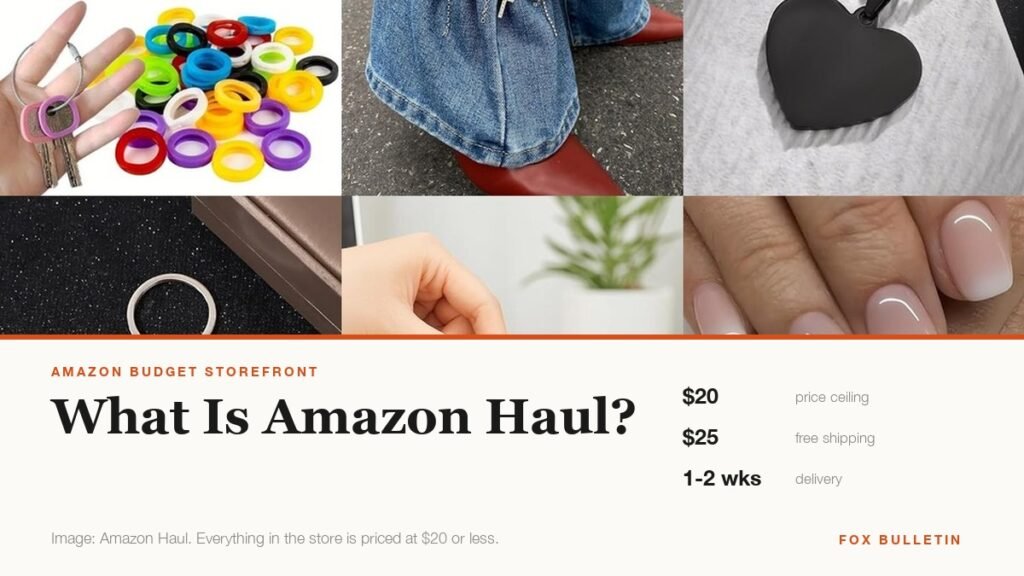
What Is Amazon Haul? Prices, Shipping and the Catch
Amazon Haul caps everything at $20, ships free over $25 and adds 10% off at $75. What it costs, how slow delivery really is, and why items under $3 cannot be returned.