

Windows Mail did not get worse. It got switched off. Microsoft ended support on 31 December 2024, and since then the app cannot send or receive anything. It is gone from the Microsoft Store, and sideloading it produces an error when you try to add an account.
That makes this a different problem from picking a better email client. Your mail is stranded in an application that no longer works, and the first job is getting it out. The second is choosing what to open it in.
Get Your Mail Out Before Anything Else
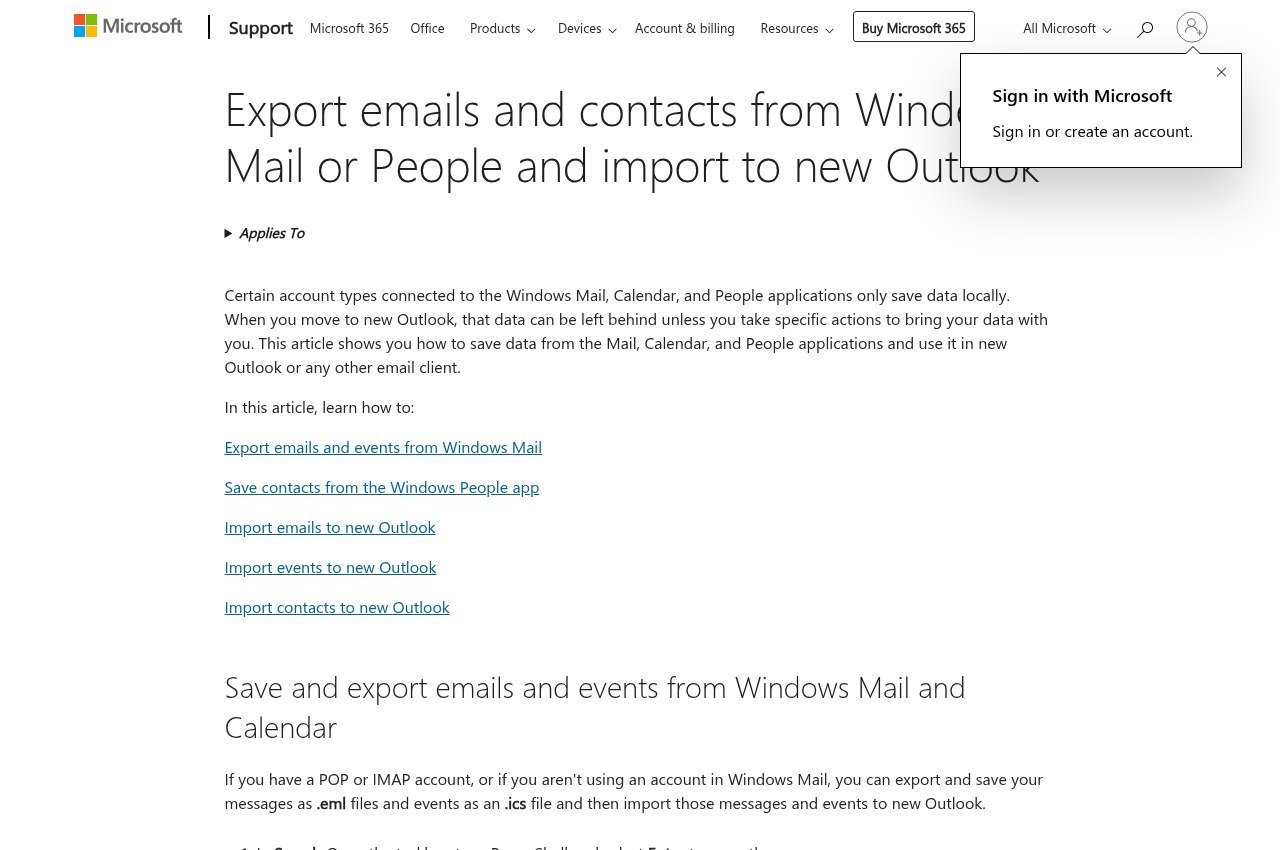
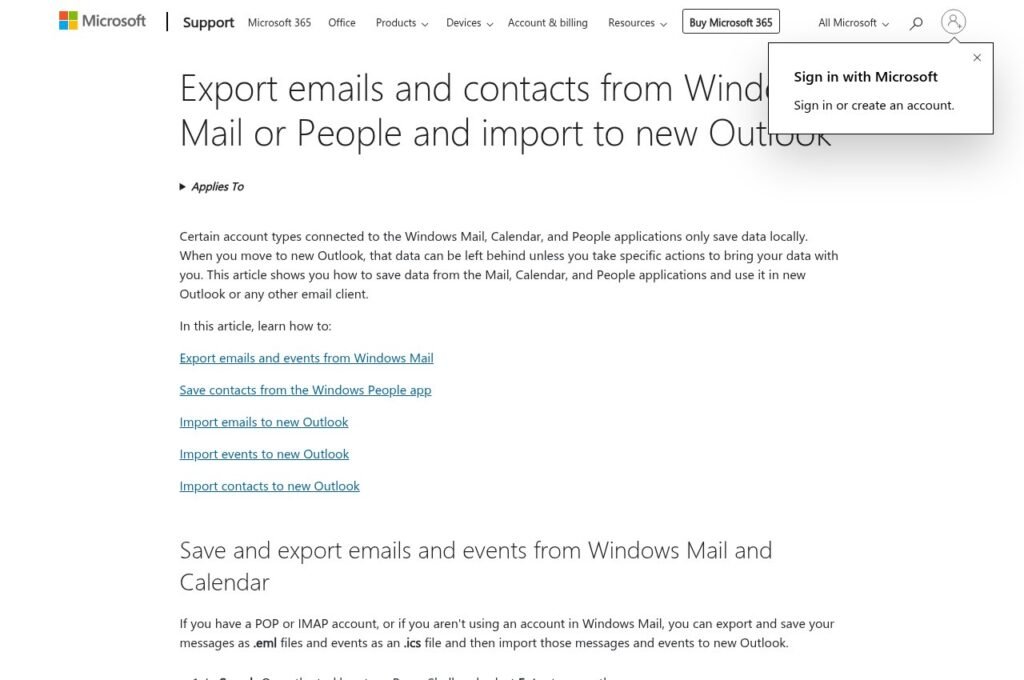
The apps are dead but the data is not deleted. Microsoft still publishes an export route for mail, calendar events and contacts, and it still works.
Whether you need it depends on one thing: the protocol your account used.
- IMAP or Exchange. Everything is on the server. Any new client will download it and you can skip the export entirely.
- POP3. Your PC holds the only copy. Export before you do anything else, including installing a replacement.
- Contacts. The People app stores these locally. Export to CSV regardless of protocol, because no third-party client reads that database.
Do this while the account is still configured. Hunting for the underlying files after you have removed it is considerably harder than clicking through the export.
Five Replacements, Free Tier First
New Outlook
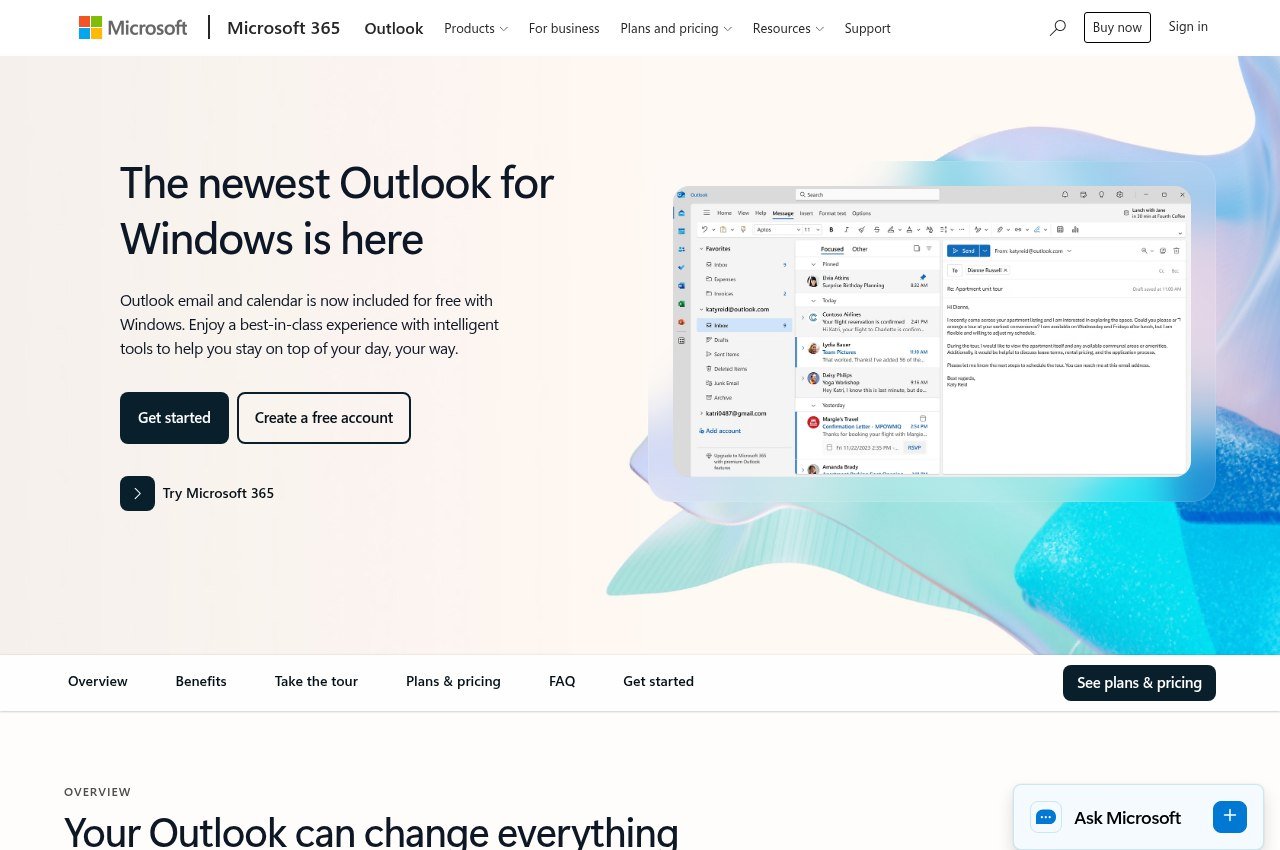
The official successor, free, and already on your machine. Windows 11 ships with it and Microsoft pushed it to Windows 10 through a February security update. It connects Outlook.com, Gmail, Yahoo, iCloud and any IMAP account.
Its advantage over everything below is the migration. Microsoft supports importing your Mail, Calendar and People data directly, which is a tested path rather than an export-and-hope exercise. If you want this dealt with in ten minutes, use it.
The reservations are that it is a web application in a desktop shell, that Microsoft has changed it repeatedly without asking, and that the free Outlook.com experience carries advertising. None of that prevents it working.
Thunderbird
Thunderbird is free, has no paid tier, and is funded by donations rather than subscription revenue. For someone who has just had an email client taken away, that structure is the point: there is no commercial reason to retire it, because nothing is being upsold.
Version 156 handles mail, calendar and contacts on Windows, macOS and Linux with a unified inbox, and there is an Android app. It does not collect personal data, put ads in the inbox, or train AI on private mail.
Setup takes longer than Windows Mail did and it looks like a tool rather than an appliance. Those are the only real costs.
eM Client
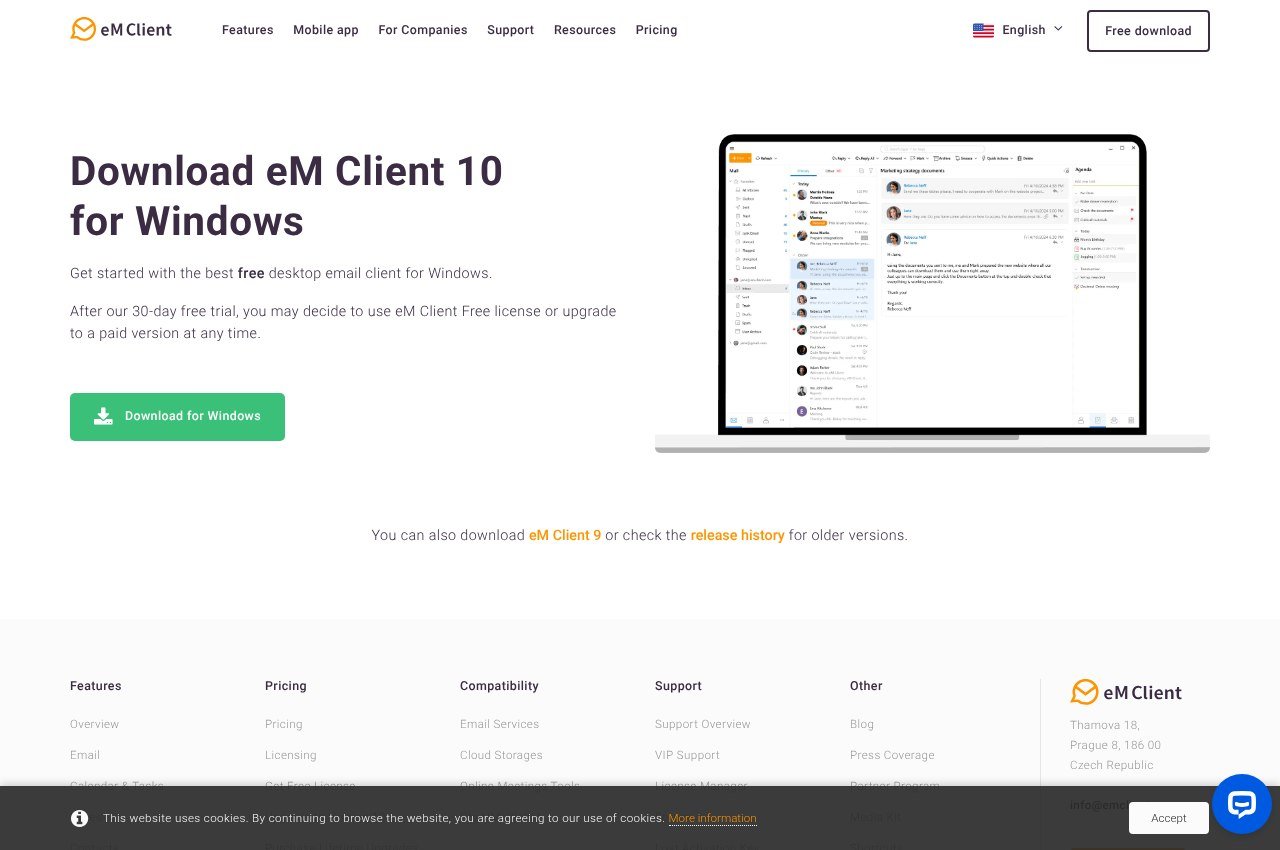
eM Client is the most polished option here and it has a usable free tier: two accounts, personal non-commercial use. Two accounts covers most people replacing Windows Mail.
What free withholds is thread view, snooze, undo send, send later and tracking pixel blocking. PGP and S/MIME encryption are included on every tier, free included, which is unusual at this price.
Paid is $39.95 a year for three devices or $59.95 once with lifetime upgrades, and the Android and iOS apps require no licence.
Mailbird
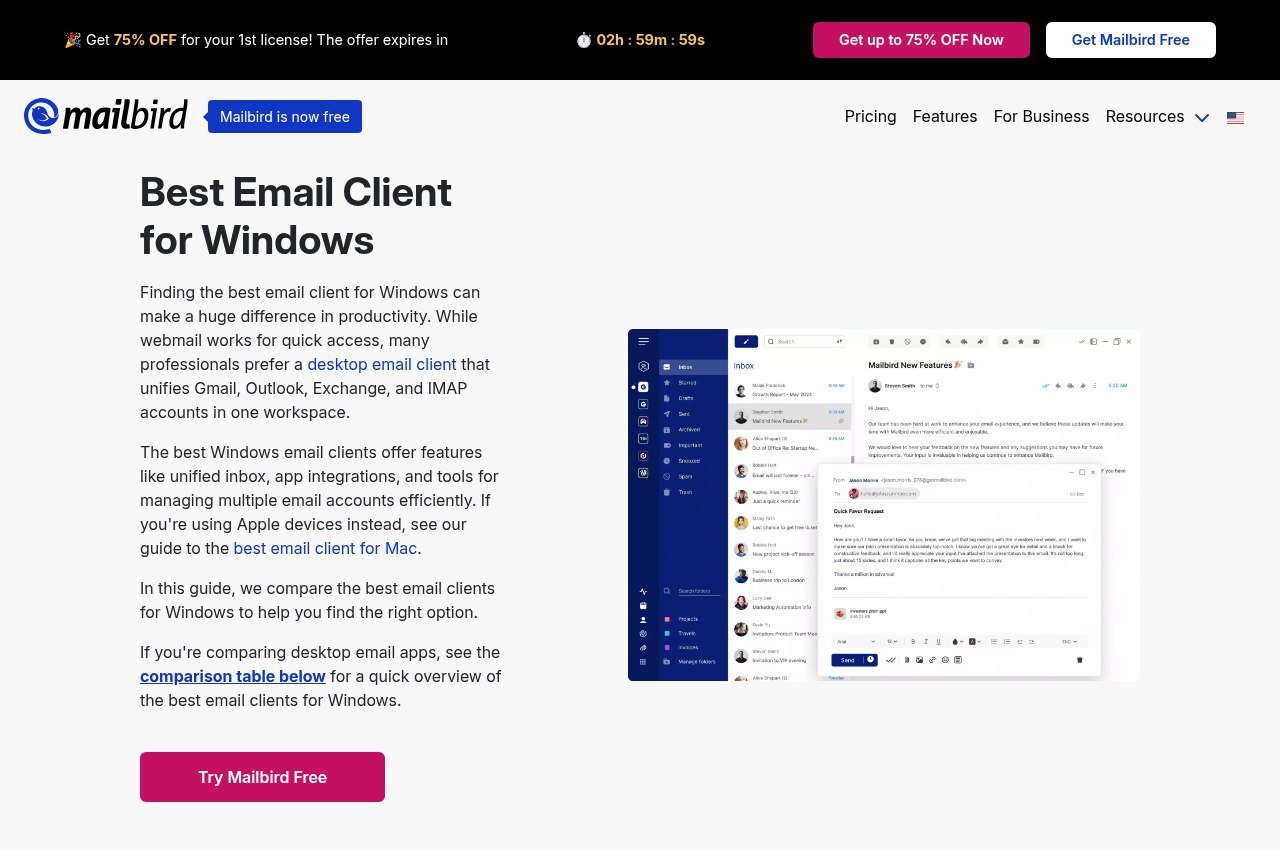
Mailbird is Windows-first with a unified inbox and app integrations. Its free tier allows one account, which is the tightest limit on this page and rules it out if you have a personal address and a work address.
Premium is posted at $4.03 a month billed yearly against a $5.75 list, or $99.75 once against a $399 list. The one-off excludes lifetime updates, which are another $69, so the honest total is $168.75 against eM Client at $59.95.
The discount countdown on the pricing page runs continuously, so there is no deadline to beat.
Mailspring
Mailspring hands over the whole client free on Windows, macOS and Linux and charges $8 a month for Pro features: read receipts, link tracking, send later, follow-up reminders, templates and snooze.
For replacing Windows Mail the free version is complete, because the Pro features are things Windows Mail never offered. Release 1.24.1 arrived on 15 September 2026, so the project is actively maintained.
Free Tiers Side by Side
| App | What free gives you | Paid |
|---|---|---|
| New Outlook | Everything, no tier above it | Microsoft 365 adds Office apps, not mail |
| Thunderbird | Everything, nothing withheld | None exists |
| eM Client | 2 accounts, personal use only | $39.95 a year or $59.95 once |
| Mailbird | 1 account | $4.03 a month, or $99.75 plus $69 for updates |
| Mailspring | Full client, Pro features excluded | $8 a month |
Checked against each vendor’s own page on 18 September 2026.
Which One Fits Your Situation
- One account and you want this finished today. New Outlook. It is installed and the import is supported.
- You do not want to be moved again. Thunderbird. No paid tier means no commercial reason to retire it.
- Two accounts and you care how it looks. eM Client free covers both.
- Three or more accounts, spending nothing. Thunderbird or Mailspring. eM Client stops at two and Mailbird at one.
- You also use a Mac or Linux machine. Thunderbird or Mailspring. Neither New Outlook nor Mailbird follows you to Linux.
Free plans in this category are mostly lead generation, with one genuine exception. The same shape shows up across software, and our comparison of free VoIP services runs into it too.
What Actually Happened to Windows Mail
It is worth understanding the shape of this, because it tells you something about which replacement is safe to pick.
Windows Mail and Calendar were never sold. They shipped with Windows as built-in apps, which meant Microsoft could retire them whenever consolidating its mail products became more useful than maintaining a second one. That is what happened: Mail, Calendar and People were folded into the new Outlook, which Microsoft would rather everyone used because it is the same codebase as Outlook on the web and cheaper to maintain.
Classic Outlook, the desktop application that ships with Office, is on the same road. Microsoft has published a separate migration plan for those users on its own timetable. So if the reason you are reading this is that an app was taken away without your say, note that moving to new Outlook does not remove that risk, it just resets the clock.
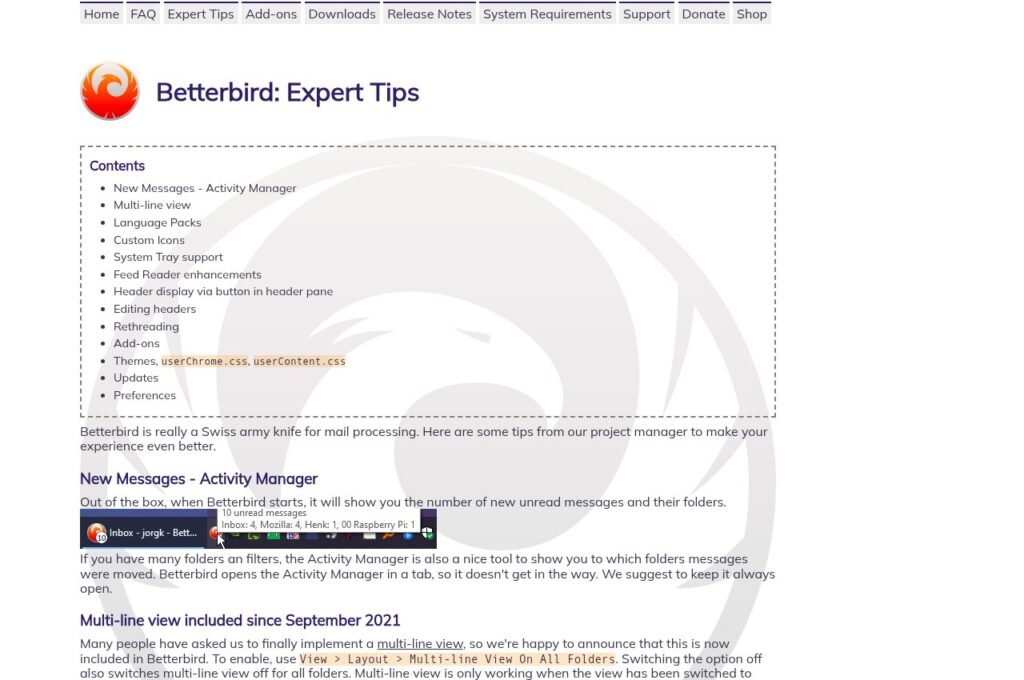
This is the argument for Thunderbird that has nothing to do with features. A client with no paid tier and no parent company upselling anything has no commercial reason to be retired. Betterbird, Claws Mail and Mailspring’s free tier sit in the same category. eM Client and Mailbird are commercial products, which is not a criticism, but it does mean their roadmaps answer to revenue rather than to you.
Setting Up the Account
- Enter the address and password. Outlook.com, Gmail and Yahoo auto-configure in every client here.
- Choose IMAP over POP3 when offered. It leaves mail on the server, which is what makes the next migration painless.
- Create an app password if the account has two-factor authentication, because a normal password is rejected by desktop clients on Gmail and Outlook.com.
- Let the first sync finish before judging anything. A large mailbox looks broken while it is half downloaded.
Keep those app passwords somewhere better than a note file. Our roundup of password managers covers the free options.
Three Mistakes People Make in This Migration
This particular move goes wrong in predictable ways, mostly because the app being replaced is already broken and people rush.
The first is uninstalling before exporting. Once the account is removed from Mail there is no interface left to export through, and the underlying files are stored in a location that is awkward to reach and awkward to read. Export first, verify the file opens, then remove anything.
The second is assuming POP3 mail is safe because it appears in the app. A POP3 account downloads messages to the machine and typically deletes them from the server, so what you can see in Windows Mail may be the only copy in existence. That is the scenario where a rushed reinstall loses years of mail permanently.
The third is picking a client on the free tier without reading the cap. Installing eM Client, moving two accounts across and then discovering you have a third is a bad afternoon, and so is setting up Mailbird before noticing it allows exactly one. Check the limit against the number of addresses you actually have before you start, not after.
Frequently Asked Questions
Why does Windows Mail no longer work?
Support ended on 31 December 2024. Microsoft folded Mail, Calendar and People into the new Outlook, removed the apps from the Store, and they can no longer send or receive.
Can I still recover email from Windows Mail?
Yes. Microsoft continues to publish an export path for mail, contacts and calendar events. If the account was IMAP or Exchange the mail is on the server anyway.
What is the best free Windows Mail replacement?
Thunderbird if you want something with no paid tier at all, or the new Outlook if you want the supported import and the shortest route. Both cost nothing.
Is the new Outlook the same as classic Outlook?
No. They are separate applications. The new Outlook replaced Mail and Calendar, while classic Outlook from Office is being migrated on its own timetable.
Related Reading

Get the Fox Bulletin briefing
The stories that matter, in your inbox. No spam, unsubscribe anytime.
Newsletter signup will be available soon.
Related stories
Thunderbird Alternatives: 5 Compared by the Problem They Solve
Five Thunderbird alternatives matched to the four reasons people leave, with three-year costs and the free fork most comparisons miss.
Outlook Alternatives: 5 Compared on Price and Free-Tier Limits
Five Outlook alternatives compared on what they cost and what their free plans actually allow, from a client that is free forever to one that caps you at 150 messages a day.

Linktree Alternatives: Picking One by What Your Page Has to Do
Six Linktree alternatives compared by the job the page has to do, from a nine-dollar-a-year site builder to a booking page that takes card payments. Every price read from the vendor’s own page.