

Everyone has a story about the email they wish they could take back. The useful thing to know is that taking it back almost never works, and the handful of settings and habits that stop you needing to are all things you can set up once and forget.
This guide is built around what the two biggest email providers actually document: how long you really have to cancel a send, when a recall succeeds and when it silently fails, what the address fields reveal about you, and the file-size ceilings that make messages vanish without a useful explanation.
You Cannot Unsend an Email. You Can Only Delay One
The recall feature has convinced a lot of people that email is reversible. It is not, and the conditions are narrow enough to be worth memorising.
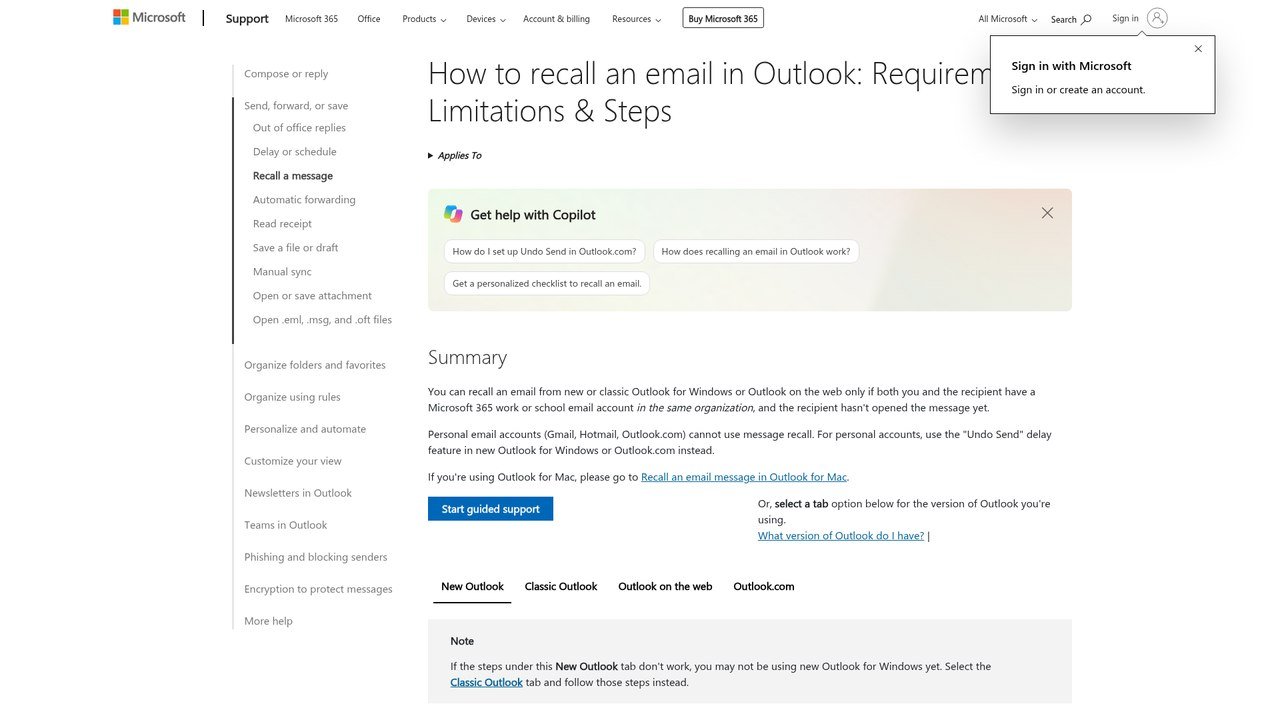
For Outlook, Microsoft is blunt about the conditions: recall works only when you and the recipient both have Microsoft 365 work or school accounts in the same organisation, and only when the recipient has not opened the message yet. It also fails on messages protected by Azure Information Protection.
For personal addresses ending in outlook.com, hotmail.com, live.com or msn.com, recall does not exist at all. Once the message leaves, it is off the server and outside anyone’s control.
If a recall does run, it is not instant confirmation either. Microsoft keeps retrying for up to 24 hours before declaring it failed, and for a very large recipient list it can take half an hour just to collect the status from every mailbox.
Set the Send Delay Before You Need It
The feature that genuinely saves you is the cancellation window, and both providers ship it switched on at a short default that most people never change.
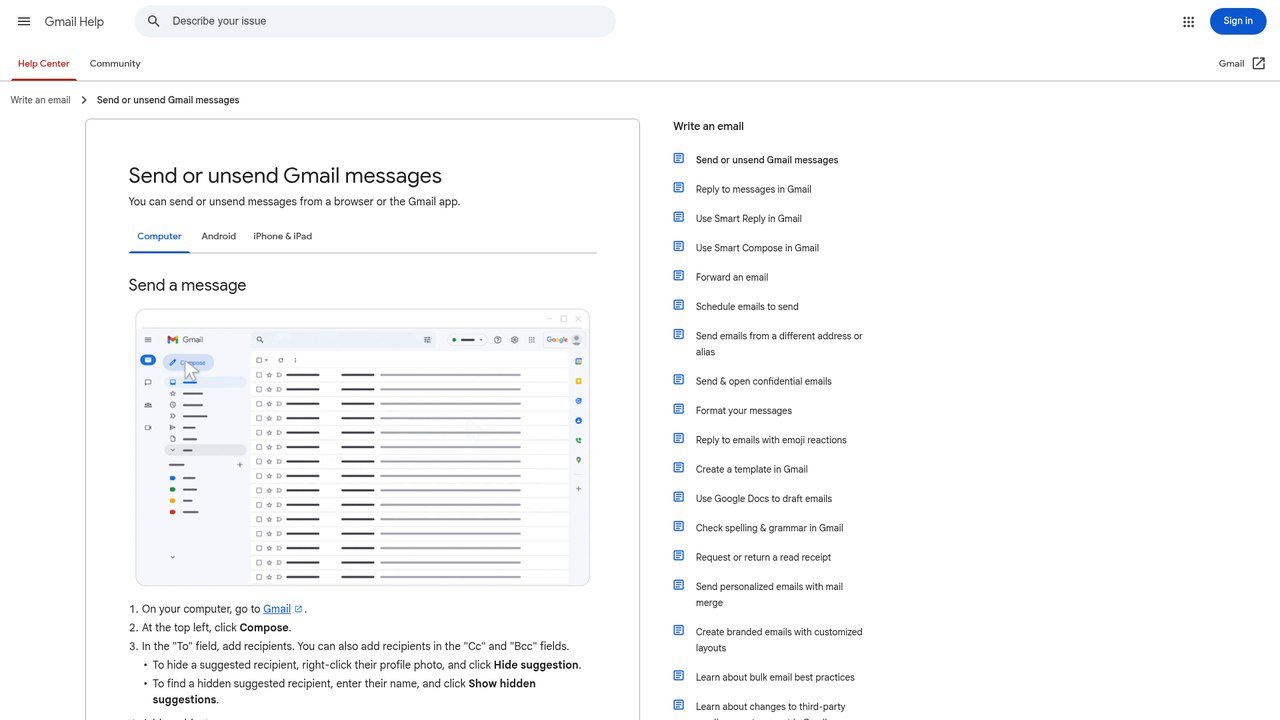
- Gmail. In Settings, the Undo Send option offers a cancellation period of 5, 10, 20 or 30 seconds. Pick 30.
- Outlook.com. Settings, then Mail, then Compose, has an undo send delay that goes up to 30 seconds. The Undo prompt then appears under the message list for that long.
- Everything else. If your client has no delay, the manual version is to write the message with the address fields empty and fill them in last.
Thirty seconds is long enough to notice the missing attachment, the wrong Sarah in the recipient list, or the sentence that reads worse on screen than it did in your head. The cost is that your mail sits in the outbox for half a minute, which nobody has ever noticed.
Scheduled send is the same tool stretched out. Writing at midnight is fine. Delivering at midnight sets an expectation you will then be held to, and most clients let you queue it for the morning in two clicks.
What BCC Actually Shows the Recipient
BCC is the field people are most confident about and most wrong about. Google documents the exact behaviour, and it is worth reading closely because each line changes how you should use it.
- Recipients in To and CC cannot see that anyone was added to BCC.
- A person you put in BCC can see they were added that way, and can see everyone in To and CC.
- People in BCC cannot see each other.
- When someone replies all, the BCC recipients do not receive the reply.
- If your recipient does not use Gmail, they may not even be shown that they were BCC’d.
Put together, that rules out the most common misuse. Quietly copying a manager into a message does not stay quiet, because the manager can see exactly how they were added. Forward the thread afterwards and say you have done it.
What BCC is genuinely good at is protecting addresses. When you write to a dozen people who do not know each other, put yourself in To and everyone else in BCC. Nobody collects anybody’s address, nobody replies all, and the thread cannot fork into twelve arguments.
Attachment Ceilings Are Lower Than You Think
Failed attachments are the quietest way for a message to die, because the bounce report rarely says the file was too big in words anyone reads.
- Gmail stops at 25 MB on personal accounts, and above that it swaps the file for a Google Drive link, which changes who controls access to it.
- Outlook.com allows 25 MB for the whole message, counting the text and any inline images rather than just the attachment.
- The Outlook desktop app on an ordinary internet email account is capped at 20 MB, so a message can send from the browser and fail from the app on the same computer.
- Business accounts let administrators set lower limits on both sending and receiving, and those are rarely announced to staff.
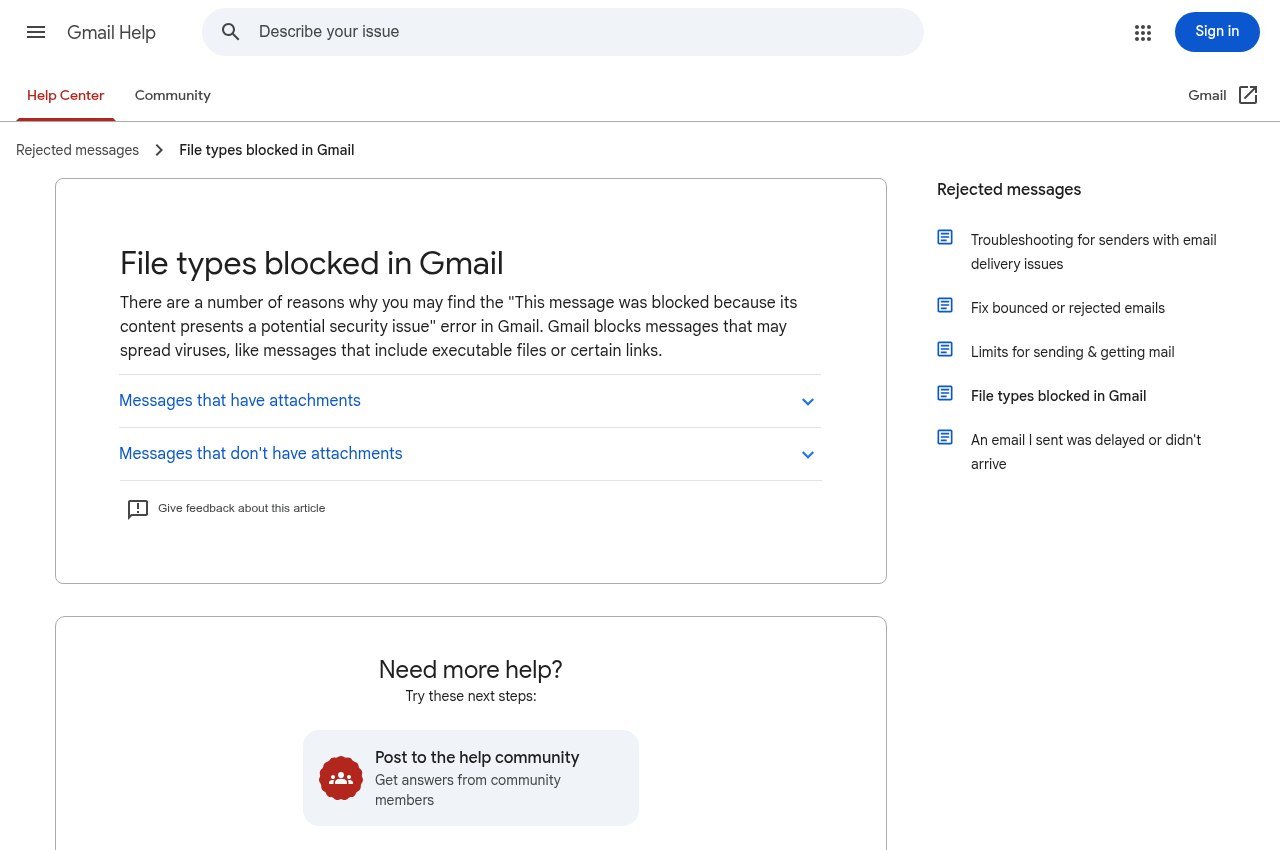
- Executable files are blocked on type rather than size, so a small.exe will not go through at any size.
The recipient’s inbound limit matters as much as your outbound one. A 24 MB file leaves your outbox cleanly and then bounces off an employer who caps incoming mail at 10 MB, and you find out days later when someone asks where the document is.
A size rule beats a per-message judgement: anything over roughly 10 MB goes as a shared link. If you are choosing where to put those files, our comparison of Dropbox alternatives covers the free tiers and break-even points. One caution: check the sharing permissions before you send, because an access-denied link is worse than a bounce, since nothing tells you it failed.
Subject Lines People Can Find Six Months Later
A subject line is doing two jobs at once. It decides whether the message gets opened today, and it decides whether either of you can find the message again next year. Almost everyone writes for the first job only.
- Name the thing and the outcome. “Invoice 4021 overdue, payment due Friday” survives a search; “Quick question” does not.
- Put the distinctive word first, because both desktop previews and phone notifications cut the end off.
- Never send an empty subject. Some filters read it as a spam signal, and it makes the message unfindable afterwards.
- Rename the thread when the topic moves on. A chain titled “Coffee” that turned into a contract renegotiation is gone.
- Keep urgent markers for genuinely urgent mail. People learn your calibration within a month and adjust downward.
If the message truly needs no answer, say so in the subject. It saves the recipient a decision and saves you a pile of one-word acknowledgements.
Reply All, and the Arithmetic of Interruption
There is one honest test. Would every person on this thread do something different because of your reply? If not, answer the sender only.
Two cases clear that bar. Correcting wrong information that everybody received, because an incorrect date left standing costs more than one extra message. And announcing a decision so the group does not each start the same task.
Acknowledgements do not clear it. Fifteen people confirming receipt costs fifteen times the attention of the original message and buries the actual answer for anyone reading the thread later. When you do reply to everyone on a long chain, trim the quoted history down to the part you are answering.
Read receipts belong to the same family of habits. Plenty of clients block or ignore them, they read as distrust before your first sentence is read, and they only confirm that something was opened rather than understood. Ask for a one-line reply instead. If you are picking a client and these behaviours matter to you, our roundup of Outlook alternatives notes which ones handle them differently.
Write as Though It Will Be Forwarded
Email is trivially forwardable, stored indefinitely and routinely pulled out during disputes. The practical rule is to write assuming the least sympathetic possible reader will eventually see it, because sometimes one does.
That is not an argument for writing nothing. It is an argument for keeping frustration out of text, for not putting anything about a third party in writing you would not say with them present, and for taking the genuinely difficult conversations to a call and emailing a short summary afterwards.
Forwarding carries its own obligation. When you pass a chain to somebody new, cut it back to what they need and put a line at the top explaining why they are getting it. Dropping forty messages on someone with “thoughts?” attached is asking them to do your reading for you.
Out-of-office notices follow the same principle: give the return date and one named person to contact instead. A vague absence message generates a second round of email asking who to talk to, which is the thing it was supposed to prevent.
Frequently Asked Questions
Can you actually unsend an email?
Only inside the cancellation window your provider gives you, which is at most 30 seconds in both Gmail and Outlook.com. Outlook’s recall feature is different and far narrower: it needs you and the recipient to be on Microsoft 365 accounts in the same organisation, and the message must still be unopened.
Why did my email recall fail?
Usually because the recipient had already opened it, because they are outside your organisation, or because the account is a personal one. Recall is unavailable entirely for outlook.com, hotmail.com, live.com and msn.com addresses.
Can people tell if they were BCC’d?
The person in BCC can see they were added that way, though recipients who do not use Gmail may not be shown it. People in To and CC cannot see that a BCC recipient exists, and BCC recipients cannot see each other.
What is the maximum email attachment size?
25 MB on Gmail personal accounts and on Outlook.com, dropping to 20 MB in the Outlook desktop app with an ordinary internet email account. The recipient may have a lower limit than you, so anything over about 10 MB is safer as a link.
Do BCC recipients see replies to the thread?
No. When someone replies all, the reply does not reach anyone who was in BCC, which is one reason BCC is a poor way to keep a third party informed about an ongoing conversation.
How long should a reply take?
Within one working day is a reasonable standard, with a short acknowledgement sooner when the real answer will take longer. Consistency matters more than speed, because people plan around whatever pace you have established. If mail volume is the problem, our guide to Thunderbird alternatives covers apps built around triage.
Related Articles

Get the Fox Bulletin briefing
The stories that matter, in your inbox. No spam, unsubscribe anytime.
Newsletter signup will be available soon.
Related stories

Airbus A380: Size, Range and Who Still Flies It
The largest passenger aircraft ever flown measures 72.72 m long and 79.75 m across the wings. Its specifications, the two decks, why production ended at 251 aircraft, and which airlines still fly it.
Apple Creator Studio: Price and the New AI Tools
Generate Fill in Pixelmator Pro, an AI assistant in Logic Pro and MotionVFX in Final Cut. A free update for subscribers.
Apple Home Collection: Every Accessory and Price
Cameras, a smart lock and two thermostats, built by LG and Schneider Electric and sold by Apple.