

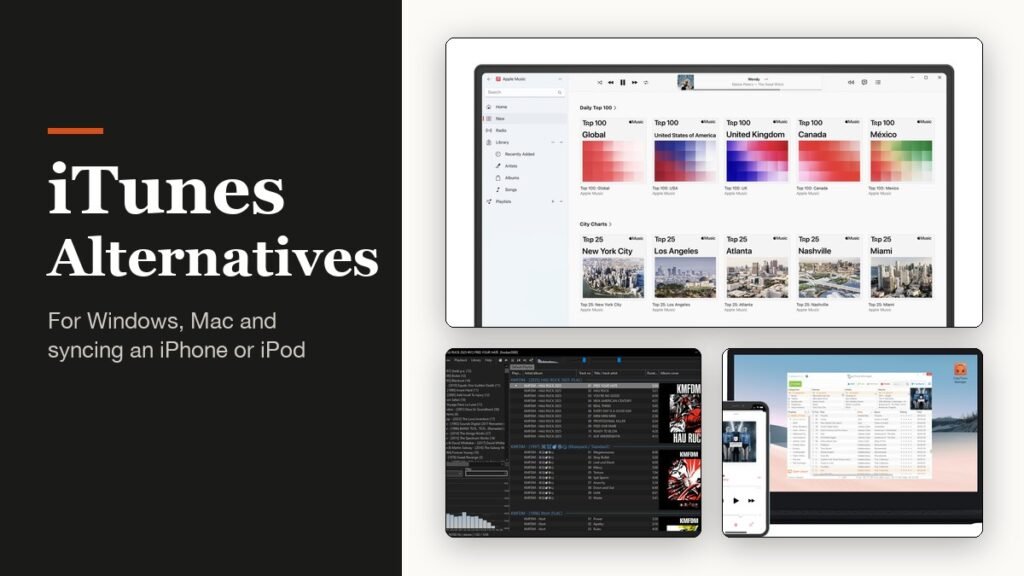
The best iTunes alternative depends on two things: which computer you use, and whether you still need to get music onto an iPhone or iPod. Apple has already broken iTunes up on its own, retiring it on the Mac in 2019 and splitting most of the Windows version into separate apps in February 2024.
Eight replacements cover every combination, and six of them are free. Some are pure music players, one is Apple’s own successor, and two exist mainly to move files onto Apple devices.
What Happened to iTunes on Windows and Mac
On the Mac, iTunes ended with macOS Catalina in October 2019. Music, TV and Podcasts took over its media roles, and Finder took over syncing iPhones, iPads and iPods. Nothing called iTunes ships on a current Mac.
Windows went through the same change later. In February 2024 most of iTunes for Windows moved into three apps, Apple Music, Apple TV and Apple Devices, and Apple’s download page tells Windows users to keep iTunes only for podcasts and audiobooks. iTunes itself is still updated, reaching version 12.13.11 on September 8, 2026, more than two decades after the first Windows release in October 2003.
If you mostly stream rather than own music, you may not need a library manager at all; our comparison of the best music streaming services covers that route. The picks below are for people with files of their own.
Eight iTunes Alternatives Compared
| # | App | Best for | Cost | Platforms |
|---|---|---|---|---|
| 1 | MusicBee | A free, customisable player on Windows | Free | Windows 7 to 11 |
| 2 | Apple Music + Apple Devices | Keeping your iTunes library and iPhone sync | Free | Windows 10 and 11 |
| 3 | foobar2000 | Speed and near-universal format support | Free | Windows, macOS, Android, iOS |
| 4 | MediaMonkey 2024 | Libraries of 100,000+ tracks | Free; Gold $39.95 or $99.95 lifetime | Windows 10 and 11 |
| 5 | CopyTrans Manager | Drag-and-drop to iPhone, iPad and iPod | Free | Windows 7 to 11 |
| 6 | Strawberry | Linux users and old iPods | Free | Windows, macOS, Linux |
| 7 | Doppler | Owned music on a Mac and iPhone | $30 on Mac | macOS 11+, iOS 26+ |
| 8 | Swinsian 3 | An iTunes-style player on the Mac | $34.95 | macOS |
Who Each iTunes Alternative Suits
1. MusicBee: Best Free Player for Windows
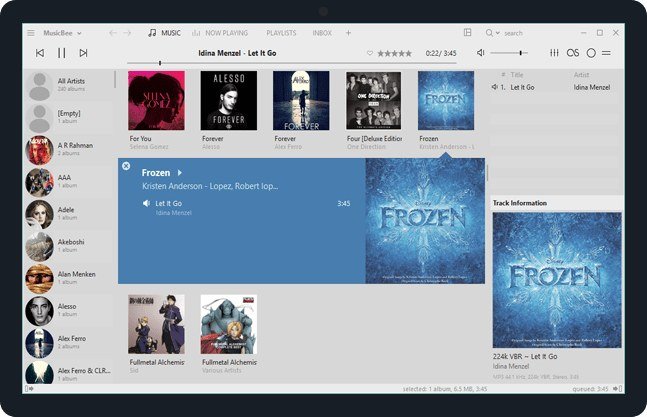
MusicBee is free, donation-funded and still moving: version 3.6.9668 landed on June 20, 2026 for Windows 7 through 11. It is the most complete like-for-like swap for the iTunes library view, with auto-tagging, podcasts, web radio, skins and a portable edition you can carry on a USB stick.
Audio options go well past iTunes: WASAPI and ASIO output, gapless playback, a 10-band or 15-band equaliser and stereo-to-5.1 upmixing. Its device sync supports Android phones and older Windows Phone handsets with two-way audiobook syncing, but not iPhones, so iPhone owners will want CopyTrans Manager or Apple Devices alongside it.
2. Apple Music and Apple Devices: Best for Keeping Everything as It Was
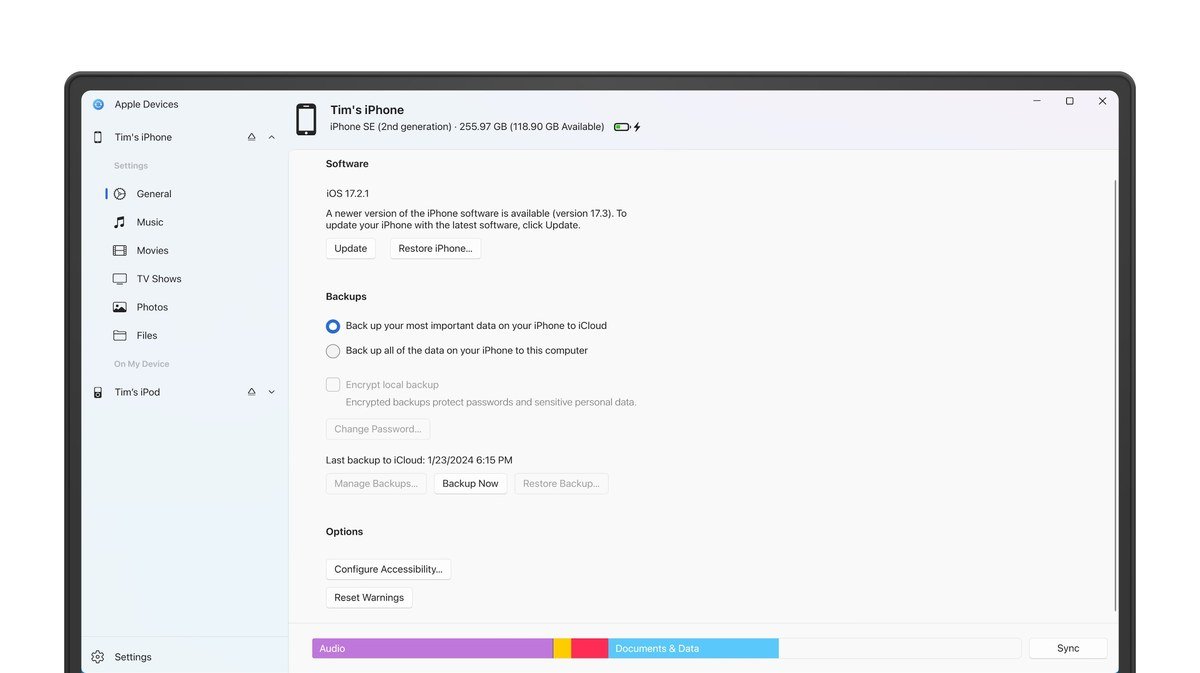
Apple’s own successors are free from the Microsoft Store and need Windows 10 version 19045 or later. Apple Music opens your iTunes library with its purchases intact, and Apple Devices handles updates, backups, restores and syncing for an iPhone, iPad or iPod, including over Wi-Fi.
Nothing about your collection has to change, which is the point. The drawback is that podcasts and audiobooks are left behind in iTunes, and the apps look and behave like Apple software, so anyone leaving iTunes because of the Apple experience will want something else on this list.
3. foobar2000: Best for Speed and Format Support
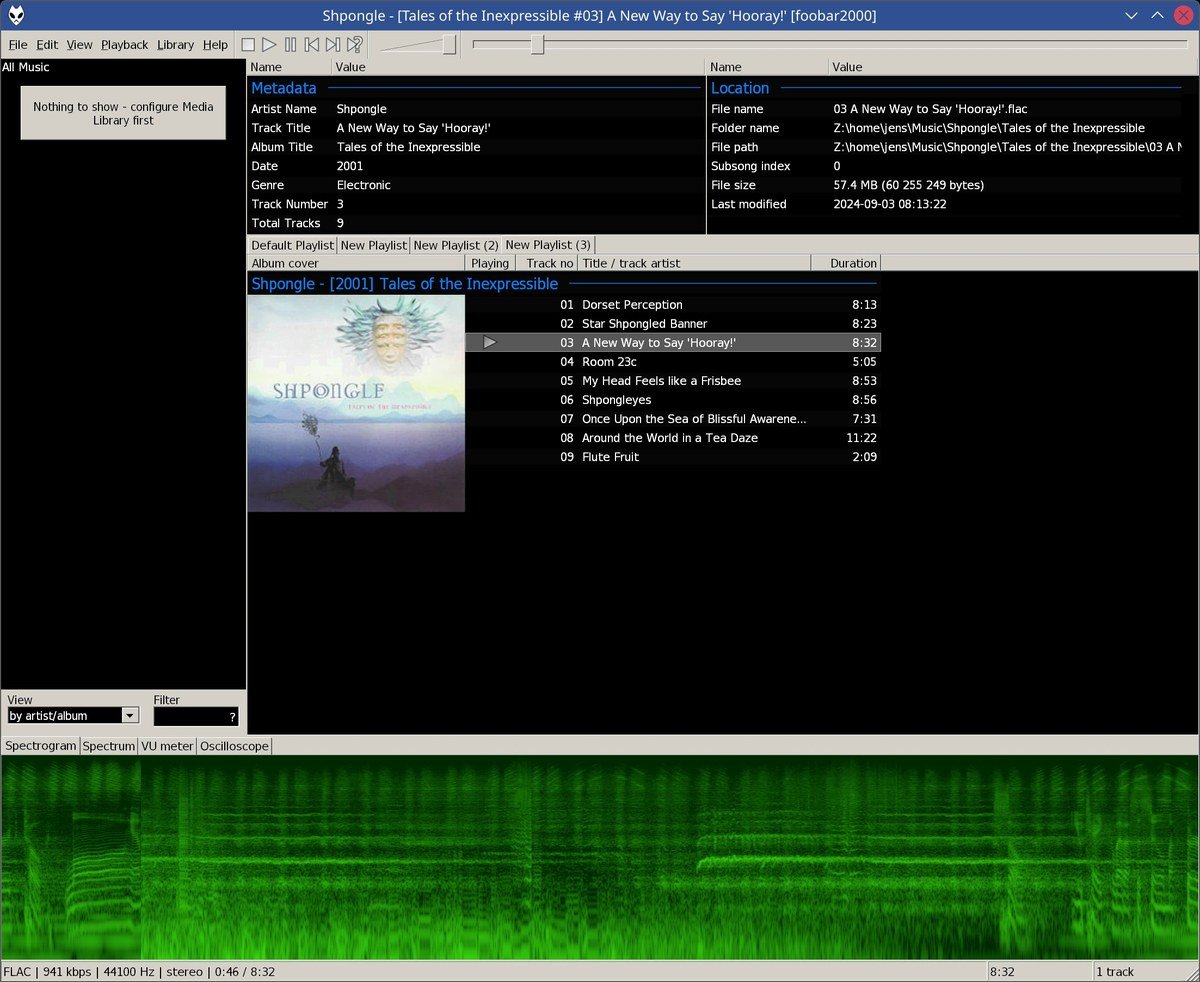
foobar2000 is a small, fast freeware player that now runs on Windows, macOS, Android and iOS, with version 2.25.10 current on desktop. It needs only Windows 7 or macOS 11, and the developer promises no telemetry and no data collection.
It plays nearly any audio format, rips and converts CDs, supports ReplayGain and accepts a large library of components. The layout can be rebuilt completely, as the screenshot above shows. There is no iPhone sync; the mobile versions can instead stream from or control a copy of foobar2000 elsewhere on your network.
4. MediaMonkey 2024: Best for Huge Collections
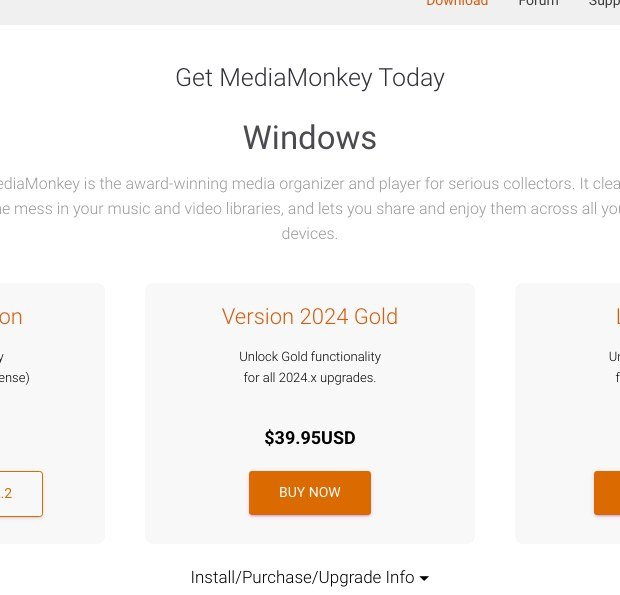
MediaMonkey aims at collectors with 100,000 files or more across drives, network shares and the cloud. It fixes missing tags and artwork, renames and organises files, and removes duplicates. The Standard version is free, 2024 Gold is $39.95 and Lifetime Gold is $99.95, with a 30-day refund window on paid licences.
It is the only third-party Windows player on this list that syncs iPhones, iPads and iPods itself, over USB with ratings, lyrics and artwork. The condition is that iOS devices need the desktop version of iTunes installed for Apple’s drivers, which means iTunes never quite leaves your PC. It runs on Windows 10 and 11.
5. CopyTrans Manager: Best for Getting Music Onto an iPhone
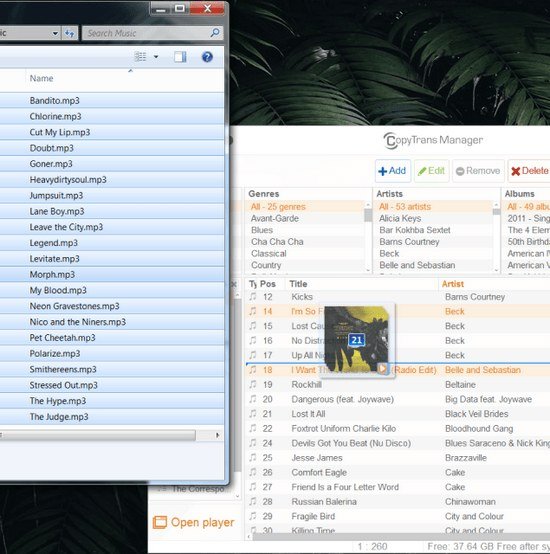
CopyTrans Manager is a free Windows tool with one job: moving songs, videos, ringtones, podcasts and audiobooks onto an iPhone, iPad or iPod by drag and drop, with no iTunes sync involved. It works with every iPhone, iPad and iPod model, including iPods without iOS, on Windows 7 through 11.
On the device it can edit tags, artwork, ratings and lyrics and build playlists, including from Apple Music tracks. It does not manage the music on your PC, so treat it as the delivery van for whichever player you choose.
6. Strawberry: Best for Linux and Old iPods
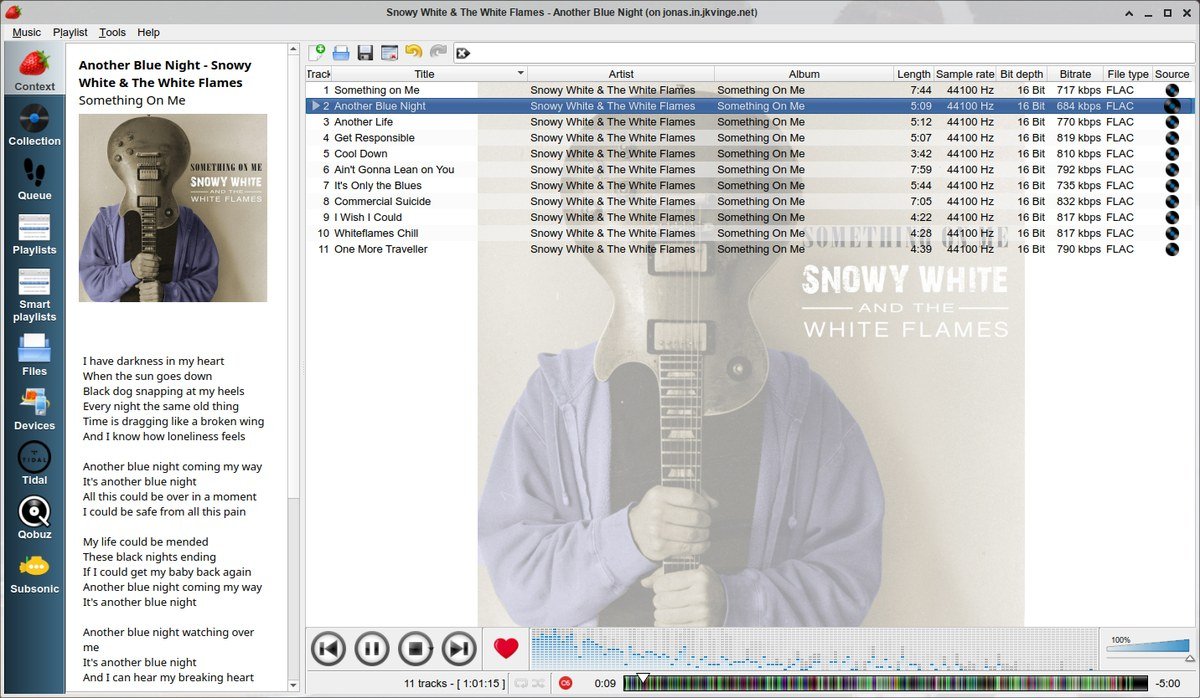
Strawberry is free, open source software released under the GPL, forked from Clementine and available for Windows, macOS and Linux. It pulls tags from MusicBrainz, cover art from sources such as Discogs, Deezer and Last.fm, and lyrics from several services, and it supports smart and dynamic playlists.
It can copy music to USB players, MTP devices and older iPod Nano and Classic models, a feature almost nobody else still offers. Device support is missing from the Windows build, so the old-iPod use case is for Mac and Linux machines.
7. Doppler: Best for Owned Music on Mac and iPhone
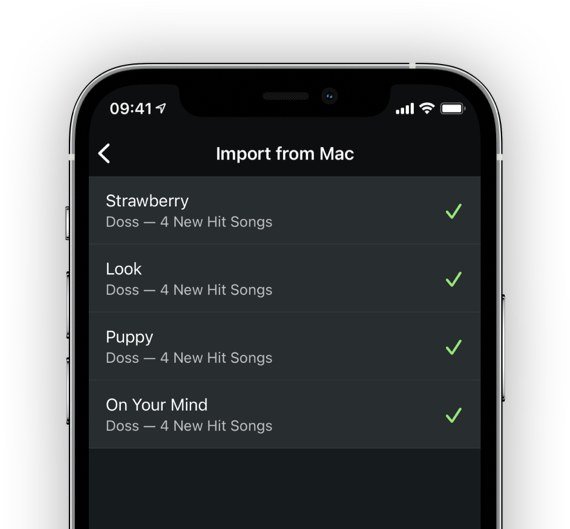
Doppler is a player for people who buy music. The Mac version costs $30 and runs on macOS 11 or later, which covers every current Mac including the MacBook Neo, and the iPhone app needs iOS 26 or newer and starts with a seven-day free trial.
It plays MP3, AAC, M4A, FLAC, ALAC and WAV without conversion, finds missing artwork and merges multi-disc albums. Getting music from Mac to iPhone happens over Wi-Fi, USB or AirDrop, and the songs then live inside Doppler rather than Apple’s Music app.
8. Swinsian: Best iTunes-Style Player for Mac
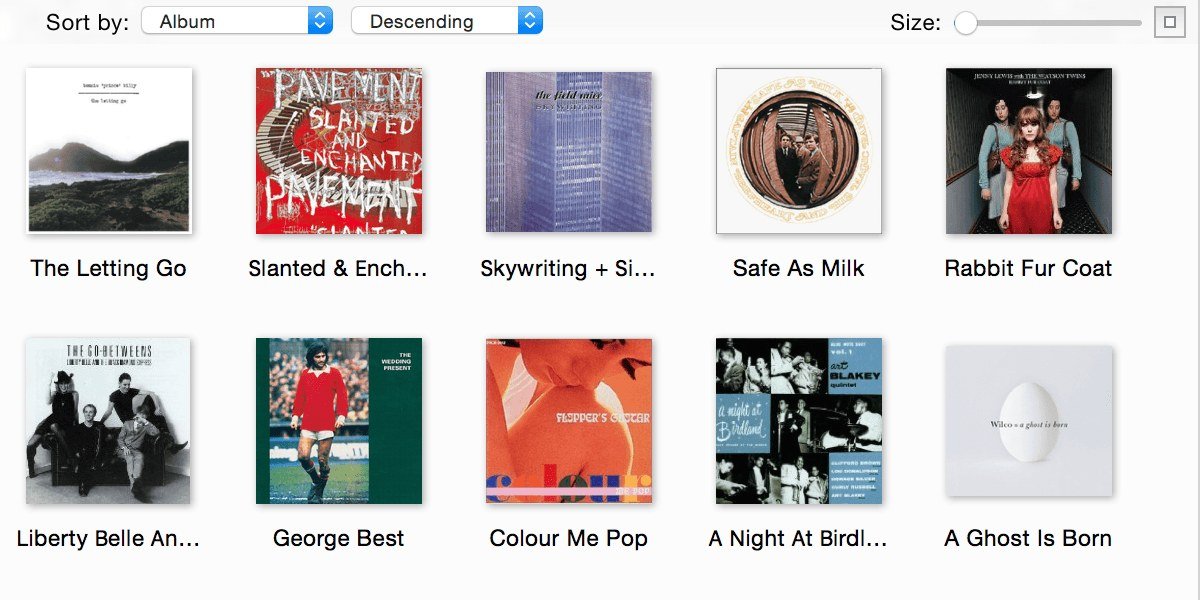
Swinsian is the Mac app that looks most like classic iTunes, and it imports your Apple Music library to get started. It costs $34.95 after a free trial and adds folder watching, a duplicate finder, smart playlists, regular-expression tag editing, AirPlay output and automatic podcast downloads.
Format support covers FLAC, Opus, Ogg Vorbis, WMA, APE, DSF and more, with gapless playback and a 10-band or 31-band equaliser. It does not sync an iPhone, which on a Mac is Finder’s job anyway.
Moving an iTunes Library to a New Player
Most of the risk in switching sits in the library, not the app. A few things to check first:
- Back up the music folder. Copy the whole iTunes media folder to another drive before any new app starts renaming or tagging files.
- Know what the files do not hold. Playlists, ratings and play counts live in the iTunes library database, not in the song files, so they only come across if the new app imports the library.
- Use an importer where one exists. Apple Music for Windows reads your iTunes library directly, and Swinsian imports the Apple Music library on a Mac.
- Check where songs came from. US iTunes Store music bought since April 2009 is DRM-free and plays anywhere, but Apple Music catalog songs stop playing once a subscription ends.
Microsoft put Windows users through a similar migration when its mail app was retired; our Windows Mail alternative guide covers that one.
The Best iTunes Alternative for the Device You Sync
Start from the device in your pocket and the choice mostly makes itself:
- iPhone and a Windows PC: Apple Music with Apple Devices, or MusicBee with CopyTrans Manager.
- iPhone and a Mac: Finder for syncing, with Swinsian as the library app, or Doppler for lossless files.
- An old iPod Classic or Nano: Strawberry on Mac or Linux, or MediaMonkey on Windows.
- An Android phone: MusicBee, or MediaMonkey with its Android companion app.
- No device at all: foobar2000 on any platform, or MusicBee on Windows.
Frequently Asked Questions
Does iTunes still work on Windows 11?
Yes. Apple still offers iTunes through the Microsoft Store and updated it to version 12.13.11 on September 8, 2026. Apple now points Windows users to it mainly for podcasts and audiobooks, with music and syncing handled by Apple Music and Apple Devices.
What is the closest app to iTunes on a Mac?
Swinsian, which keeps iTunes’ column browser and dense track lists and imports your Apple Music library. Apple’s own Music app is the free alternative, with Finder handling iPhone syncing.
Can I use MusicBee with an iPhone?
Not directly. MusicBee syncs Android and older Windows Phone devices, but iPhone sync is not built in. Keep your library in MusicBee and use CopyTrans Manager or Apple Devices to move the music across.
Will my iTunes purchases play in other apps?
Music bought from the US iTunes Store since April 2009 is DRM-free and plays in any of these apps. Songs downloaded through an Apple Music subscription are not purchases, and they stop playing if the subscription ends.
Related Articles
- Best-Selling Albums of All Time: Top 10 Ranked
- Best Wireless Earbuds 2026: 7 Compared on Calls, ANC and Battery
- Best Noise Cancelling Headphones 2026: 5 Compared on ANC, Battery and Price
- Paid Mac Apps Gone Free: Which Ones Are Actually Free
- Best Audiobook Apps: 7 Compared on Price and Catalog
- How Much Is Kindle Unlimited? Price, Trial and What You Get

Get the Fox Bulletin briefing
The stories that matter, in your inbox. No spam, unsubscribe anytime.
Newsletter signup will be available soon.
Related stories
Second Monitor Not Detected? Fixes for Common Multi-Monitor Problems
A second monitor that shows no signal is usually a cable, input or display mode problem. Here is the fix for that and every other common multi-monitor headache.
How to Scan Mac for Malware: A Complete Step-by-Step Check
Macs scan themselves, but not on demand. Here is how to check a Mac for malware by hand, which free tools help, and the 2026 copy-paste scam to watch for.
How to Split Screen on iPad: Side by Side, Slide Over and More
Split screen on iPad now lives inside Windowed Apps. Here is how to put two apps side by side, resize them, float a third in Slide Over and go back to one app.