

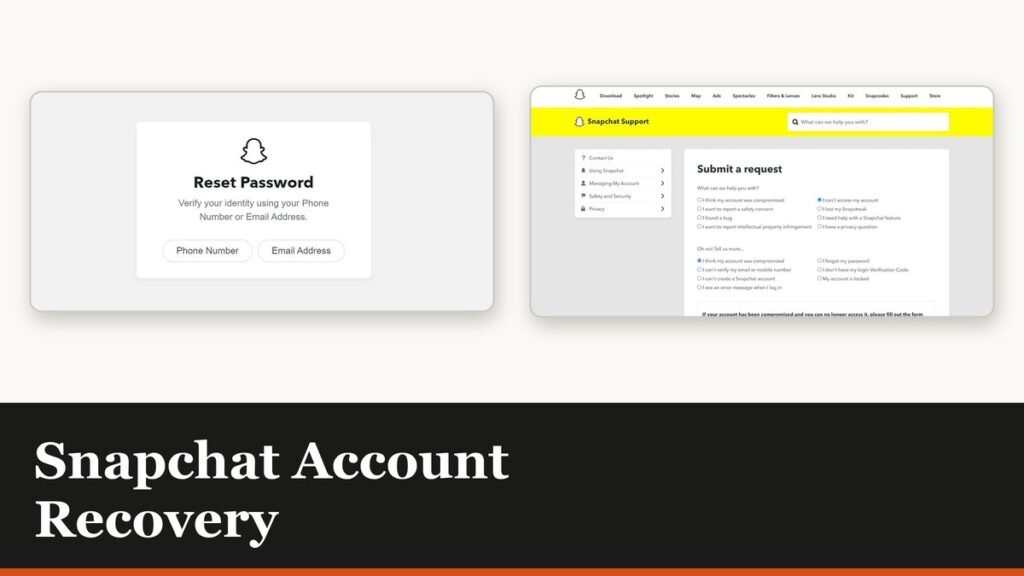
Snapchat account recovery is really five separate procedures wearing the same symptom. Being unable to log in can mean a forgotten password, a temporary lock, a Community Guidelines lock, a compromised account or a missing login code, and each has a different route back. The first job is working out which one you are in.
The message in the app usually says. Read it before doing anything else, because the fix for a temporary lock makes a permanent one no better, and repeated login attempts can trigger a fresh 48-hour wait on top of whatever you already had.
Match the message to the route
| What you are seeing | The route back |
|---|---|
| Forgot the password | Reset it from accounts.snapchat.com or the login screen |
| Temporarily locked | Wait 48 hours, or use Unlock in the accounts portal |
| Locked after third-party apps | Remove them, update the app, wait out the stated period |
| Community Guidelines lock | A lesson within 30 days, or one appeal |
| Lost phone or login code | A Recovery Code you generated in advance |
Only two of those five are quick. A password reset is minutes. A temporary lock is a wait. The rest run on Snapchat’s timetable, not yours.
Reset a forgotten password
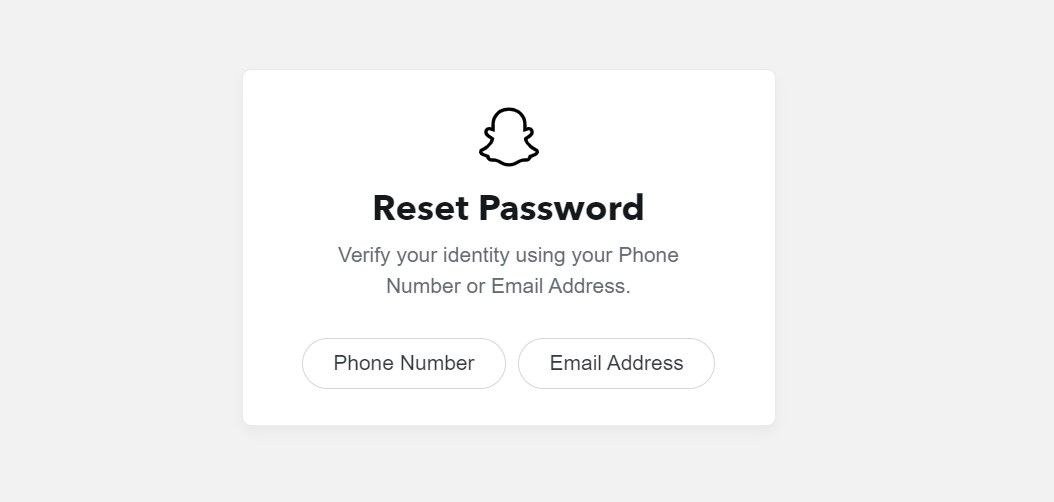
- Open accounts.snapchat.com in a browser, or tap Forgot your password? on the login screen.
- Enter the phone number or email address attached to the account.
- Choose whether the one-time code goes by text or by email.
- Follow the link or enter the code, then set a new password.
The new password has to be at least eight characters and must not contain your name, username, phone number or birthday. If you reset by text, Snapchat signs you in and you change the password afterwards in Settings rather than during the flow. Keeping it somewhere you will not lose it is the job of one of the password managers we compared.
Snapchat account recovery when the account is locked
A temporary lock has two causes and two timelines. If the message blames an unauthorised third-party app or plugin, the in-app message or the email on your account states how long the lock runs. If it gives no reason, Snapchat’s instruction is to wait 48 hours and try again.
- Remove any third-party Snapchat apps or tweaks first, then update to the current version before you try to log back in. Logging in while they are still installed invites the same lock again.
- Try the portal. Log in at accounts.snapchat.com and select Unlock. Snapchat offers this for temporary locks only.
- Stop retrying. Too many login attempts is itself a reason for a 48-hour block, so hammering the login screen extends the problem.
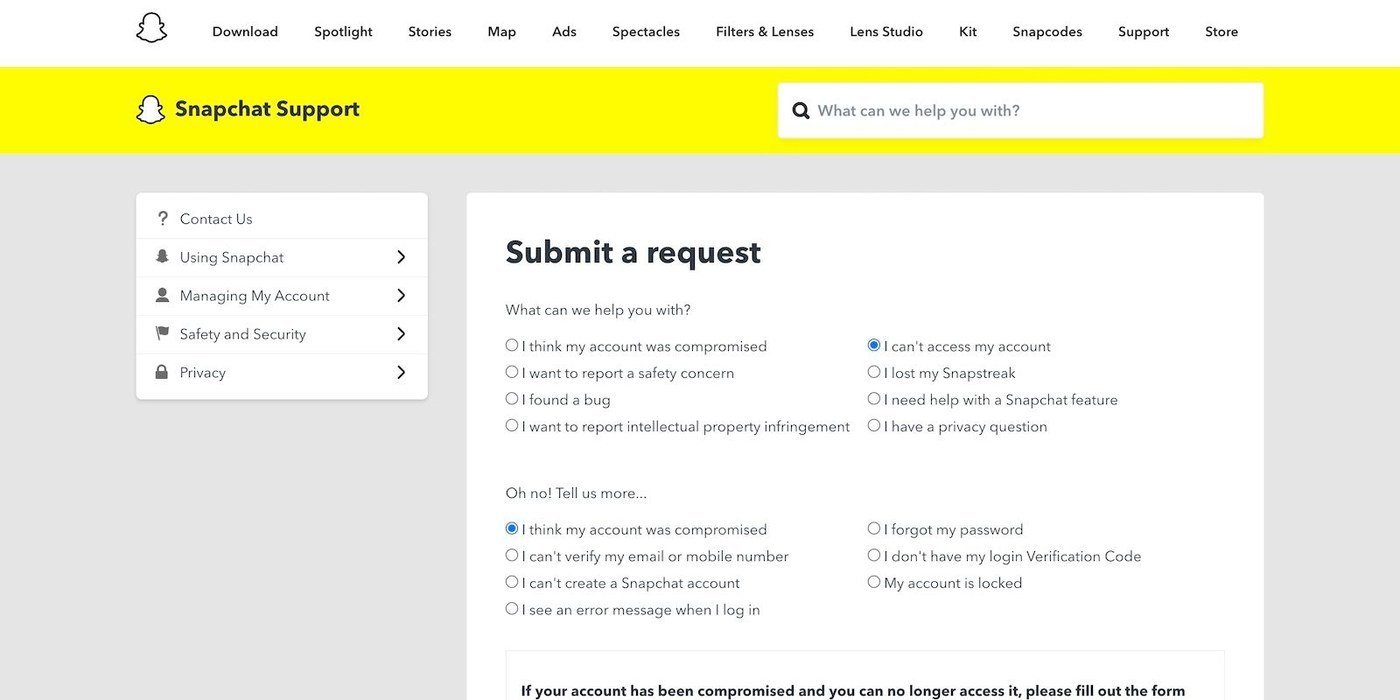
- A compromised-account lock is different and routes through the Snapchat Support Bot rather than the wait.
When the lock is for Community Guidelines
This is the one that is not a waiting game. If Snapchat has locked the account for violating its Community Guidelines or Terms of Service, neither the 48-hour wait nor the portal Unlock will clear it.
- Look for Start Lesson when you try to log in. In limited cases involving less severe violations, passing a short quiz with every answer correct restores access. You get 30 days and can retake it as often as you need in that window.
- Miss the 30 days and the lock becomes permanent, leaving an appeal as the only route.
- Tap Appeal Decision on the login pop-up if it appears. No pop-up means the lock is not eligible for an appeal.
- Appeal once. Snapchat allows a single appeal per account lock, and a denied appeal cannot be resubmitted.
Appeals can be filed within six months of being told about the decision, and the review can take up to 30 days. The enforcement usually stays in place while it is pending. Snapchat also says the in-app process is the only legitimate one: support tickets raised outside it do not speed anything up, and anyone offering to unlock an account for money is running a scam.
No login code, lost phone, or 2FA in the way
If two-factor authentication is on and the phone that receives the code is gone, the only thing that gets you in is a Recovery Code, and it only exists if you made one earlier.
- Generate one before you need it: profile icon, gear, My Account, Two-Factor Authentication, Recovery Code, Generate Code, then your password.
- Using it turns 2FA off, so switch it back on afterwards.
- There is no support for lost Recovery Codes. Snapchat states this plainly.
- Repeated code requests can trigger a temporary block of a few minutes, which is not the same as an account lock.
Three things Snapchat will not do
Knowing the hard limits saves days of trying.
- It will not reset a password for an account with no email or phone attached, or where you cannot access the one that is.
- It will not look up your username from other account details, for privacy reasons.
- It will not lift a permanent lock outside the lesson or the single appeal.
You can still request your data while an account is locked: log in at accounts.snapchat.com, choose My Data, pick what you want and submit, then download the export from the emailed link. Snapchat notes that data may not be available for some locked account types. The same discipline that prevents this applies everywhere, and resetting an Apple ID password runs on the same principle of keeping a reachable recovery address on file.
Frequently Asked Questions
How long does a temporary Snapchat lock last?
Snapchat tells you to wait 48 hours when the lock is given no specific reason. For a lock caused by a third-party app, the duration is in the in-app message or the email on your account rather than being a fixed figure.
Can a permanently locked Snapchat account be recovered?
Only through the lesson, where it is offered, or a single appeal, where the login pop-up offers one. Snapchat says a permanent lock cannot be cleared by waiting or by the portal.
What if I never set up a Recovery Code?
Then two-factor authentication without access to your phone leaves the Snapchat Support Bot as the remaining route, and Snapchat offers no support for lost Recovery Codes. Generate one now on any account you still control.
Does deleting the app help?
No. Locks and password problems live on the account, not the installation. Reinstalling changes nothing, and on a device ban it will not let you create a new account either.
Related Articles

Get the Fox Bulletin briefing
The stories that matter, in your inbox. No spam, unsubscribe anytime.
Newsletter signup will be available soon.
Related stories
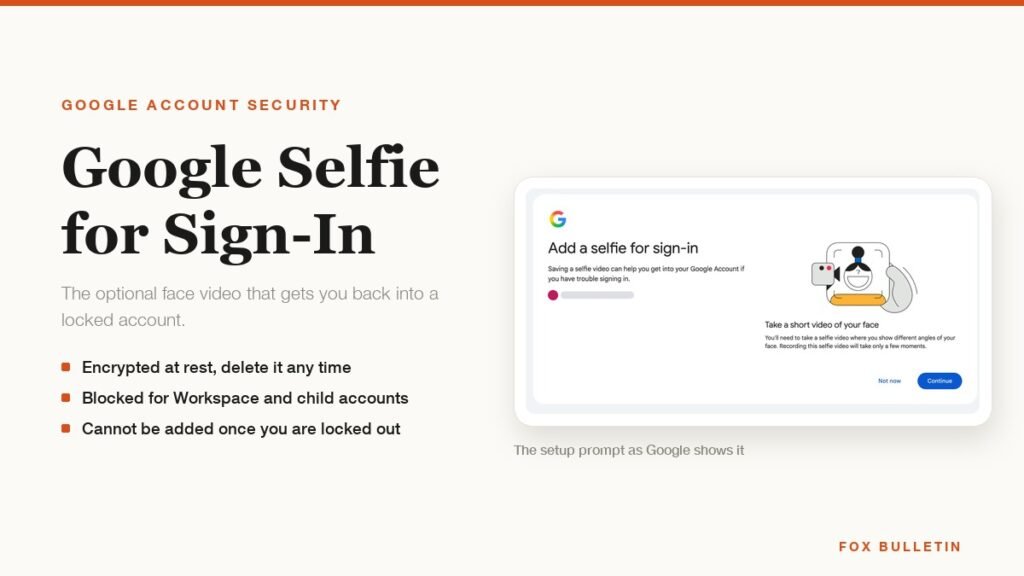
Google Selfie for Sign-In: How It Works and Is It Safe
The prompt headed Add a selfie for sign-in asks to keep a video of your face on your Google Account. Here is what that video is used for, and how to remove it.
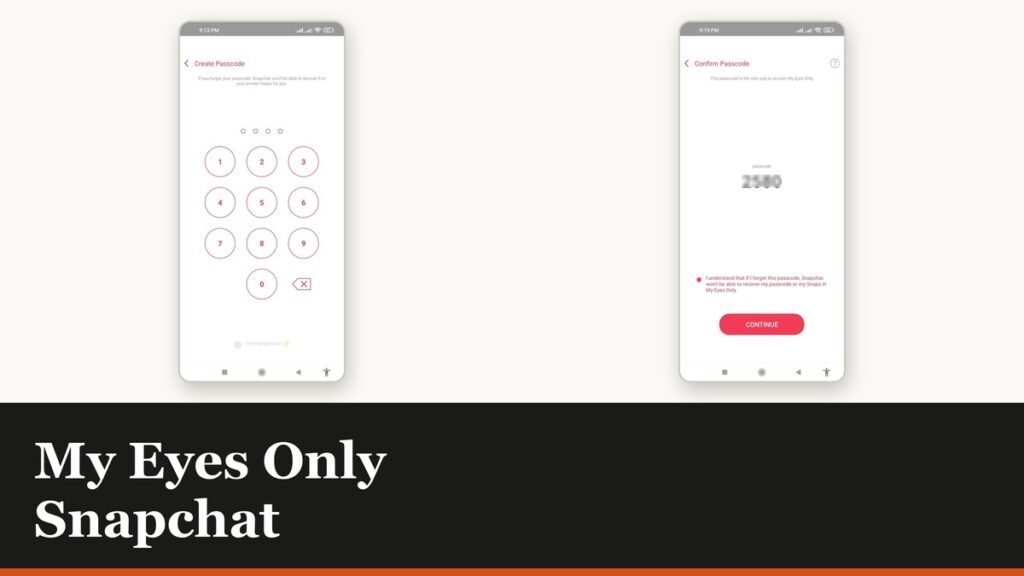
My Eyes Only Snapchat: Set It Up and Unlock It
Forgetting the passcode does not lock you out. It deletes everything behind it, and that is by design.
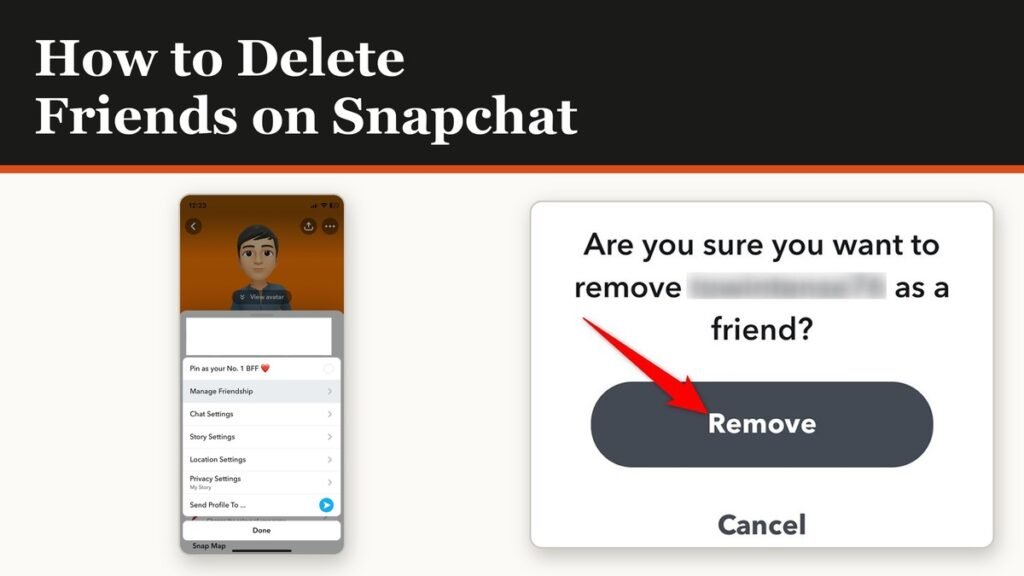
How to Delete Friends on Snapchat and What Changes
Removing a friend is quiet and quick. It also leaves them able to message you unless one other setting is changed.