

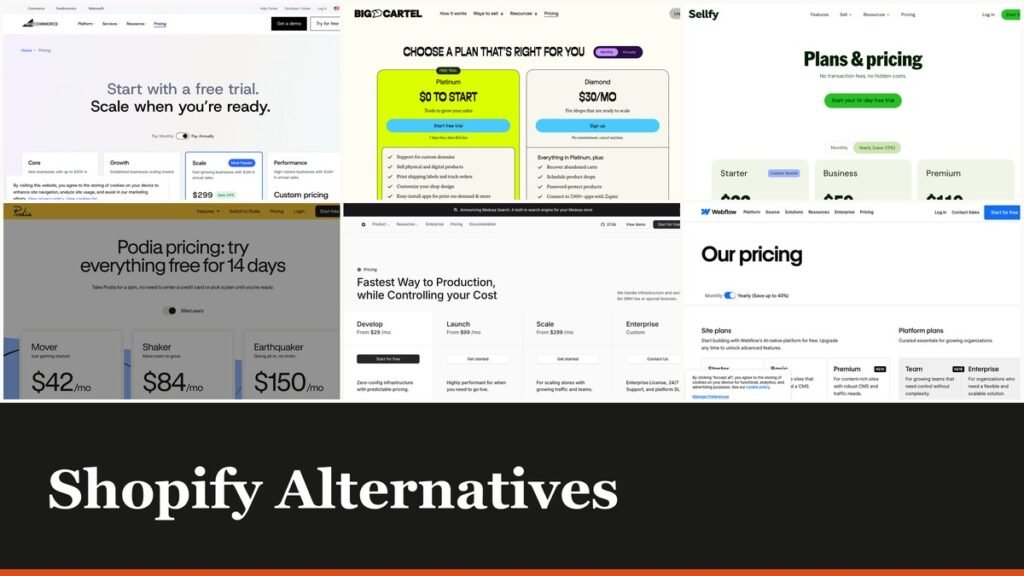
Shopify alternatives are usually compared on the monthly fee, which is the part that matters least. Shopify also charges a percentage of every sale when you use a payment provider other than its own, and that percentage falls only as you buy a more expensive plan.
The ten platforms below are compared on both numbers: what they charge every month and what they take from each order. For a store turning over real money, the second figure decides the bill.
The Shopify Fee That Is Not on the Price Tag
Shopify sells four tiers, Basic, Grow, Advanced and Plus. Alongside the monthly charge, each one applies a fee to orders processed through an outside payment provider, and the fee is a condition of the plan rather than an add-on.
| Shopify plan | Fee on third-party payment providers |
|---|---|
| Basic | 2% |
| Grow | 1% |
| Advanced | 0.6% |
| Plus | 0.2% |
On Basic that is 2 percent of every order on top of whatever your payment processor already charges. A store turning over $20,000 a month pays $400 to Shopify for the privilege of not using Shopify Payments, which is several times the subscription itself.
The fee drops to 1 percent on Grow, 0.6 percent on Advanced and 0.2 percent on Plus, so the way to reduce it is to spend more. Monthly plan prices are set in the currency of the country you are buying from, so check them on your own storefront rather than from a comparison written elsewhere.
Shopify Alternatives Compared on Monthly Fee and Sales Cut
All ten, with the cheapest entry point and what each one takes per order. Read the cut column against your monthly revenue, because the two columns trade off against each other directly.
| # | Platform | Best for | Entry price | Cut per sale | Cost shape |
|---|---|---|---|---|---|
| 1 | Gumroad | Selling with no monthly bill at all | $0 a month | 10% + $0.50 a sale | Highest rate, zero fixed cost |
| 2 | Payhip | A free store that converts to a flat fee | $0 a month | 5% free, 2% on Plus, 0% on Pro | Fee falls as the plan rises |
| 3 | Big Cartel | Small shops that want no cut taken | $15 a month | None | Flat fee, nothing per order |
| 4 | Webflow | Design control over the storefront | $15 a month billed yearly | Varies by plan | Site plan plus ecommerce |
| 5 | Snipcart | Adding a cart to a site you already have | $20 a month minimum | 2% of sales | 2%, floored at $20 a month |
| 6 | Sellfy | Creators selling downloads and merch | $22 a month | None, revenue capped by plan | Flat fee with a sales ceiling |
| 7 | BigCommerce | The closest full-platform swap | $29 a month billed yearly | None | Flat fee, capped by annual sales |
| 8 | Medusa | Developers building a custom storefront | $29 a month | None, no revenue share | Infrastructure cost only |
| 9 | Podia | Digital products with an audience attached | $42 a month billed yearly | 5% on Mover, none above | Fee disappears on upgrade |
| 10 | WooCommerce | Owning the whole stack on WordPress | $0 platform fee | None from the platform | Hosting and extensions instead |
The Ten Platforms in Detail
1. Gumroad: Selling with no monthly bill at all
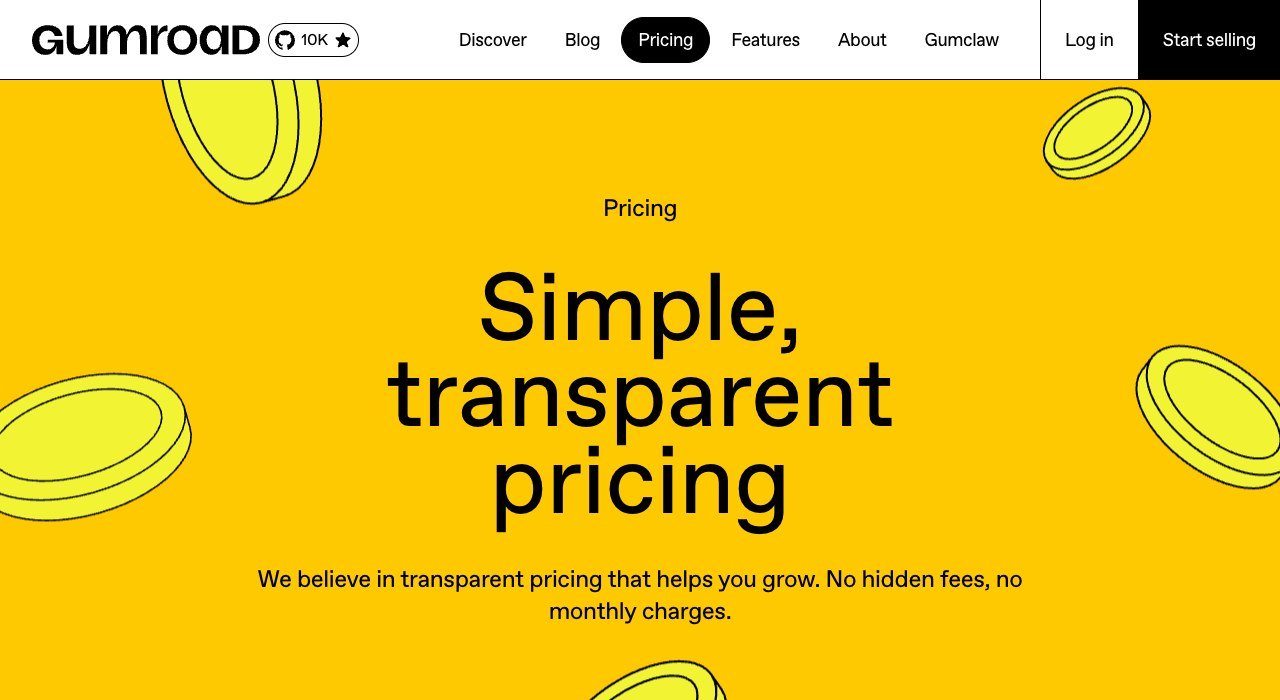
Entry price: $0 a month. Cut per sale: 10% + $0.50 a sale. Cost shape: Highest rate, zero fixed cost.
Gumroad has no monthly fee and never has. You pay 10 percent plus 50 cents on each sale made through your own links, rising to 30 percent when a buyer finds you through Gumroad’s own discovery surface.
That is the highest rate here by a distance, and for a seller doing $500 a month it is still cheaper than most subscriptions. The calculation flips hard around $1,000 a month, which is roughly where a flat platform fee starts winning.
2. Payhip: A free store that converts to a flat fee
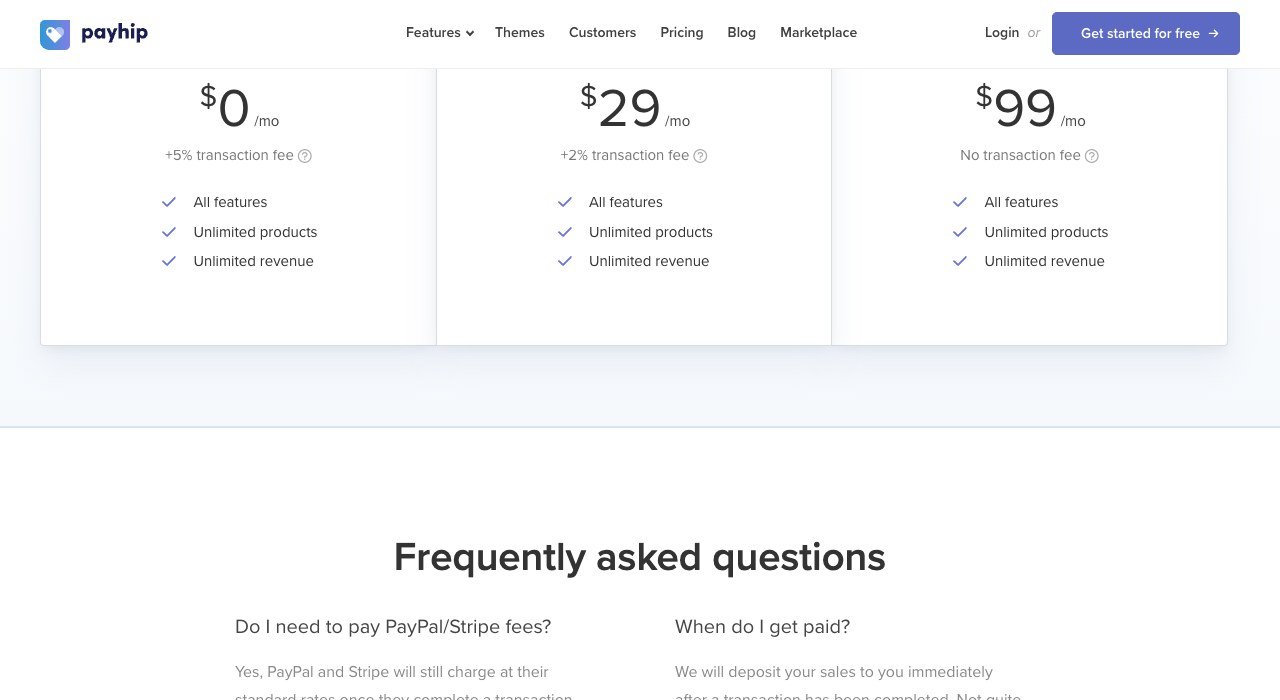
Entry price: $0 a month. Cut per sale: 5% free, 2% on Plus, 0% on Pro. Cost shape: Fee falls as the plan rises.
Payhip is free forever with a 5 percent cut, $29 a month drops that to 2 percent, and $99 removes it entirely. Every tier carries unlimited products and unlimited revenue, so the only variable is the rate.
That structure lets you move up the ladder exactly when the arithmetic says to. At $1,000 a month in sales the free plan costs $50 and Plus costs $49, so the switch pays for itself immediately. Work out your own crossover before picking a tier.
3. Big Cartel: Small shops that want no cut taken
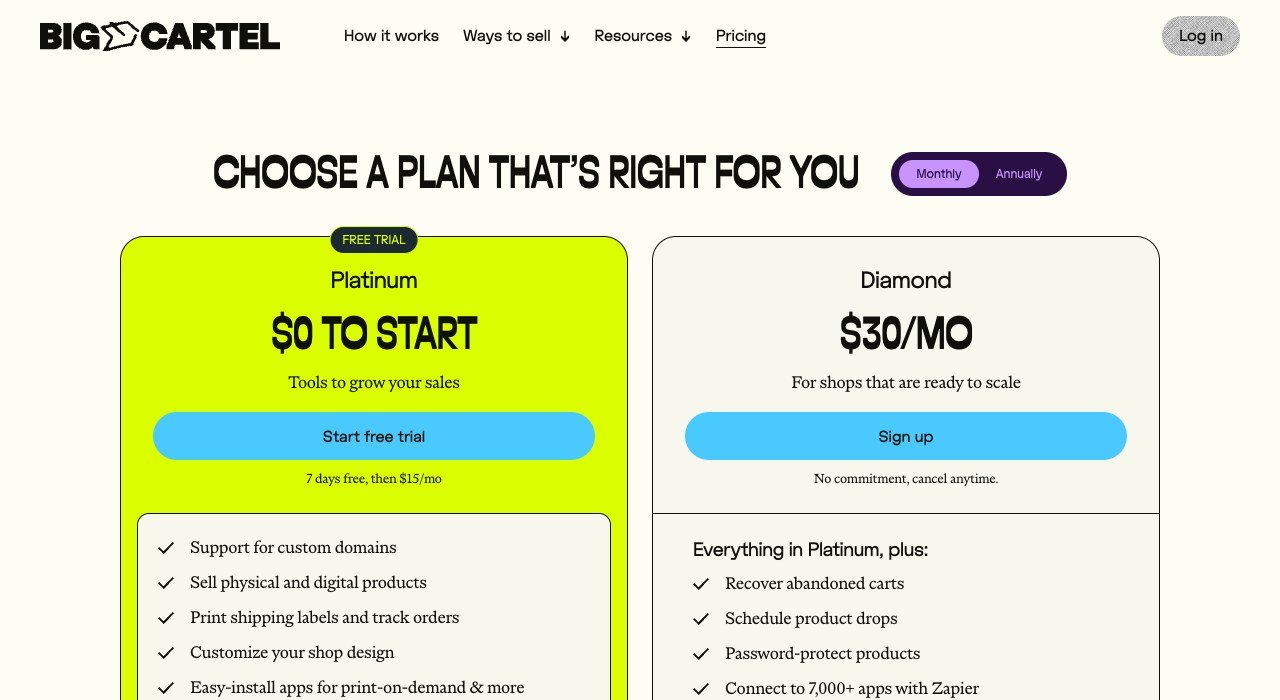
Entry price: $15 a month. Cut per sale: None. Cost shape: Flat fee, nothing per order.
Big Cartel charges $15 a month for Platinum and $30 for Diamond, and takes nothing from your sales. For an independent maker shipping a few hundred orders a month, that is the entire platform cost.
It is deliberately small. No multi-channel selling, no deep inventory management, no enterprise anything. What it does instead is stay out of the way and stay cheap, which is why it has outlasted a long queue of better-funded rivals.
4. Webflow: Design control over the storefront
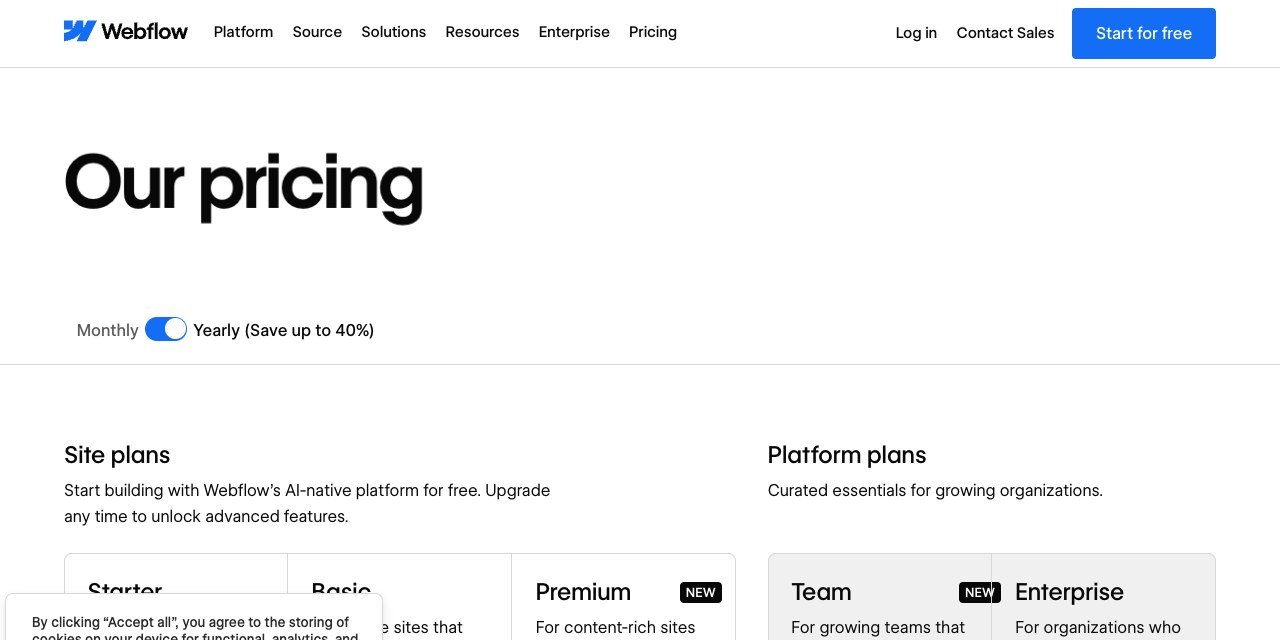
Entry price: $15 a month billed yearly. Cut per sale: Varies by plan. Cost shape: Site plan plus ecommerce.
Webflow is a design tool that grew a storefront, so it suits anyone whose objection to Shopify is the template. Site plans start at $15 a month billed yearly, with the CMS plan at $25 and platform plans above that.
The two-plan structure catches people out: a site plan and a workspace or platform plan are separate line items. Price the combination you actually need rather than the lowest figure on the page, because they are rarely the same thing.
5. Snipcart: Adding a cart to a site you already have
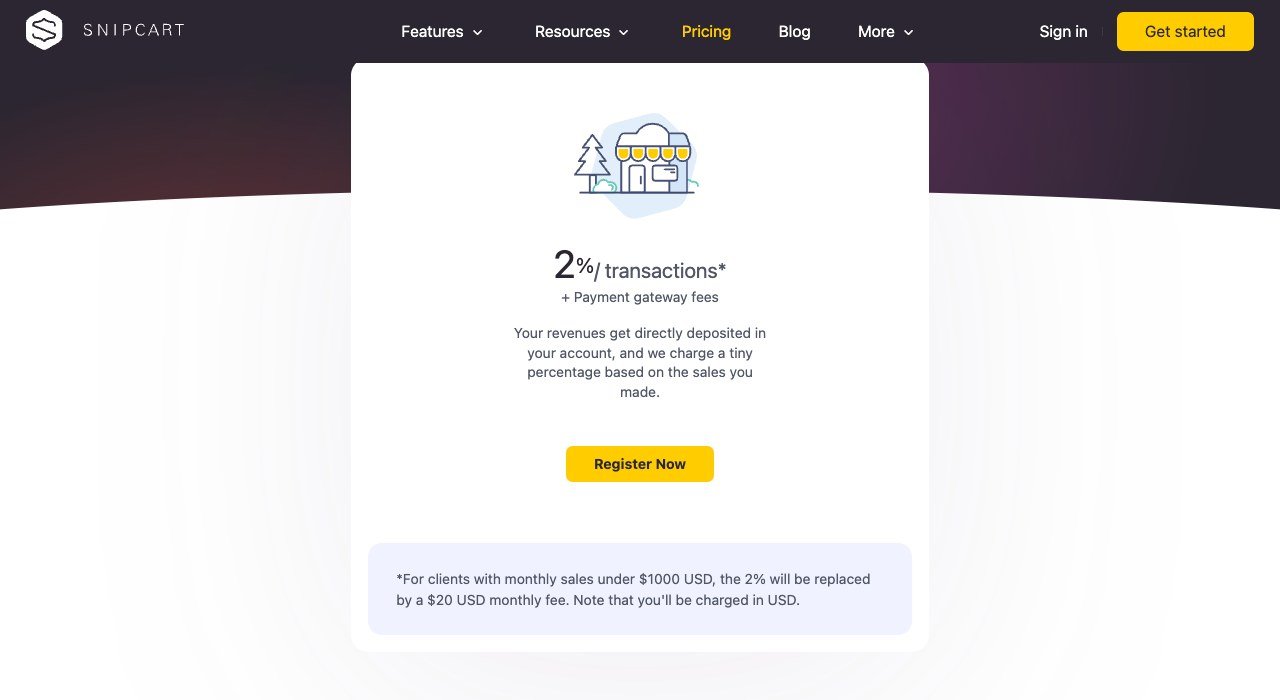
Entry price: $20 a month minimum. Cut per sale: 2% of sales. Cost shape: 2%, floored at $20 a month.
Snipcart is not a store. It is a cart you drop into a site that already exists, which makes it the right answer when the website is fine and only checkout is missing. The rate is 2 percent of sales.
Below $1,000 a month in sales that 2 percent is replaced by a $20 monthly minimum, so very small shops pay more than the headline implies. Above that it is one of the cheapest routes to selling on a site you have already built.
6. Sellfy: Creators selling downloads and merch
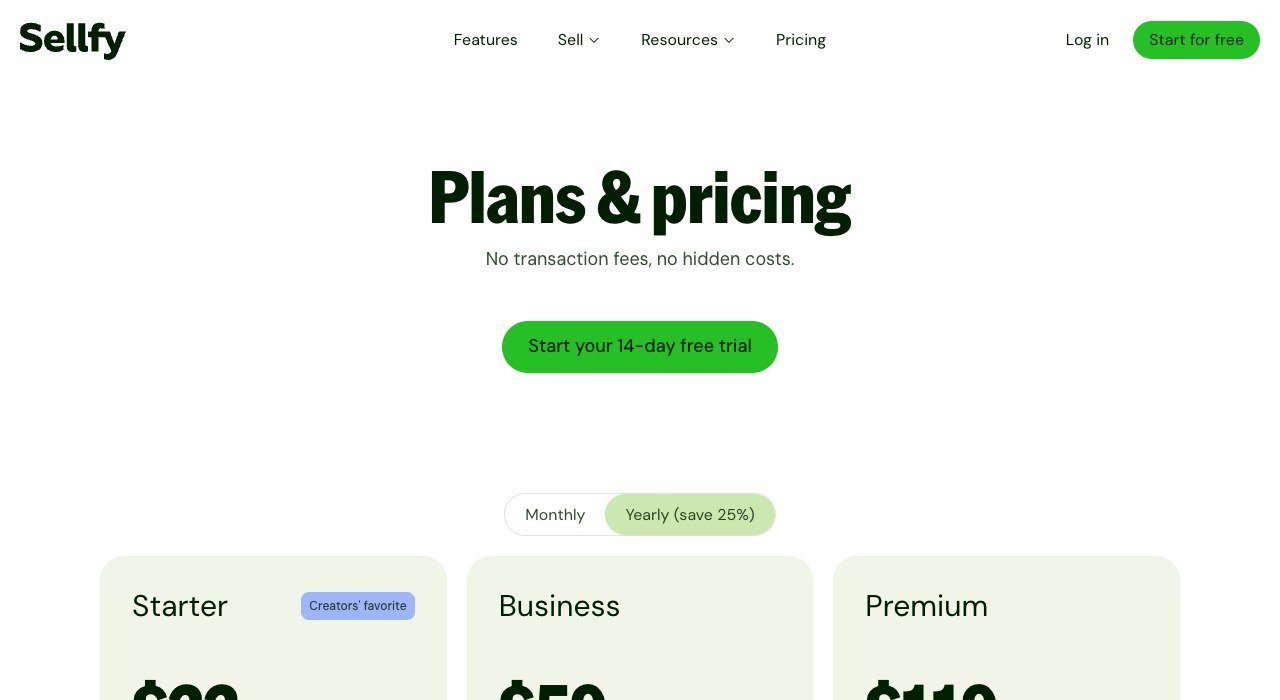
Entry price: $22 a month. Cut per sale: None, revenue capped by plan. Cost shape: Flat fee with a sales ceiling.
Sellfy sells downloads, subscriptions and print-on-demand merch from one place. Starter is $22 a month, Business $59 and Premium $119, with no transaction fee on any of them.
The constraint is a sales ceiling rather than a cut: Starter covers up to $10,000 of annual sales, Business $50,000 and Premium $200,000. Crossing a ceiling forces an upgrade, so the effective rate rises in steps rather than smoothly.
7. BigCommerce: The closest full-platform swap
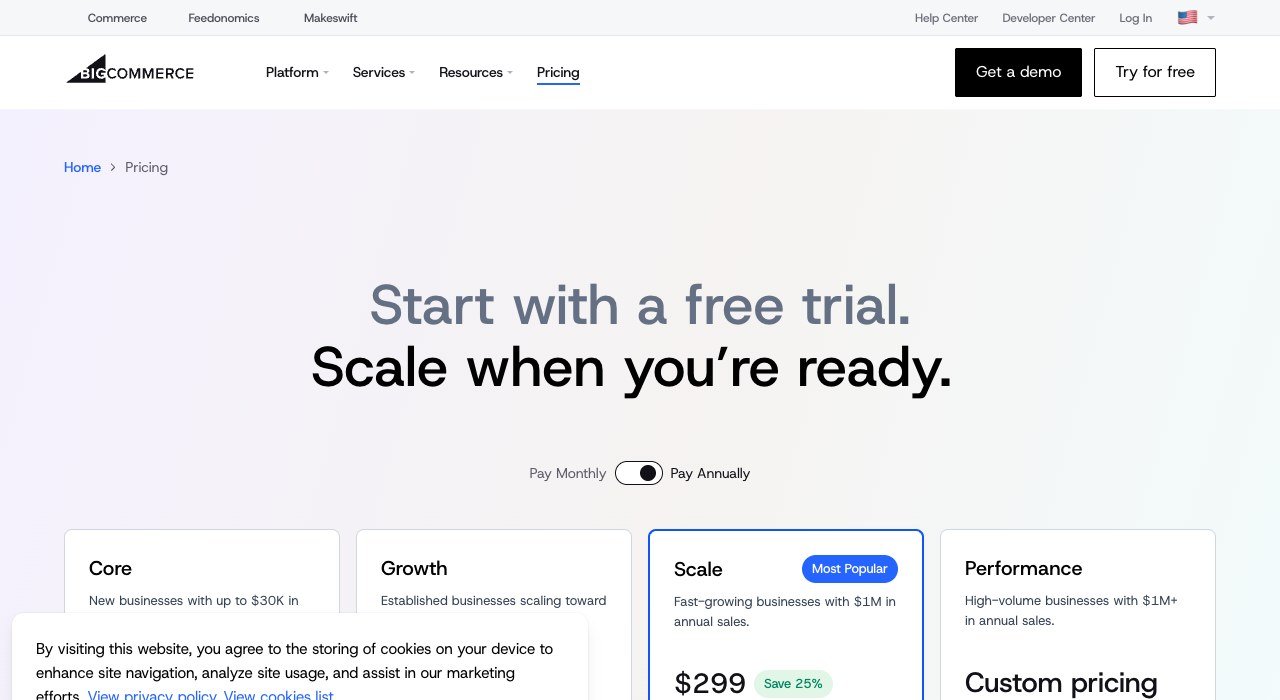
Entry price: $29 a month billed yearly. Cut per sale: None. Cost shape: Flat fee, capped by annual sales.
BigCommerce is the nearest like-for-like replacement, a full hosted platform with no transaction fee of its own. Core is $29 a month billed annually and Growth $79.
The plans are gated by trailing annual sales rather than by features alone, so Core covers up to $30,000 and auto-upgrades beyond it. That makes the cost predictable until it is not, and the upgrade arrives based on your own success rather than a renewal date.
8. Medusa: Developers building a custom storefront
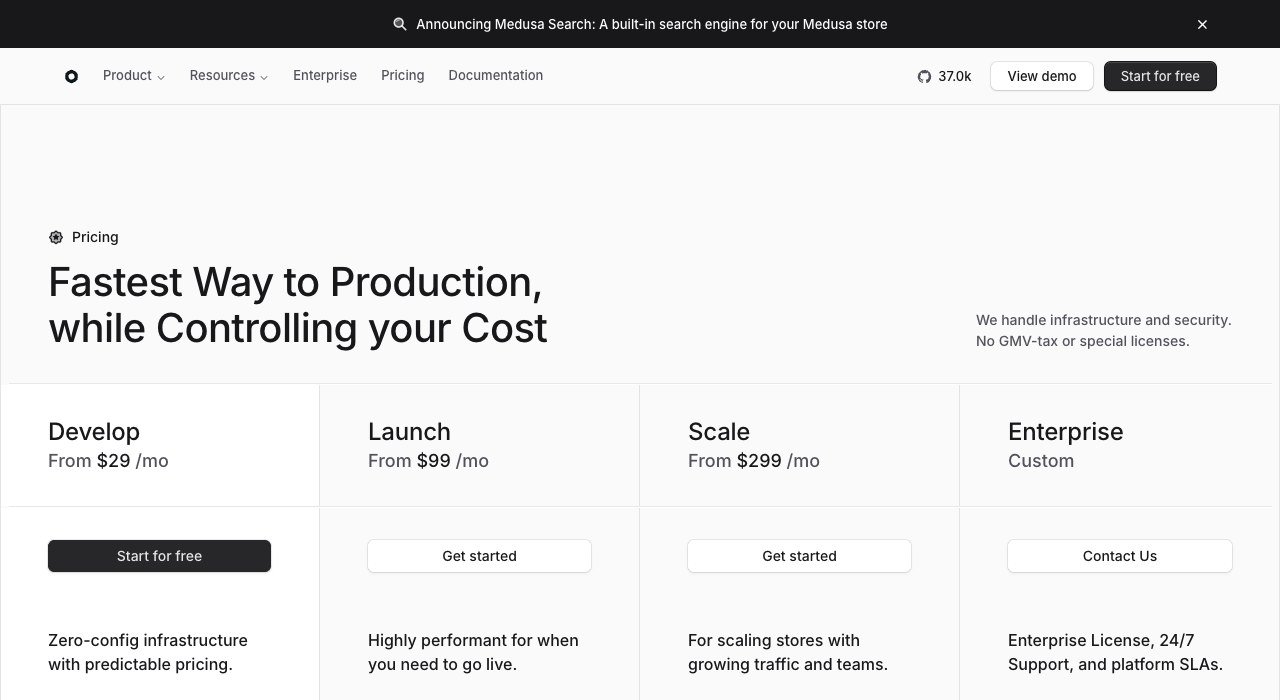
Entry price: $29 a month. Cut per sale: None, no revenue share. Cost shape: Infrastructure cost only.
Medusa is open source commerce infrastructure for teams building their own storefront. The hosted cloud starts at $29 a month for Develop, $99 for Launch and $299 for Scale, and takes no percentage of sales at all.
The phrase on its own pricing page is the point: no revenue share. For a store doing serious volume, removing the percentage is worth far more than the monthly fee, provided you have the engineering capacity that a self-built storefront demands.
9. Podia: Digital products with an audience attached
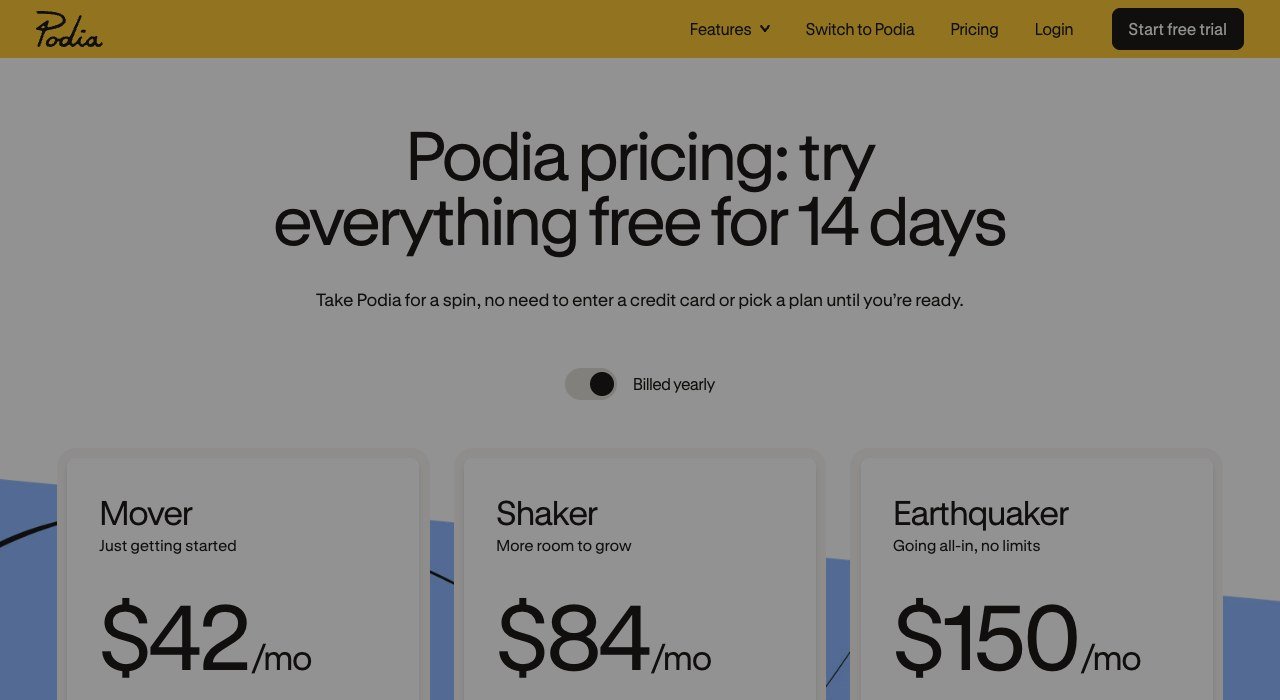
Entry price: $42 a month billed yearly. Cut per sale: 5% on Mover, none above. Cost shape: Fee disappears on upgrade.
Podia bundles digital products with email and community, aimed at creators who sell to an audience they already own. Mover is $42 a month billed yearly, Shaker $84 and Earthquaker $150.
Mover carries a 5 percent fee and the plans above it carry none, so the upgrade buys back the cut. Each tier is also capped by email subscriber count rather than by sales, which is an unusual meter and one worth checking against your list before committing.
10. WooCommerce: Owning the whole stack on WordPress
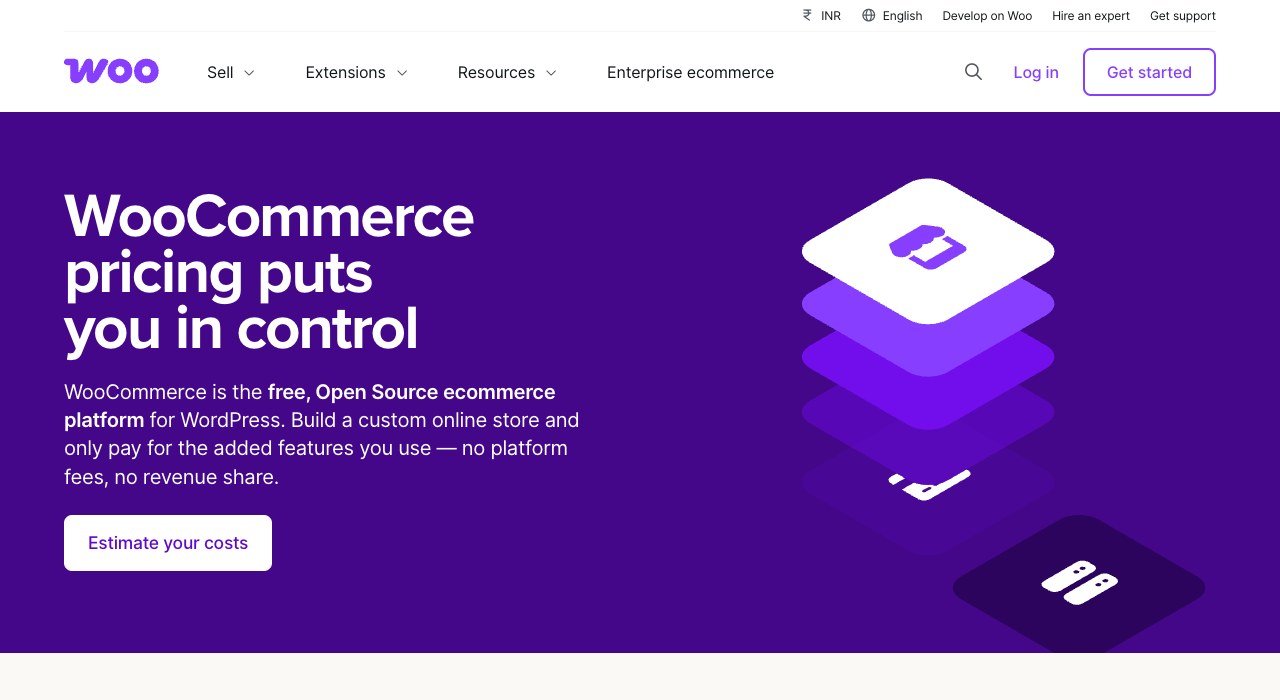
Entry price: $0 platform fee. Cut per sale: None from the platform. Cost shape: Hosting and extensions instead.
WooCommerce charges nothing to use. It is a WordPress plugin, so the cost moves to hosting and extensions: roughly $25 to $350 a month for hosting depending on traffic, and $29 to $299 a year for each extension you add.
That makes it the cheapest option for a technical owner and an unpredictable one for everybody else. There is no platform cut and no revenue cap, but there is also nobody to call when checkout breaks at the worst possible moment.
What $5,000 of Monthly Sales Costs on Each Model
Platform cost only, ignoring card processing, which every option here pays separately. Five thousand dollars a month is where most of these models start to separate.
- Gumroad: around $500, being 10 percent plus 50 cents an order.
- Payhip free: $250, at 5 percent.
- Snipcart: $100, at 2 percent.
- Payhip Plus: $129, being $29 plus 2 percent.
- Podia Shaker: $84 flat, no cut.
- BigCommerce Core: $29 flat, no cut.
- Big Cartel Platinum: $15 flat, no cut.
- WooCommerce: hosting only, from about $25.
The percentage models cost three to thirty times the flat ones at this volume, and the ranking inverts completely below roughly $300 a month in sales, where a subscription you barely use is the expensive choice. There is no single cheapest platform, only a cheapest platform for your revenue.
Costs That Appear After You Have Chosen
Two obligations arrive with any store and neither is on a pricing page. Both are worth knowing before the platform decision is made rather than after.
Payment processors and marketplaces report your sales. The IRS explains when a Form 1099-K is issued for payment card and third-party network transactions, and the figure reported is gross sales before refunds and fees, which is not the number in your own dashboard.
Platform fees themselves are a deductible business expense, and the IRS sets out which costs qualify in Publication 334, its tax guide for small business. Keeping the monthly fee and the per-sale cut as separate lines in your books makes that far easier to evidence later, and neither obligation changes with the platform you pick.
- Check whether your plan caps annual sales. BigCommerce and Sellfy both gate tiers on revenue, so growth triggers an upgrade automatically.
- Price the payment processor separately. Platform fees and card fees are different bills and only one of them appears in these comparisons.
- Count apps and extensions. On WooCommerce especially, four or five paid extensions can exceed the hosting.
- Confirm your products can be sold at all. Digital goods, subscriptions and print on demand are supported very unevenly across this list.
How to Choose a Shopify Alternative
Start from monthly revenue, then from what you sell. Those two answers eliminate most of the list before features enter the conversation.
- Under $1,000 a month: Gumroad or Payhip free, where a quiet month costs nothing.
- $1,000 to $10,000: Big Cartel, Payhip Plus or BigCommerce Core, flat and predictable.
- Above $10,000: BigCommerce, WooCommerce or Medusa, where removing the percentage matters more than the monthly fee.
- Digital products and courses: Podia or Sellfy.
- The website already exists: Snipcart.
If the move is about the payment fee specifically, price your processor at the same time, because that is the other half of the same decision. Our comparison of payment processors for small business sets the card rates side by side, and anyone selling without holding stock should read the rules around dropshipping before committing to a platform.
One last check: whichever platform you land on will hand you a sales ledger that has to reconcile with your books at year end. Picking accounting software that imports from it cleanly saves more time than any theme, which is where the QuickBooks alternatives question usually comes in.
Frequently Asked Questions
Does Shopify charge extra if I use PayPal or Stripe?
Yes. Orders processed through a payment provider other than Shopify Payments carry an additional platform fee of 2 percent on Basic, 1 percent on Grow, 0.6 percent on Advanced and 0.2 percent on Plus. That is on top of what the processor itself charges.
Which Shopify alternative has no transaction fee?
Big Cartel, BigCommerce, Medusa and WooCommerce take nothing from your sales. Payhip Pro and the upper Podia tiers also remove the fee once you pay the higher monthly rate. Sellfy charges no fee but caps annual sales by plan.
What is the cheapest way to sell online?
Below about $1,000 a month in sales, a pure percentage model such as Gumroad or the free Payhip tier costs least, because a quiet month costs nothing. Above that, a flat monthly fee with no cut becomes cheaper very quickly.
Can I move my store off Shopify without losing products and orders?
Products, customers and order history export as CSV and import into most platforms here. What rarely survives is theme customisation, app configuration and your URL structure, so plan redirects before switching or you lose the search traffic the store already has.
Related Articles

Get the Fox Bulletin briefing
The stories that matter, in your inbox. No spam, unsubscribe anytime.
Newsletter signup will be available soon.
Related stories
Calendly Alternatives: 10 Scheduling Tools Compared
Calendly is free for one event type and $10 a seat beyond it. Ten Calendly alternatives compared on seat price, free tiers and one that costs $29 once.
Etsy Alternatives: 10 Places to Sell and What They Cost
Etsy charges $0.20 a listing, 6.5% a sale and up to 15% on ad orders. Ten Etsy alternatives compared on fees, cuts and who brings the buyers.
Canva Alternatives: 10 Template Design Tools Compared
Canva now sells four tiers, all priced per person. Ten Canva alternatives compared on seat price, free tiers and what each one is actually built to make.